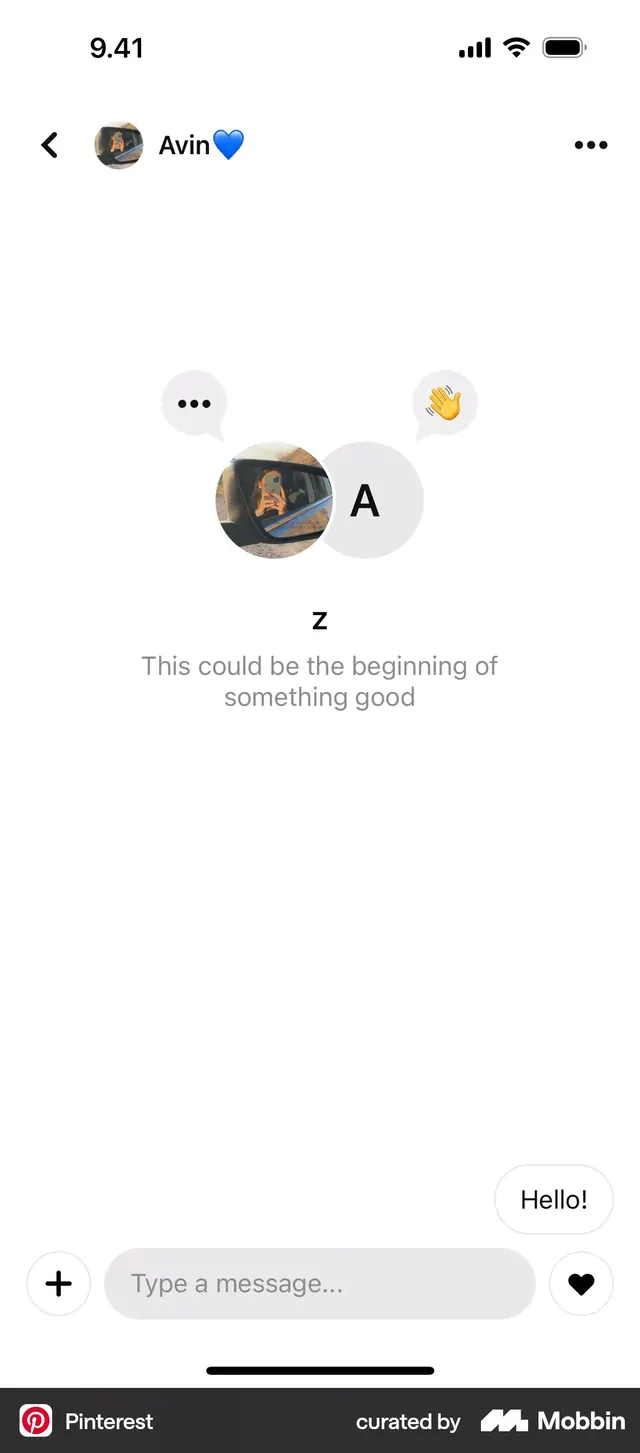
Minimal messaging interface with empty state
A mobile chat interface in light mode showing a profile header, sparse interaction elements, and an empty message state with a text input bar.
Summary
A light-mode mobile chat screen showing a profile header with avatar and name, sparse interaction hints, and an empty message thread with a single input prompt at the bottom.
Visual description
White background throughout. At the top: a left-pointing back arrow, a small circular profile photo, the name "Avin" with a blue heart emoji, and a three-dot menu icon. The main area is nearly blank except for two floating gray pill-shaped bubbles (one with three dots, one with a waving-hand emoji) and a large light-gray circle containing the letter "A," suggesting a profile or avatar. Below that, centered text reads "z" on one line and "This could be the beginning of something good" in gray sans-serif on the next. At the bottom: a "Hello!" message bubble in the sender's voice, and a light-gray text input field with placeholder "Type a message..." flanked by a plus-button on the left and a heart icon on the right. The entire composition uses generous white space and very few visual elements, emphasizing openness and focus.
Key takeaway
The empty-state design is restrained: instead of a blank void or placeholder image, small interactive hints (the emoji, the profile circle, the subtitle) orient the user without overwhelming the screen. The color palette is nearly monochromatic, letting the white space work as a design element. The bottom input bar is always visible and ready, reducing friction. The heart icon next to the input suggests affection, reinforcing the app's social tone.
Reuse notes
Perfect for messaging, dating, or social-connection apps aiming for a calm, intimate feel. The large white space reads as "modern" and "uncluttered" in consumer app contexts, but may feel sparse or unfinished in collaboration or productivity tools. The use of emoji and heart icons skews personal/casual, not enterprise. Great for showing early-stage empty states or onboarding screens.
More like this
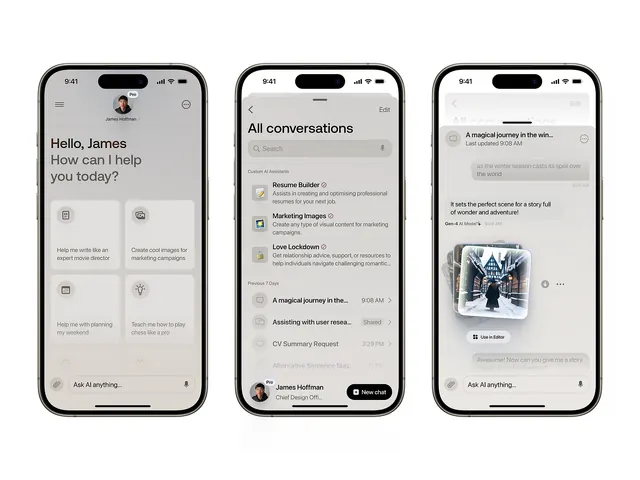 Three-screen messaging app UI flow
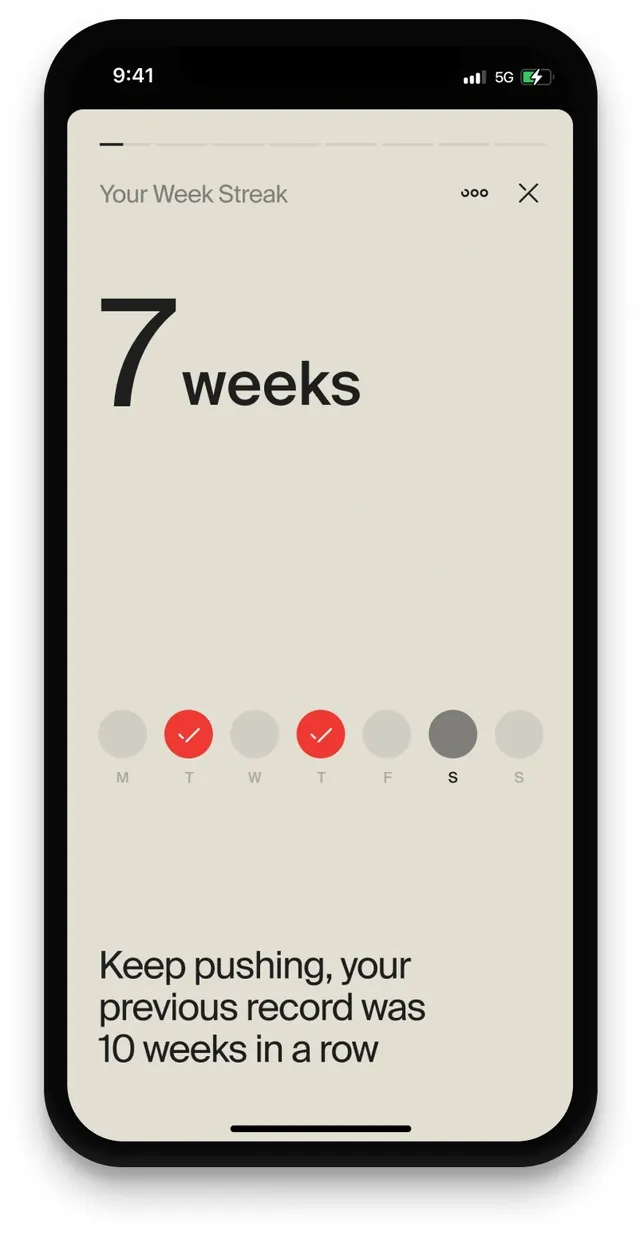 Week streak mobile app screen
 Dark-mode mobile profile card with photo and action buttons
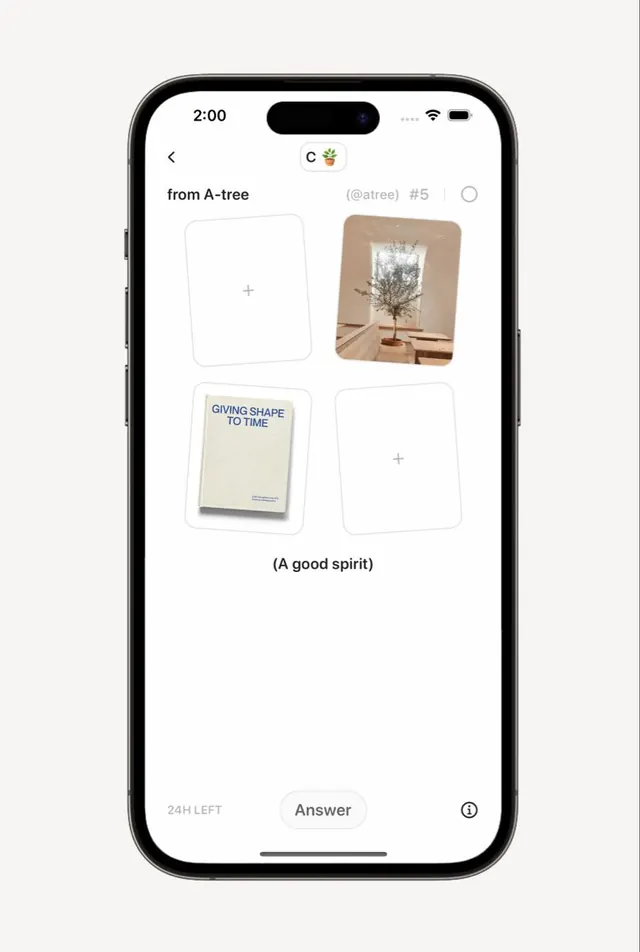 Social mood board with card grid and timer
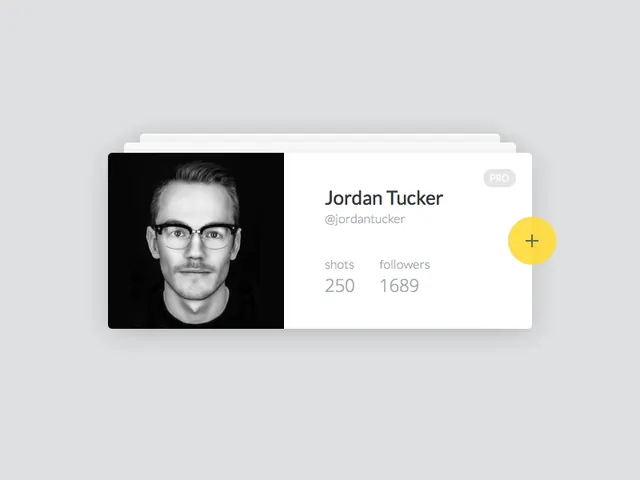 Minimal profile card with yellow follow button
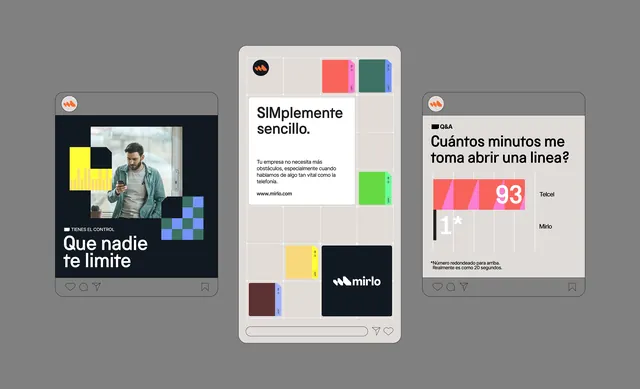 Minimal flat ui screen
 Communication icons in rounded containers
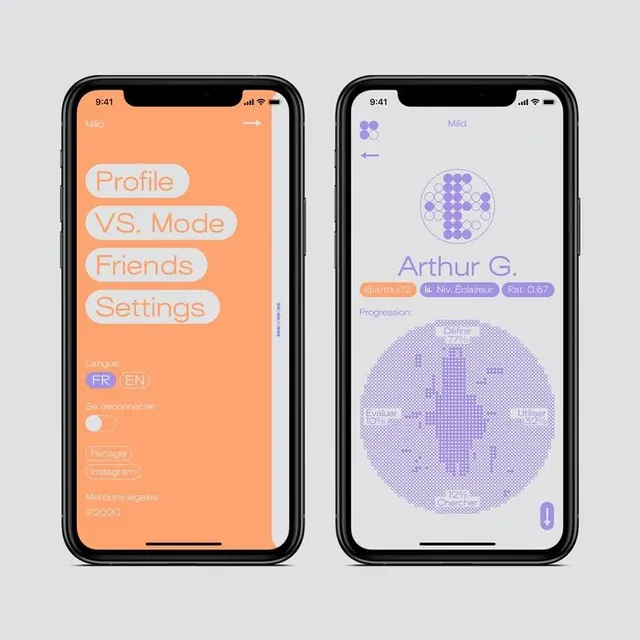 Social app profile and stats dashboard
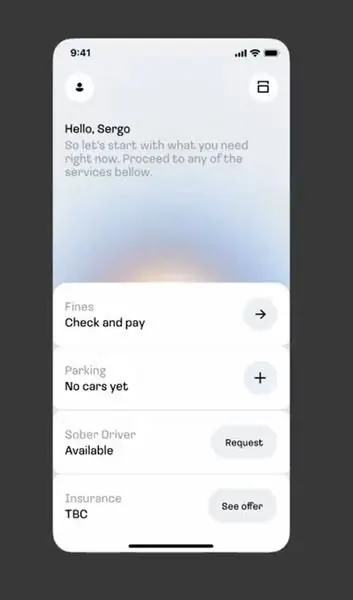 Vertical card stack ride-sharing service interface
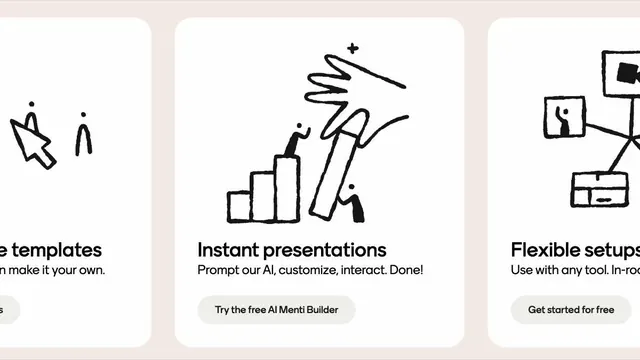 Minimalist feature cards with line-art icons
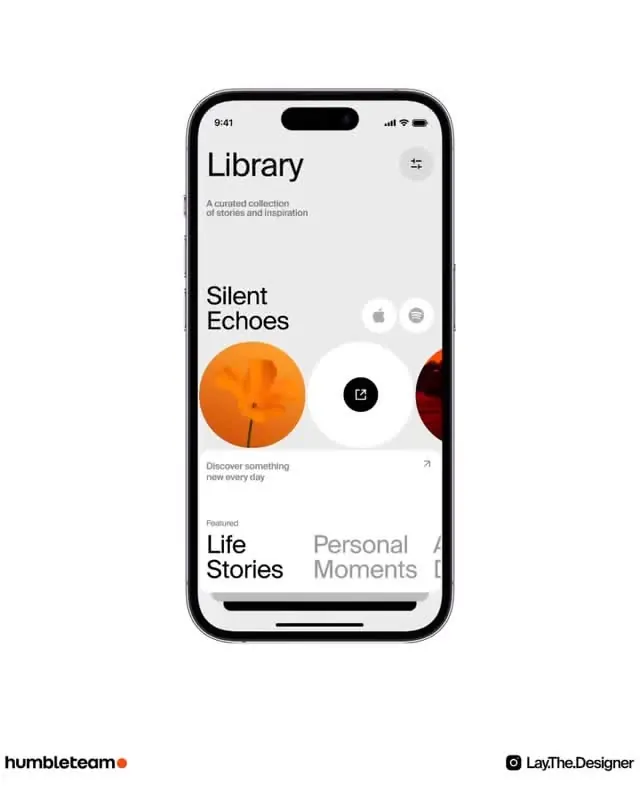 Library app minimal content browser
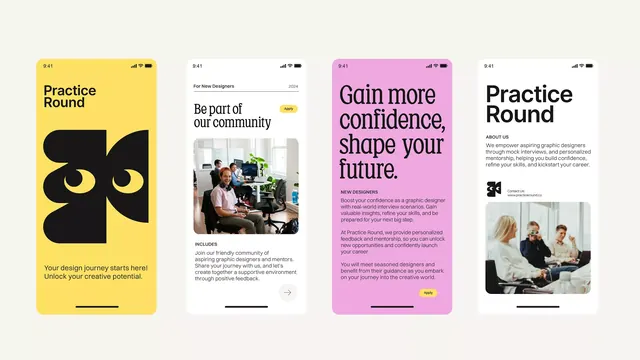 Practice Round app card carousel with color blocks
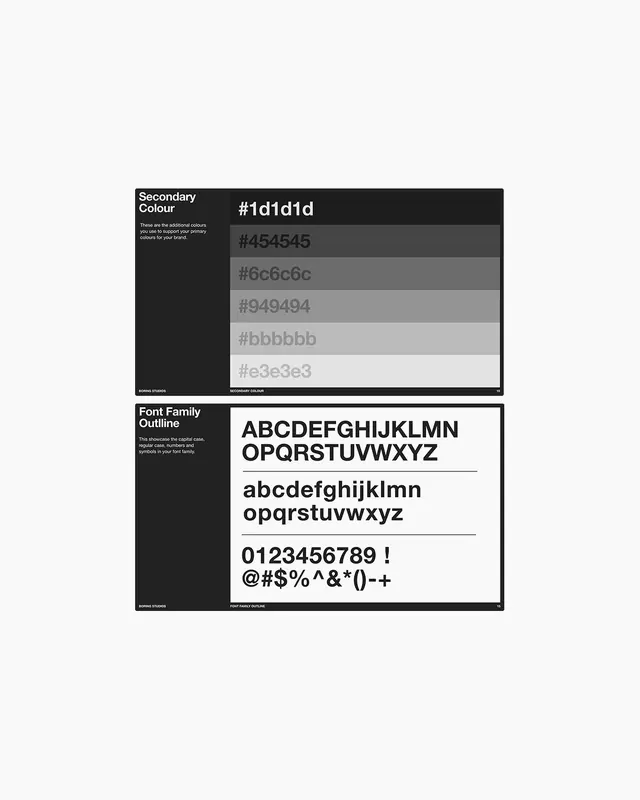 Design system color and type specimen guide
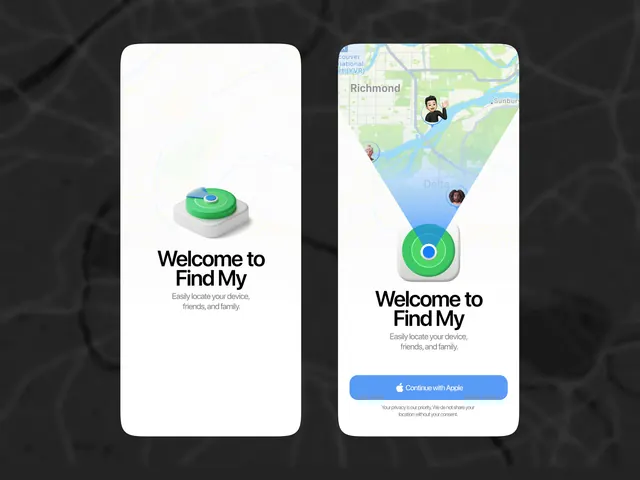 Find My location-sharing onboarding pair
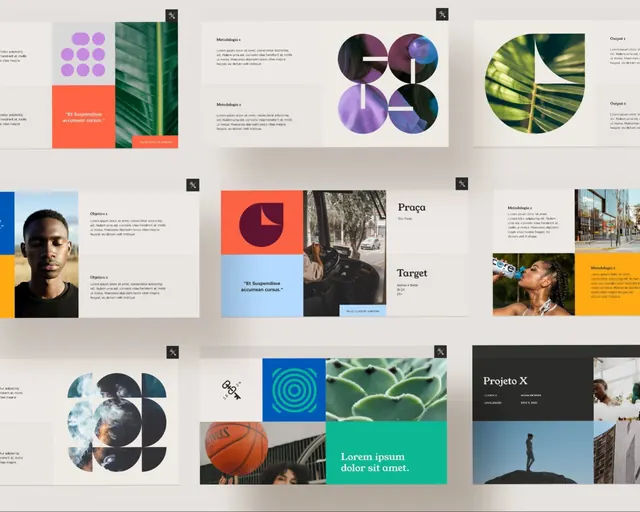 Minimal geometric ui screen
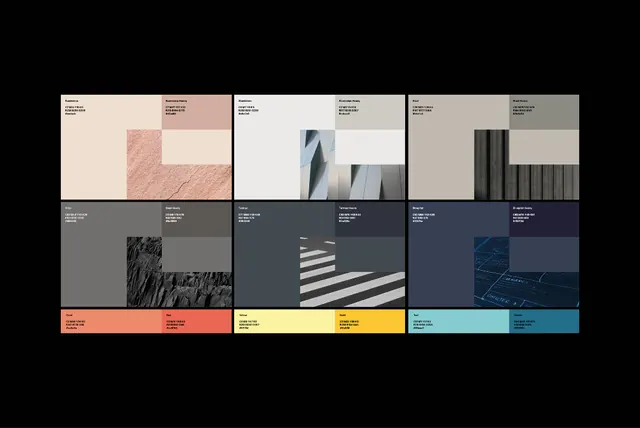 Design system modular grid tiles
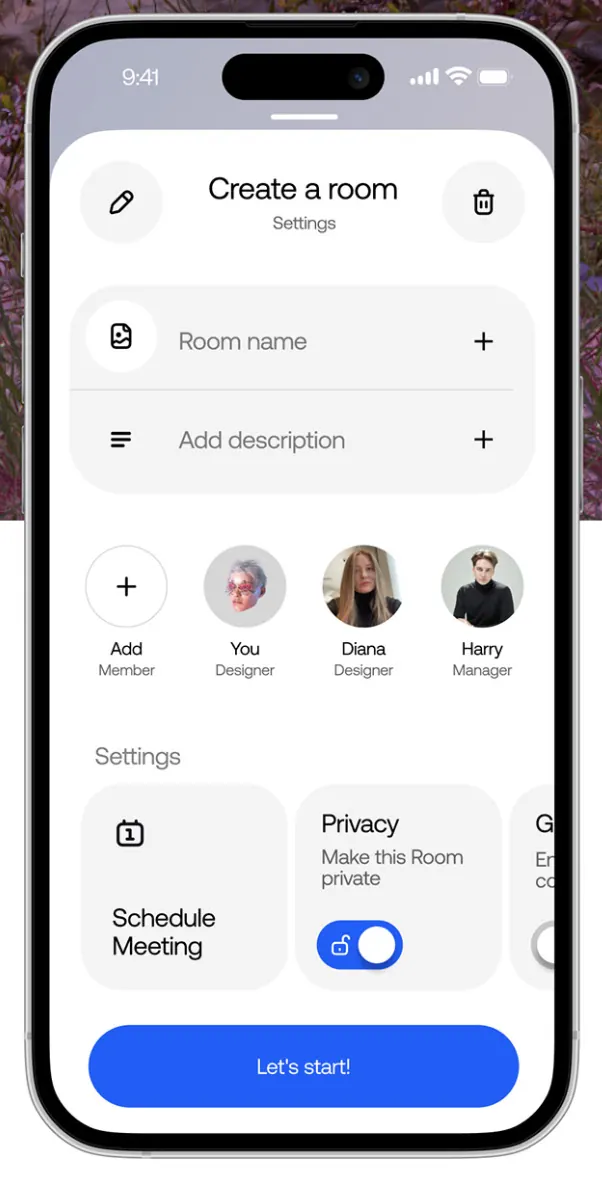 Minimal flat ui screen
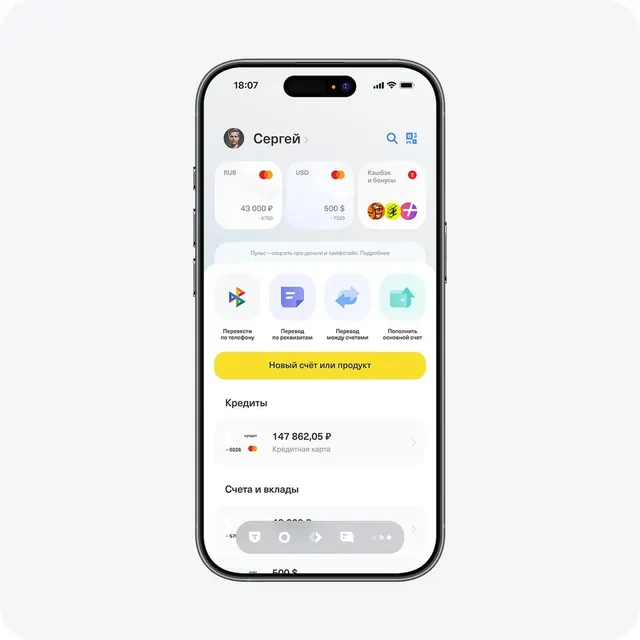 Personal finance dashboard mobile app
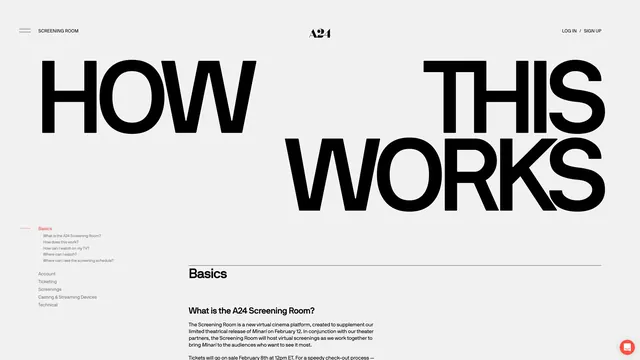 A24 Screening Room FAQ page design
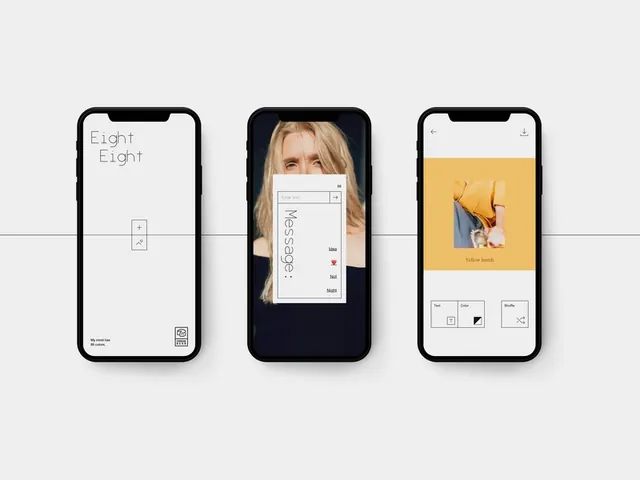 Eight Eight camera app UI screens
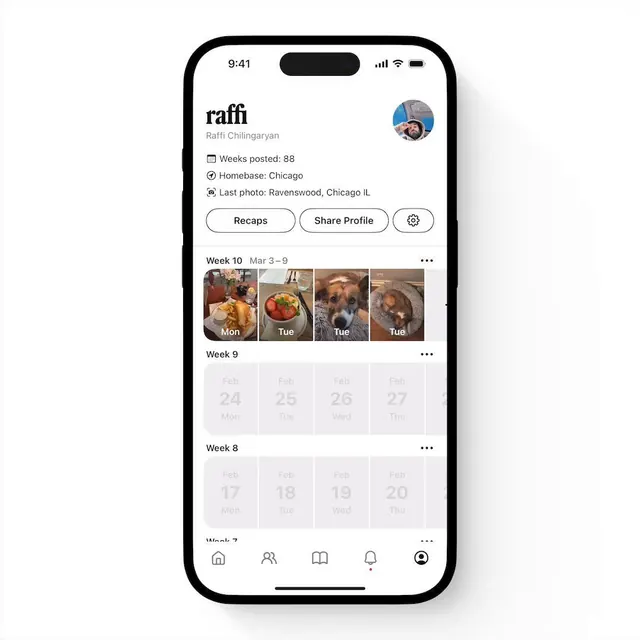 Raffi photo timeline app profile screen
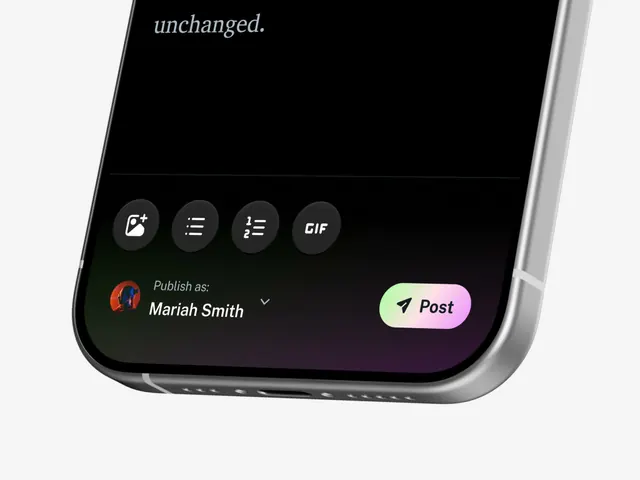 Dark mobile publishing interface with gradient accent
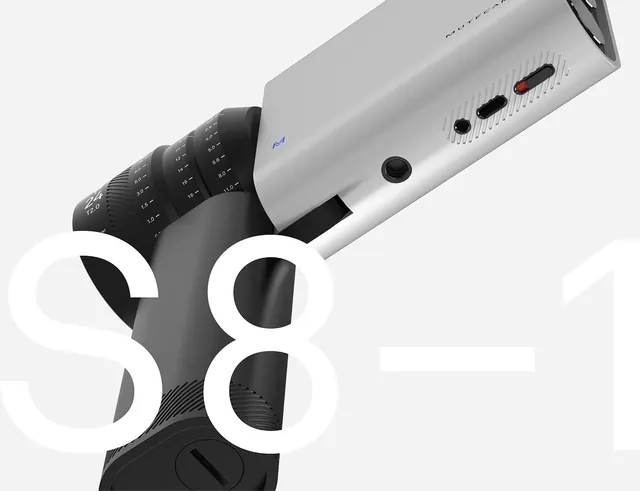 Minimalist Camera UI Concept
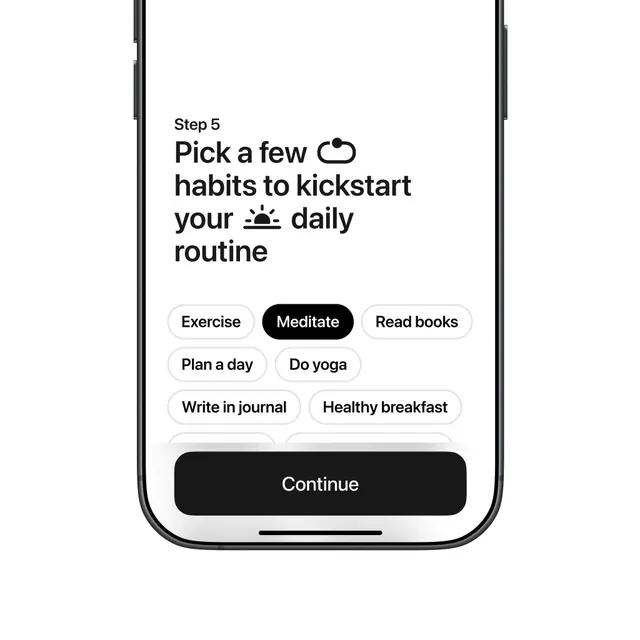 Habit onboarding UI screen