Three-screen messaging app UI flow
Minimalist mobile messaging interface with neutral palette, showing contact list, conversation thread, and rich media sharing across three distinct screens.
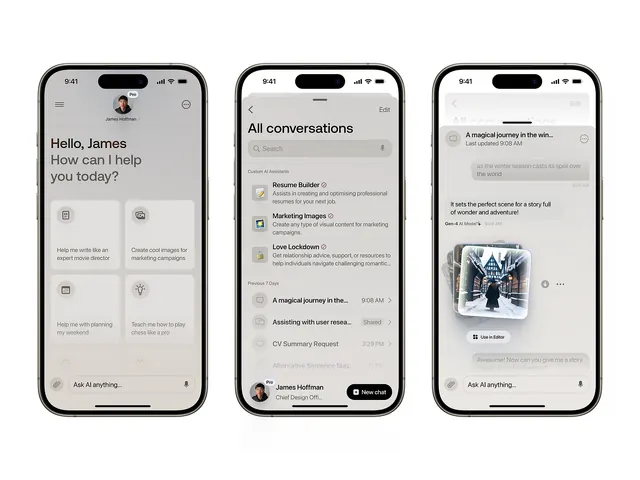
Summary
Three mobile screens showing a complete messaging flow: home with contacts and profile, conversation thread with list of chats, and detail view with rich-media sharing and timestamps.
Visual description
Left screen displays a home layout with "Hello, James" greeting, profile avatar at top, and a grid of action icons (call, video, info) below the headline. Center screen shows an "All conversations" list of chat threads with sender names, preview text, and timestamps. Right screen displays an expanded conversation detail with a shared image, metadata, and navigation controls. Throughout, the palette is exclusively neutral: off-white backgrounds, mid-gray text, dark accents. Sans-serif type is small and high-contrast. No color is used for semantic meaning, only hierarchy and breathing room.
Key takeaway
The extreme restraint with color and the use of typographic hierarchy alone to guide reading order across three related views. The contact grid on home screen (icon-based, no labels) as a compact alternative to text-heavy quick actions. The subtle use of rounded corners and whitespace for visual rhythm without clutter.
Reuse notes
Strong template for professional messaging, team collaboration tools, or secure-communication apps. The neutral treatment reads as trustworthy and serious. Works well when rich media (images, files) needs to share space with conversation text. Pair with system notifications or status badges if needed; the base design has room for subtle additions.
More like this
 Minimal flat ui screen
 Dark-mode mobile profile card with photo and action buttons
 Minimal flat ui screen
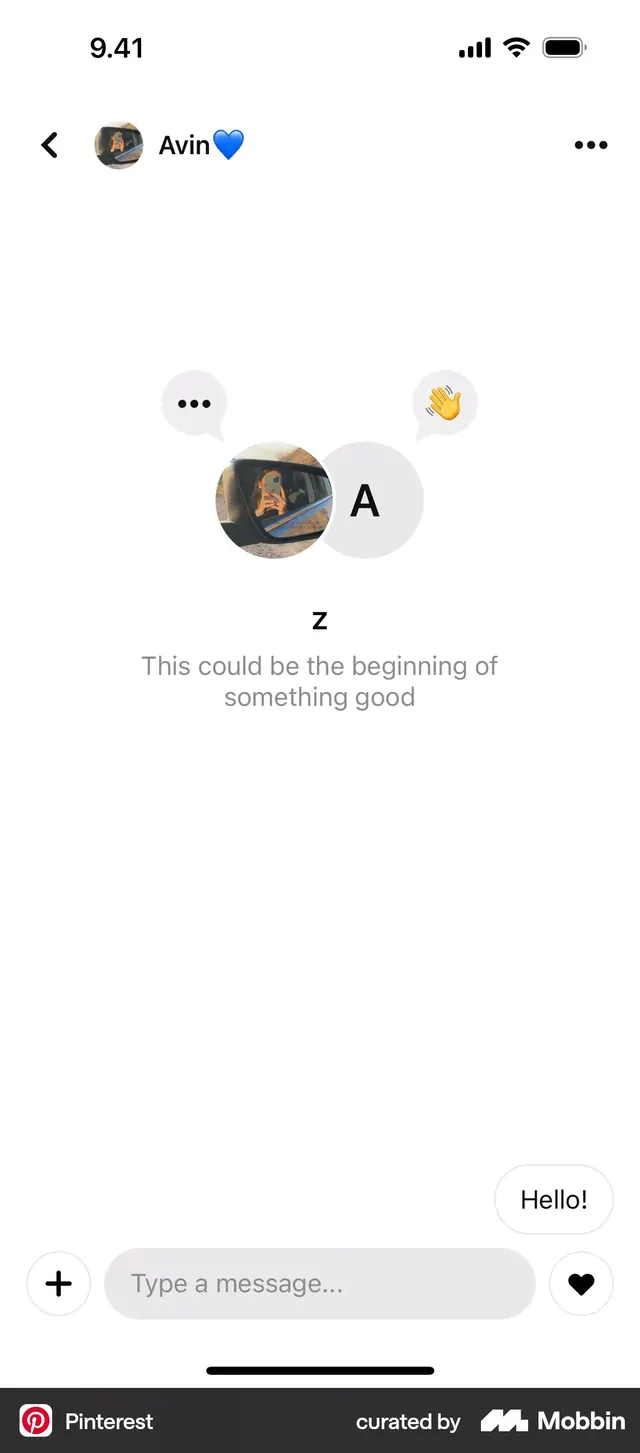 Minimal messaging interface with empty state
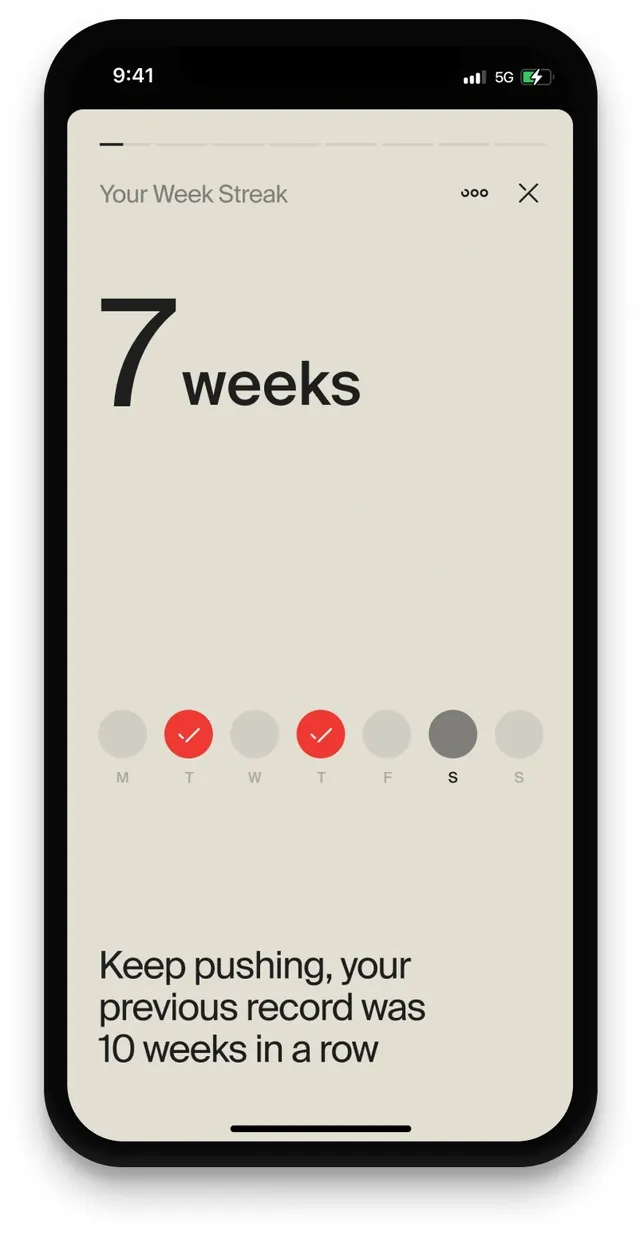 Week streak mobile app screen
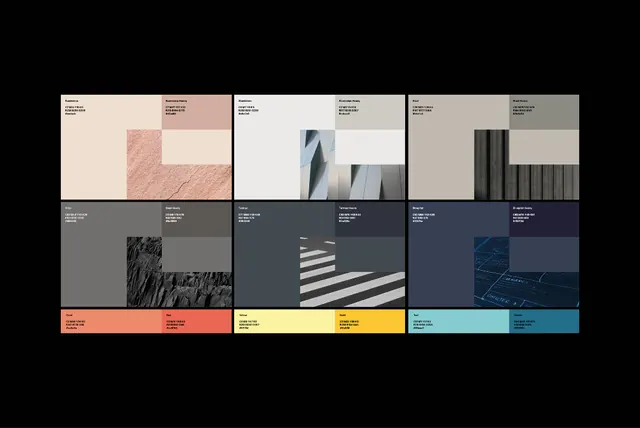 Design system modular grid tiles
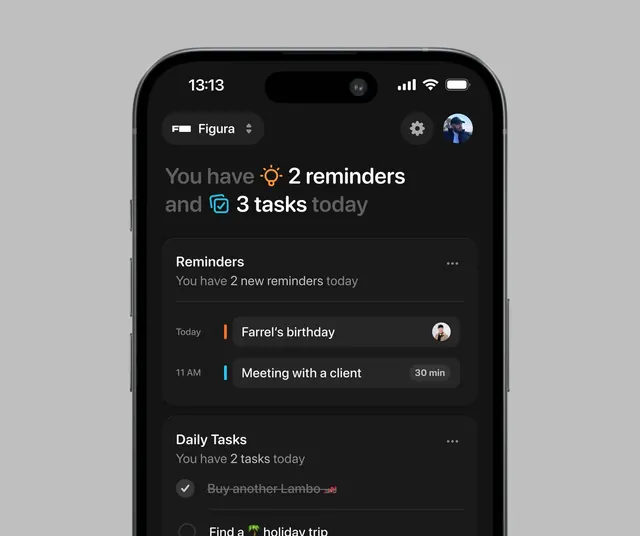 Minimal dark-mode ui screen
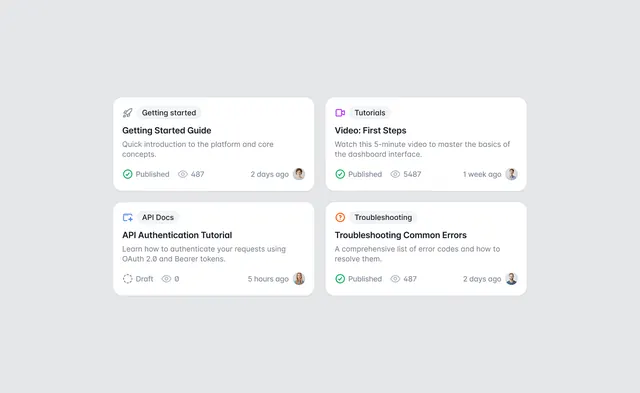 Developer documentation card grid
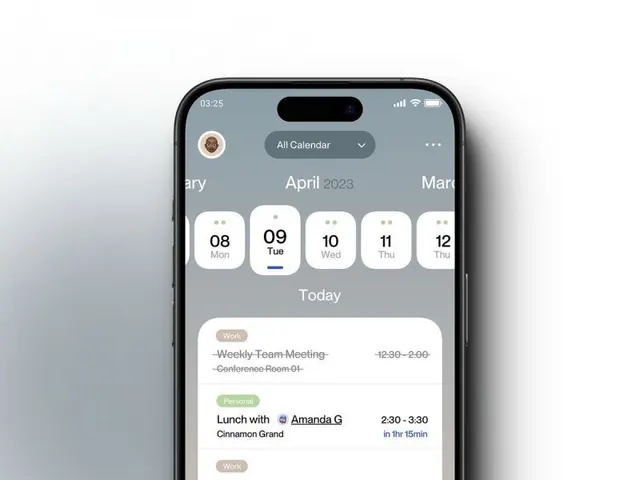 Minimal flat ui screen
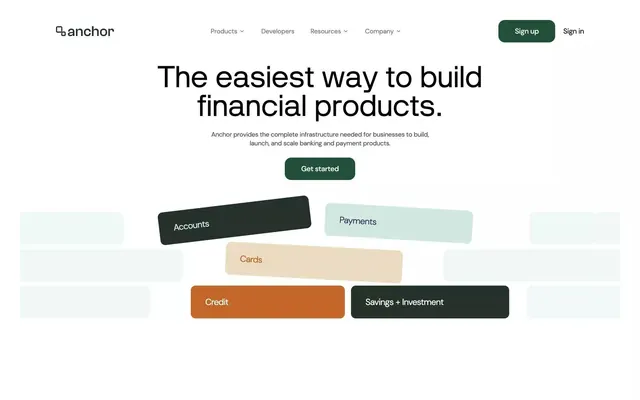 Minimal corporate-clean ui screen
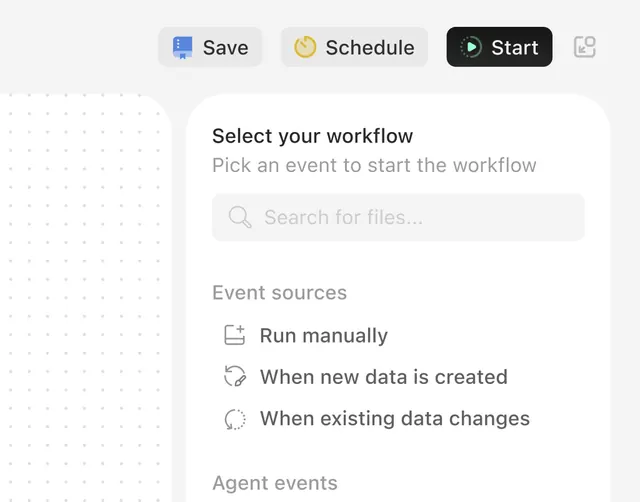 Workflow automation event selector
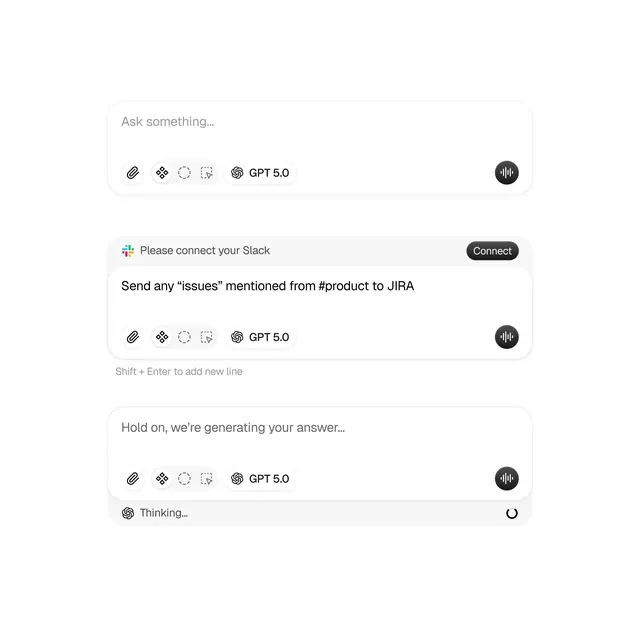 AI assistant chat interface with toolbar
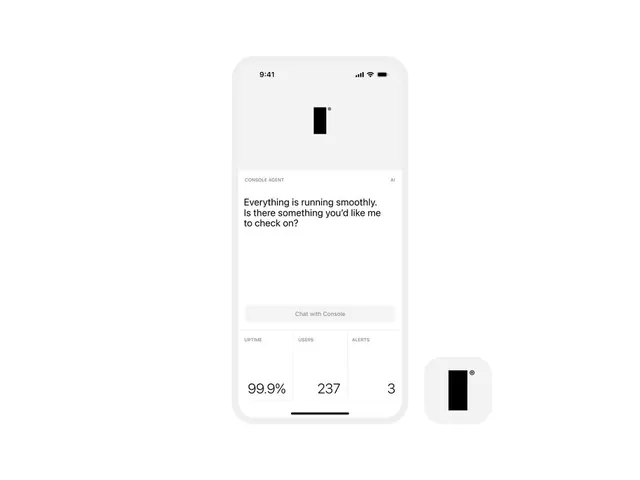 Minimal flat ui screen
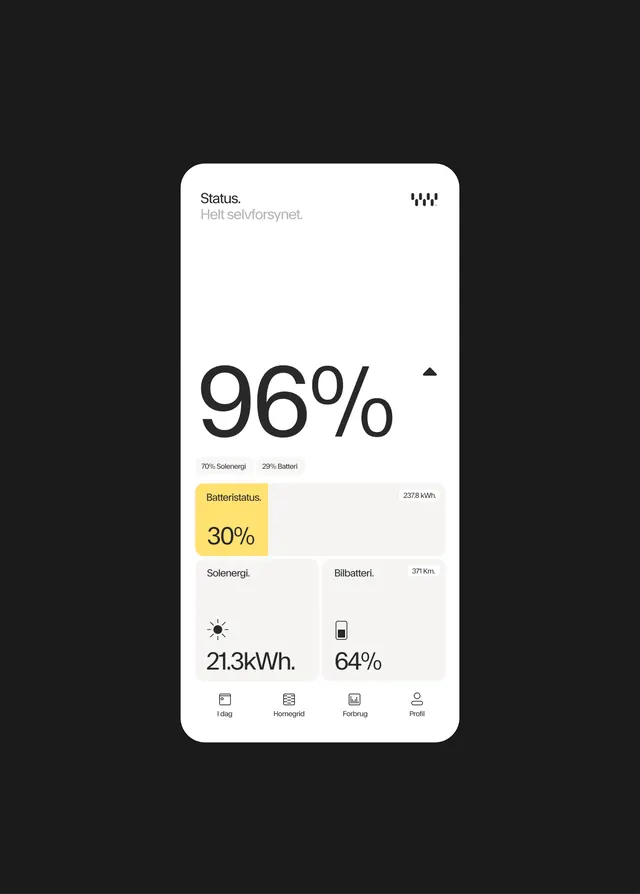 Norgram Watts home-energy mobile dashboard
 Yellow outline icons on black pill nav bar
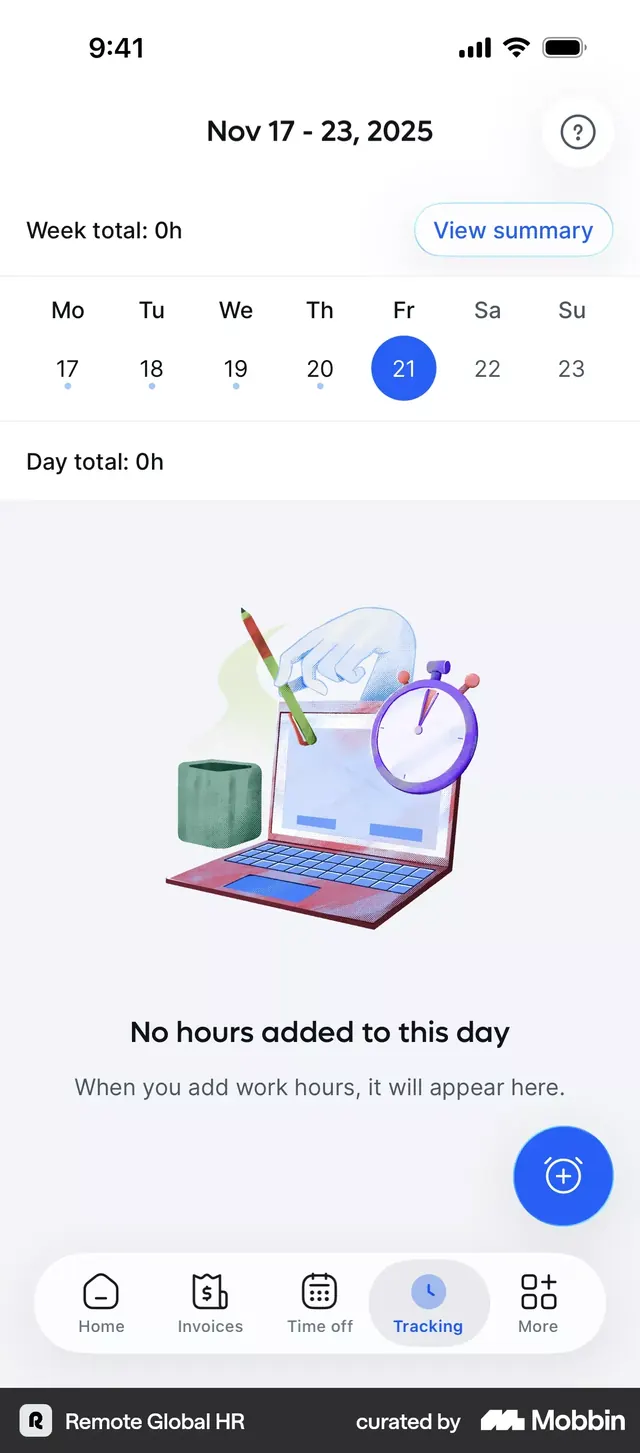 Time tracking app with week calendar and empty state
 Modern Minimalist Web Layout
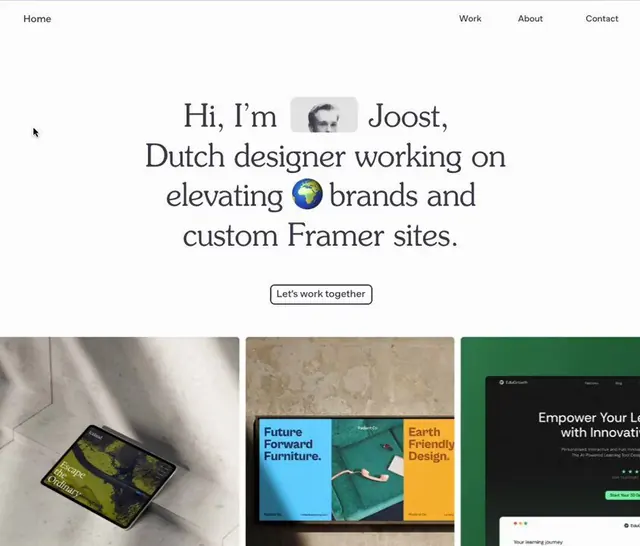 Minimal ui screen
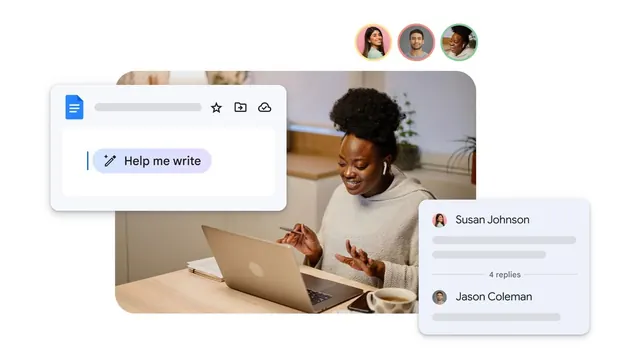 Minimal flat ui screen
 Communication icons in rounded containers
 Minimal corporate-clean ui screen
 Monochrome wavy UI slider interface
 Minimal flat ui screen
- Flat corporate-clean ui screen