A design reference library,
actually searchable.
65,000+ references, every one described and tagged. Search the way you think, then place results straight into Figma.
Frequently asked questions
What is this?
A design reference library paired with a Figma moodboard plugin. Every reference carries an original written description and structured tags, so you can search for exactly the kind of design you need — say, dark editorial SaaS hero sections with oversized type — and turn results into a moodboard in seconds.
How does search work?
Full-text search over written descriptions, plus structured filters for category, style, color, mood, typography and industry. The same controlled vocabulary applies to every item, so a filter like dark-mode means the same thing everywhere.
Can AI assistants use the library?
Yes — a hosted MCP (Model Context Protocol) server is live today. Tools that speak MCP can search the catalog, fetch item details and work with color palettes programmatically, using a per-account API key from your account page.
What's the difference between Free and Pro?
Browsing is free, no account needed. A free account adds up to 3 Figma moodboards and a limited number of MCP searches each month. Pro unlocks unlimited moodboards and MCP access, advanced filtering and full-resolution images.
Can I use the referenced designs in my own work?
The library is a study and reference tool — use it to analyze patterns and build moodboards that direct your own original work. Imagery remains the property of its respective rights holders.
More questions? Read the full FAQ.
Daily edit · Monday, 23 November
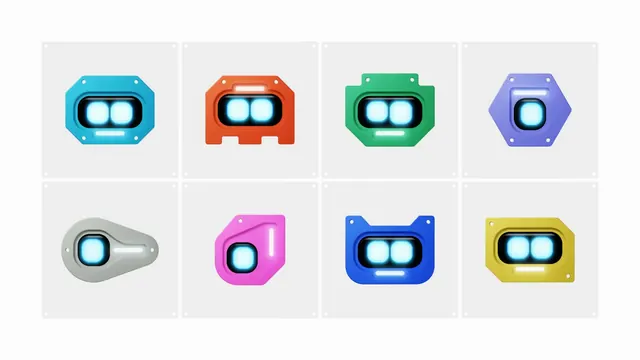
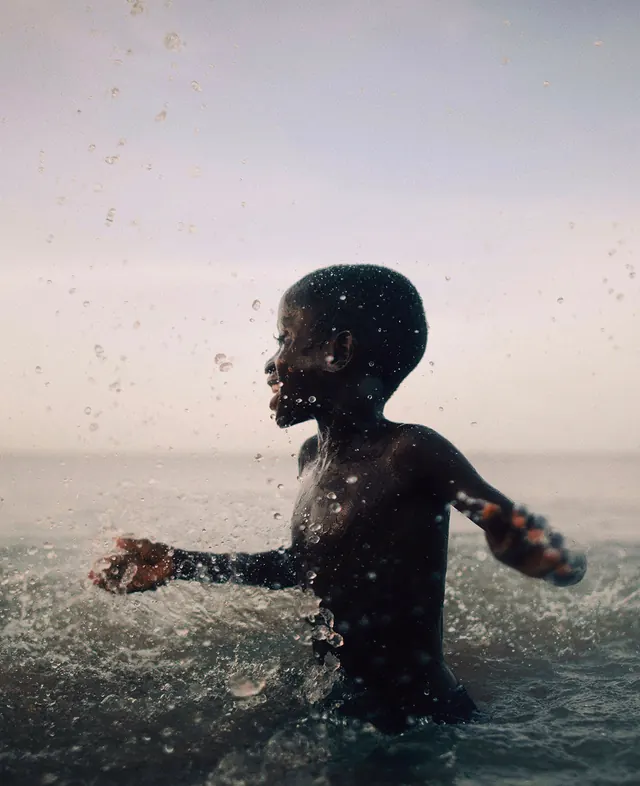
From the library
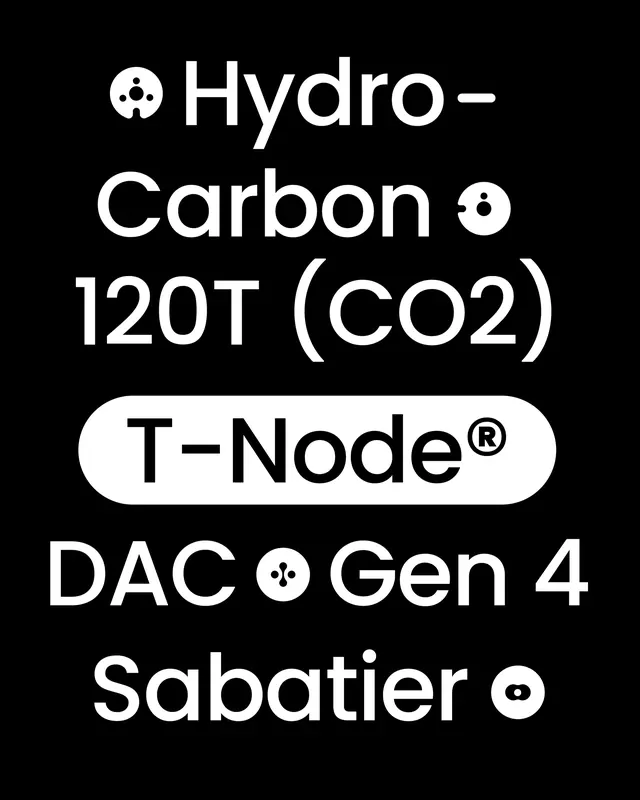 Hydro-Carbon 120T (CO2) Technical Typography · Graphics
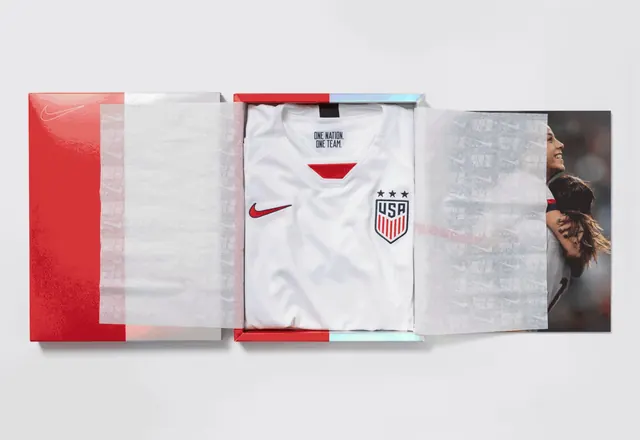 USA National Team Jersey Mockup · Motion
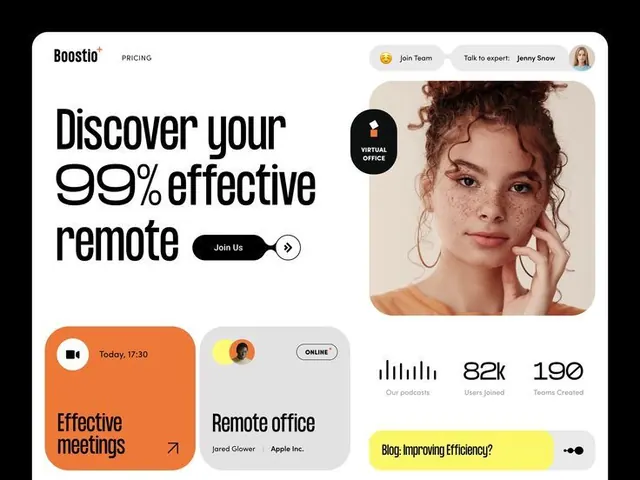 Remote work SaaS hero with bold sans-serif and feature cards · UI & Product
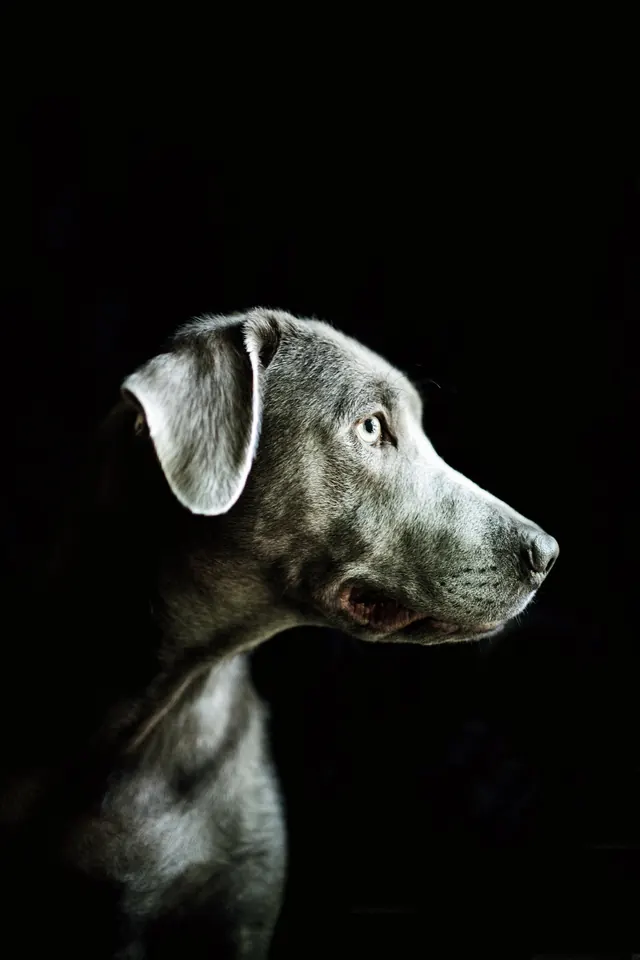 Dog Portrait in Shadow · Graphics
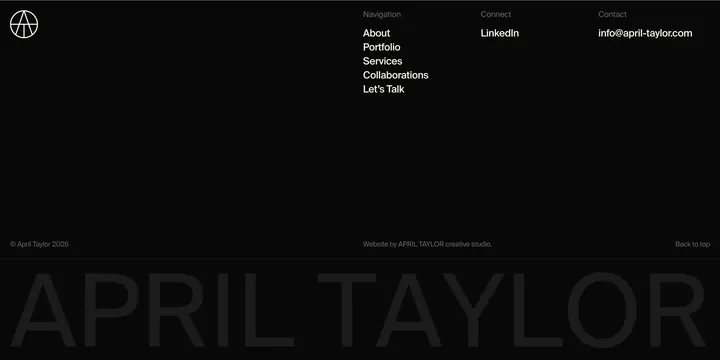 April Taylor dark footer with wordmark · Website Sections
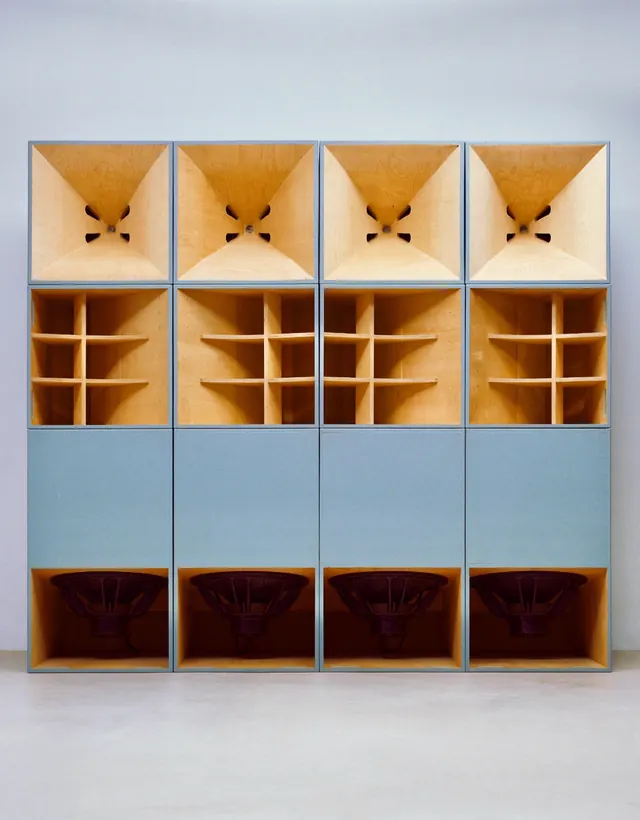 Modular Shelving Unit · Photography
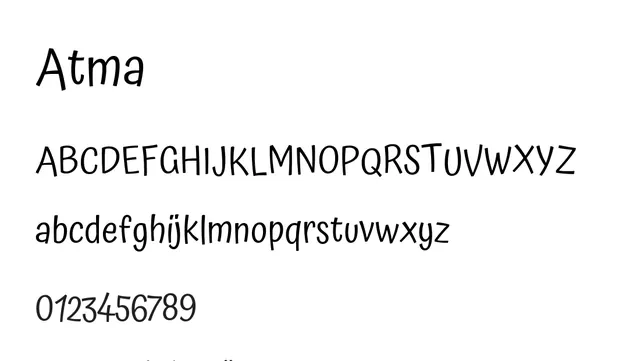 Atma · Fonts
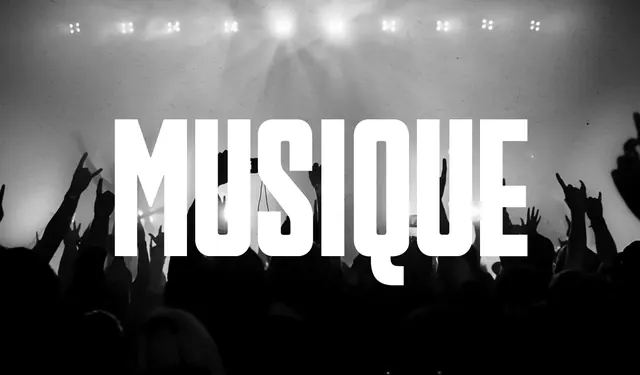 Musique Concert Graphic · Editorial & Print
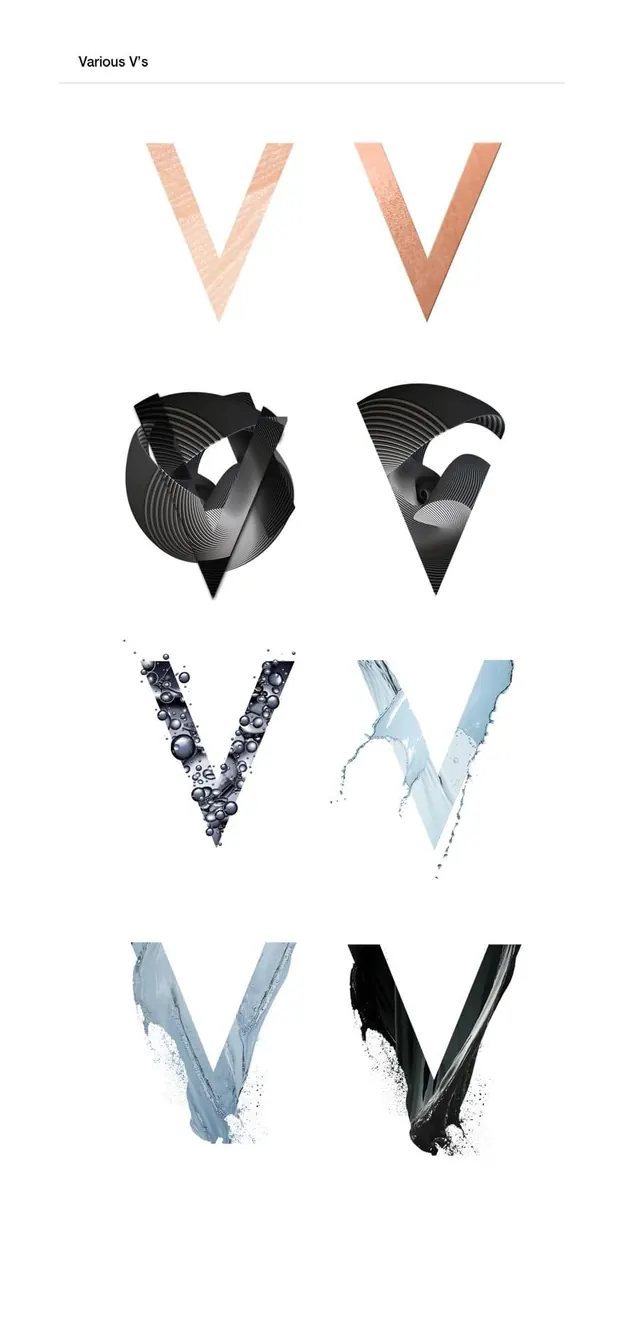 Abstract Letterform Identity System · Graphics
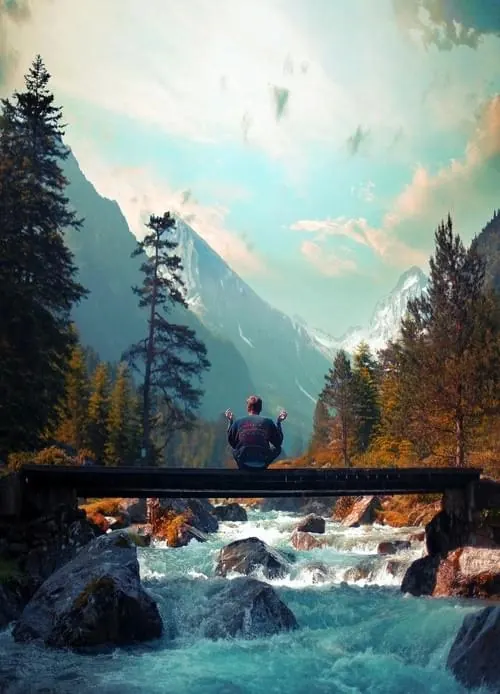 Mountain Landscape with Bridge · Photography
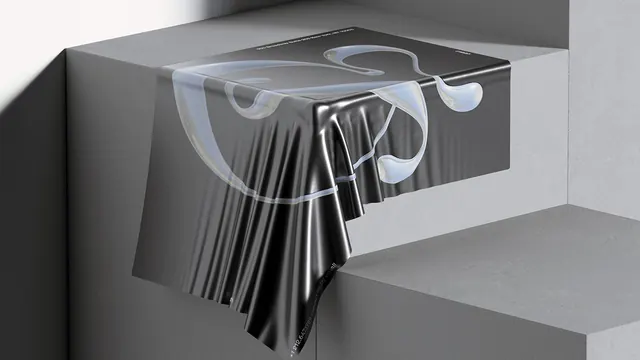 Abstract 3D Glass and Ribbon Render · Graphics
 Feinzig kitchen appliances serif logo · Branding
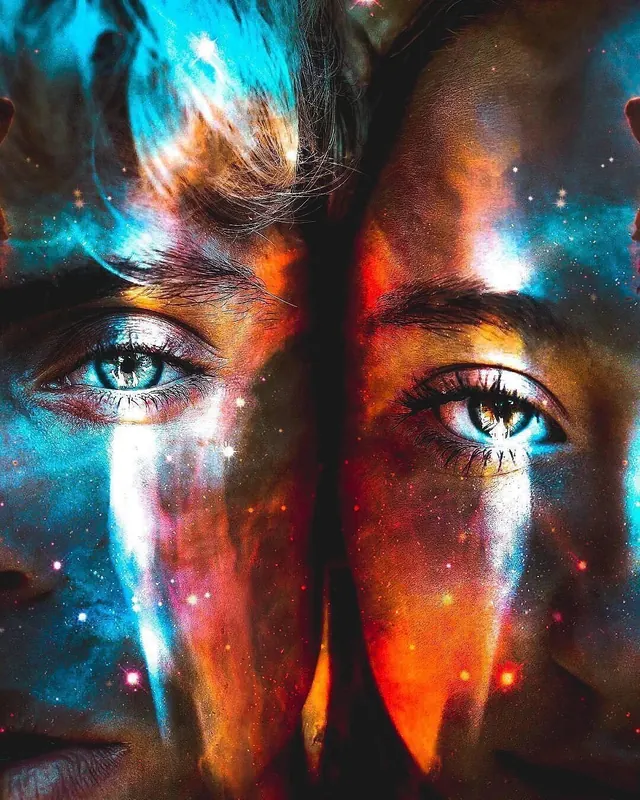 Abstract Portrait with Light Trails · Graphics
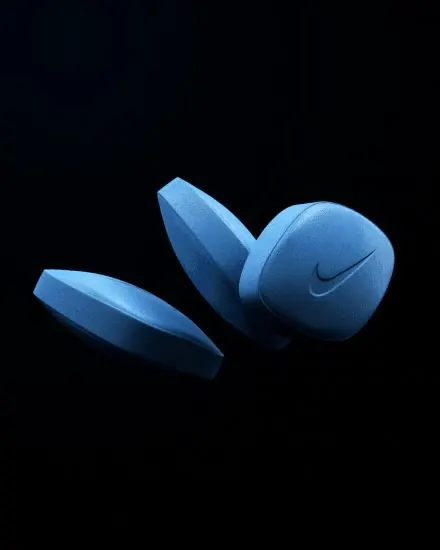 Blue capsule 3D rendering animation · Motion
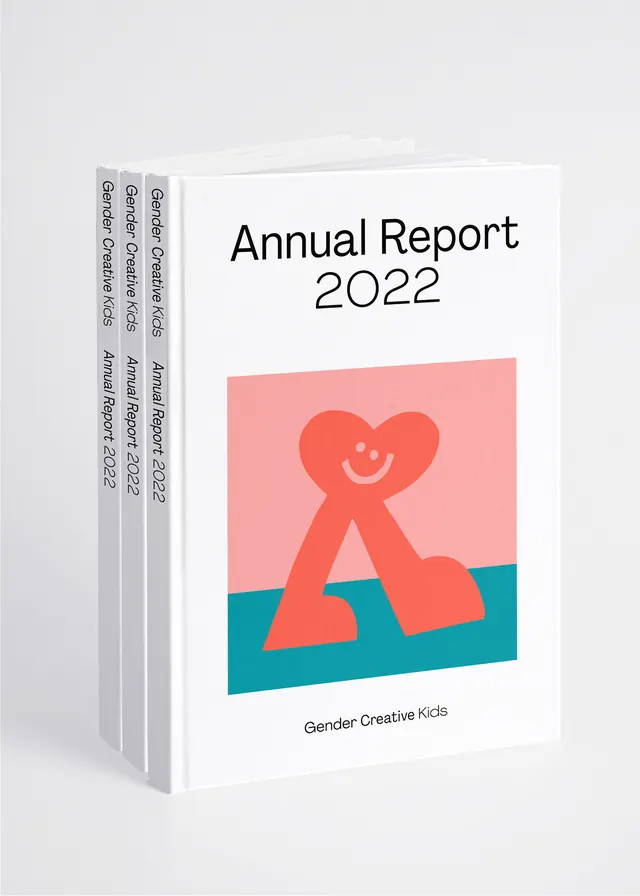 Gender Creative Kids annual report · Editorial & Print
 Bold typographic letter forms in monochrome · Graphics
 Are.na design collection · Illustration
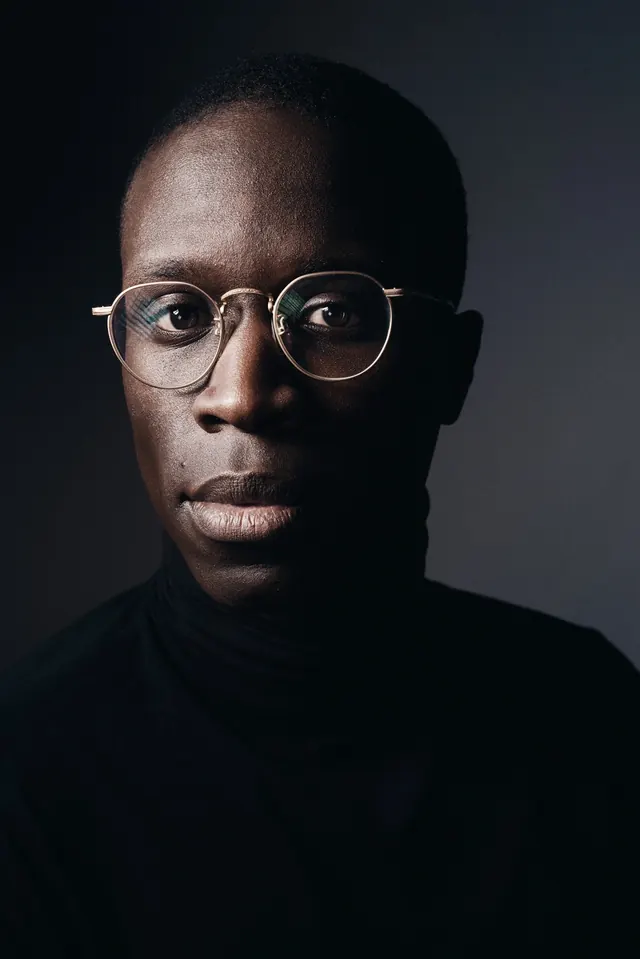 Portrait with round glasses and dark background · Photography
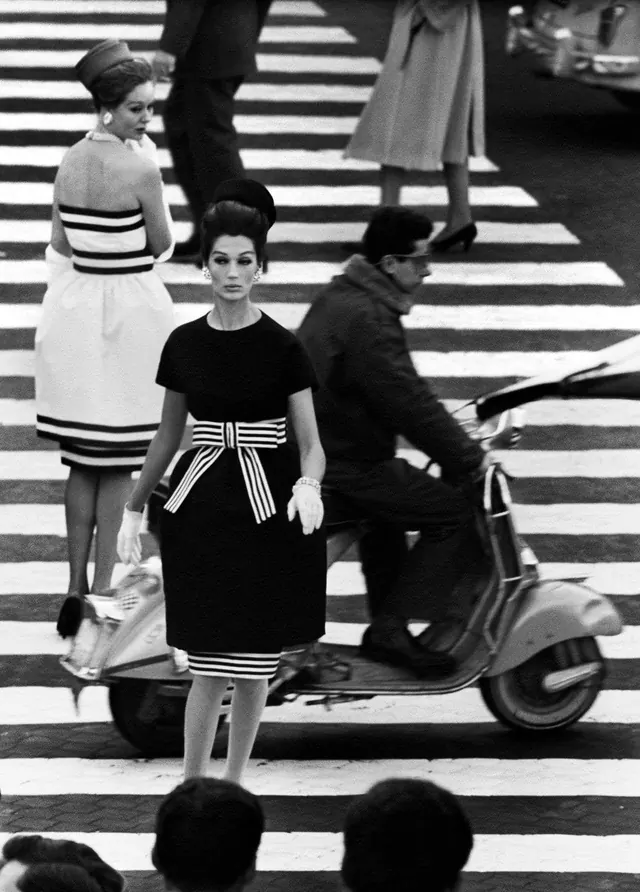 Fashion Illustration Collage · Graphics
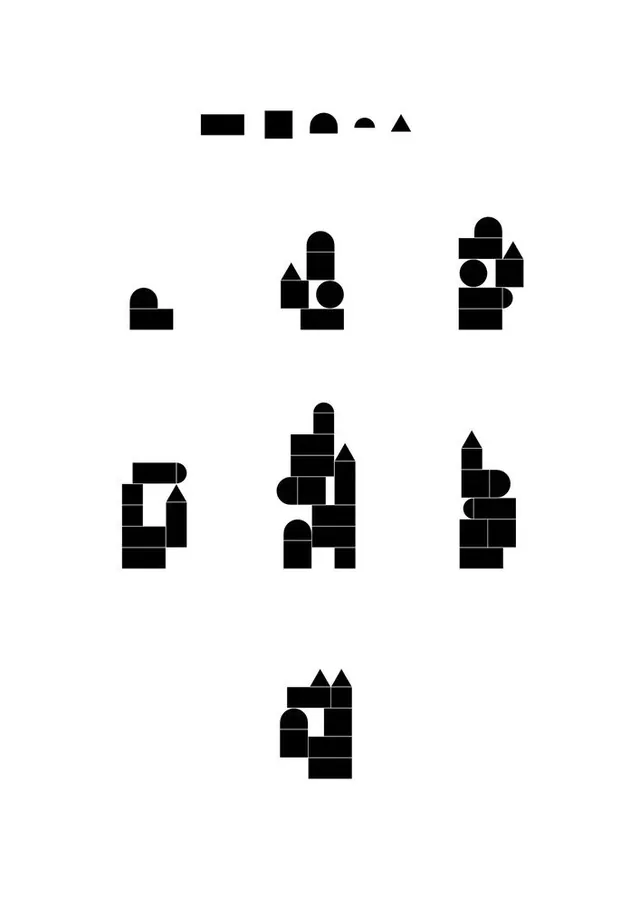 Modular geometric icon system · Branding
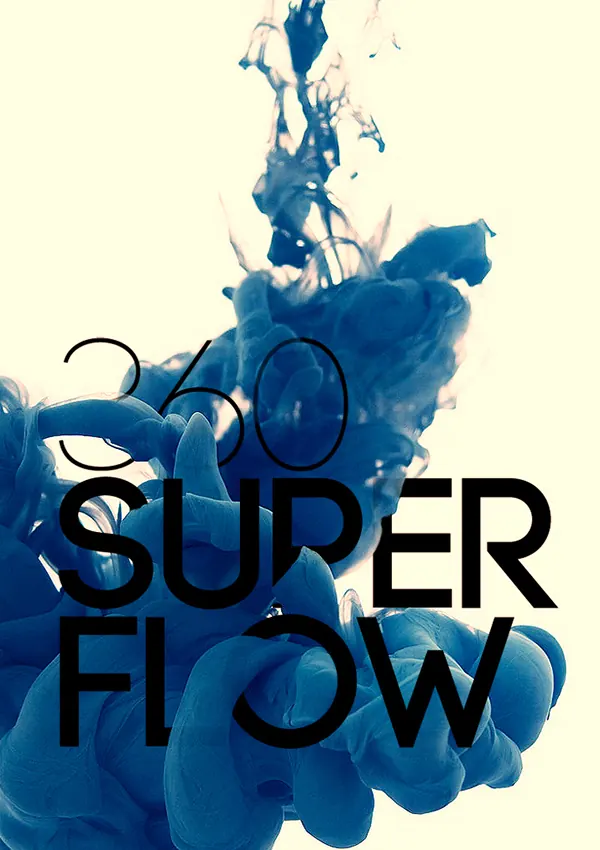 Super Flow Abstract Graphic · Graphics
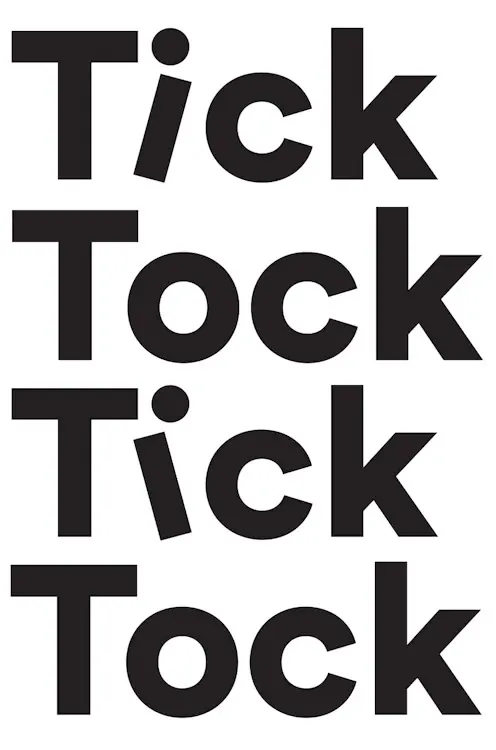 Flowing Light Animation · Motion
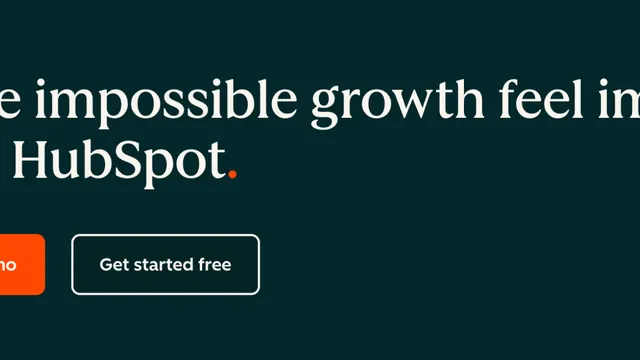 Minimal corporate-clean ui screen · UI & Product
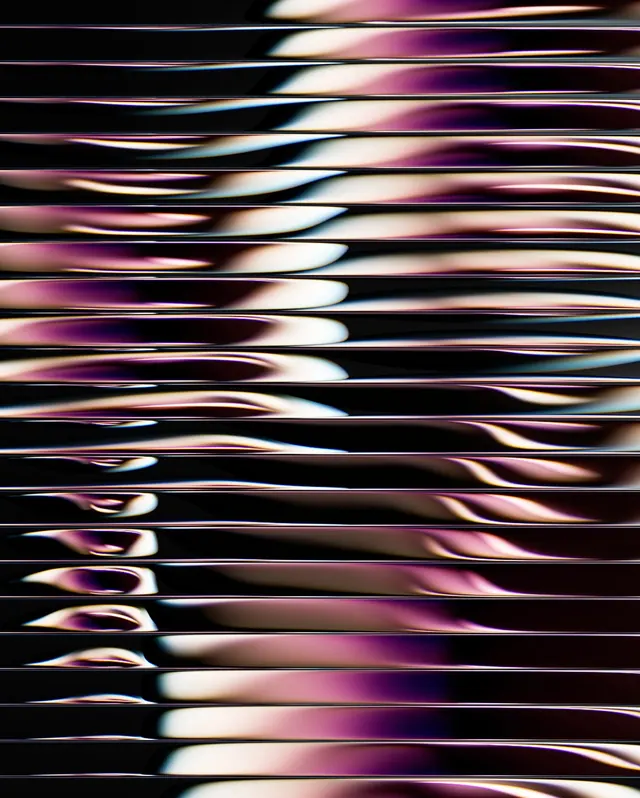 Abstract Curved Forms in Neutral Tones · Graphics
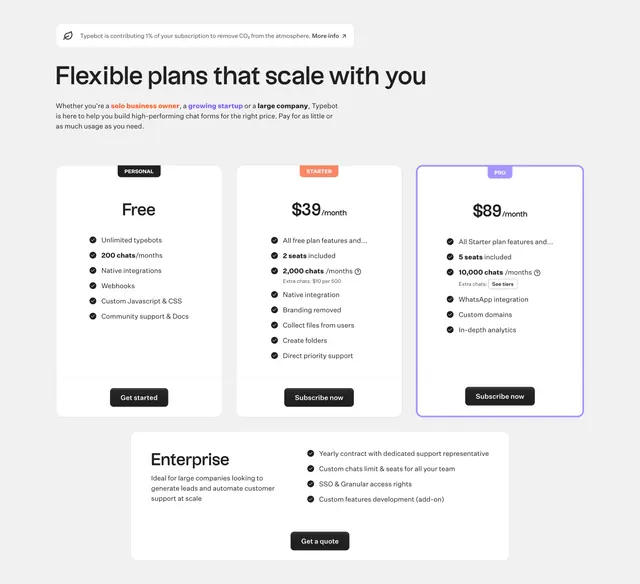 Typebot three-tier pricing with enterprise band · Website Sections
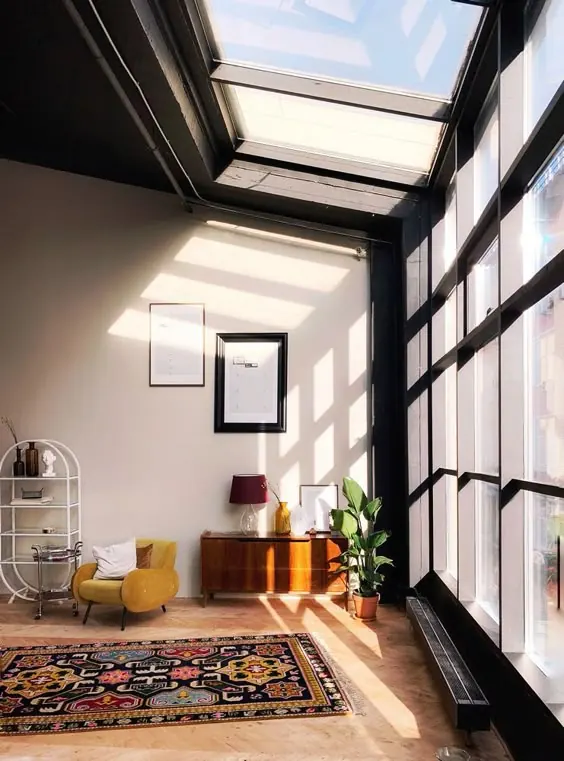 Bright interior with natural light and warm textiles · Photography
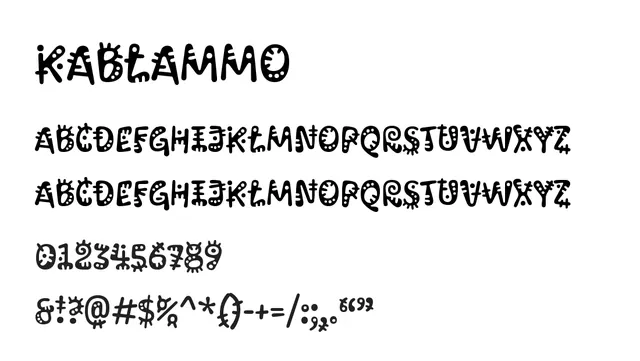 Kablammo · Fonts
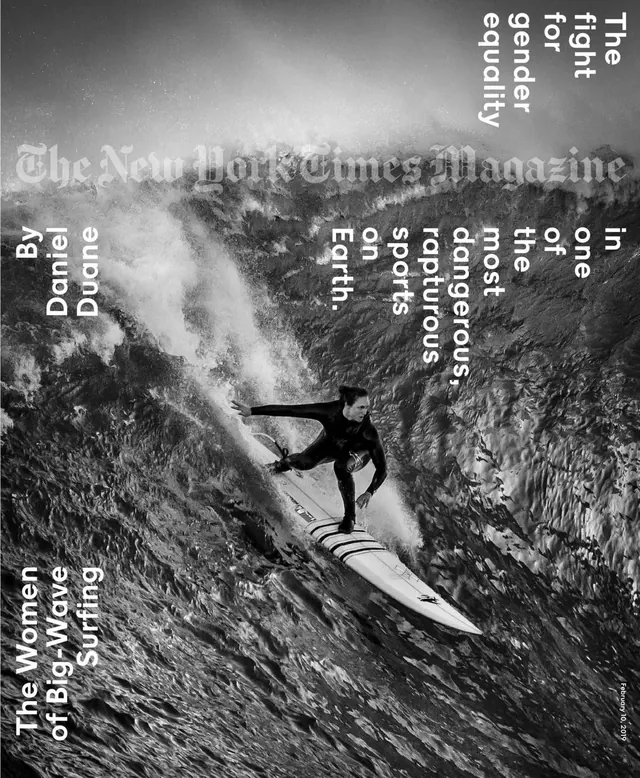 The New York Magazine Cover Design · Editorial & Print
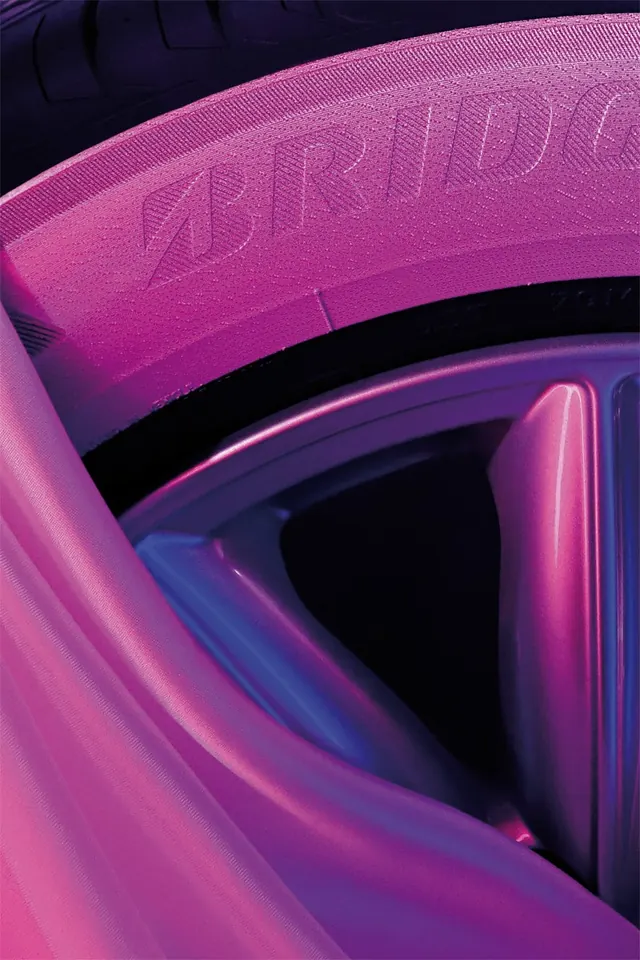
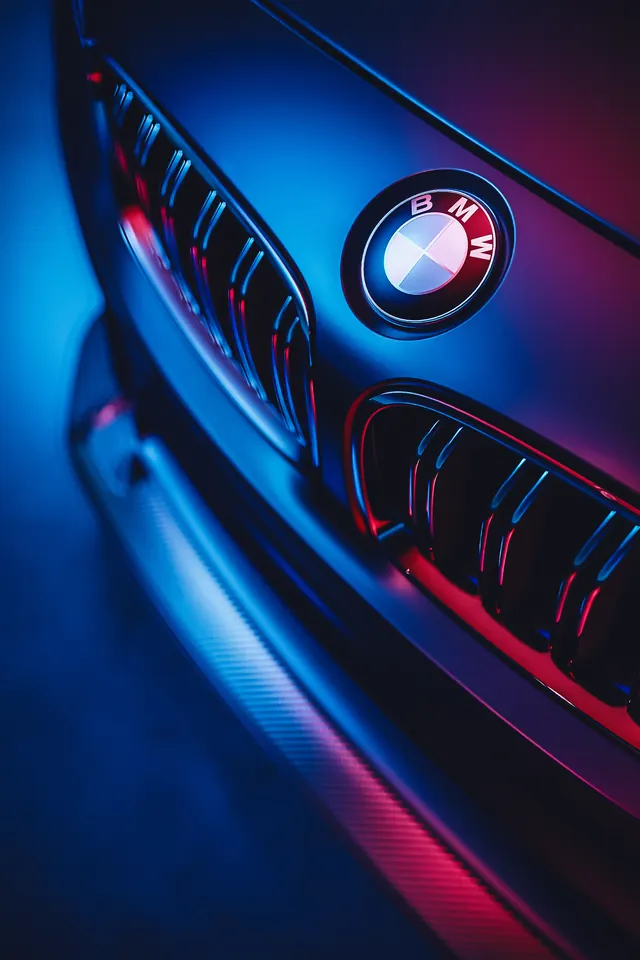 BMW car neon gel lighting study · Graphics
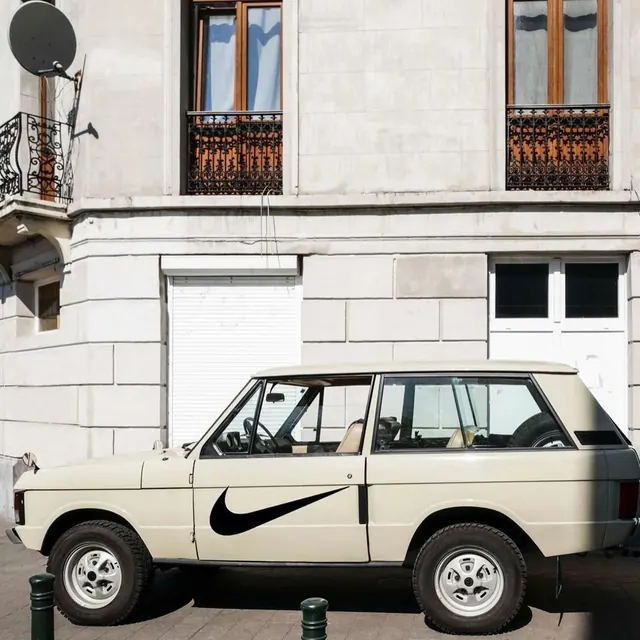 Nike Swoosh on Vintage Car · Photography
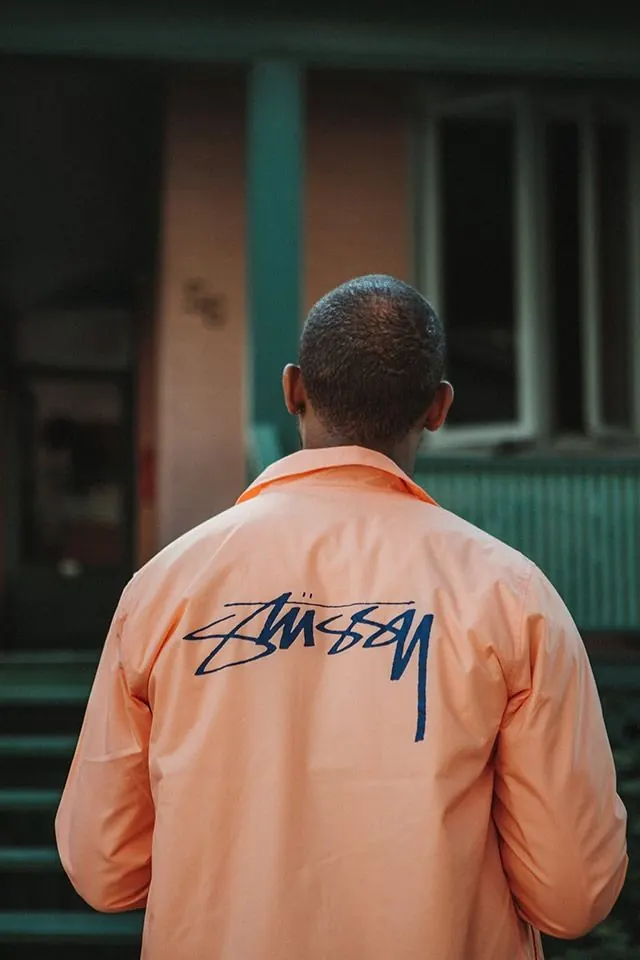 Person wearing Stüssy logo jacket · Graphics
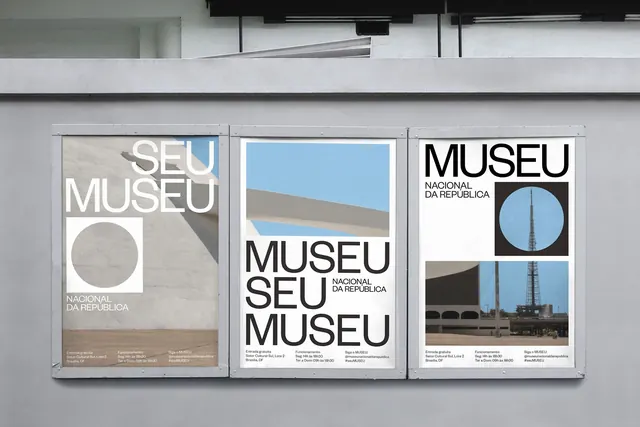 Museum exhibition poster system (three-panel series) · Graphics
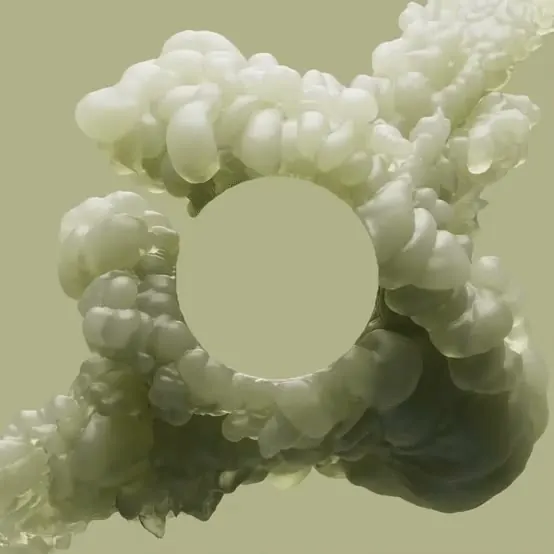 Organic ink flow motion study · Motion
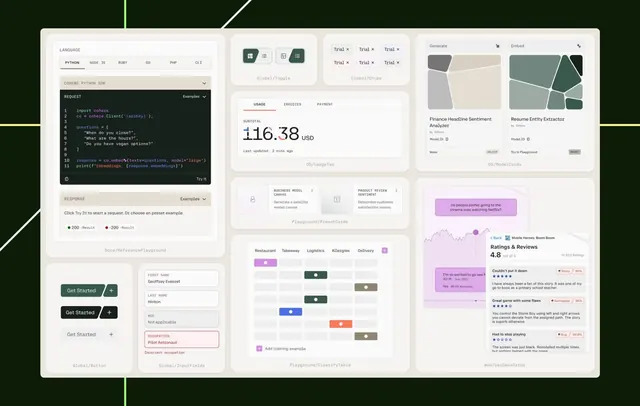 Dark-mode data-dense data viz · Data Visualization
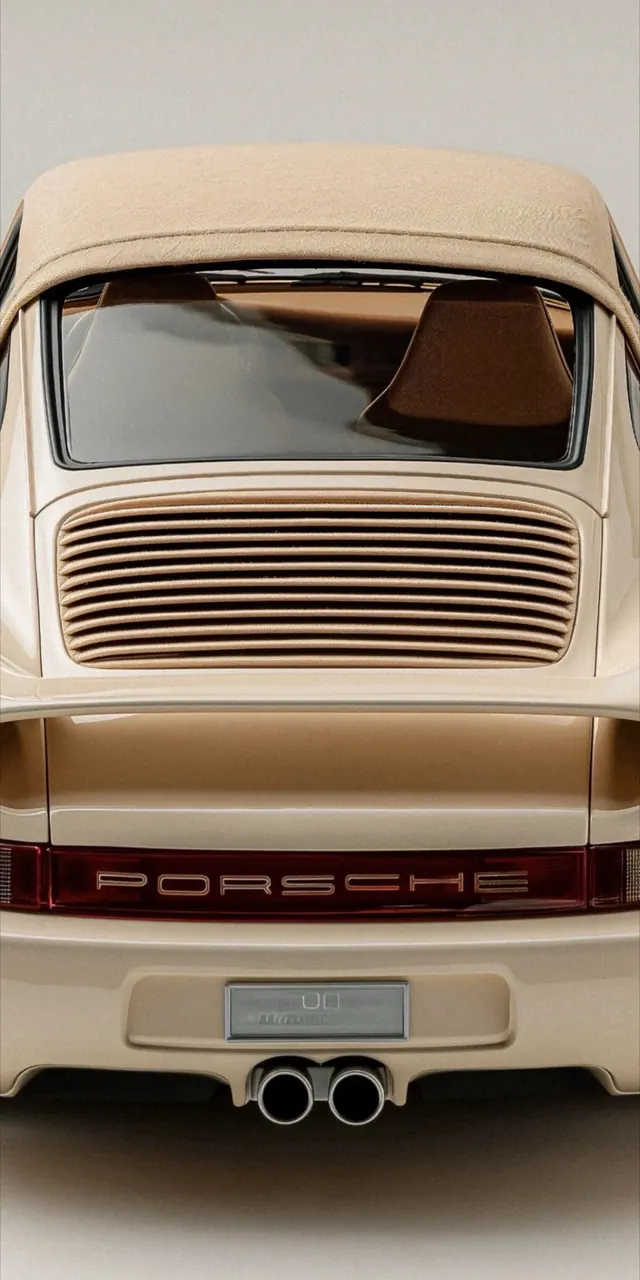 Rear View of a Tan Porsche · Graphics
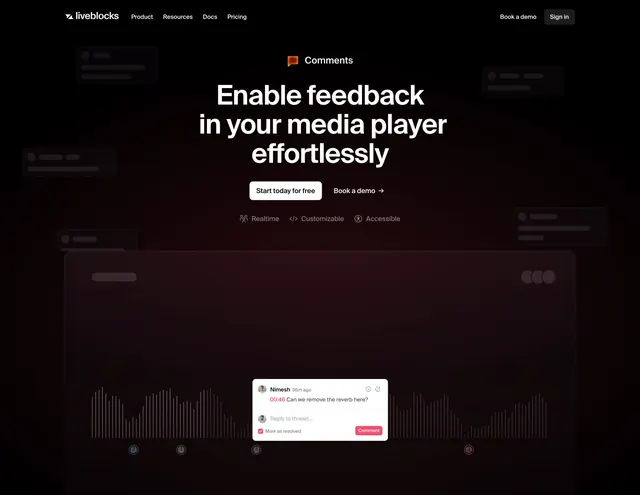 Liveblocks comments hero with waveform mockup · Website Sections
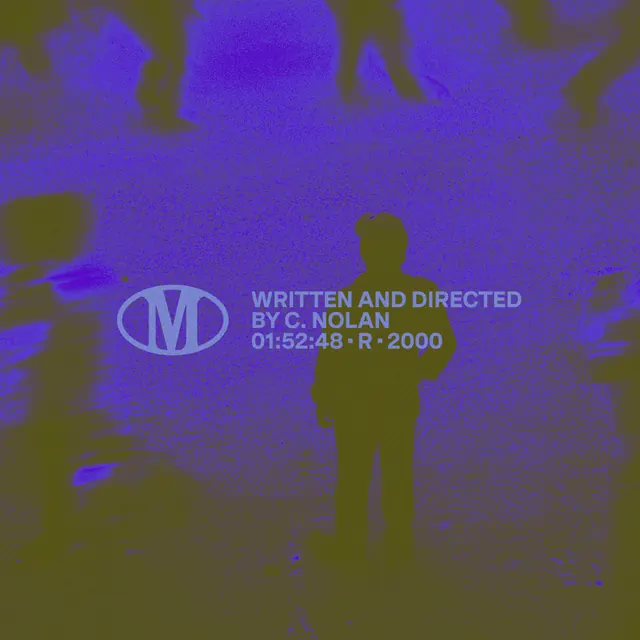 Cinematic Film Still with Overlay · Photography
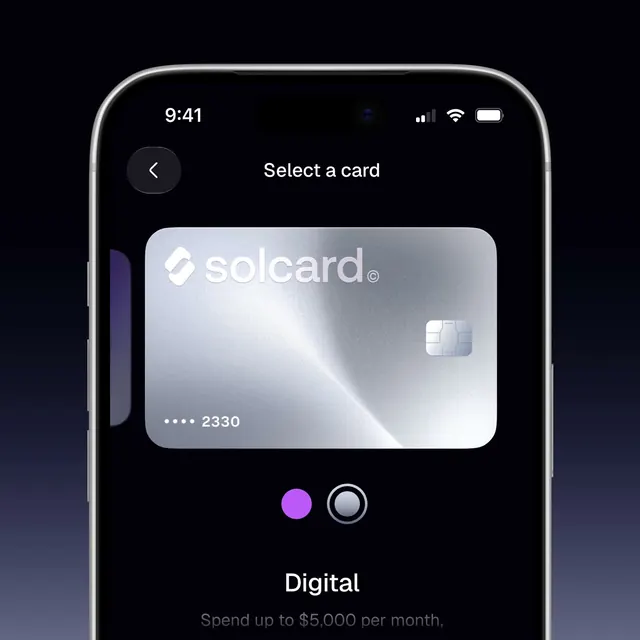 Solcard Card Selection · UI & Product
 Teavle logo · Branding
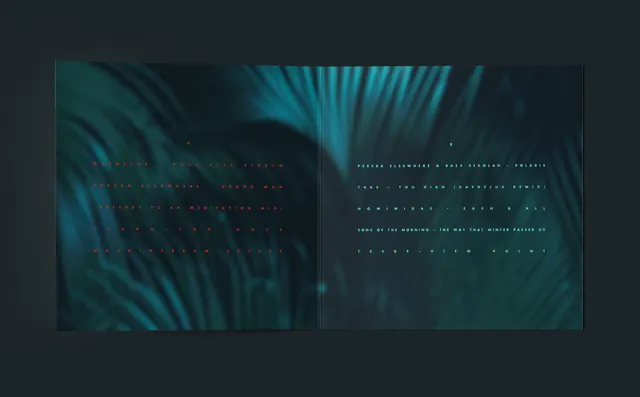 Abstract Fluidity Interface · Graphics
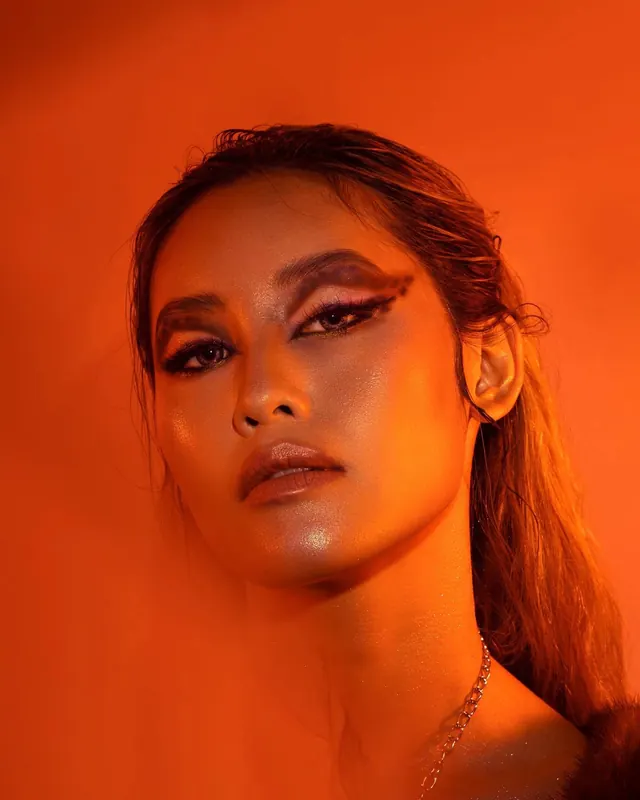 Bold orange beauty portrait with graphic makeup · Photography
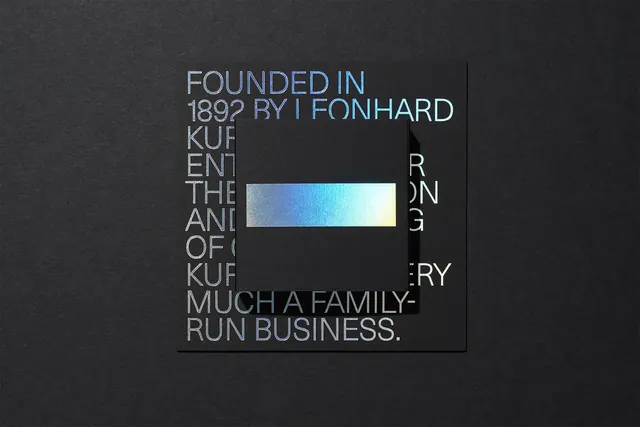 Foundry Family Business Identity · Graphics
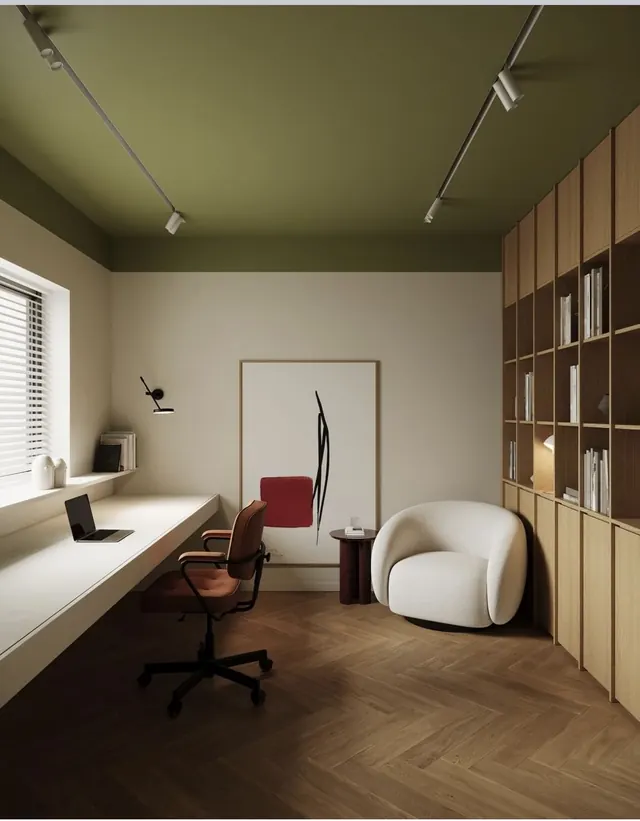 Minimalist office interior with warm-earth palette · Branding
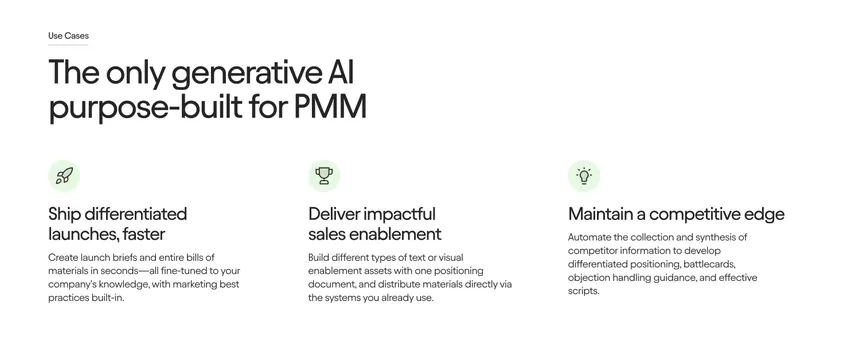 Jasper Features Section · Website Sections
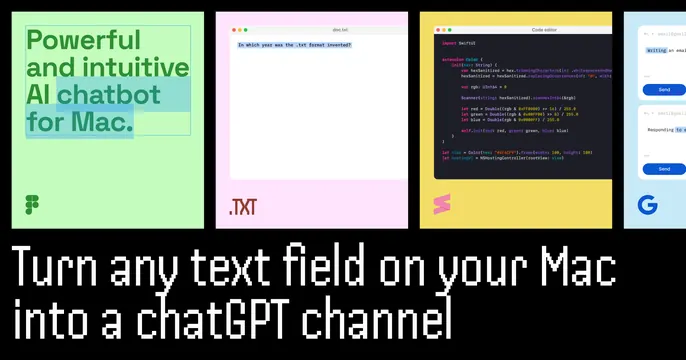 Gep OG card · OG Images
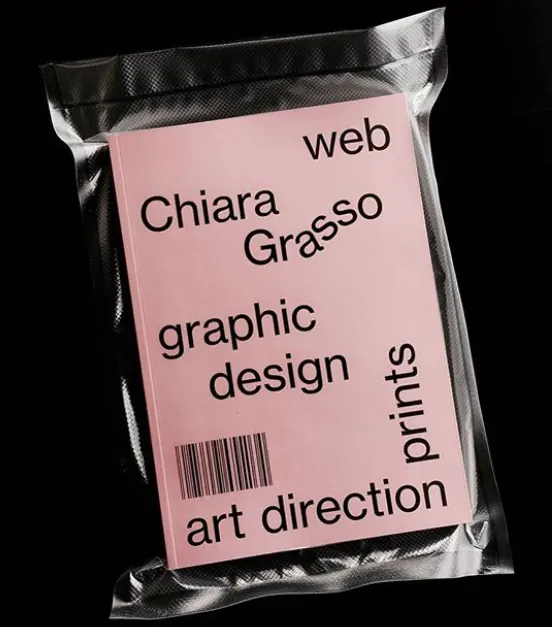 Minimal type specimen · Editorial & Print
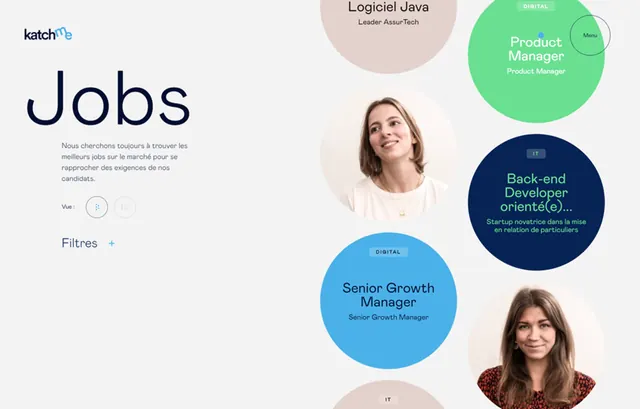 Geometric job roles interface with circular categorization · Graphics
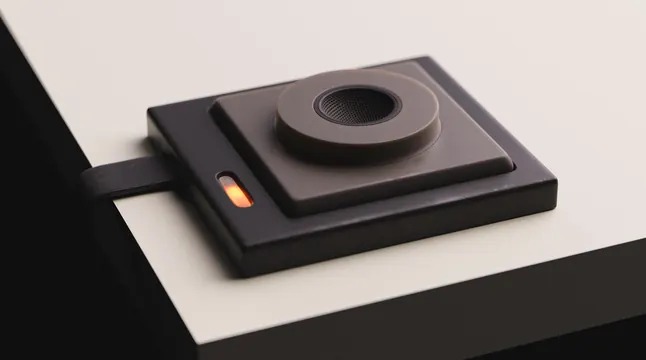 Black Hardware Device Mockup · Mockups