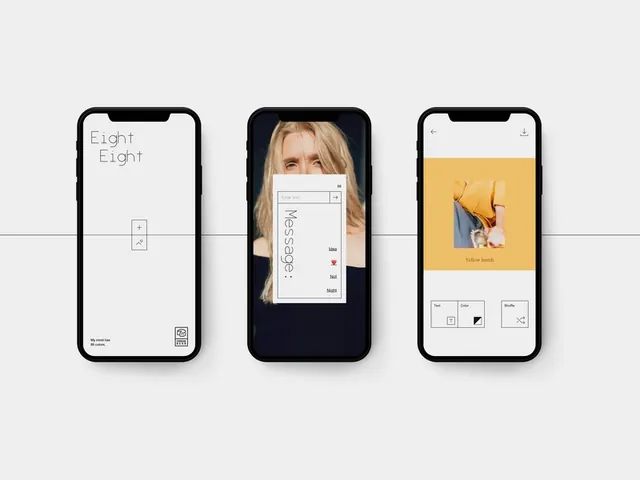
Eight Eight camera app UI screens
Three iPhone mockups showing minimalist screens for an Eight Eight camera app with monospaced type, photo overlays, and a yellow accent card.
Summary
Three iPhone mockups showing minimalist screens for an Eight Eight camera app with monospaced type, photo overlays, and a yellow accent card.
Visual description
Three black iPhones on a pale gray background. Left screen: white UI with Eight Eight in thin monospaced type, a small vertical tool widget, and footer copy. Center screen: full-bleed portrait photo with a centered white input card, vertical Message label, and tag chips. Right screen: yellow square photo card labeled Yellow bomb in serif type above a three-button row for Text, Color, and Shuffle.
Key takeaway
Pairing monospaced navigation with a single serif headline and one saturated accent block gives a creative camera app an editorial gallery feel.
Reuse notes
Strong reference for photo or journaling apps that want art-direction over conventional camera UI. Needs strong photography to carry the middle screen.
More like this
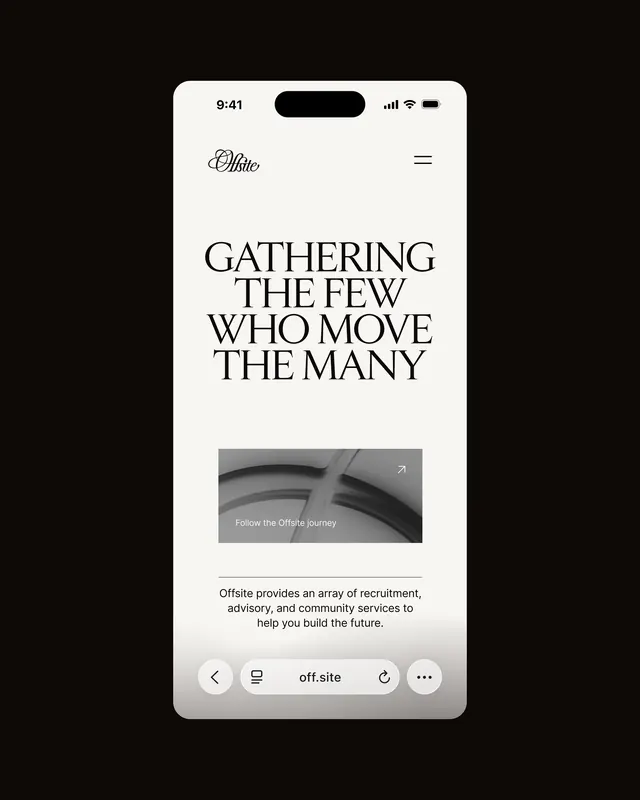 Offsite mobile recruitment homepage
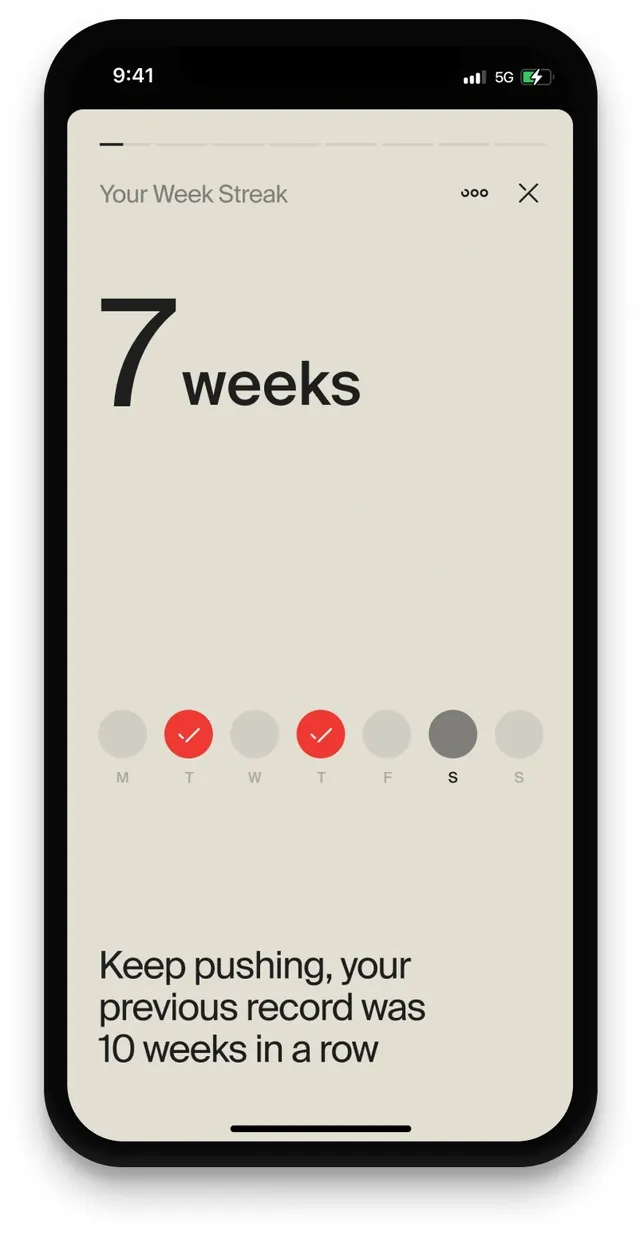 Week streak mobile app screen
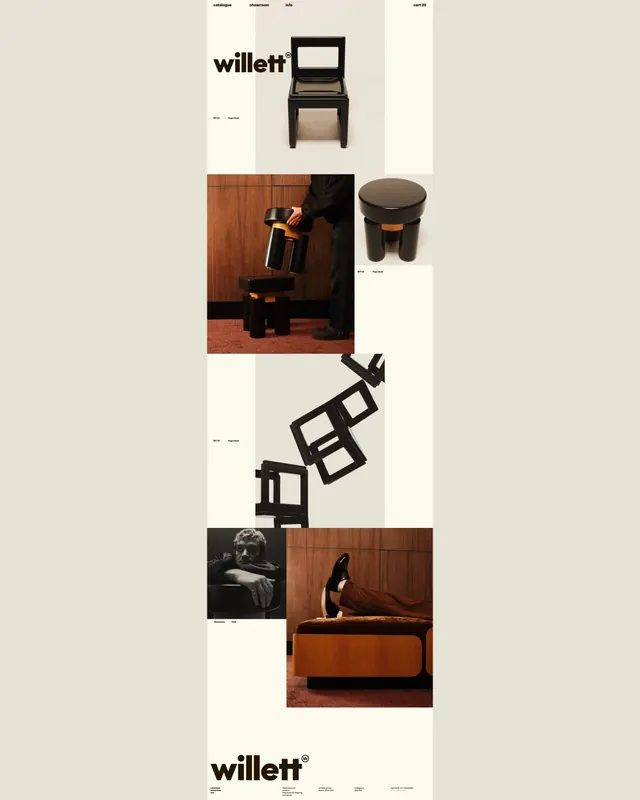 Willett furniture editorial web scroll
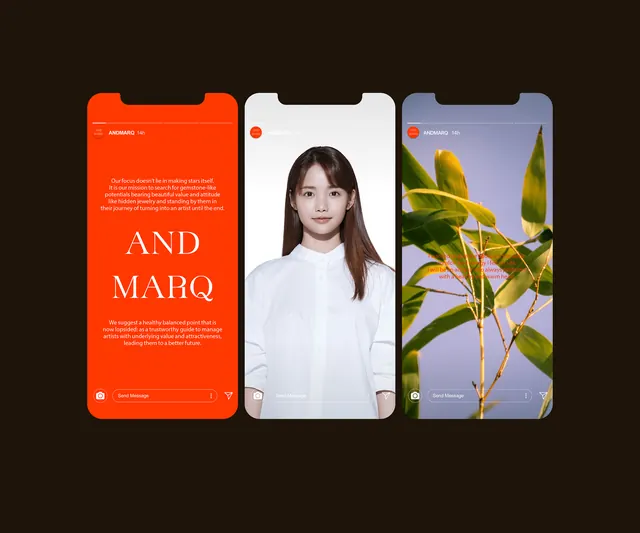 ANDMARQ Instagram stories trio
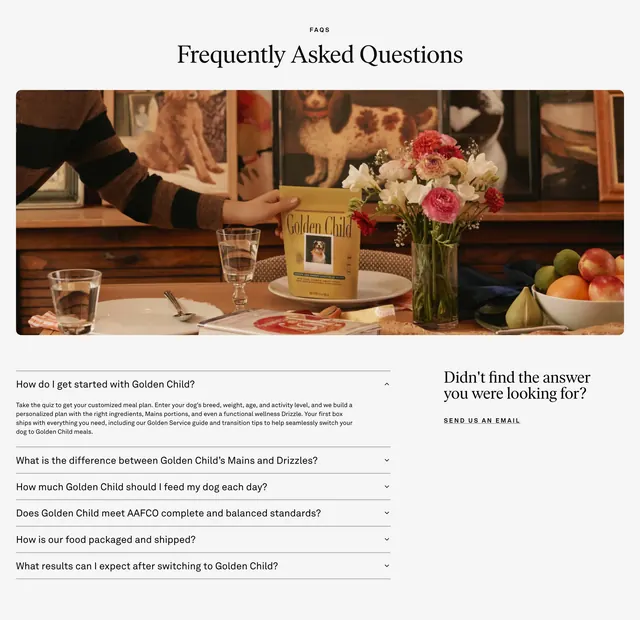 Golden Child FAQ with lifestyle hero image
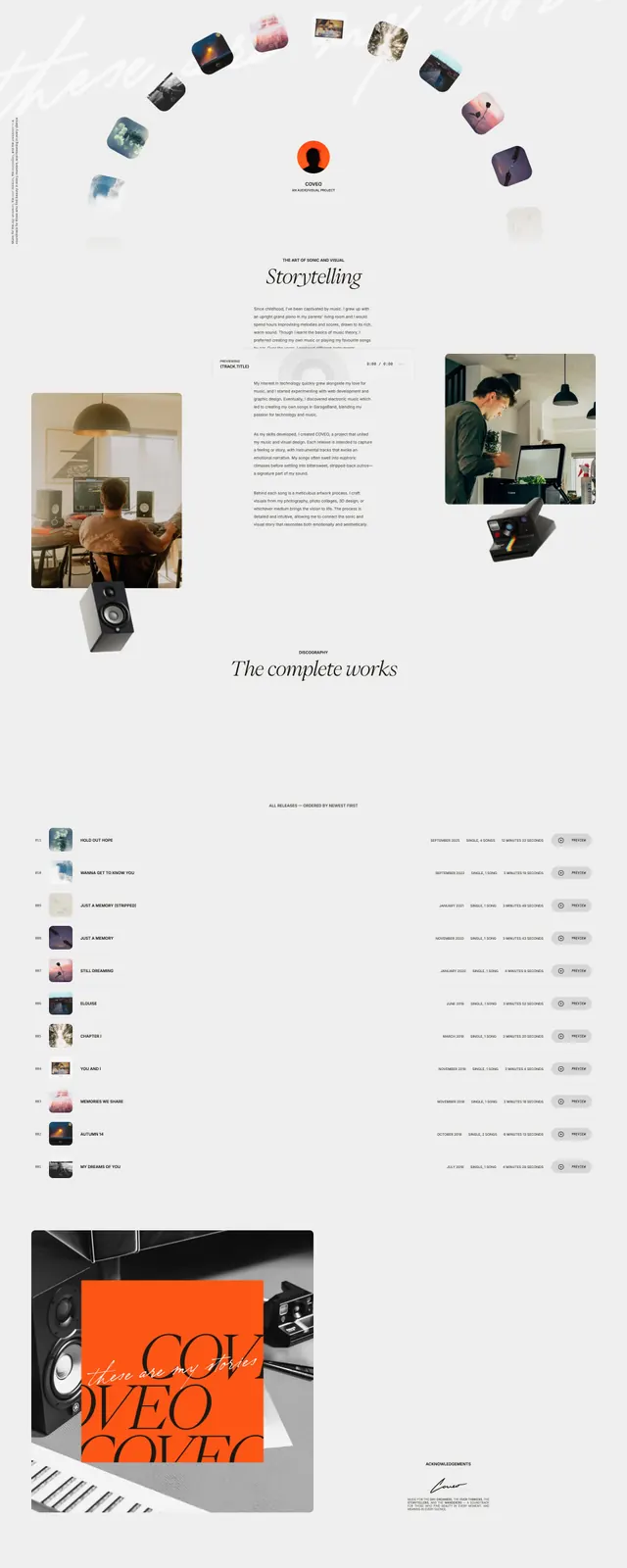 Coveo Music Storytelling Page
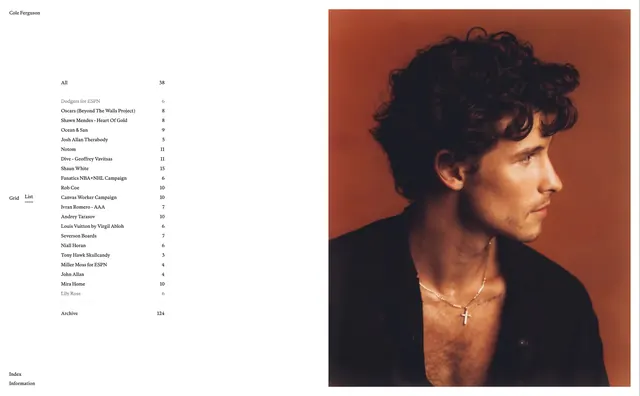 Cole Ferguson minimalist portfolio UI
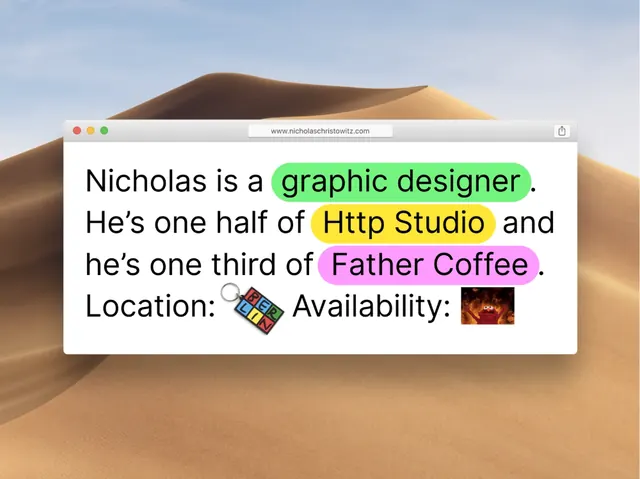 Minimal flat ui screen
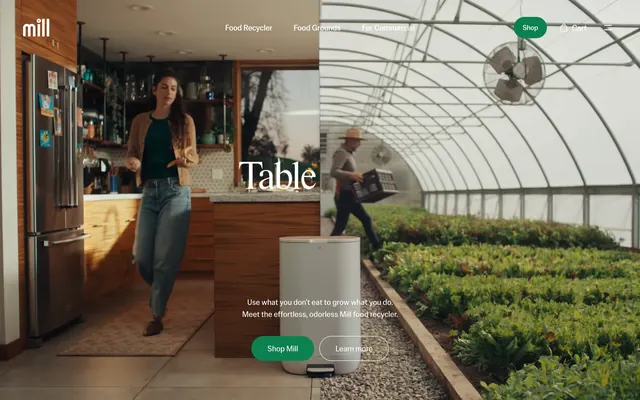 Mill table to farm split hero
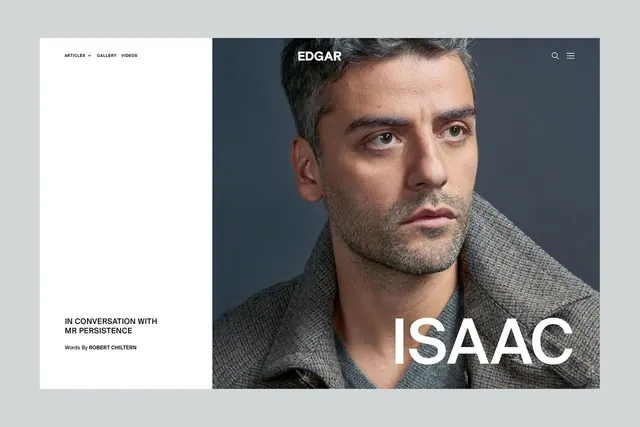 Edgar magazine split hero layout
 Golden Child ingredients split feature
 Minimal monochrome ui screen
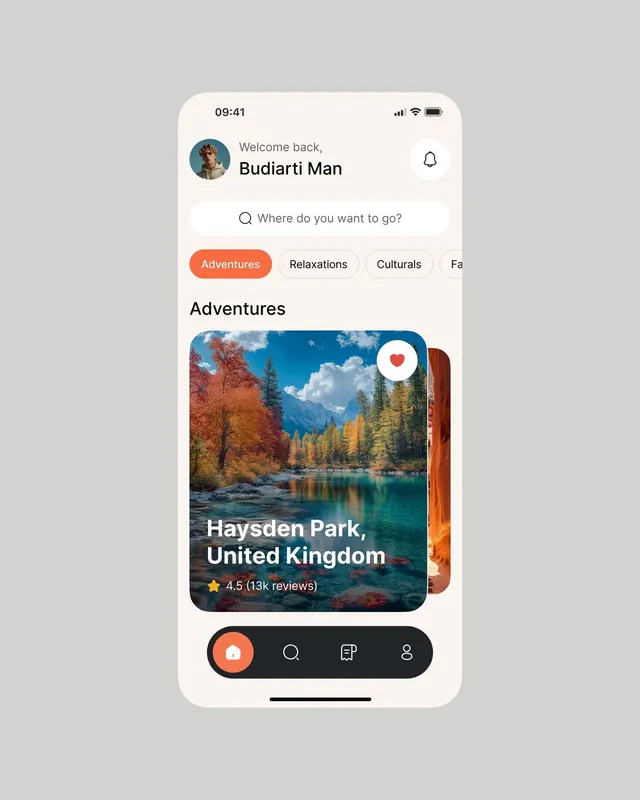 Travel app with personalized adventure recommendations
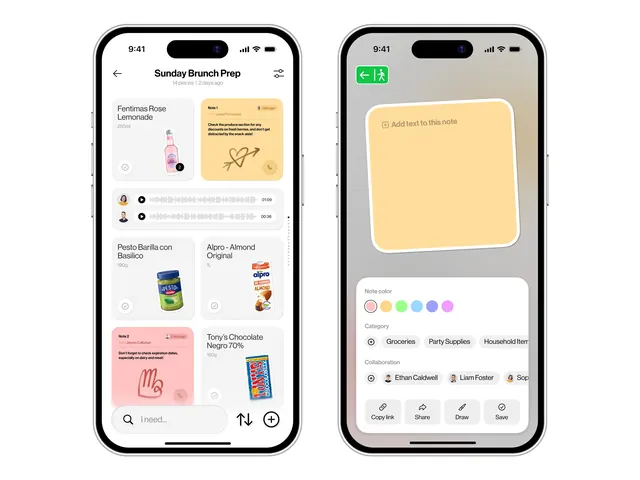 Minimal flat ui screen
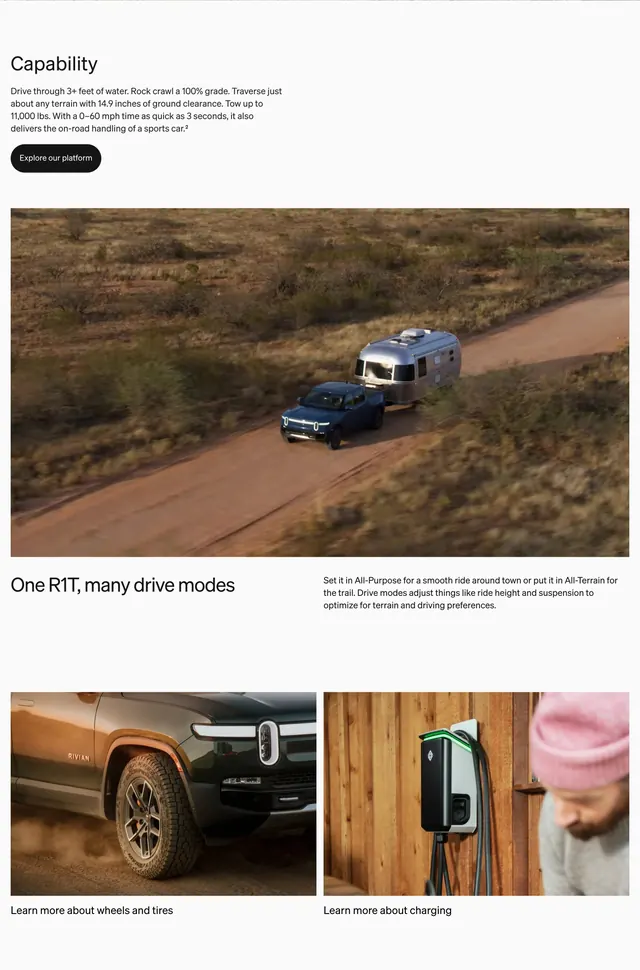 Rivian R1T capability feature section
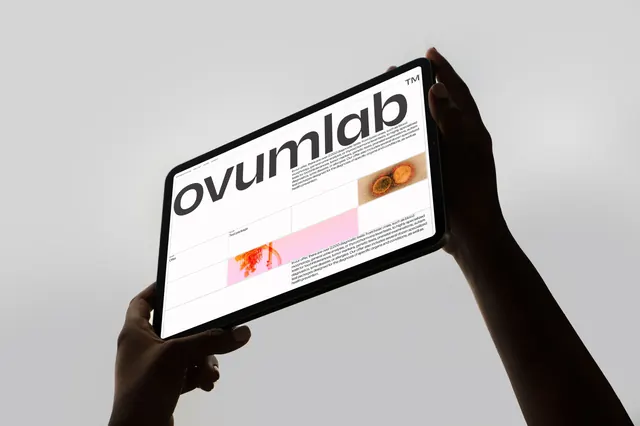 Minimal ui screen
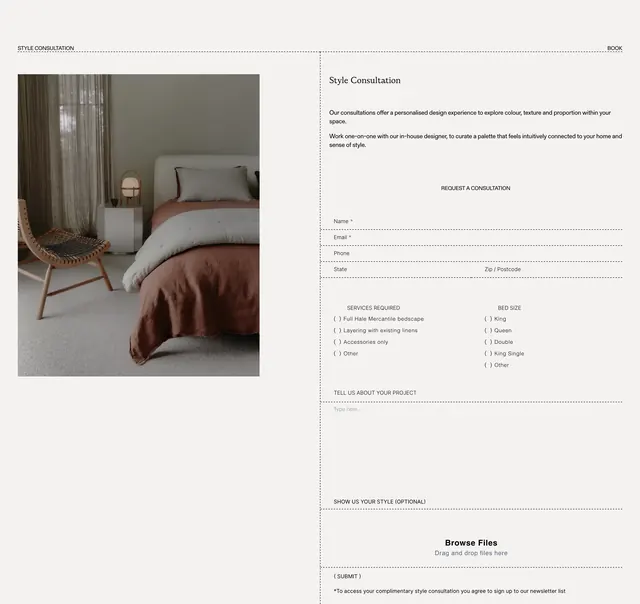 Hale Mercantile style consultation form
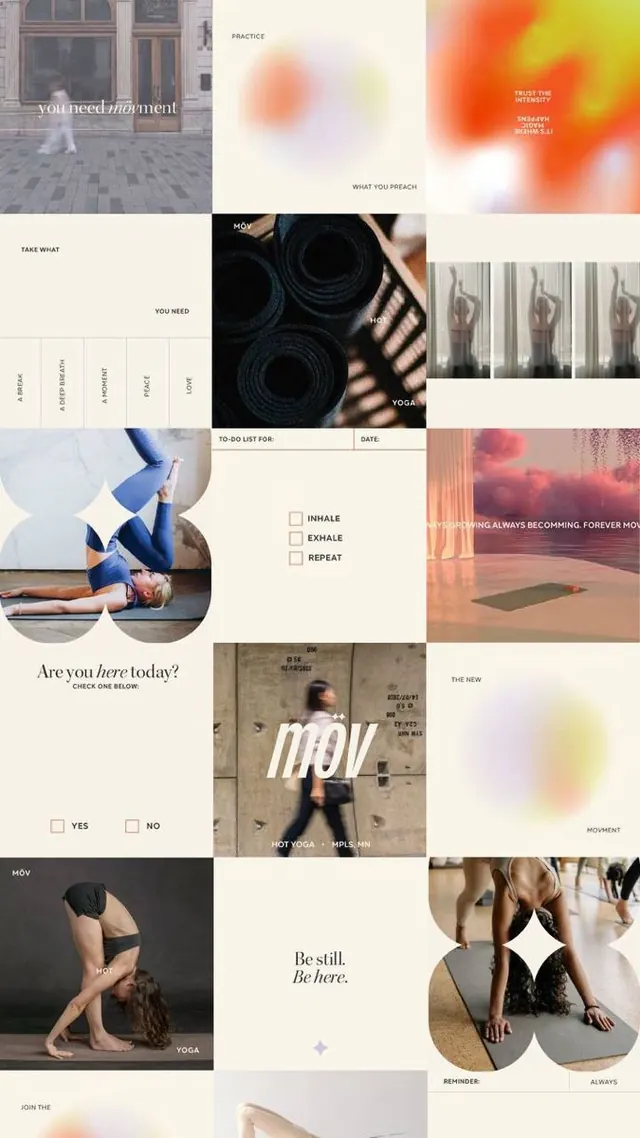 Minimal editorial ui screen
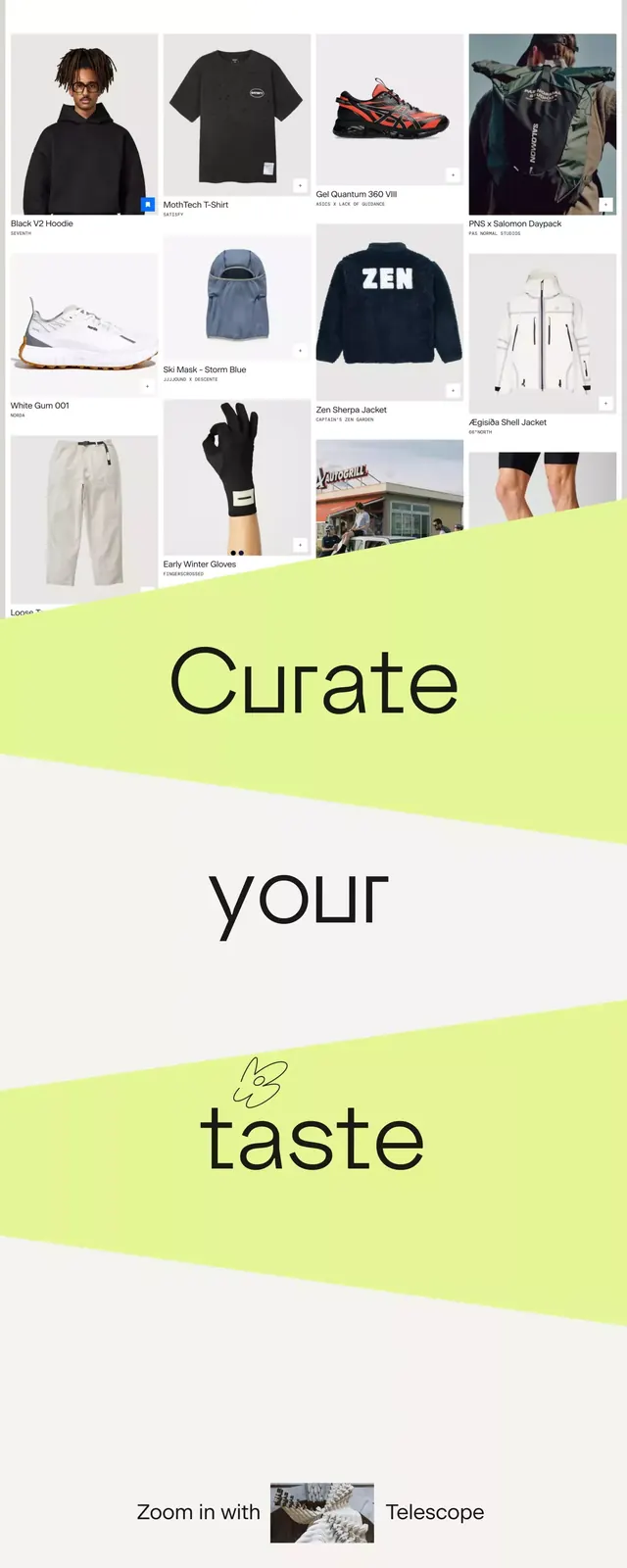 Minimal light-mode ui screen
 Shopify design course landing page
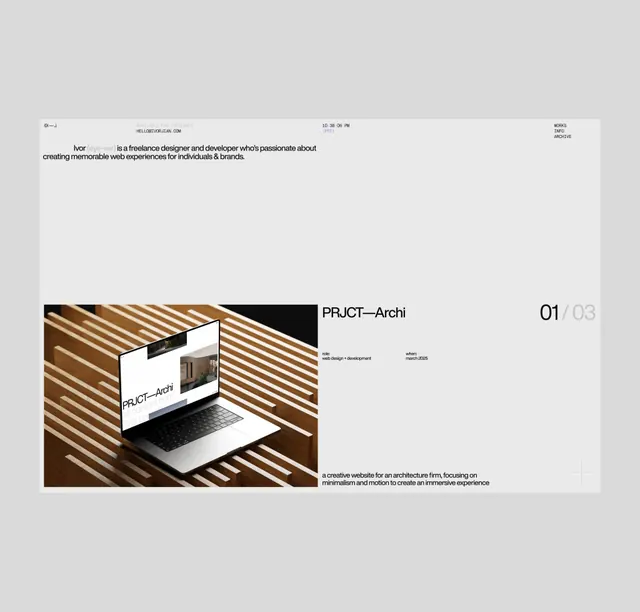 Minimal corporate-clean ui screen
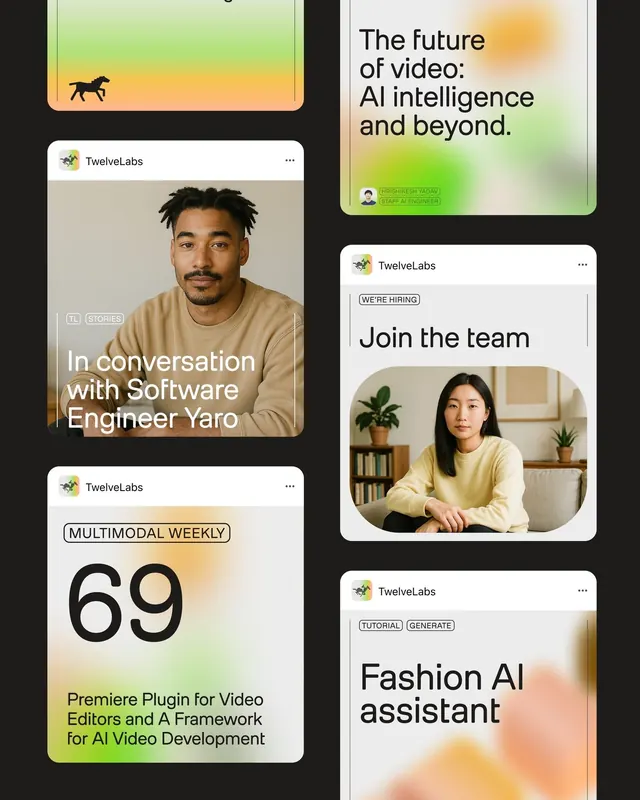 Minimal gradient-heavy ui screen
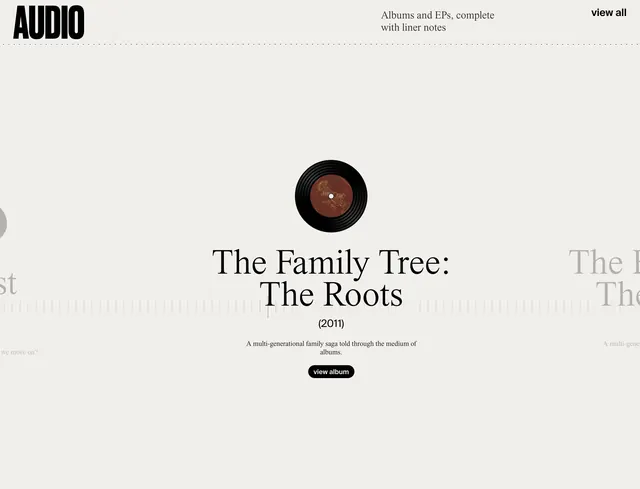 Radical Face audio discography carousel
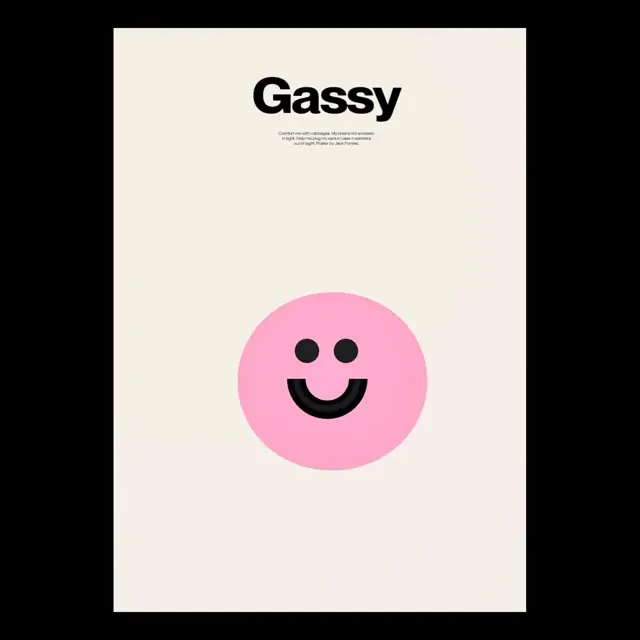 Minimal flat ui screen