Habit onboarding UI screen
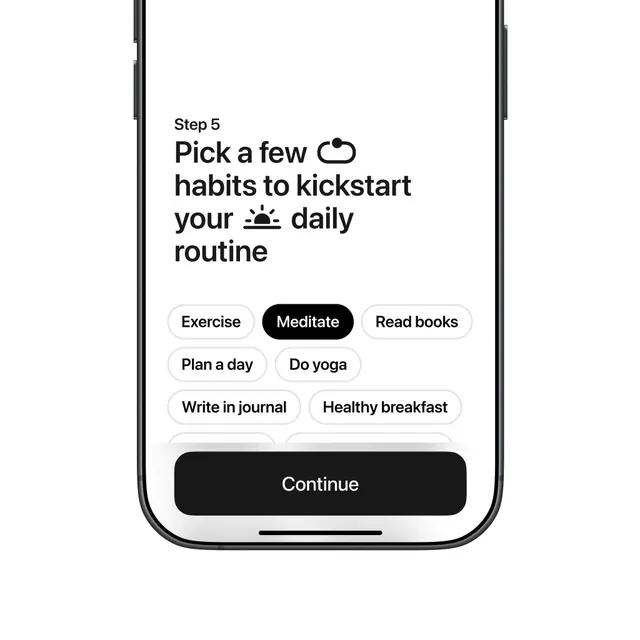
Mobile app onboarding screen (Step 5) for a habit-building app, using monochromatic pill-shaped selectable buttons (Exercise, Meditate, Read books, Plan a day, Do yoga, Write in journal, Healthy breakfast) with one pre-selected state and a primary CTA button.
Summary
Step 5 of a mobile habit onboarding flow where users select habit preferences from a grid of touchable pill buttons, with "Meditate" pre-highlighted in solid black and the rest in light outlines.
Visual description
A vertical mobile screen (likely iPhone 12+ proportions) with step label "Step 5" at top and headline "Pick a few habits to kickstart your daily routine" in large, bold sans-serif. Below is a loose grid of seven rounded-rectangle pill buttons: six outlined in light gray ("Exercise", "Read books", "Plan a day", "Do yoga", "Write in journal", "Healthy breakfast") and one filled solid black ("Meditate"). All buttons use black sans-serif text; the selected button inverts to white text on black. A large full-width primary CTA button labeled "Continue" sits at the bottom of the viewport, also in solid black. Background is off-white, with minimal visual chrome (thin phone bezels visible at top and bottom).
Key takeaway
The pill-shaped multi-select pattern clearly shows which habits are available and which is currently chosen. The solid black highlight on the selected option is instant visual feedback without a checkbox icon. One pre-selected default ("Meditate") reduces cognitive load for users who want to skip customization. The single large CTA below keeps the flow linear and mobile-thumb-friendly.
Reuse notes
Ideal for wellness, productivity, and health apps that onboard users incrementally. Works well when you expect users to choose one to three items from a longer list. Keep pills to 1-2 lines; if more than 8 options, consider a scrollable or tabbed variant instead. The "continue" language suggests this is not the final step, so signal what comes next or allow back/skip options if users get stuck.
More like this
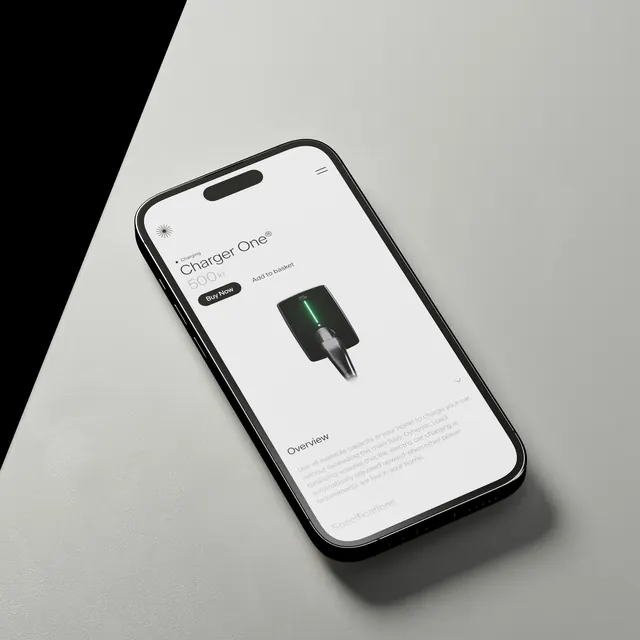 Smartphone UI Mockup with Charger App
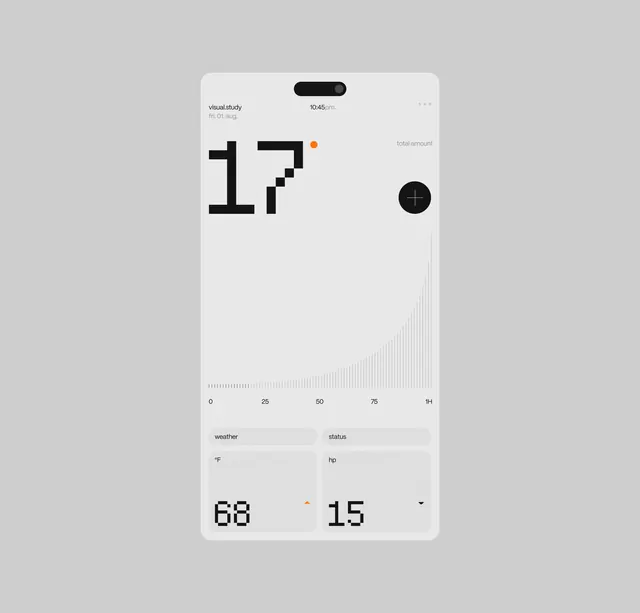 Minimalist Mobile UI Mockup
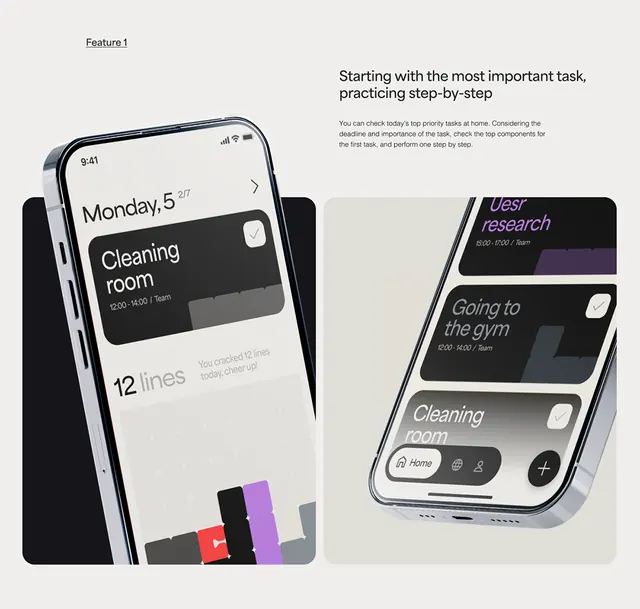 App UI mockup with task management screens
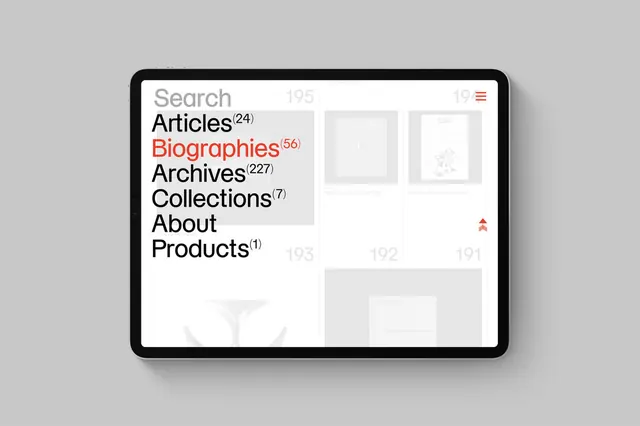 Minimalist UI Dashboard Mockup
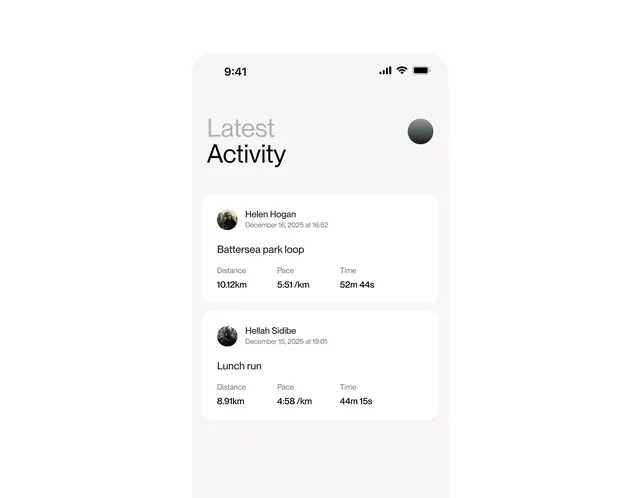 Fitness activity feed mobile UI
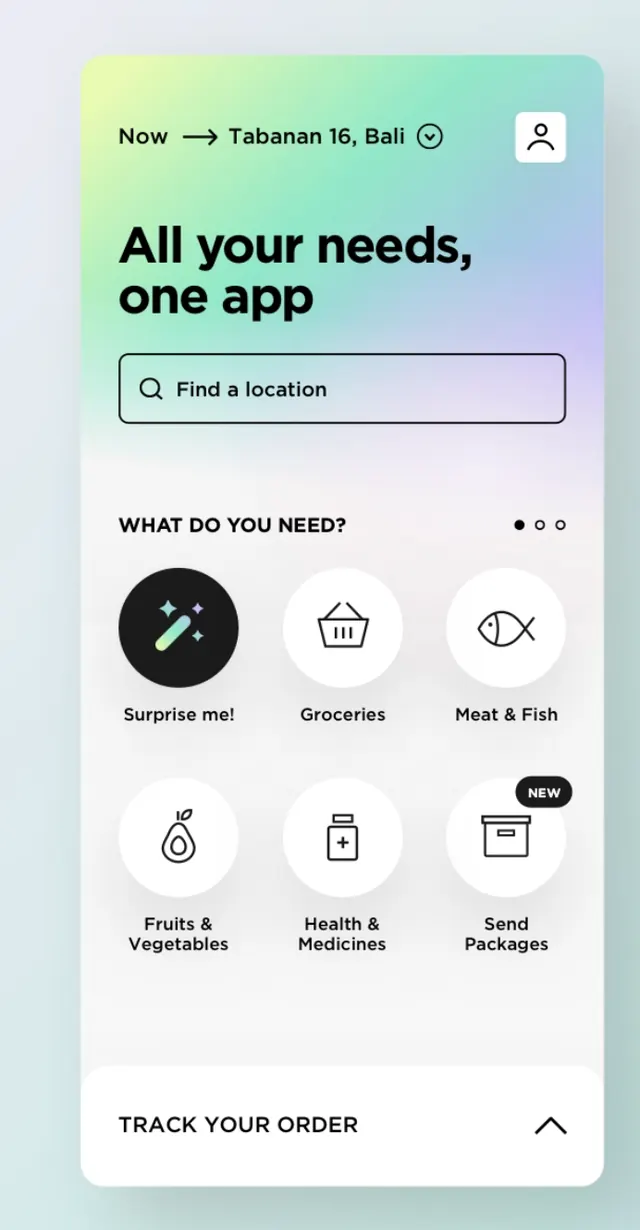 Pastel gradient super-app mobile interface
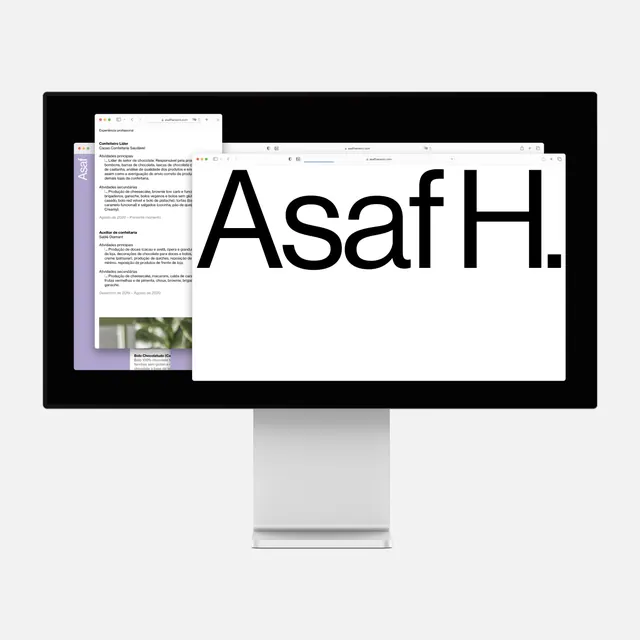 AsafH. Wordmark Mockup
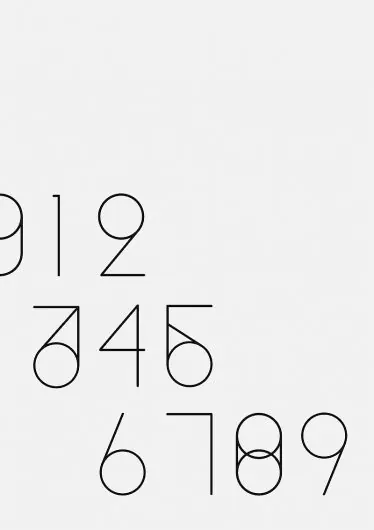 Minimalist Numeric Type Specimen
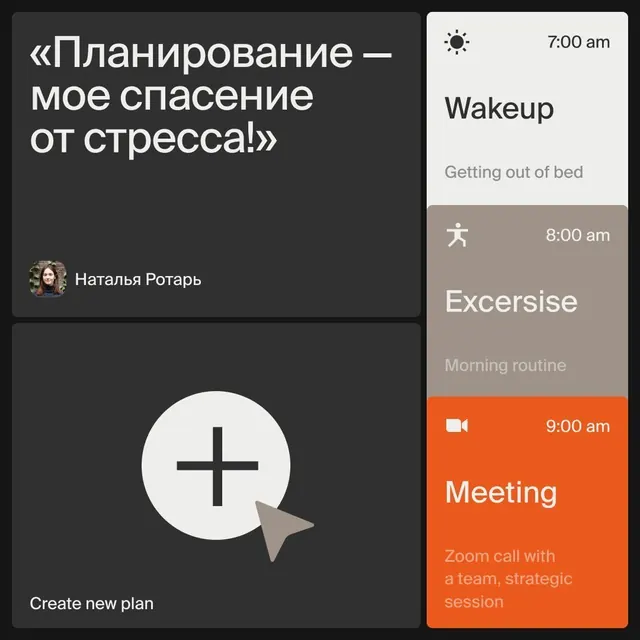 Daily planning UI with warm accent CTA
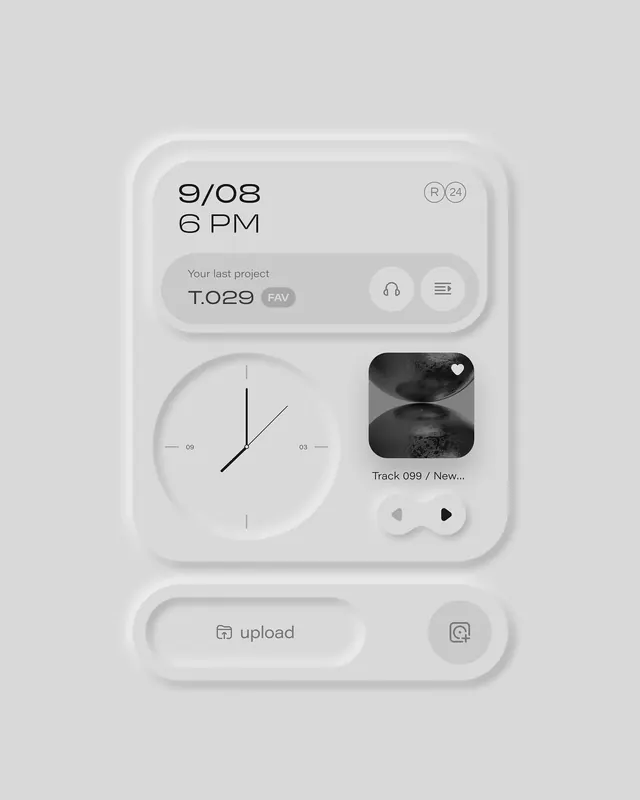 Smartwatch UI Mockup
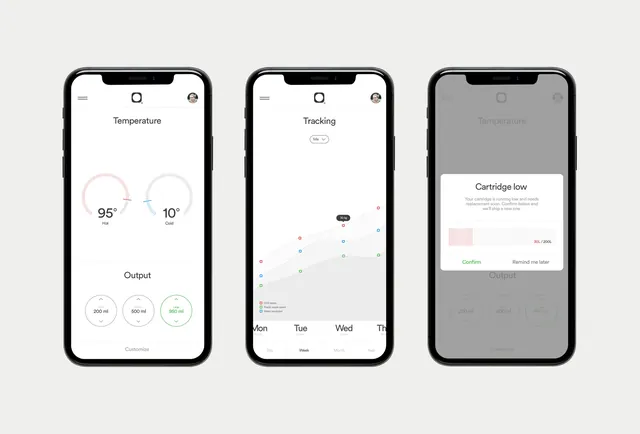 Weather App UI Mockup
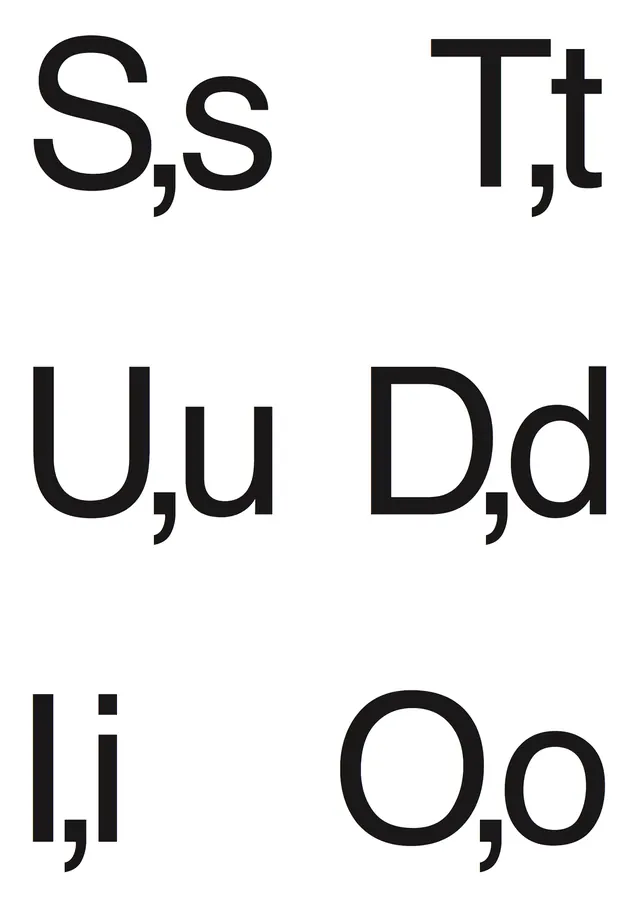 General Office Studio alphabet specimen
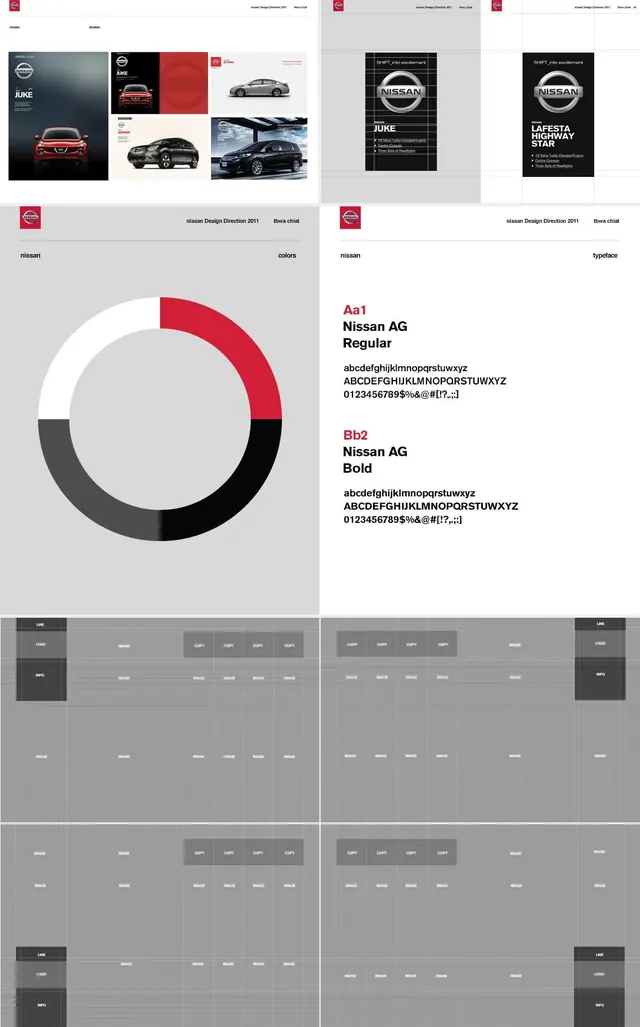 Minimalist Corporate Identity and UI Design Reference
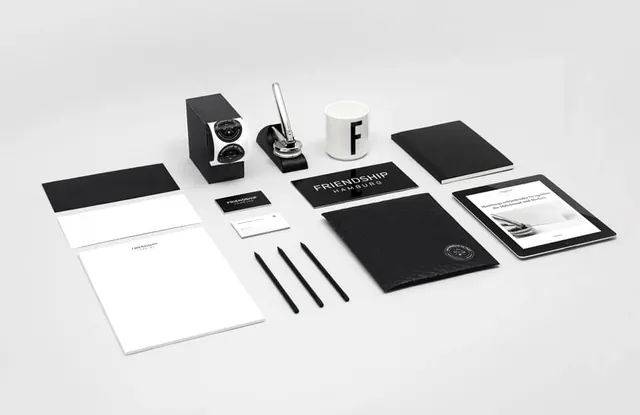 Minimalist Corporate Identity Mockup
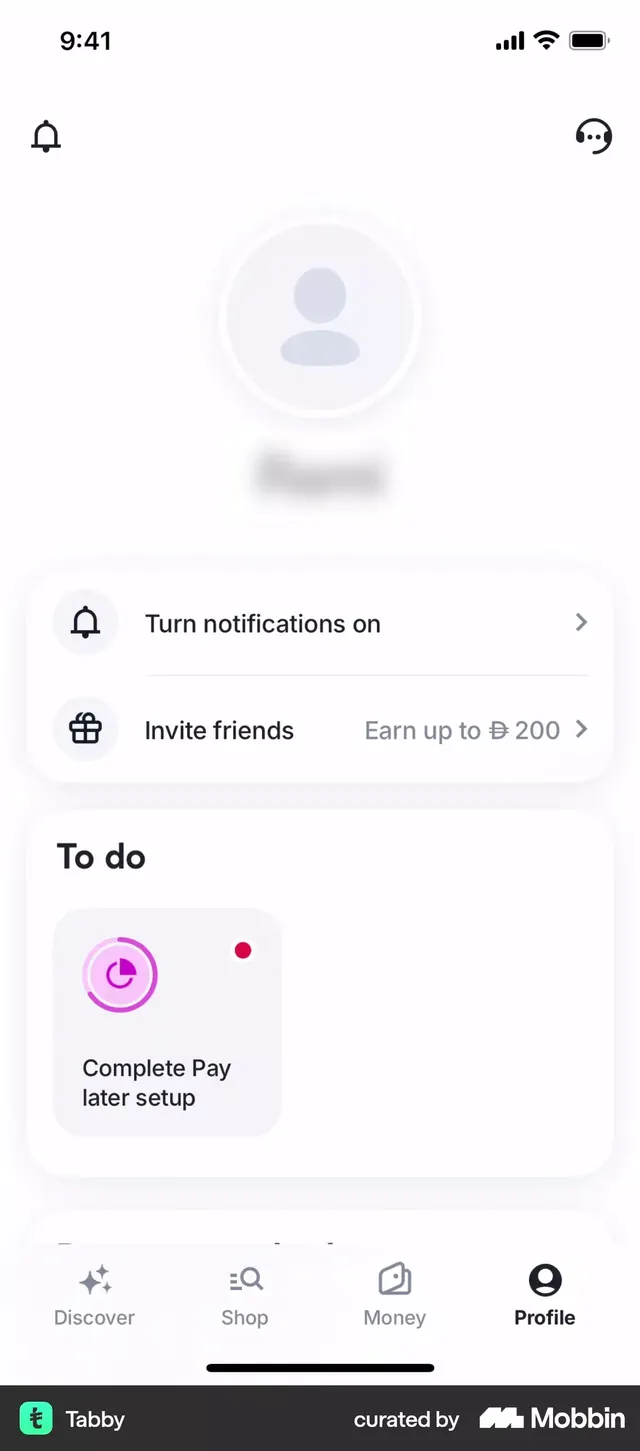 Tabby fintech profile screen with onboarding prompts
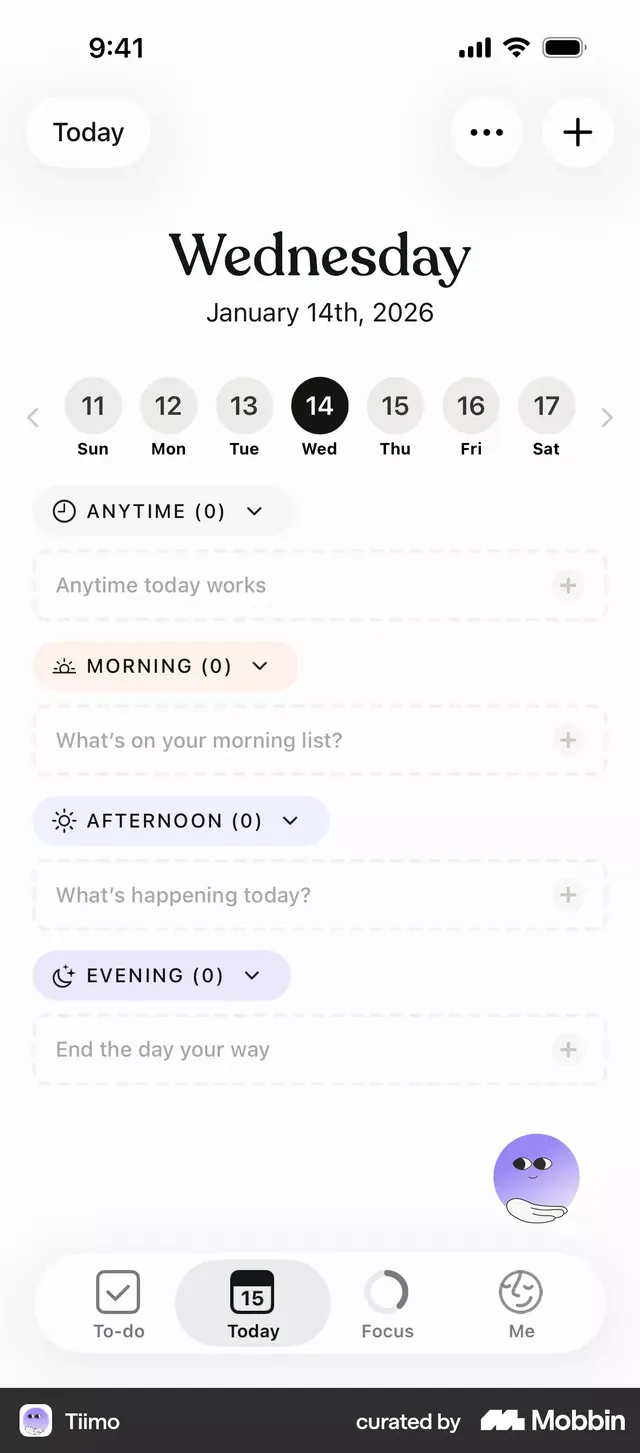 Tiimo daily planner interface
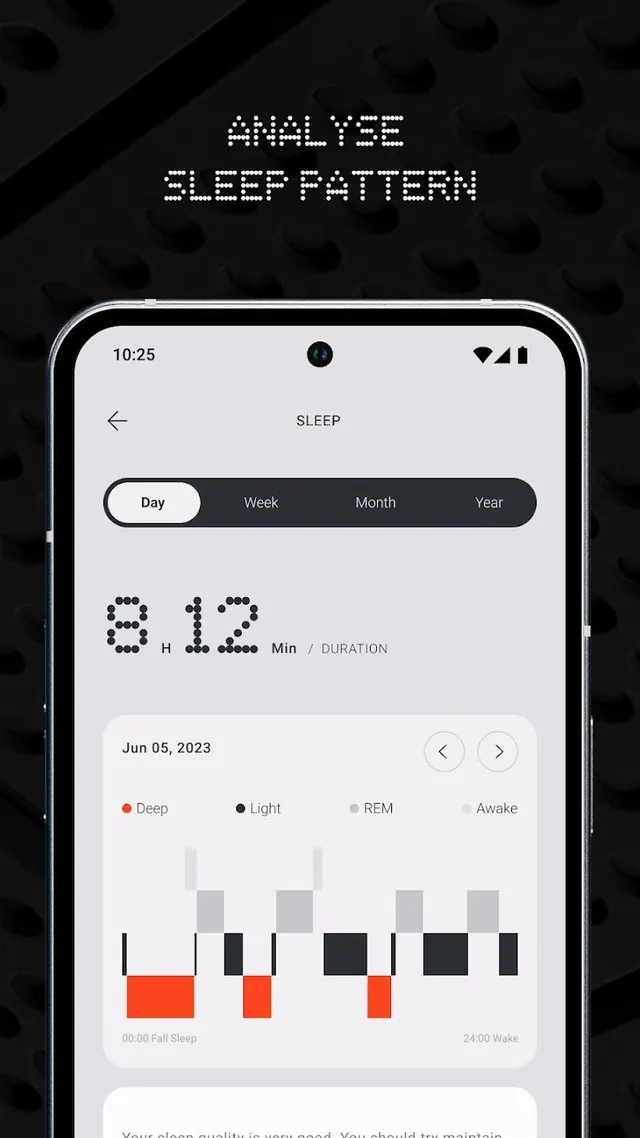 Sleep tracking mobile dashboard
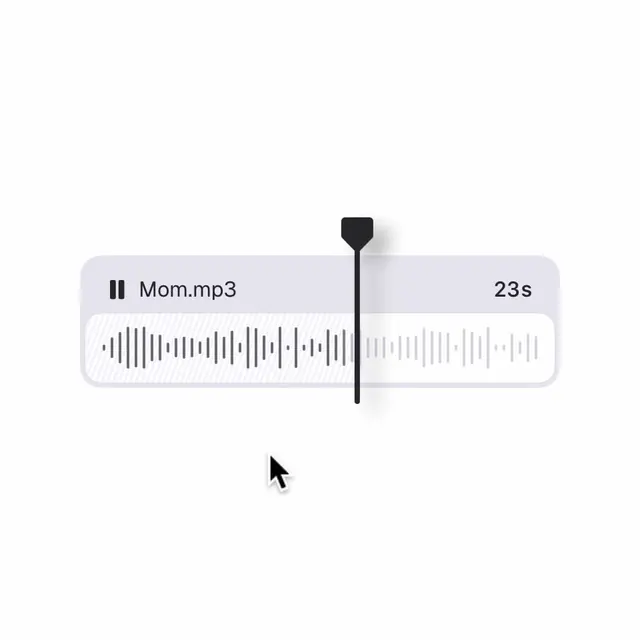 Music Player UI Element
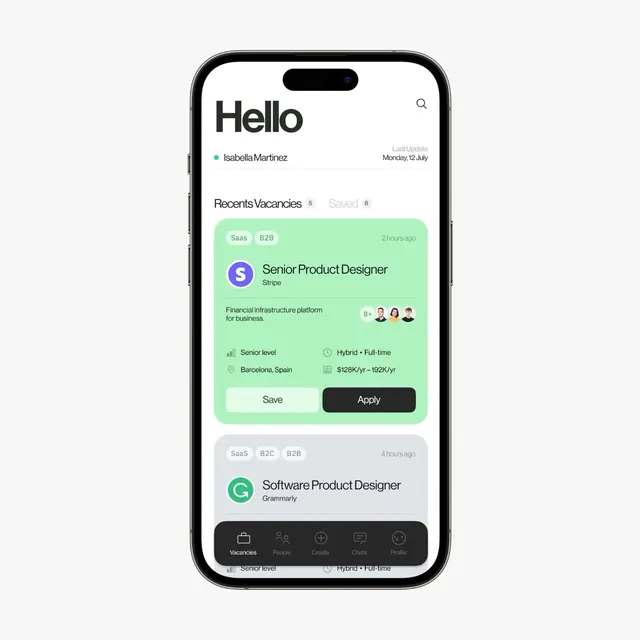 Job recruitment mobile app interface
 Minimal technical abstract graphic
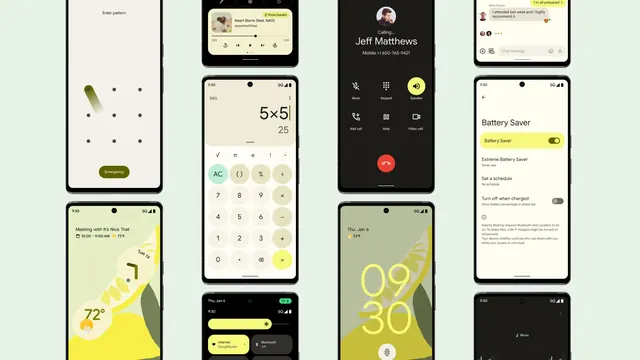 Mobile App UI Design Showcase
 Wave Studios geometric W wordmark on white
 Sendible SaaS landing page with warm sans-serif typography
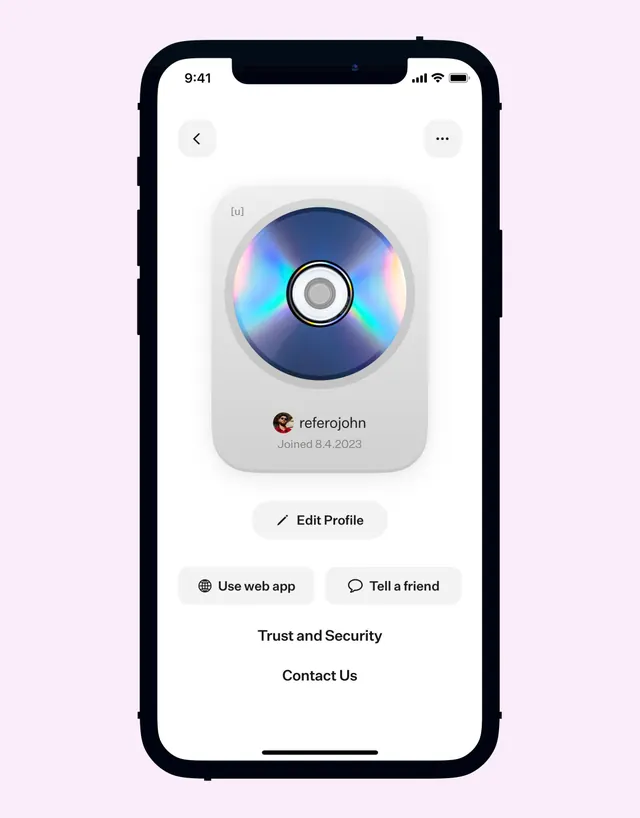 Mobile profile card with CD design