Standard Fleet OEM compatibility partners list
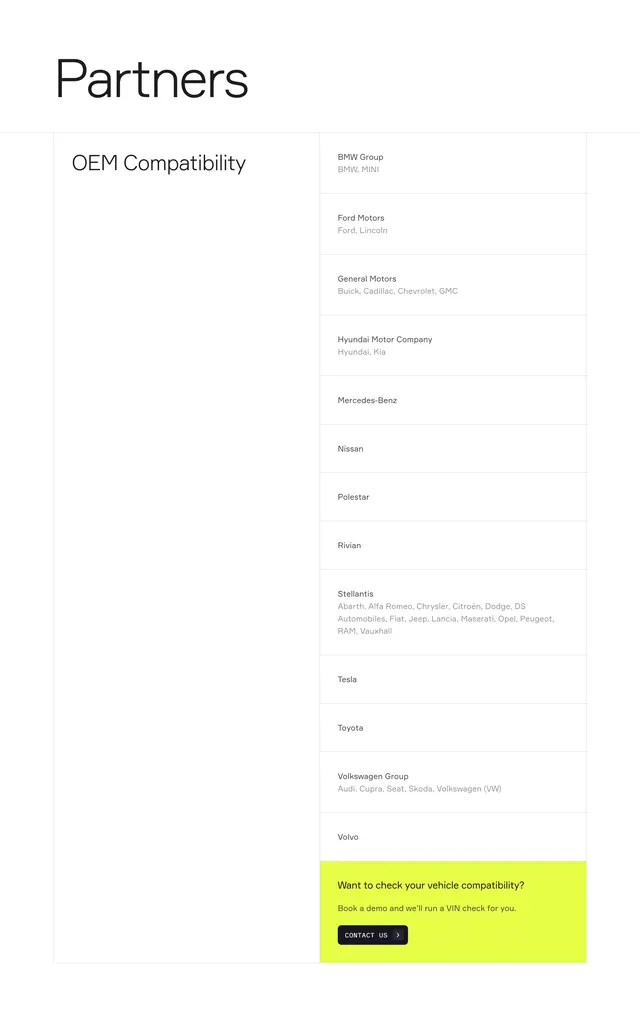
Partners section listing OEM groups and sub-brands in ruled rows, ending with a lime compatibility CTA box and CONTACT US button.
Summary
Partners section listing OEM groups and sub-brands in ruled rows, ending with a lime compatibility CTA box and CONTACT US button.
Visual description
Partners heading at top left. Two-column layout with OEM Compatibility label on the left and a long vertical list on the right. Each row names an OEM group in bold with gray sub-brand text below, separated by thin lines. Bottom row is a lime box with VIN-check copy and a black CONTACT US button.
Key takeaway
A single high-visibility CTA block at the end of a dense compatibility list converts research into action without interrupting the list rhythm.
Reuse notes
Ideal for integration or compatibility pages where exhaustive lists need a clear next step.
More like this
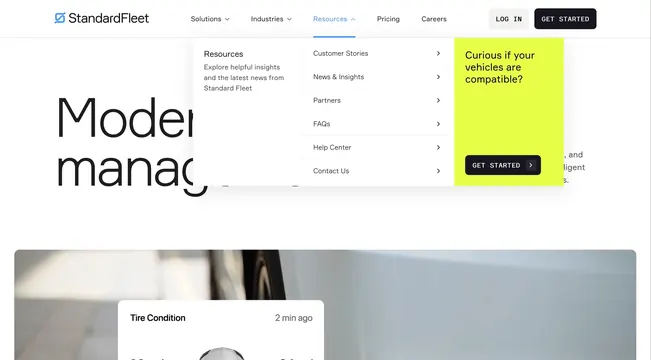 Standard Fleet Resources mega menu
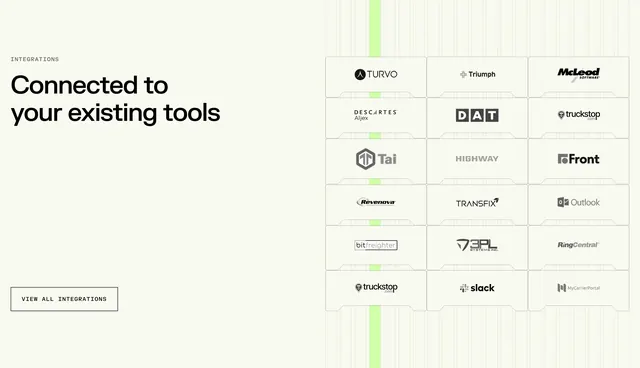 Vooma integrations split showcase
 Nfinite background feature with lab photo
 Foundation Alloy hero with yellow blocks
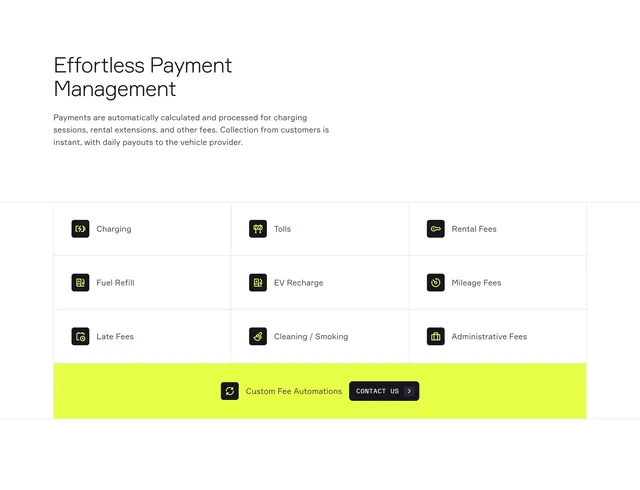 Standard Fleet payment fee types grid
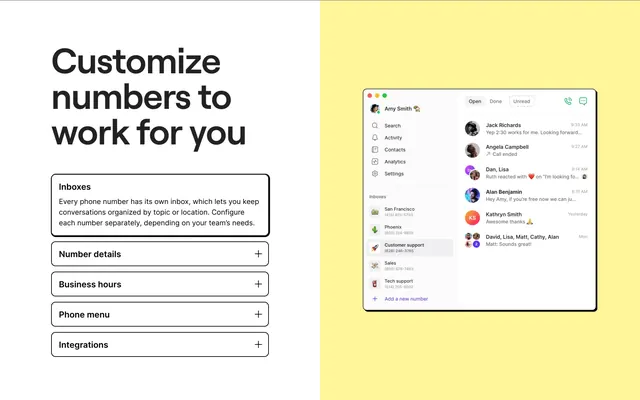 OpenPhone customize numbers split feature
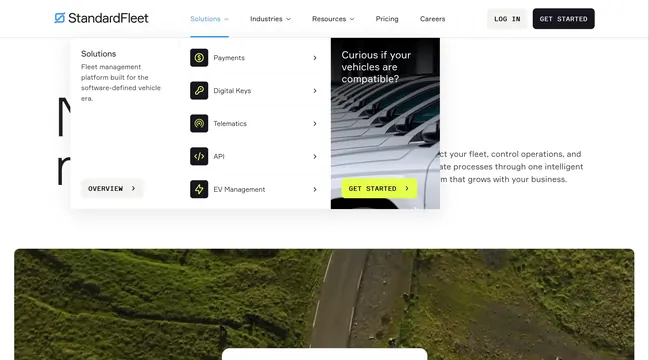 Standard Fleet Solutions mega menu
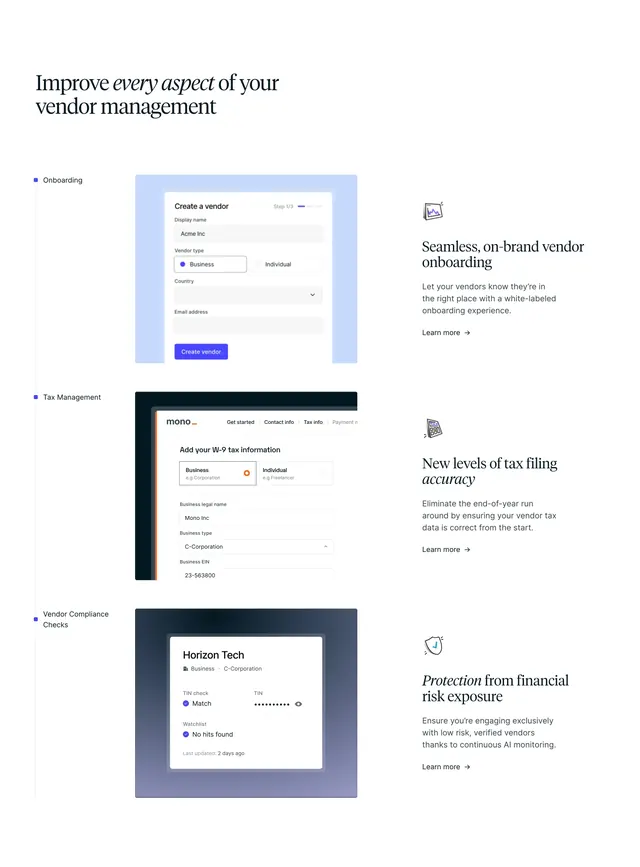 Routable vendor features timeline
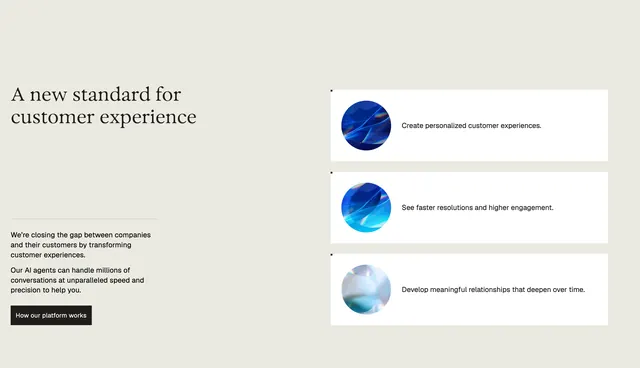 Parloa customer experience split feature
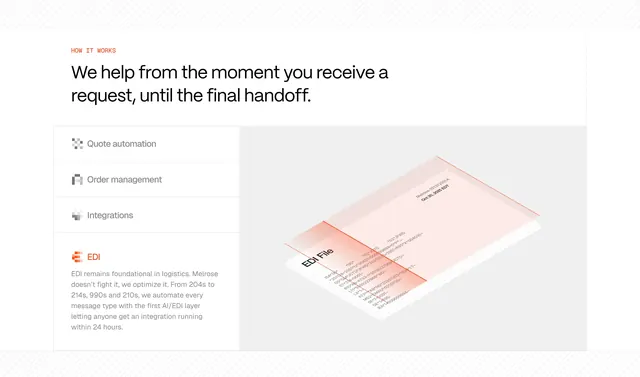 Melrose EDI how-it-works tabs
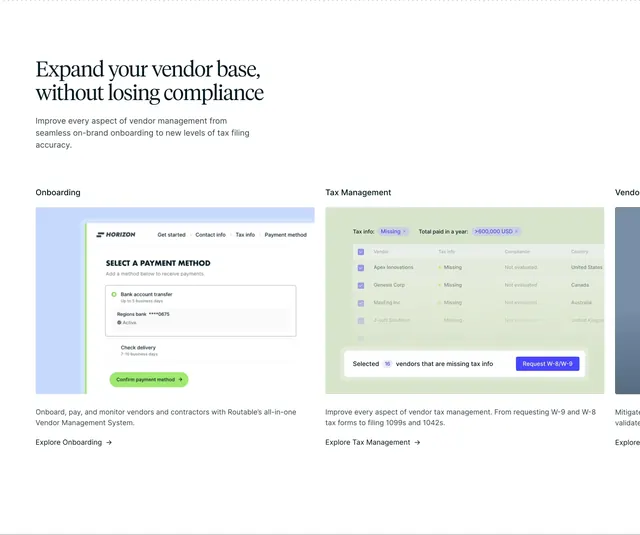 Routable vendor management features
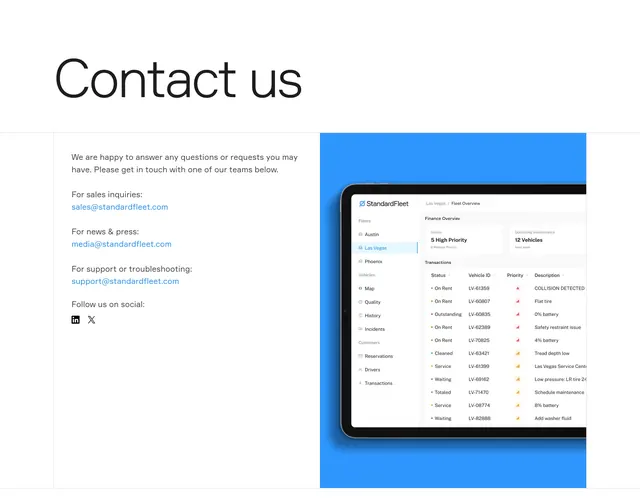 Standard Fleet contact split with dashboard
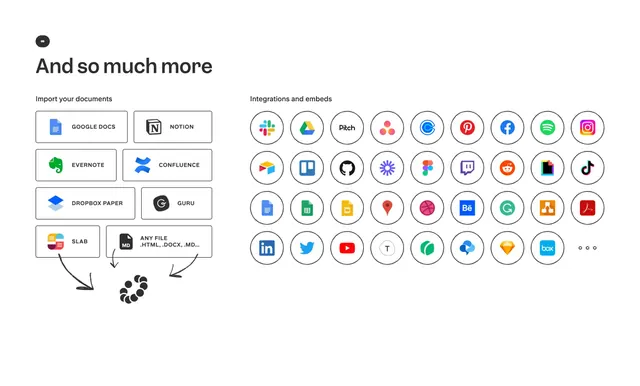 Slite imports and integrations grid
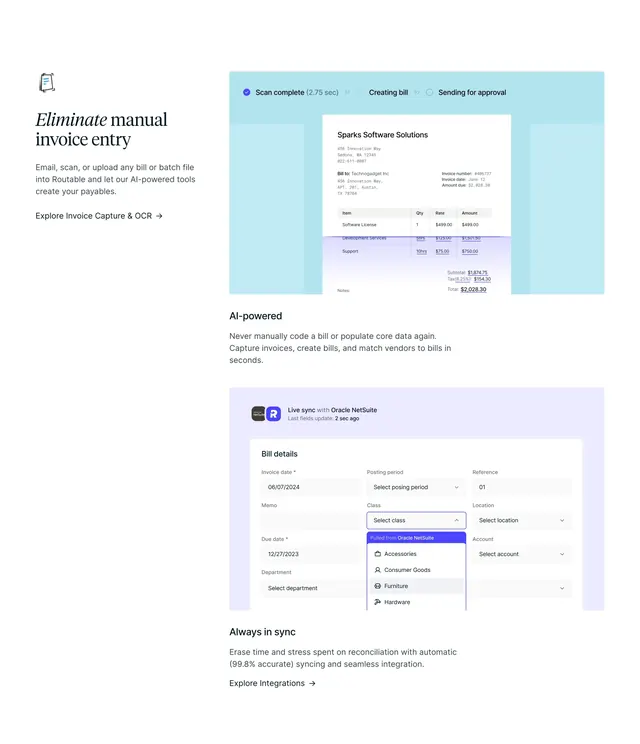 Routable invoice capture and OCR features
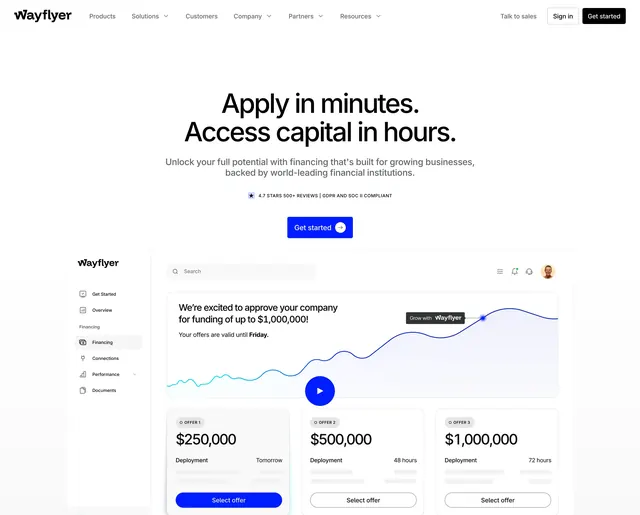 Wayflyer financing hero with dashboard mockup
 Pylon industry blog list
 Slite Ask AI knowledge assistant
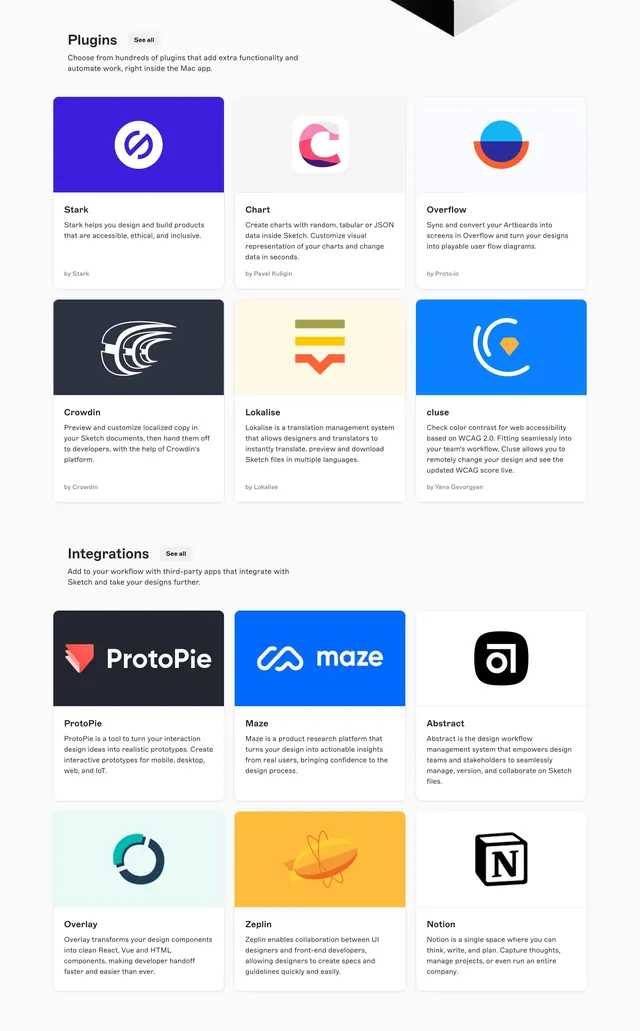 Sketch plugins and integrations grid
 Routable tabbed AP feature walkthrough
 Highnote insights blog three-up row
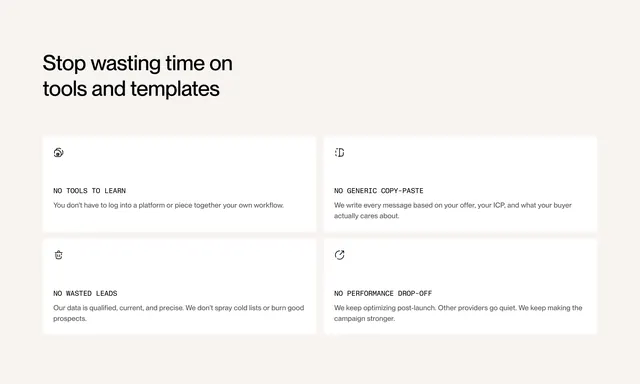 Throxy no-tools feature grid
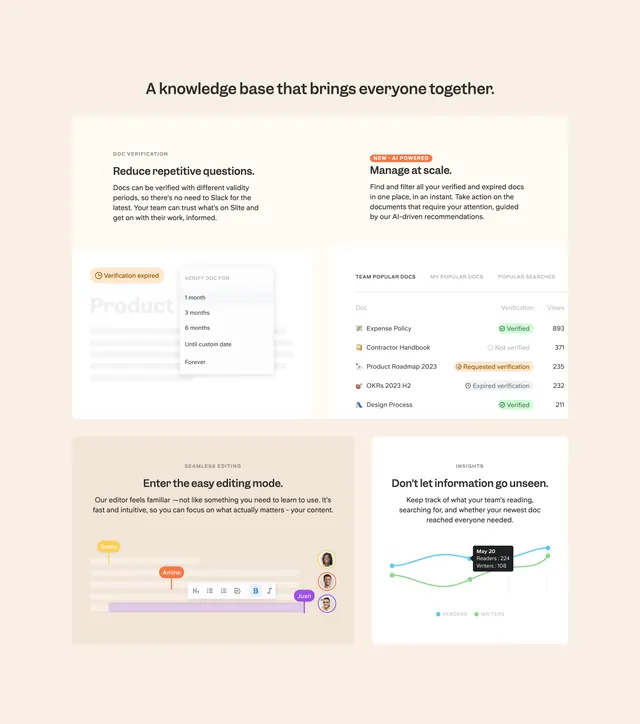 Slite knowledge base benefits grid
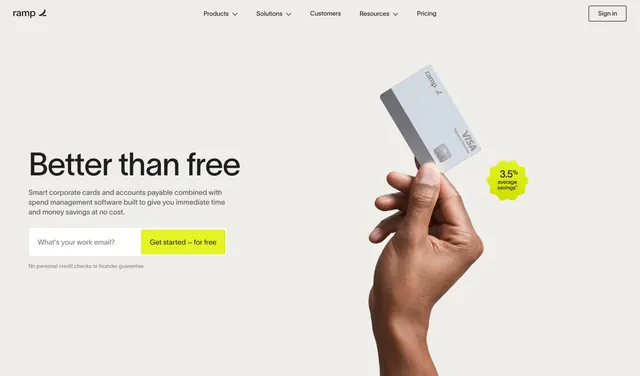 Ramp pricing better than free hero
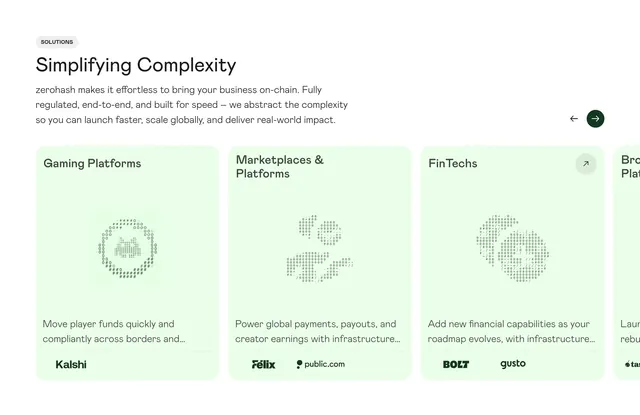 Zerohash solutions horizontal carousel