Standard Fleet Solutions mega menu
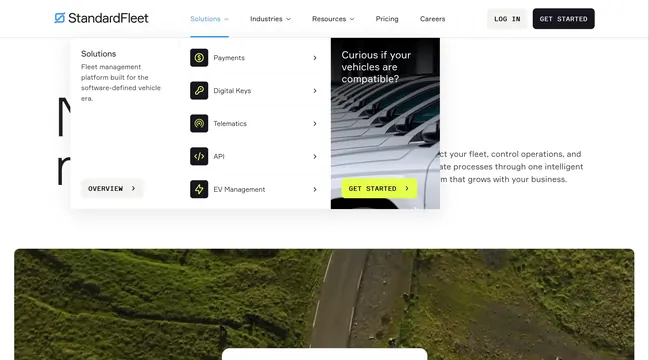
Open Solutions dropdown with three columns: overview copy, an icon list of five products, and a photo CTA card with a lime GET STARTED button.
Summary
Open Solutions dropdown with three columns: overview copy, an icon list of five products, and a photo CTA card with a lime GET STARTED button.
Visual description
White mega menu beneath the header with a shadow. Left column has Solutions title, description, and an OVERVIEW button. Center lists Payments, Digital Keys, Telematics, API, and EV Management with dark icon squares and chevrons. Right column is a card with a grayscale fleet photo, compatibility copy, and a lime GET STARTED button.
Key takeaway
Three-pane mega menu structure: context, links, and a conversion card keeps complex nav organized without losing a CTA.
Reuse notes
Reference for B2B sites with multiple product pillars and a primary signup goal inside navigation.
More like this
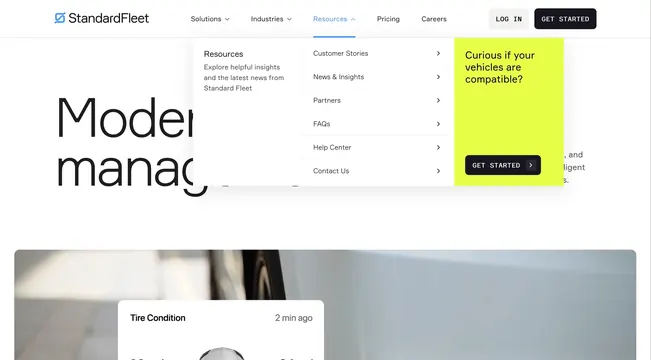 Standard Fleet Resources mega menu
 Good Life weight loss mega menu
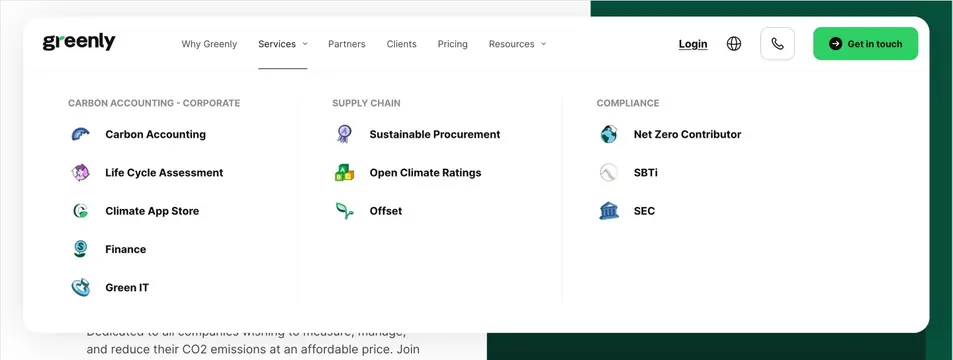 Greenly services mega menu
 Standard Fleet customer stories list
 Highnote customer testimonial grid with video
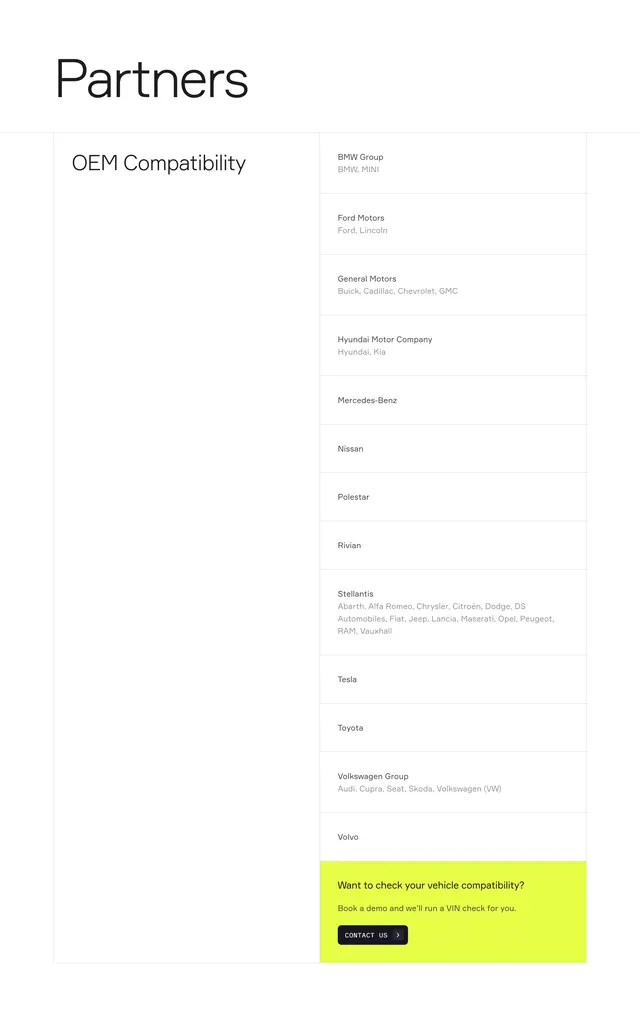 Standard Fleet OEM compatibility partners list
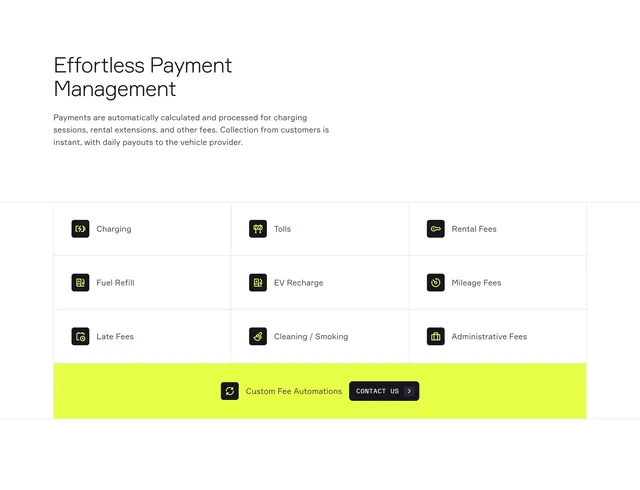 Standard Fleet payment fee types grid
 Highnote eight-card industry solutions grid
 Reflow enterprise operations hero
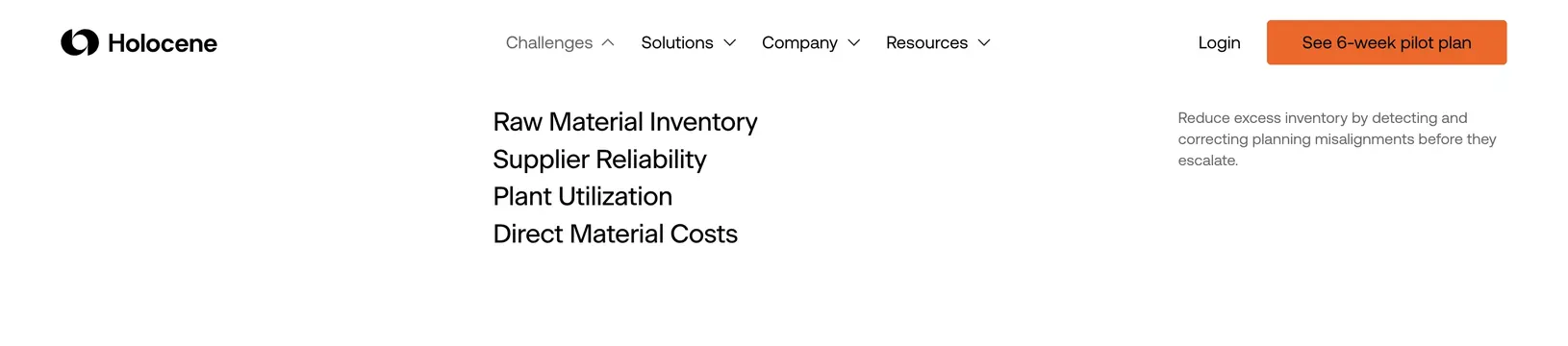 Holocene mega menu navbar open state
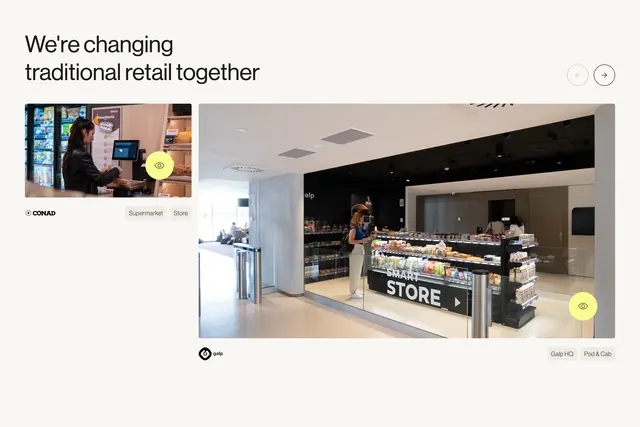 Sensei retail transformation case study carousel
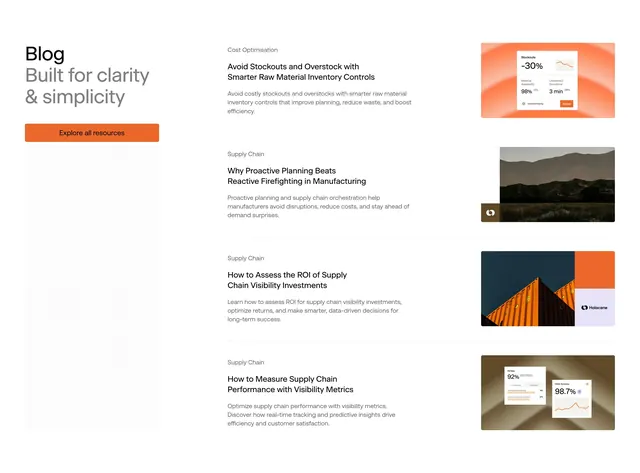 Holocene blog sidebar list layout
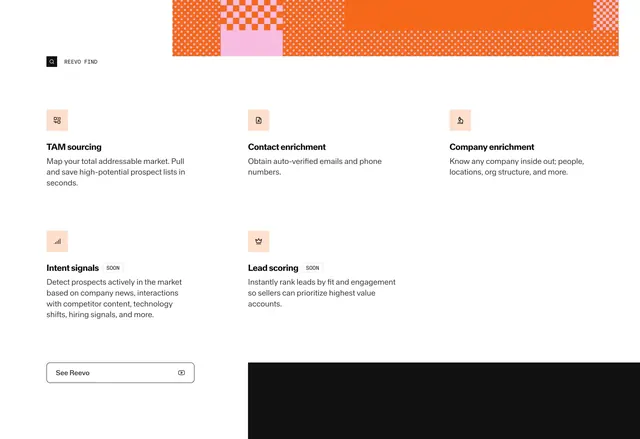 Reevo Find capability grid
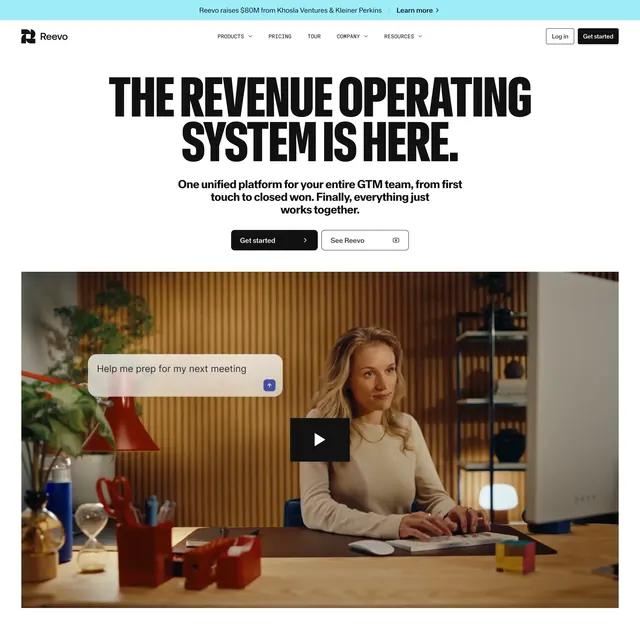 Reevo revenue operating system hero
 Teamway testimonial stat cards
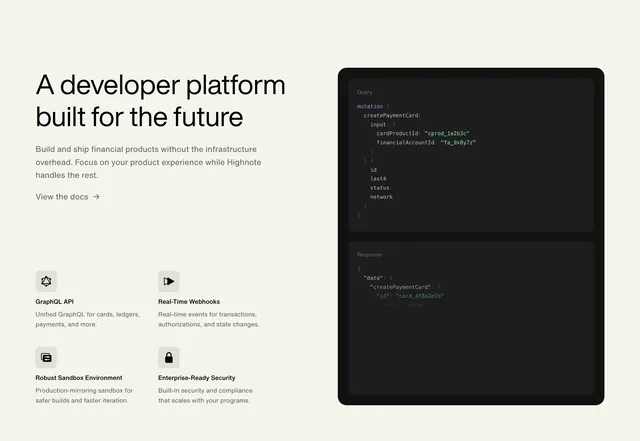 Highnote developer platform split feature
 Wayflyer customer success filmstrip gallery
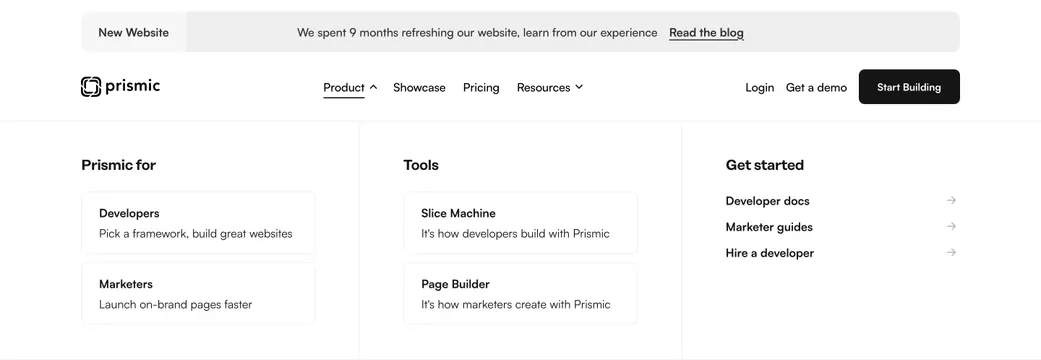 Prismic Product mega menu dropdown
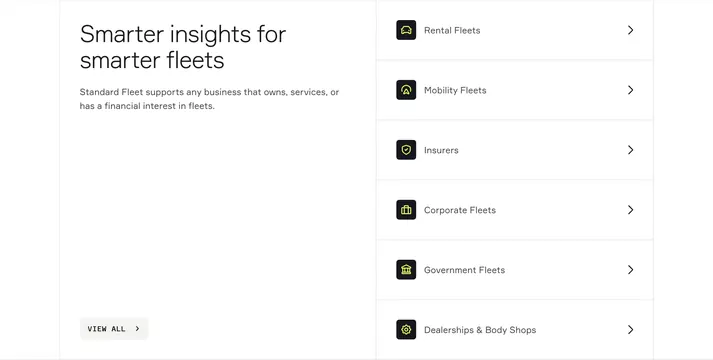 Standard Fleet industries vertical list
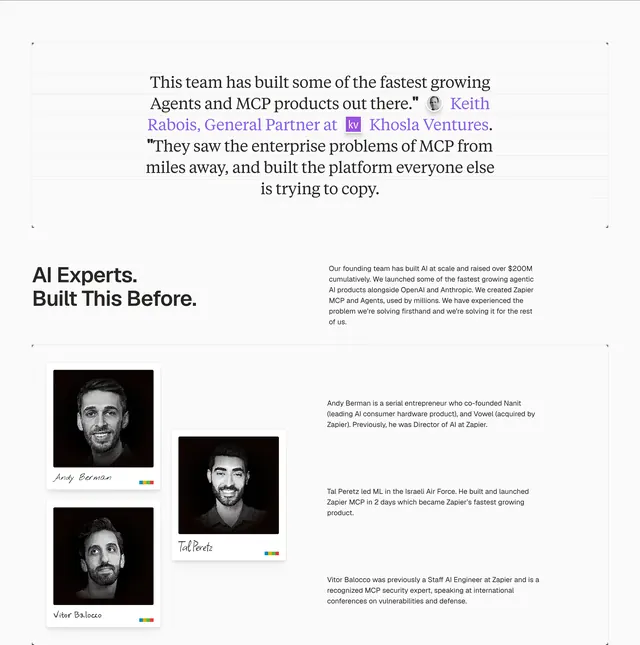 Runlayer founding team polaroid profiles
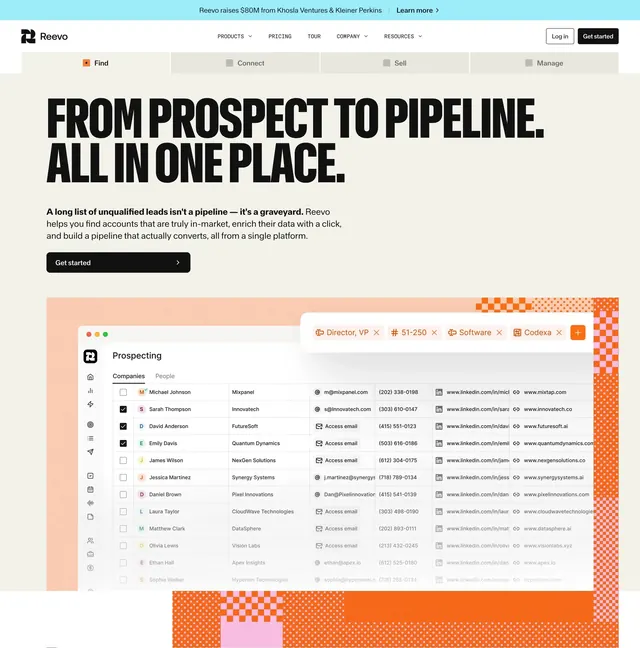 Reevo prospect to pipeline hero
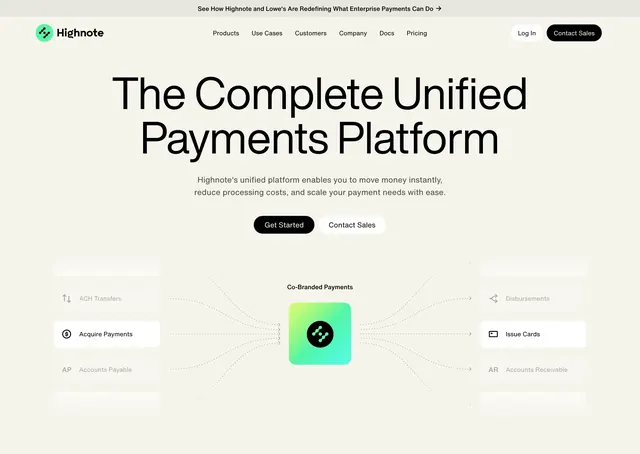 Highnote unified payments hub diagram hero
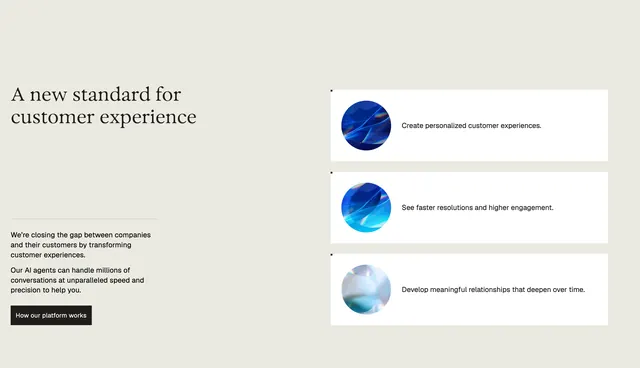 Parloa customer experience split feature
 Ramp customer stories photo carousel