Holocene mega menu navbar open state
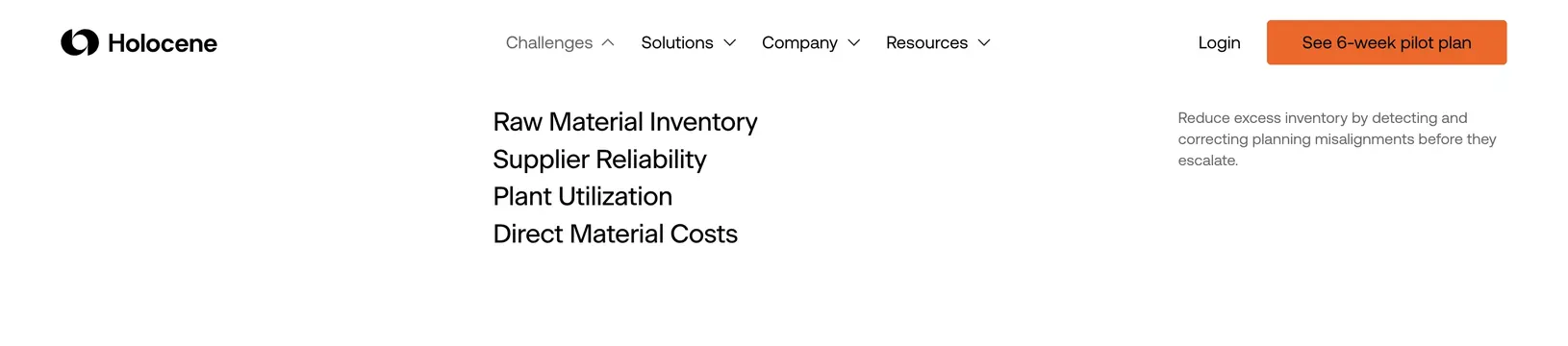
White header with logo, dropdown nav links, login and orange pilot CTA, plus an open Challenges mega menu listing four problem links and a gray helper blurb.
Summary
Global navigation capture showing Challenges menu expanded with large left link stack and a right-aligned descriptive sentence on inventory misalignment.
Visual description
White header bar with black Holocene logo left. Center nav shows Challenges active in gray with up chevron, plus Solutions, Company, Resources with down chevrons. Right side Login text link and orange rounded "See 6-week pilot plan" button. Dropdown panel below spans wide white field: left column lists four bold black links for Raw Material Inventory, Supplier Reliability, Plant Utilization, Direct Material Costs; far-right small gray paragraph explains reducing excess inventory by correcting planning misalignments.
Key takeaway
Mega menu pairs oversized problem links with a single contextual blurb instead of icon grids. Active state uses muted text plus chevron direction change.
Reuse notes
Use when IA is problem-first rather than product-first. Blurb should update per active menu group for relevance.
More like this
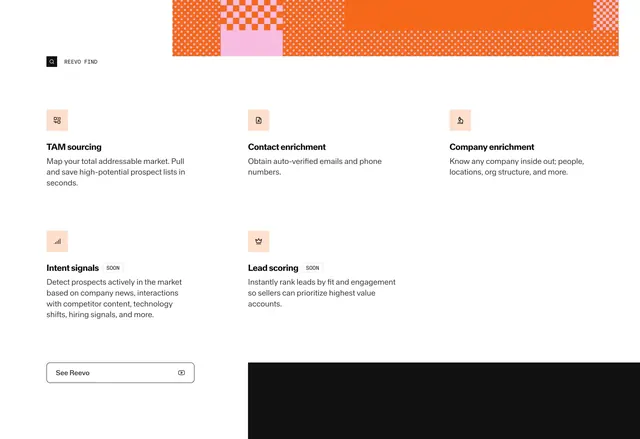 Reevo Find capability grid
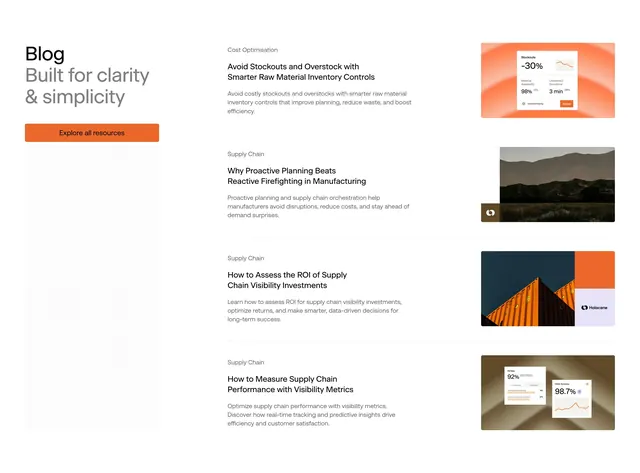 Holocene blog sidebar list layout
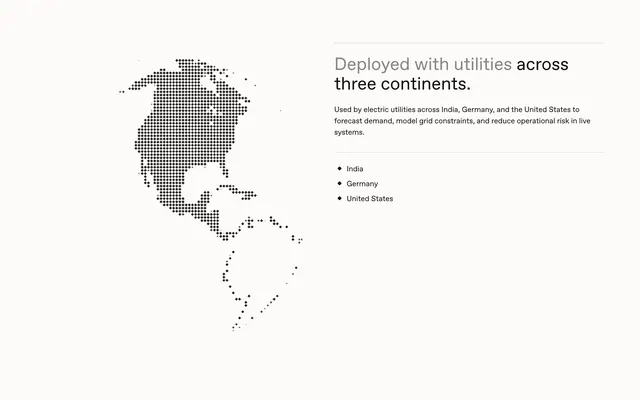 Pravah global deployment value proposition
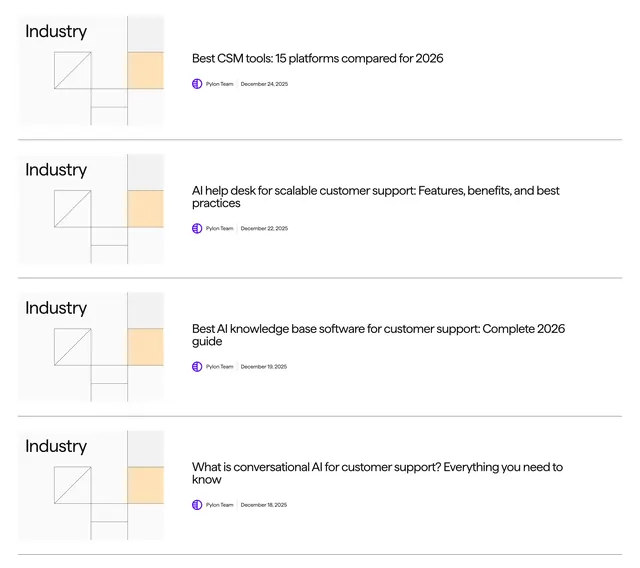 Pylon industry blog list
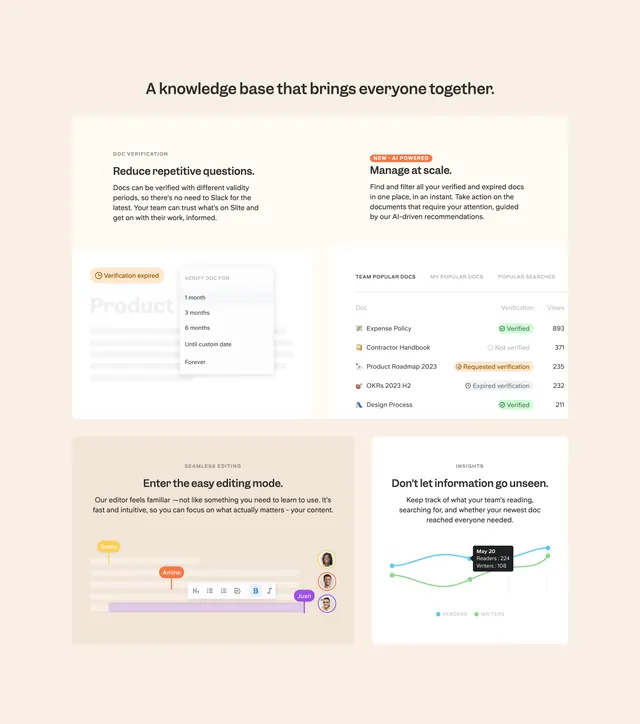 Slite knowledge base benefits grid
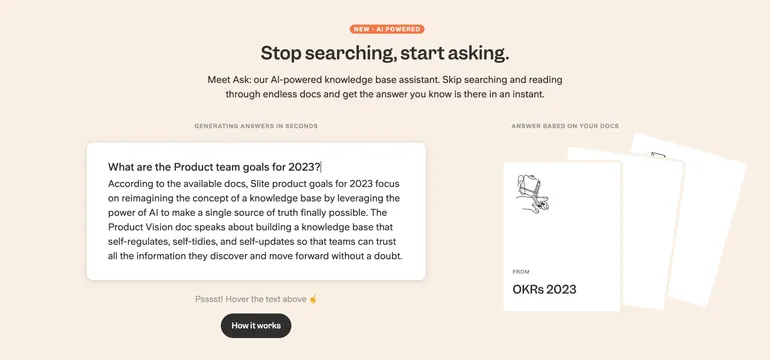 Slite Ask AI knowledge assistant
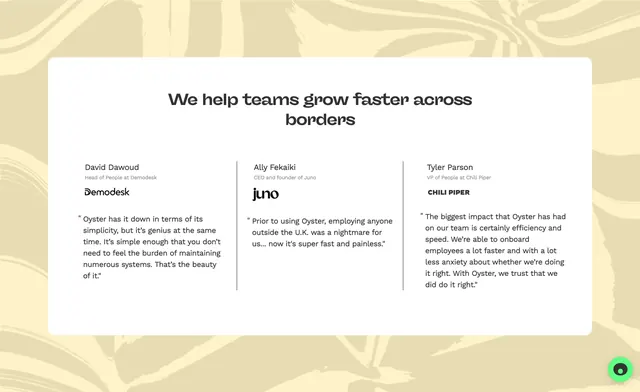 Oyster three-column testimonial card
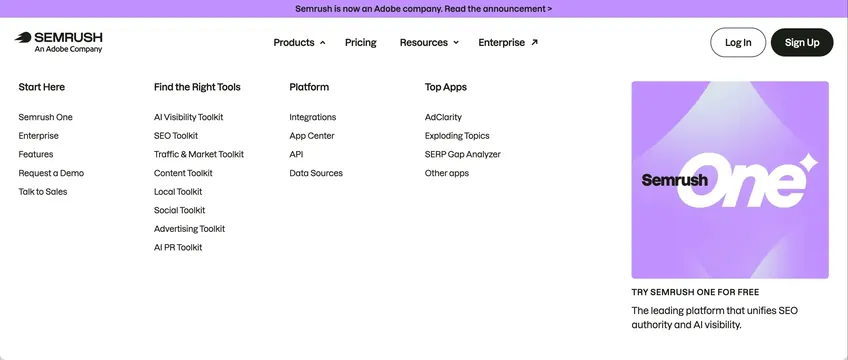 Semrush products mega menu
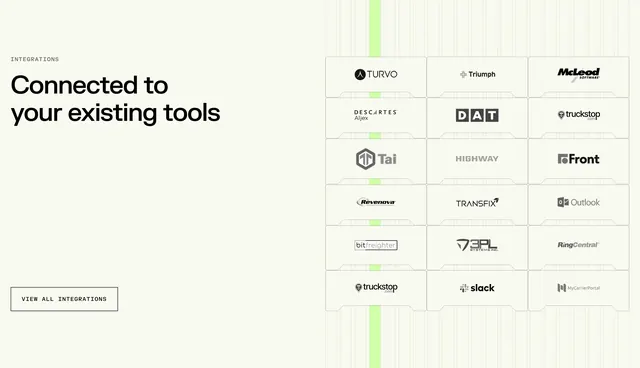 Vooma integrations split showcase
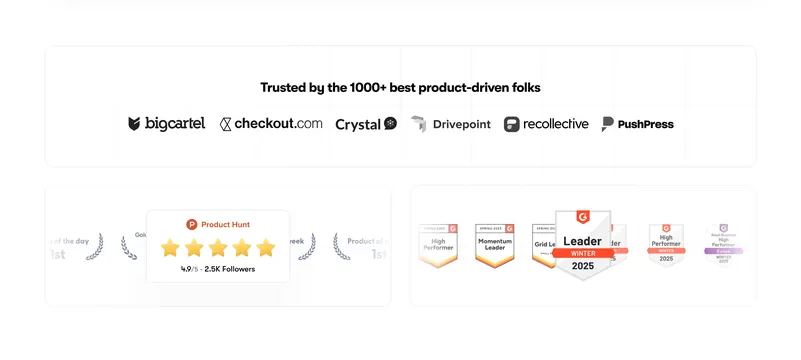 Jimo social proof logos and awards
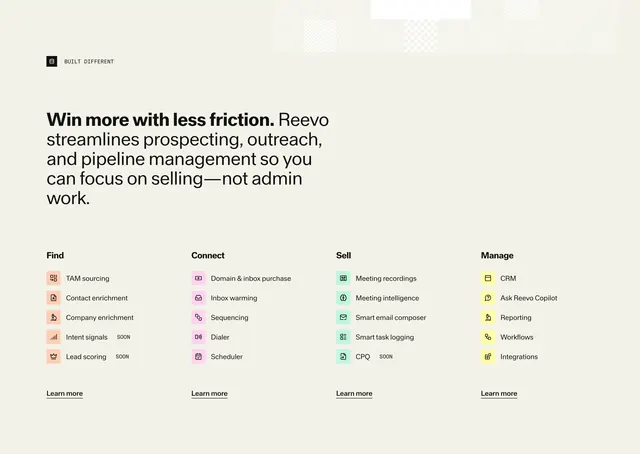 Reevo Find Connect Sell Manage grid
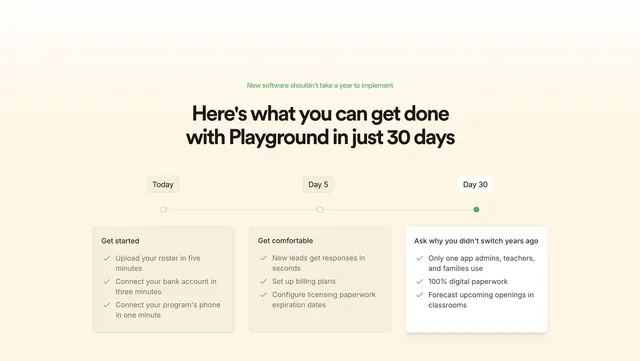 Playground 30-day implementation timeline
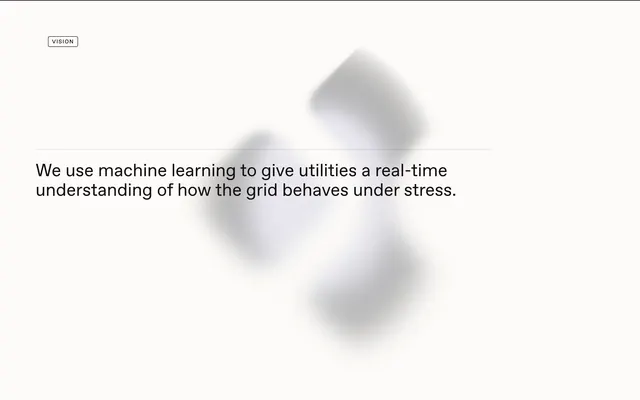 Pravah vision mission headline
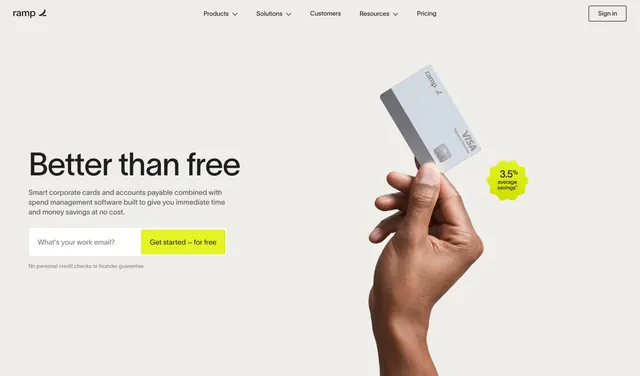 Ramp pricing better than free hero
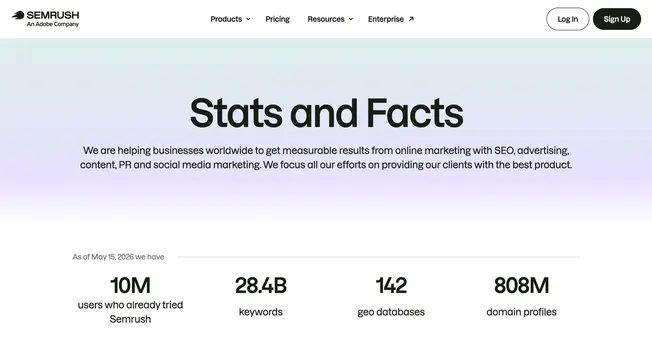 Semrush stats and facts hero
 Semrush minimal customer logo strip
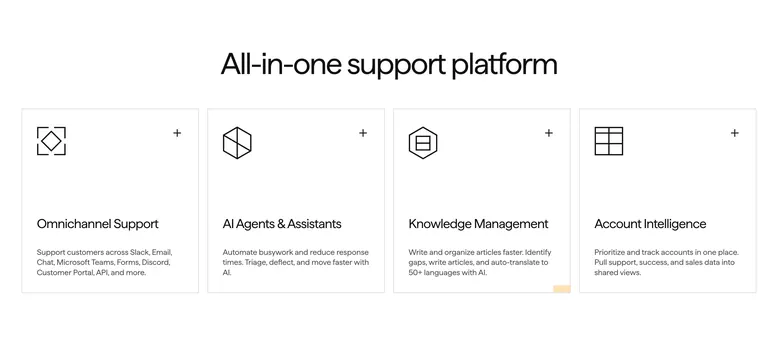 Pylon all-in-one support platform features
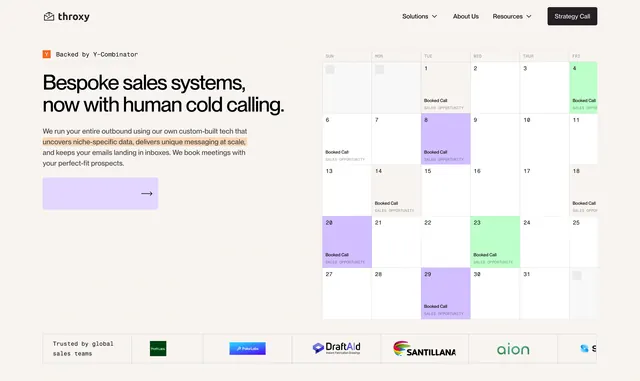 Throxy bespoke sales systems hero
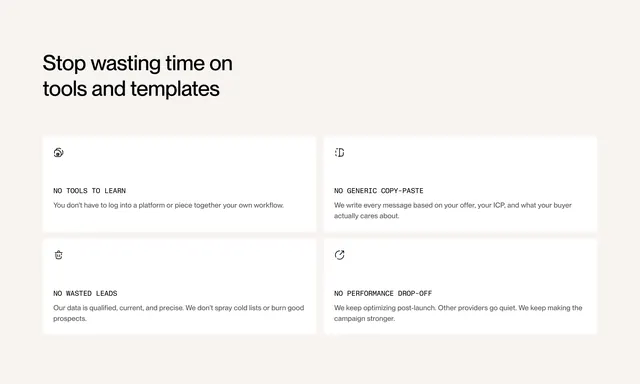 Throxy no-tools feature grid
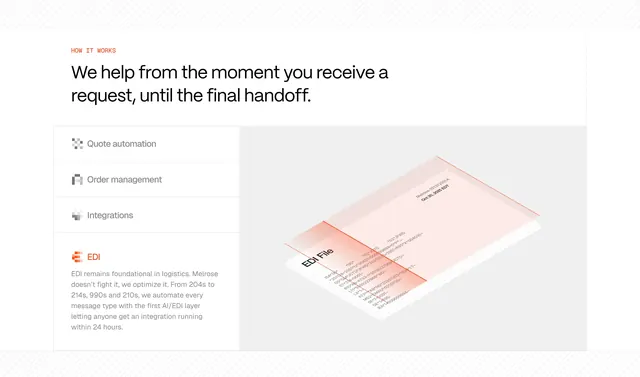 Melrose EDI how-it-works tabs
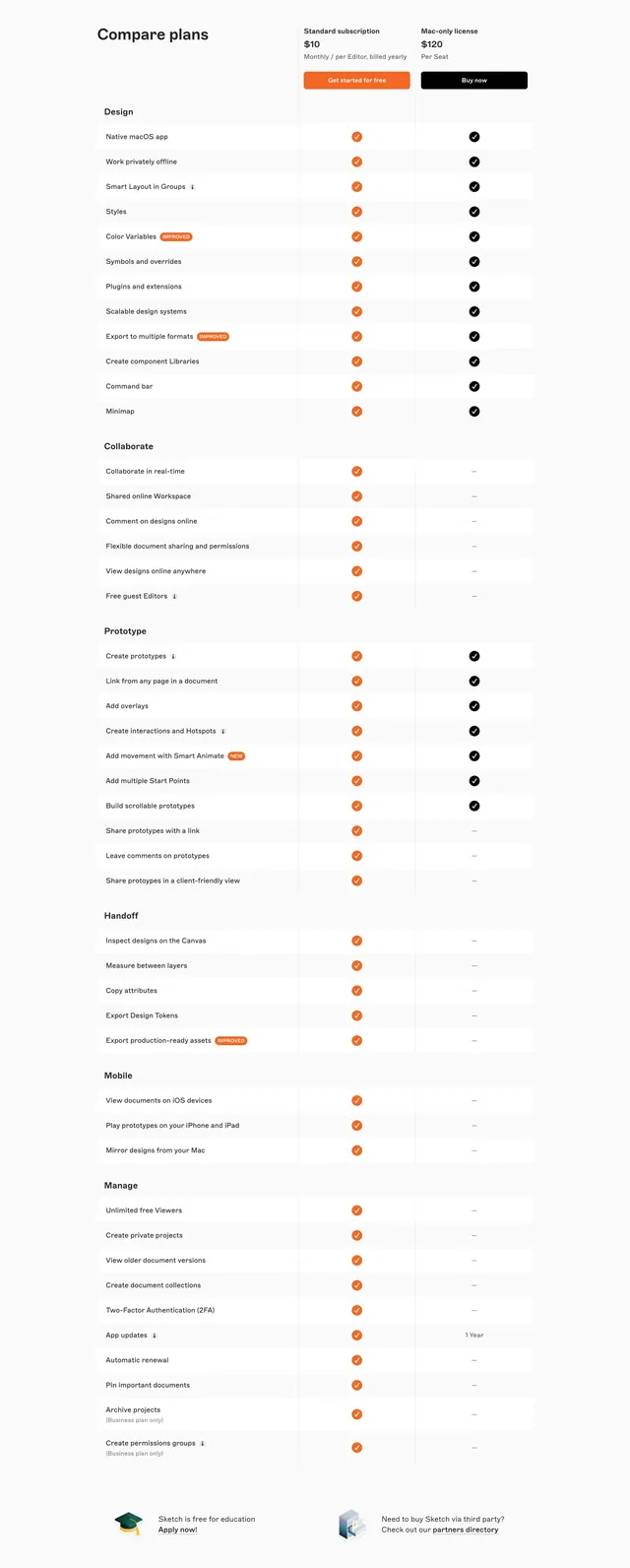 Sketch compare plans feature table
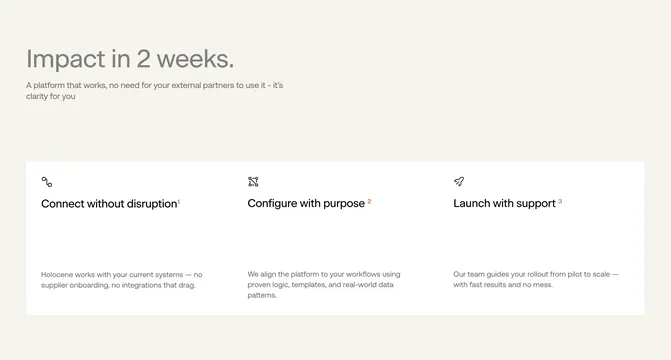 Holocene three-step impact process
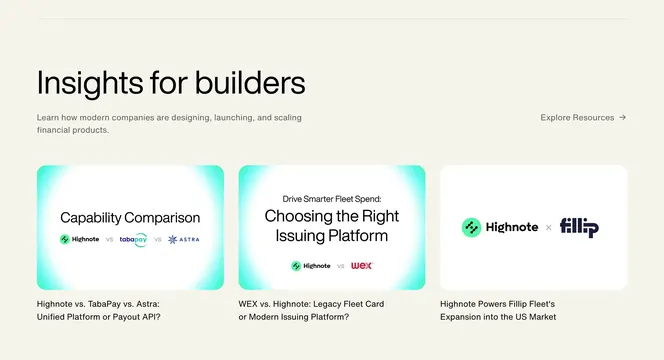 Highnote insights blog three-up row
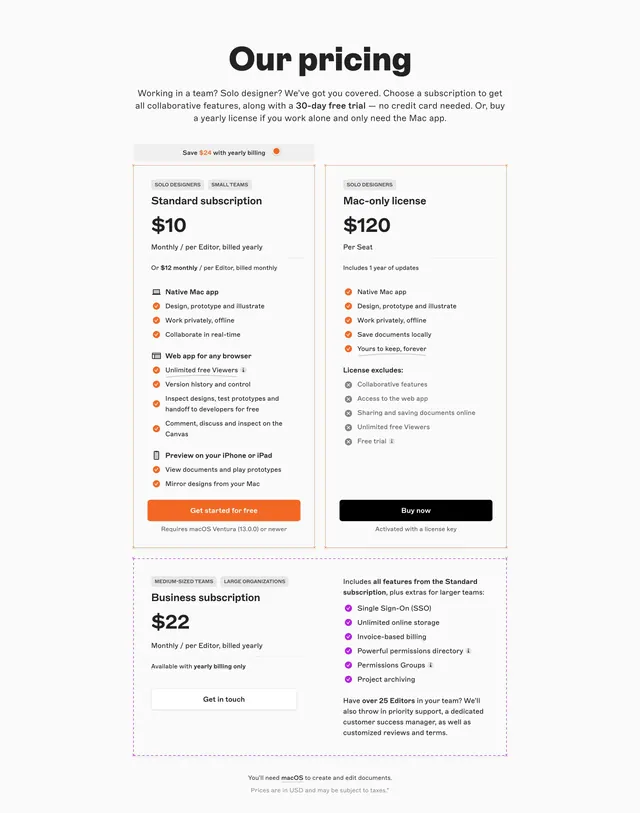 Sketch three-tier pricing cards