Melrose EDI how-it-works tabs
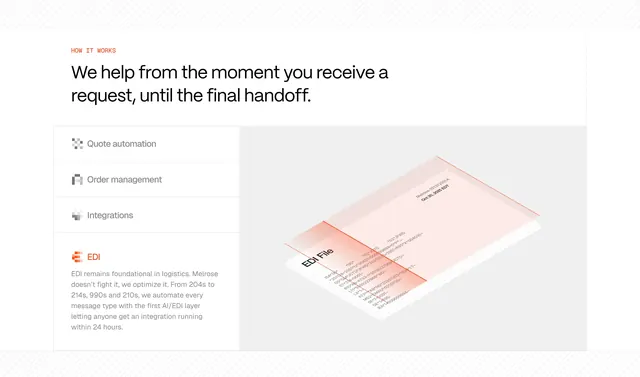
Light how-it-works with orange label, vertical feature list, active EDI copy, and isometric EDI file scan illustration.
Summary
How it works section highlights EDI with left inactive quote order integration rows, orange active EDI description, and right isometric scanned EDI file graphic.
Visual description
White page with orange HOW IT WORKS caps and black headline on helping from request to final handoff. Left vertical list shows gray Quote automation, Order management, and Integrations icons above active orange EDI row with stylized E paragraph on automating 204s through 210s in 24 hours. Right gray panel holds isometric white EDI File card filled with ISA and GS segment strings under diagonal red scan plane labeled Melrose reference and Oct 20, 2025 EDT timestamp.
Key takeaway
Vertical feature rail plus one deep illustration beats carousel for technical buyers. Realistic EDI strings lend credibility to abstract automation claims.
Reuse notes
Ideal for integration-heavy B2B products. Inactive items must stay visually quieter so the active state reads instantly.
More like this
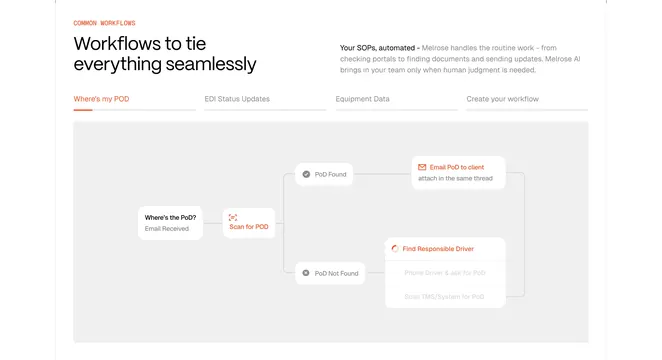 Melrose common workflows diagram
 Ortto CDP three-step how-it-works
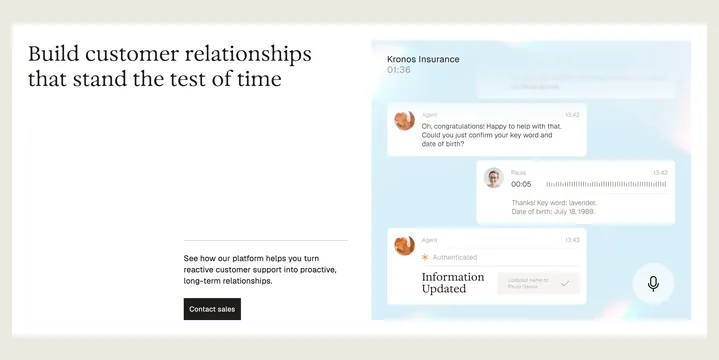 Parloa customer relationship split feature
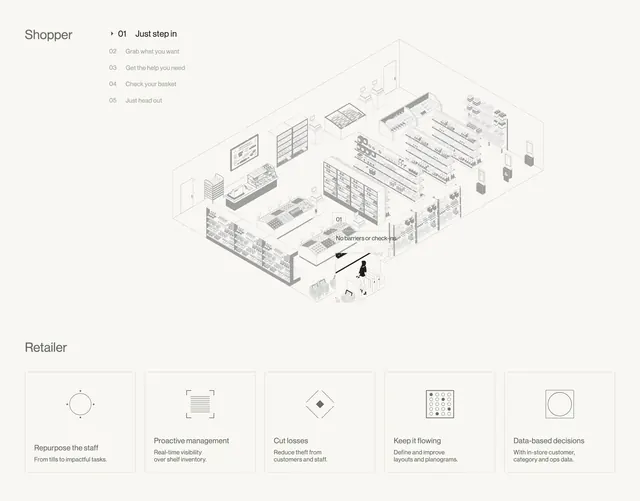 Sensei shopper journey and retailer benefit cards
 Bakedwith tabbed process section
 Playground 30-day implementation timeline
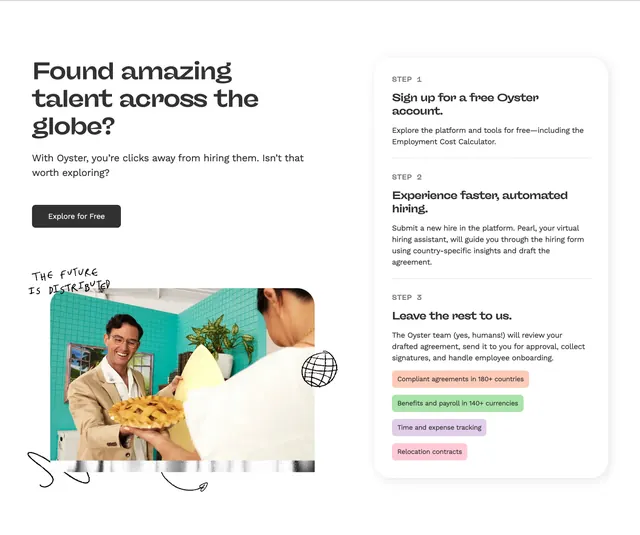 Oyster three-step onboarding split
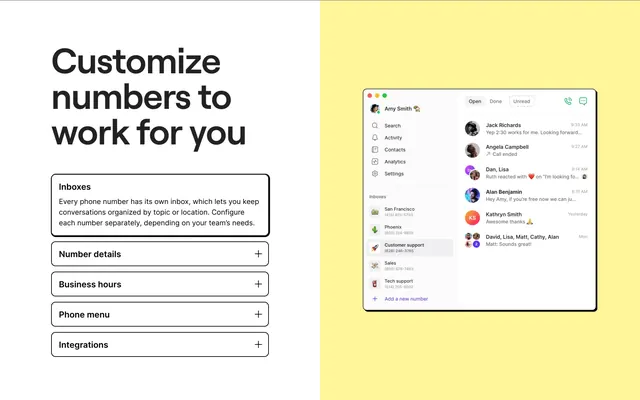 OpenPhone customize numbers split feature
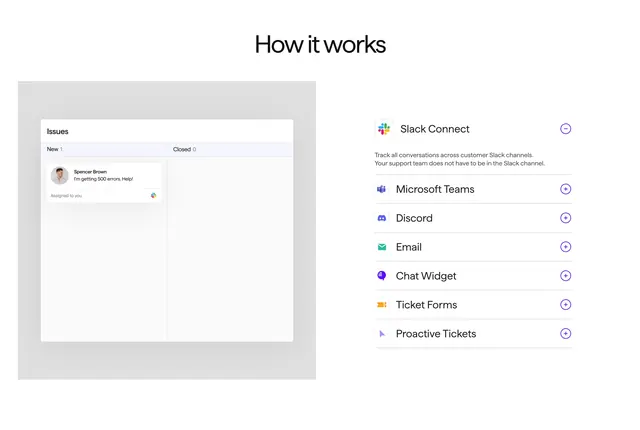 Pylon how it works channel accordion
 Pravah vision mission headline
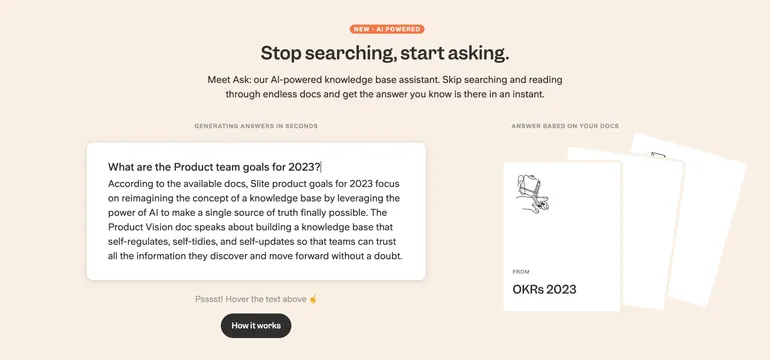 Slite Ask AI knowledge assistant
 Furey home page expertise process
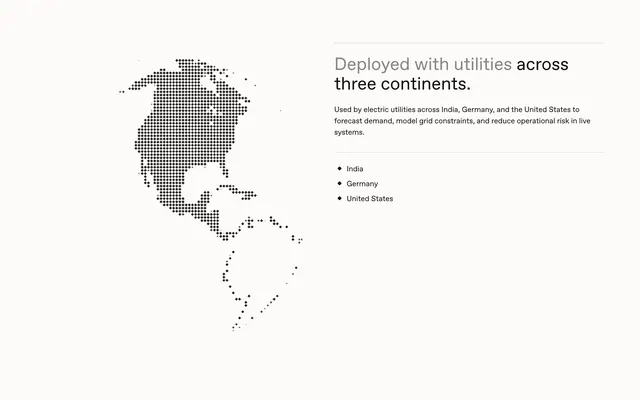 Pravah global deployment value proposition
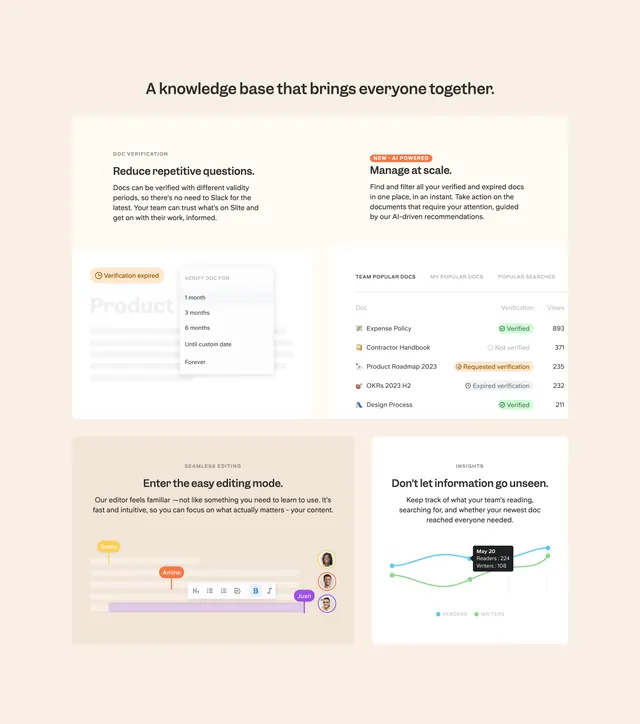 Slite knowledge base benefits grid
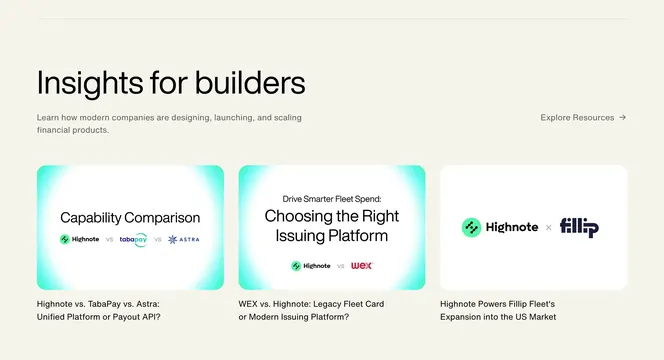 Highnote insights blog three-up row
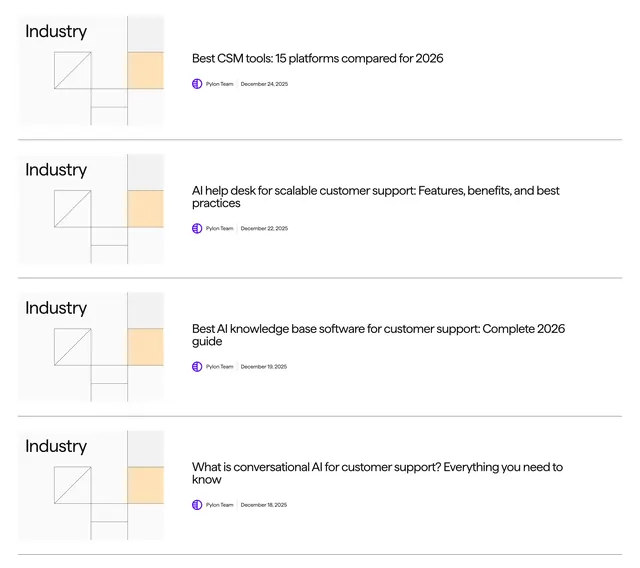 Pylon industry blog list
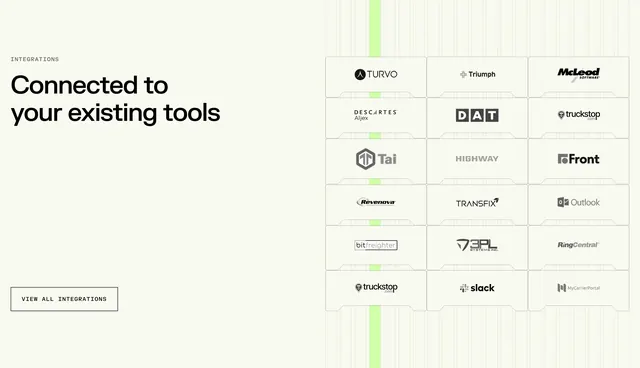 Vooma integrations split showcase
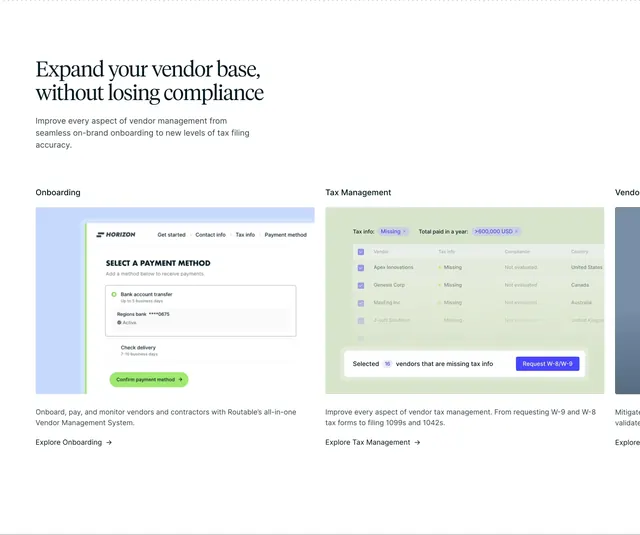 Routable vendor management features
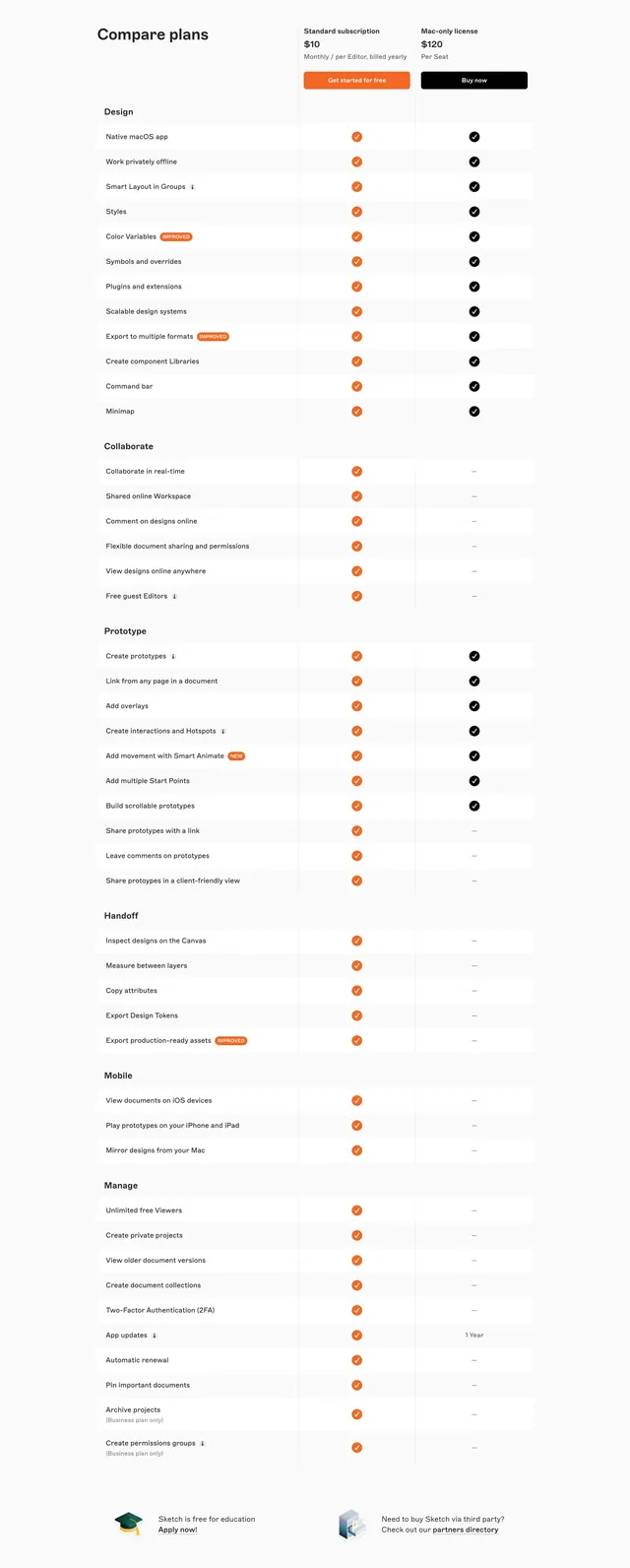 Sketch compare plans feature table
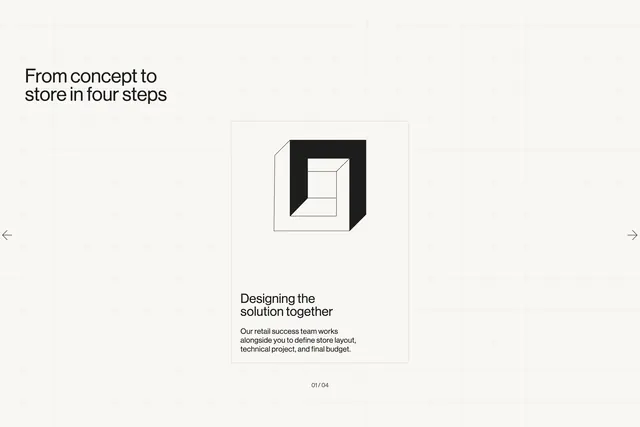 Sensei four-step process carousel card
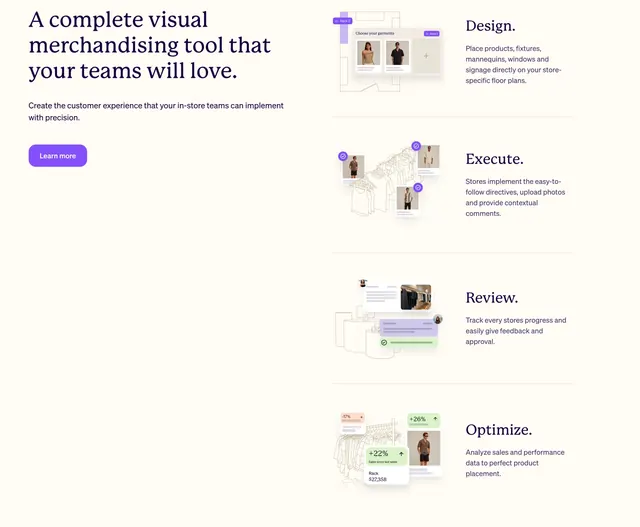 Flagship VM workflow four-step list
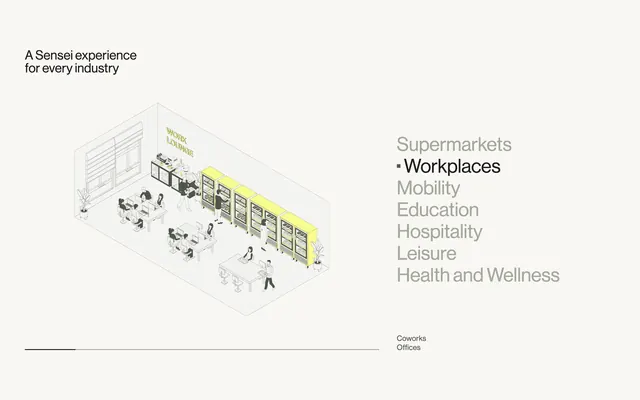 Sensei industry tab list with isometric scene
 Foundation Alloy hero with yellow blocks
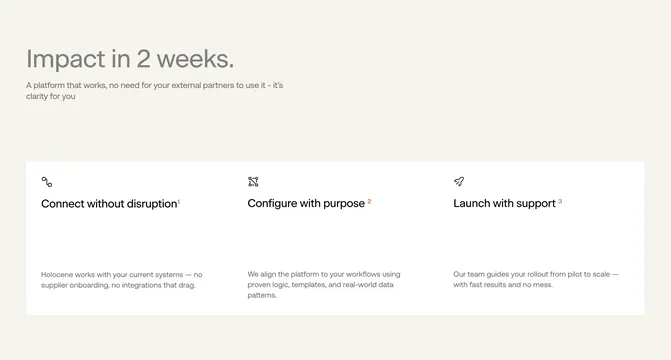 Holocene three-step impact process