Lindy How It Works Section
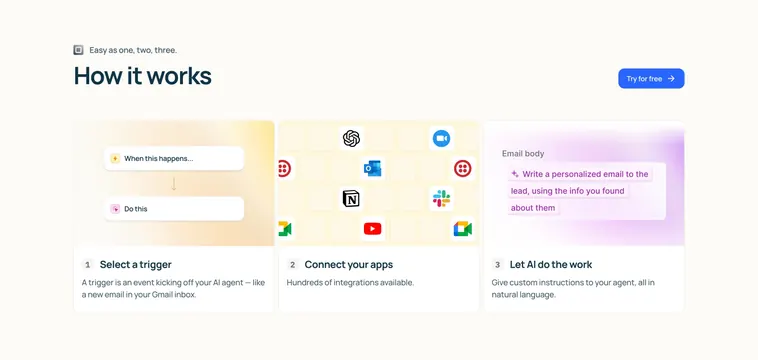
A light three-column how-it-works built from numbered steps, each card topped by a soft pastel-gradient illustration of the product flow.
Summary
A three-step how-it-works section where each numbered card pairs a short instruction with a soft pastel-gradient illustration of the actual product action.
Visual description
On a warm off-white background, a small icon-and-label eyebrow ("Easy as one, two, three.") sits above a large dark "How it works" heading, with a filled blue "Try for free" pill button floating at the far right. Below are three equal cards. Card one shows two stacked "When this happens / Do this" chips on a peach gradient. Card two shows a grid of recognizable app logos (ChatGPT, Outlook, Notion, Slack, Zoom, YouTube, Google Meet) on a yellow gradient, captioned "Connect your apps." Card three shows a lavender-gradient panel with a highlighted natural-language email instruction, captioned "Let AI do the work." Each card footer carries a small numbered token (1, 2, 3), a bold step title, and one line of grey description.
Key takeaway
Illustrating each step with a literal in-product snippet (trigger chips, an app-logo grid, a highlighted prompt) instead of generic icons, so the "how" is shown, not just told. The recurring pastel gradient per card unifies three different mini-screens into one calm system. Numbered tokens make the sequence unmistakable.
Reuse notes
Ideal for an automation, AI-agent, or no-code product explaining a short setup flow. The app-logo grid doubles as social proof of integrations. Works on a light, warm background; the pastel gradients soften otherwise dense UI snippets and keep the section approachable.
More like this
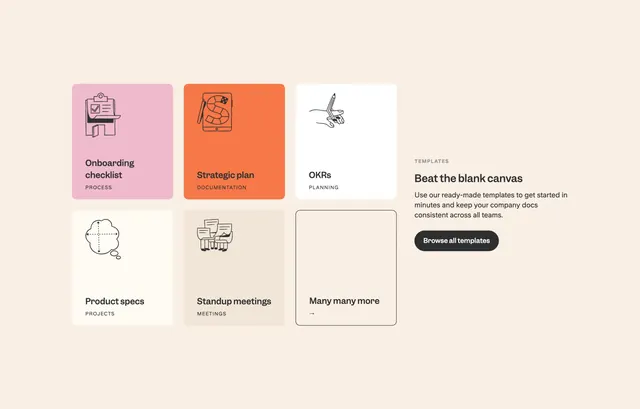 Slite templates preview grid
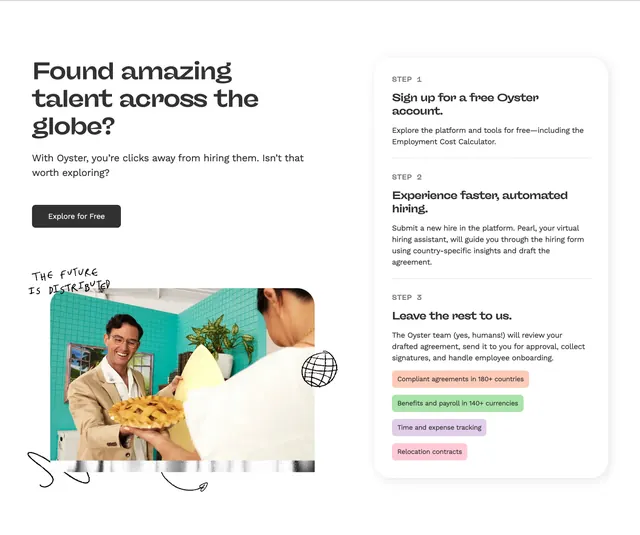 Oyster three-step onboarding split
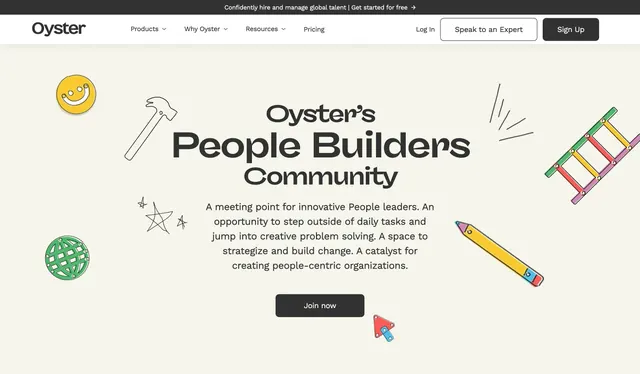 Oyster People Builders Community hero
 Lindy Integrations Section
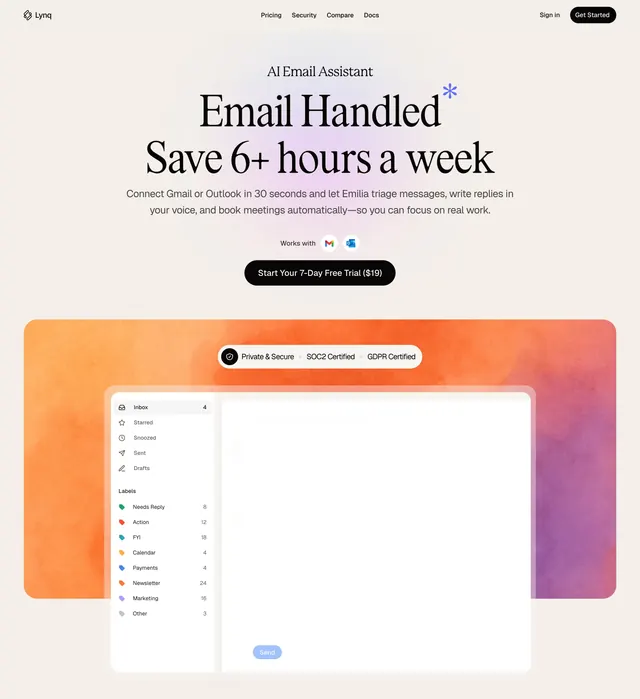 Lynq Hero Section
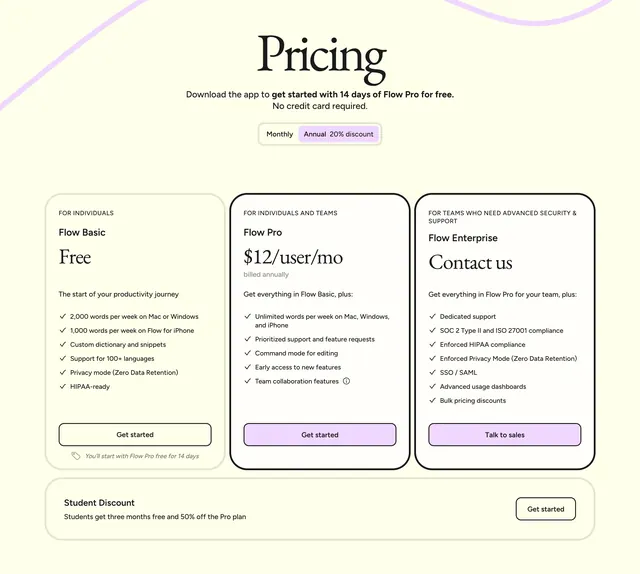 Flow subscription pricing
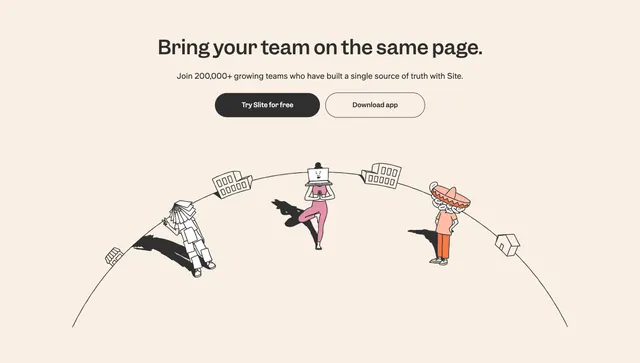 Slite team same page CTA
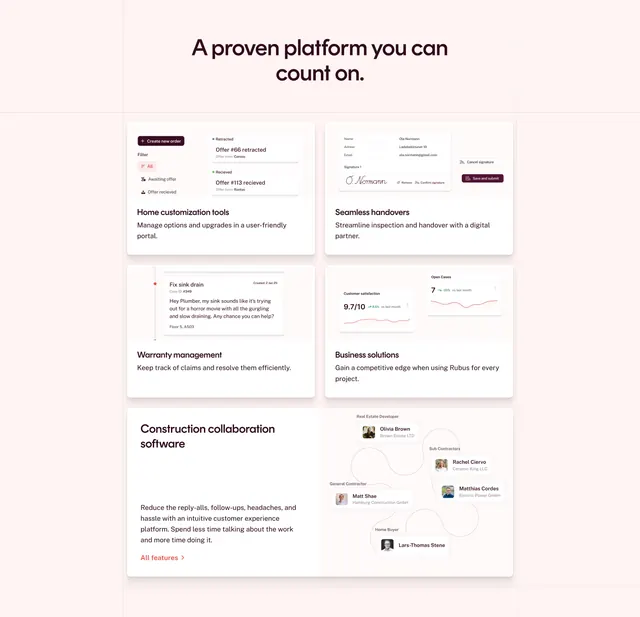 Rubus pink bento features grid
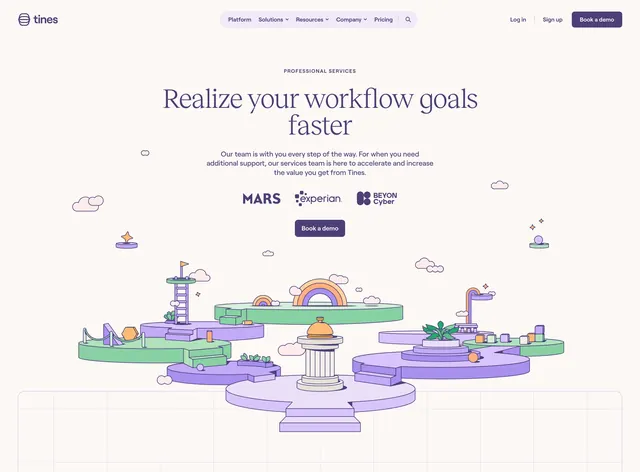 Tines professional services hero
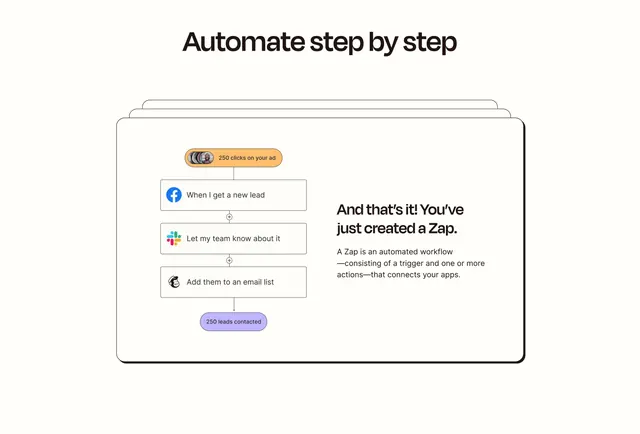 Zapier product page automate steps
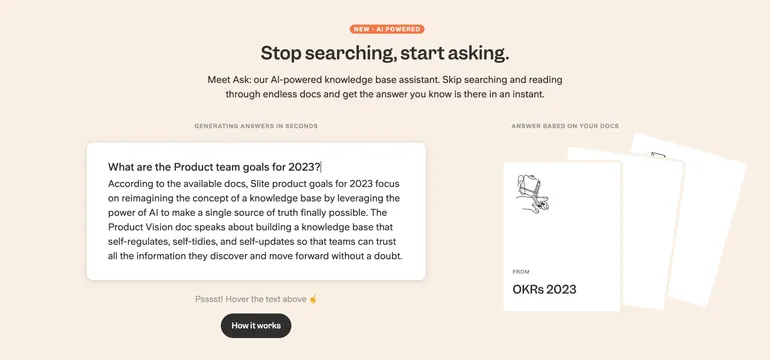 Slite Ask AI knowledge assistant
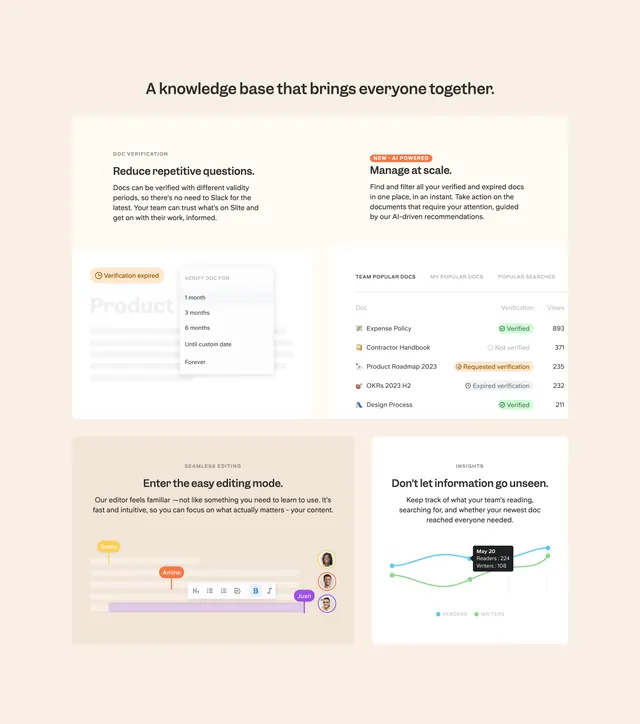 Slite knowledge base benefits grid
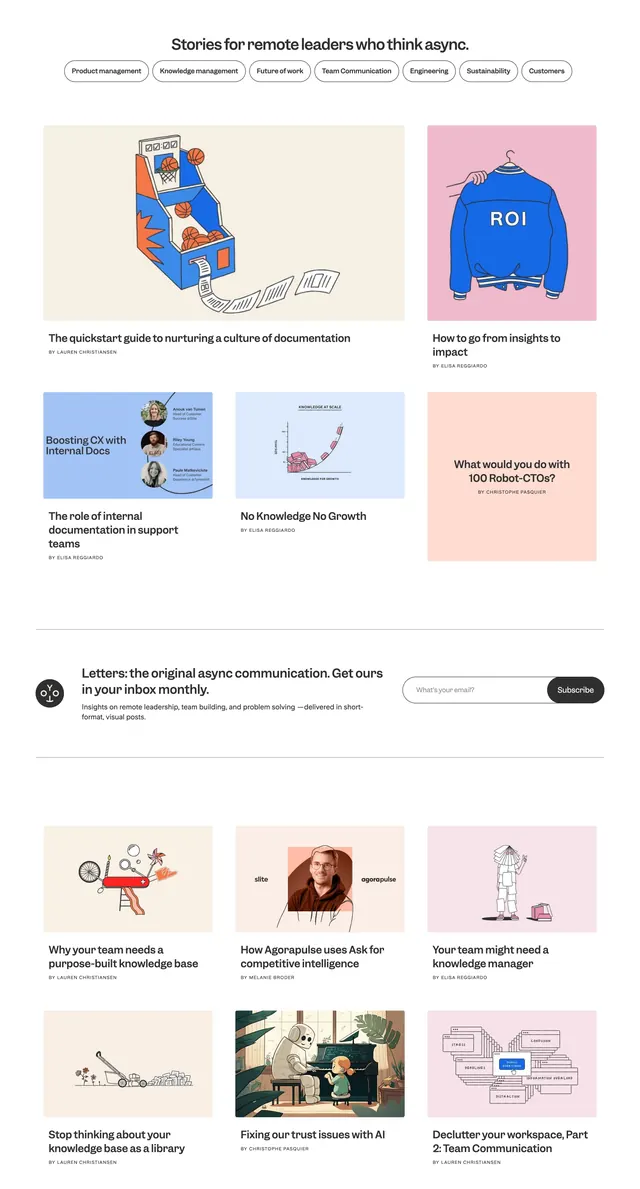 Slite async leaders blog grid
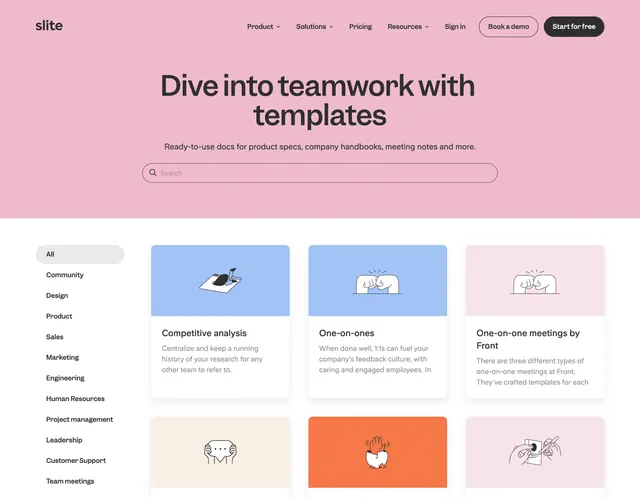 Slite template library browse page
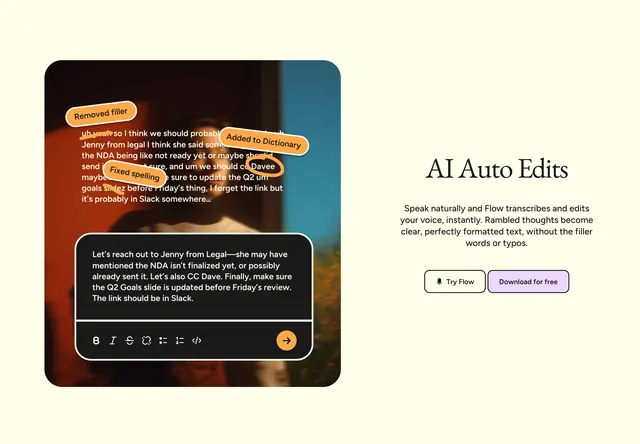 Flow AI Auto Edits split feature section
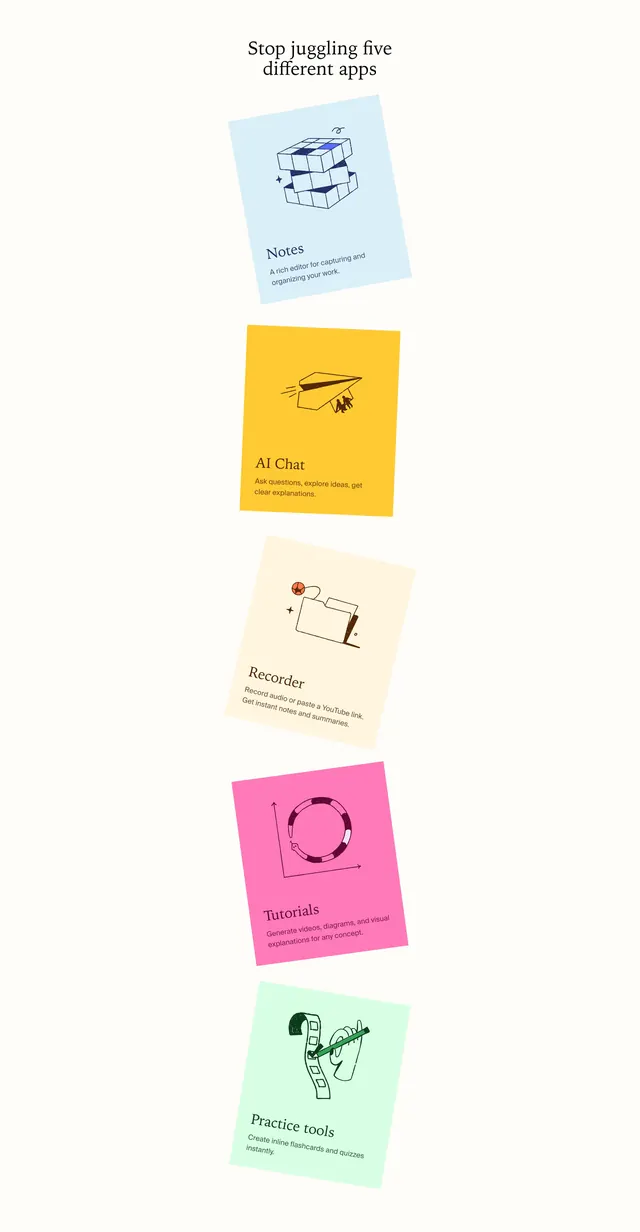 Opennote stacked feature cards
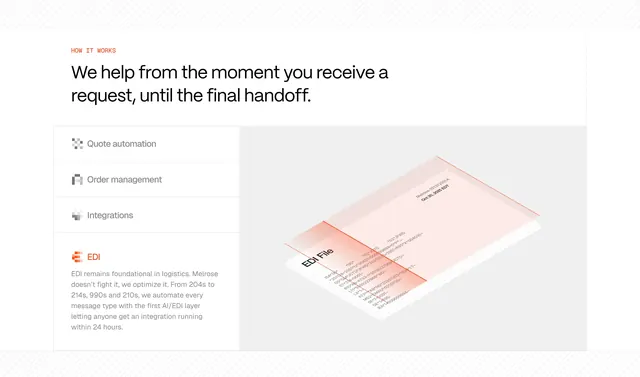 Melrose EDI how-it-works tabs
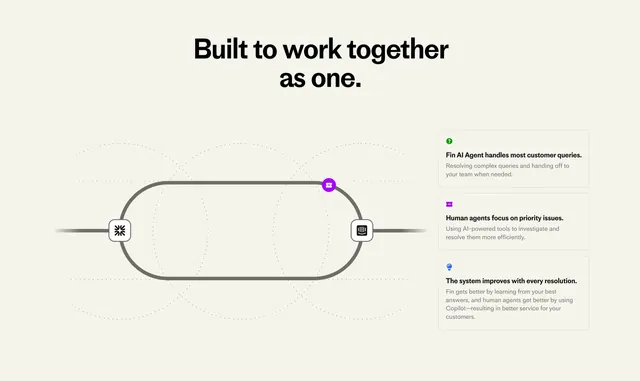 Intercom suite workflow diagram
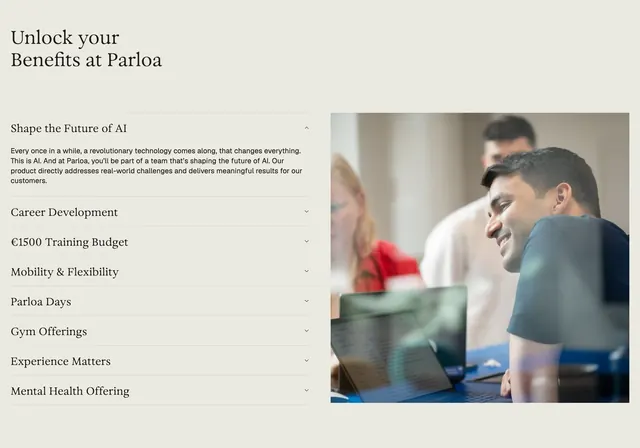 Parloa employee benefits accordion
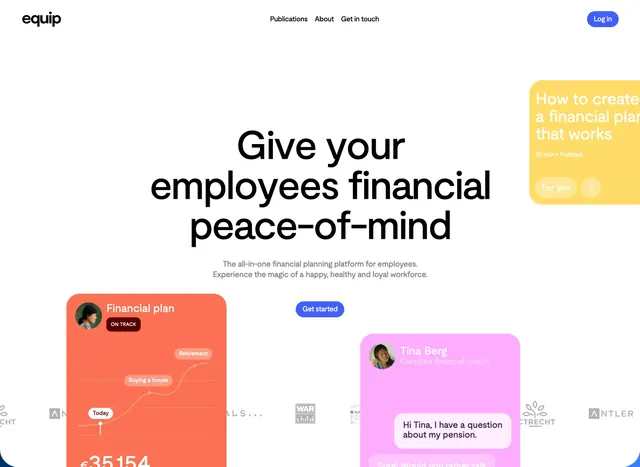 Equip employee financial peace-of-mind hero
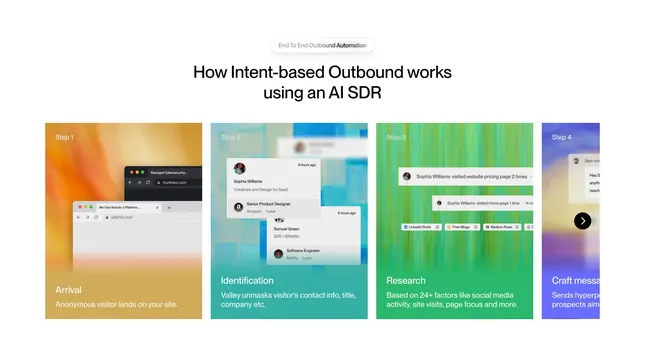 Valley four-step outbound process carousel
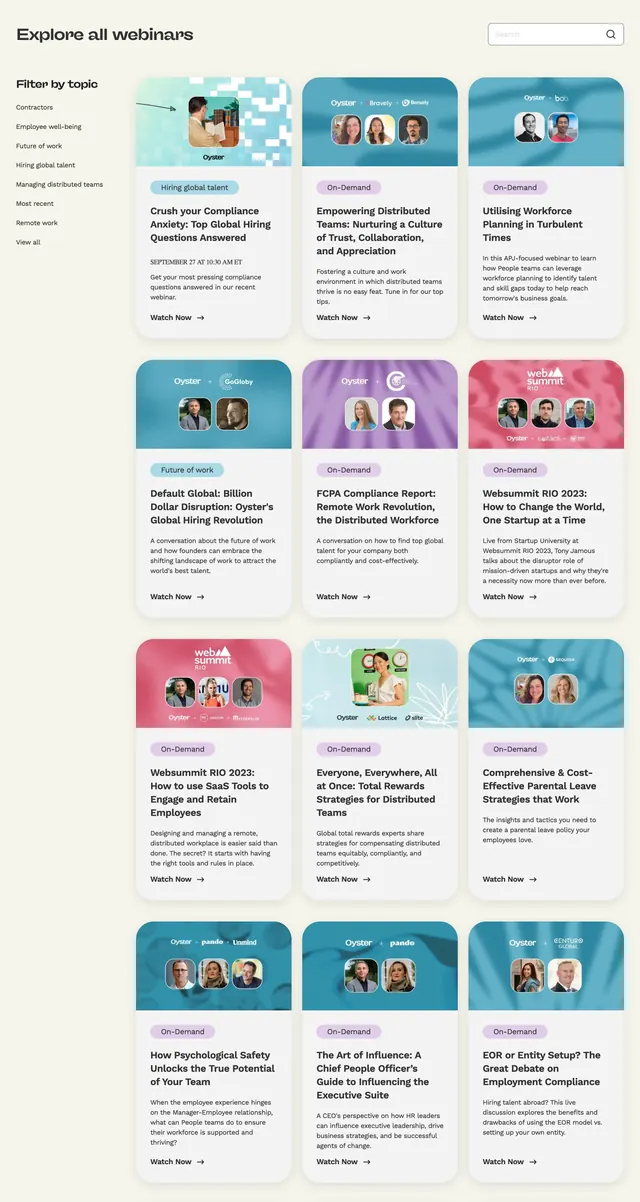 Oyster webinars directory with topic sidebar
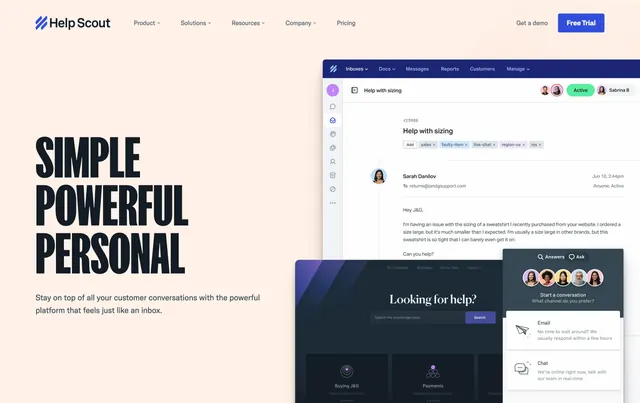 Help Scout platform split hero on peach
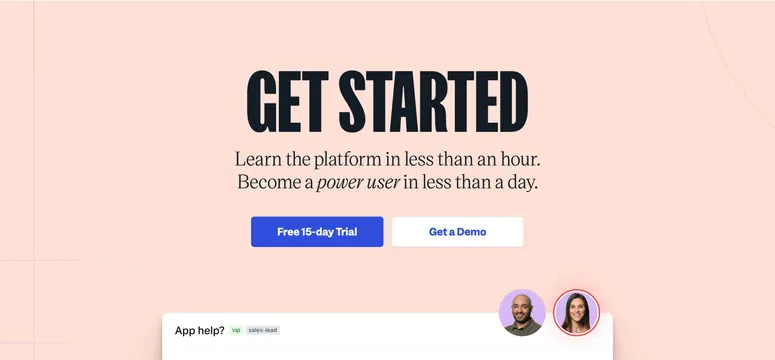 Help Scout get started CTA band