Lightship Atlas app control feature
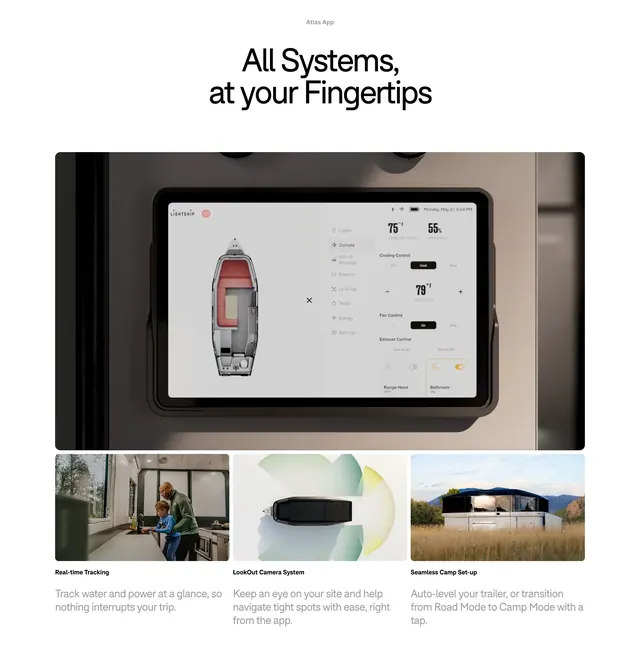
Atlas App hero with tablet climate UI mockup and three cards for tracking, LookOut cameras, and camp setup.
Summary
Lightship All Systems at your Fingertips section showcasing Atlas tablet climate dashboard and three supporting feature cards.
Visual description
White page with centered headline All Systems, at your Fingertips. Large tablet mockup in trailer interior showing LIGHTSHIP Atlas app: sidebar Lights Climate Door Energy, isometric floor plan with red zones, temperature and humidity widgets, setpoint controls, fan toggles. Below three cards with small images: Real-time Tracking kitchen photo; LookOut Camera System top-down coverage arcs; Seamless Camp Set-up dusk camp mode trailer photo with titles and copy.
Key takeaway
Lead with rich tablet UI hero then three proof cards so software feels as designed as hardware. Isometric floor plan in app screenshot is instantly readable for RV buyers.
Reuse notes
Connected product ecosystems. UI mockup must stay sharp; feature cards should link to deeper demos.
More like this
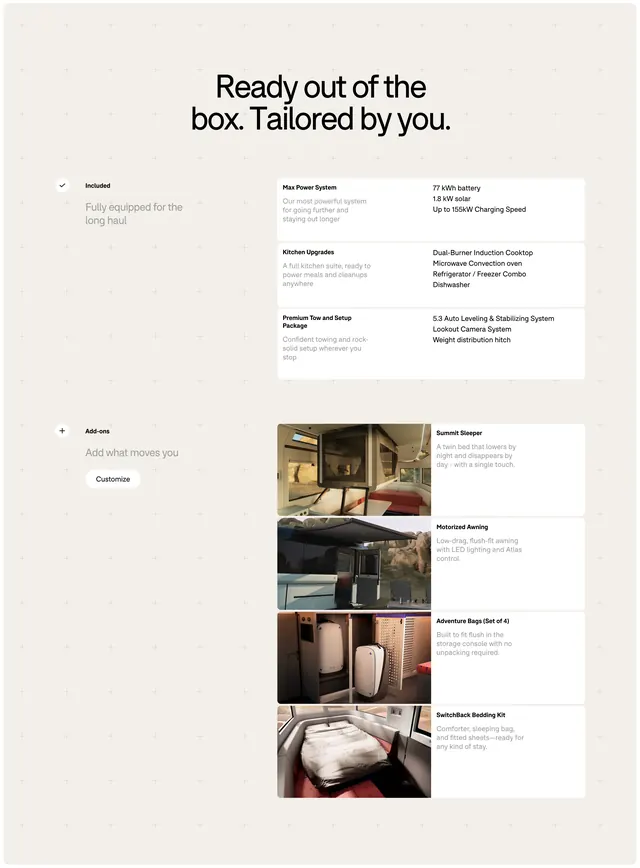 Lightship included and add-ons configurator
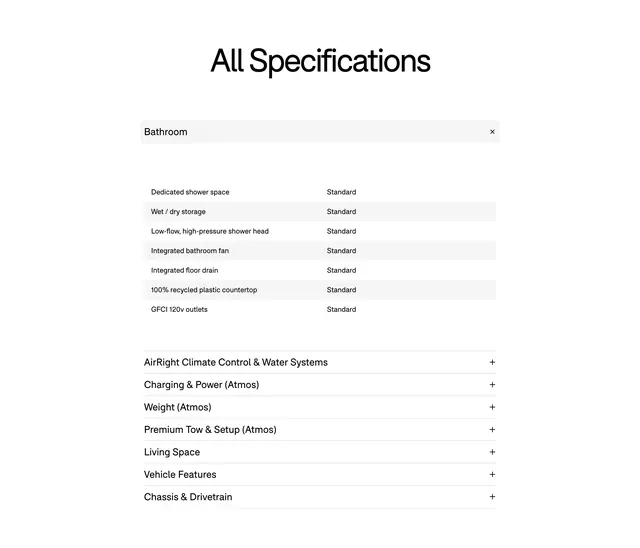 Lightship all specifications accordion
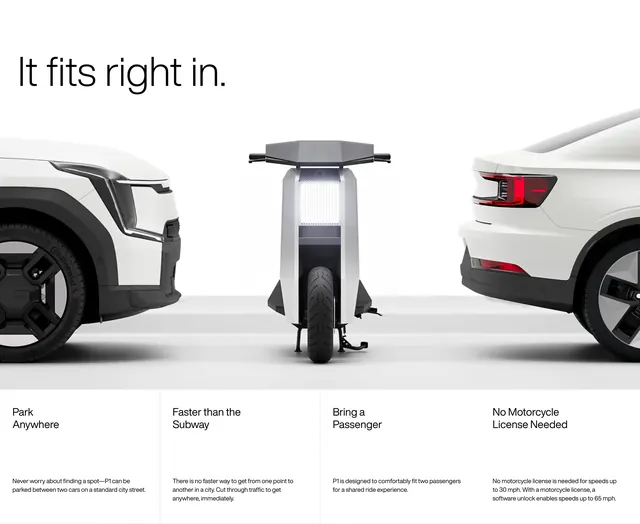 Infinite Machine urban fit four-column
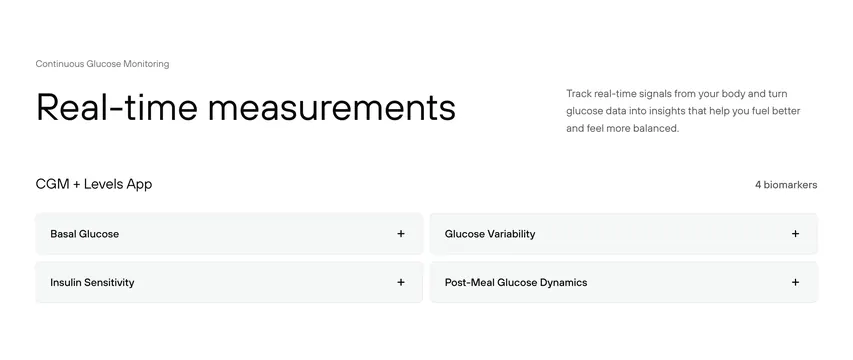 Levels CGM biomarker accordion grid
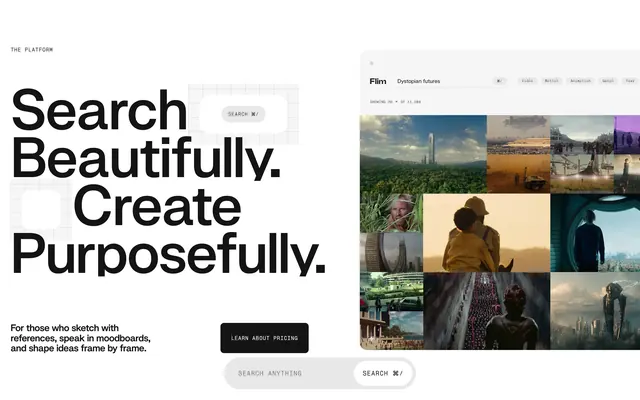 Flim search functionality split presentation
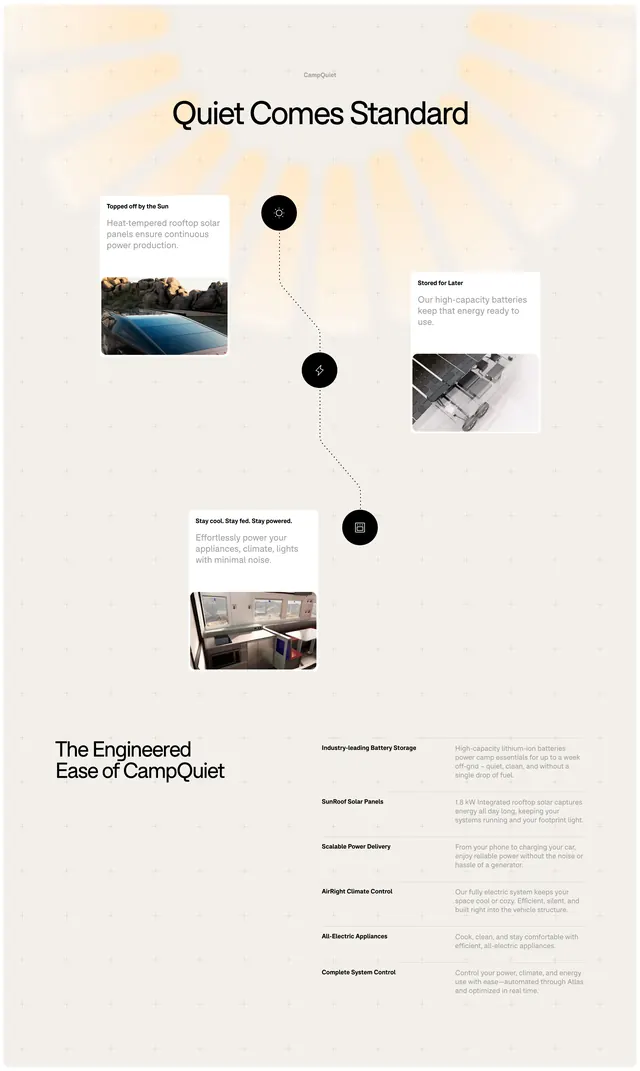 Lightship CampQuiet power journey diagram
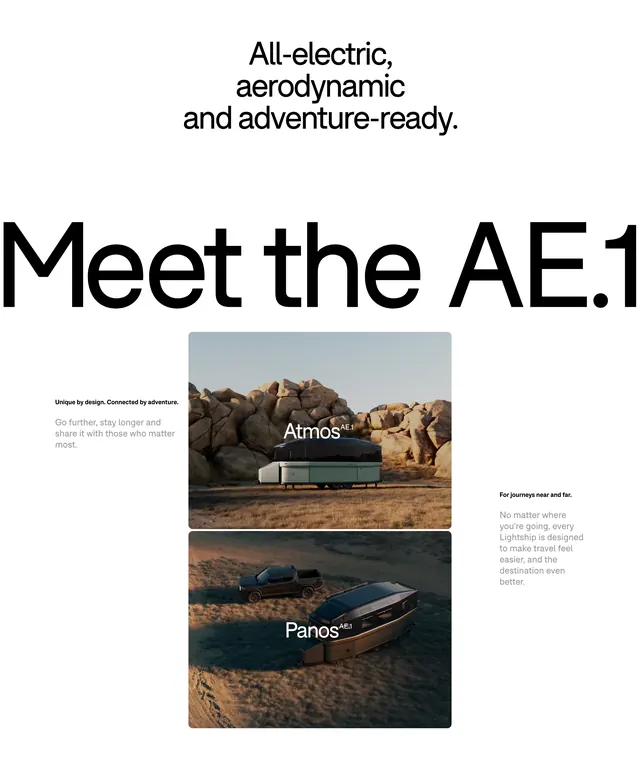 Lightship Meet the AE.1 stacked models
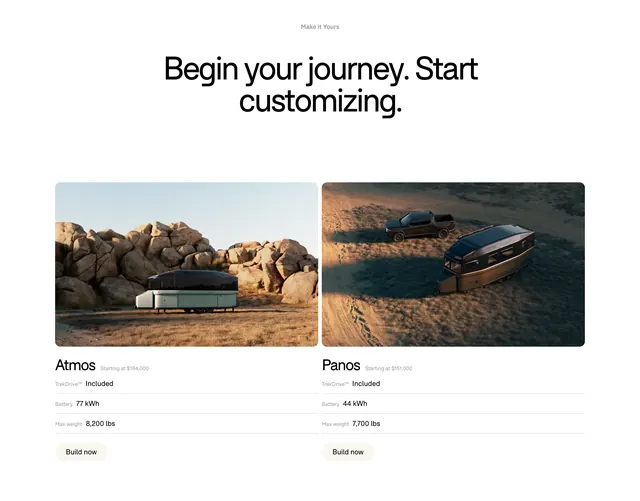 Lightship Atmos Panos build grid
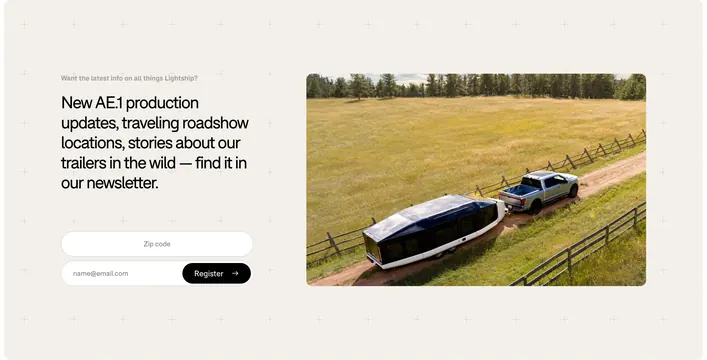 Lightship newsletter zip email register
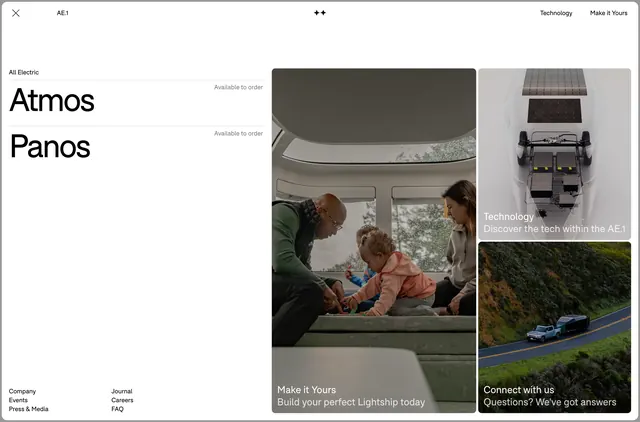 Lightship full-screen AE.1 menu overlay
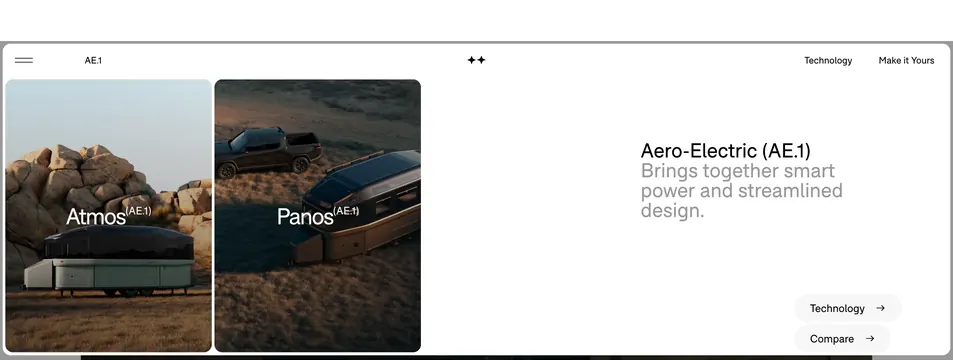 Lightship AE.1 model picker landing
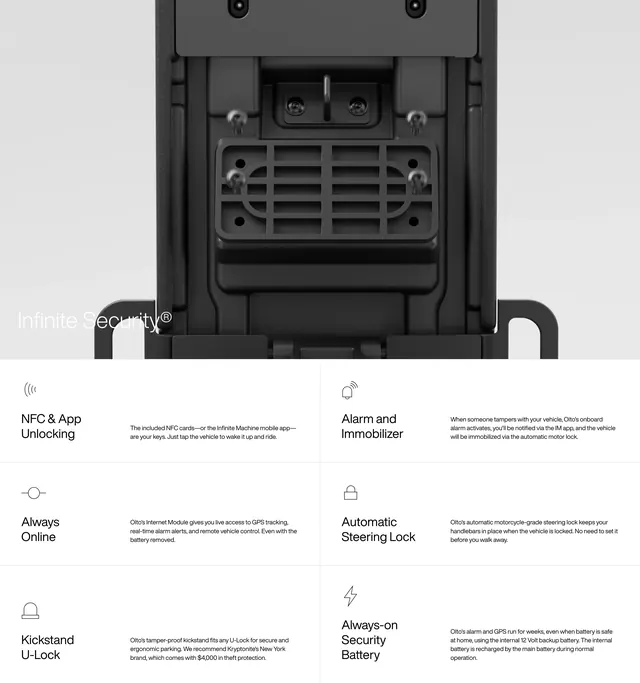 Infinite Machine Infinite Security grid
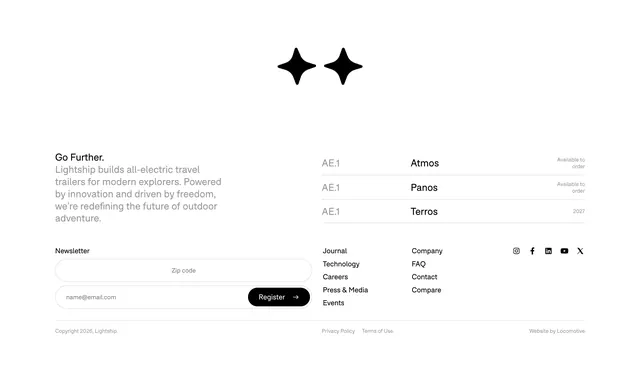 Lightship Go Further footer
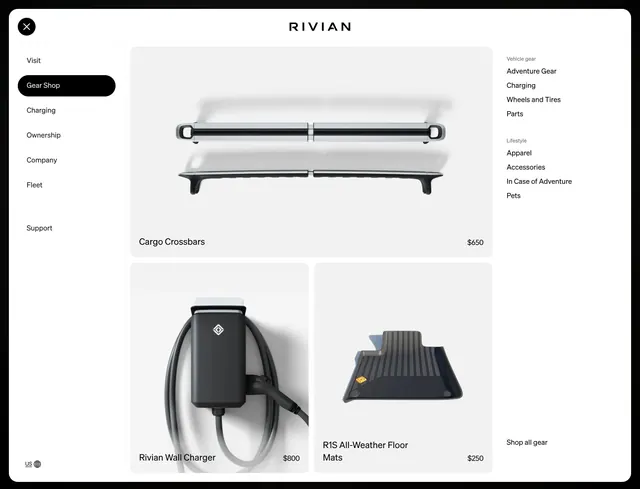 Rivian Gear Shop mega menu
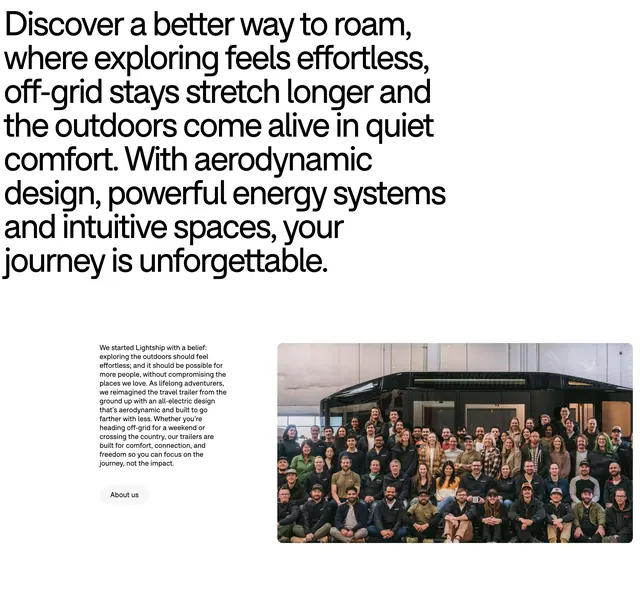 Lightship about story split section
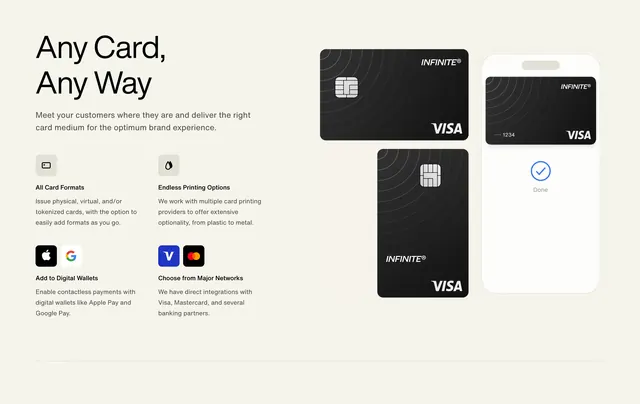 Highnote any card any way feature
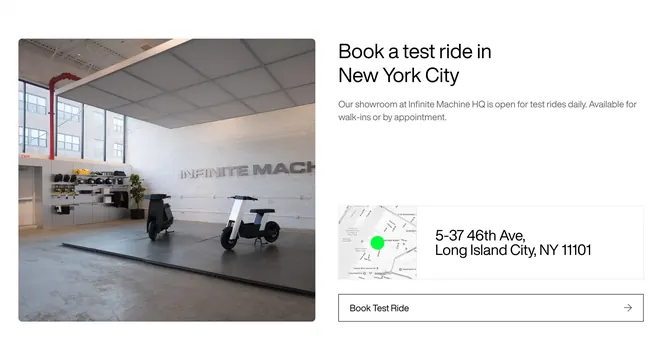 Infinite Machine NYC test ride booking
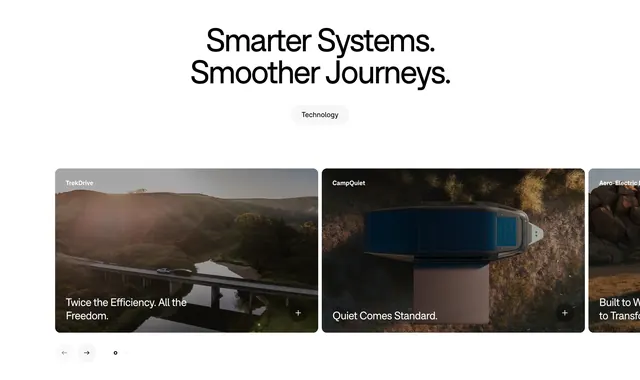 Lightship smarter systems carousel
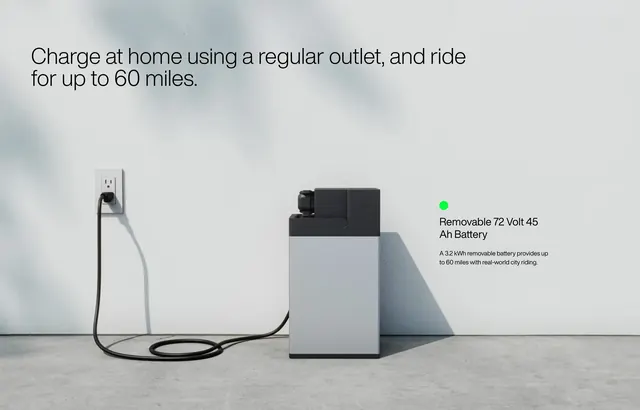 Infinite Machine home charging feature
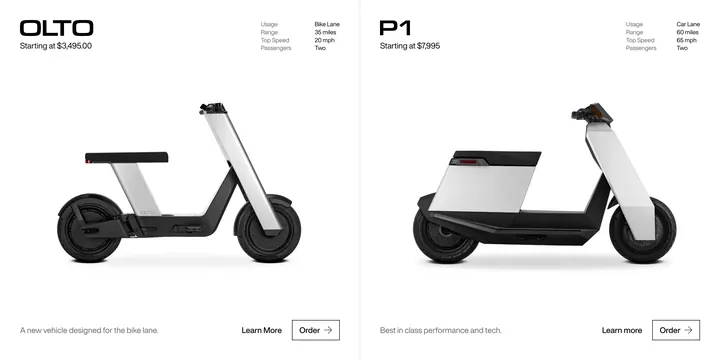 Infinite Machine Olto vs P1 comparison
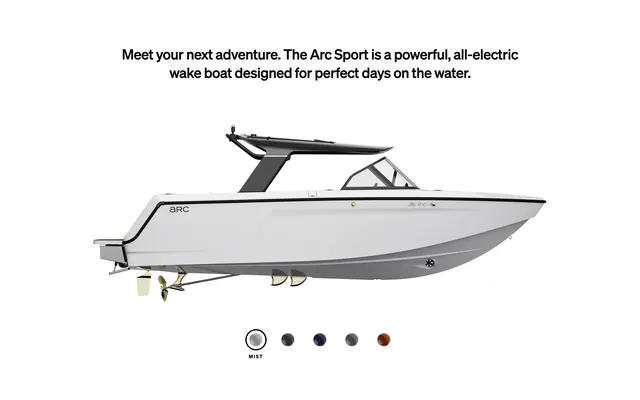 Arc Sport color selector hero
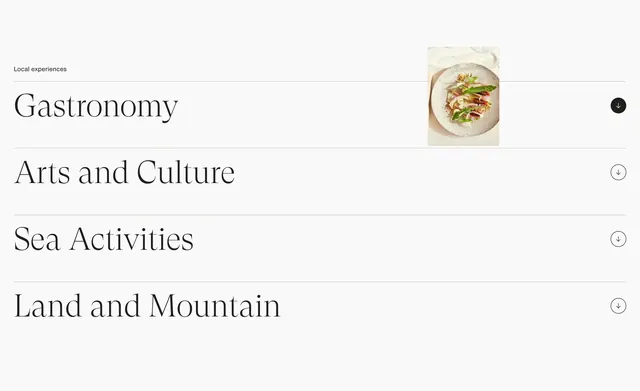 Insider local experiences accordion
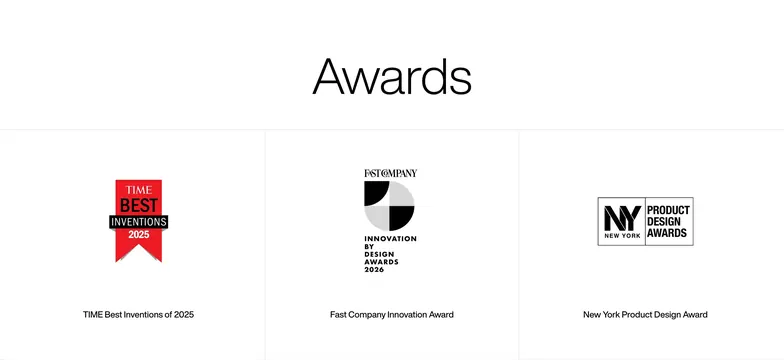 Infinite Machine awards row
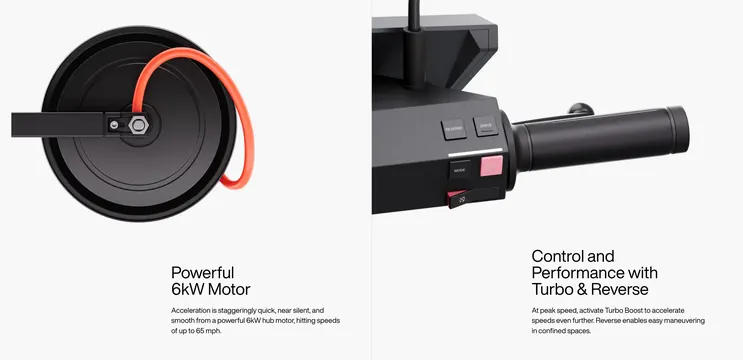 Infinite Machine motor and controls grid