Lightship full-screen AE.1 menu overlay
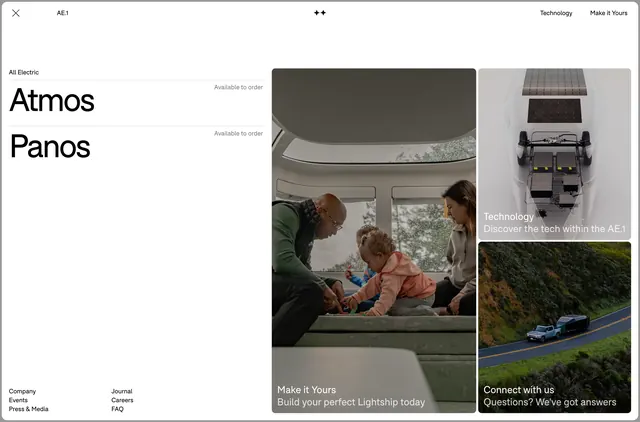
White overlay menu listing Atmos and Panos with availability, footer links, and three image tiles for build, tech, and contact.
Summary
Lightship AE.1 full-screen menu with All Electric Atmos and Panos names, company links, and Make it Yours, Technology, Connect tiles.
Visual description
White overlay with X AE.1 close top-left, twin stars center, Technology and Make it Yours top-right. Left giant Atmos and Panos headings each with grey Available to order and bottom Company Events Press Journal Careers FAQ columns. Right grid: large vertical family interior Make it Yours tile; small Technology chassis render tile; small Connect coastal tow tile with white titles and subcopy.
Key takeaway
Fullscreen nav mixes text model picker with aspirational photo tiles for configurator, tech, and support paths. Availability microcopy beside model names sets expectation without pricing.
Reuse notes
Premium product sites replacing hamburger with immersive menu. Tile grid needs responsive stacking; close affordance must stay fixed.
More like this
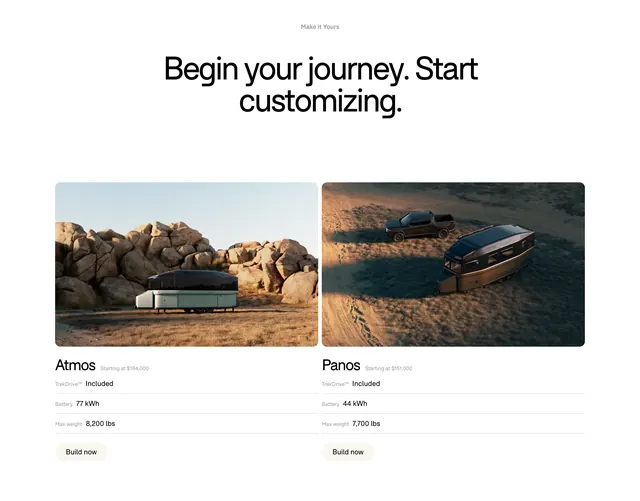 Lightship Atmos Panos build grid
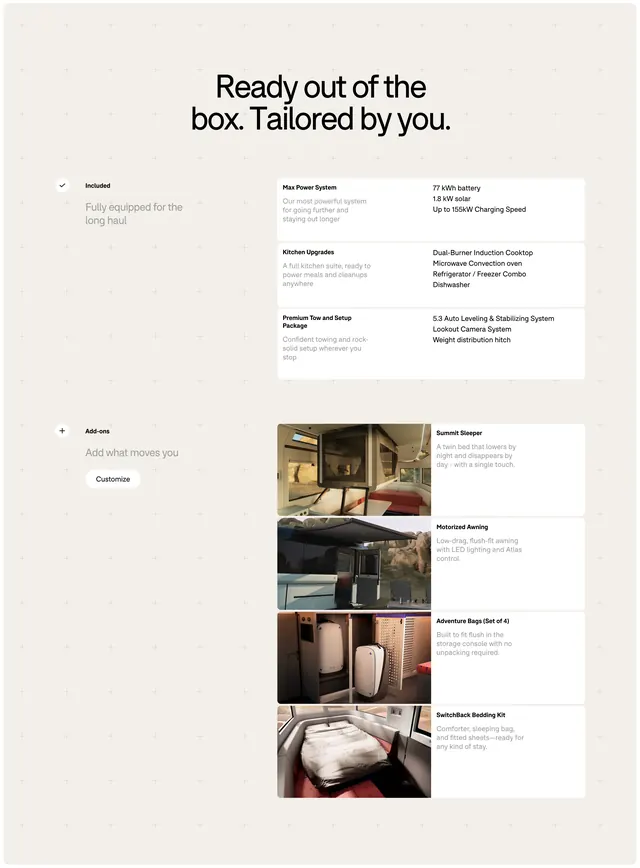 Lightship included and add-ons configurator
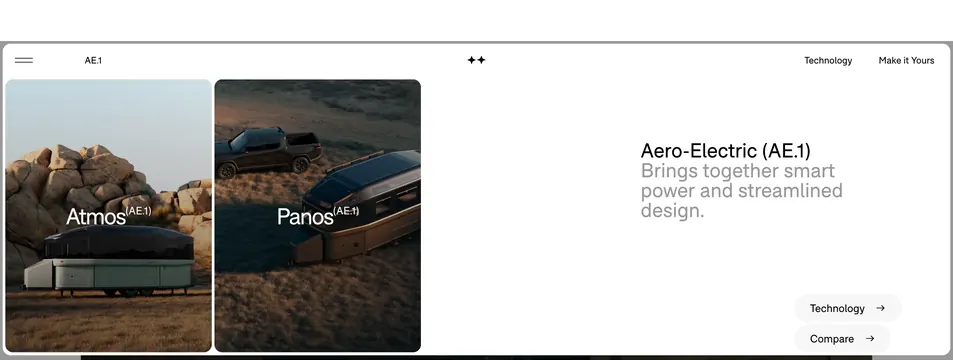 Lightship AE.1 model picker landing
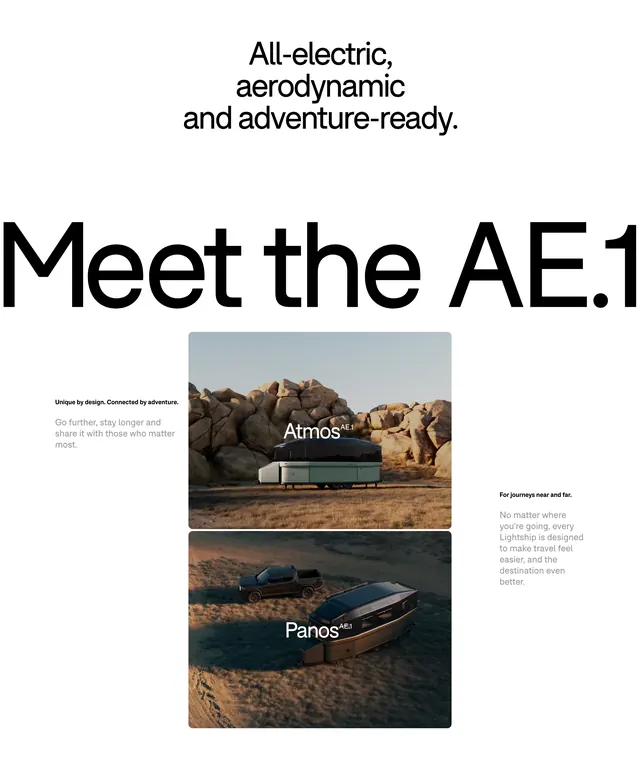 Lightship Meet the AE.1 stacked models
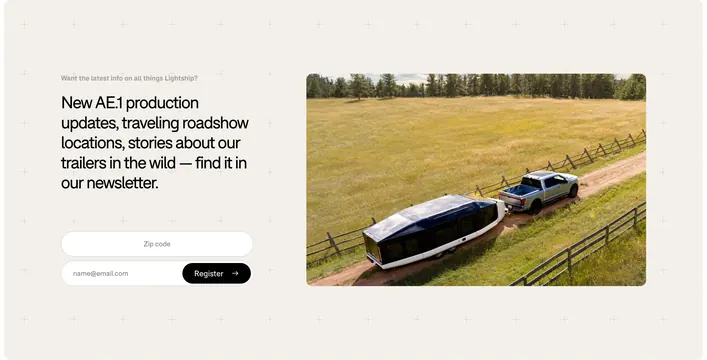 Lightship newsletter zip email register
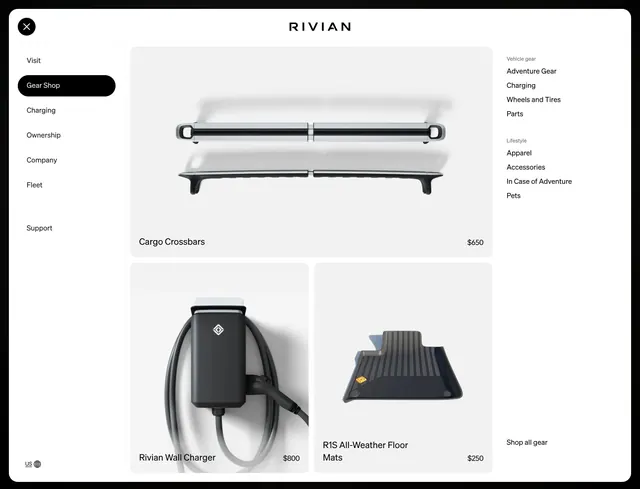 Rivian Gear Shop mega menu
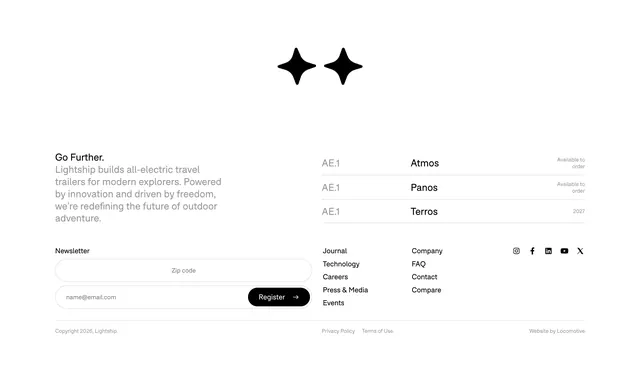 Lightship Go Further footer
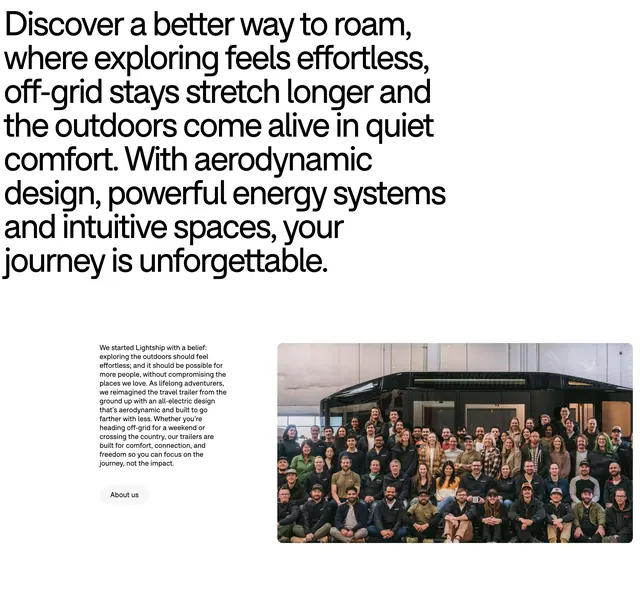 Lightship about story split section
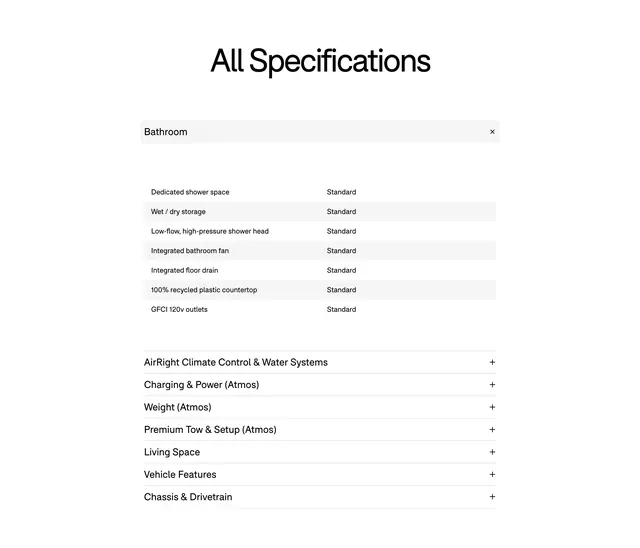 Lightship all specifications accordion
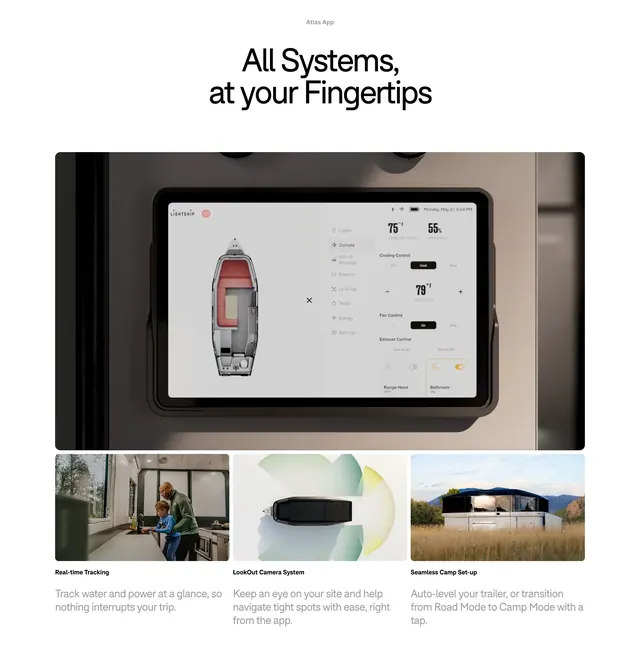 Lightship Atlas app control feature
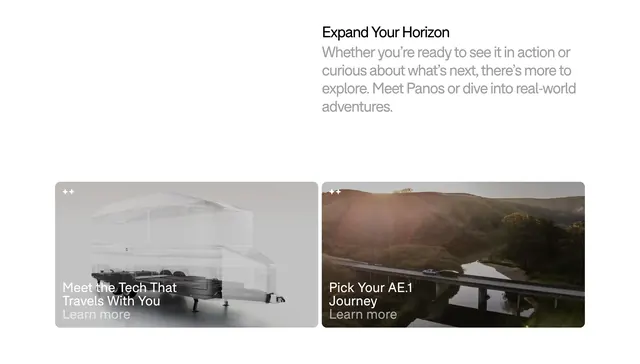 Lightship Expand Your Horizon dual cards
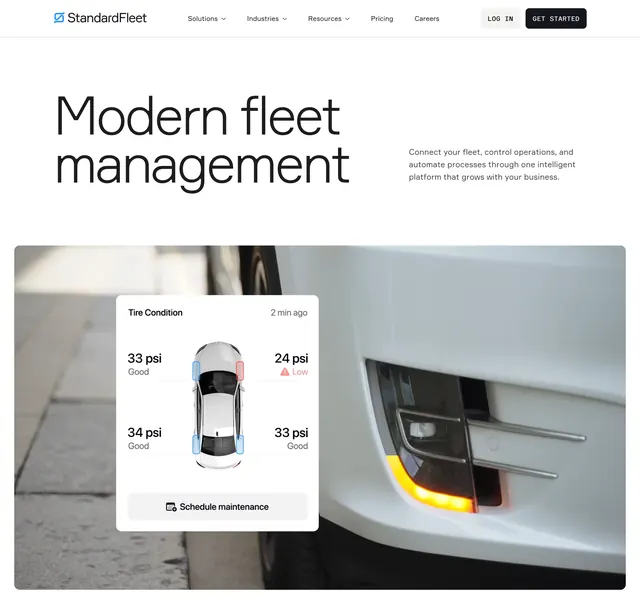 Standard Fleet management hero with tire card
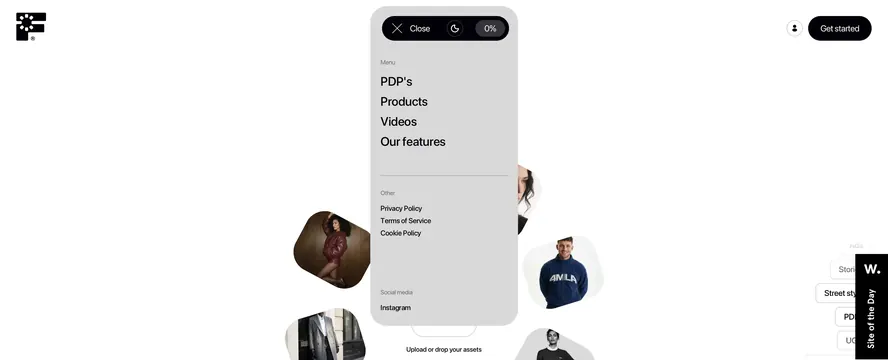 Fourmula navigation modal overlay
 Steep centered-logo navbar
 Fauna Robotics investor logo cloud
 Synthesia Team Section
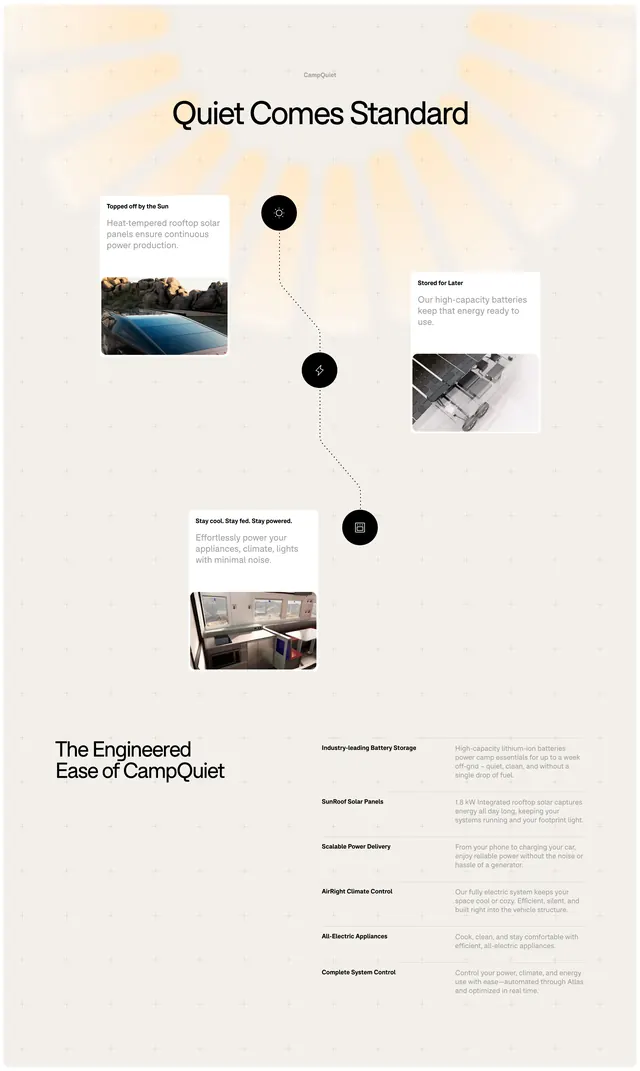 Lightship CampQuiet power journey diagram
 Lumos minimalist site navbar
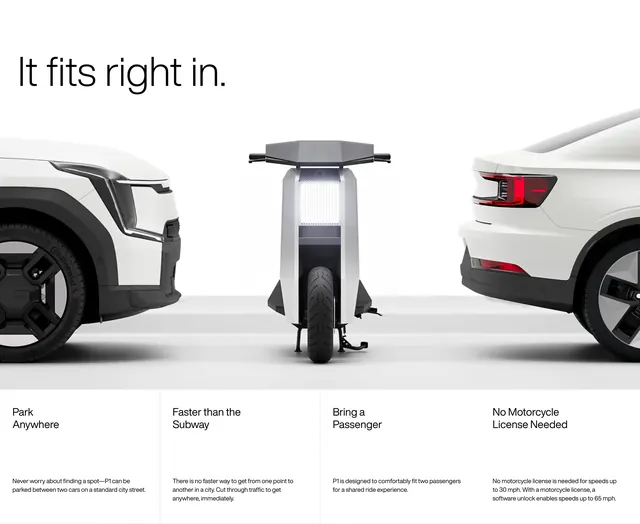 Infinite Machine urban fit four-column
 Current product navbar
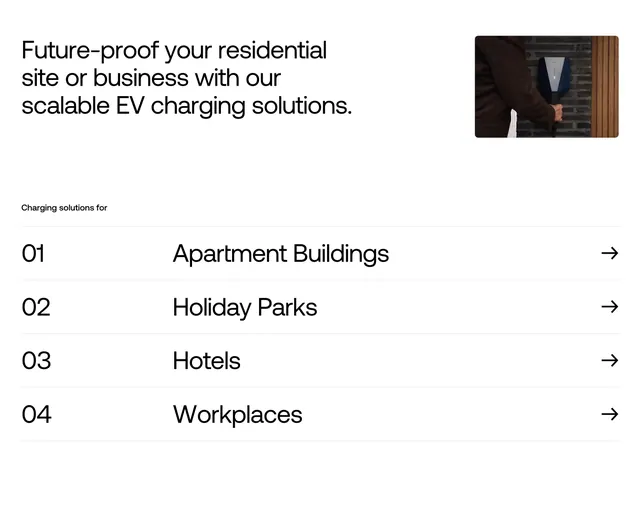 Energy Park numbered charging solutions list
 iPhone 7 Mockup
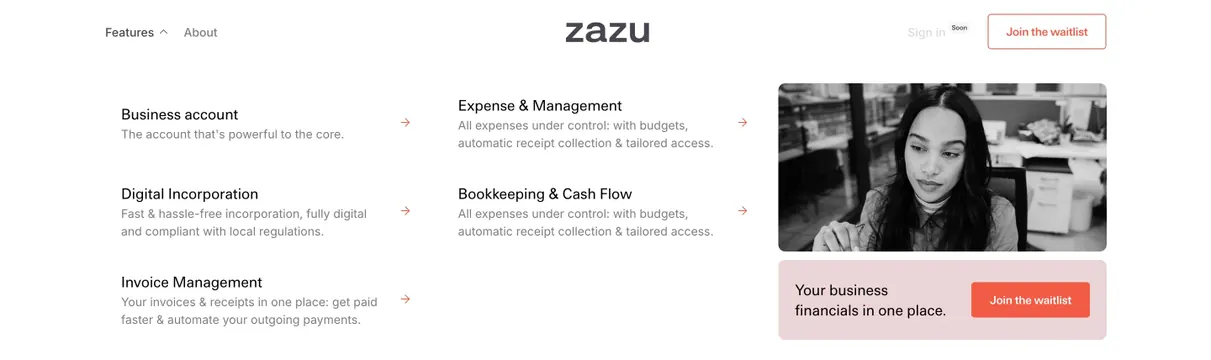 Zazu features mega menu navbar
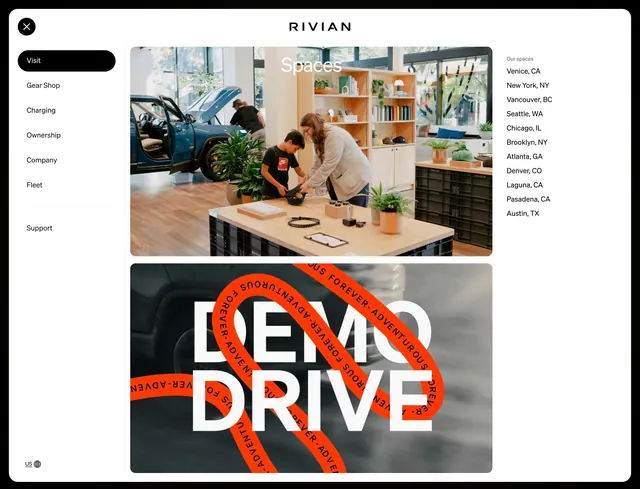 Rivian Visit mega menu overlay