Lightship included and add-ons configurator
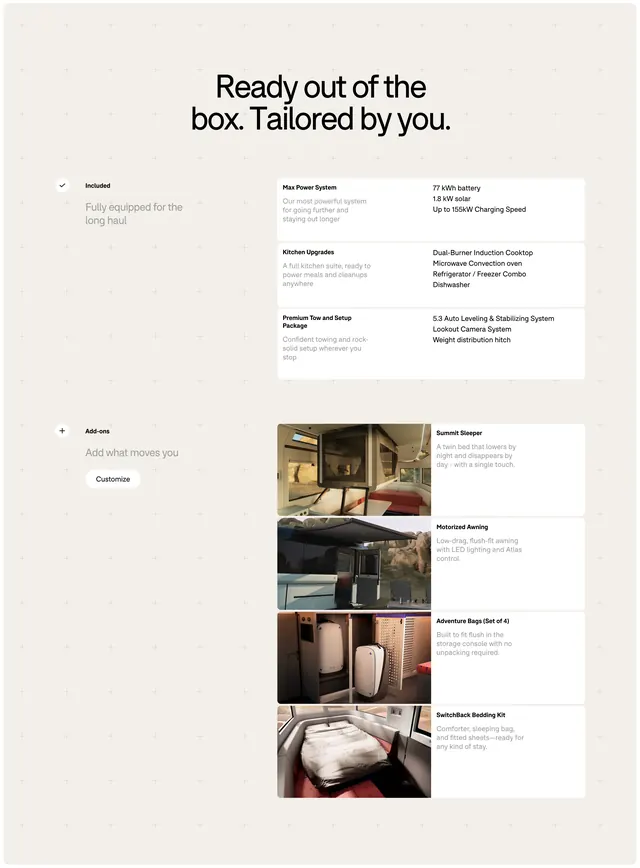
Plus-grid page listing standard systems in white cards and optional add-ons with photos and Customize pill.
Summary
Lightship Ready out of the box section with Included power and kitchen specs plus Add-ons photo rows and Customize button.
Visual description
Off-white background with faint plus grid. Center headline Ready out of the box. Tailored by you. Included row: check icon, copy, three stacked white spec cards for Max Power System, Kitchen Upgrades, Premium Tow and Setup with bullet specs. Add-ons row: plus icon, Add what moves you, Customize pill, four horizontal cards with photo left and Summit Sleeper, Motorized Awning, Adventure Bags, SwitchBack Bedding titles.
Key takeaway
Split standard equipment lists from upsell gallery so buyers see base value before options. Thumbnail-plus-text rows make accessories scannable like an e-commerce cart.
Reuse notes
Configurable vehicles with long spec lists. Included cards can feel dense; add-ons need consistent image aspect ratios.
More like this
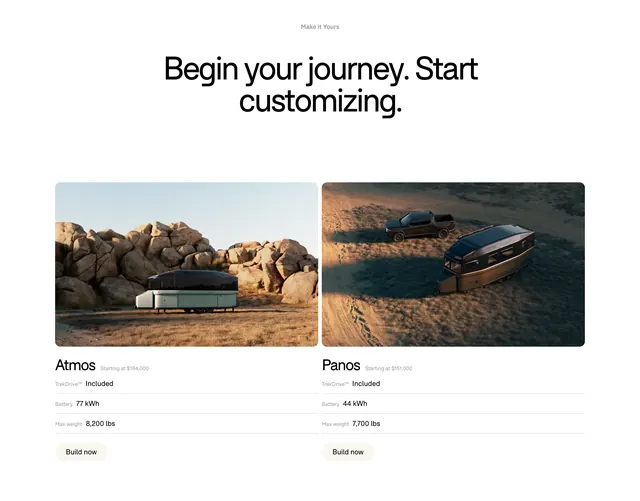 Lightship Atmos Panos build grid
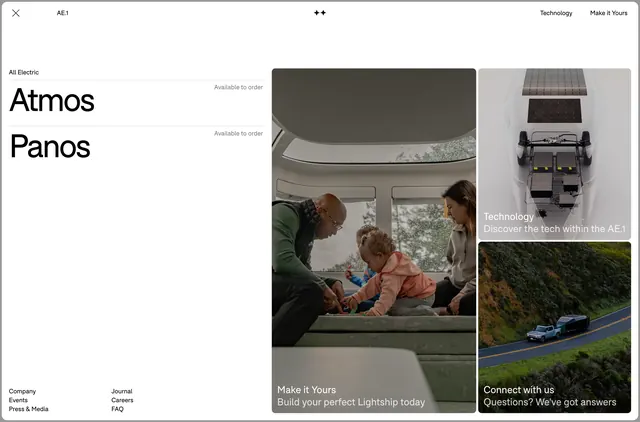 Lightship full-screen AE.1 menu overlay
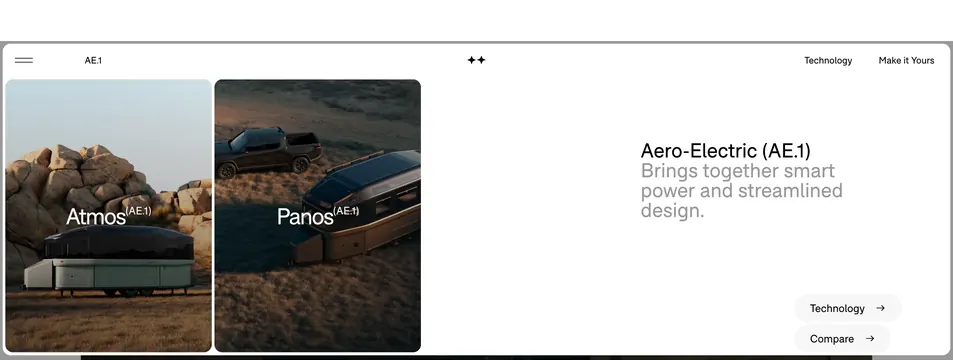 Lightship AE.1 model picker landing
 Lightship newsletter zip email register
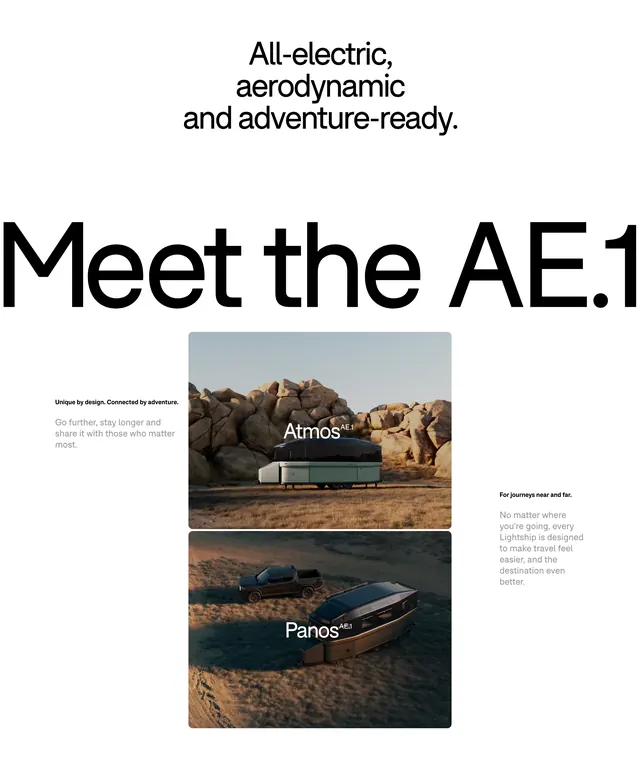 Lightship Meet the AE.1 stacked models
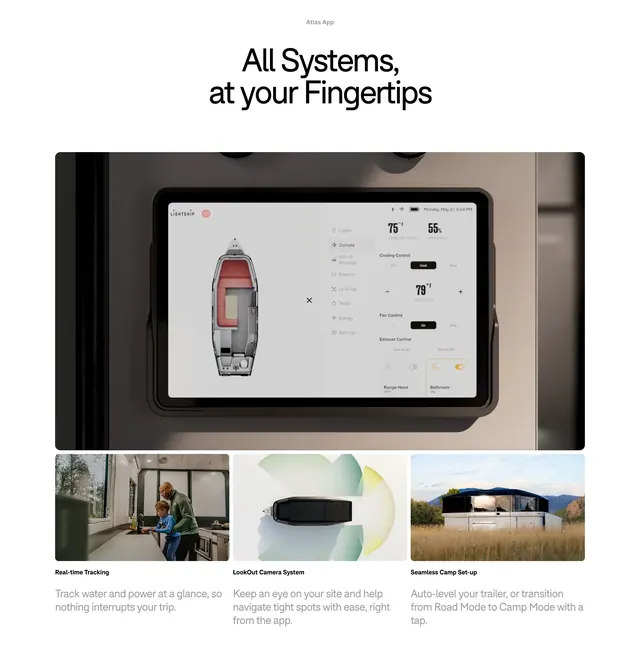 Lightship Atlas app control feature
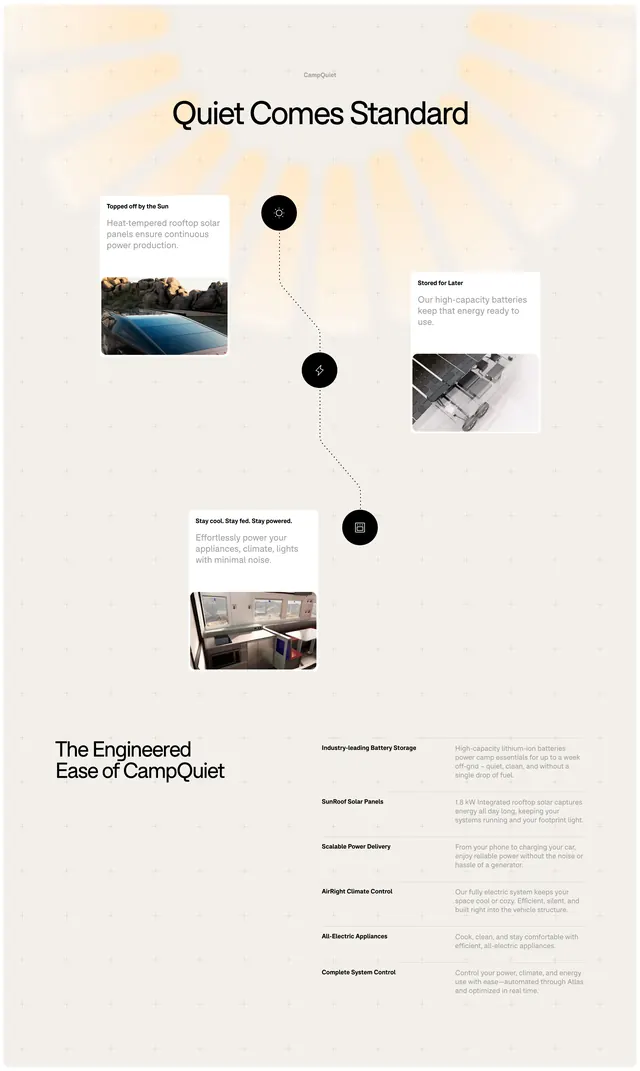 Lightship CampQuiet power journey diagram
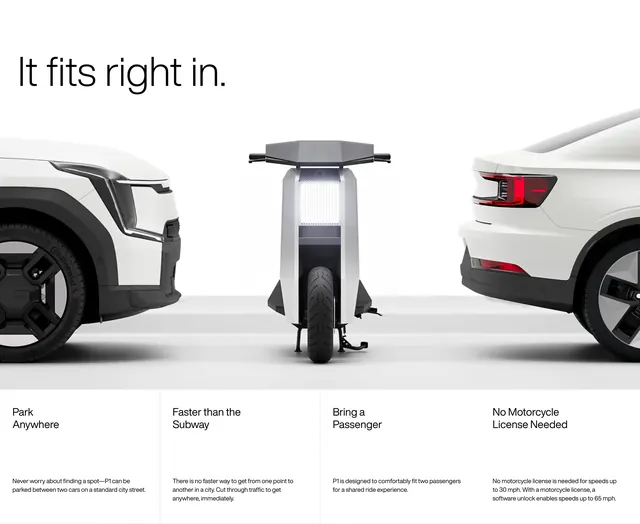 Infinite Machine urban fit four-column
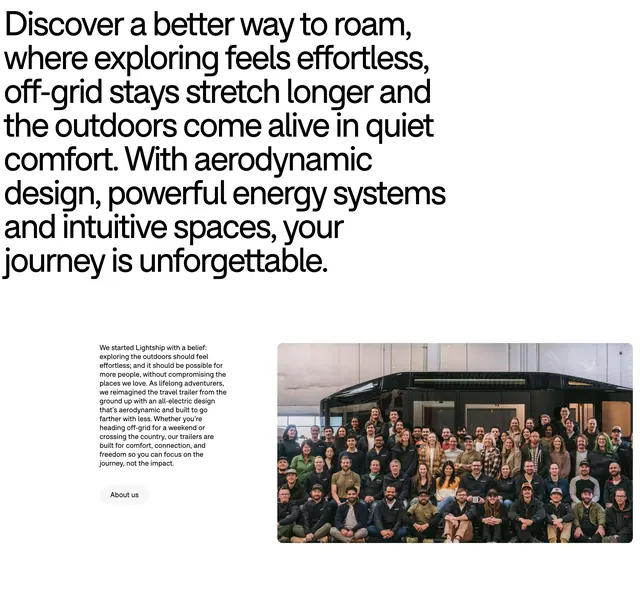 Lightship about story split section
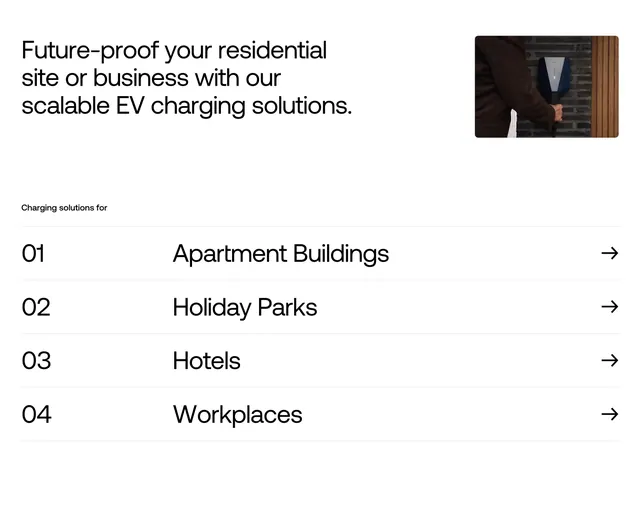 Energy Park numbered charging solutions list
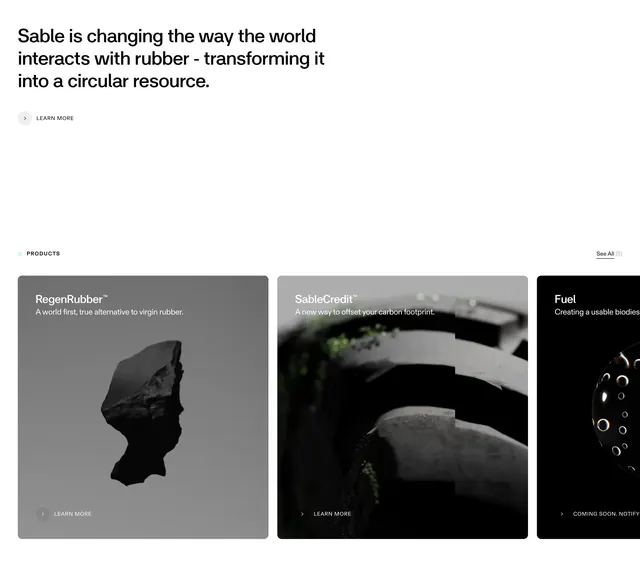 Sable product feature grid
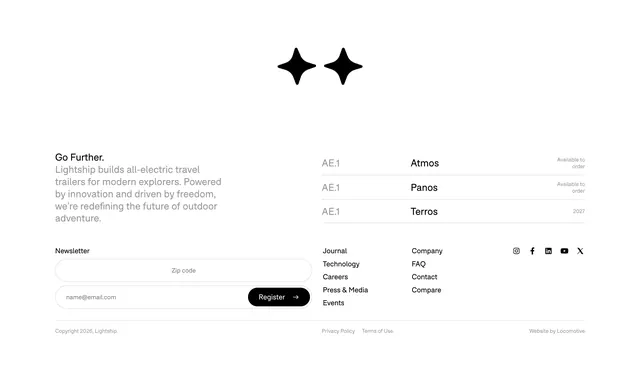 Lightship Go Further footer
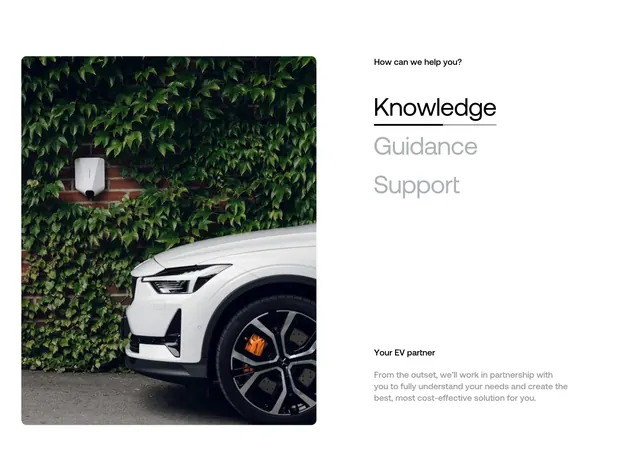 Energy Park tabbed help split section
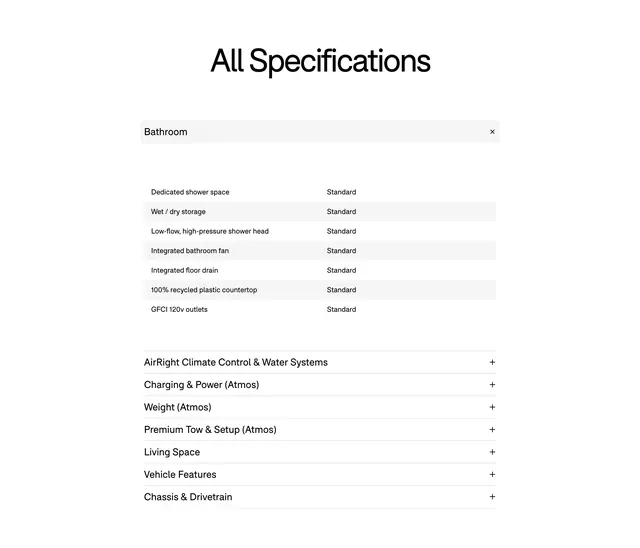 Lightship all specifications accordion
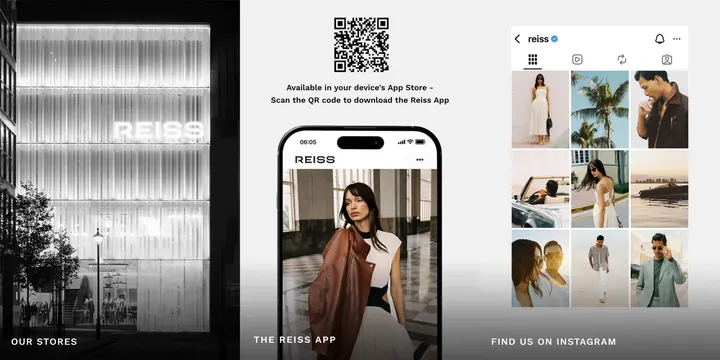 Reiss retail channels three-column feature
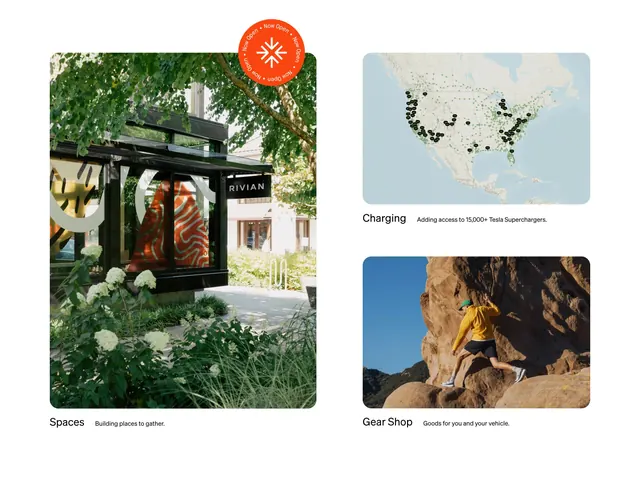 Rivian homepage collections grid
 Lightship Expand Your Horizon dual cards
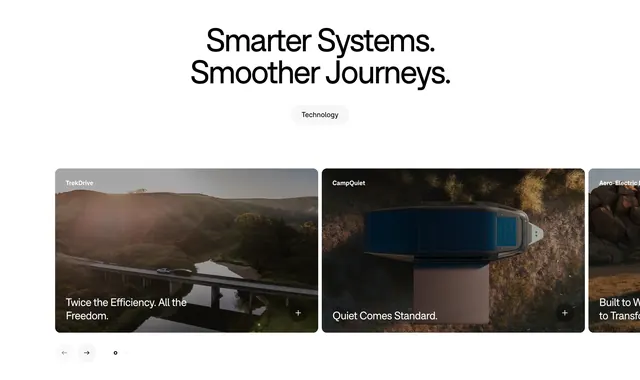 Lightship smarter systems carousel
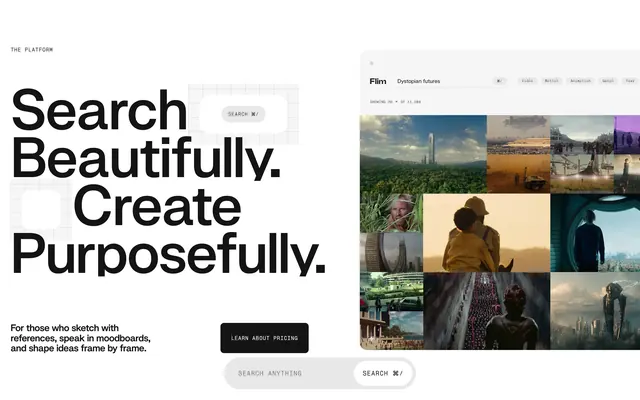 Flim search functionality split presentation
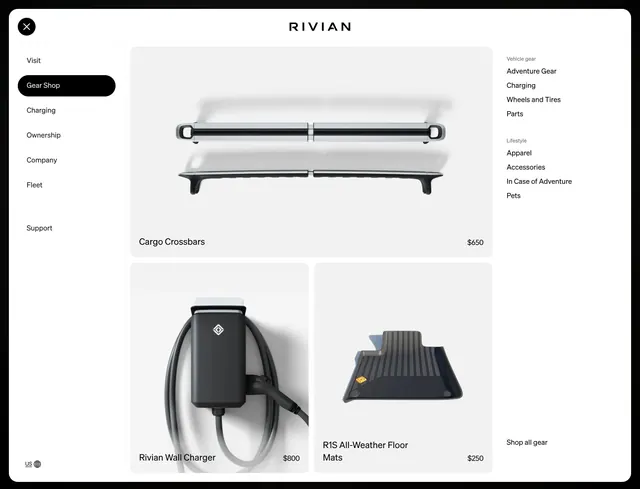 Rivian Gear Shop mega menu
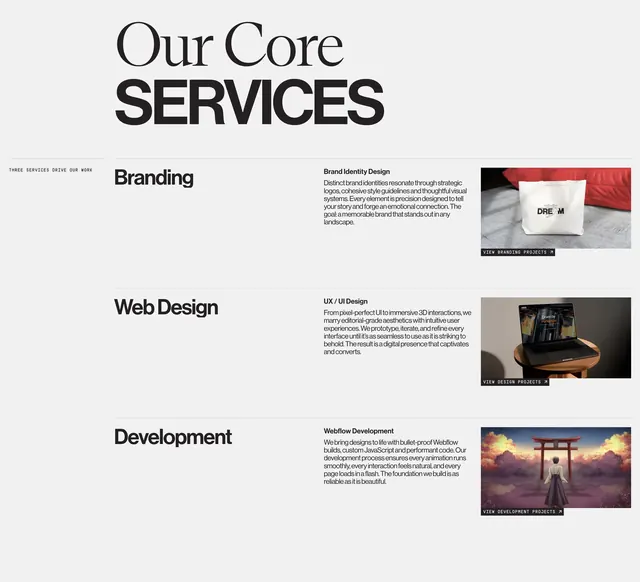 Future Three core services list
 Fauna Robotics investor logo cloud
 Synthesia Team Section
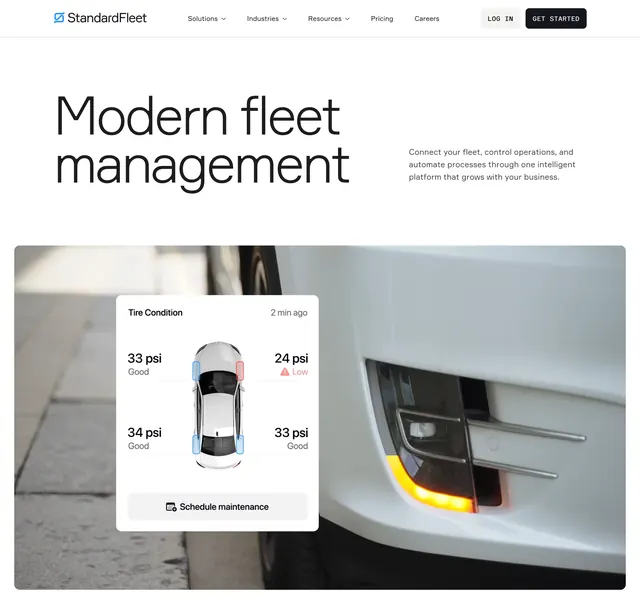 Standard Fleet management hero with tire card