One-click Super Summarize action callout
Same dark product screenshot as the previous slide with a white callout that spotlights a one-click summarize action.
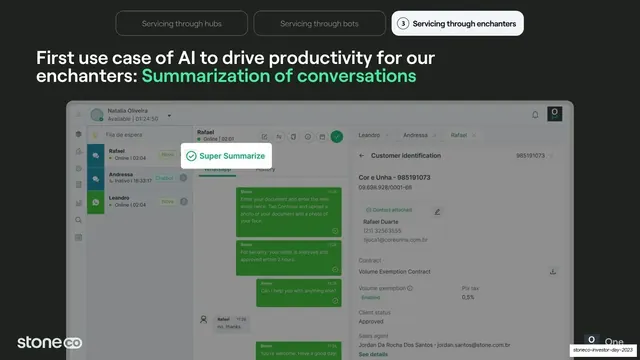
Summary
A walkthrough step that repeats the dark product screenshot and spotlights one button with a white callout. The slide shows where the feature lives in the interface.
Visual description
The headline block and section tabs repeat from the previous slide, so the sequence reads as one build. A white rounded callout with a green check icon and the label "Super Summarize" sits over the chat list. The rest of the UI is dimmed in the background, and the message thread is partly visible beneath the callout.
Key takeaway
Isolating a single control in a white callout turns a dense screenshot into a clear instruction. Repeating the same frame from the previous slide keeps the viewer oriented.
Reuse notes
Pair this with the full-screen capture before it when you walk through one feature step by step. The white callout is a good pattern for naming a single action in any dark product screenshot. Avoid it when several controls need equal attention.
More like this
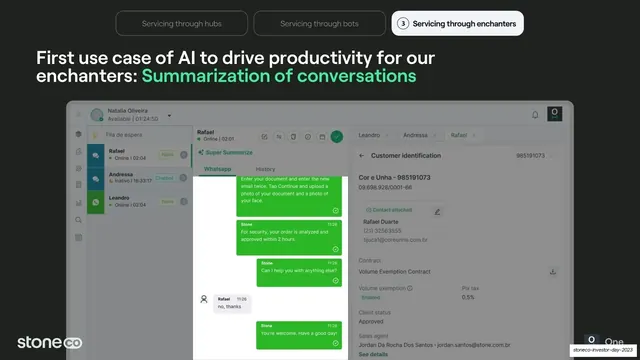 AI summarization of customer conversations
 Why Dev Mode feature with version history
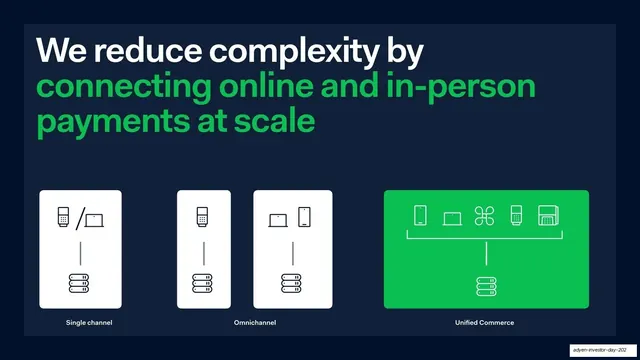 Single channel to unified commerce diagram
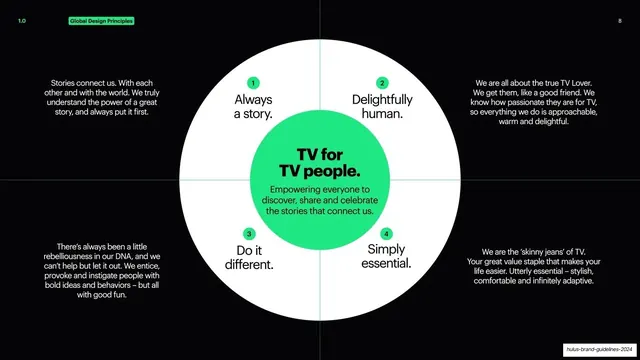 TV for TV people principles diagram
 Docusign Brand Identity Guidelines 2024
 Palantir Q1 2023 Business Update
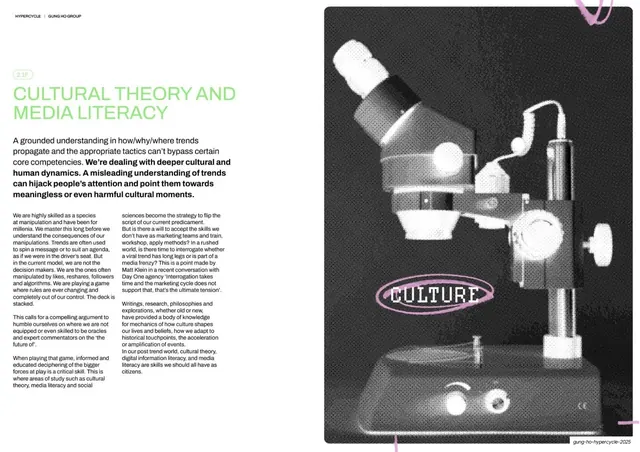 Cultural theory and media literacy spread
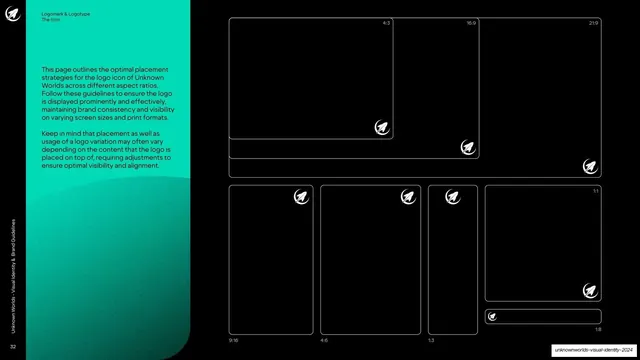 Icon placement across aspect ratios
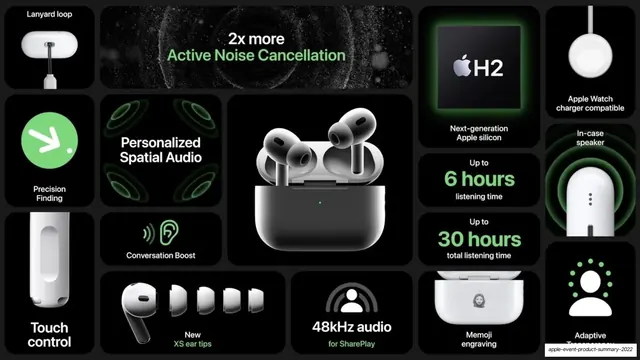 Apple Event Product Summary 2022
 Q1 2023 Business Update cover
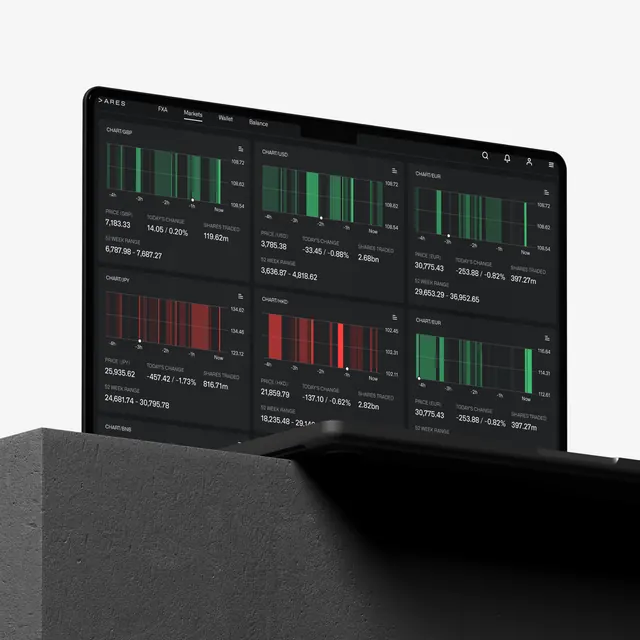 Data Dashboard Interface
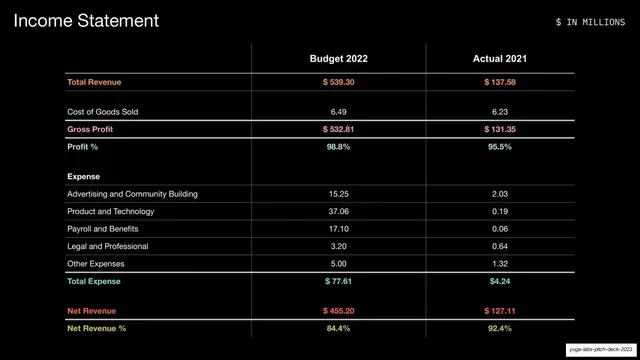 Income statement table
 Discord Blurple core color
 Nietzsche Pitch Deck 2023
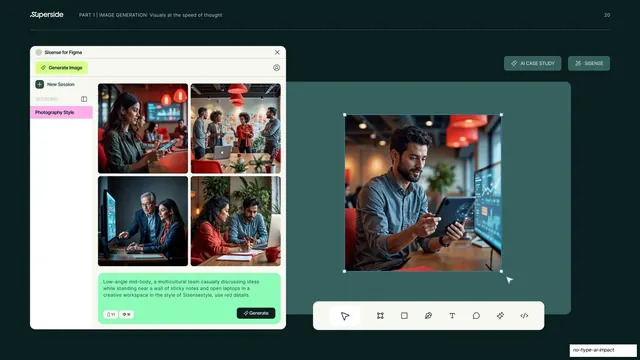 Sisense Figma plug-in in use
 KPR Brand Book Version 1.0
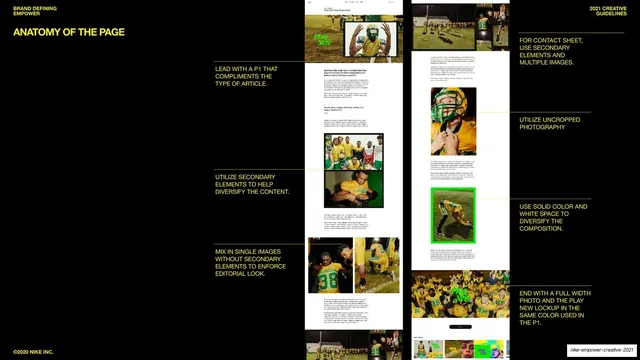 Anatomy of the Page, collage guidance
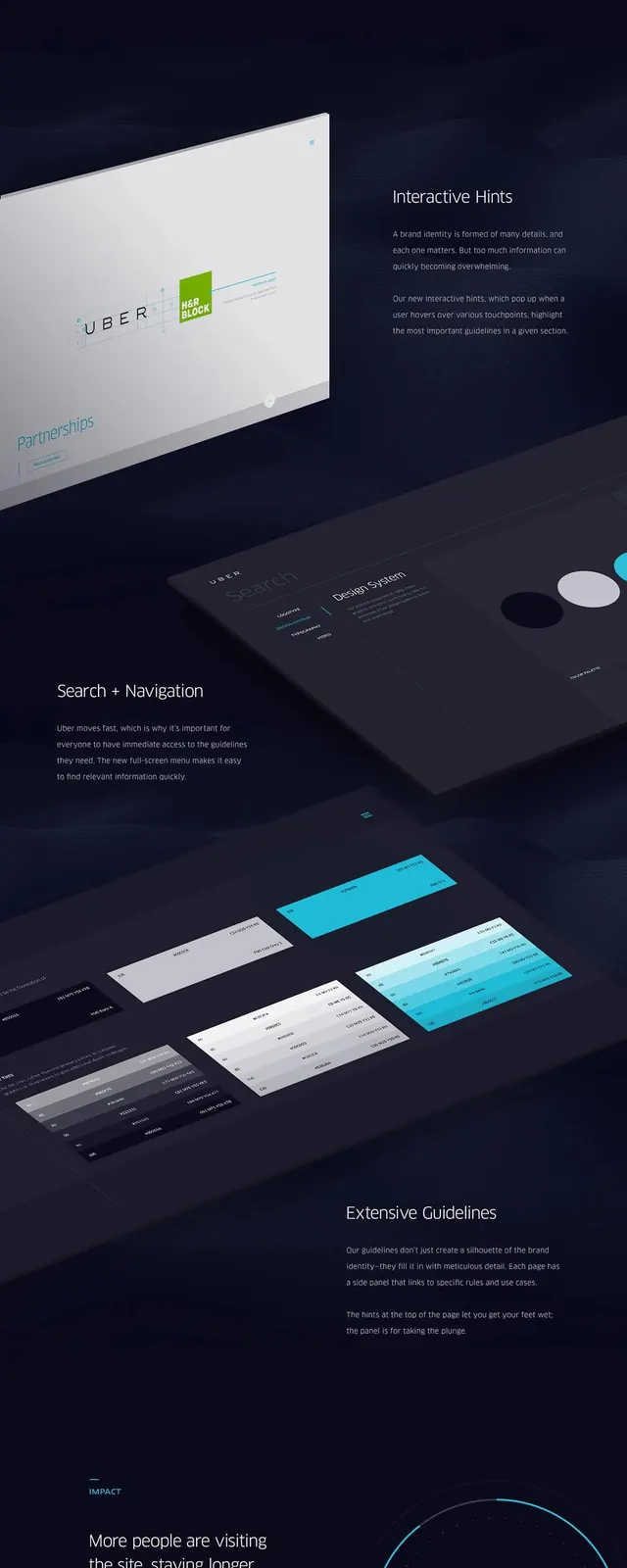 Dark Mode SaaS Dashboard Showcase
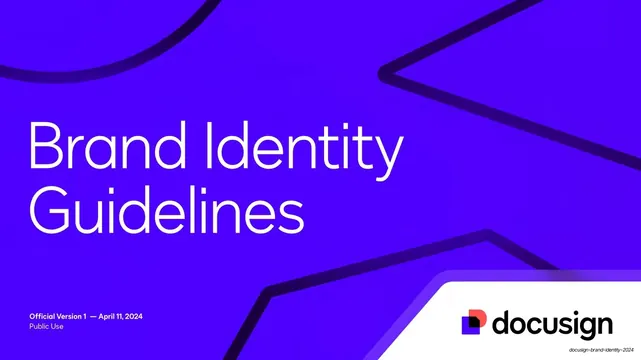 DocuSign Brand Identity Guidelines 2024
 Metrology equipment photo
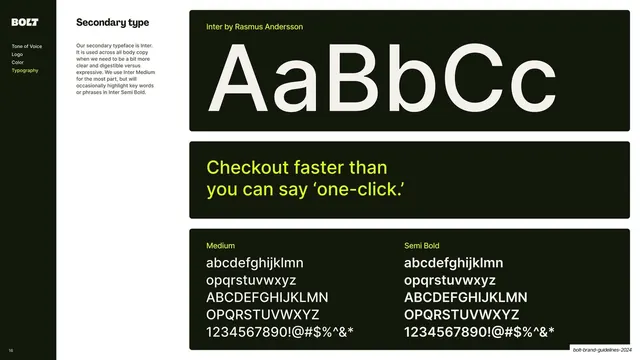 Secondary type - Inter
 Fig empty canvas Figma mockup
 Formula 1 Brand Guidelines 2018
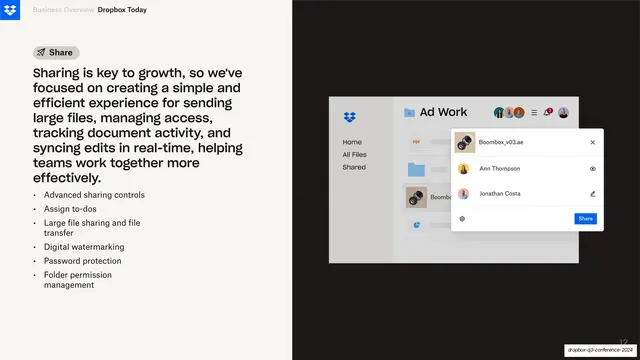 Share feature with access-controls UI