Sisense Figma plug-in in use
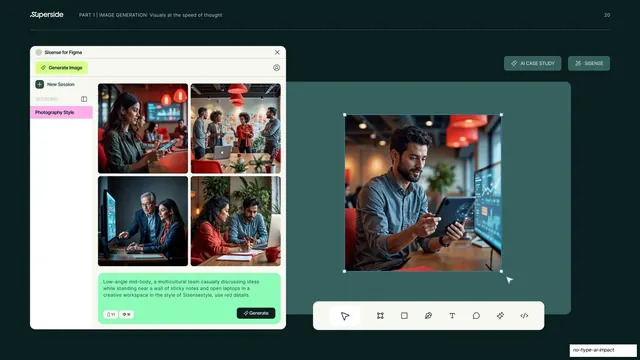
Dark teal product demo with a plug-in window of generated photos on the left and a selected image placed on a design canvas on the right.
Summary
A product demo that shows a Figma plug-in generating images and placing one on a design canvas. A floating plug-in window sits on the left over a teal panel, and the selected photo sits in a canvas frame on the right.
Visual description
Very dark teal background with two pills at top right. A white plug-in window overlaps the left side of a teal panel. It has a close button, a lime Generate Image button, a session list, a four-photo grid of office scenes with red accents, and a green prompt card with a Generate button. On the right, a single photo sits inside a selection box with corner handles and a cursor, and a floating cream toolbar of tool icons sits along the bottom edge.
Key takeaway
The slide shows the whole loop in one frame: prompt, generated options, and the chosen asset placed in the design file. Selection handles and a toolbar make the image feel like a working object, not a mock-up.
Reuse notes
Strong pattern for a product demo that needs to show a tool inside its host app. The overlapping window makes the slide feel active. Replace the screenshots with the current product UI before reuse, since the plug-in panel itself is a captured interface.
More like this
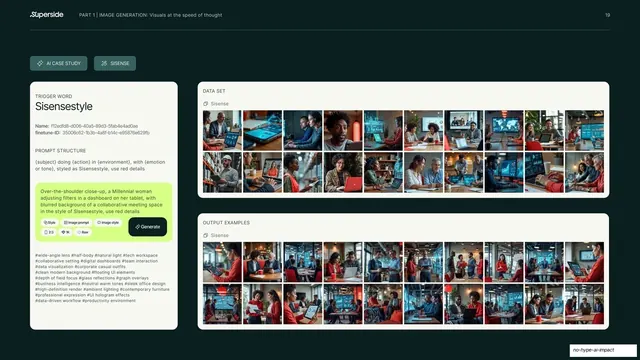 Sisense trigger word and dataset
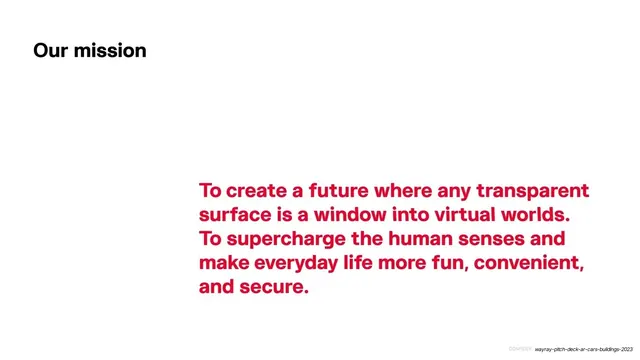 WayRay Pitch Deck 2023
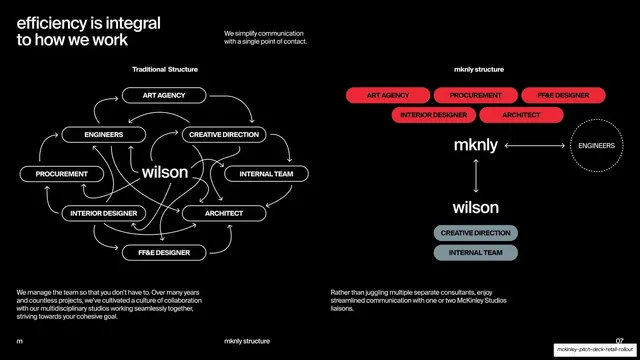 Traditional vs mknly org-structure diagram
 Boardmasters Brand Guidelines 2024/2025
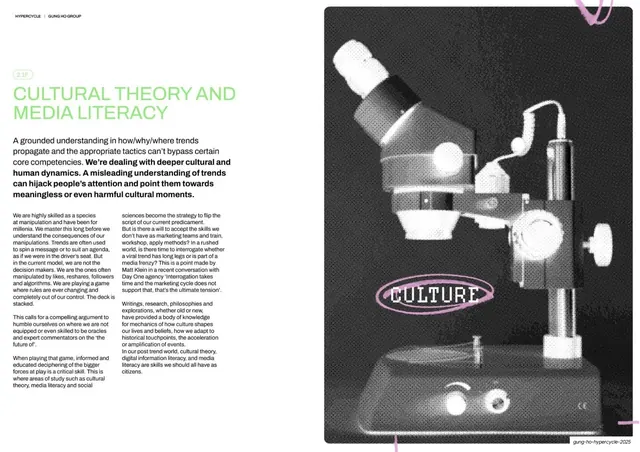 Cultural theory and media literacy spread
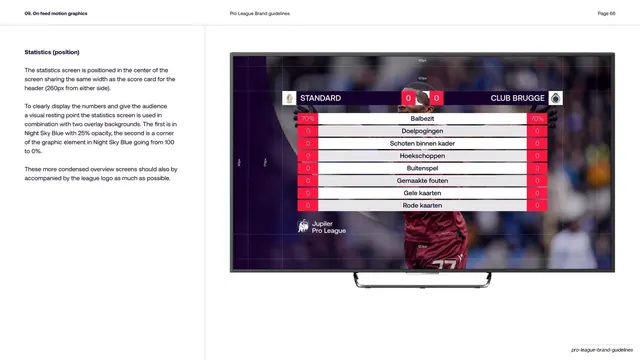 Statistics screen centered overlay on TV
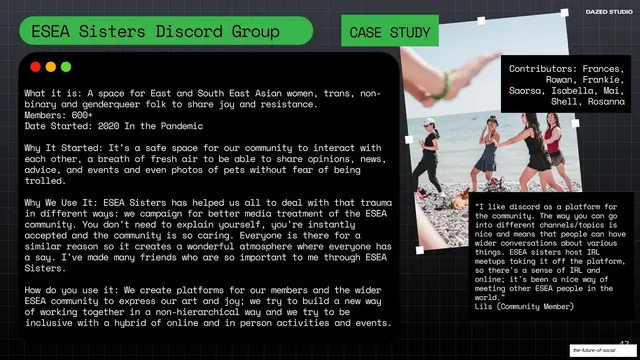 ESEA Sisters Discord case study panel
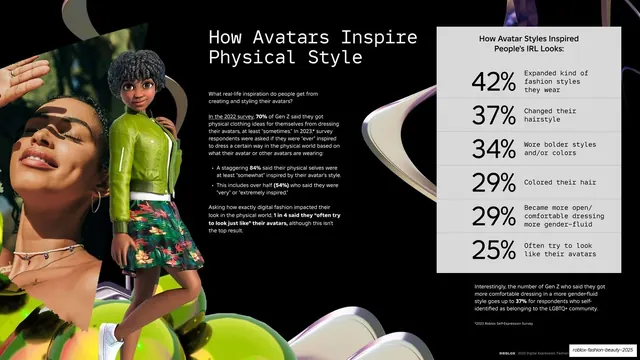 Black stat panel slide with photo and percentage list
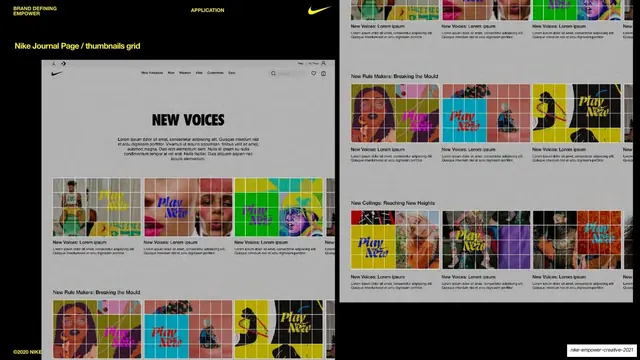 Nike Journal Page with thumbnails grid overlay
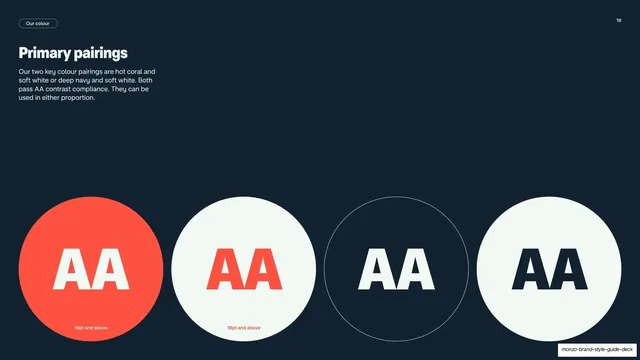 Monzo primary colour pairings
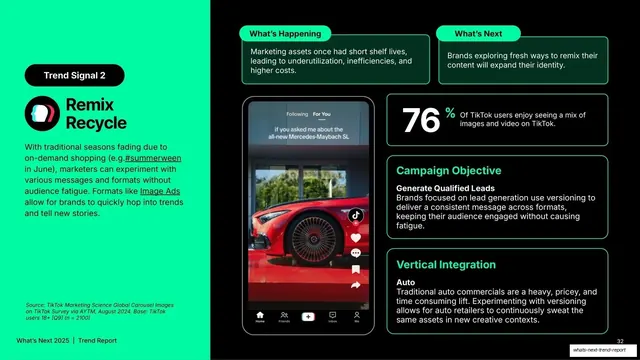 Remix Recycle trend signal
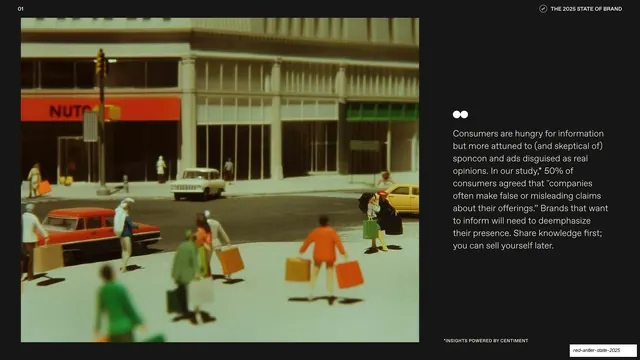 Consumers skeptical of sponsored content
 Docusign Brand Identity Guidelines 2024
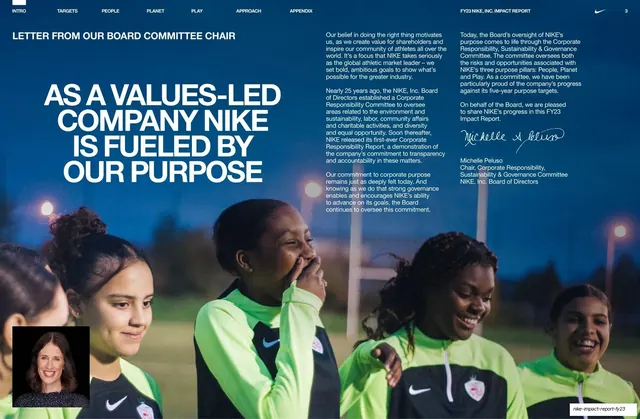 Board committee chair letter on values
- Tuum modules panel with animated rosette and icon set
 Content index
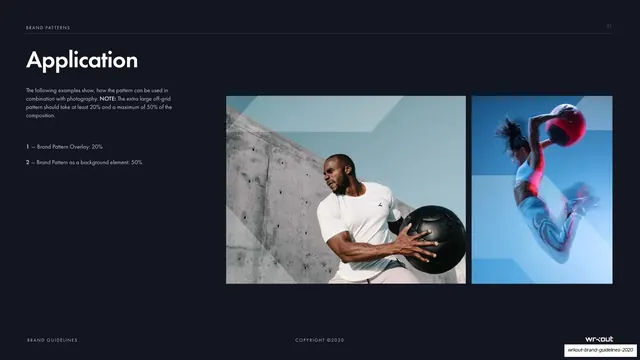 Pattern overlay at 20 and 50 percent
 Buy now, worry later opener
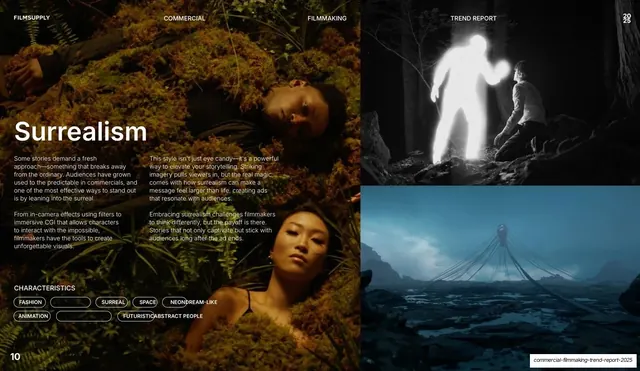 Surrealism trend
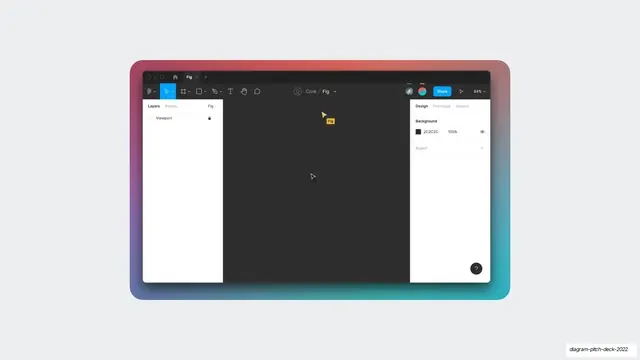 Fig empty canvas Figma mockup
 B Impact Assessment intro over dark van
 DevCon 2 product headline with lime wordmark
 Keyable Stream on Hulu badge
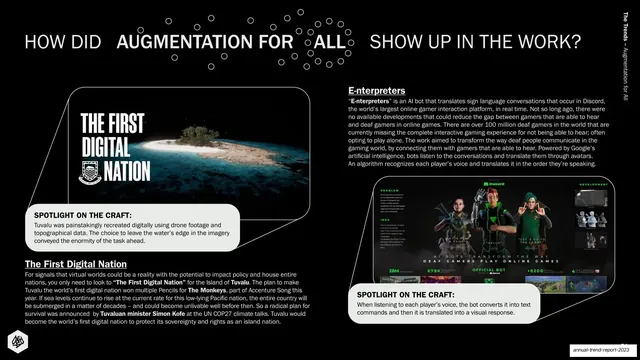 First Digital Nation and E-interpreters case studies