POS-linked automatic repayment with installment card
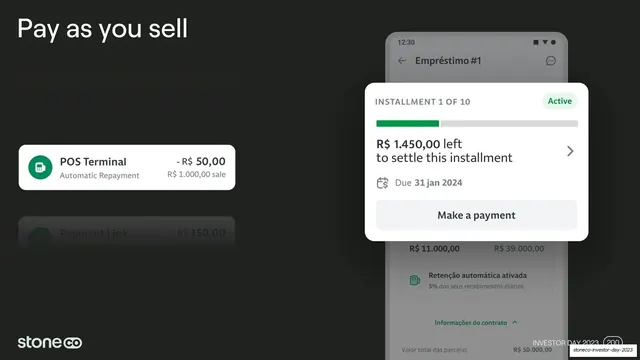
App UI slide pairing a POS automatic repayment transaction with a faded second row, and an installment card on a dimmed phone screen.
Summary
A dark slide with two stacked transaction rows on the left, one highlighted as a POS automatic repayment and one faded, and a white installment card over a dimmed phone on the right.
Visual description
The headline "Pay as you sell" sits top-left in white. On the left, a bright white row labeled "POS Terminal" with the subline "Automatic Repayment" shows a green terminal icon, a small minus amount, and the original sale value. A second row labeled "Payment Link" sits below it and fades into the dark background. On the right, the dimmed phone screen holds a white installment card with an "Active" pill, a green progress bar, a balance left to settle, a due date, and a grey "Make a payment" button.
Key takeaway
Stacking a focused transaction above a faded second item shows the automatic deduction in context, and the progress card confirms the effect on the loan.
Reuse notes
Good for explaining automated collection or linked-account repayment flows. The fade on the second row signals a secondary or future state, so reuse that device for sequence or priority. The on-screen labels are in Portuguese, so localize before reuse.
More like this
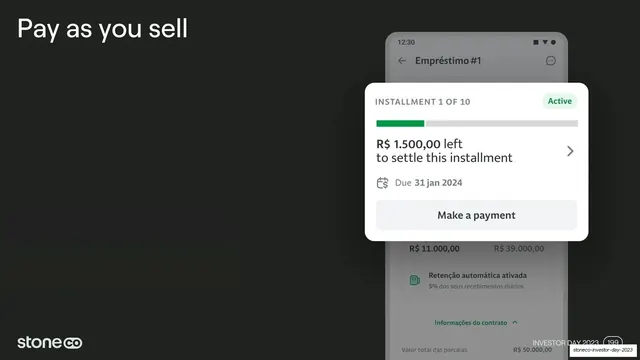 Installment card over dimmed app screen
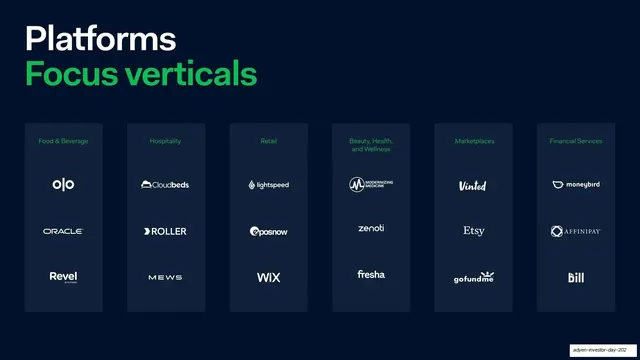 Platform focus verticals in six columns
 AIP for Defense and for Business split
 Model Viewer tool spotlight
 Sources bibliography page two
 AirPods Pro feature bento (dark)
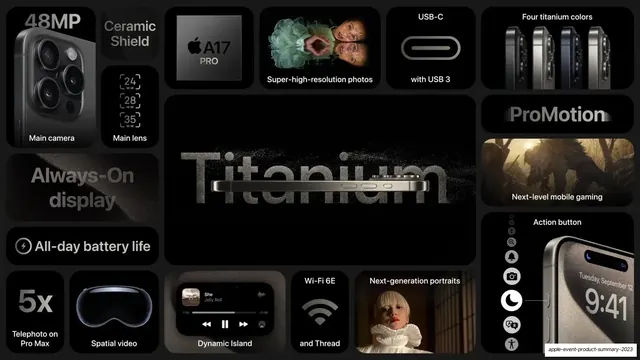 iPhone 15 Pro feature bento (dark)
 Linear is a better way to build software
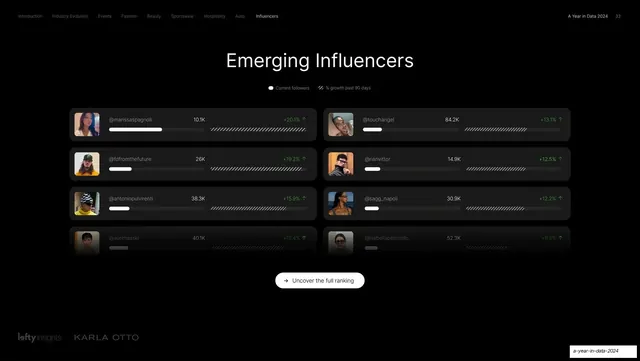 Emerging influencers growth ranking on dark
 Six pillars of on-chain asset infrastructure
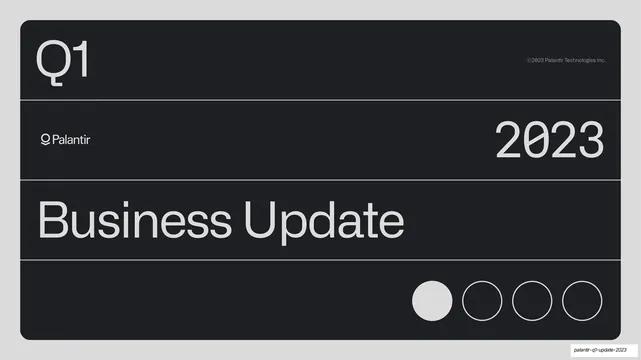 Palantir Q1 2023 Business Update
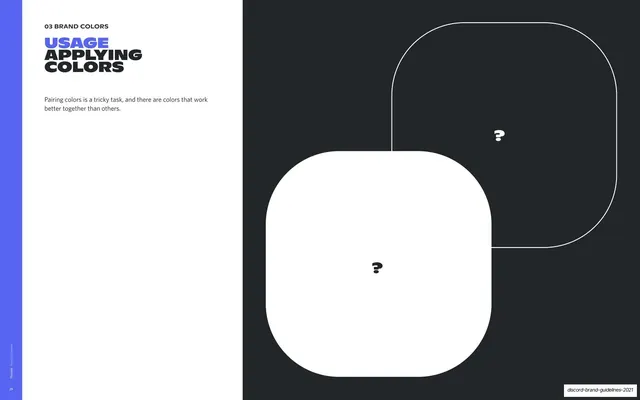 Applying colors section intro
 Network ID system, Hulu and Hulu Originals
 Appendix divider with table of contents
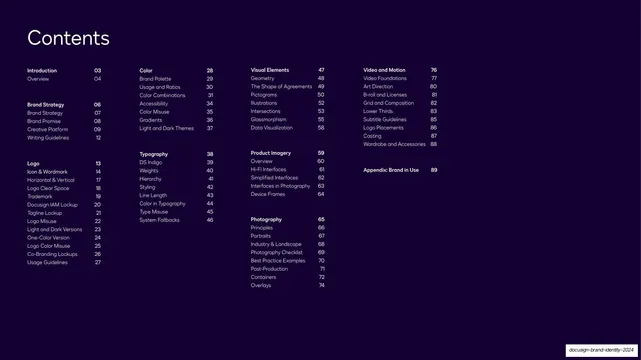 Contents table
 Logo minimum size and clear space
 AR Rendering Engine
 Galaxy Q2 '23 cover
 Studio Freight table of contents
 Why Dev Mode feature with version history
 Our Approach methodology spread
 Competition landscape
 Four-column contents list on black
 Bravida brand guidelines cover