Installment card over dimmed app screen
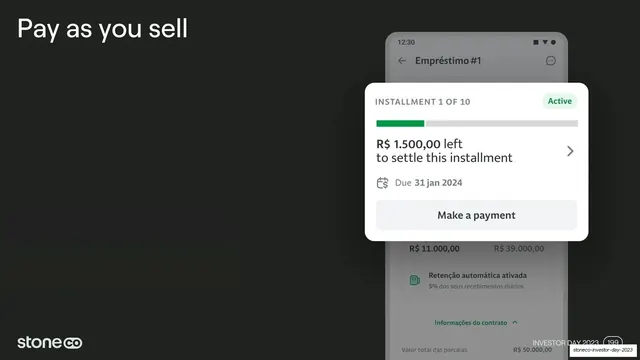
App UI spotlight with a white installment card over a dimmed phone screen, showing progress, the balance left, a due date, and a payment button.
Summary
A dark slide with a short white headline and a phone screen behind a white installment card that shows progress, the balance left, a due date, and a payment button.
Visual description
The headline "Pay as you sell" sits top-left in white sans-serif, and the left half of the slide is mostly empty. On the right, a dimmed phone screen with a loan title bar and a contract summary sits in the background. A bright white card overlaps it and shows an "Active" status pill, a green progress bar with a grey remainder, a line reading the balance left to settle, a due date, and a full-width light grey "Make a payment" button.
Key takeaway
Dimming the background screen and lifting one white card puts the single action and the progress state in focus without showing the whole app.
Reuse notes
Reuse for any single-task spotlight in a product deck, such as a payment, a renewal, or a subscription status. The dimmed backdrop gives context while the foreground card carries the message. The title and body on the dimmed screen are in Portuguese, so localize if reused.
More like this
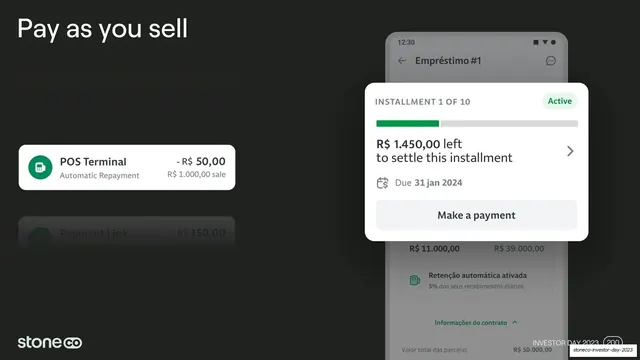 POS-linked automatic repayment with installment card
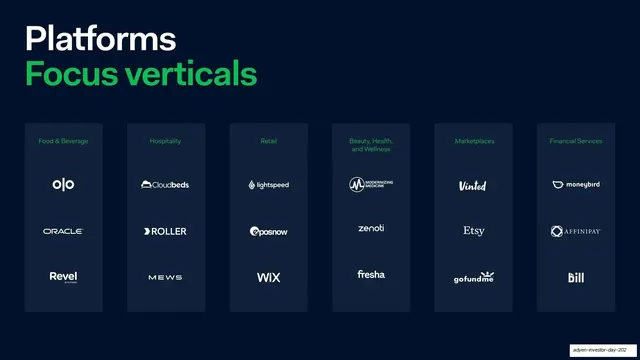 Platform focus verticals in six columns
 AIP for Defense and for Business split
 Model Viewer tool spotlight
 About On section divider
 Four-column contents list on black
 Welcome to the Big Green Guide
 Safe harbor forward-looking statements disclaimer
 Breaking news statement on black
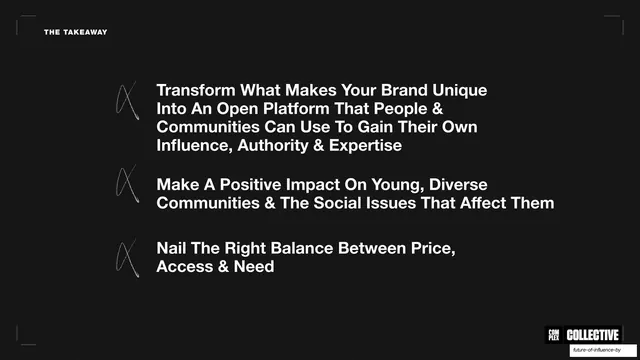 Transforming brands takeaway checklist of three
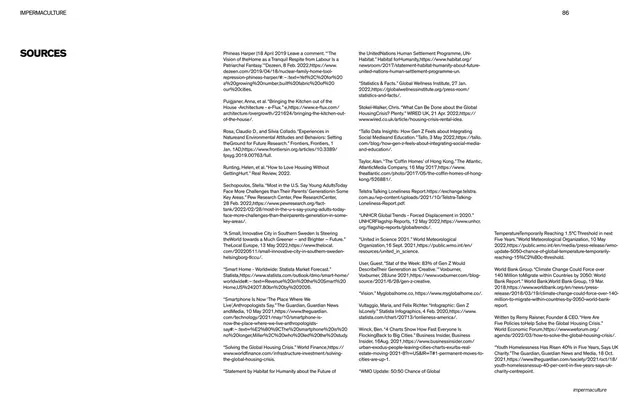 Sources bibliography page two
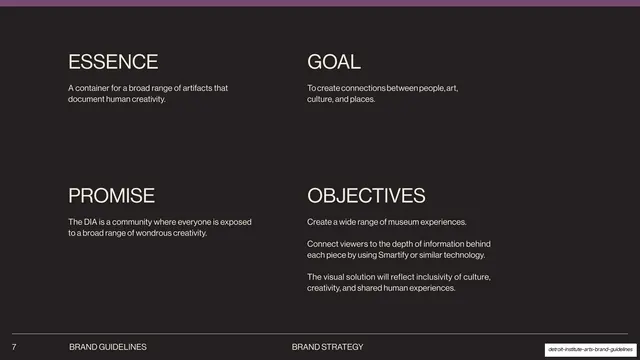 Positioning four-quadrant statements
 Chapter divider for Introduction
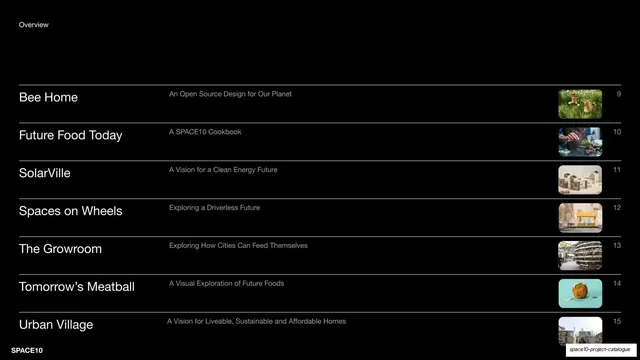 Projects overview index
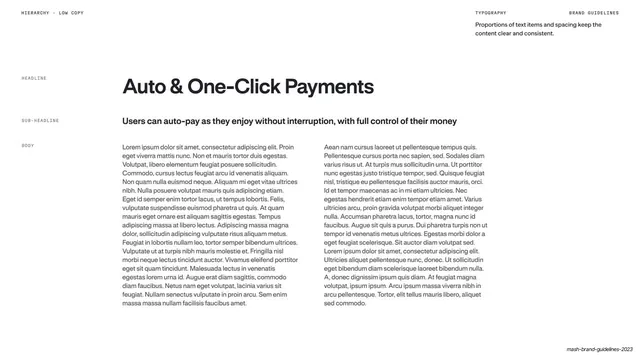 Proportions and spacing principle
 Intro copy on black background
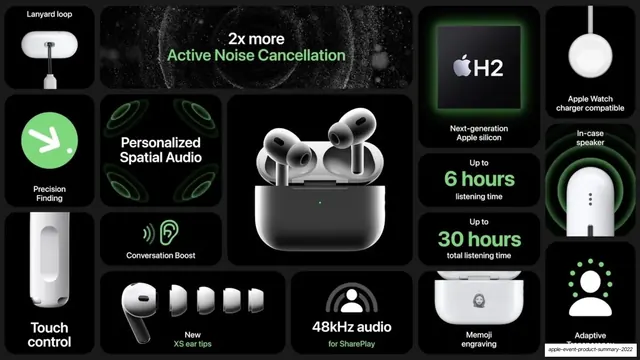 AirPods Pro feature bento (dark)
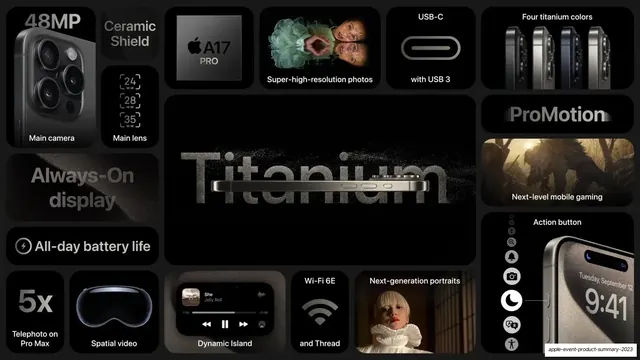 iPhone 15 Pro feature bento (dark)
 Linear is a better way to build software
 One Shot Ads trend
 Six pillars of on-chain asset infrastructure
 Environmental cost milestone statement
 Three shifts overview columns
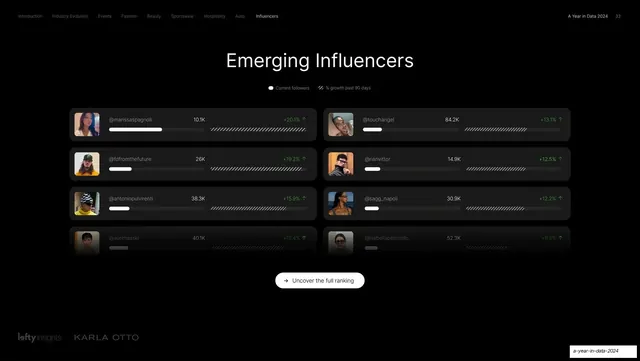 Emerging influencers growth ranking on dark