Contents table
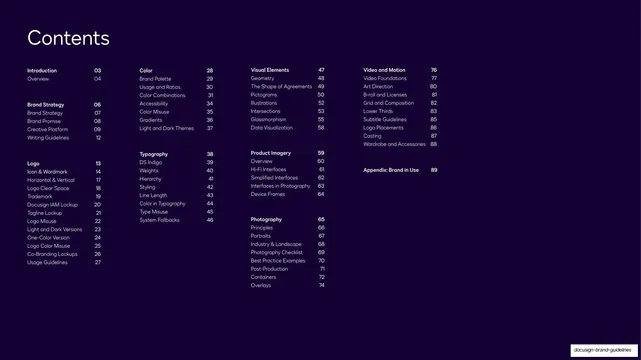
Four-column table of contents on near-black with chapter headings, sub-entries, and page numbers in small type.

Summary
The contents page: an oversized "Contents" heading over a four-column index of chapters and sub-entries with page numbers, all on a near-black field.
Visual description
Near-black (Inkwell) background. A large white "Contents" heading sits top-left. Below, four columns list the chapters: Introduction, Brand Strategy and Logo (column one); Color and Typography (column two); Visual Elements, Product Imagery and Photography (column three); Video and Motion and Appendix (column four). Each chapter title is bold white; its sub-entries are lighter grey, each with a right-aligned two-digit page number. The layout is calm, generously spaced, and entirely typographic.
Key takeaway
Splitting a long table of contents into four parallel columns so the whole 100-plus-page structure is visible at a glance. Bold chapter heads against muted sub-entries make the hierarchy scannable without rules or dividers.
Reuse notes
A clean contents template for any long guidelines or report deck. The four-column grid scales to a large outline; reduce to two or three columns for shorter decks. Page-number alignment must be tidy for it to read as a table.
More like this
 Contents table of contents
 Three technical pillars feature slide
 Overview vision copy
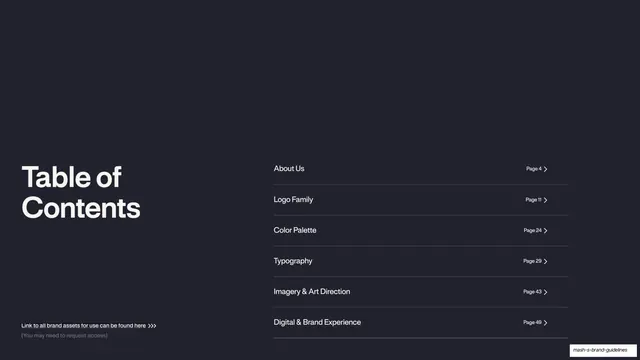 Table of Contents
 Logo clear space
 Applications sub-contents, Workwear highlighted
 A tool your team will actually enjoy using
 Palantir Q1 2023 Business Update
 Table of contents
 Financials section divider
 Logo clear space
 \"INDICE\" table of contents
 Index contents
 Conventional HUD limitation
 Traditional vs mknly org-structure diagram
 Appendix divider with table of contents
 Projects overview index
 Grid golden rectangle system
 Frontify Creativity in an AI World 2024
 Figma API JSON in dark terminal
 Table of contents, four-column dark
 Content index
 Galaxy Q2 '23 cover
 AI platform hero with organic texture blend