Batch bill payment workflow in ERP
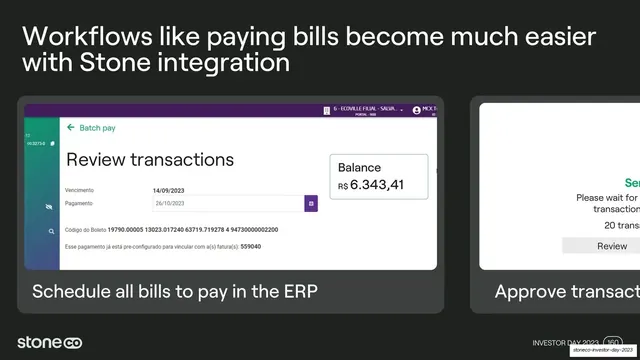
Two grey cards side by side, the first showing a Batch pay review screen for scheduling bill payments and the second, cut off at the edge, showing an approval step.
Summary
A headline over two grey cards, where the left card shows a Batch pay review screen for bill payments and the right card is cropped at the slide edge, suggesting a sequence.
Visual description
The headline "Workflows like paying bills become much easier with Stone integration" runs across the top in two white lines. The left card holds a screenshot of a "Batch pay" screen with "Review transactions", a due date, a payment date field with a purple calendar button, a boleto code line and a balance panel. A caption below the card reads "Schedule all bills to pay in the ERP". The right card is cut off at the slide edge and shows only a "Please wait for" message, a count of transactions and a grey "Review" button, with its caption cut off as well.
Key takeaway
The cut-off second card signals that there are more steps to come, so the viewer expects a sequence rather than a single screen. Captions under each card name the step, which keeps the workflow readable.
Reuse notes
Use for a multi-step workflow where the next step needs to be hinted at. The cut-off card is a visible peek, so the layout suits a carousel or a slider used in a presentation. Because the second card is clipped, do not rely on its caption, and make sure the first card stands alone.
More like this
 ERP becomes online banking view
 Design with directional signage mockup
 Neutral theme examples, light to dark
 AIP architecture orbit diagram
 Tote bag slogan on shoulder and navy panel
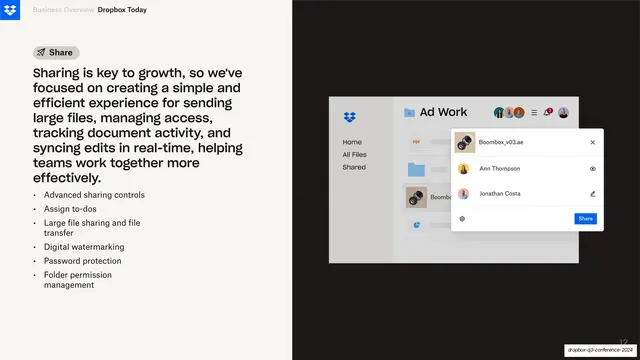 Share feature with access-controls UI
 Oversized gray pattern on dark
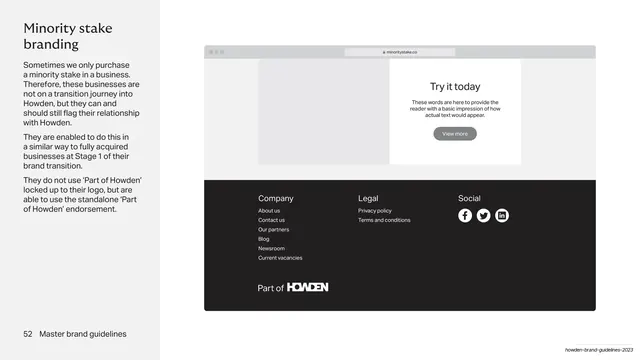 Minority stake website footer with endorsement
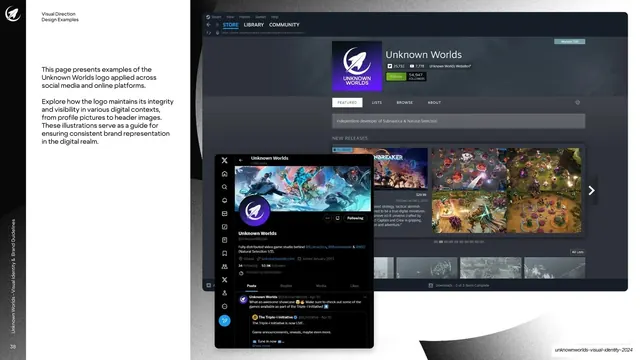 Logo on Steam and X profile mockups
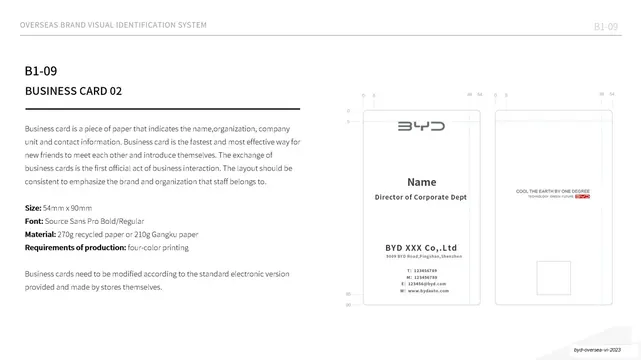 Vertical business card front and back
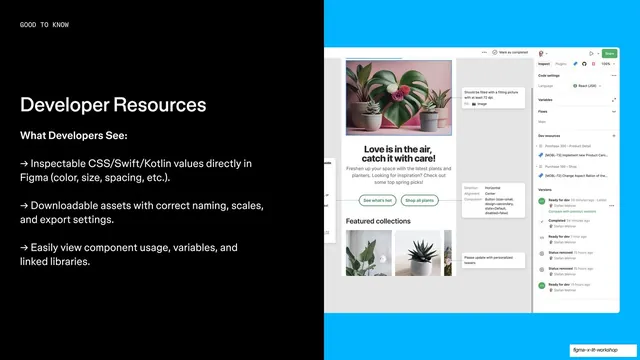 Developer Resources Dev Mode feature
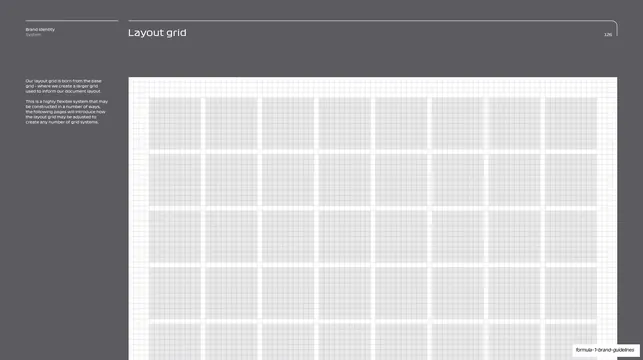 F1 layout grid (dark)
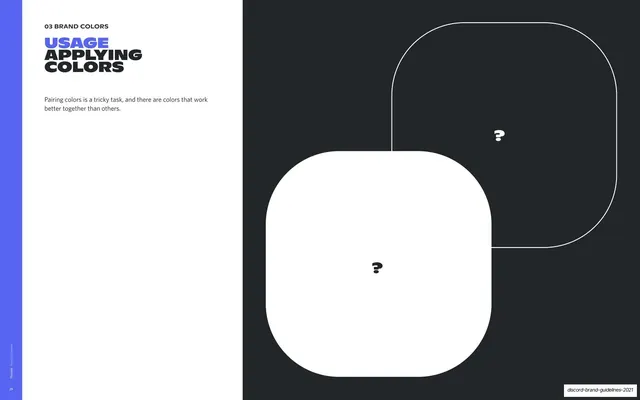 Applying colors section intro
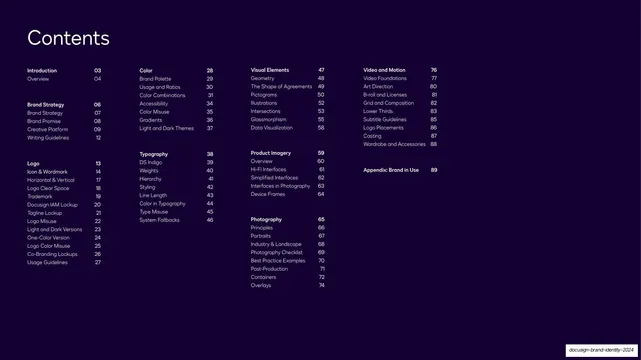 Contents table
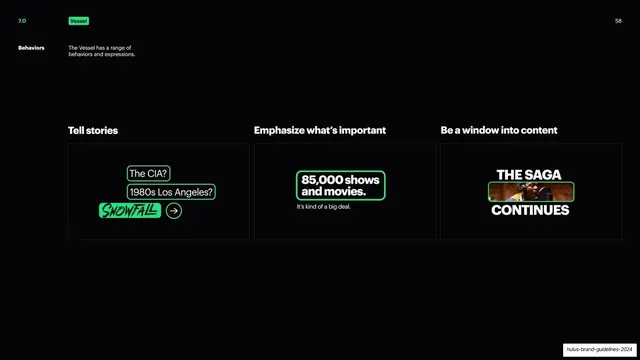 Vessel behaviors, set one
 Digital Ethics panel transition frame
 Design portfolio website interface dark
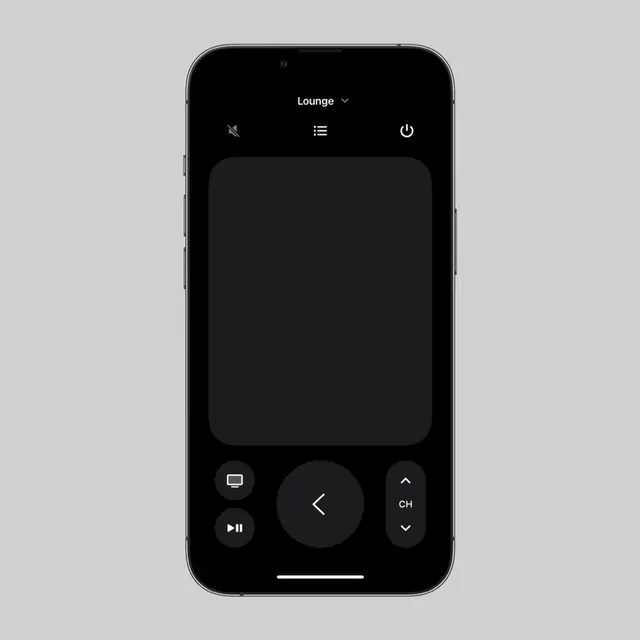 Dark-mode mobile media remote interface with circular and rectangular buttons
 Tesla Impact Report 2024
 Smith & Diction: The Process (2025)
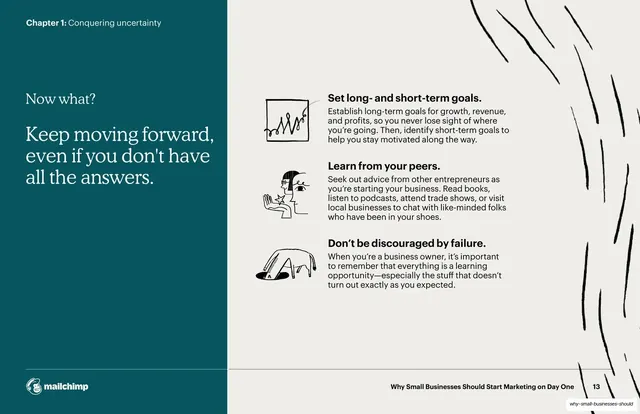 Dark teal side panel with three-tip list
 Script page wireframe template
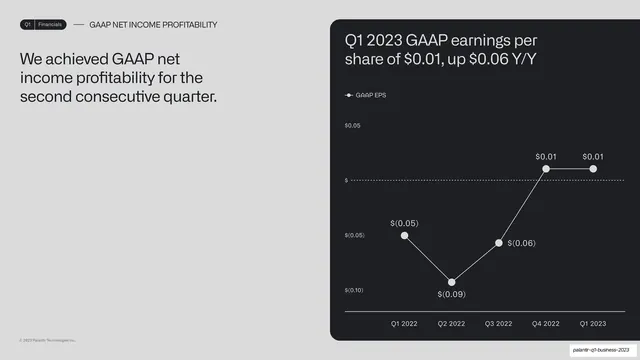 GAAP net income profitability line chart
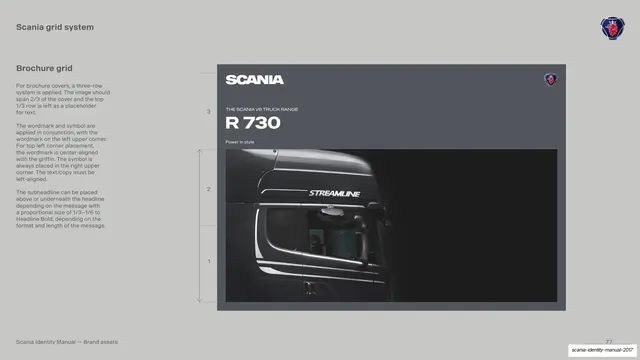 Brochure cover three-row layout with truck