ERP becomes online banking view
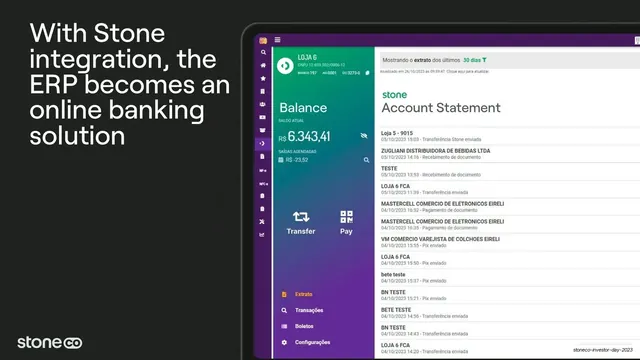
A tablet-style ERP screen with a Stone banking panel showing balance, transfer and pay actions beside an account statement list, bleeding off the right edge.
Summary
A four-line headline sits at left while a large tablet-style ERP screen runs off the right edge, showing a banking panel and account statement.
Visual description
The headline "With Stone integration, the ERP becomes an online banking solution" is set in white sans-serif in four lines at the top left. The tablet mockup starts at the middle and extends past the right edge. A narrow purple sidebar runs down its left side, and a teal panel shows the "Balance" with scheduled outflows, a "Transfer" action and a "Pay" action. The right half lists "Account Statement" entries with dates, counterparties and transaction types in dense rows.
Key takeaway
Showing a bank statement inside the business software is the strongest proof of the integration, and the teal balance panel gives the banking part its own identity. The edge crop makes the screen feel larger than the frame.
Reuse notes
Use as the differentiation slide for an integration that adds banking to existing software. The transaction rows are too small to read at a distance, so the headline must carry the point. The crop is effective, but the statement text runs close to the slide edge.
More like this
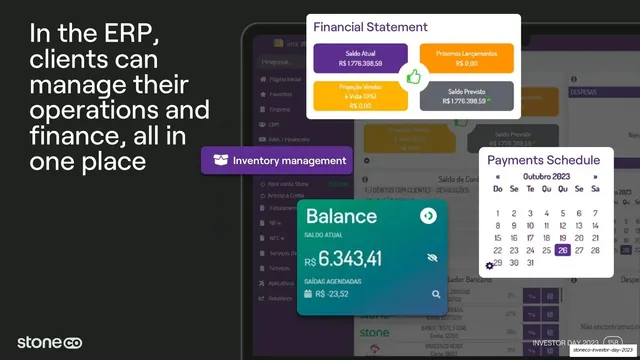 ERP finance dashboard with overlay cards
 BB Agency Company Deck
 Refresh Studio Capabilities Deck 2024
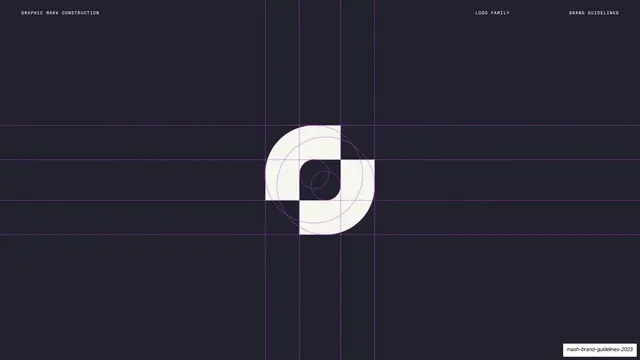 Graphic mark construction
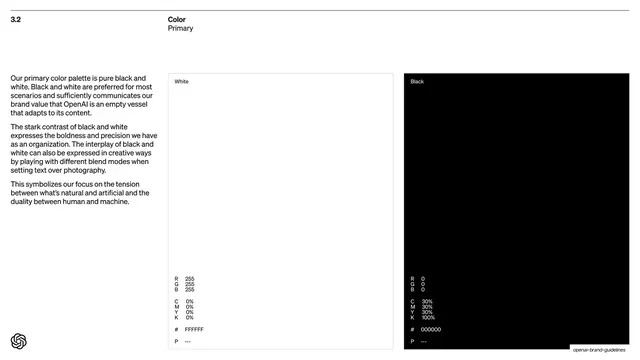 Primary palette: pure black and white
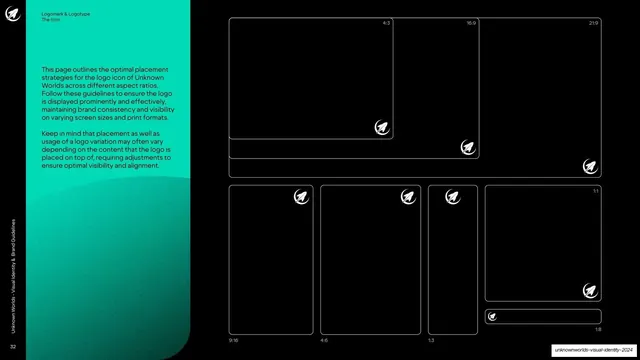 Icon placement across aspect ratios
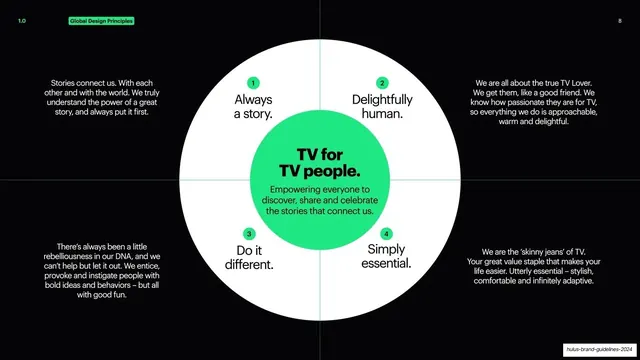 TV for TV people principles diagram
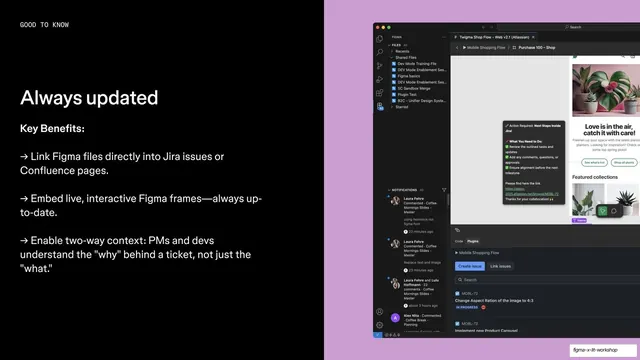 Always updated Jira integration feature
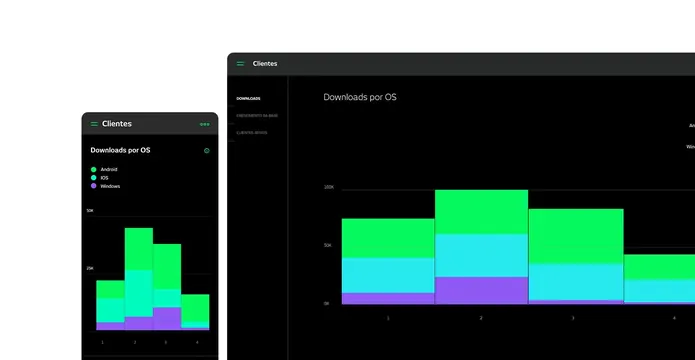 Data Visualization Dashboard
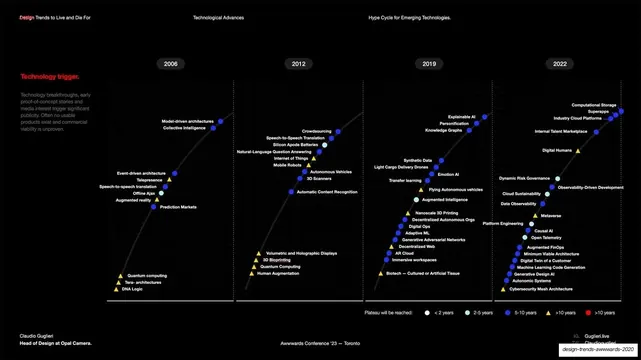 Emerging-technologies hype cycle chart
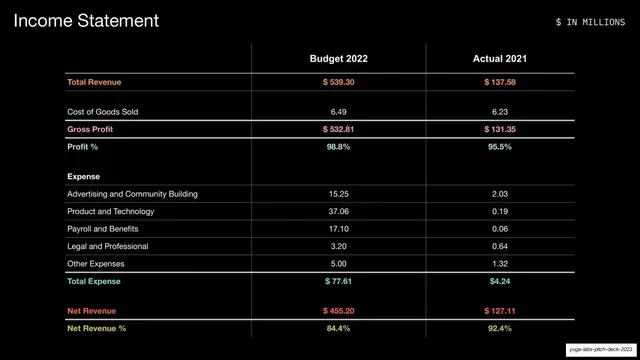 Income statement table
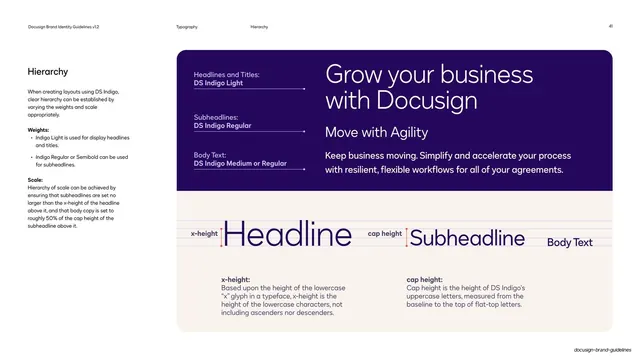 Typographic hierarchy headline subhead body
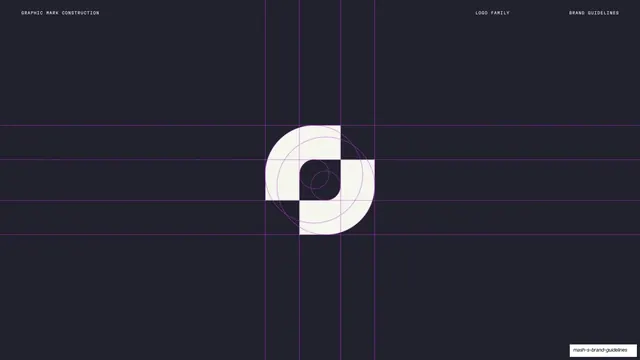 Graphic mark construction grid
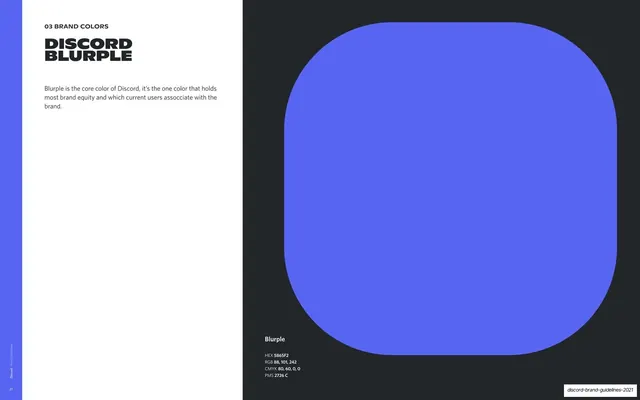 Discord Blurple core color
 Types of Lightbulbs comparison infographic
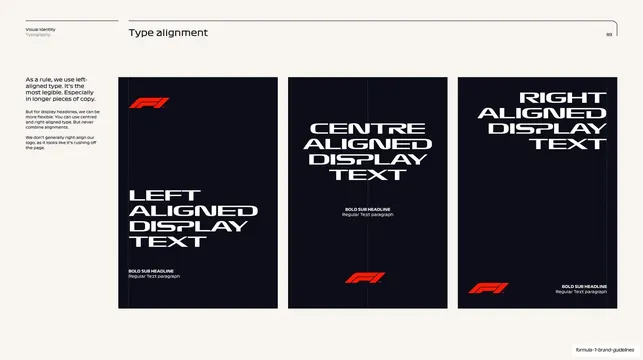 Type alignment templates
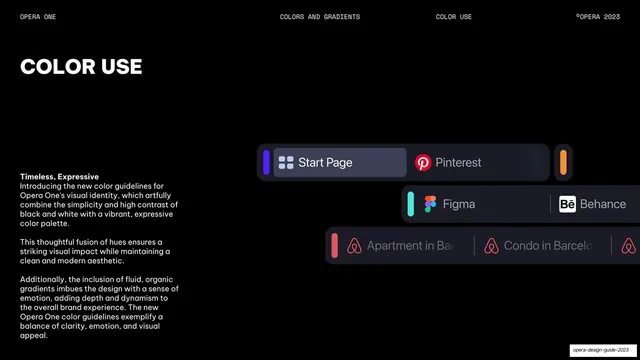 Color use strategy
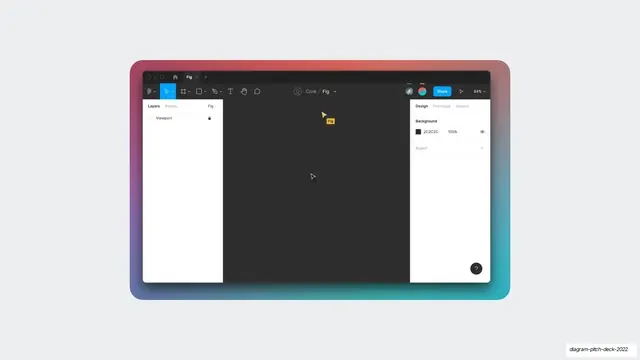 Fig empty canvas Figma mockup
 Platforms become financial technology companies
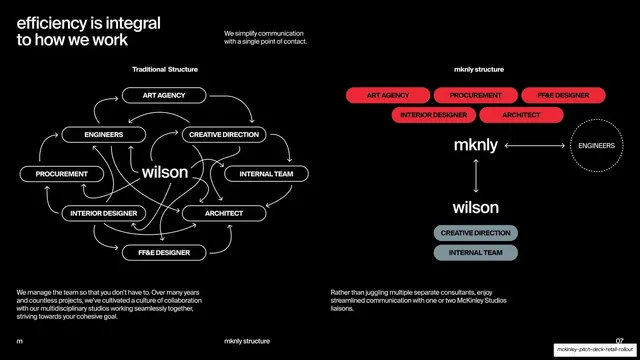 Traditional vs mknly org-structure diagram
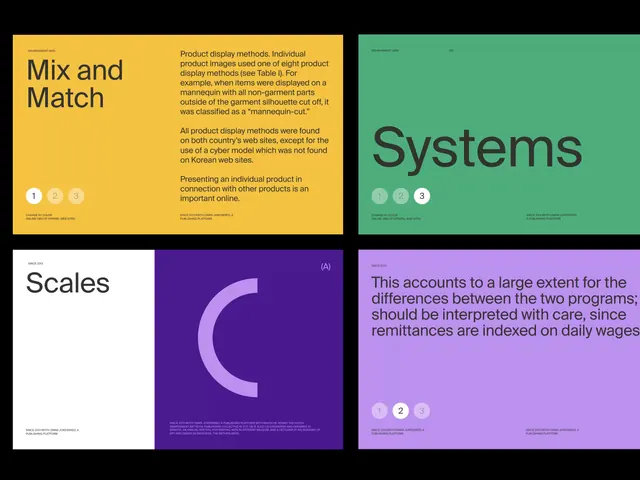 High-contrast dark UI system panels
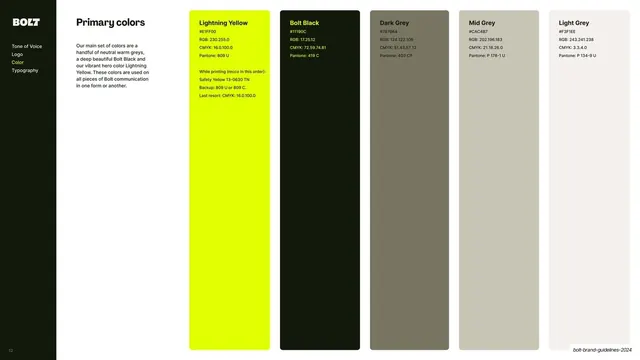 Primary colors palette
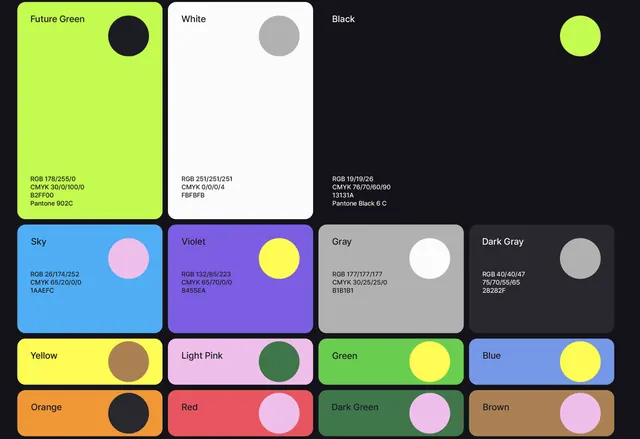 Brand color system swatch board
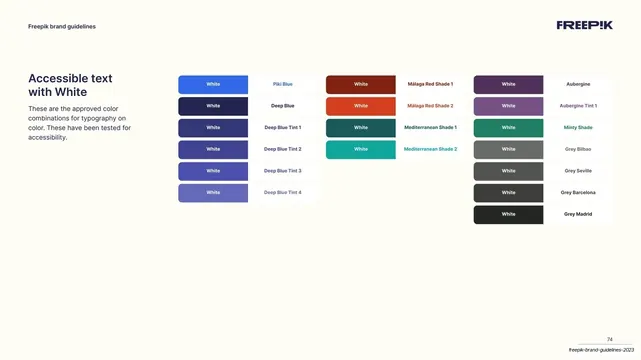 Accessible text pairings with White