Square format focal area construction steps
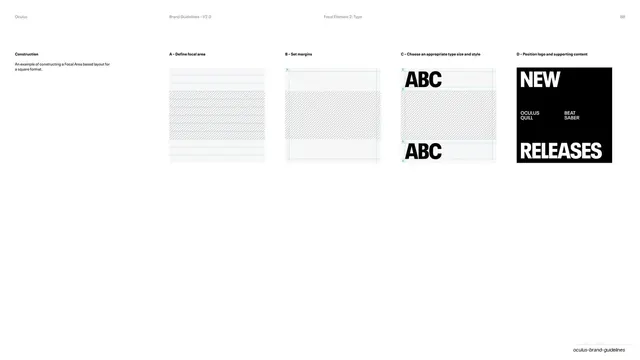
Four construction steps for a focal area on a square format, ending with a black promotional tile in heavy condensed type.
Summary
A four-step construction of a focal area for a square format, ending with a black tile. The tile uses heavy condensed type set at the top and bottom of the square.
Visual description
Four square panels run left to right, labeled A Define focal area, B Set margins, C Choose an appropriate type size and style and D Position logo and supporting content. The first two show light blue guides and a hatched middle band. The third places ABC in heavy condensed black type above and below the band. The fourth is a solid black tile with NEW in heavy white type at the top, OCULUS QUILL and BEAT SABER in small white type in the middle, and RELEASES in heavy white type along the bottom. A text block at left has the heading Construction.
Key takeaway
A heavy, condensed display face fills the top and bottom zones edge to edge on a square. The black tile shows how the focal band can stay open, with the type doing the work on its own.
Reuse notes
Use when building a square social post with a bold two-part headline. Heavy condensed type reads strongly at small sizes, so keep the copy to a few words. The black treatment works when no photograph is available.
More like this
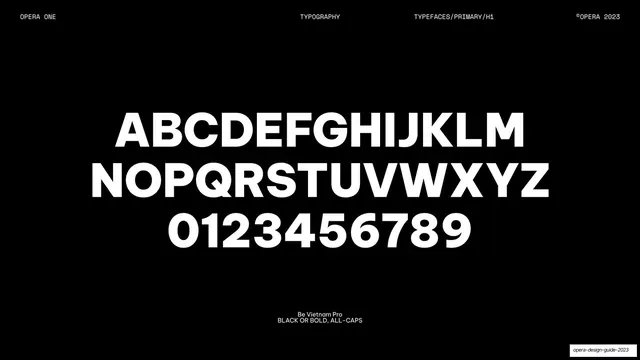 Primary H1 specimen Be Vietnam Pro all-caps
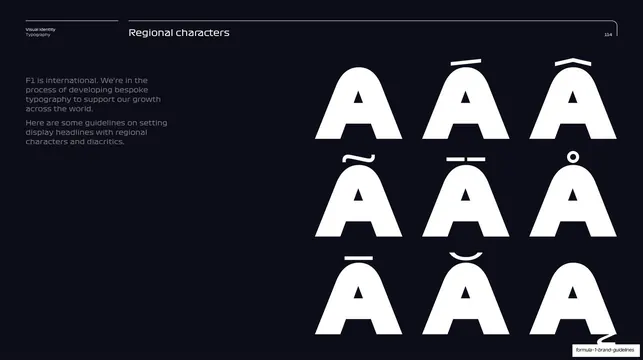 Regional characters diacritics grid
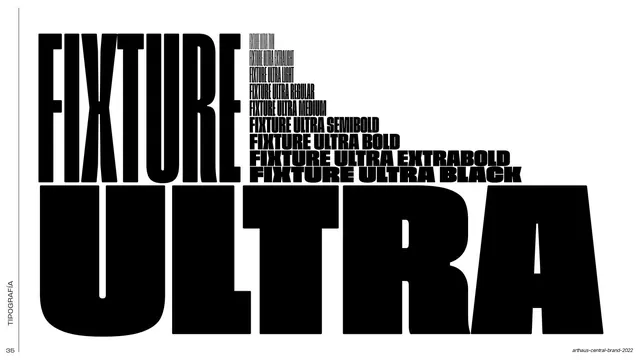 ARTHAUS typeface spec (Fixture Ultra)
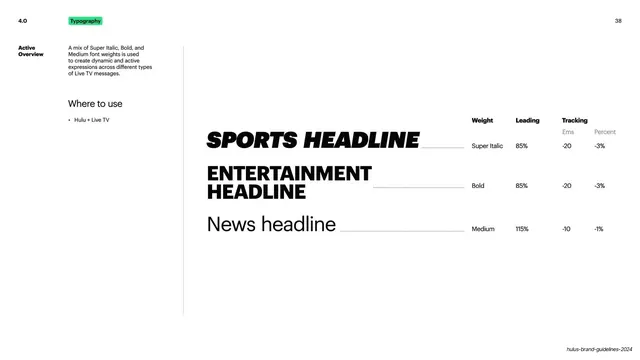 Hulu active typography weights
 BB Agency Company Deck
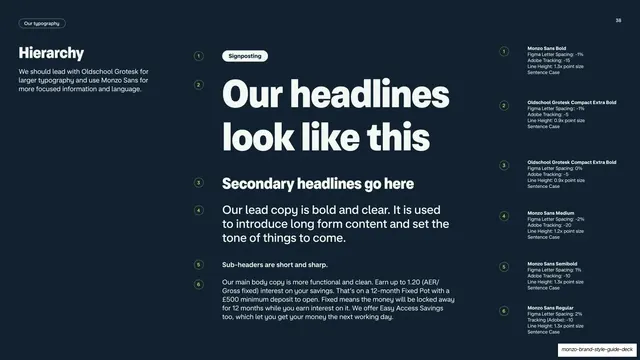 Type hierarchy specimen ladder
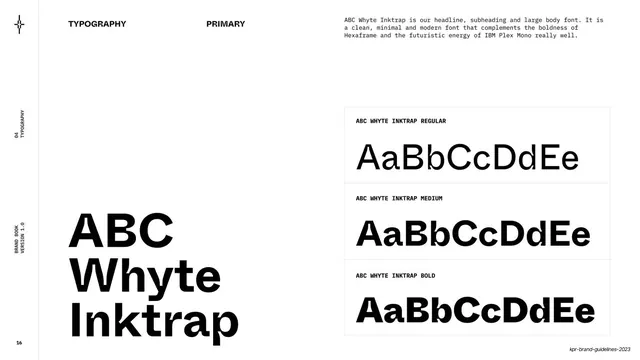 Primary typeface - ABC Whyte Inktrap
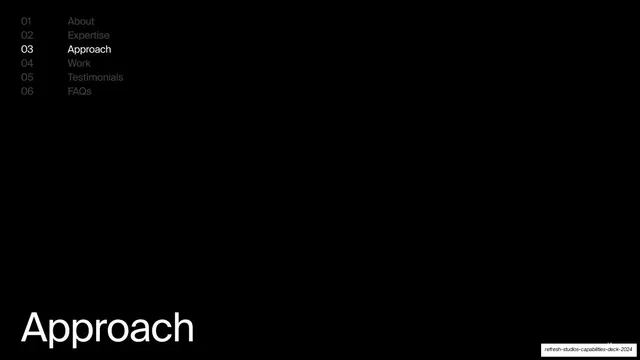 Process of work - four-step row
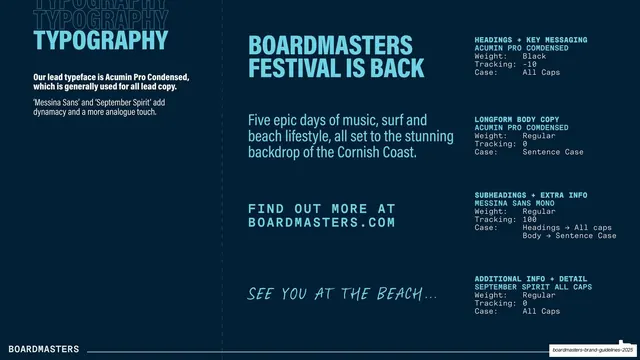 Typography system
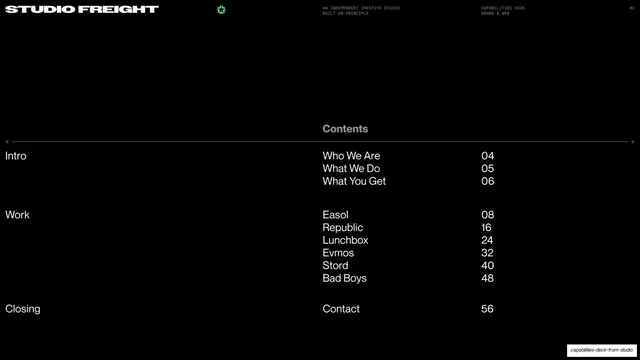 Studio Freight Capabilities Deck
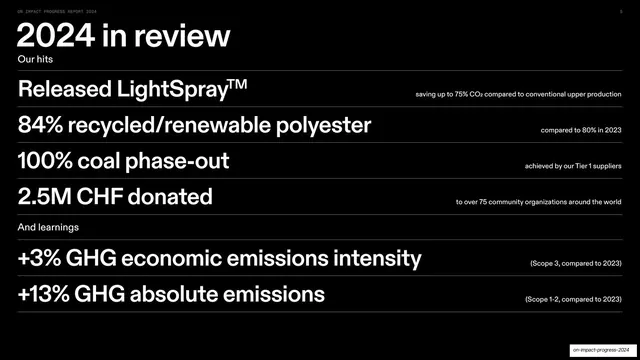 2024 in review, hits and learnings
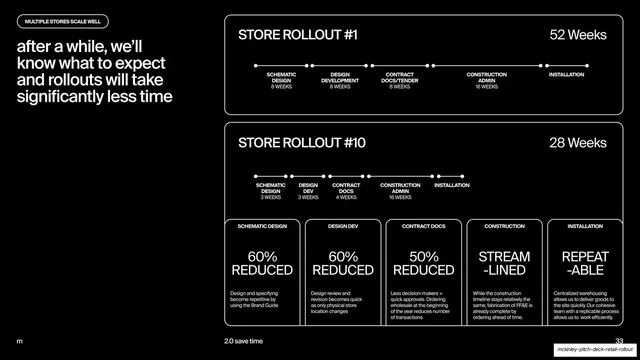 Store rollout 1 vs 10 timeline comparison
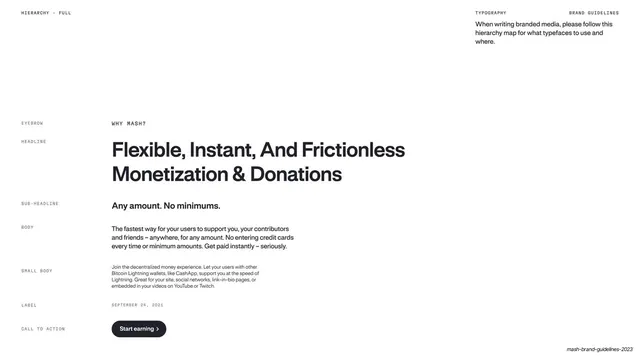 Full type hierarchy spec with sample layout
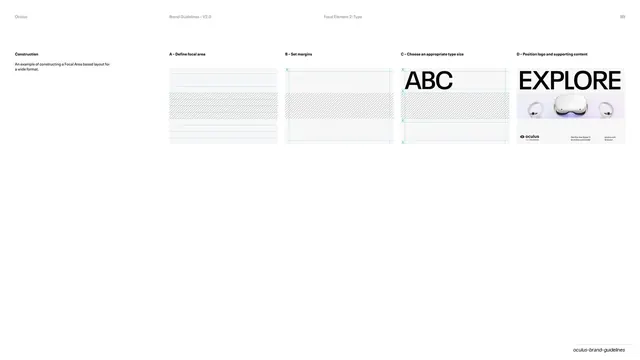 Wide format focal area construction steps
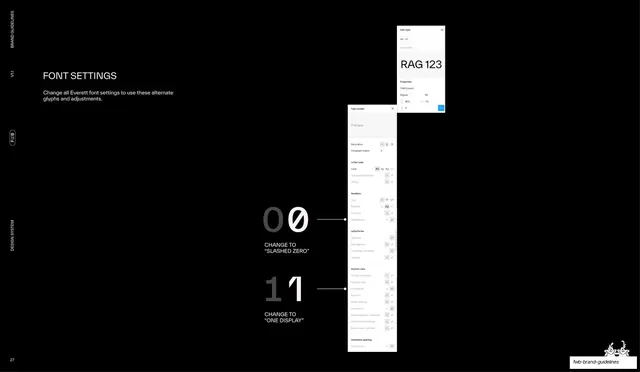 Figma font settings for slashed zero
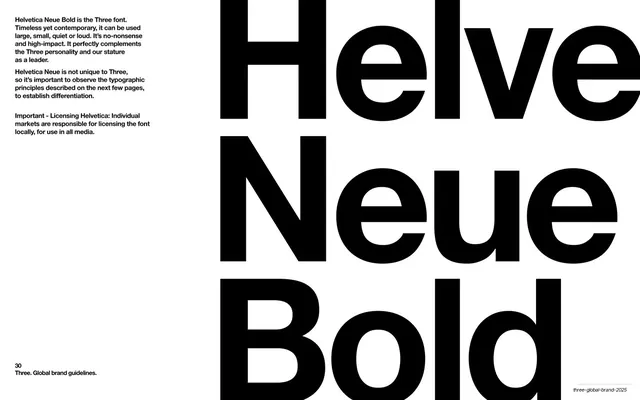 Helvetica Neue Bold as brand typeface
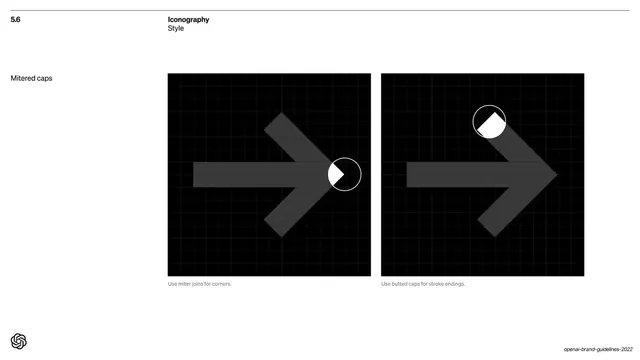 Iconography mitered and butted caps
 AIP for Defense and for Business split
 Tour dates typography specimen on dark background
 Global Markets divider
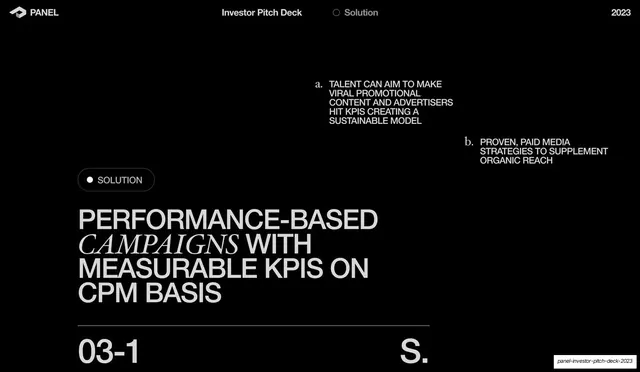 Solution performance-based campaigns
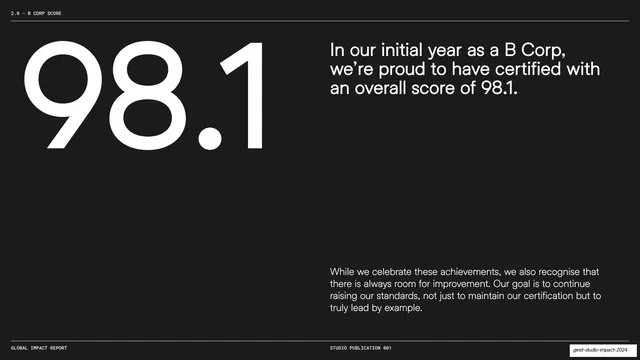 B Corp overall score 98.1
 Six pillars of on-chain asset infrastructure
 Mash use-case quadrant type sample