Figma font settings for slashed zero
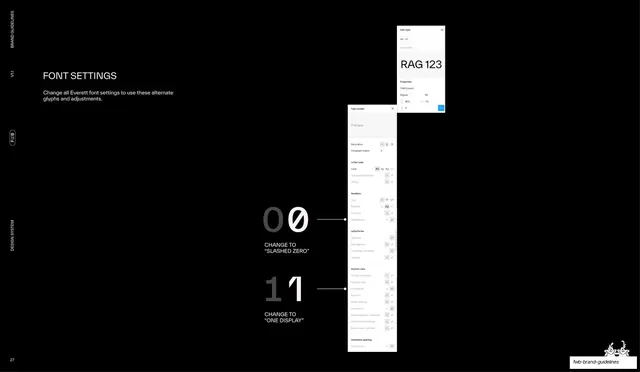
Black slide with Figma type-settings screenshots and callouts that tell designers which Everett numeral and stylistic-set options to switch on.
Summary
A black setup slide that uses Figma type-settings screenshots and callouts to show which Everett numeral and stylistic-set options to turn on.
Visual description
Black background with a FONT SETTINGS heading and a one-line instruction on the left. In the centre, two large numeral pairs: a grey zero beside a white slashed zero, labeled CHANGE TO SLASHED ZERO, and a grey one beside a white one with a flag, labeled CHANGE TO ONE DISPLAY. White leader lines connect each pair to the Figma panel. Two Figma UI screenshots overlap at the upper and lower right: a small Edit style dialog with a preview and a tall Type details panel with checkboxes, letter-case buttons and dropdown rows.
Key takeaway
The before and after numerals show exactly what to change, so the screenshots work as instructions rather than decoration.
Reuse notes
Use for an onboarding or setup page where a design-tool setting matters. The panel screenshots are dense, so keep them small and point to only two or three controls. The blue in the Figma panel is the tool's own UI color, not a brand color.
More like this
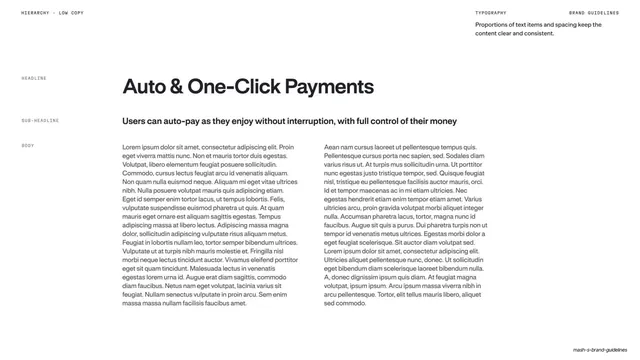 Mash low-copy hierarchy spec
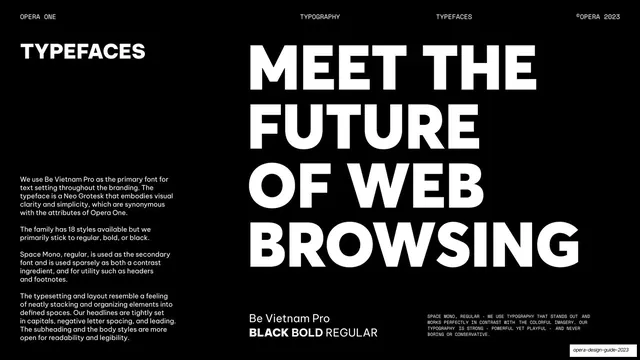 Typefaces Be Vietnam Pro and Space Mono
 KPR Brand Book Version 1.0
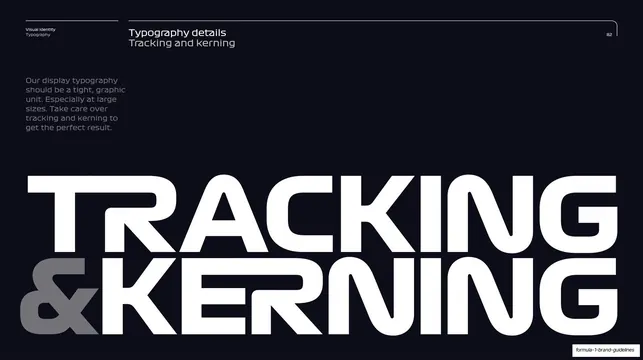 Tracking and kerning specimen
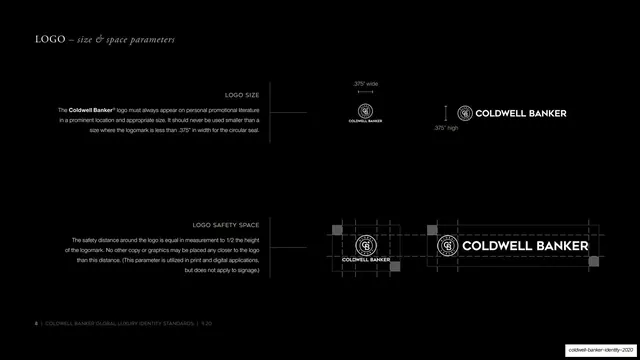 Logo minimum size and clear space
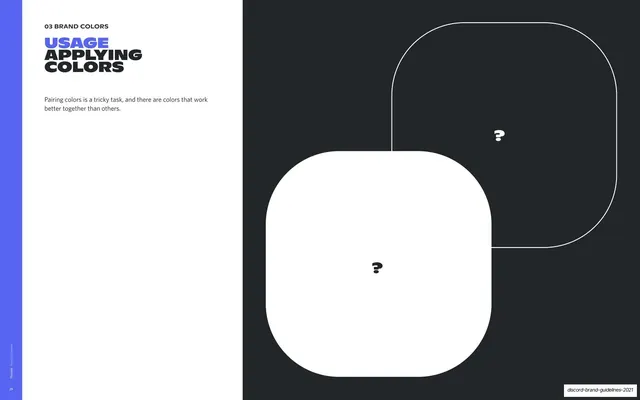 Applying colors section intro
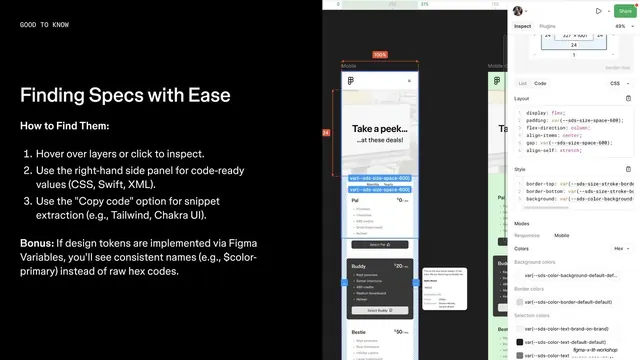 Finding Specs with Ease, numbered how-to over Dev Mode capture
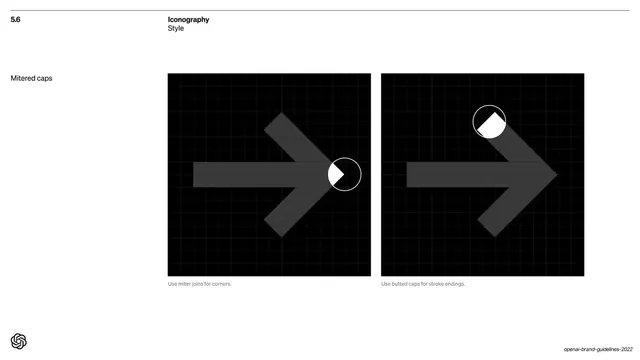 Iconography mitered and butted caps
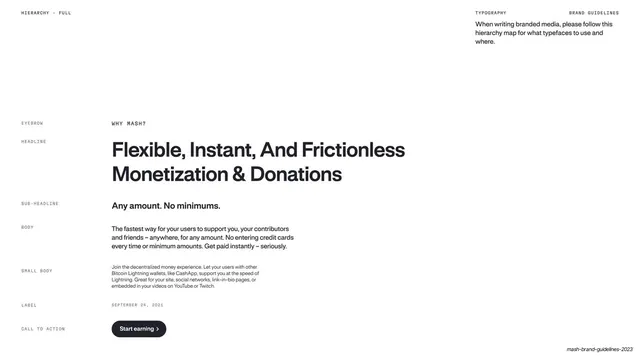 Full type hierarchy spec with sample layout
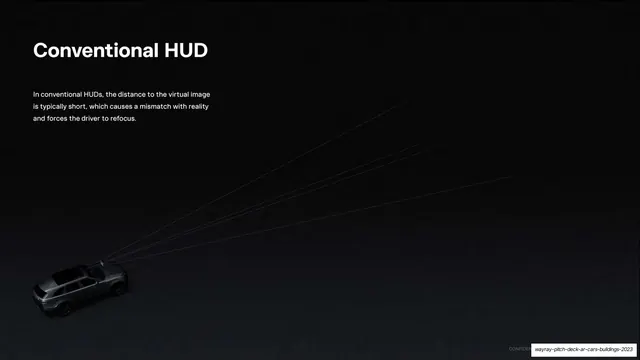 Conventional HUD limitation
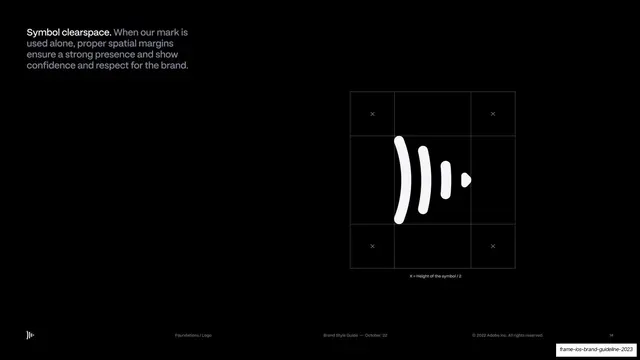 Symbol clearspace diagram
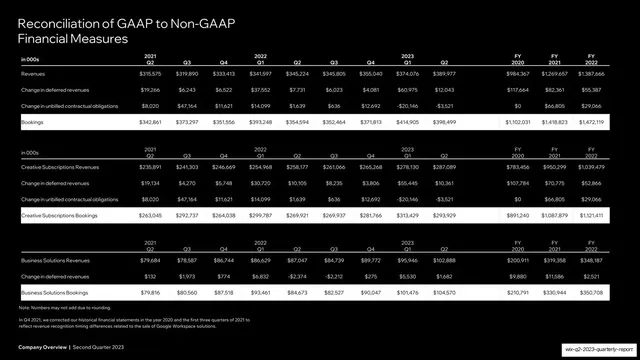 GAAP to Non-GAAP reconciliation table (bookings)
 AIP for Defense and for Business split
 Hulu Brand Guidelines 2024 (Big Green Guide)
 Galaxy Q2 '23 cover
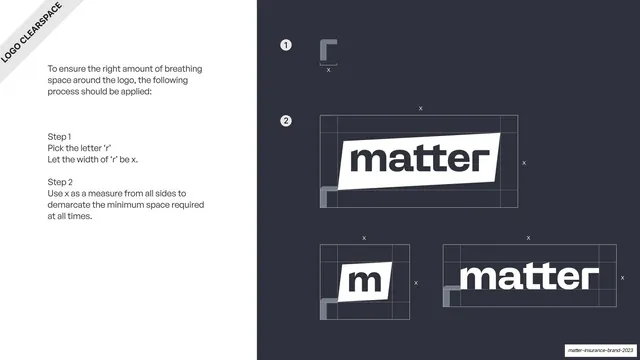 Logo clearspace construction
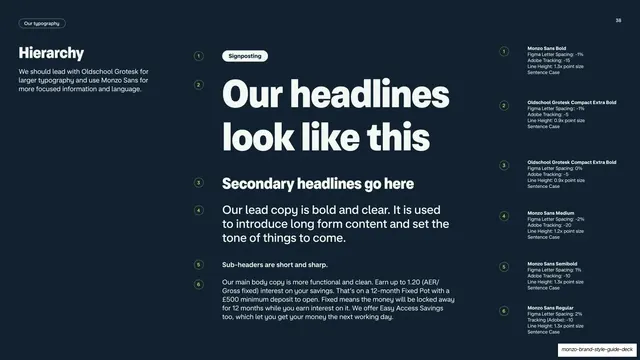 Type hierarchy specimen ladder
 Financials section divider
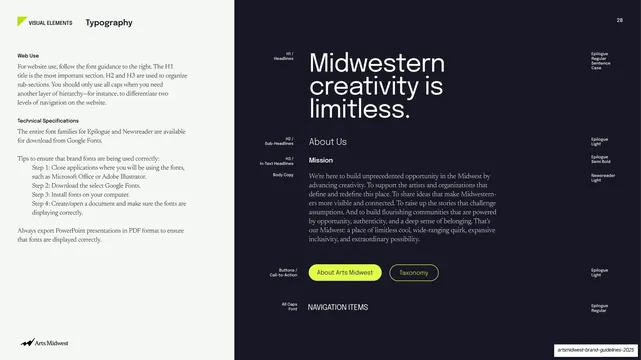 Typography hierarchy, web and headline scale
 FAQs page - questions continued
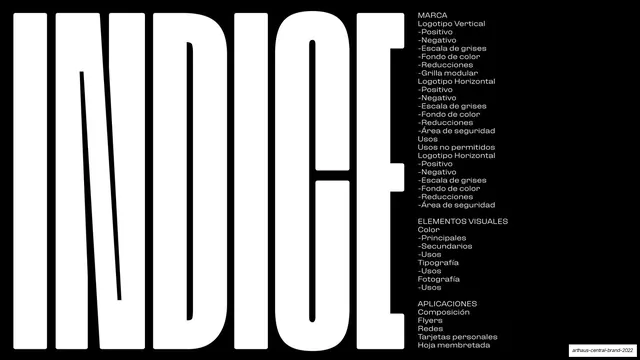 \"INDICE\" table of contents
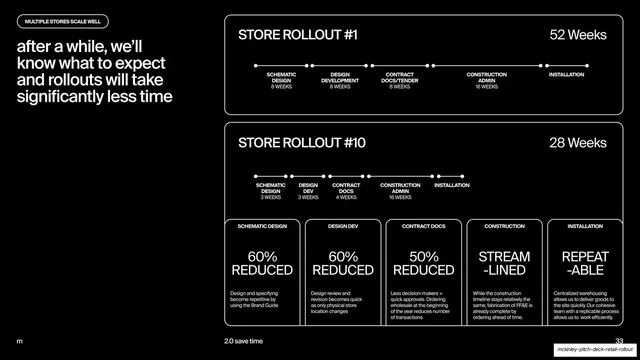 Store rollout 1 vs 10 timeline comparison
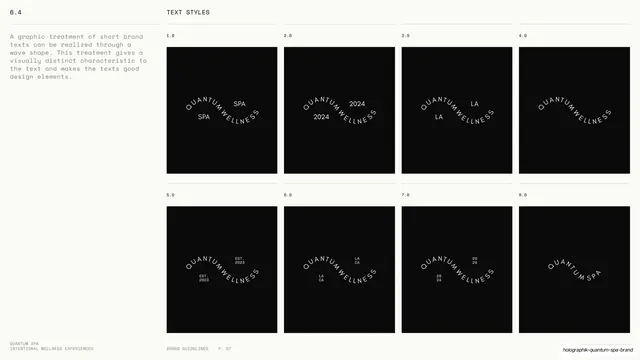 Wave-arc lockup variants in a black grid
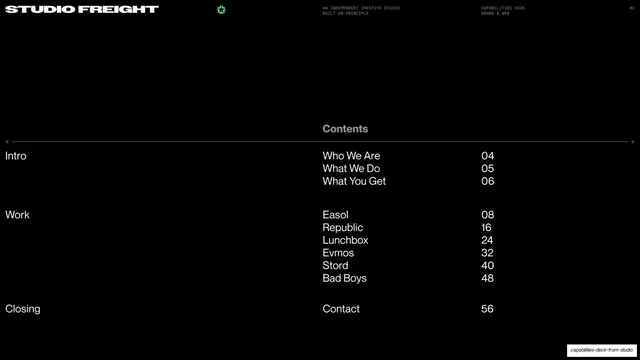 Studio Freight Capabilities Deck