Four stacked logo placement options
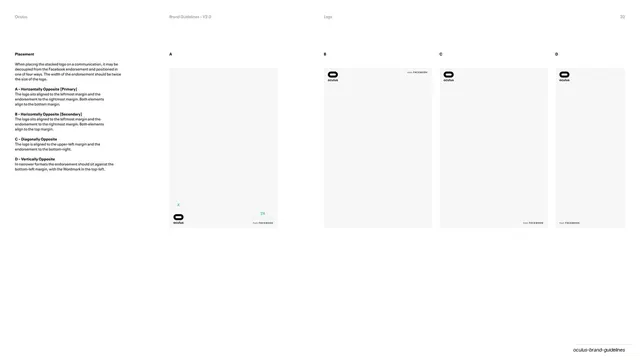
Four portrait templates show the stacked Oculus logo and its endorsement placed in four different corner relationships.
Summary
A placement page that shows four ways to position the stacked logo and its endorsement on a portrait format.
Visual description
A text column on the left lists Options A to D with bold headings. Four light grey portrait panels follow. Panel A places the Stadium mark bottom-left with the endorsement bottom-right, and a cyan bracket shows the 2X spacing. Panel B puts the mark top-left and the endorsement top-right. Panel C places the mark top-left and the endorsement bottom-right. Panel D places the mark top-left with the endorsement under it at bottom-left. Logos are small, solid black, and set against plain grey.
Key takeaway
The logo and endorsement can be split across opposite corners in four ways. Each keeps both elements on the margins, so the logo reads at a glance in tall formats.
Reuse notes
Use as a checklist when placing a logo on a narrow or vertical format such as a story, poster or banner. The diagonal and vertical variants need enough room for the endorsement, so check the smaller panel sizes.
More like this
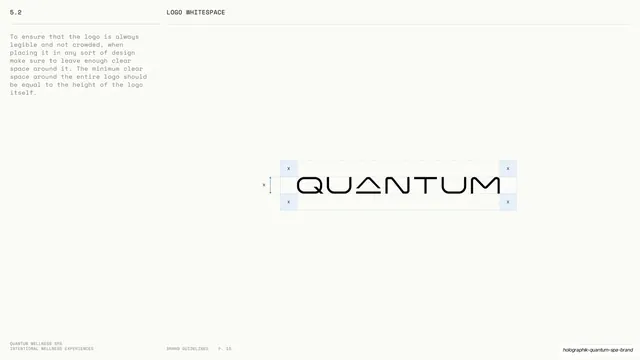 Wordmark clear space rule
 Logotype usage on light panel
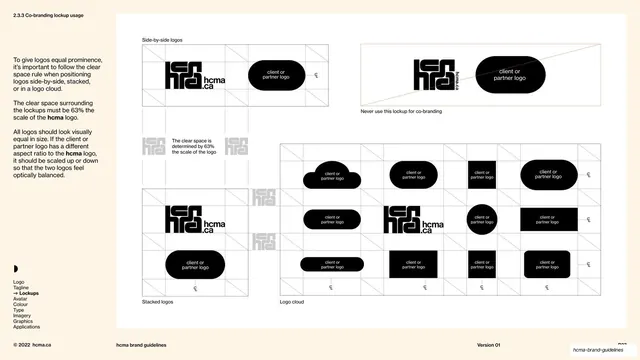 Co-branding lockup usage and clear space
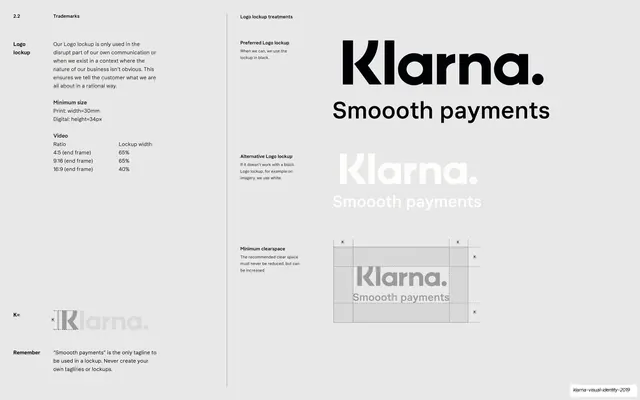 Logo lockup with Smoooth payments tagline
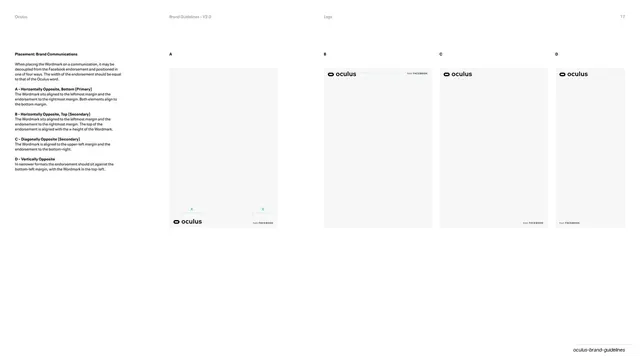 Four wordmark placement options
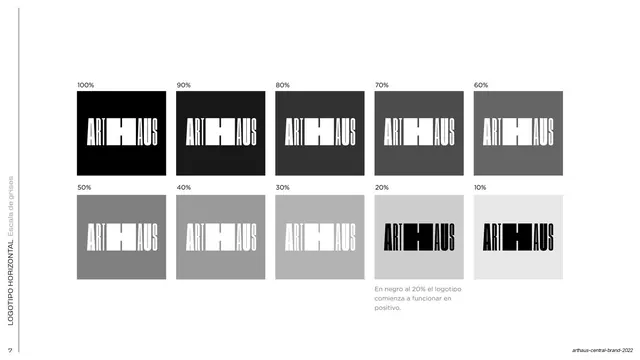 Horizontal logotype grayscale scale
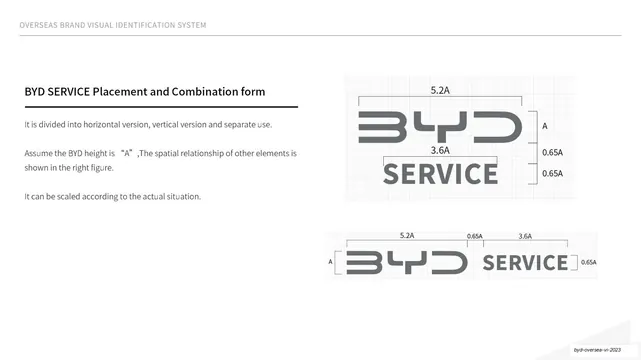 BYD SERVICE lockup proportion diagram
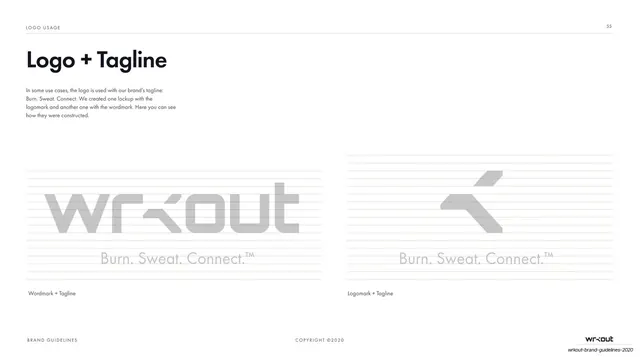 Wordmark and logomark tagline construction grids
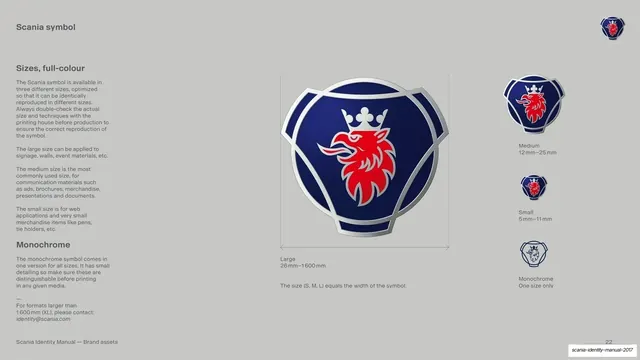 Scania symbol sizes and monochrome version
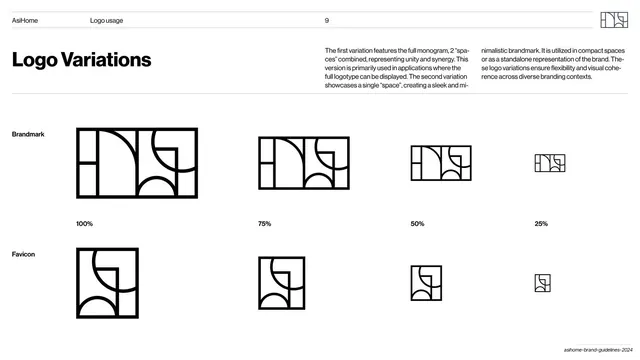 Logo variations and favicon sizes
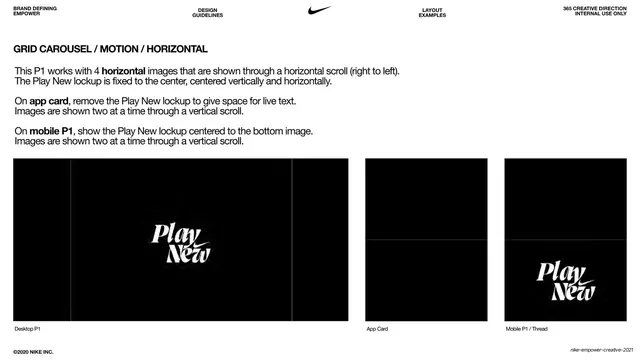 Grid carousel horizontal motion layout spec
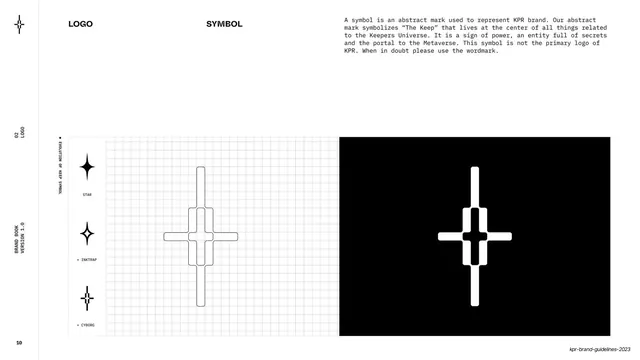 Symbol - the four-pointed star
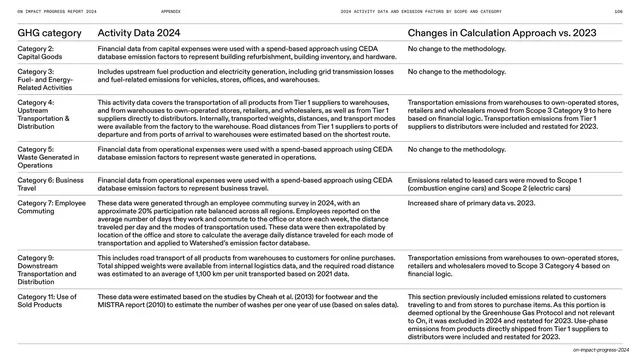 Activity data table continued, categories 2 to 11
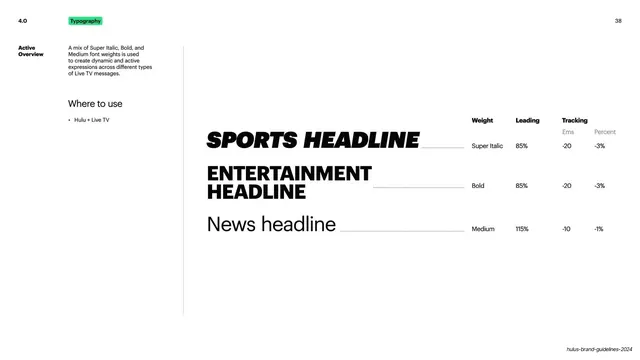 Hulu active typography weights
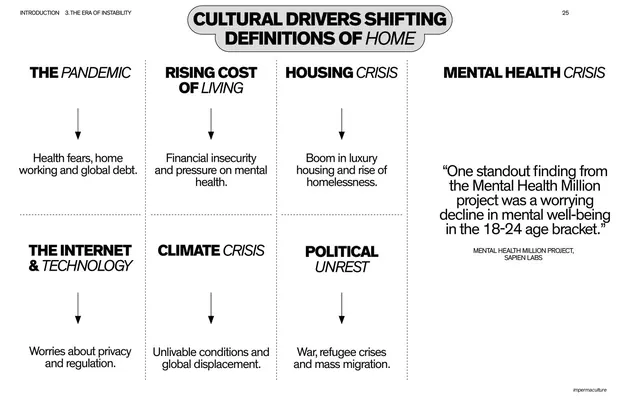 Cultural Drivers Shifting Definitions of Home - 6-cell grid
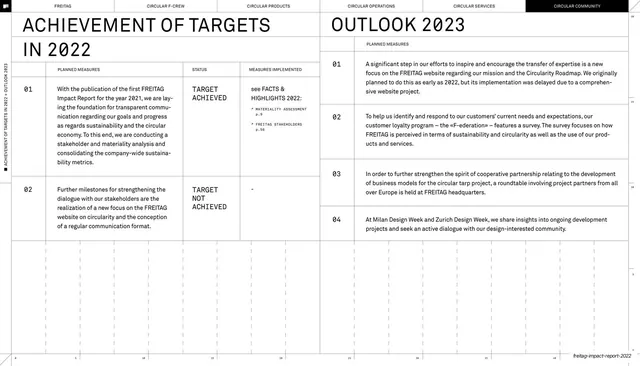 Achievement of targets 2022 and outlook 2023
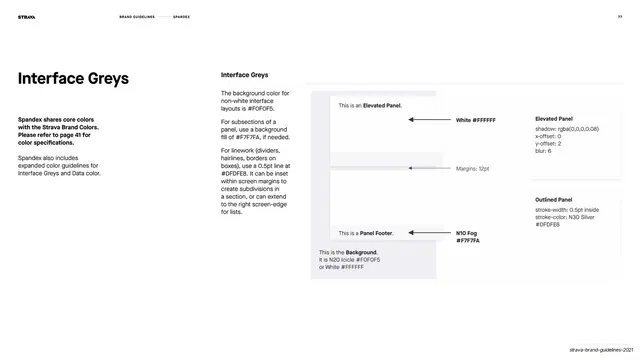 Interface greys and panel elevation
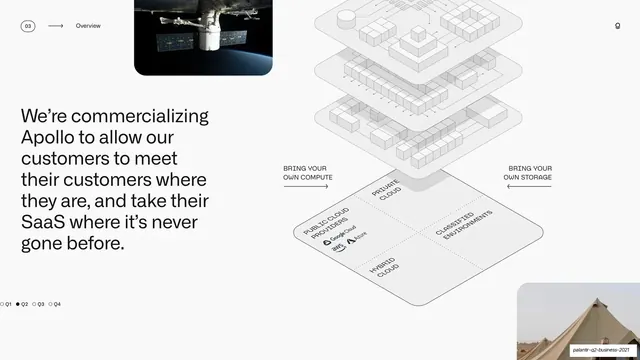 Apollo deployment isometric layers diagram
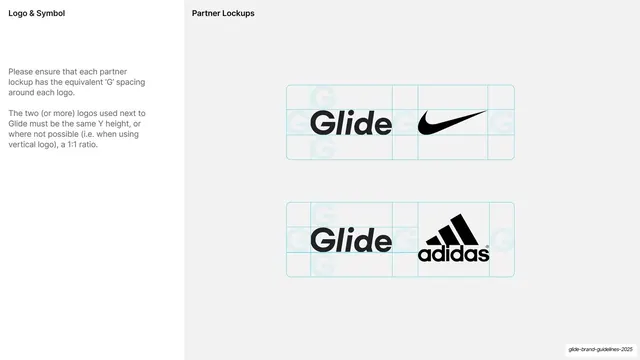 Partner lockups with Nike and adidas
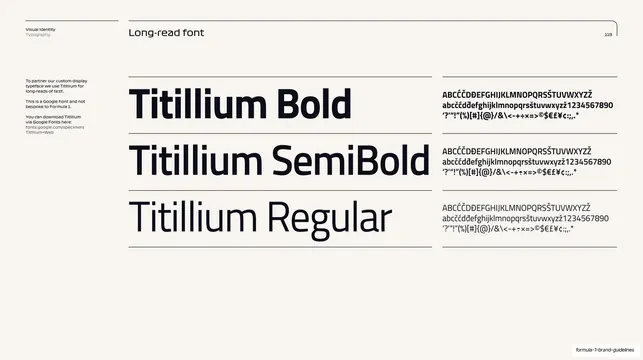 Titillium long-read font specimen
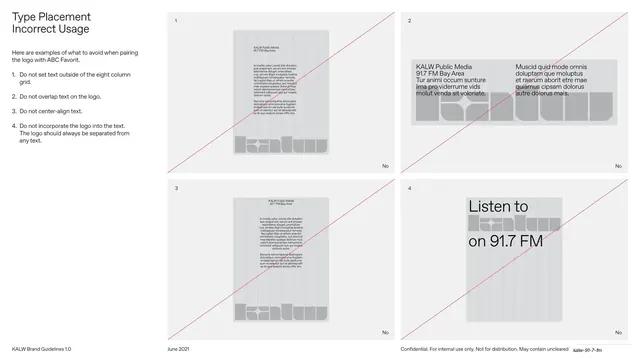 Incorrect type placement examples
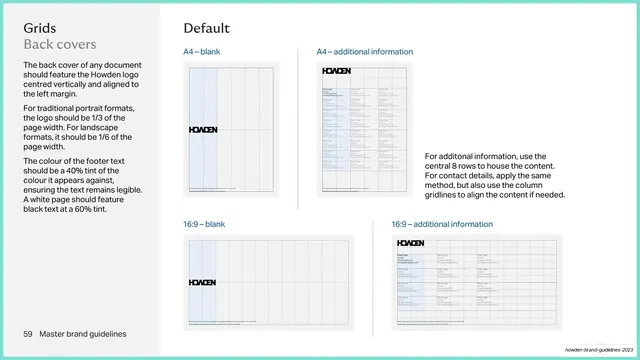 Back cover layouts for A4 and 16x9
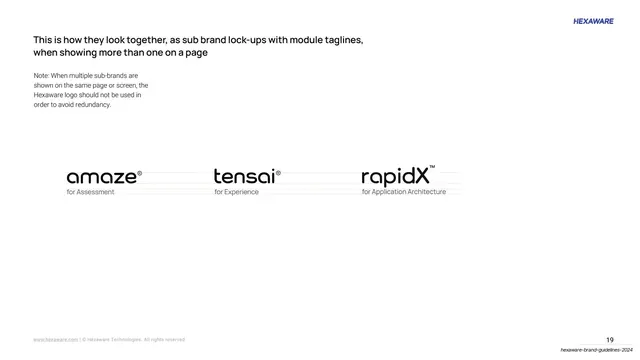 Sub-brand lockups without parent logo
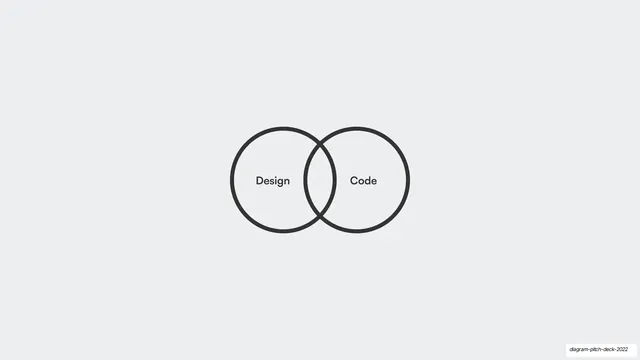 Design and Code Venn diagram