Interface greys and panel elevation
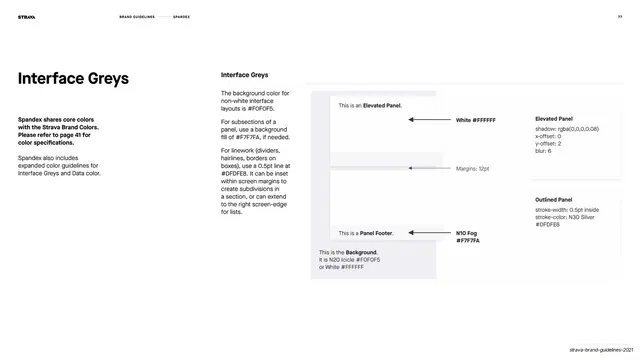
Spec slide defining interface grey backgrounds, panel fills, hairline dividers and elevation styles, illustrated with an annotated panel example.
Summary
Spec slide defining interface grey backgrounds, panel fills, hairline divider colour and elevation styles, illustrated with an annotated panel example.
Visual description
The left column has a bold lead paragraph about shared core colours and body copy about non-white backgrounds, panel fills and hairlines. The centre is a pale grey canvas with two white panels: an elevated panel with a soft shadow and a light footer band, and an outlined panel with a fine border. Arrows point to labels for the white and fog swatches and a 12pt margin measurement. Two small spec cards on the right list the elevated panel's shadow values and the outlined panel's stroke width and colour. The palette is neutral greys with black type.
Key takeaway
Naming each grey with a hex value and a clear role makes a neutral system usable without guesswork. Describing elevation as plain shadow values means one spec covers the whole panel style.
Reuse notes
A reference for surface colours and card elevation in a light product UI. Reuse the layering idea (background, panel, footer) more than the exact values. It applies to light interfaces only, as drawn.
More like this
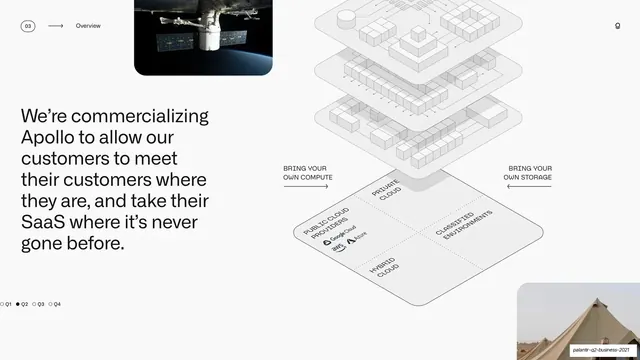 Apollo deployment isometric layers diagram
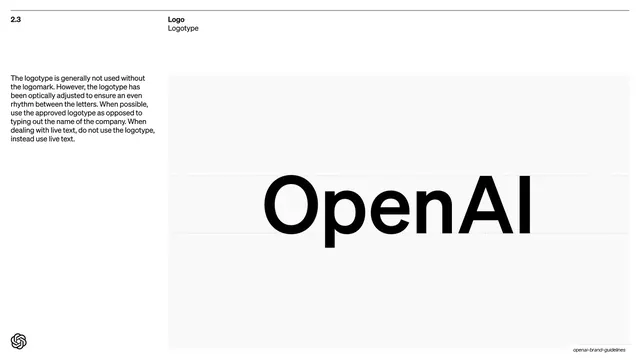 Logotype usage on light panel
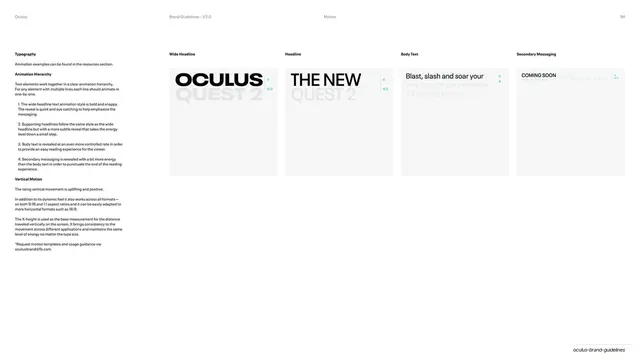 Text animation hierarchy and vertical motion
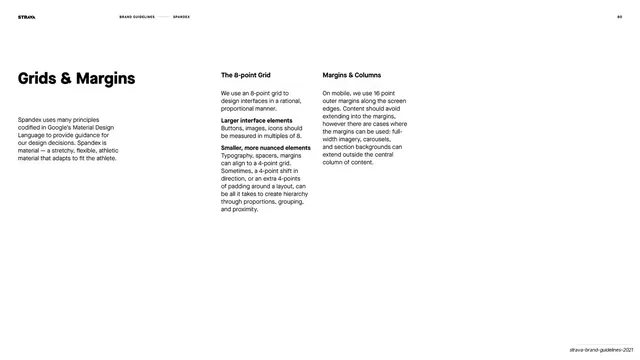 8-point grid and mobile margins
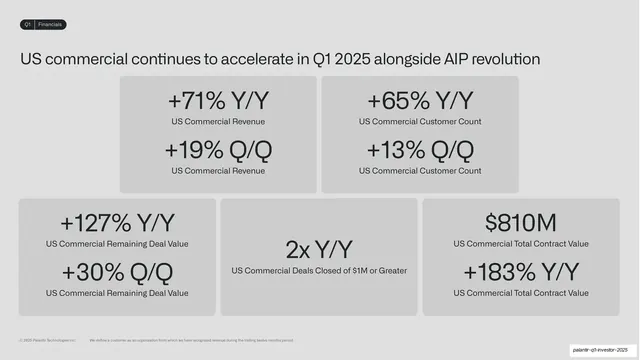 US commercial KPI tile mosaic
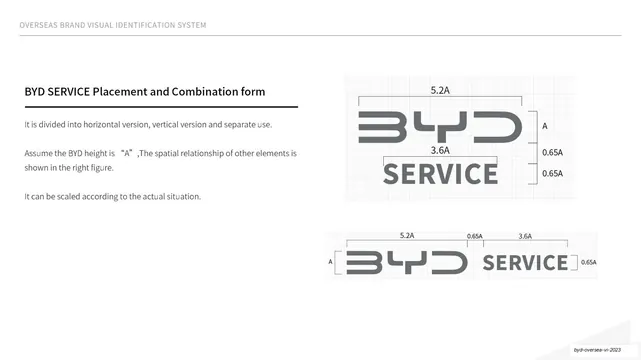 BYD SERVICE lockup proportion diagram
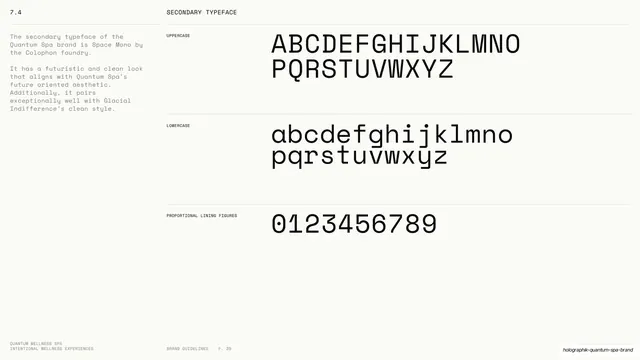 Secondary typeface monospace character set rows
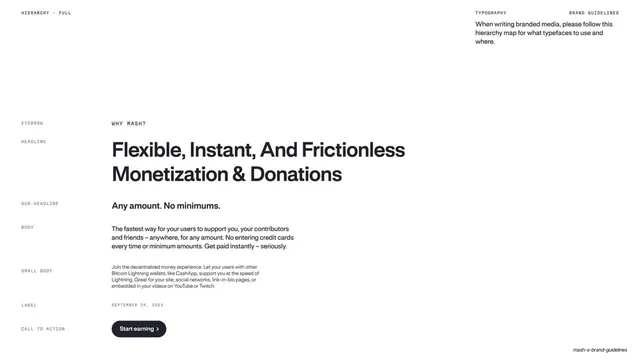 Mash type hierarchy full specimen
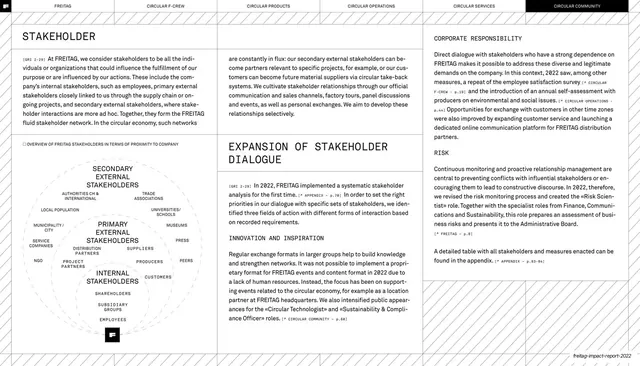 Expansion of stakeholder dialogue
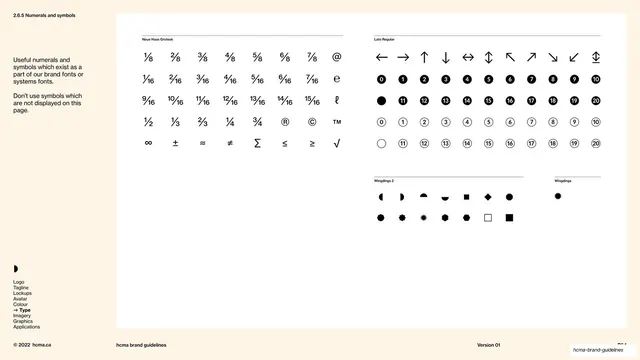 HCMA numerals and symbols
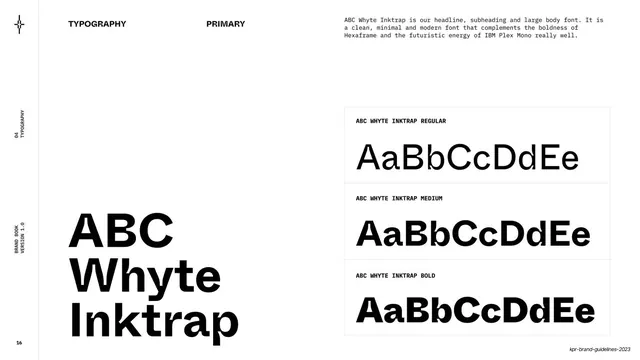 Primary typeface - ABC Whyte Inktrap
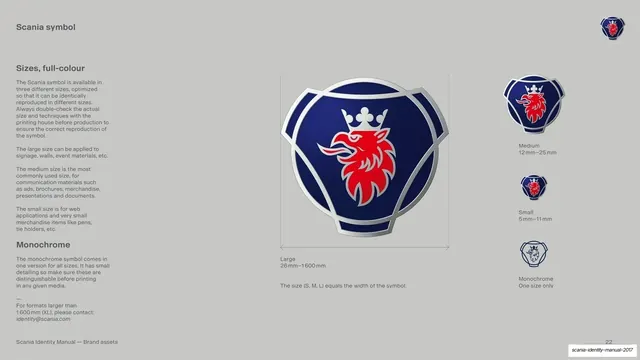 Scania symbol sizes and monochrome version
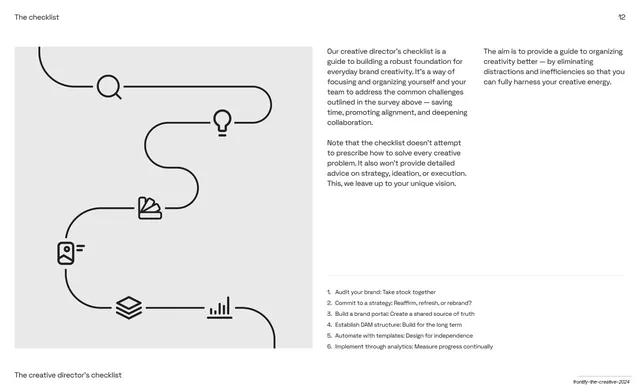 Framework overview with winding icon route
 Disclaimer and safe harbor statement page
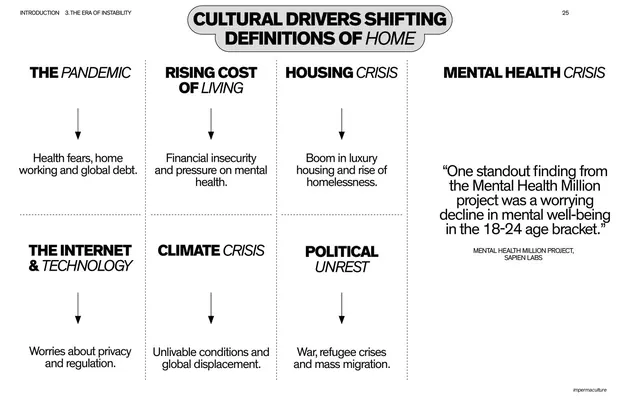 Cultural Drivers Shifting Definitions of Home - 6-cell grid
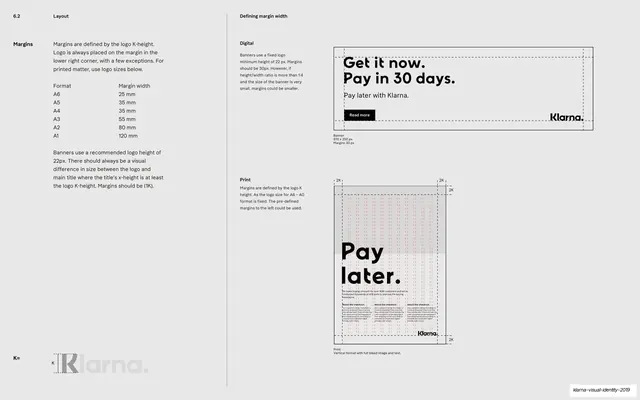 Logo K-height margin widths by format
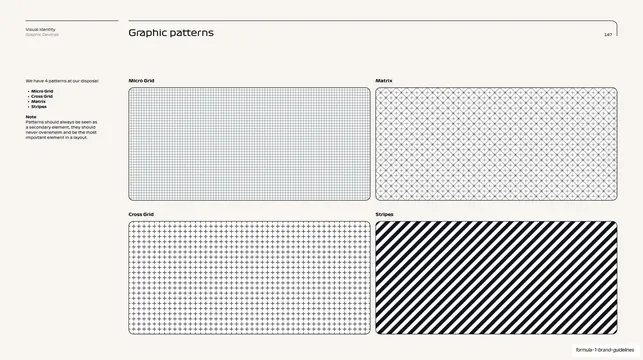 Graphic patterns four types
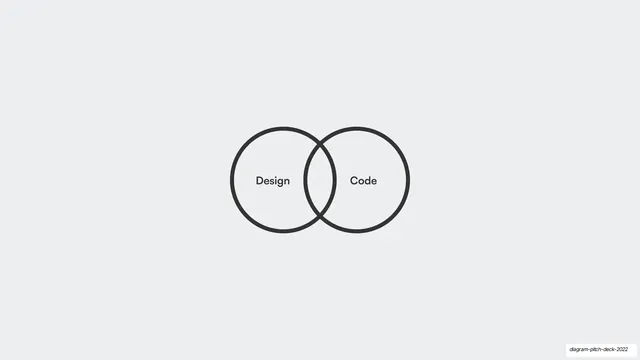 Design and Code Venn diagram
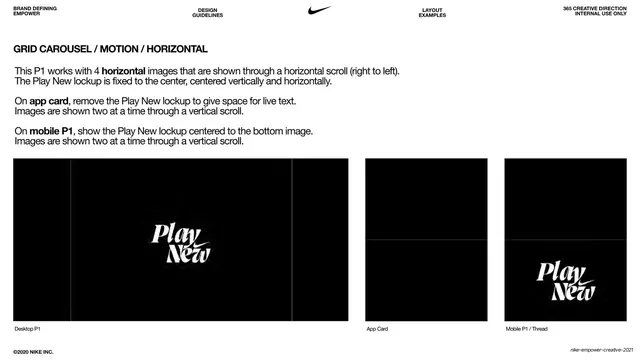 Grid carousel horizontal motion layout spec
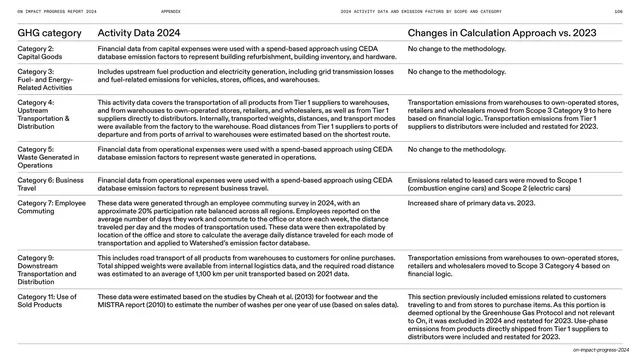 Activity data table continued, categories 2 to 11
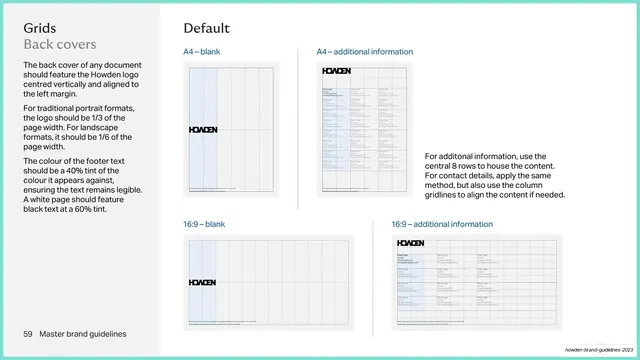 Back cover layouts for A4 and 16x9
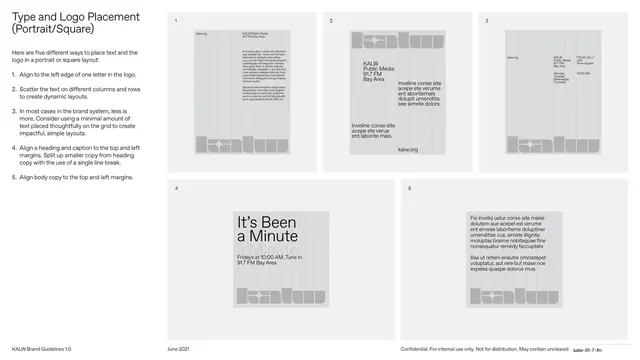 Portrait and square type placement
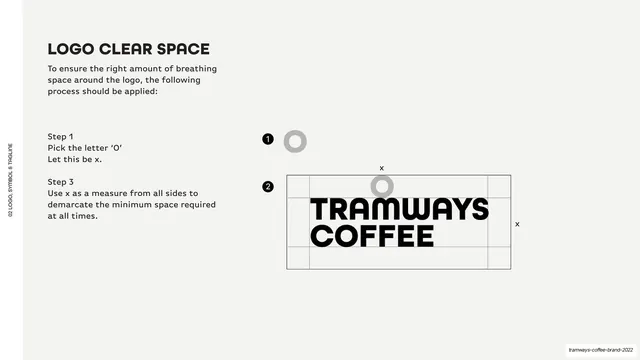 Logo clear space construction
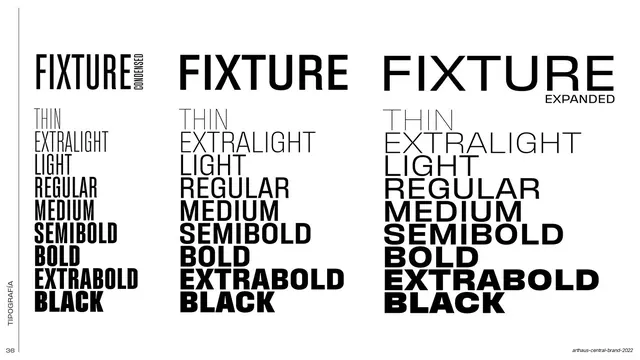 Fixture family weights across three widths