Whalesync sync dashboard with feature bento grid
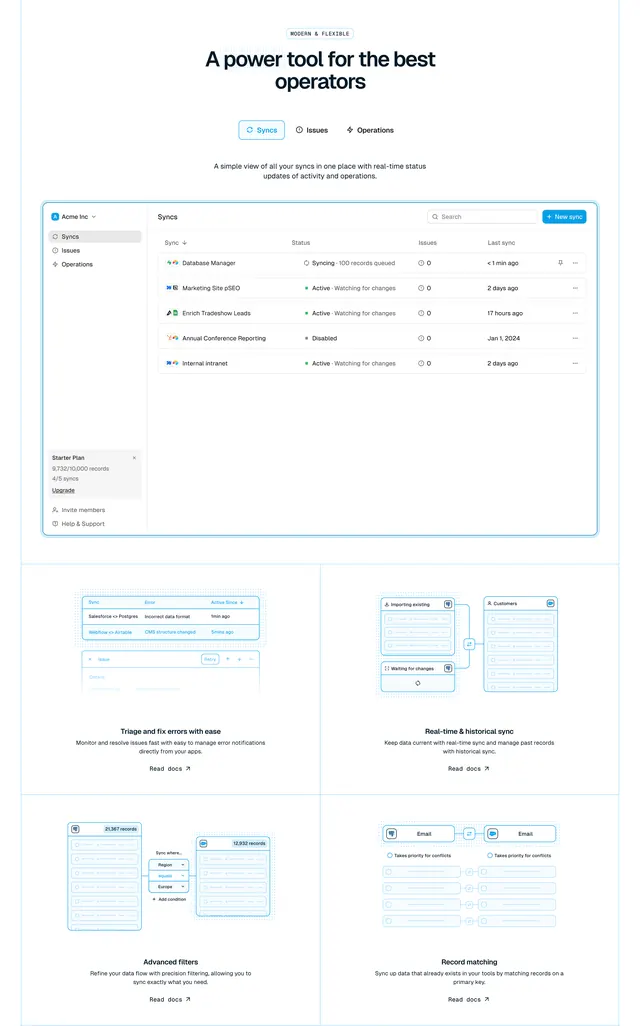
Product features section with tabbed navigation, a large dashboard screenshot, and a 2x2 bento grid of illustrated feature quadrants with doc links.
Summary
MODERN & FLEXIBLE section shows a tabbed Syncs/Issues/Operations header, a full dashboard screenshot, and a 2x2 bento of illustrated feature blocks each with Read docs links.
Visual description
White background with light blue accents. Centered MODERN & FLEXIBLE pill, headline "A power tool for the best operators," and three pill tabs (Syncs active). Subcopy about real-time status. Large dashboard screenshot with light blue glow: left sidebar (Acme Inc, Syncs, Issues, Operations, Starter Plan usage), main table listing syncs with status indicators (Syncing, Active, Disabled), issues count, and last sync times. Below, 2x2 grid divided by thin grey lines: Triage errors (error log UI illustration), Real-time & historical sync (flow diagram), Advanced filters (filter dropdown UI), Record matching (email field mapping diagram). Each quadrant has headline, description, and Read docs arrow link.
Key takeaway
Tabs above the screenshot suggest multiple product views without showing all at once. Bento grid mixes UI screenshots and abstract diagrams for different feature types. Read docs links on every quadrant serve power users without cluttering primary CTAs.
Reuse notes
Strong for developer tools with a real dashboard worth showing. Screenshot must be polished; weak UI undermines the section. Bento works when features are genuinely distinct sub-products.
More like this
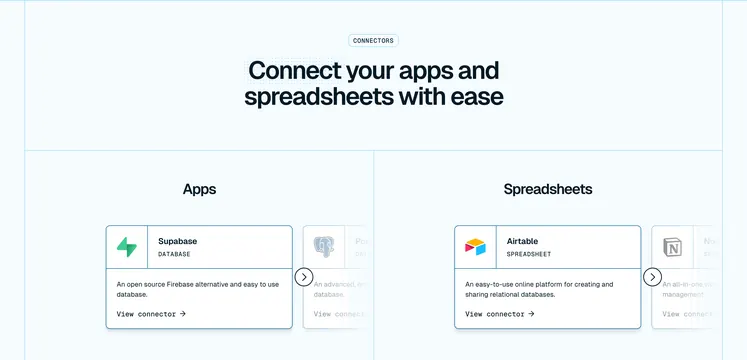 Whalesync connector cards with dual carousels
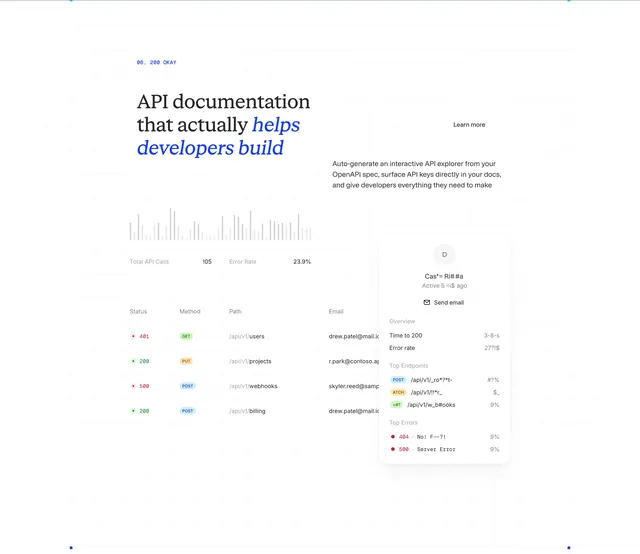 ReadMe API docs analytics bento feature
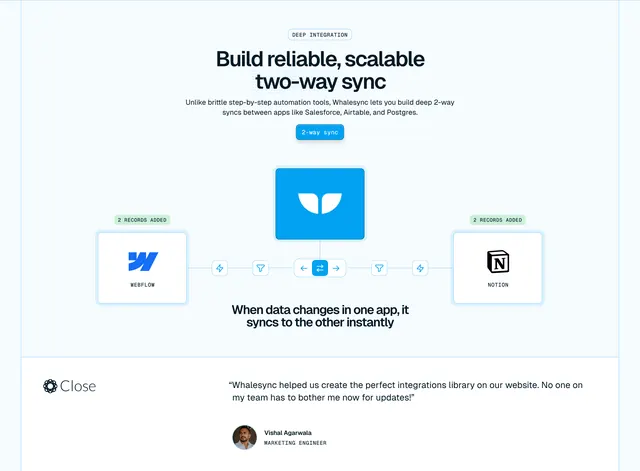 Whalesync two-way sync diagram with testimonial
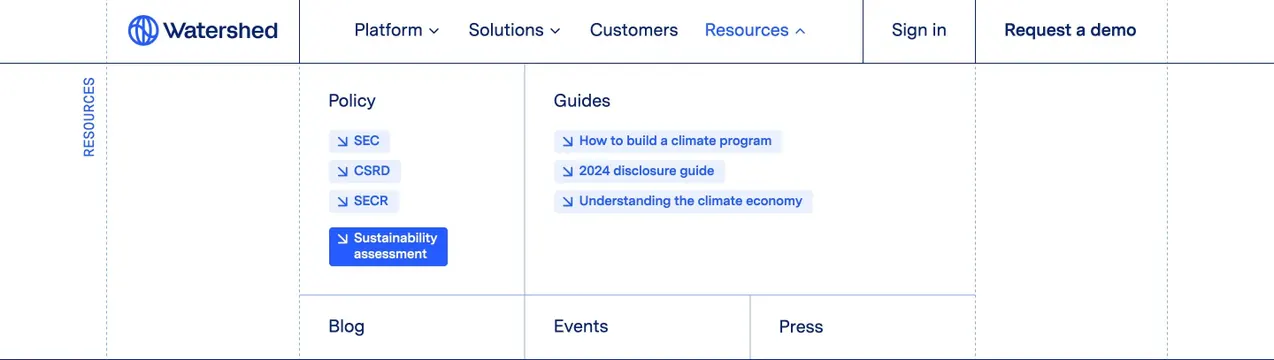 Watershed Navbar Section Design
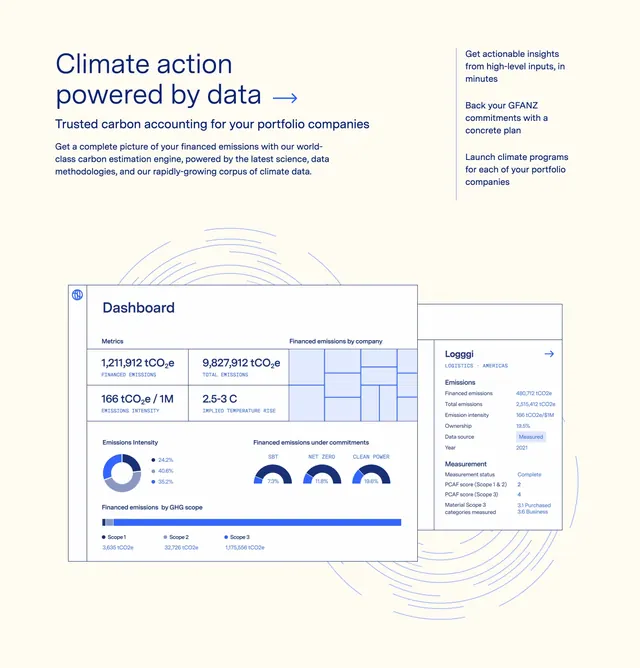 Watershed Solutions Page Section Trusted Carbon Accounting
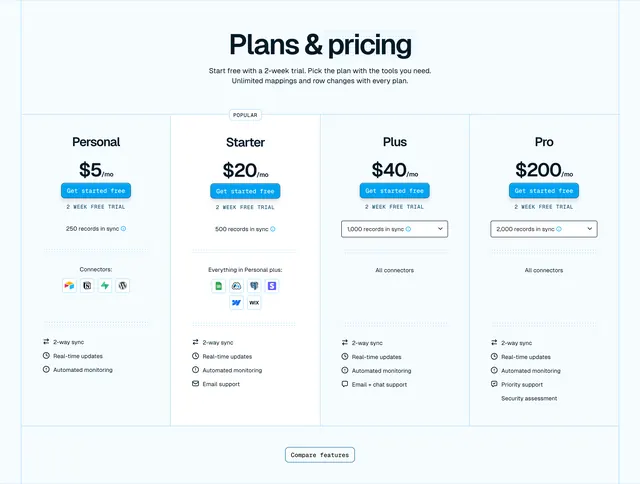 Whalesync four-tier pricing cards
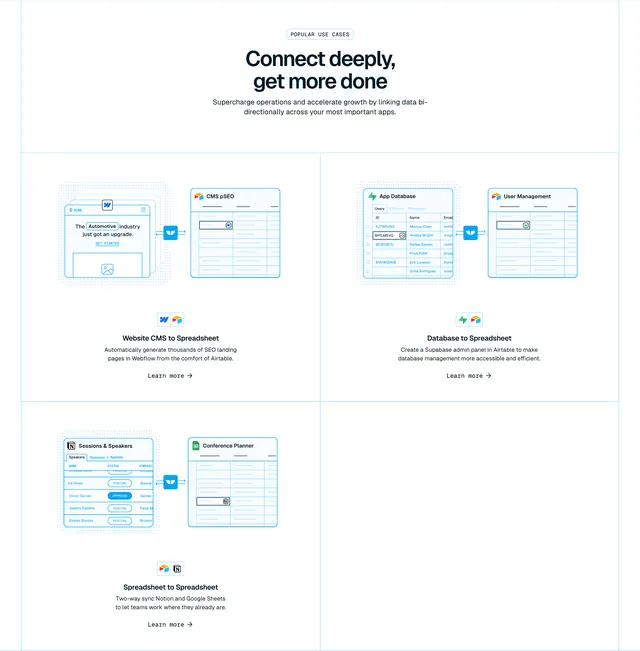 Whalesync popular use cases with sync diagrams
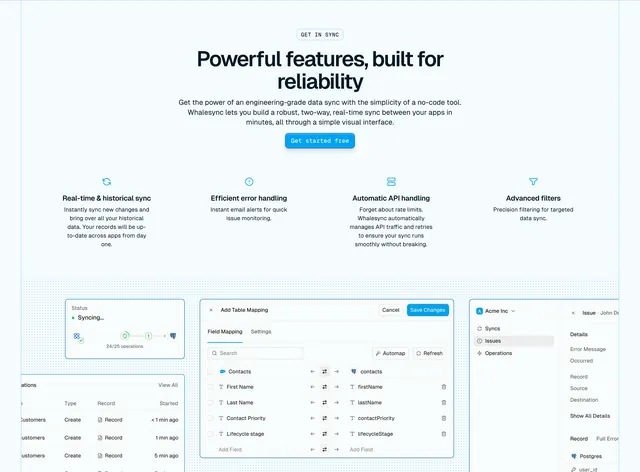 Whalesync product features with UI collage
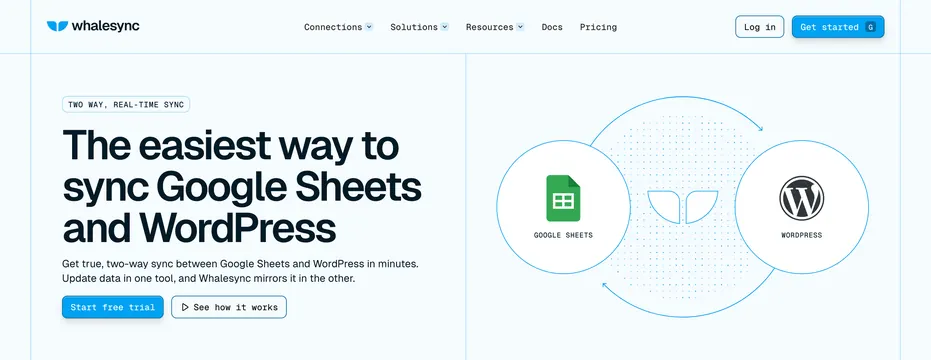 Whalesync Google Sheets WordPress sync hero
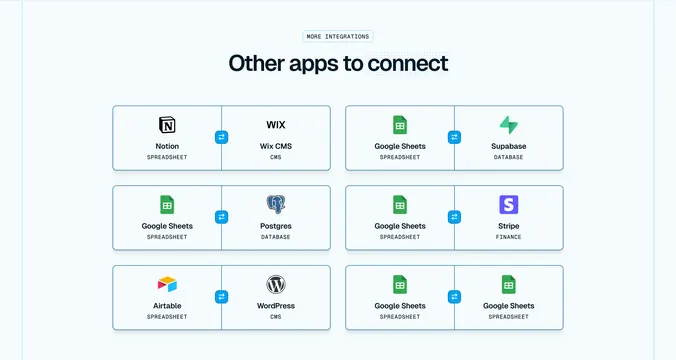 Whalesync split-card integration pair grid
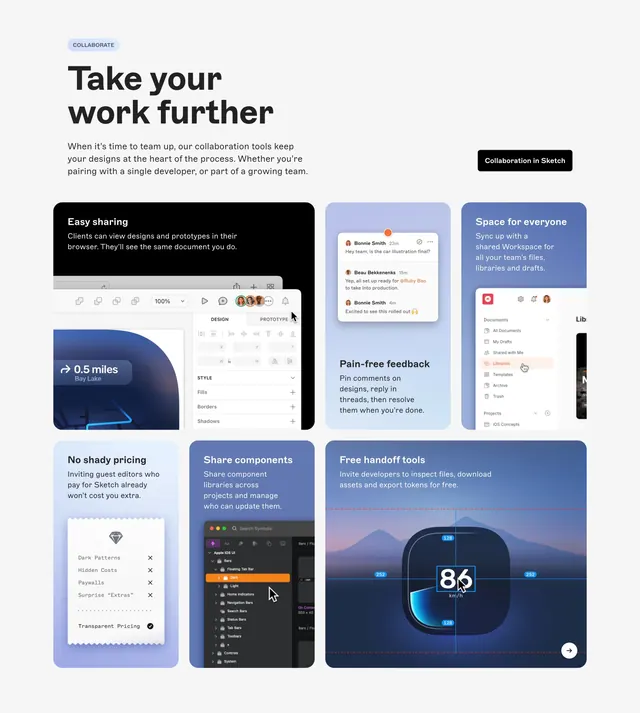 Sketch collaboration bento feature grid
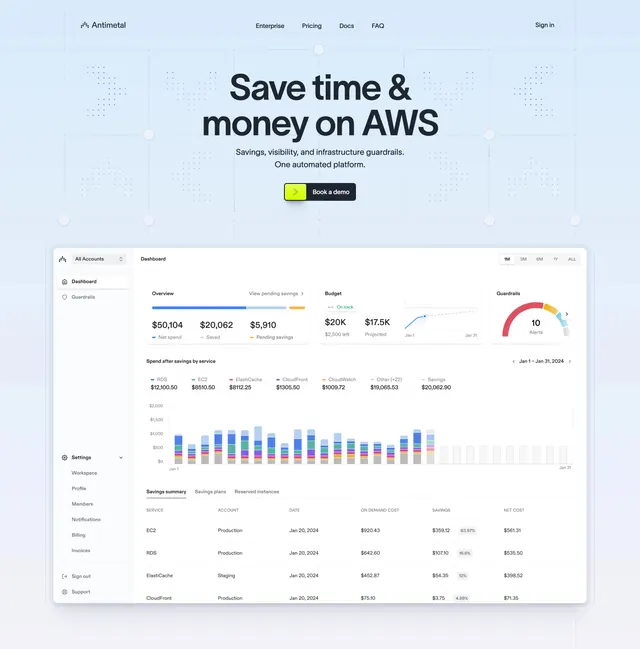 Antimetal AWS savings hero with dashboard
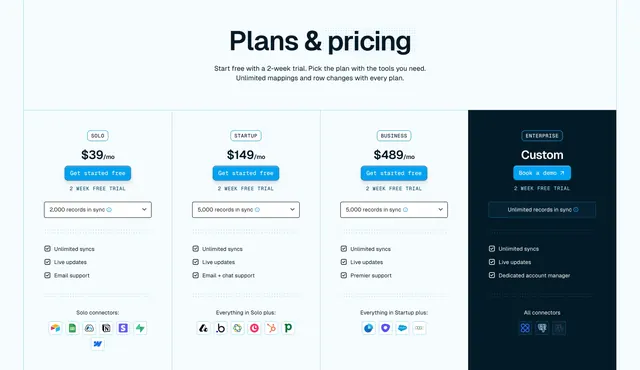 Whalesync Pricing Section
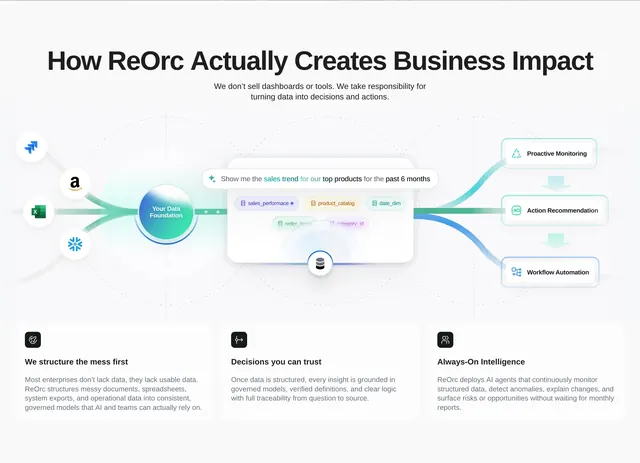 ReOrc business impact process feature
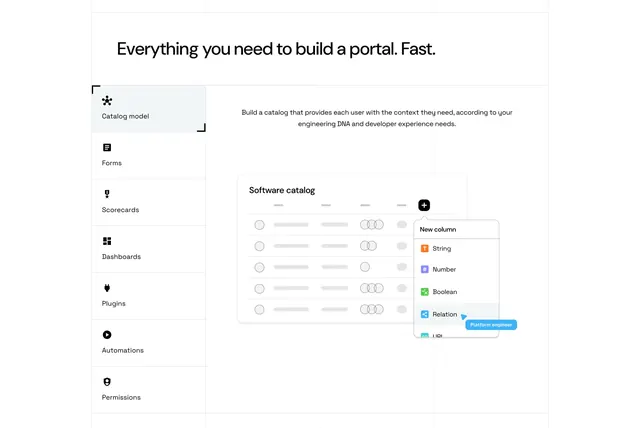 Port tabbed feature section with vertical menu and catalog mockup
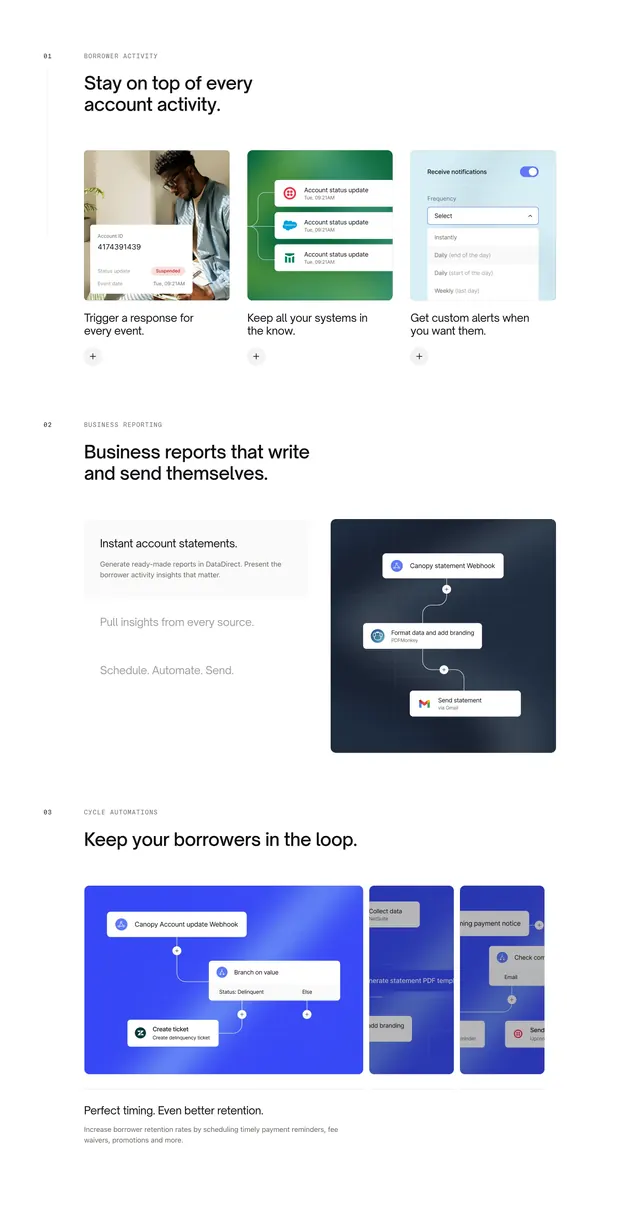 Canopy Connect numbered feature sections
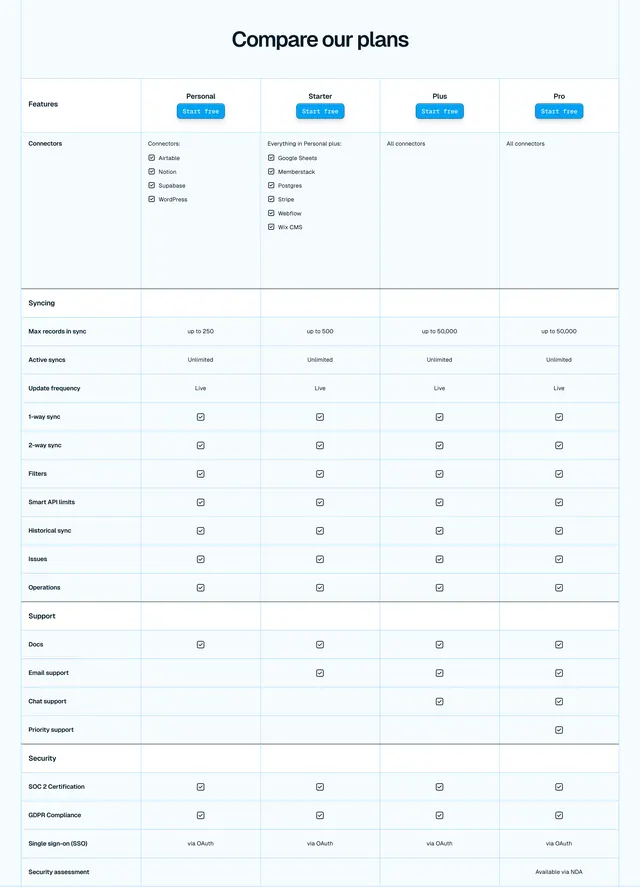 Whalesync four-column feature comparison table
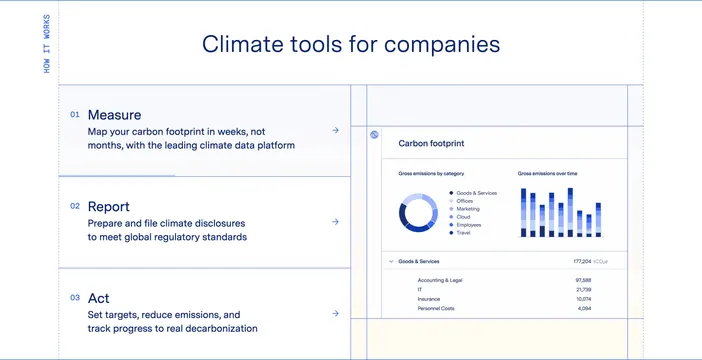 Watershed Home Page Section Climate Tools
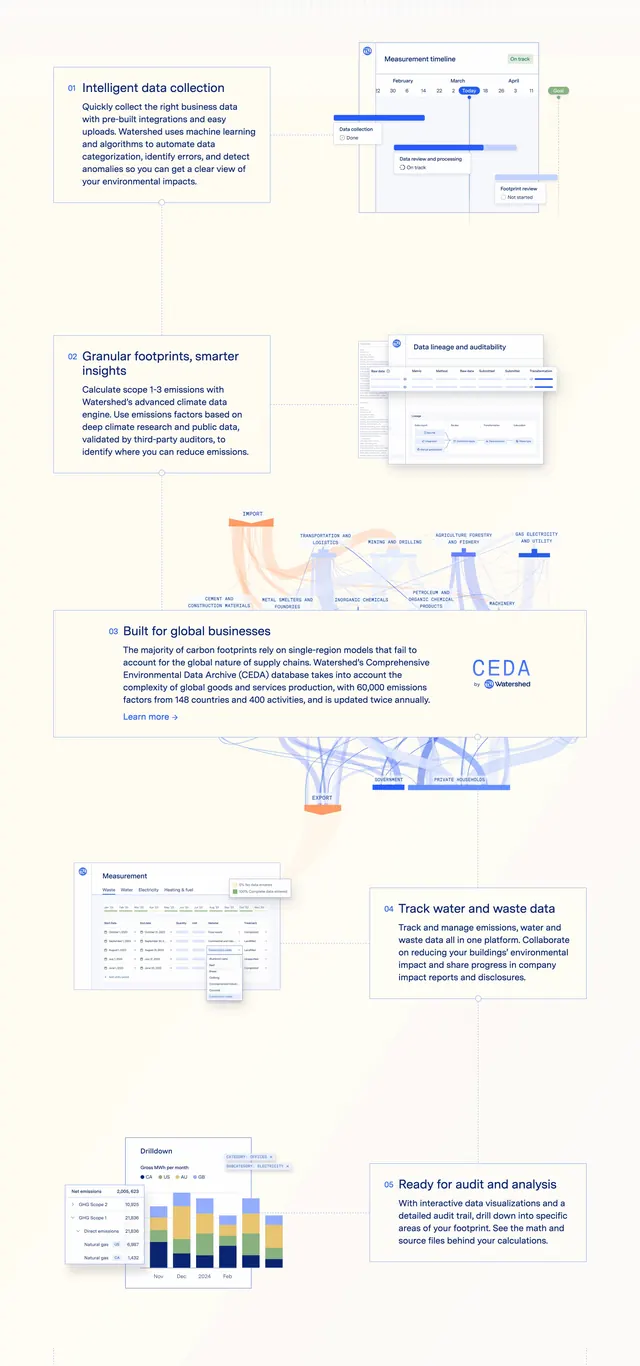 Watershed Measure Page Section Features
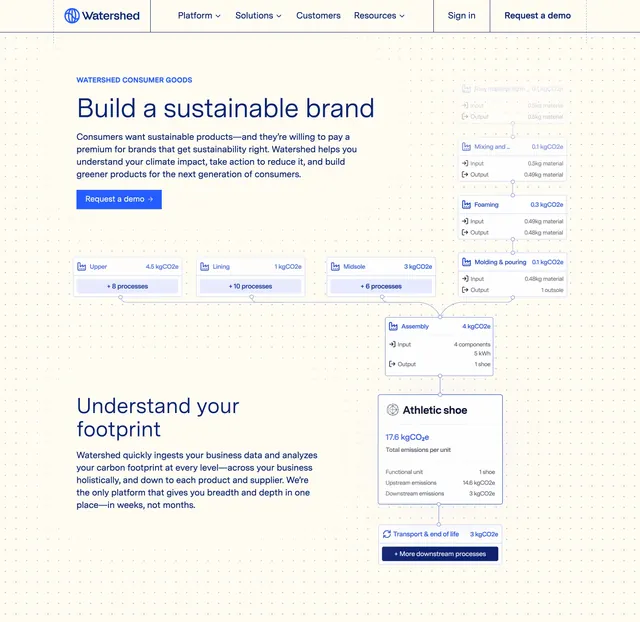 Watershed Consumer Page Section Hero
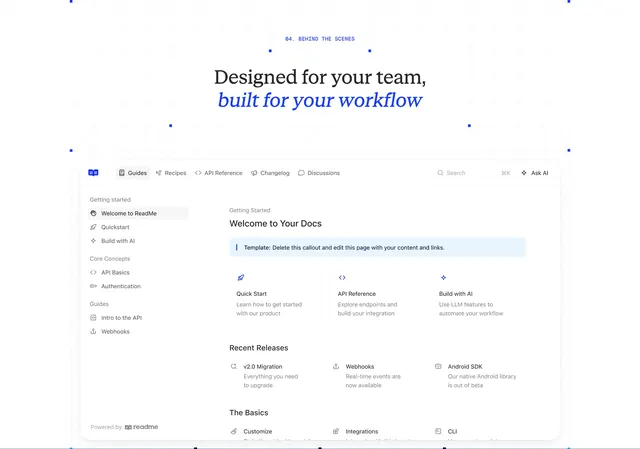 ReadMe team workflow docs hub preview
 Whalesync technical footer with whale watermark
 ReadMe five-column footer with brand art
 Globalization Partners expand page platform