Port tabbed feature section with vertical menu and catalog mockup
Light feature section with a vertical icon-tab menu on the left switching a product catalog mockup on the right.
Summary
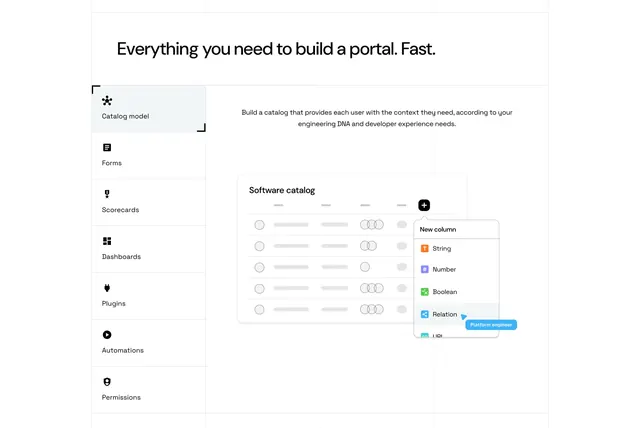
A light feature section that uses a vertical icon-labeled tab menu on the left to switch a product catalog mockup on the right, set against a faint blueprint grid.
Visual description
A left-aligned oversized black headline ("Everything you need to build a portal. Fast.") spans the top. Below, a vertical menu of icon-plus-label tabs runs down the left (Catalog model, Forms, Scorecards, Dashboards, Plugins, Automations, Permissions), with "Catalog model" active and marked by corner brackets and a light fill. To its right, a short paragraph of body copy sits above a white "Software catalog" product mockup: a table of placeholder rows with avatar circles, a black "+" add-column button, and an open "New column" dropdown listing typed options (String, Number, Boolean, Relation, URL) with a small blue "Platform engineer" pointer tag. Faint dotted blueprint gridlines run behind the whole section.
Key takeaway
The vertical icon-tab list turns a long feature set into a compact, browsable switcher where one mockup does the explaining. Corner-bracket framing on the active tab is a subtle, technical selected-state cue. The faint blueprint grid behind everything reinforces a build-it-yourself, developer-platform identity.
Reuse notes
Best for a platform with many distinct capabilities that share one product surface, so each tab swaps the mockup rather than the layout. Needs real, legible UI mockups per tab to pay off. The blueprint grid sets a technical tone; pair with a clean sans and keep the left menu short enough to avoid scrolling.
More like this
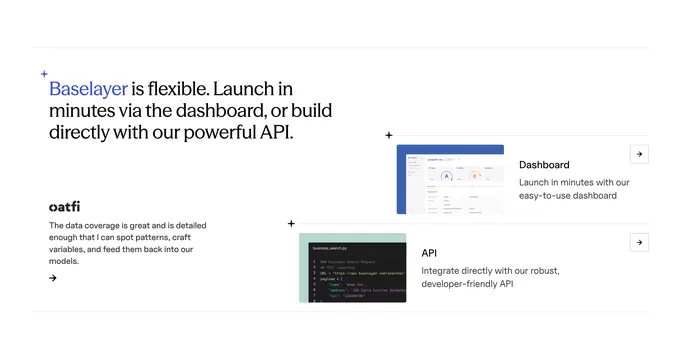 Baselayer platform utility with code preview
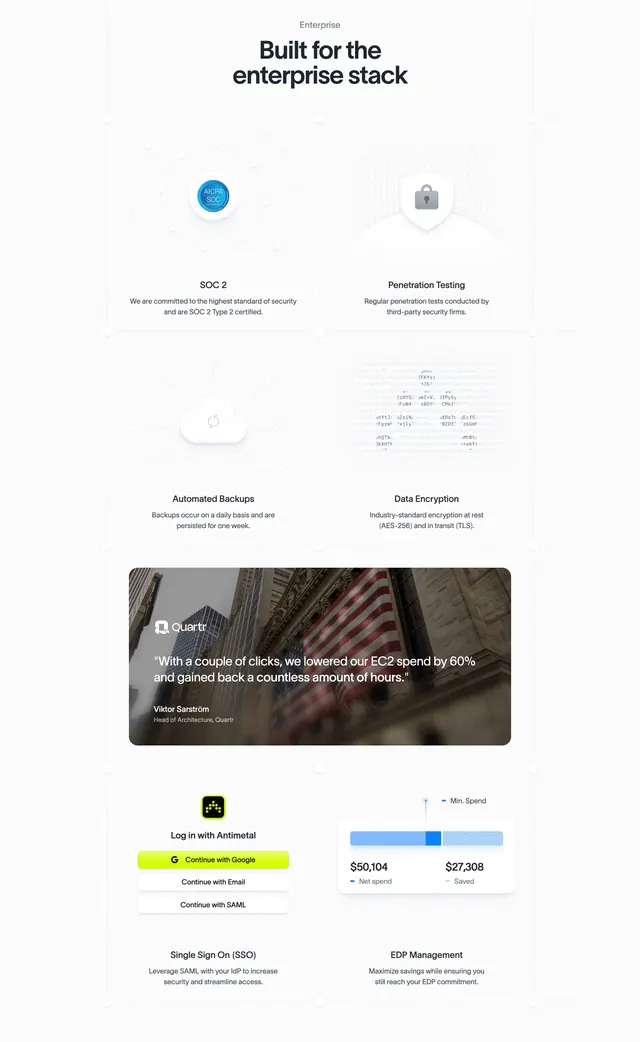 Antimetal enterprise security features grid
 Exante AI contract-intelligence hero
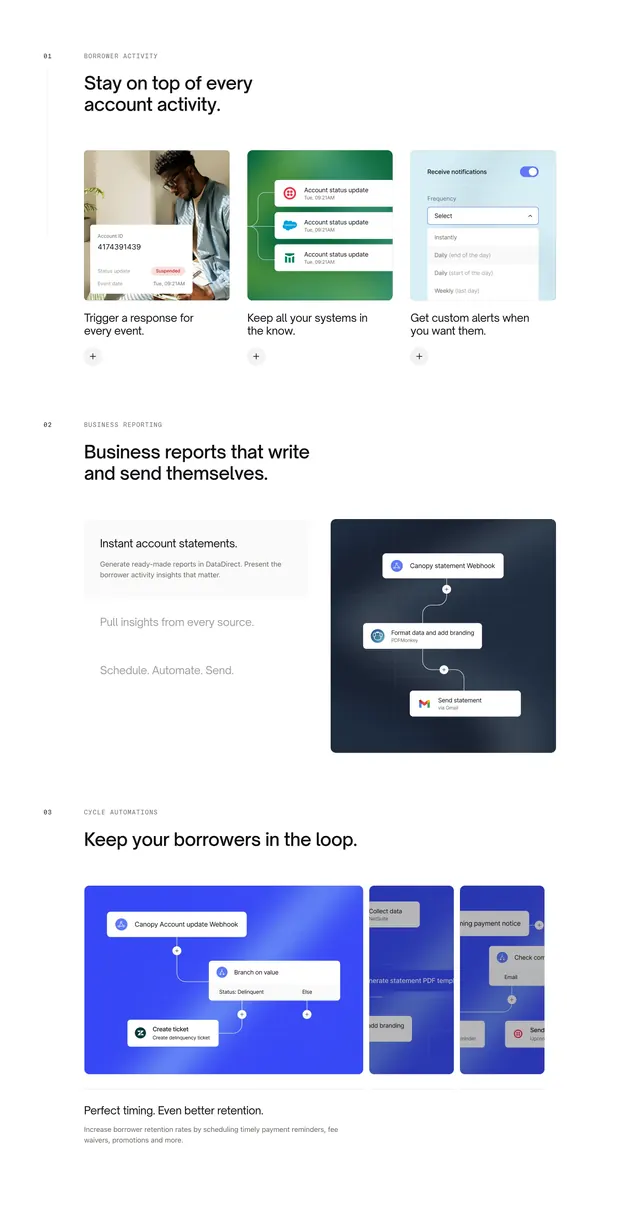 Canopy Connect numbered feature sections
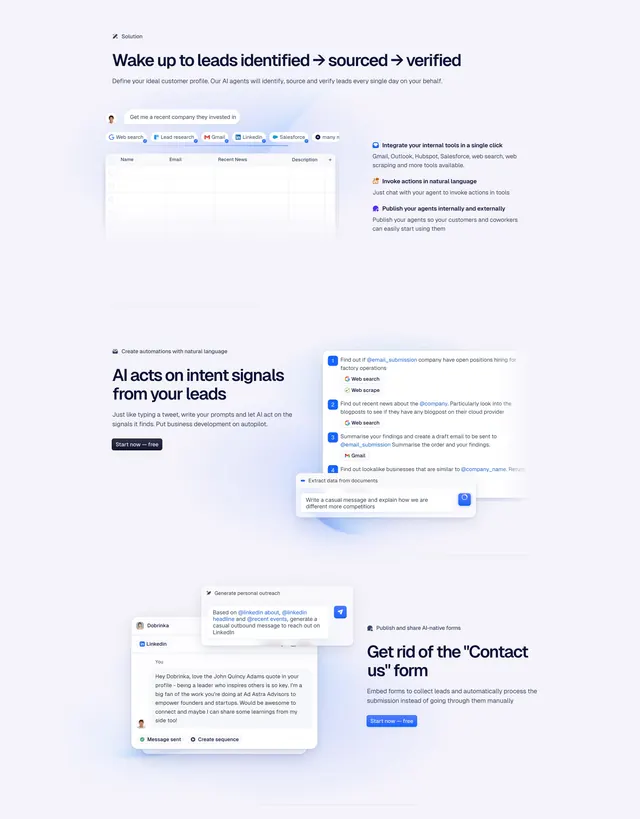 Godmode Features Section
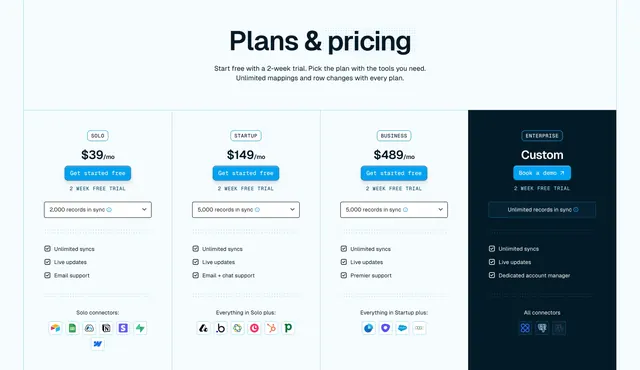 Whalesync Pricing Section
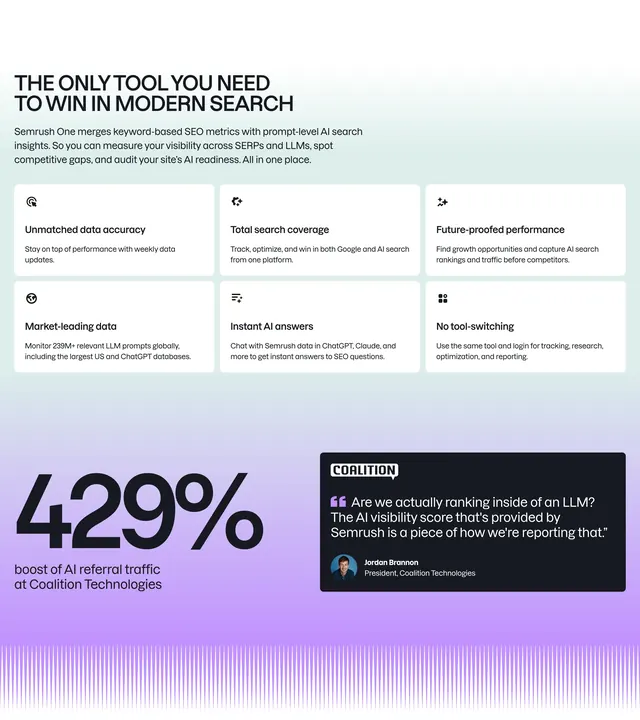 Semrush One value proposition grid
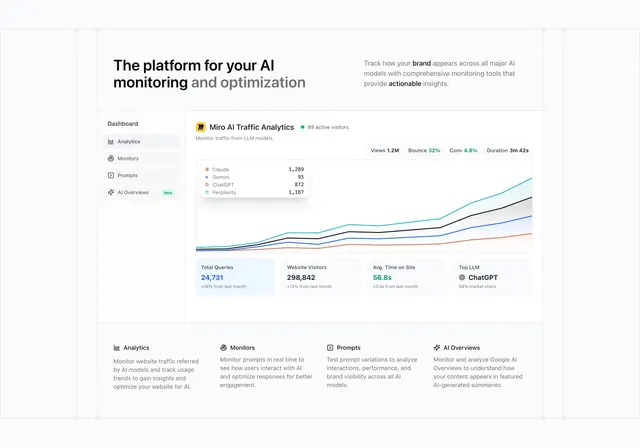 Promptwatch dashboard-led features section
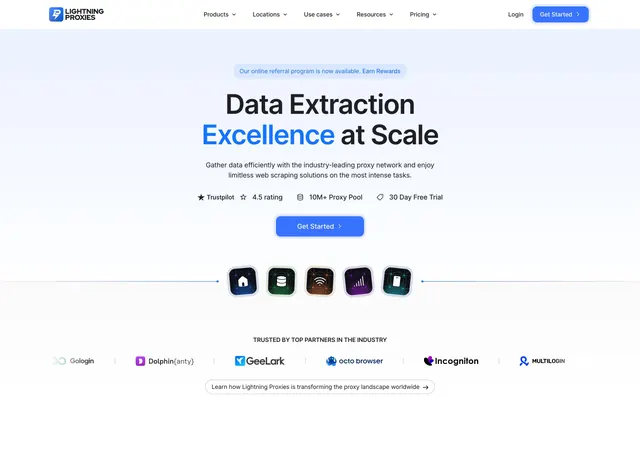 Lightning Proxies Hero Section
 Ahrefs all-in-one SEO toolset section
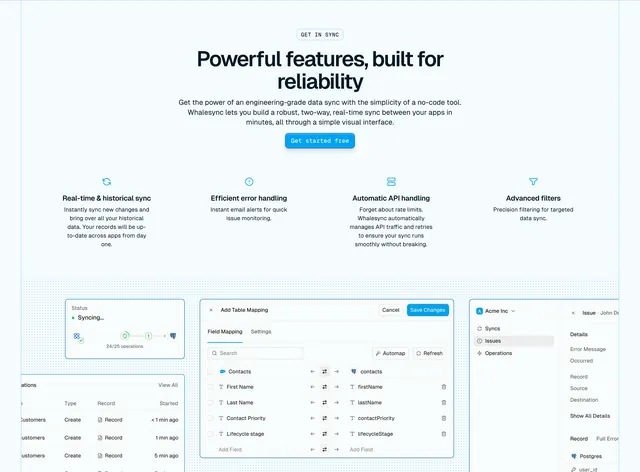 Whalesync product features with UI collage
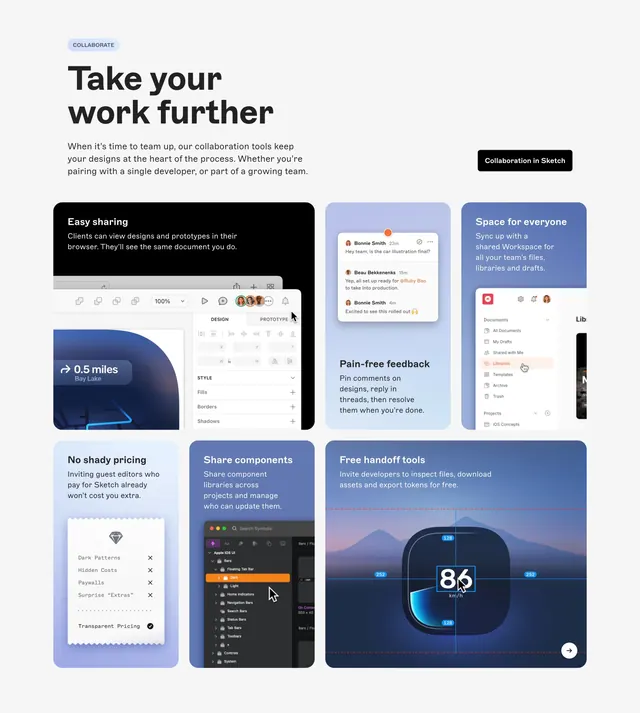 Sketch collaboration bento feature grid
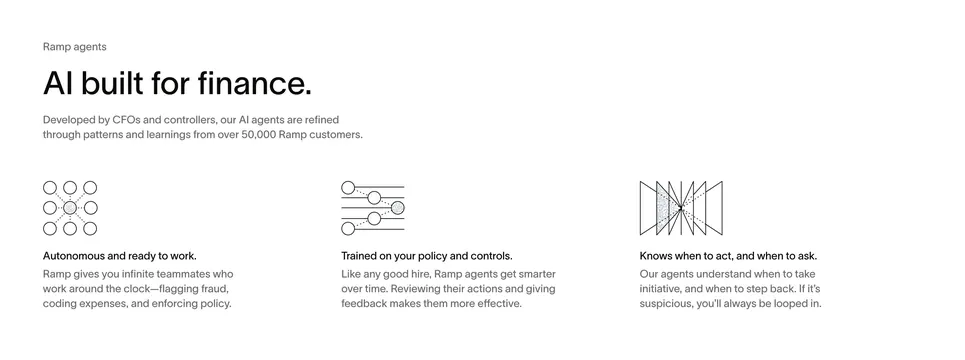 Ramp AI agents three-column feature
 Vectara CTA Section
 Vectara Footer Section
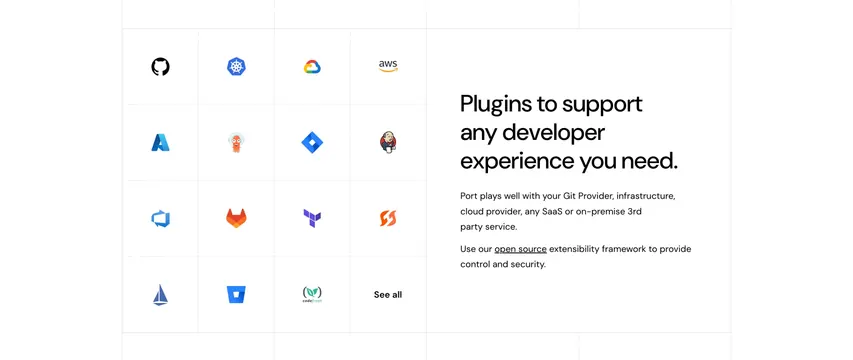 Port Integrations Section
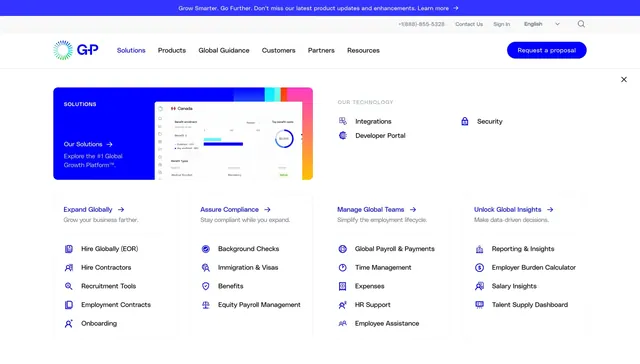 Globalization Partners Solutions mega menu
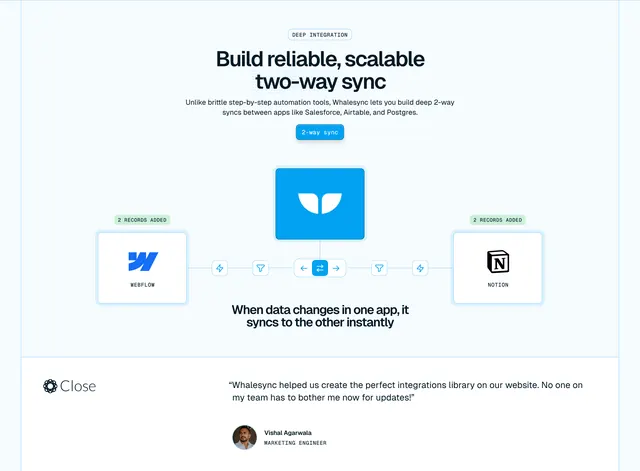 Whalesync two-way sync diagram with testimonial
 DevRev Integrations Section
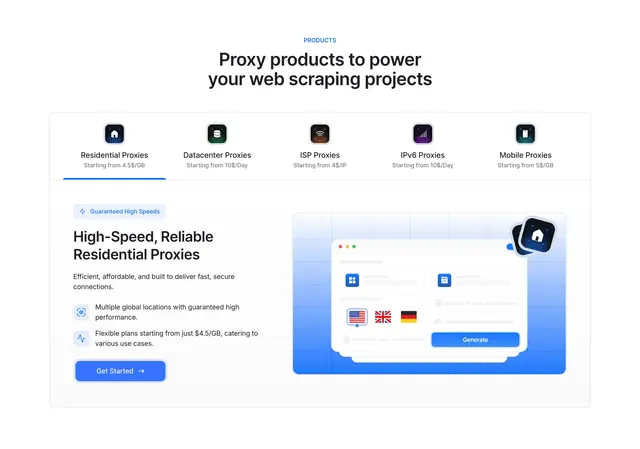 Lightning Proxies tabbed product features
 Conversion orchestrate journeys feature
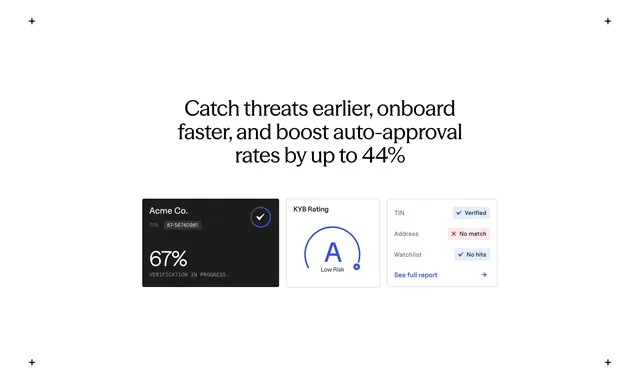 Baselayer KYB benefits UI cards
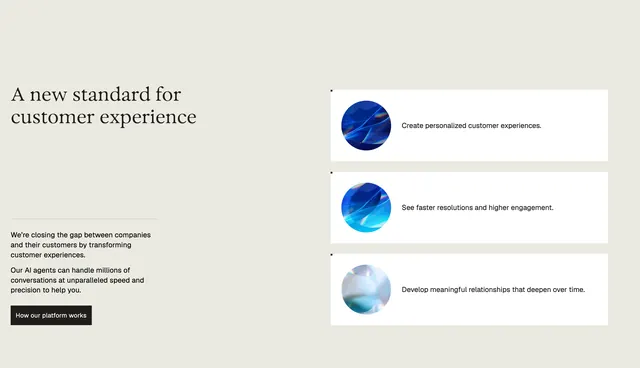 Parloa customer experience split feature
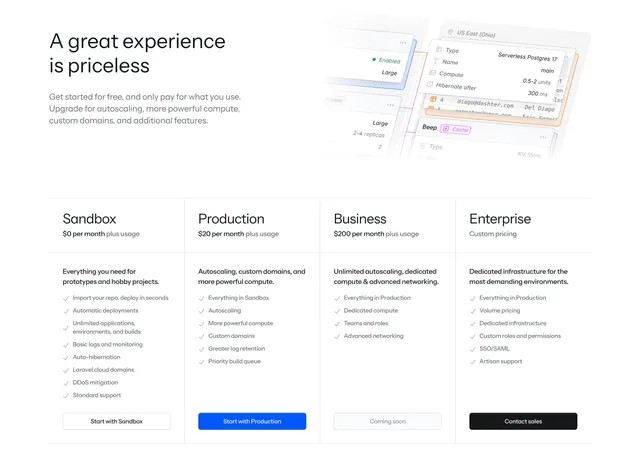 Laravel Cloud four-tier pricing with mockup header