Vouch integrations carousel
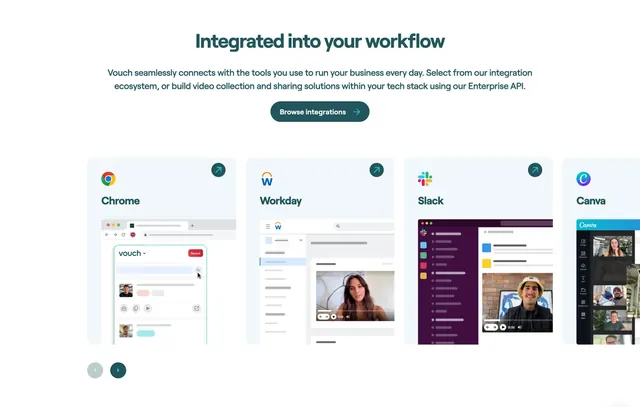
Centered integrations section with browse button and horizontal cards showing Chrome, Workday, Slack, and Canva mockups.
Summary
Centered integrations section with browse button and horizontal cards showing Chrome, Workday, Slack, and Canva mockups.
Visual description
White page with centered headline Integrated into your workflow, two-line subcopy, and dark teal Browse integrations pill button. Below, a horizontal row of large grey rounded cards shows partner logos and simplified in-product UI mockups for Chrome, Workday, Slack, and Canva with external-link dots. Circular arrow controls sit bottom-left.
Key takeaway
Simplified in-context UI mockups inside partner cards instead of logo-only tiles.
Reuse notes
Integration sections where showing how the product appears inside other tools matters.
StyleMinimal, Corporate Clean, Light Mode
ColorLight, Dark, Cool, Muted, High Contrast
TypeSans Serif, Display
MoodProfessional, Friendly, Trustworthy
IndustryHr, Productivity, Saas
ElementsCard, Button Primary, Image
Tagsintegration cards, ui mockups, carousel, workflow, complementary, cool, magenta, teal, neutral
Palette
#FFFFFF
#4A1F45
#95B4BA
#BFC6C8
More like this
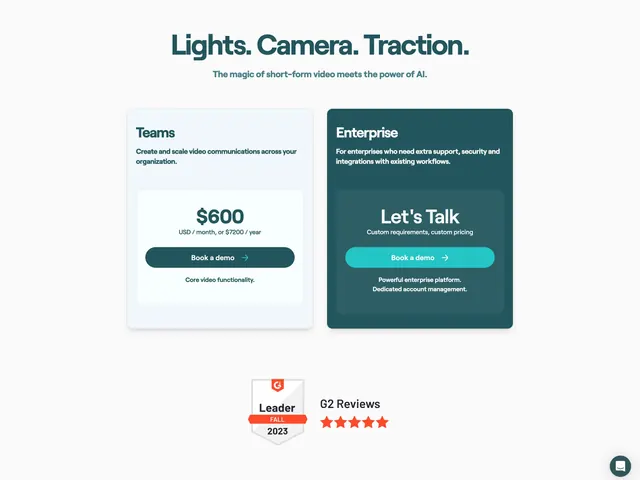 Vouch two-tier pricing cards
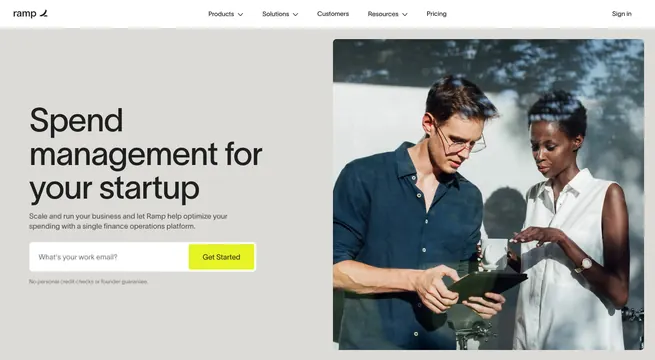 Ramp startup spend management split hero
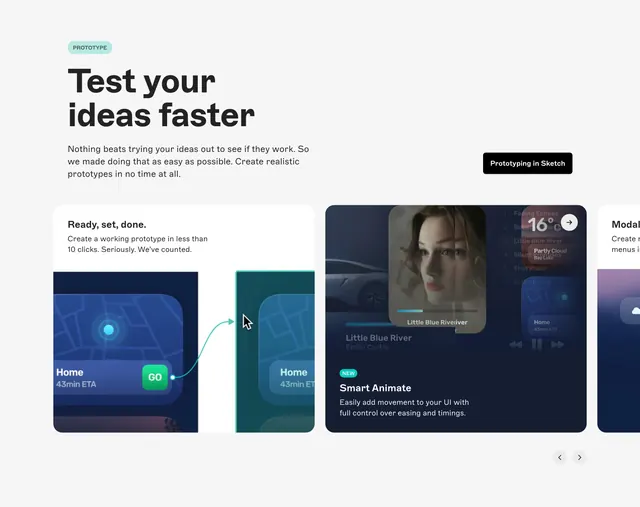 Sketch prototype feature carousel
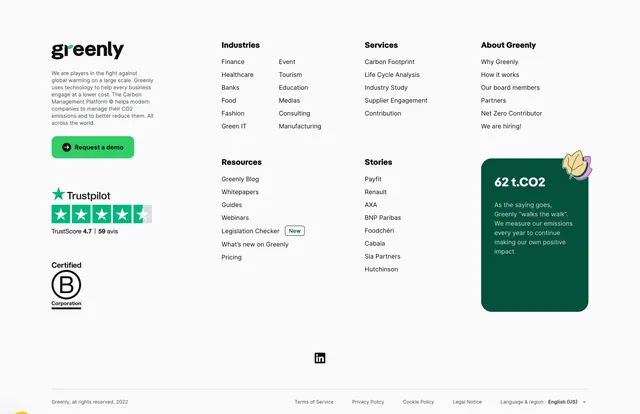 Greenly comprehensive footer with CO2 card
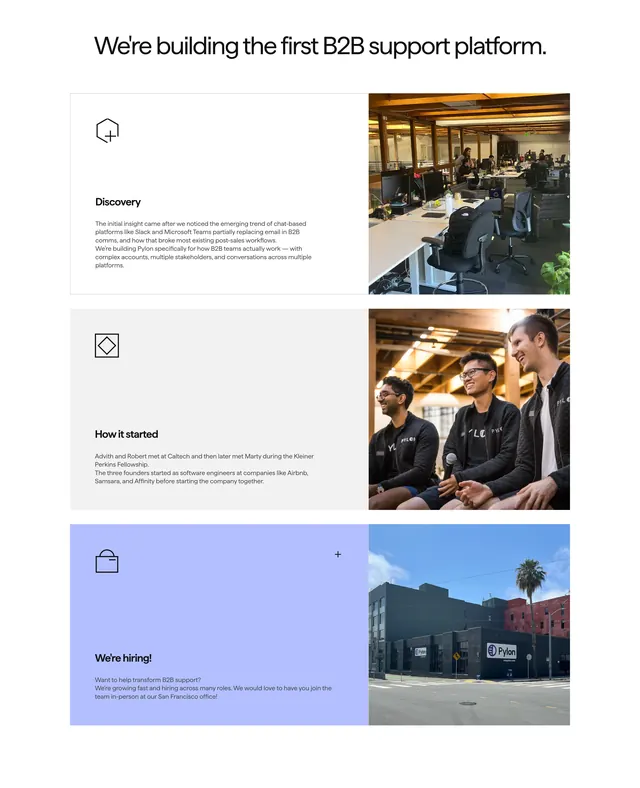 Pylon company story stacked feature rows
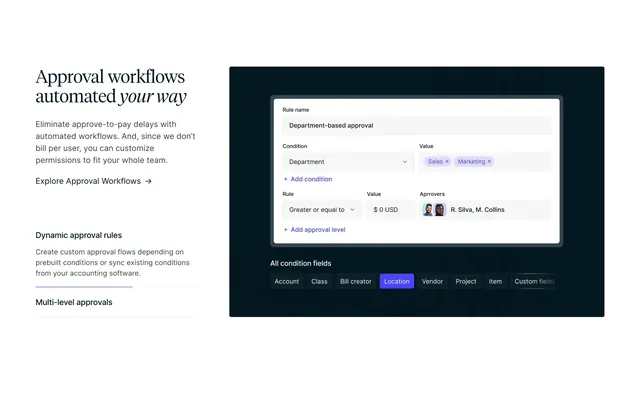 Routable approval workflows feature
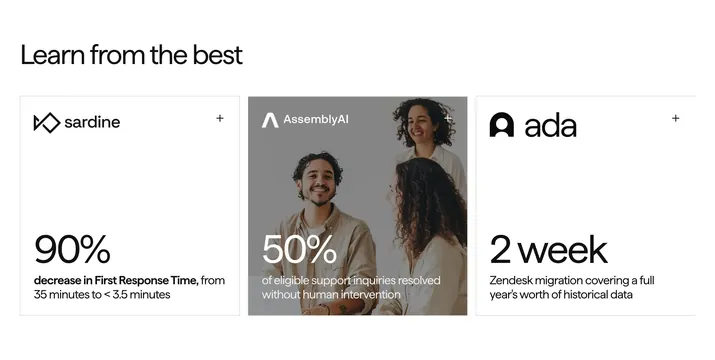 Pylon customer success metric cards
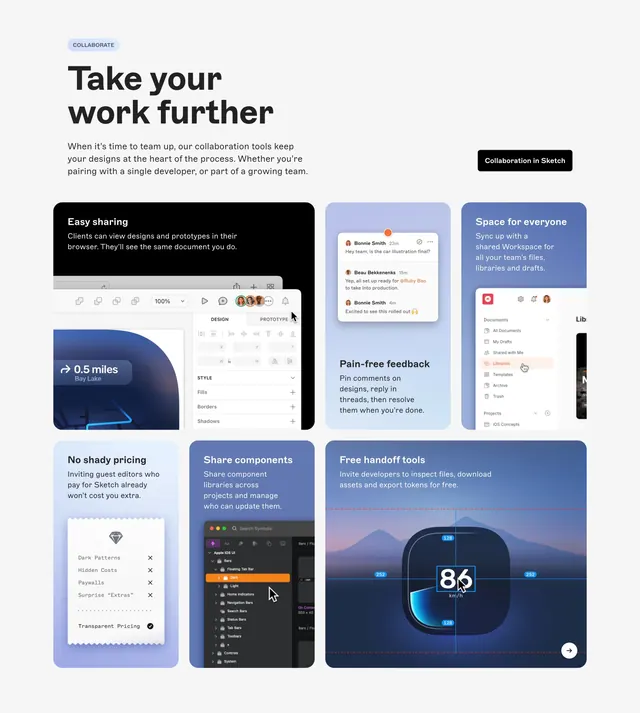 Sketch collaboration bento feature grid
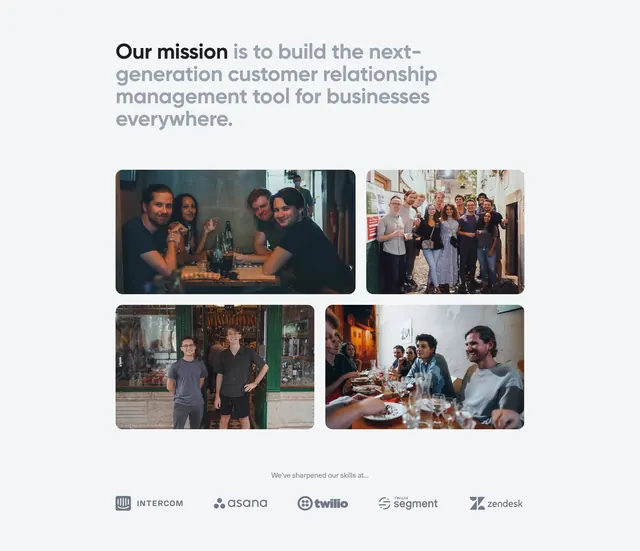 Attio mission with team photos and logos
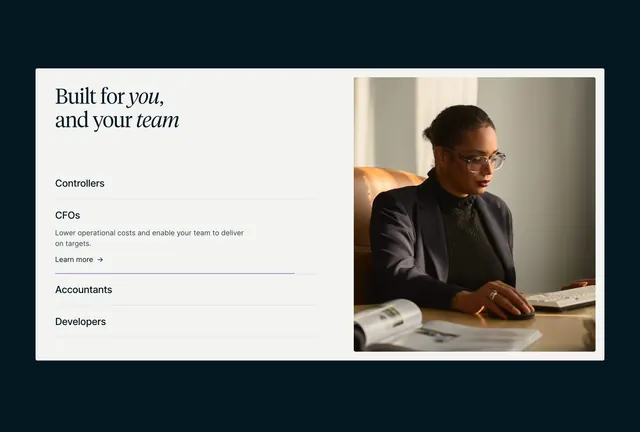 Routable built-for personas
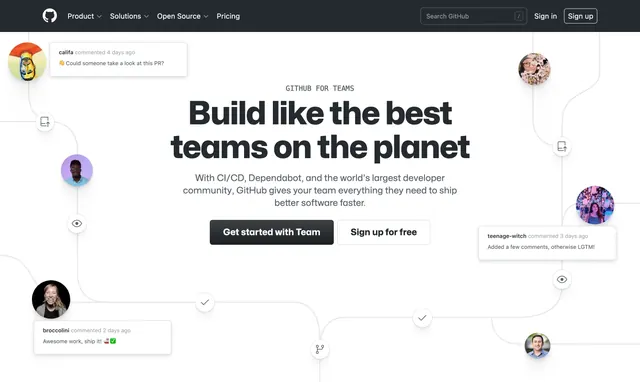 GitHub for Teams collaboration workflow hero
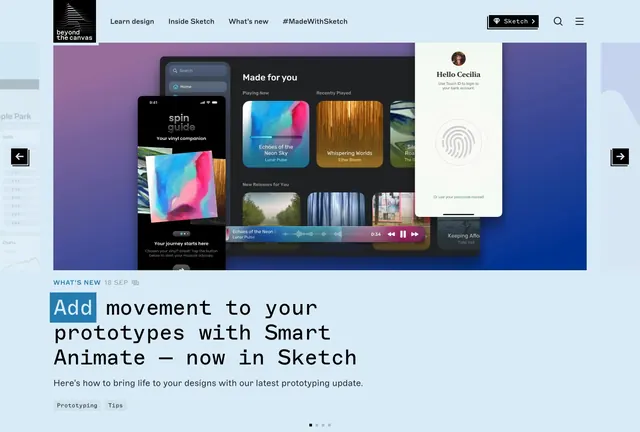 Sketch Smart Animate blog hero carousel
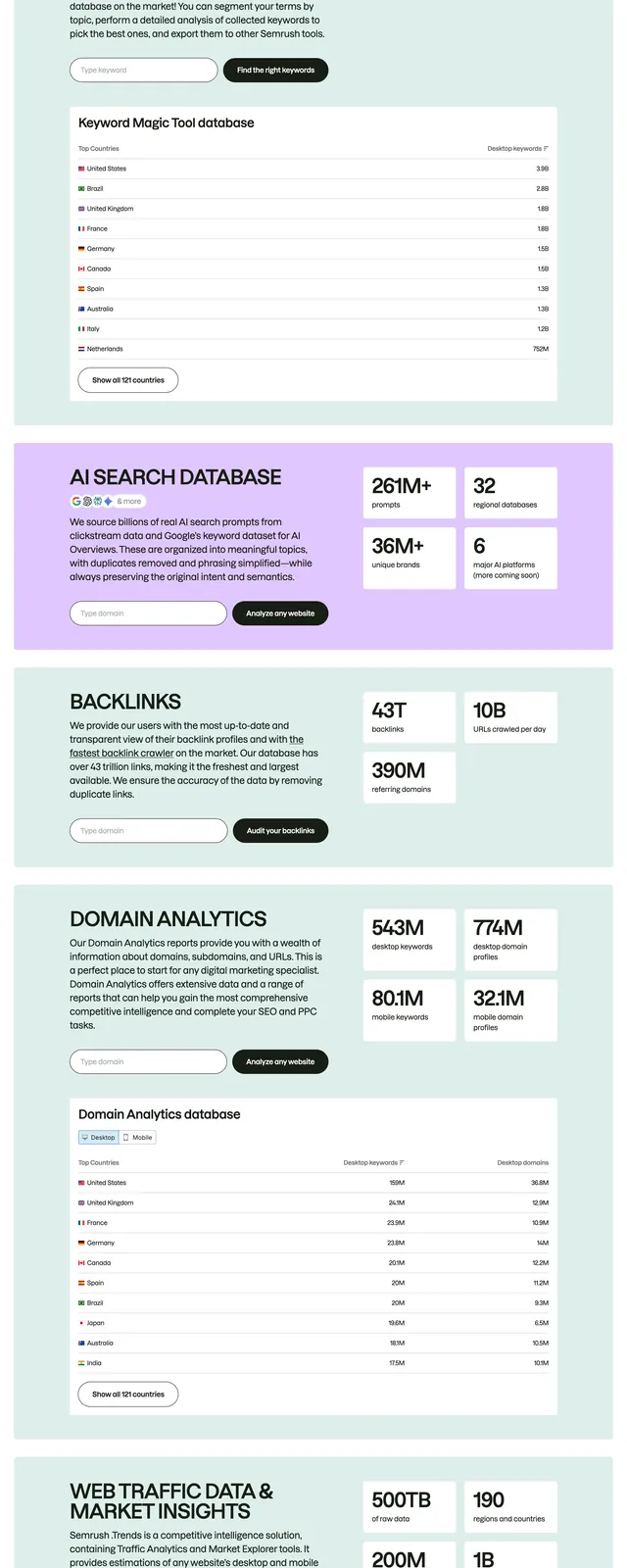 Semrush stacked data feature blocks
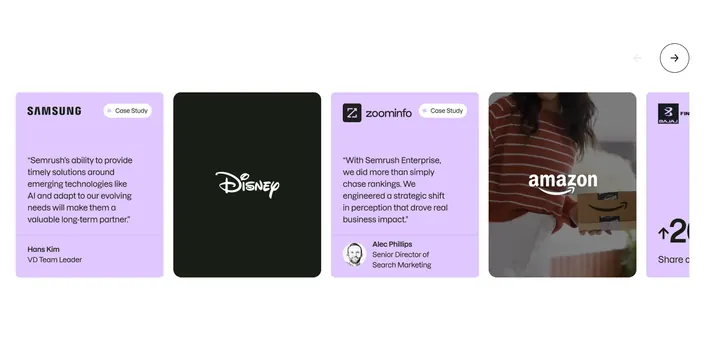 Semrush mixed testimonial carousel
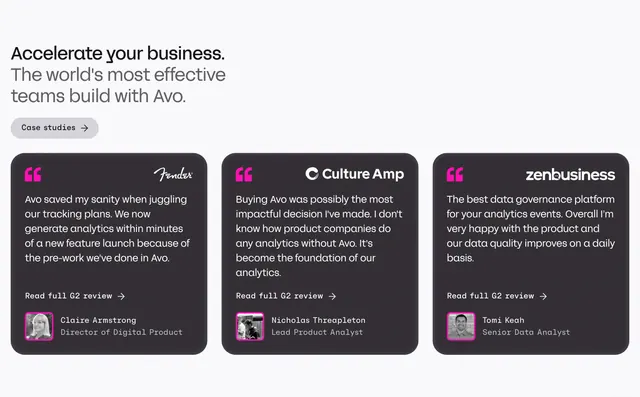 Avo three-card G2 testimonial row
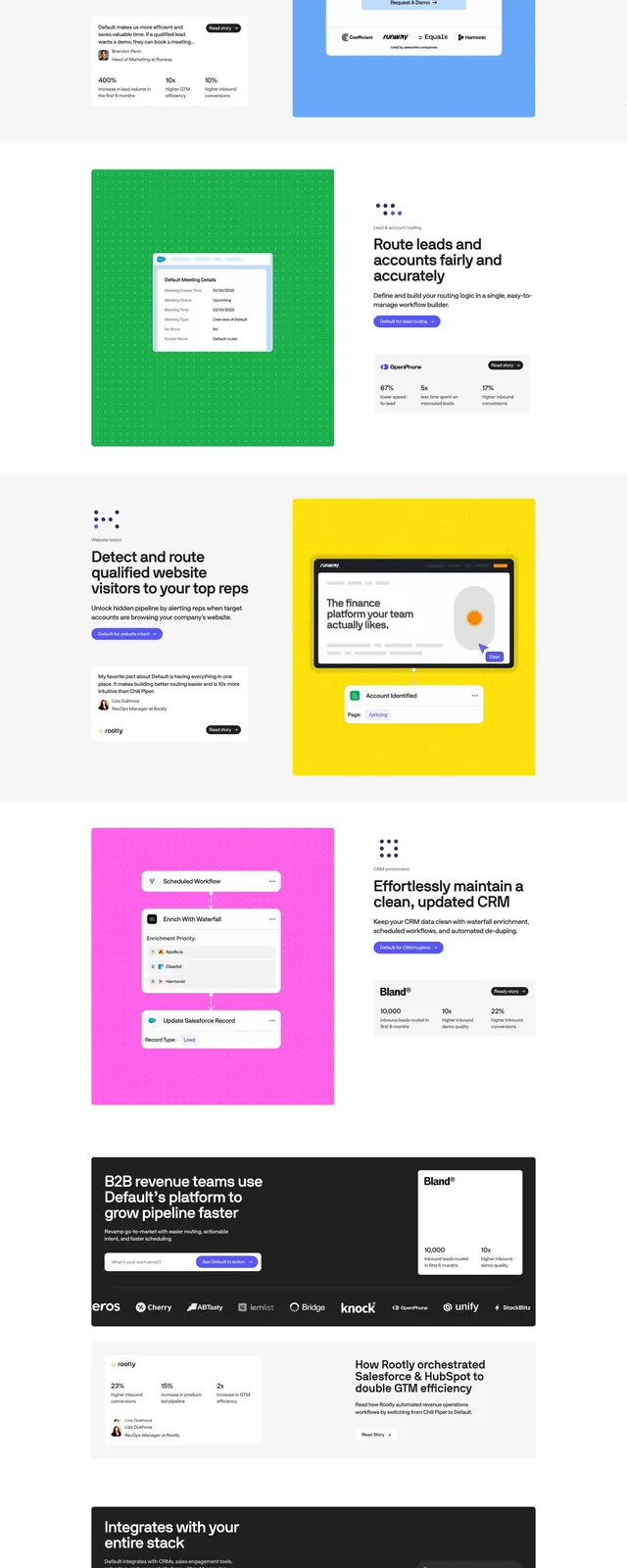 Default SaaS Landing Page
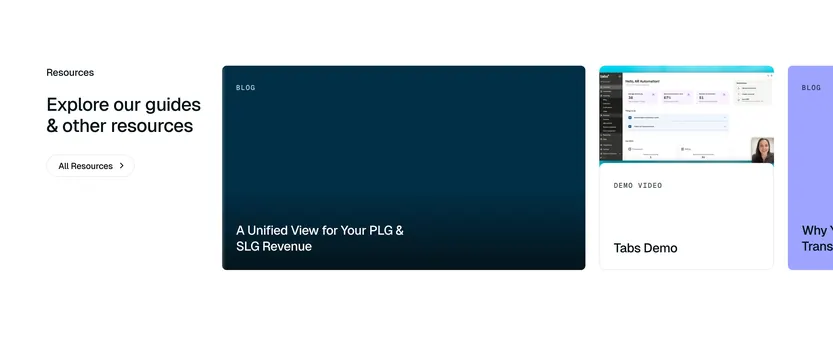 Tabs resources horizontal card carousel
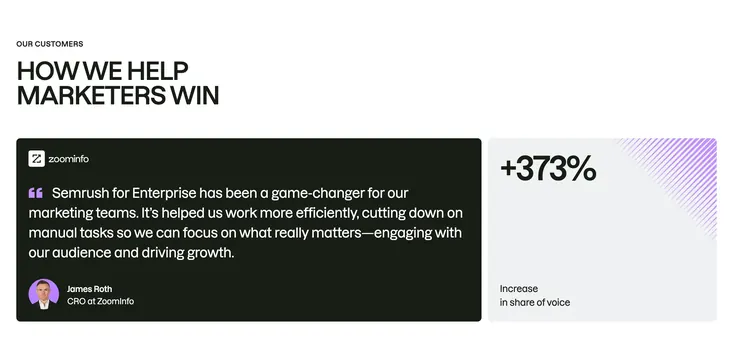 Semrush featured testimonial with metric bento
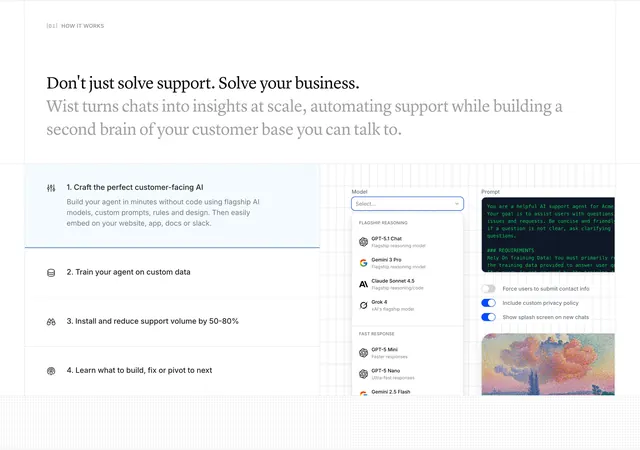 Wist how-it-works accordion feature
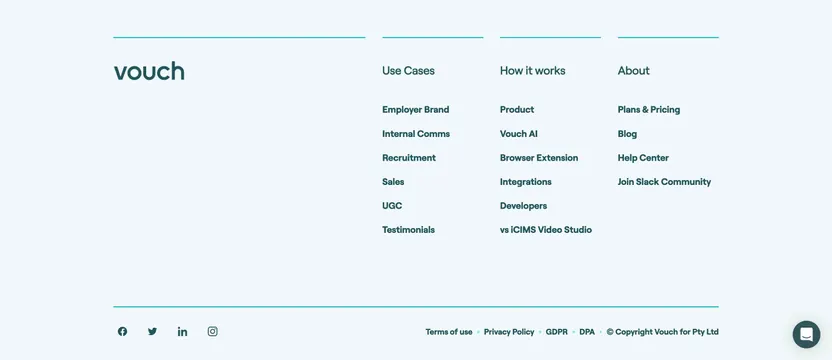 Vouch four-column SaaS footer
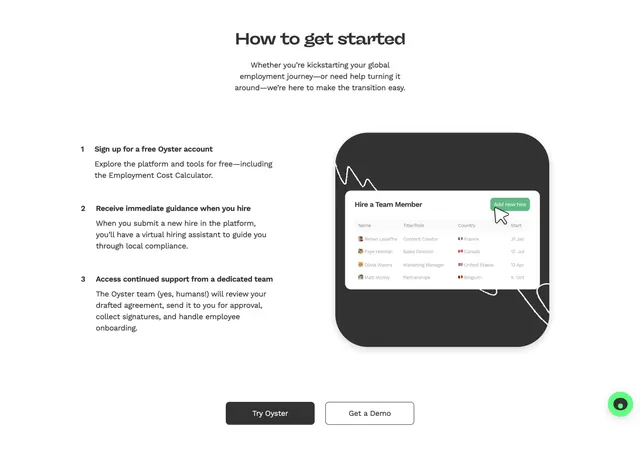 Oyster how to get started
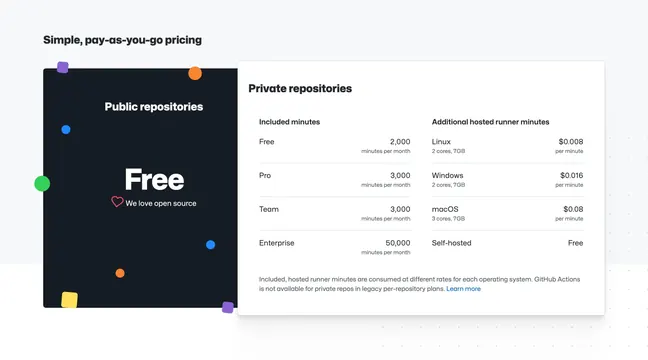 GitHub Actions pay-as-you-go pricing
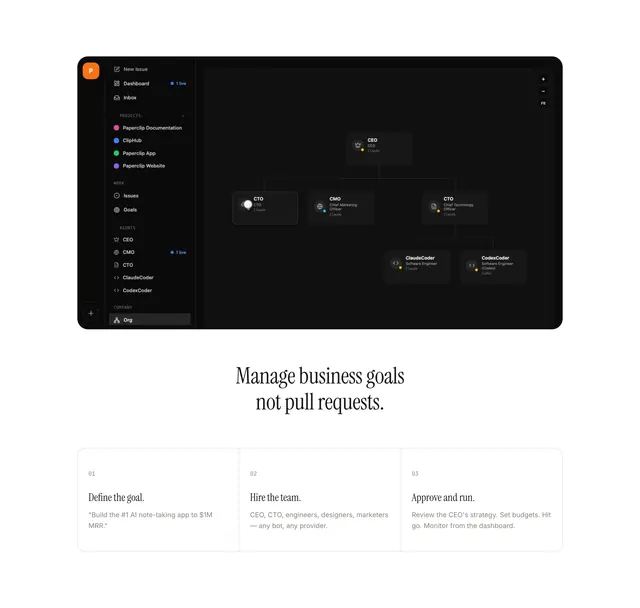 Paperclip workflow feature design
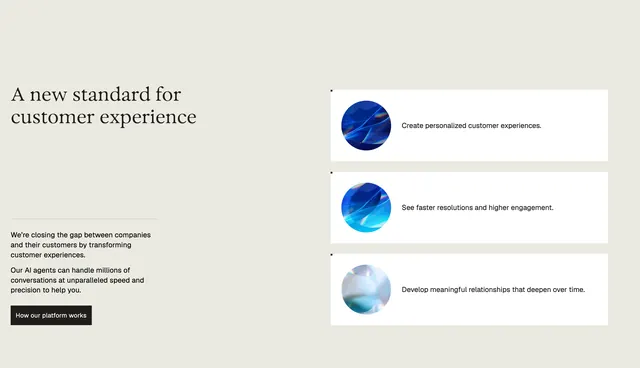 Parloa customer experience split feature