Oyster how to get started
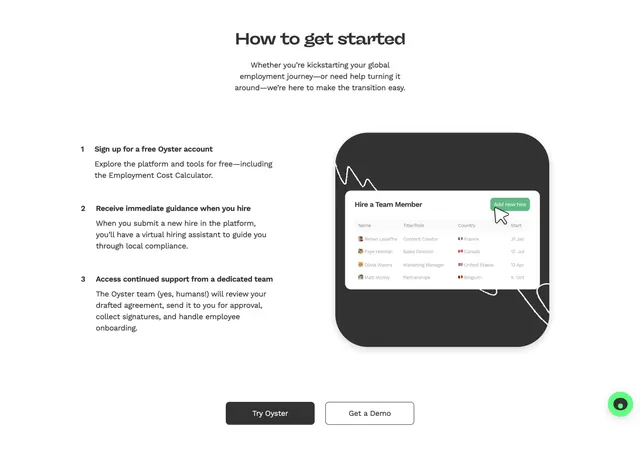
Three-step onboarding section with numbered copy, hire UI mockup on dark panel, and dual CTAs.
Summary
How to get started section with three numbered steps and a Hire a Team Member UI preview on charcoal.
Visual description
Centered headline and subcopy. Left column lists sign up, virtual hiring assistant, and dedicated support steps. Right dark rounded panel shows employee table with avatars, flags, countries, start dates, green Add new hire button, and cursor hover. Try Oyster and Get a Demo buttons centered below.
Key takeaway
Pair procedural numbered steps with a single realistic product table rather than abstract illustrations. Green accent on one action draws the eye.
Reuse notes
Global hiring or HR platforms explaining onboarding flow. Needs a credible product screenshot.
StyleMinimal, Corporate Clean, Light Mode
ColorLight, Muted, Monochrome, High Contrast
TypeSans Serif
MoodFriendly, Professional, Trustworthy
ElementsButton Primary, Button Secondary, Table, Avatar
Palette
#FFFFFF
#323232
#B7B7B6
More like this
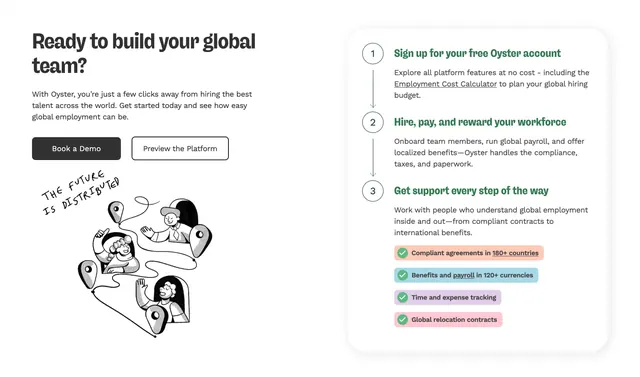 Oyster three-step process with feature pills
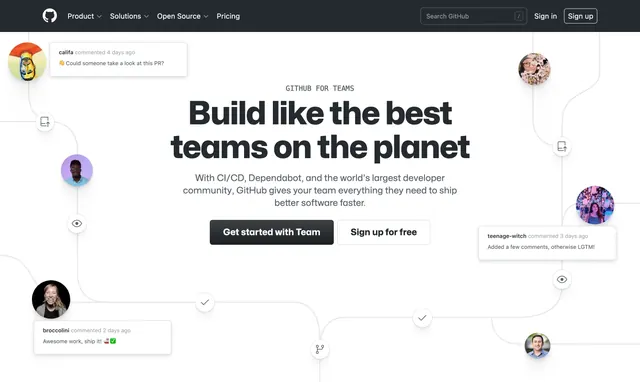 GitHub for Teams collaboration workflow hero
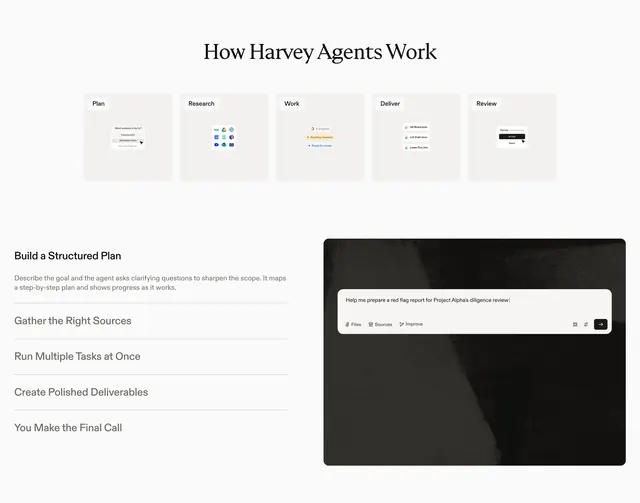 Harvey Agents how it works process
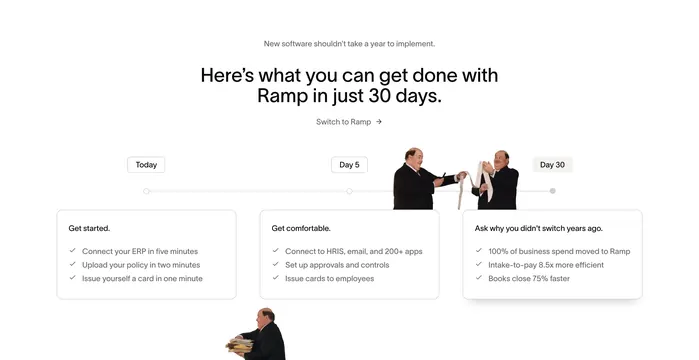 Ramp 30-day implementation timeline
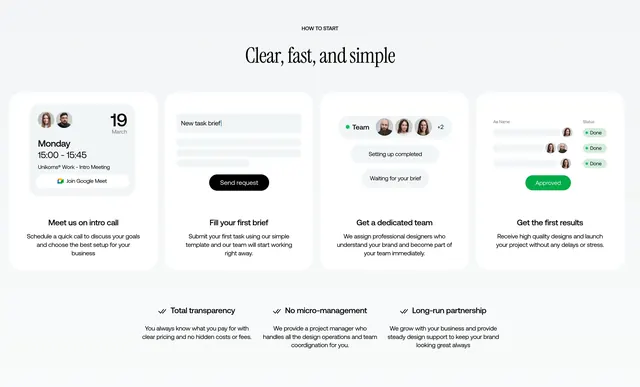 Unikorns four-step onboarding cards
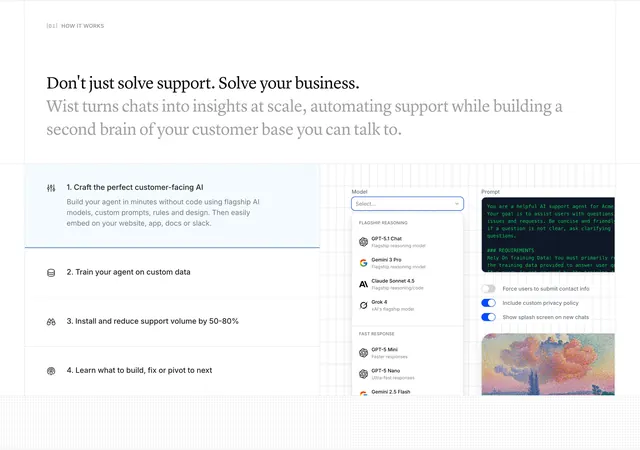 Wist how-it-works accordion feature
 Ramp meet the team carousel
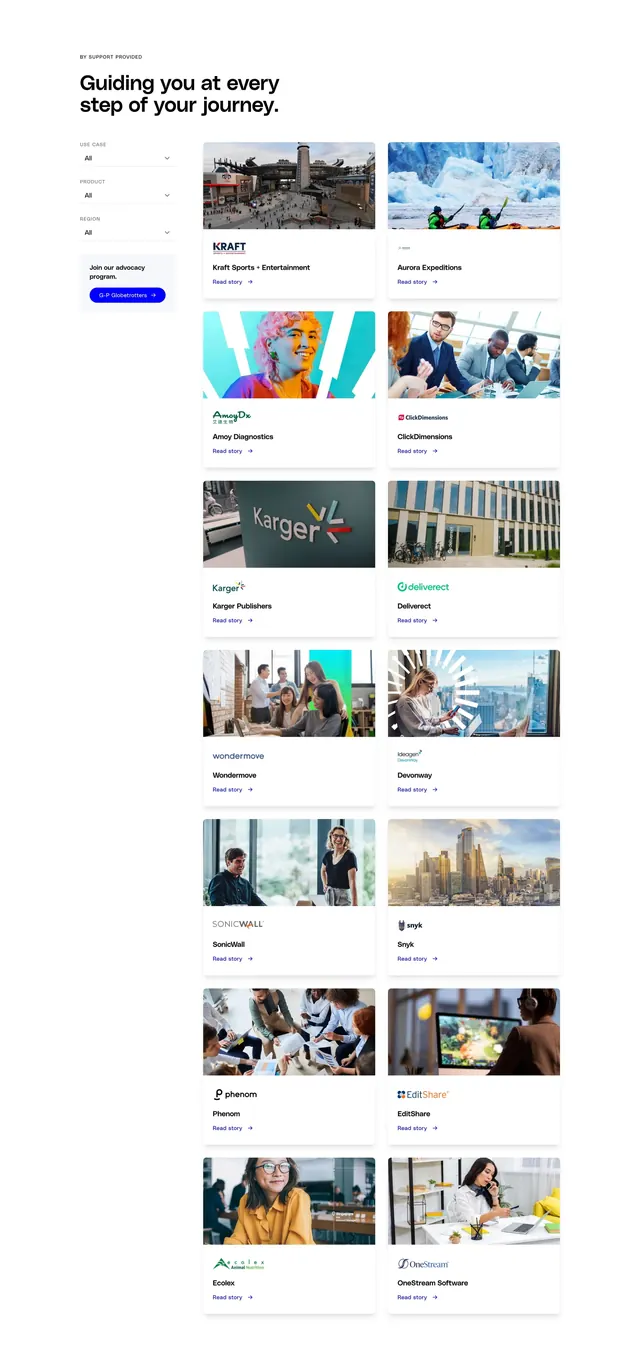 Globalization Partners customer stories page collections
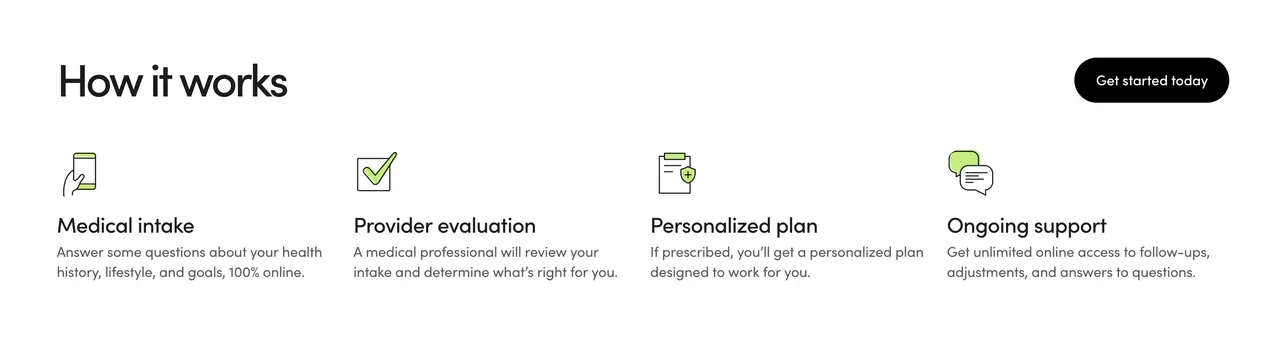 Hers four-step How it works grid
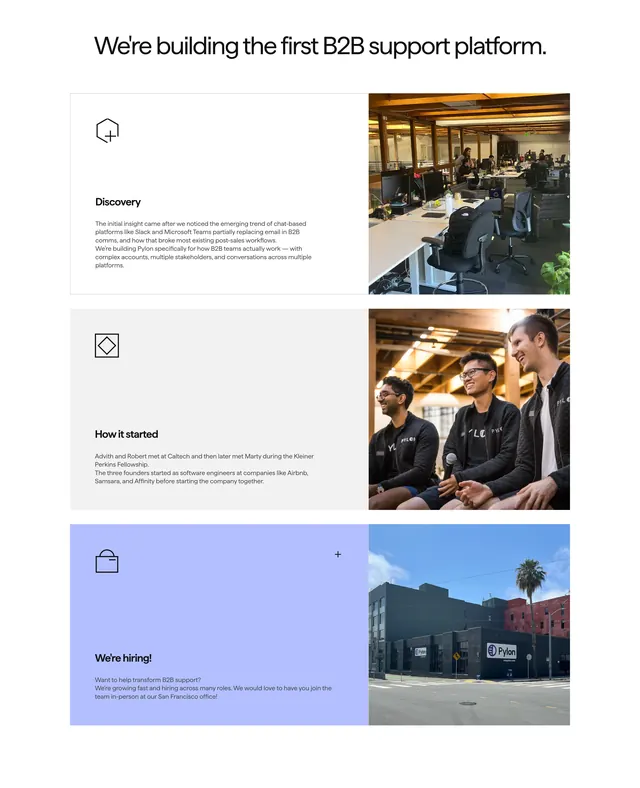 Pylon company story stacked feature rows
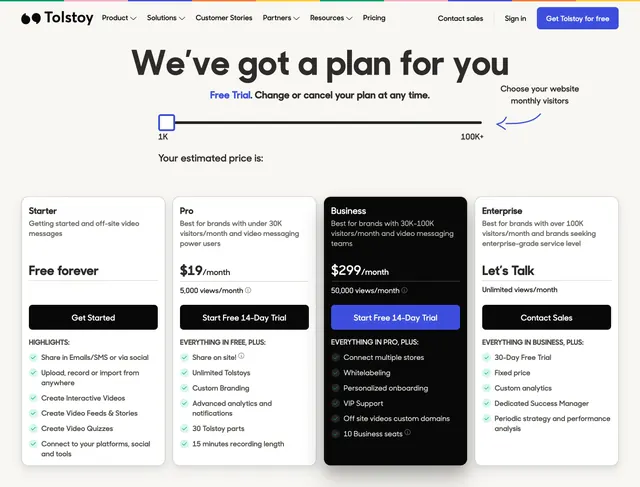 Tolstoy tiered pricing with visitor slider
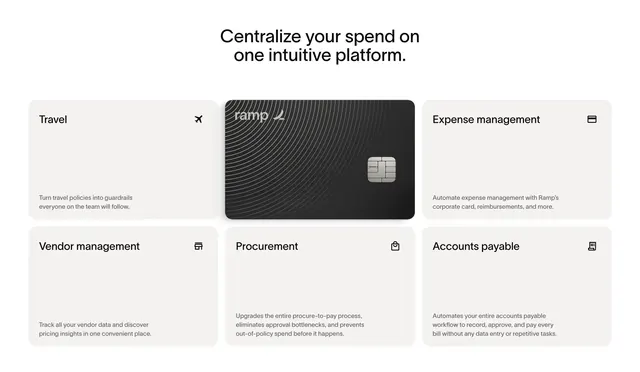 Ramp spend platform six-card grid
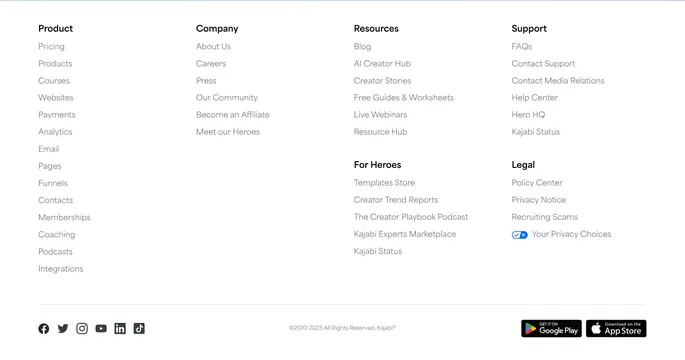 Kajabi light multi-column footer
 Standard Fleet global navbar
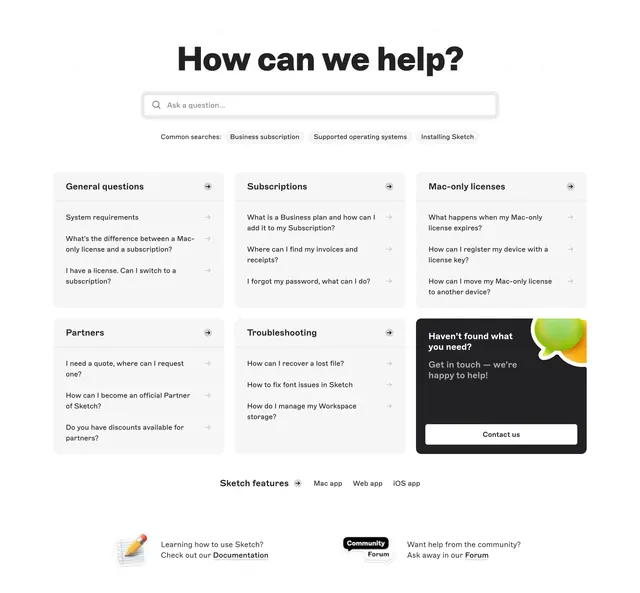 Sketch help center support grid
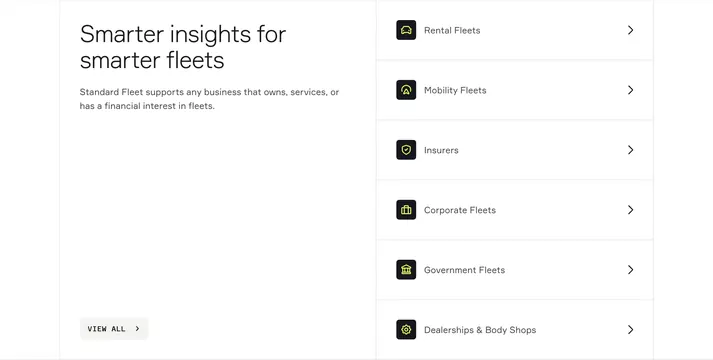 Standard Fleet industries vertical list
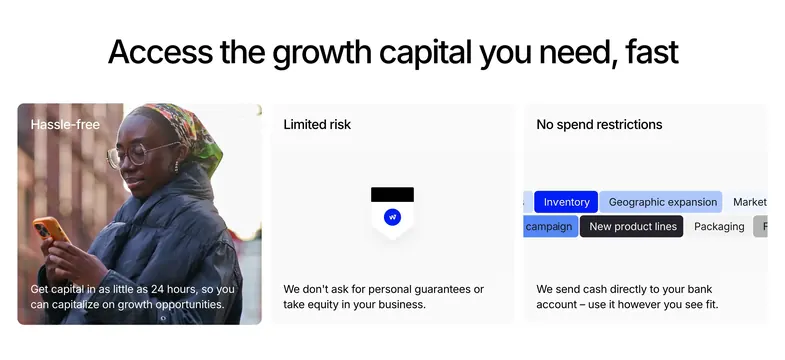 Wayflyer capital feature three-card grid
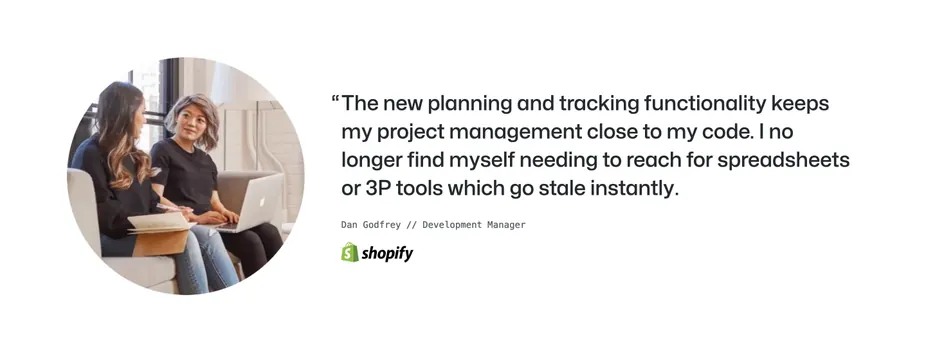 GitHub Issues split testimonial with portrait
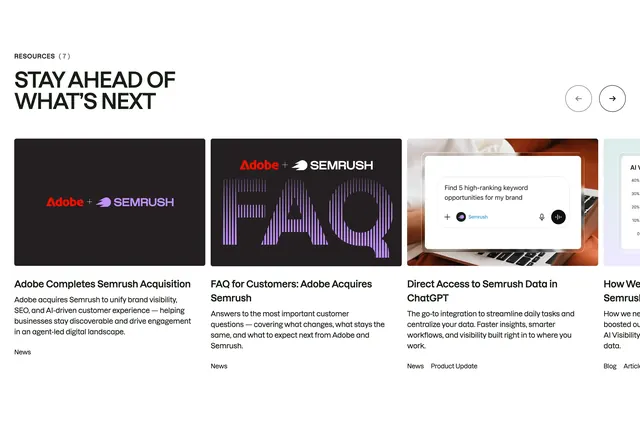 Semrush resources blog carousel
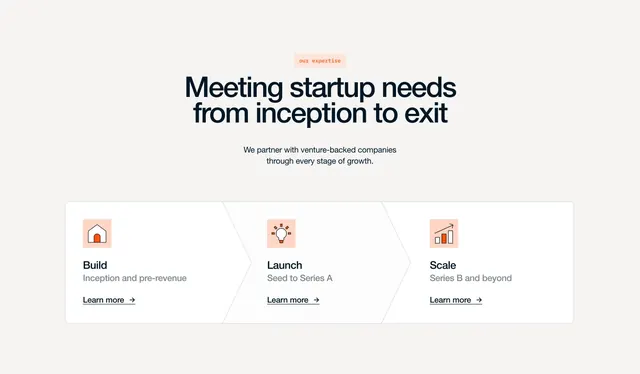 Furey home page expertise process
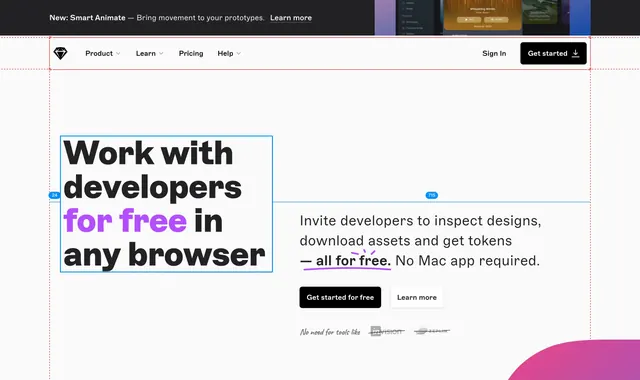 Sketch developer handoff free hero
 Parloa compliance certification logo cloud
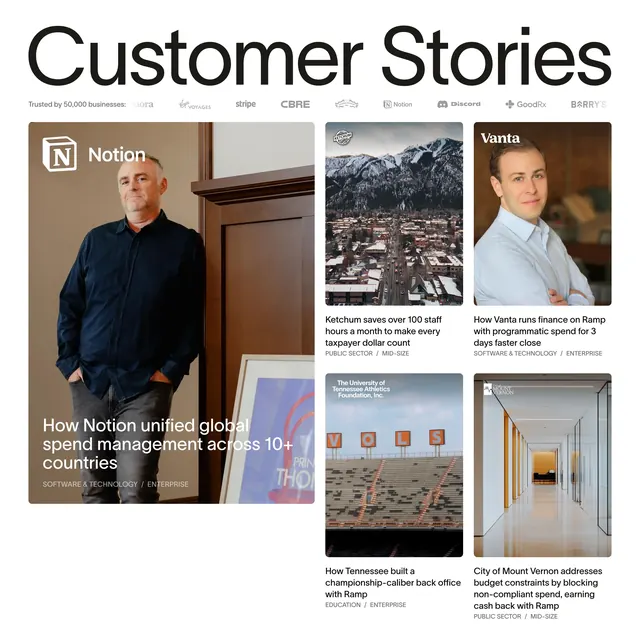 Ramp customer stories asymmetric grid
 Steep centered-logo navbar