Opennote pricing table with plant tiers
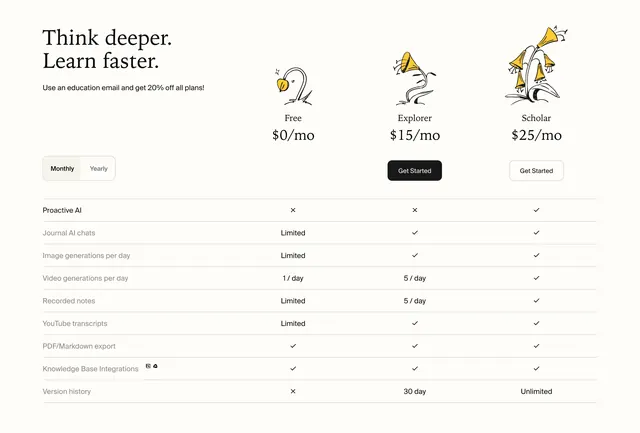
Light pricing page pairing three plant-illustrated tiers with a monthly toggle and a detailed feature comparison table below.
Summary
A cream-toned pricing section with serif positioning copy, a monthly/yearly toggle, three plant-themed tiers, and a full feature matrix aligned to those columns.
Visual description
Soft off-white background with generous whitespace. Top-left serif headline reads "Think deeper. Learn faster." with a sans promo line about 20% off for education emails. A rounded monthly/yearly toggle sits below with Monthly selected. Three pricing columns span horizontally: Free at $0/mo with a small budding plant, Explorer at $15/mo with a larger single flower and a solid black "Get Started" button, Scholar at $25/mo with a multi-flower plant and an outlined "Get Started" button. Hand-drawn yellow-flower plant sketches top each tier. Below, a comparison table uses thin horizontal rules with feature names on the left (Proactive AI, Journal AI chats, image/video generations, recorded notes, YouTube transcripts, PDF export, Knowledge Base integrations with Notion and Drive icons, version history) and checkmarks, limits, or crosses per tier column.
Key takeaway
Growing plant illustrations encode tier value without badges or "Most popular" pills. Stacking cards above a aligned matrix lets scanners pick a plan then verify details. Serif headline plus sketch art keeps pricing from feeling like generic SaaS tables.
Reuse notes
Strong for freemium edtech or AI tools with clear feature gating. Table needs horizontal room; collapse to cards on small screens. Plant metaphor fits growth/learning brands; swap illustrations if your metaphor differs.
More like this
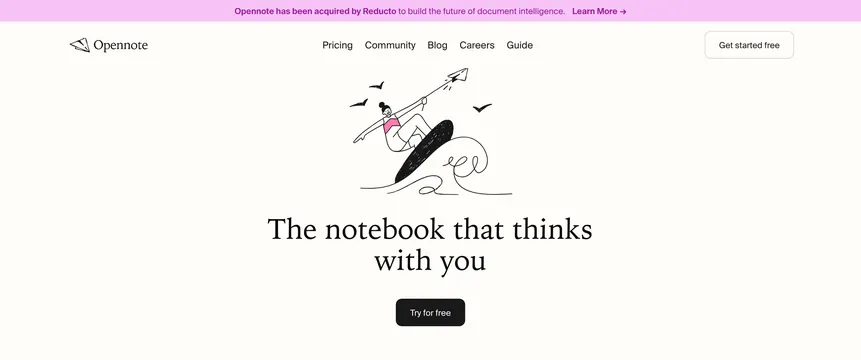 Opennote serif hero with surfer illustration
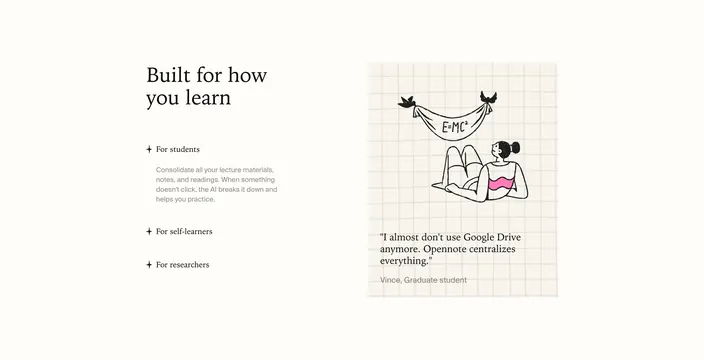 Opennote audience learning feature with testimonial
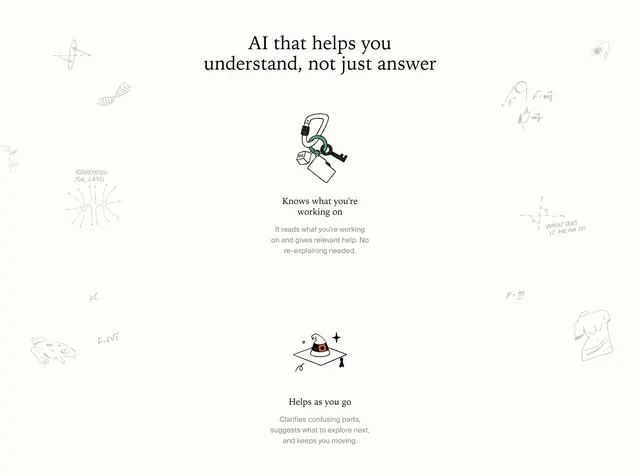 Opennote AI understanding capabilities feature
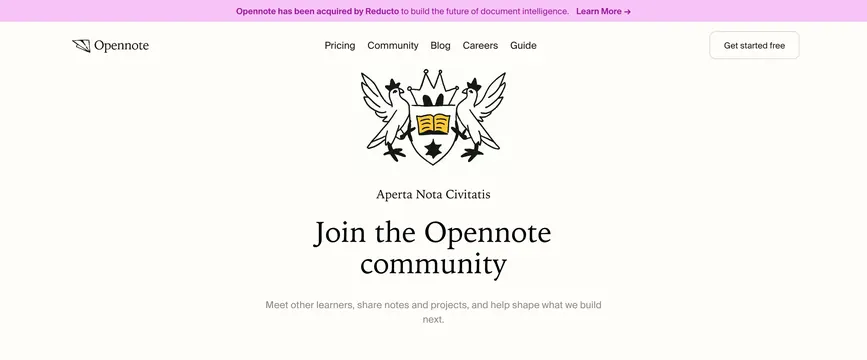 Opennote community hero with institutional crest
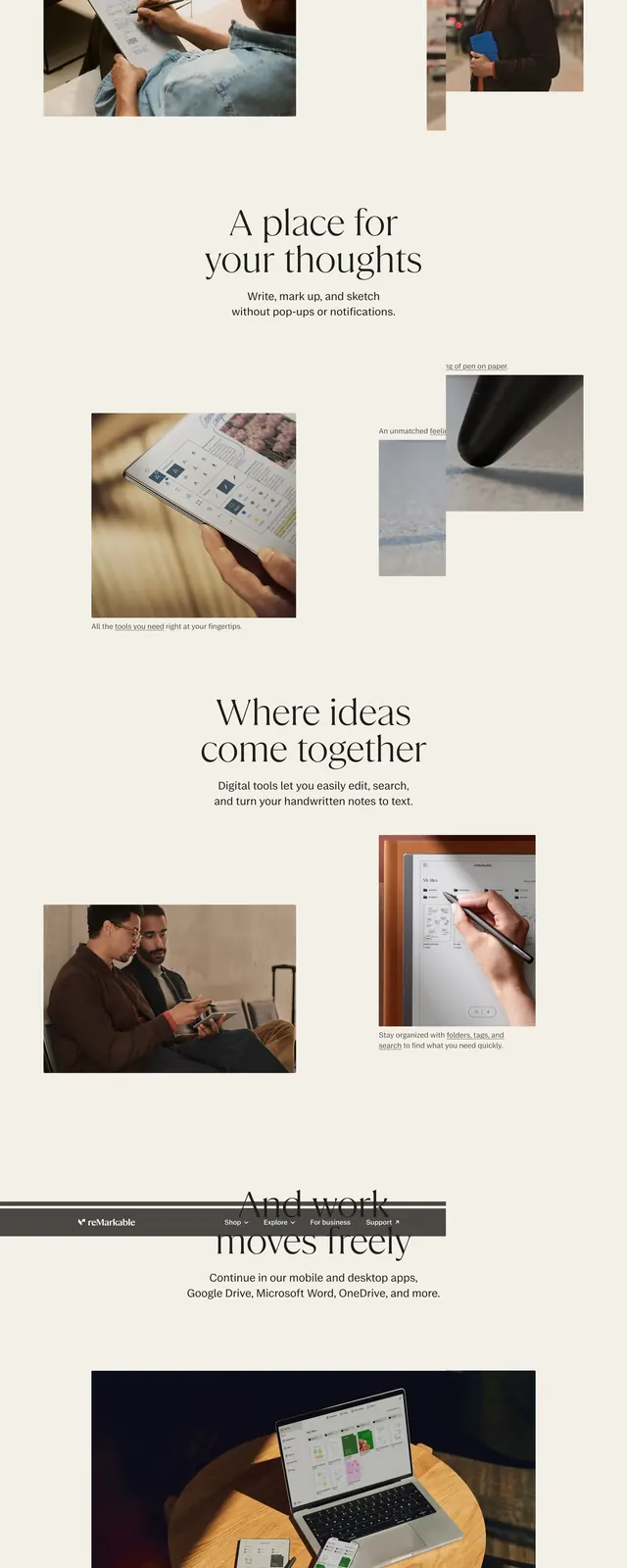 reMarkable paper tablet editorial story
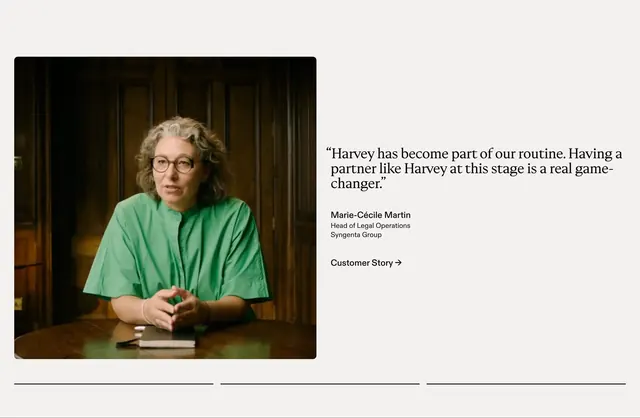 Harvey photo testimonial carousel slide
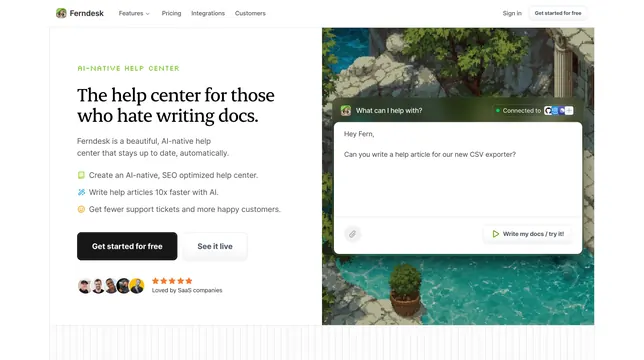 Ferndesk split hero with AI help-center chat
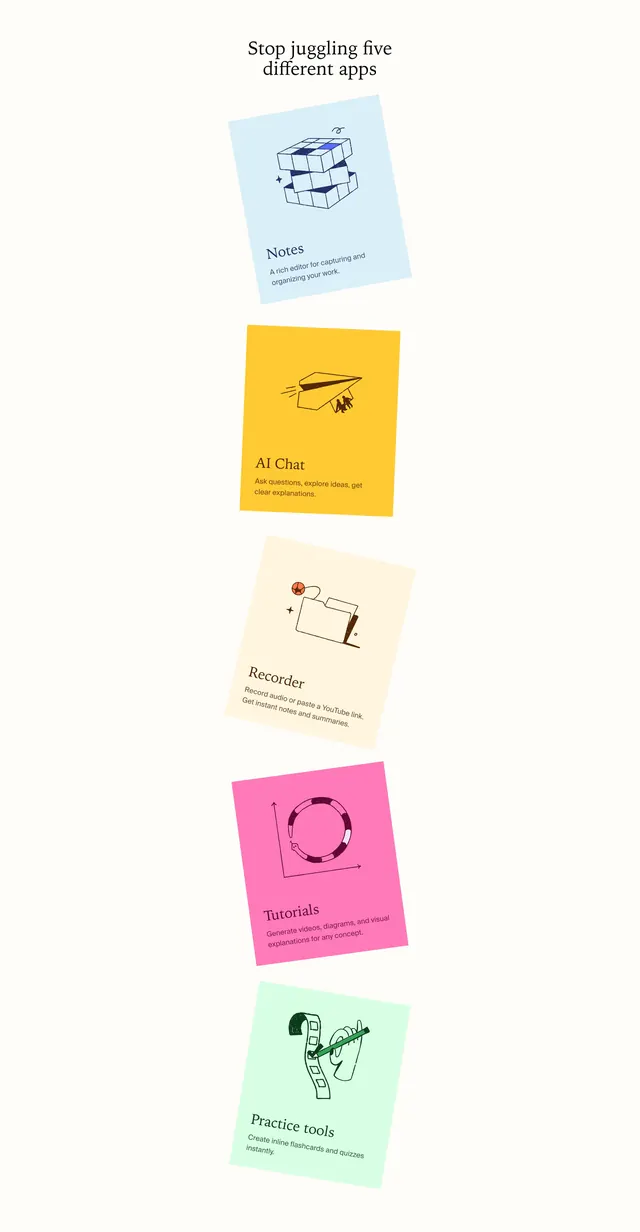 Opennote stacked feature cards
 Parloa mission hero
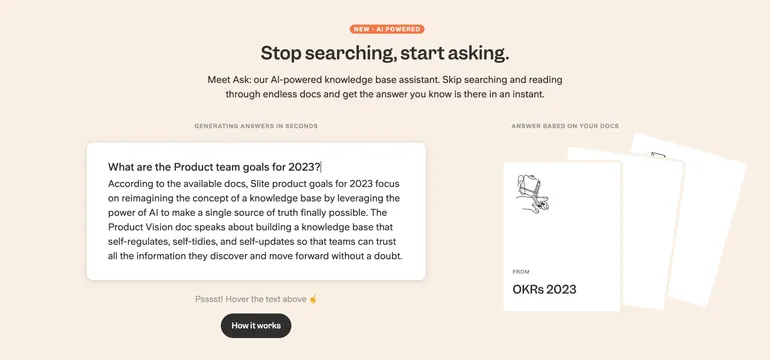 Slite Ask AI knowledge assistant
 reMarkable professional user stories split layout
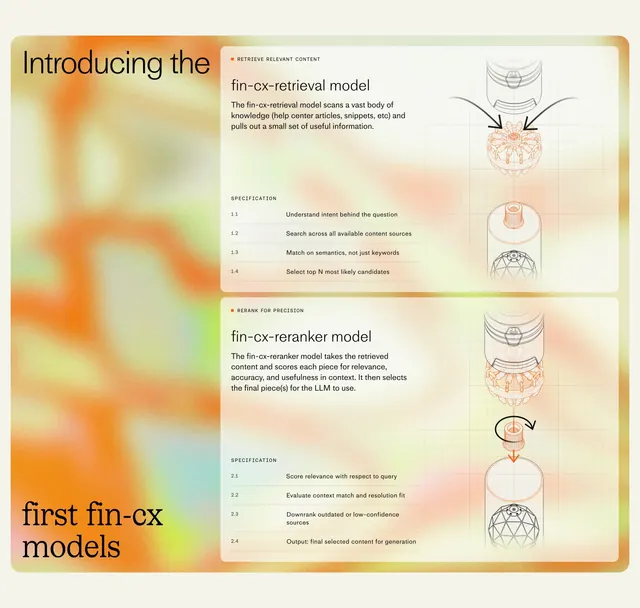 Fin CX model retrieval and reranker explainer
 Sage Hill light feature grid with photos
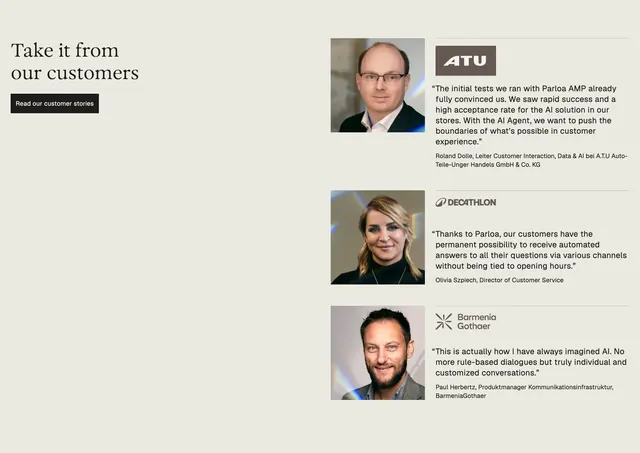 Parloa split testimonial list with portraits
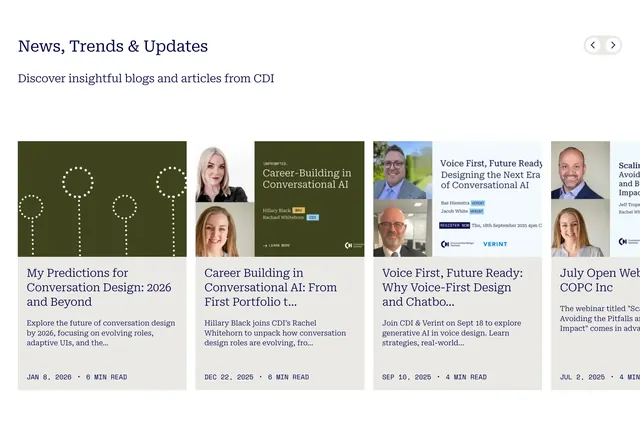 CDI news and trends blog carousel
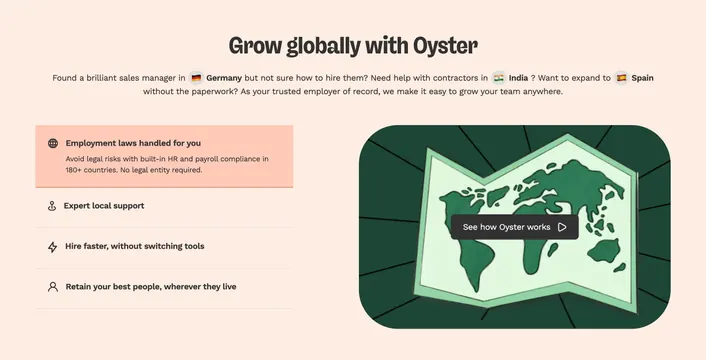 Oyster global hiring benefits with video panel
 Flank pale-green footer with giant wordmark
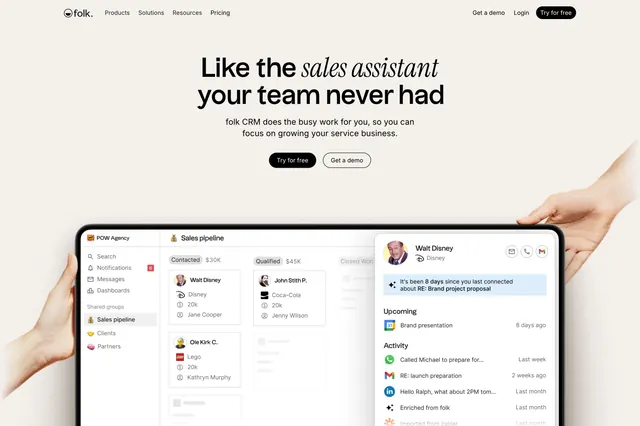 Folk centered CRM hero with mixed-italic headline
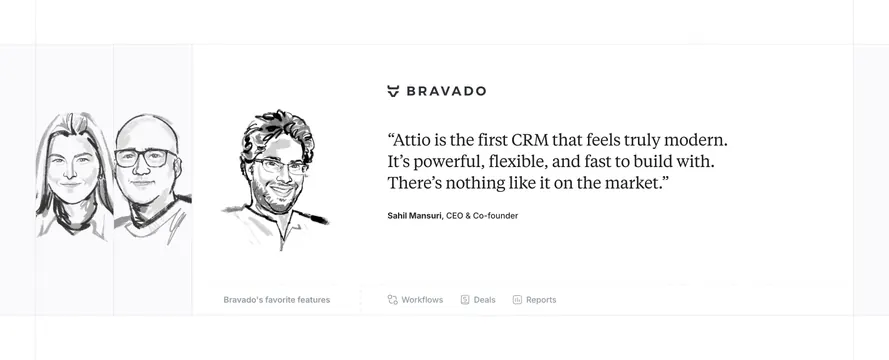 Attio Testimonials Section
 Giga light split demo CTA
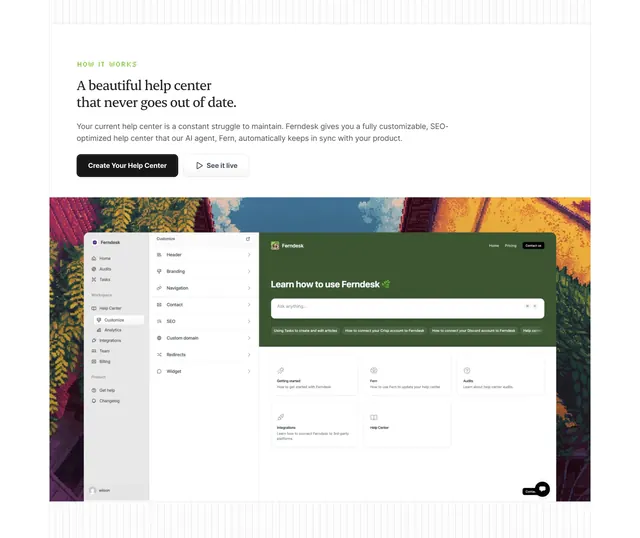 Ferndesk how-it-works with large dashboard mockup
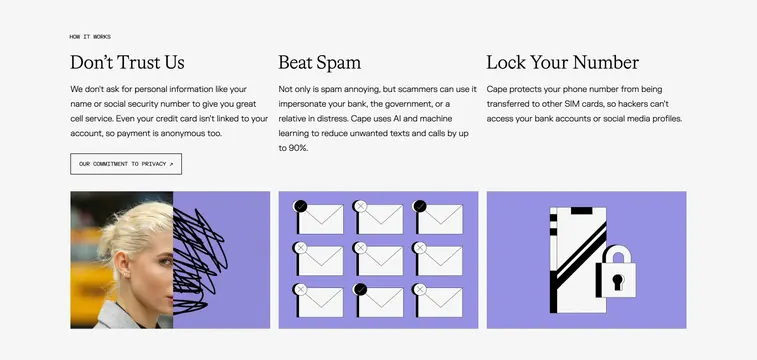 Cape how-it-works three-column features
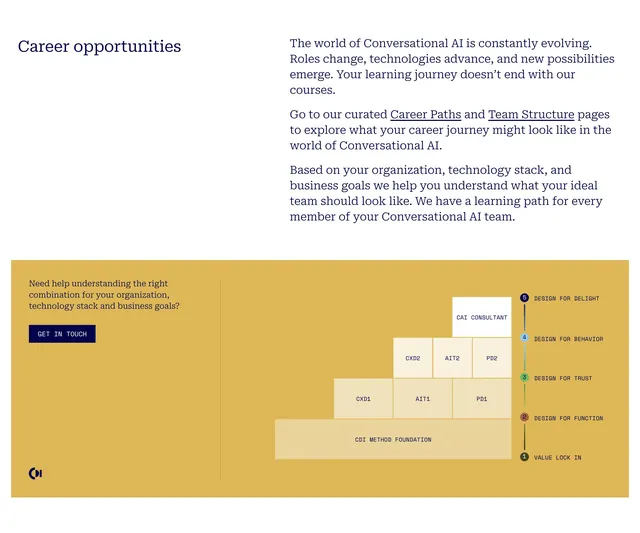 CDI career opportunities feature band
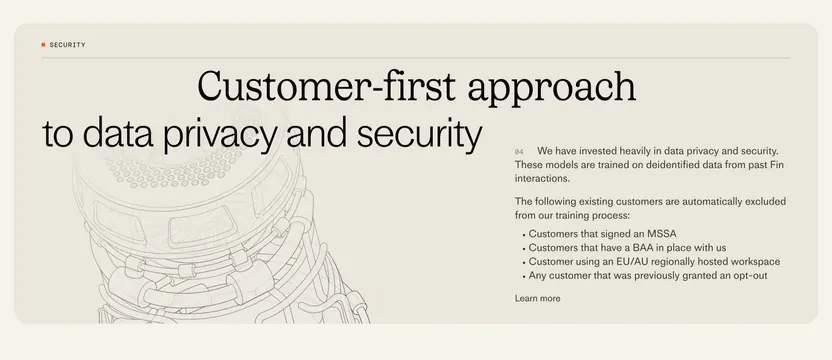 Fin customer-first security and privacy