Opennote audience learning feature with testimonial
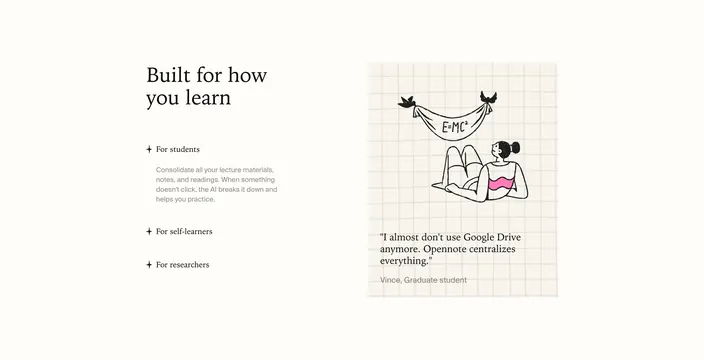
Split audience-selector feature with serif "Built for how you learn" headline and student-focused copy beside a graph-paper testimonial card with hand-drawn illustration.
Summary
A two-column learning-audience section where an expandable star-bullet list on the left pairs with a graph-paper testimonial card and hand-drawn study illustration on the right.
Visual description
Light cream background in a roughly 45/55 split. Left column carries a large black serif headline "Built for how you learn." Below, a vertical audience list with small four-point star prefixes. "For students" is active in black with an open gray sans paragraph about consolidating lecture materials and AI help when concepts do not click. "For self-learners" and "For researchers" appear below in lighter gray as inactive options. Right column is a tall card with a subtle light-gray grid pattern like graph paper. Top of the card shows a black line-art illustration of a person lying down looking up at two birds holding a banner reading "E=MC�," with a single pink wavy accent on the figure. Below, a serif quote reads "I almost don't use Google Drive anymore. Opennote centralizes everything." Attribution in small gray sans: "Vince, Graduate student."
Key takeaway
Inactive gray audience rows imply a tabbed interaction without showing every state. Pairing use-case copy with a real student quote on graph paper reinforces credibility and study context. One pink accent in a monochrome illustration adds warmth without breaking restraint.
Reuse notes
Strong mid-page section for edtech products serving multiple personas. Needs distinct testimonial content per audience if all tabs are built. Graph-paper card and hand-drawn art suit light academic brands; swap illustration style for other verticals.
More like this
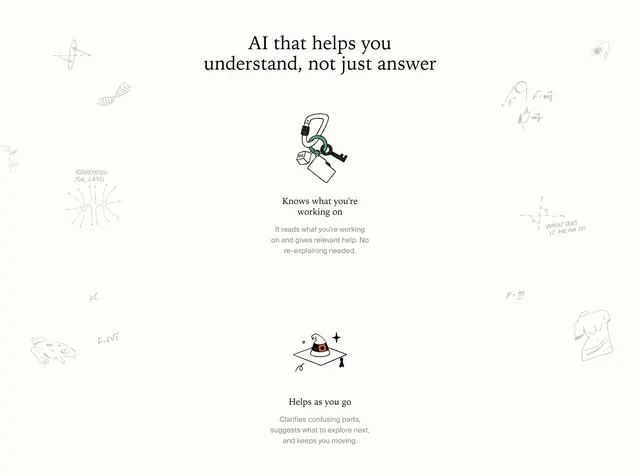 Opennote AI understanding capabilities feature
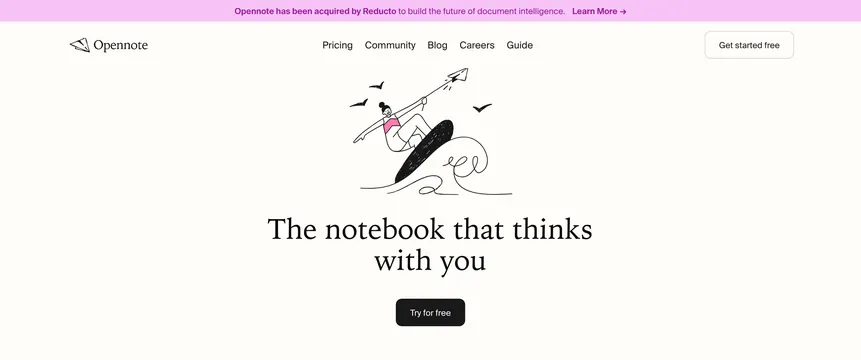 Opennote serif hero with surfer illustration
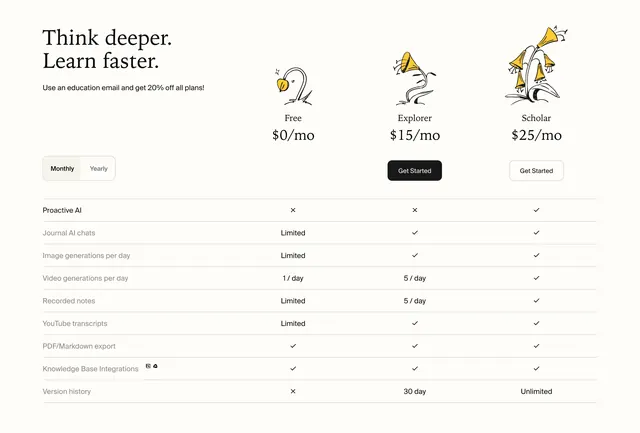 Opennote pricing table with plant tiers
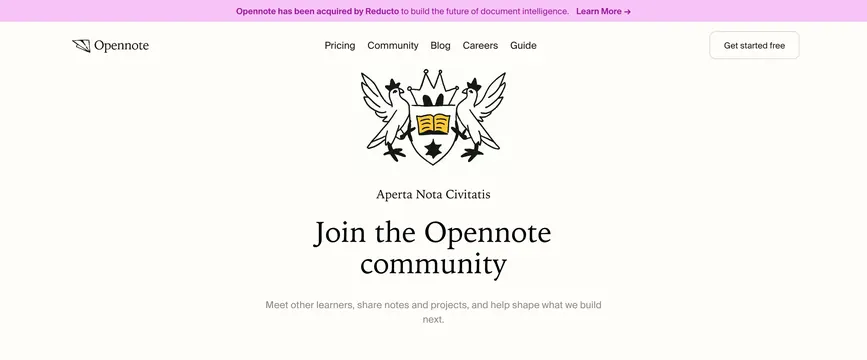 Opennote community hero with institutional crest
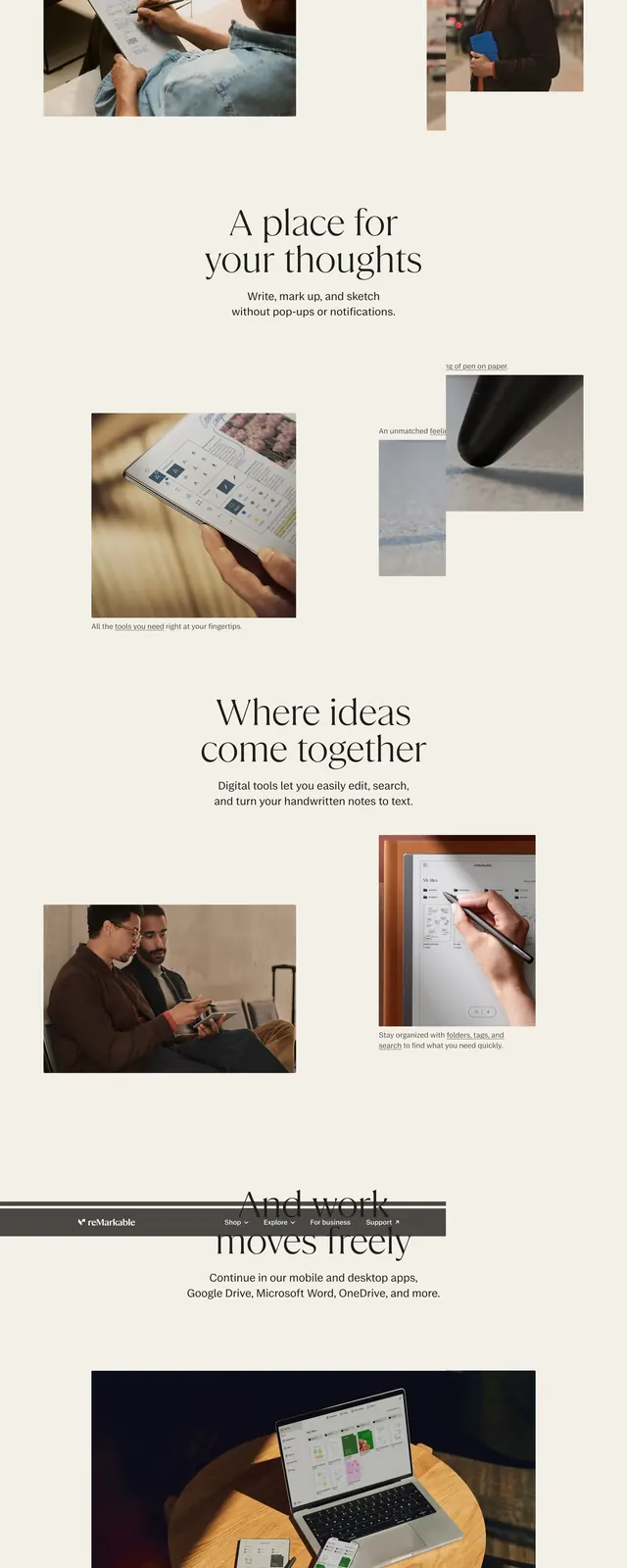 reMarkable paper tablet editorial story
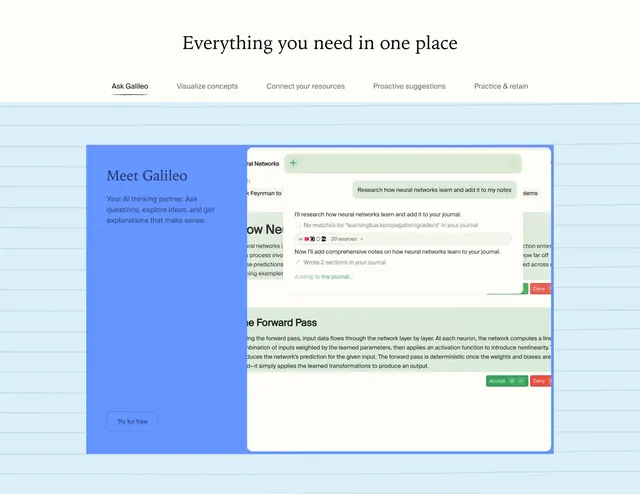 Opennote Galileo tabbed capabilities showcase
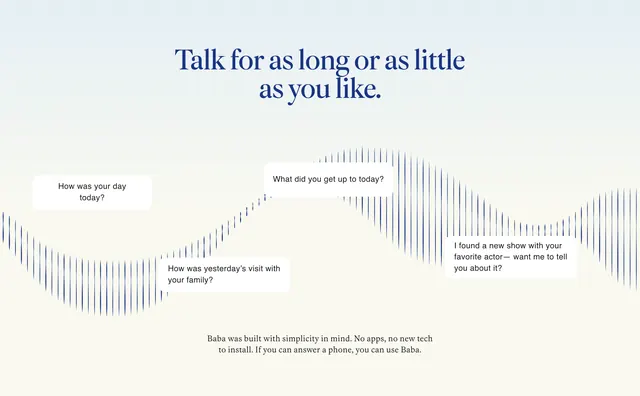 Baba phone conversation feature
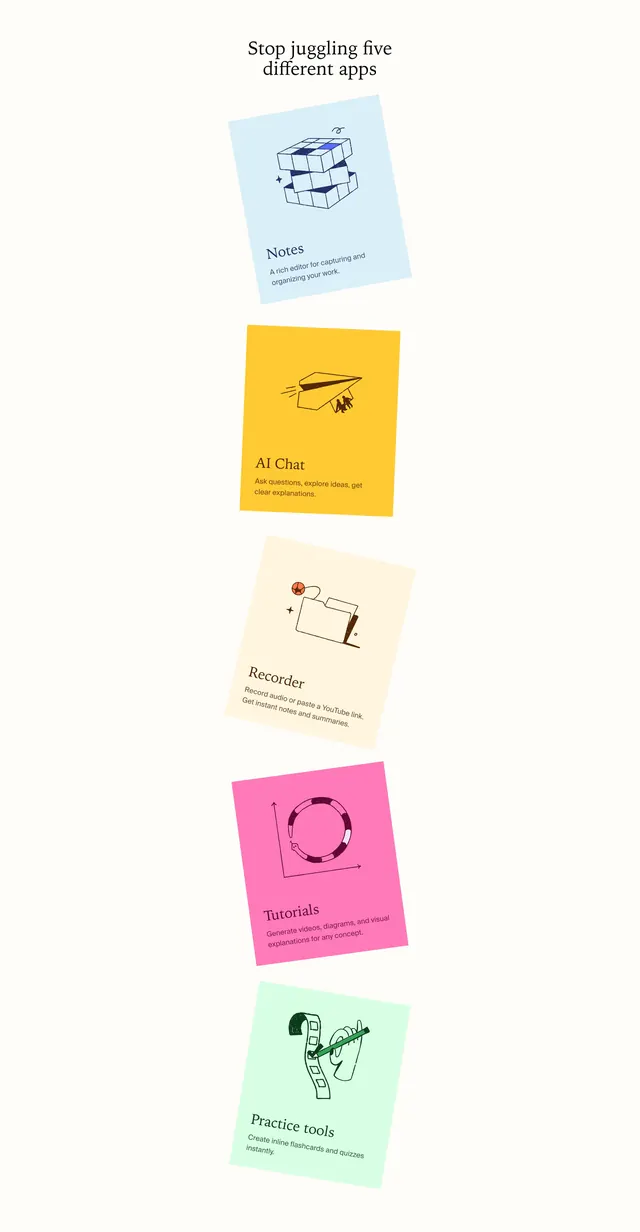 Opennote stacked feature cards
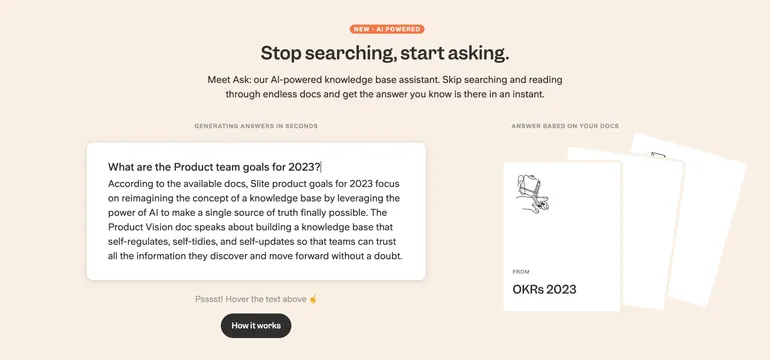 Slite Ask AI knowledge assistant
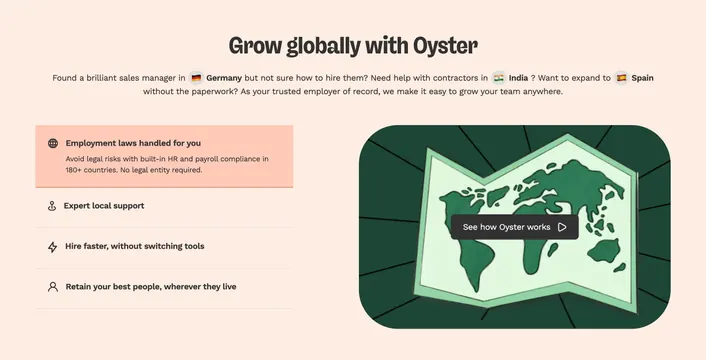 Oyster global hiring benefits with video panel
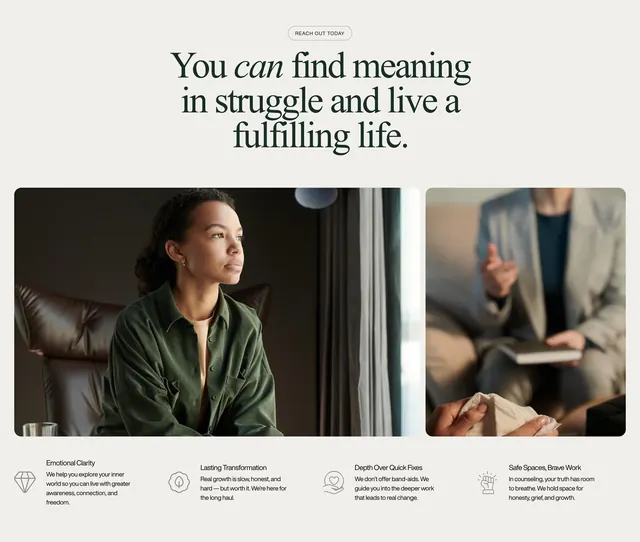 Sage Hill light feature grid with photos
 Sage Hill mental wellness empathy feature
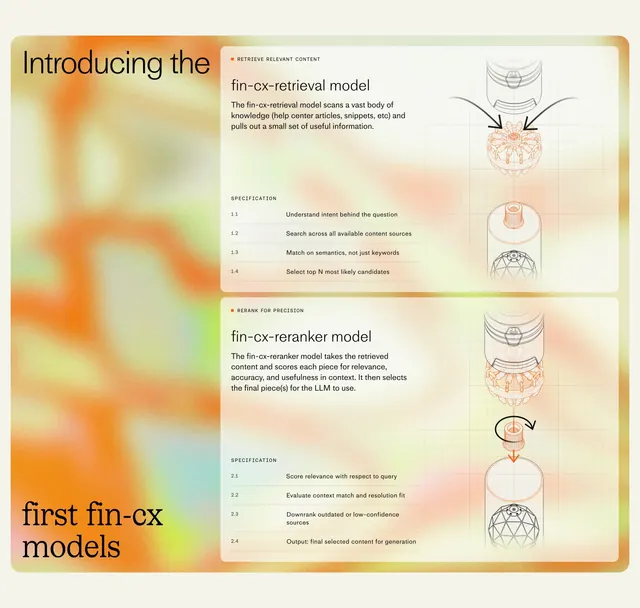 Fin CX model retrieval and reranker explainer
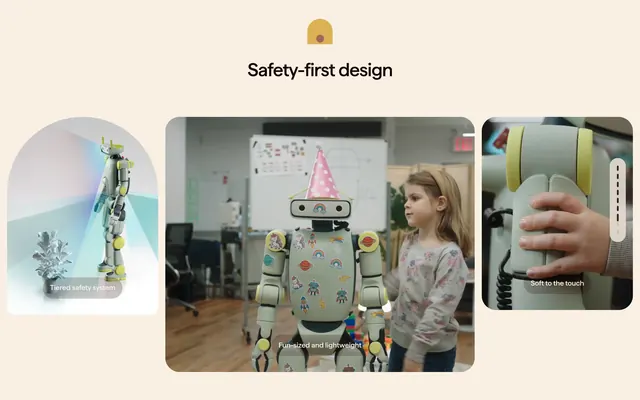 Fauna Robotics safety-first feature cards
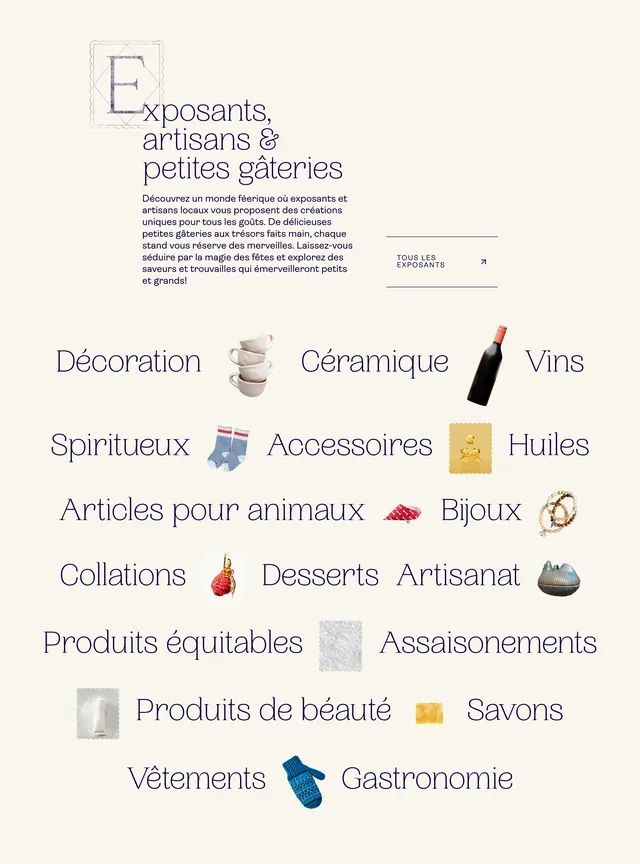 Route exhibitors scattered category grid
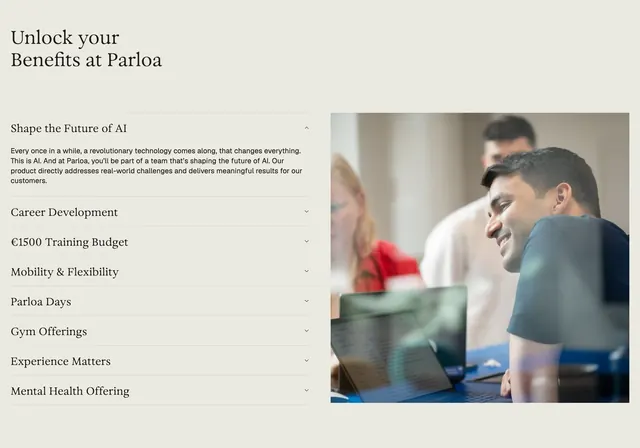 Parloa employee benefits accordion
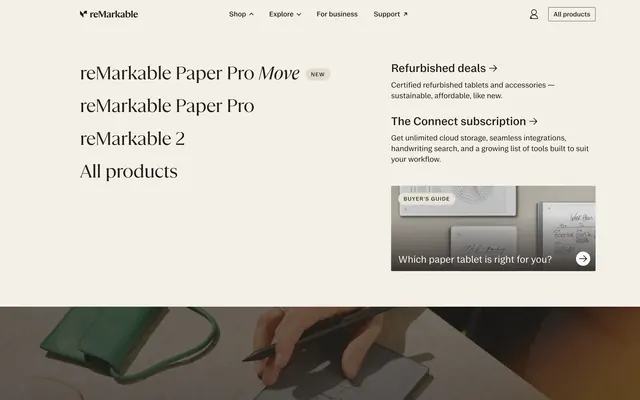 reMarkable Shop mega menu navigation
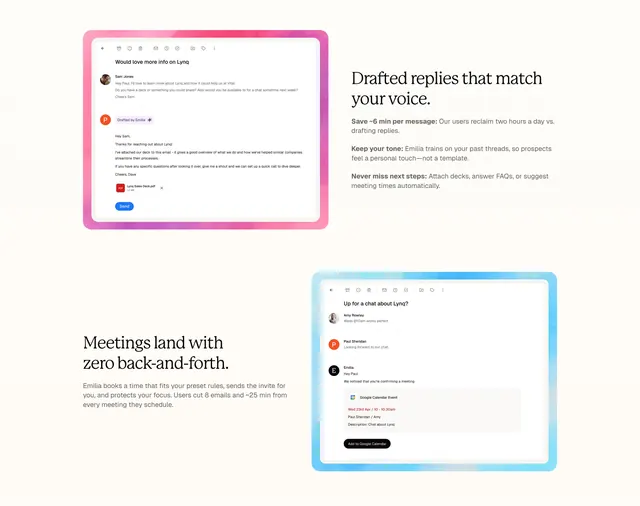 Lynq Features Section
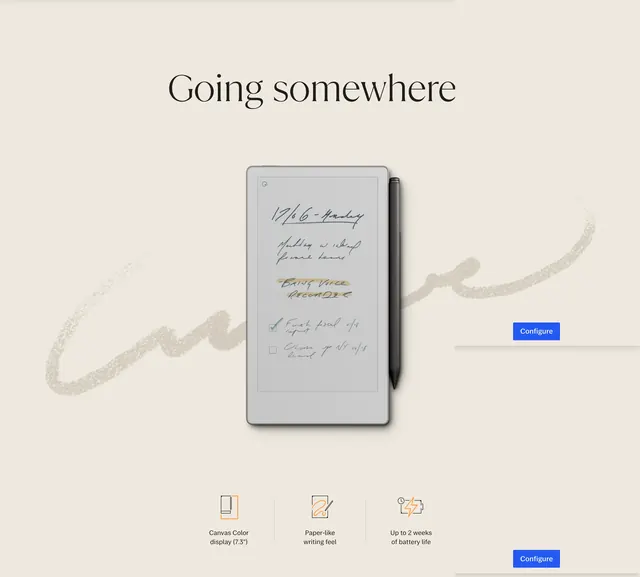 reMarkable portable hero with feature strip
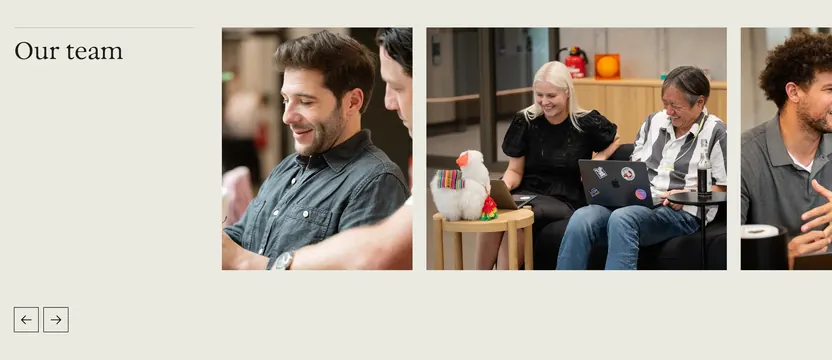 Parloa team photo carousel
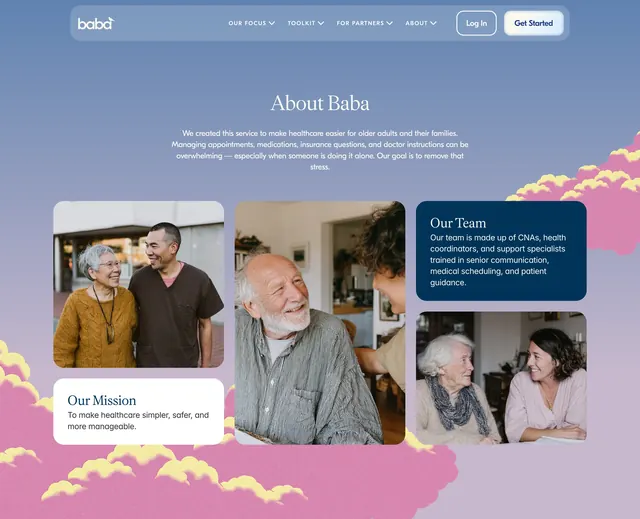 Baba about page bento hero
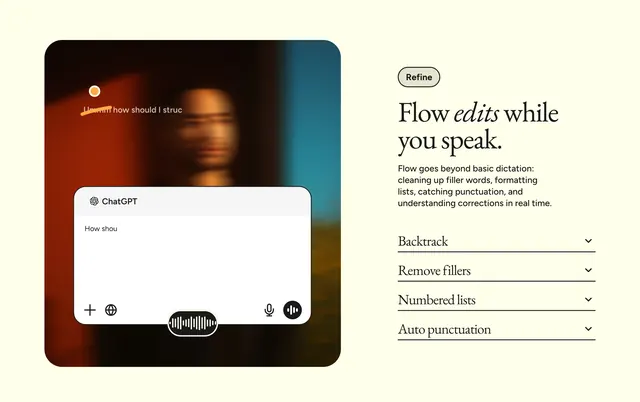 Flow real-time editing feature section
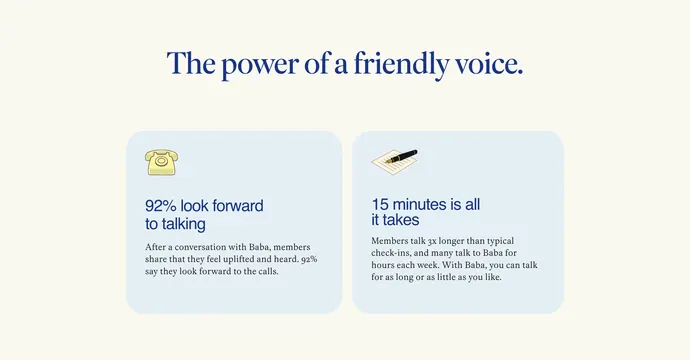 Baba friendly voice stat cards
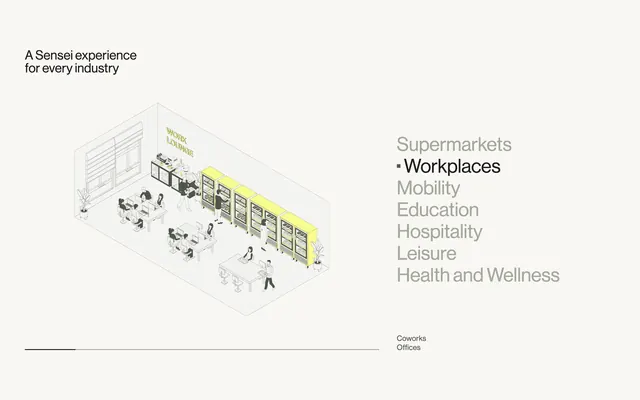 Sensei industry tab list with isometric scene