Lumos product workflow dark feature
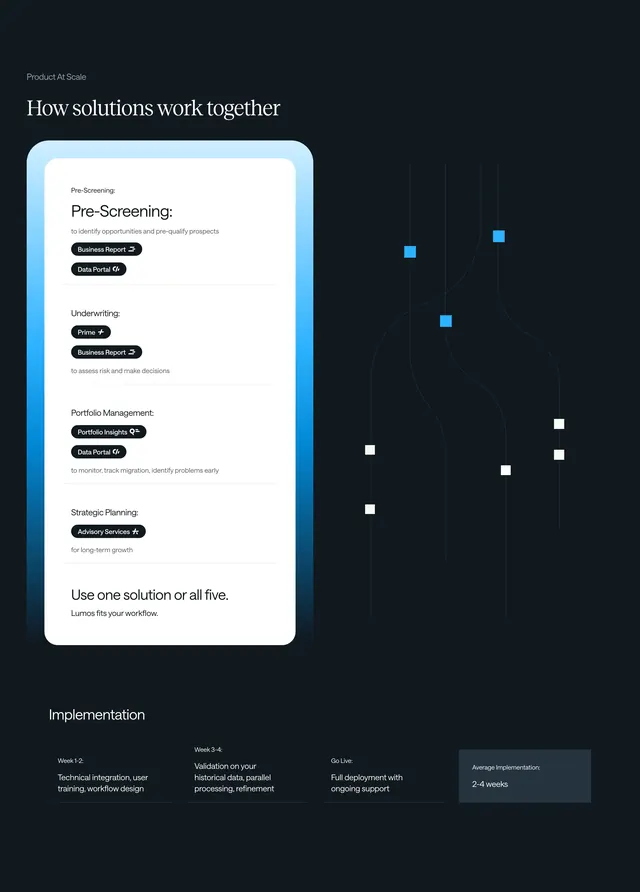
Dark section mapping four lending workflow stages to product pills, abstract flow lines, and a three-week implementation timeline.
Summary
Dark Product At Scale section explaining how Lumos solutions connect across pre-screening, underwriting, portfolio management, and strategic planning with implementation timeline below.
Visual description
Deep navy background. Small gray Product At Scale label and white serif headline How solutions work together. Split main area: left white rounded card with blue outer glow containing four workflow categories each with description and black pill buttons for Business Report, Data Portal, Prime+, Portfolio Insights, and Advisory Services with small icons; bottom bold line Use one solution or all five Lumos fits your workflow. Right: dark abstract visualization with thin curved vertical lines and blue and white square nodes. Bottom Implementation row: three columns for Week 1-2 technical integration, Week 3-4 validation, and Go Live deployment; dark gray box on right reading Average Implementation 2-4 weeks.
Key takeaway
Glowing white card on dark field highlights the product taxonomy without a diagram overload. Implementation timeline under the workflow map closes the enterprise buyer loop.
Reuse notes
Platform and suite pages for multi-product B2B tools. Pill buttons need icon discipline; timeline reassures on onboarding length.
More like this
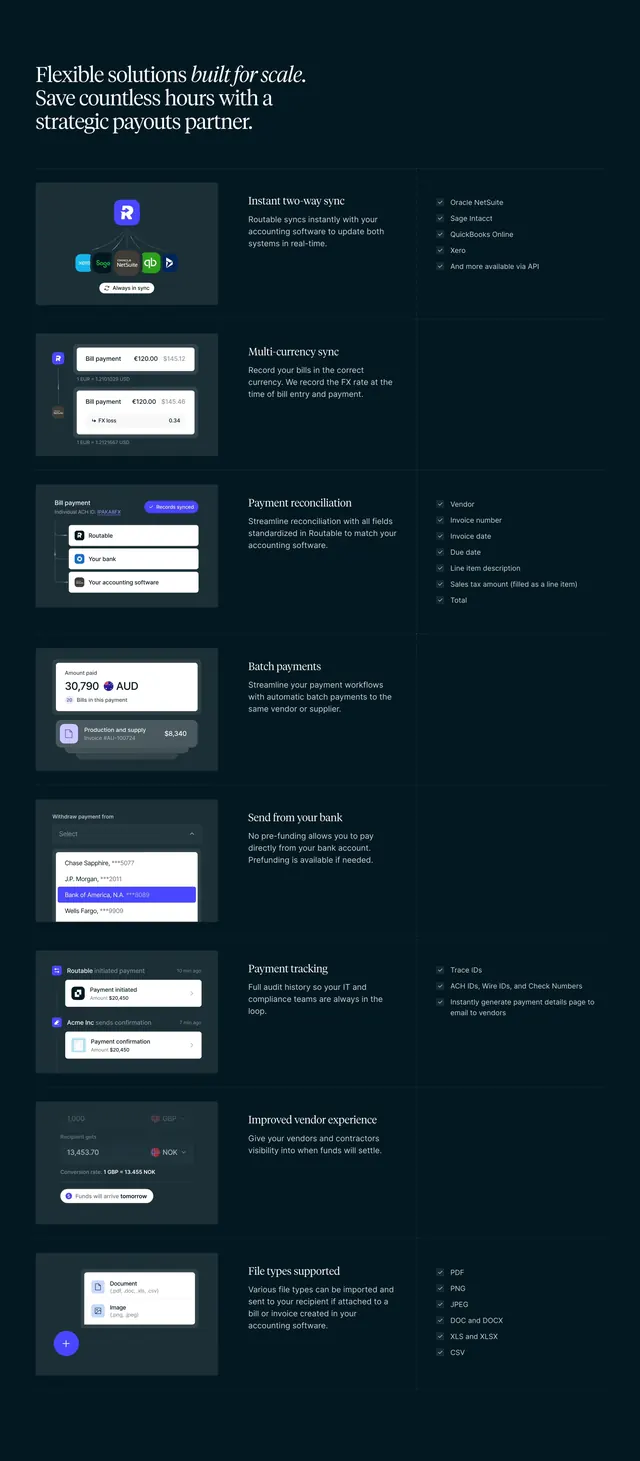 Routable built-for-scale feature list
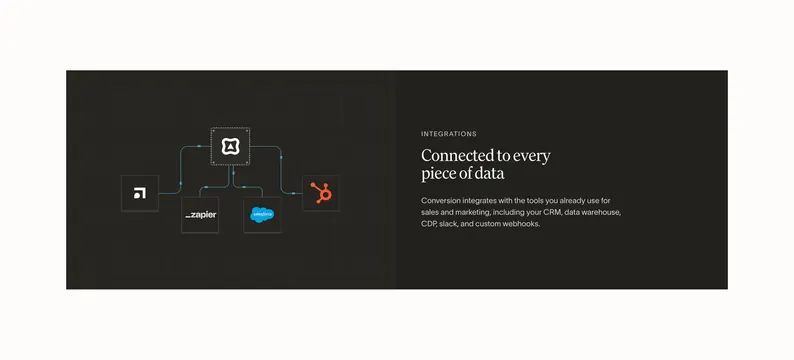 Conversion integration hub diagram
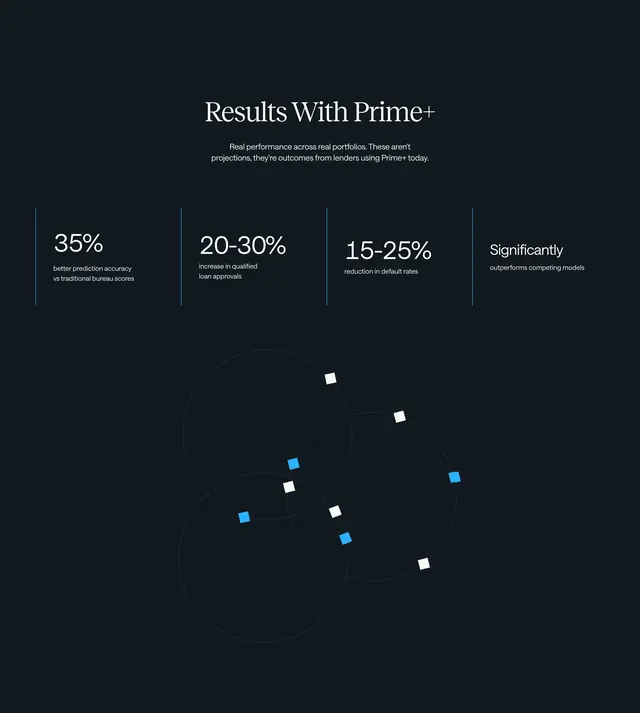 Lumos Prime+ results dark stats feature
 Fin Tasks industry use-case chapter
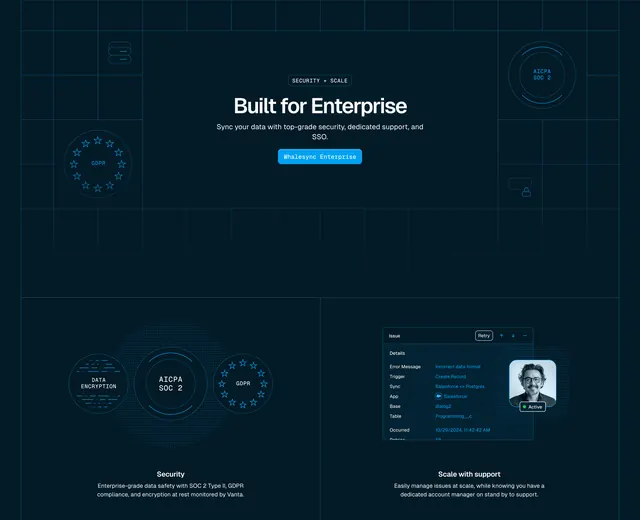 Whalesync enterprise security and support bento
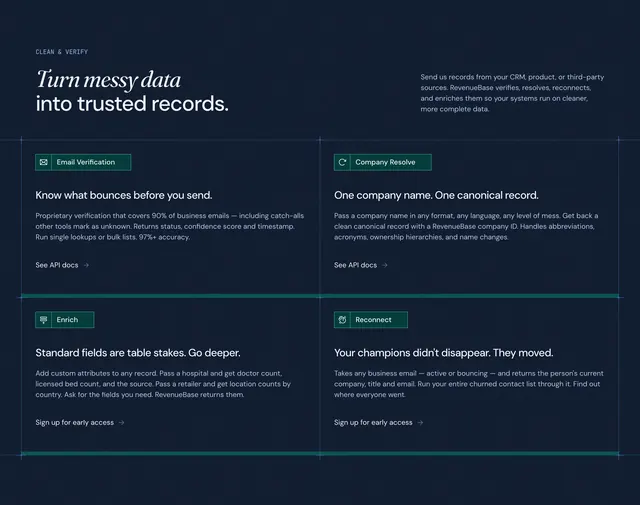 RevenueBase clean-and-verify feature grid
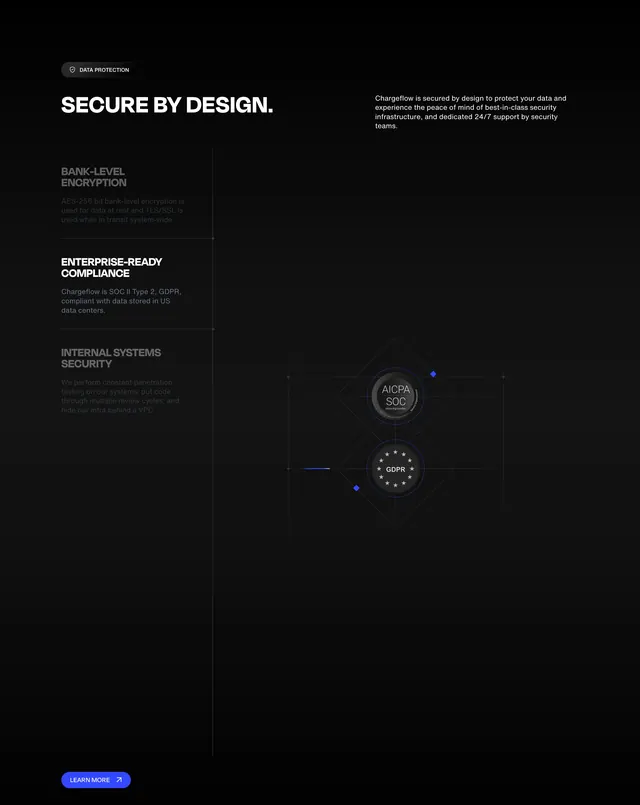 Chargeflow secure by design feature
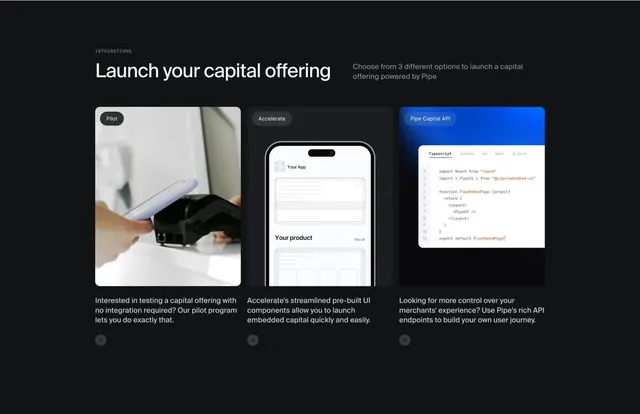 Pipe three-tier integration options
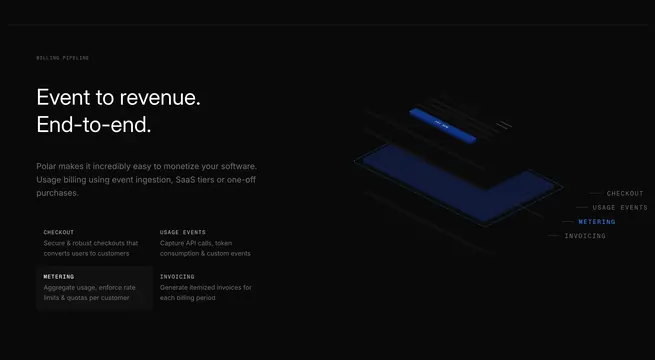 Polar billing pipeline feature
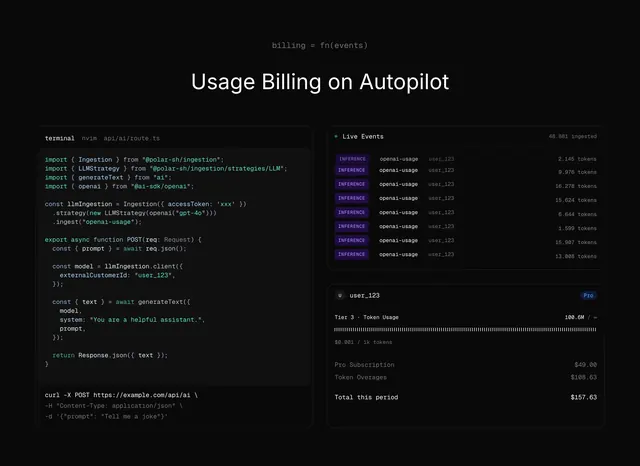 Polar usage billing on autopilot
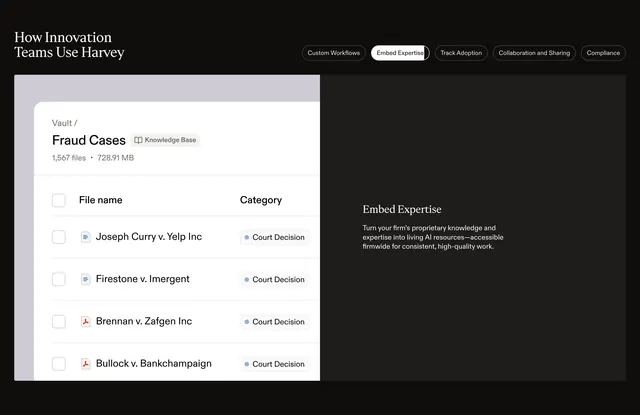 Harvey tabbed product feature with UI mockup
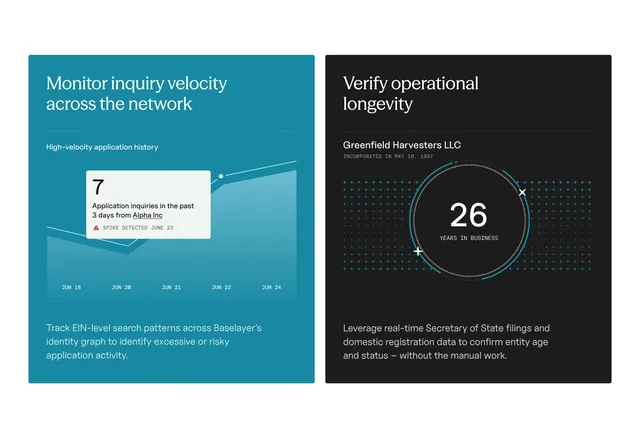 Baselayer inquiry velocity and longevity cards
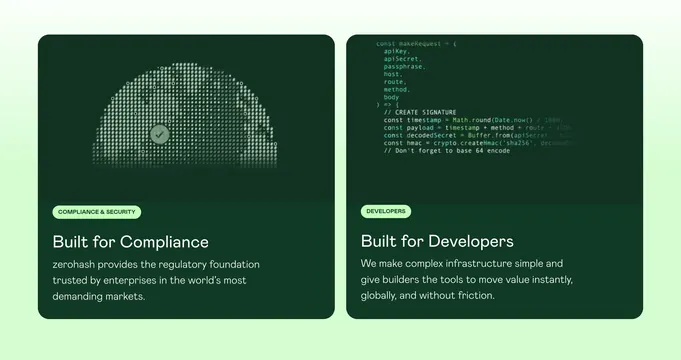 Zerohash compliance and developer feature cards
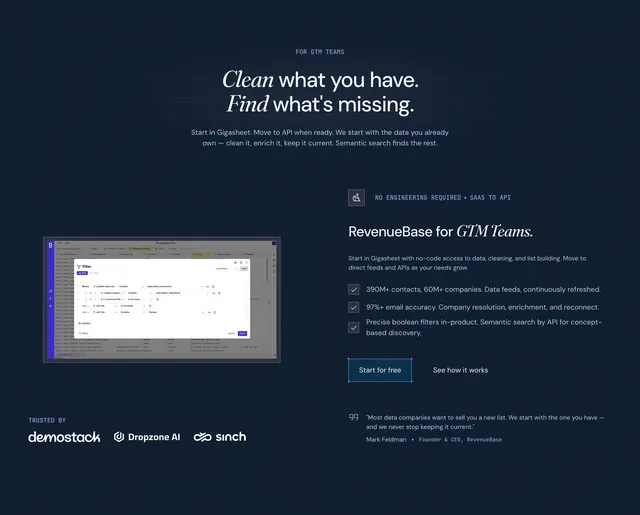 RevenueBase GTM teams value proposition
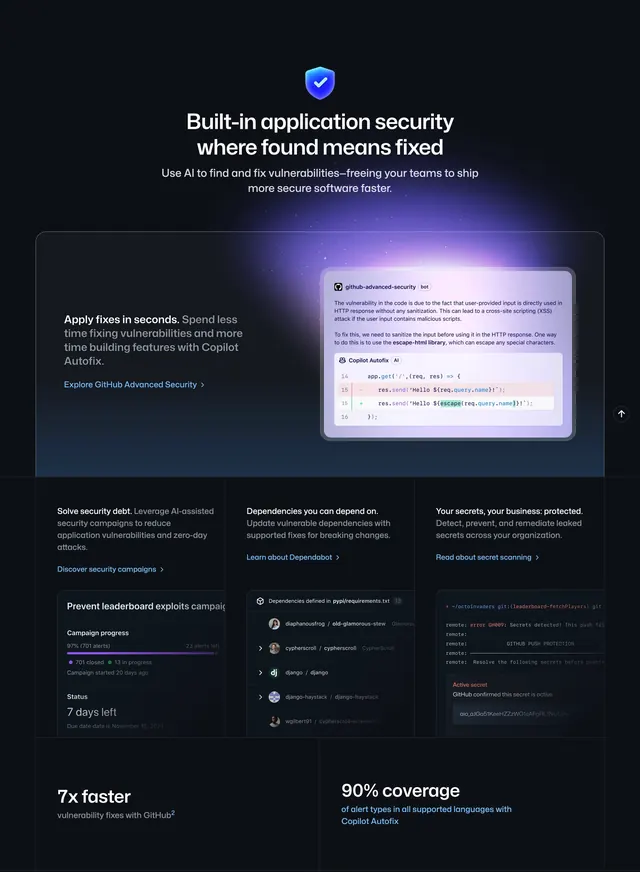 GitHub homepage productivity section
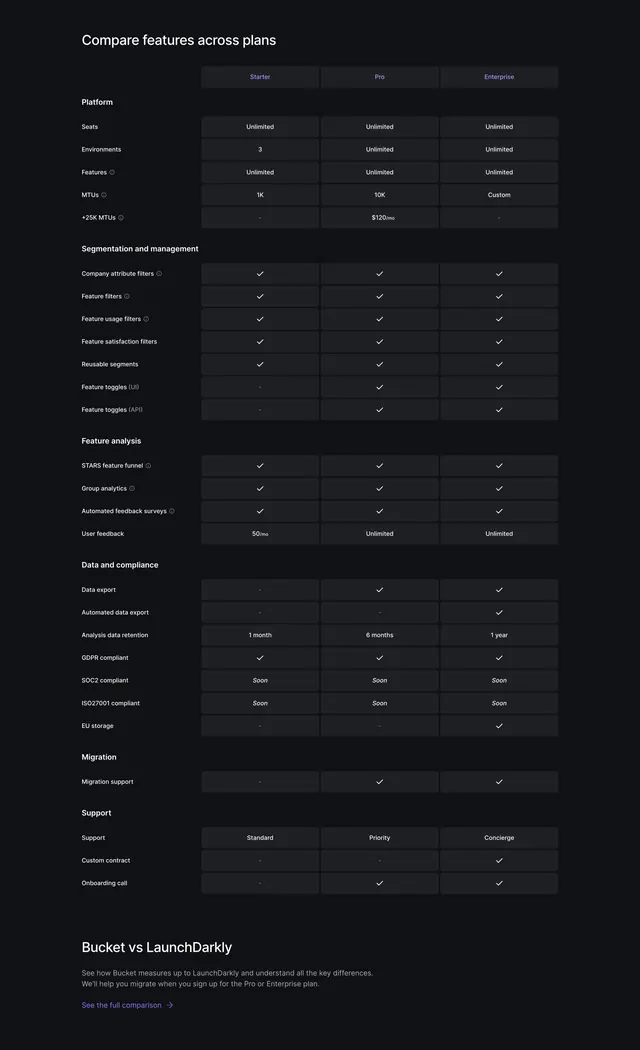 Bucket Pricing Table Section
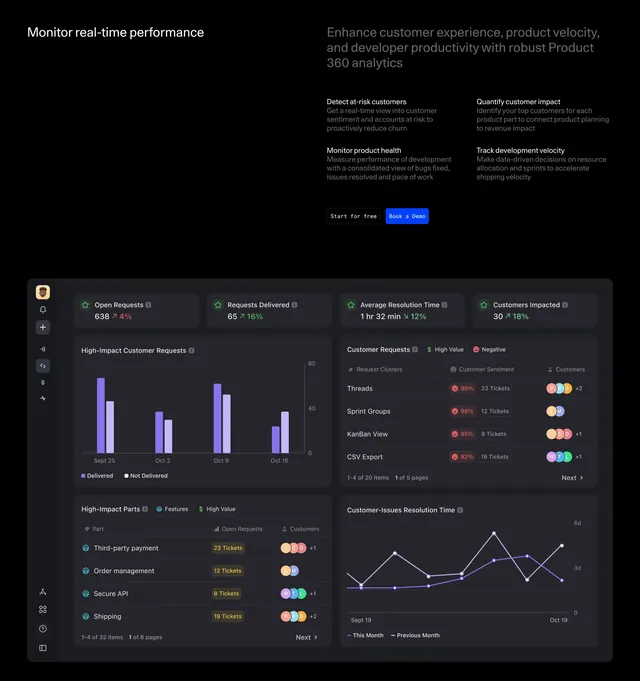 DevRev Features Section (Analytics Dashboard)
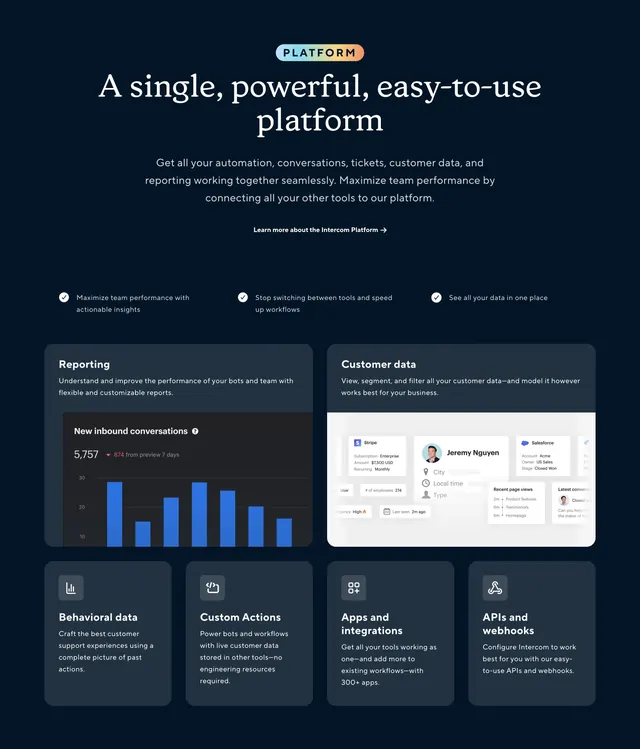 Intercom dark platform feature grid
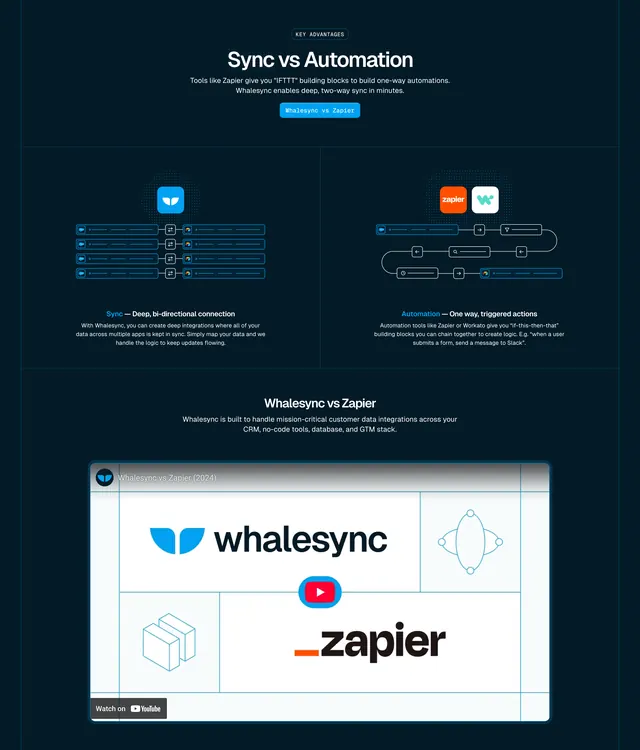 Whalesync sync vs automation comparison
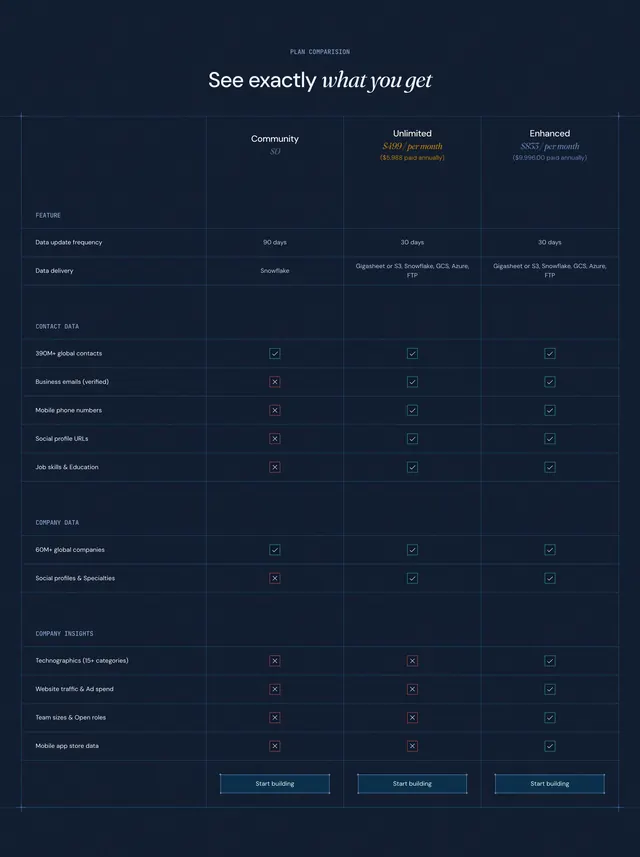 RevenueBase plan comparison feature table
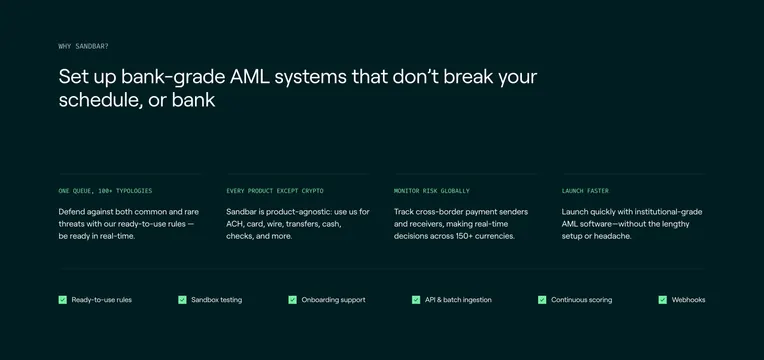 Sandbar features section with four-column benefit grid
 RevenueBase blueprint client logo grid
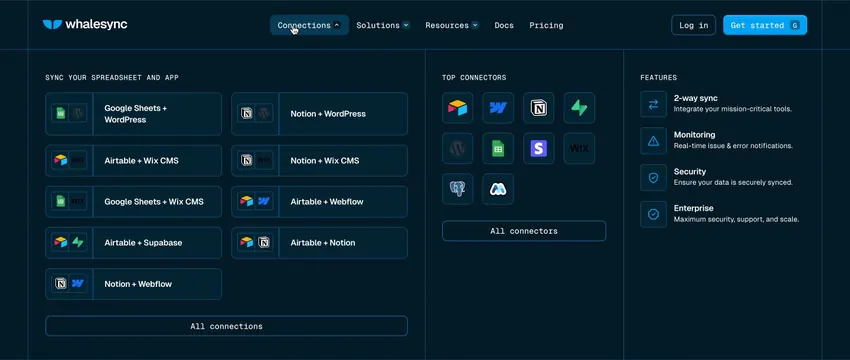 Whalesync dark mega menu for connections
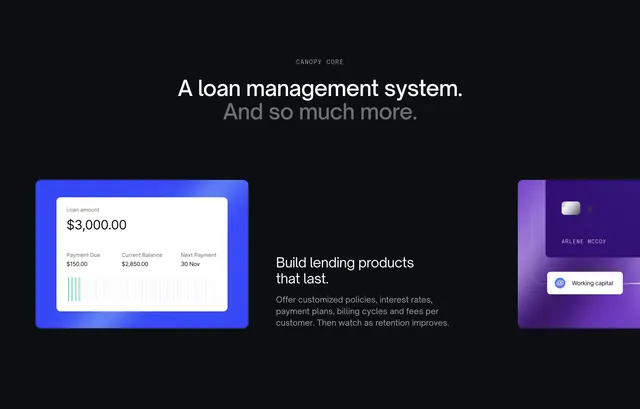 Canopy Core dark product feature