DevRev Features Section (Analytics Dashboard)
Dark two-column feature section with a left/right header split over a four-quadrant analytics dashboard mockup full of charts, tables, and metric cards.
Summary
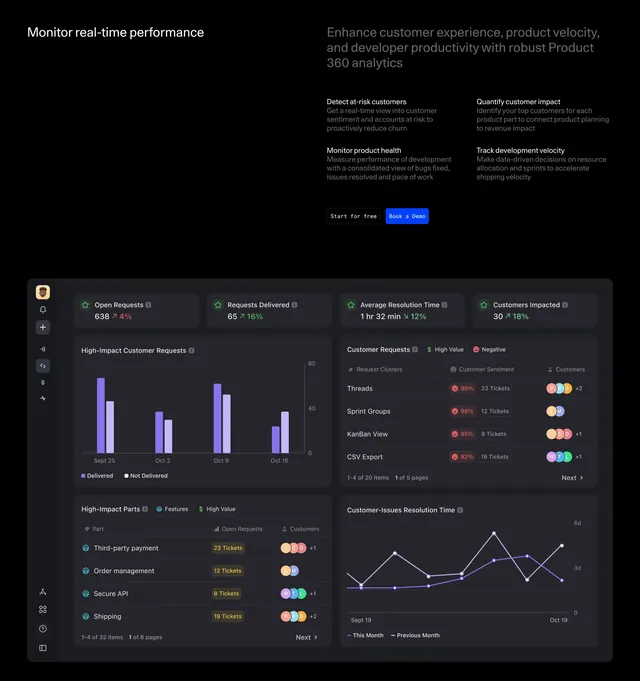
A dark feature-detail section that splits a short left headline from a right-hand block of four sub-features, then presents a large, fully realized analytics dashboard mockup beneath. The data-dense dashboard image carrying the lower two-thirds is the defining element.
Visual description
Near-black background. The header is a two-column split: a white headline ("Monitor real-time performance") on the left and, on the right, a larger grey statement plus a two-by-two set of bolded sub-feature titles each with a line of muted copy (detect at-risk customers, monitor product health, quantify customer impact, track development velocity). A monospace "Start for free" button and a blue "Book a Demo" button sit between them. Below spans a wide dark dashboard mockup arranged in four quadrants: top-row metric cards with trend percentages, a purple bar chart of customer requests, a sentiment table with colored tags and avatar stacks, a high-impact parts table, and a line chart of resolution time, all with a slim left icon rail.
Key takeaway
Letting a realistic, data-dense dashboard mockup occupy most of the section sells an analytics product more convincingly than abstract graphics. The header trick of pairing one short headline with a four-item sub-feature grid packs four value props above the visual without clutter.
Reuse notes
Best when the product genuinely is a dashboard and you have a polished, populated UI to show. The mockup must look real and legible, since blurry or fake-looking data would undercut the whole section. Heavy on screen real estate, so it suits a desktop-first analytics or observability page. Works on dark.
More like this
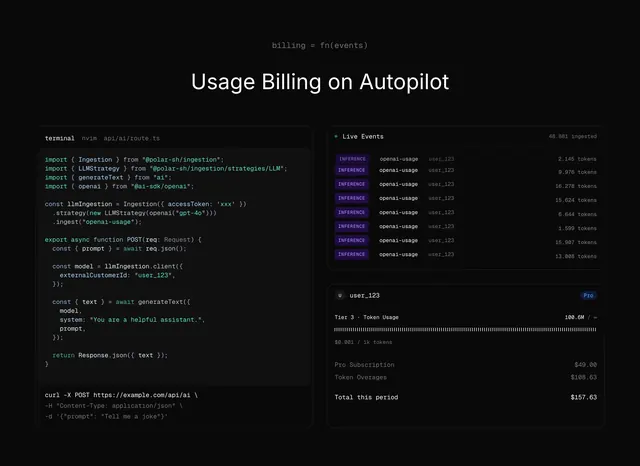 Polar usage billing on autopilot
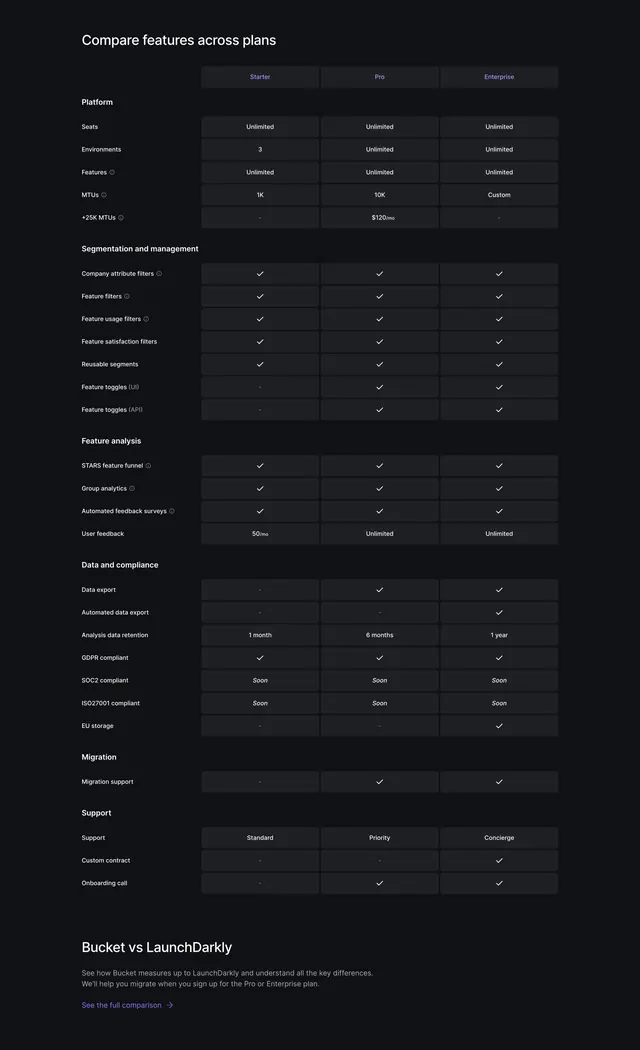 Bucket Pricing Table Section
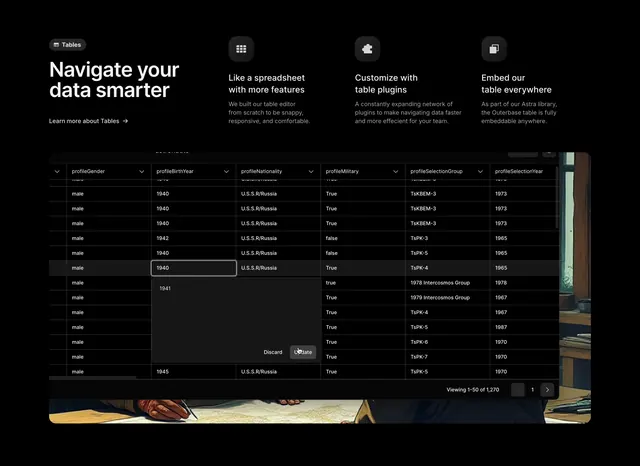 Outerbase data-table features with three-up benefits
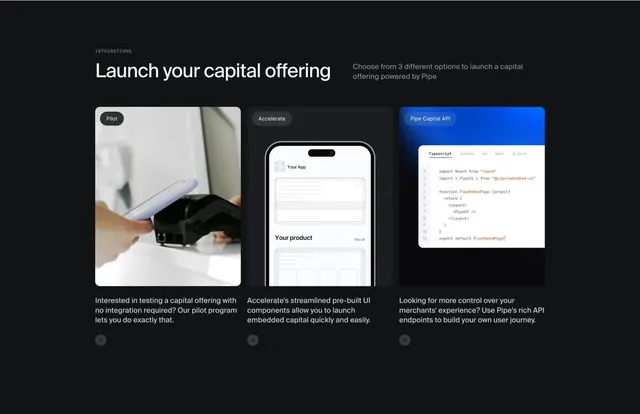 Pipe three-tier integration options
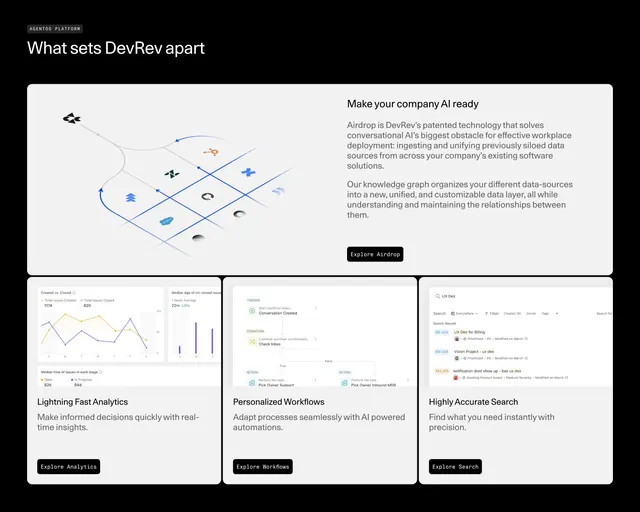 DevRev Features Section
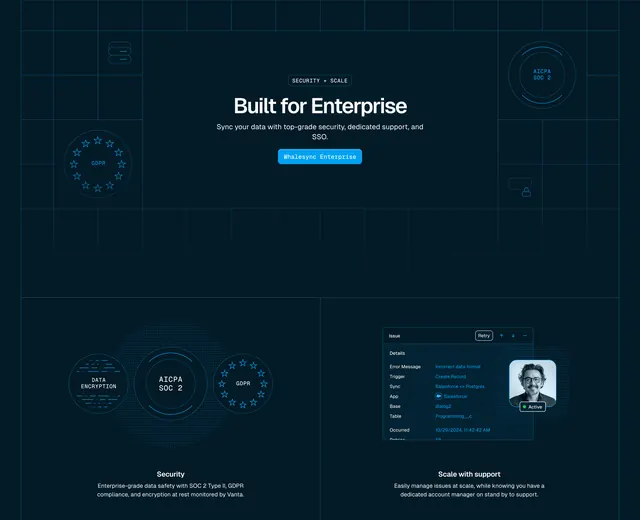 Whalesync enterprise security and support bento
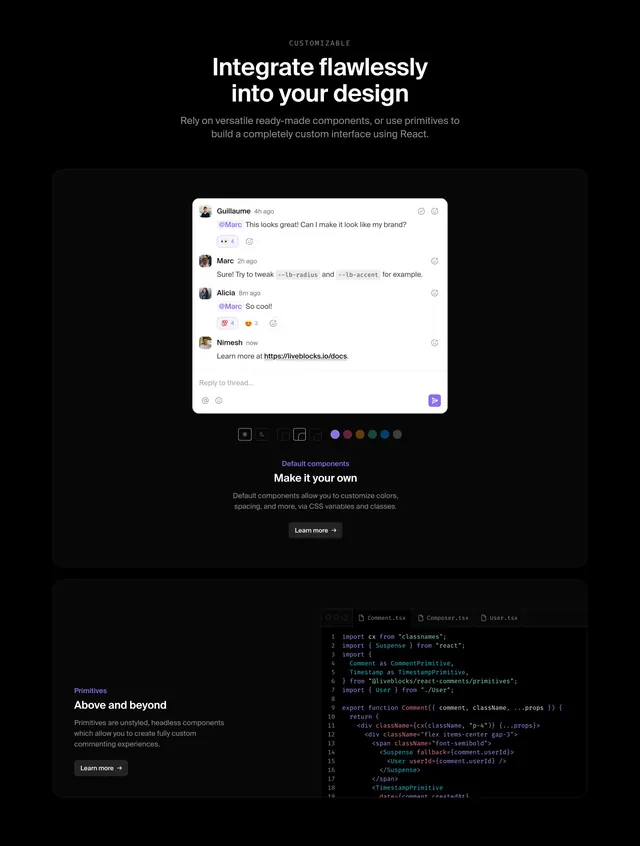 Liveblocks comments customization section
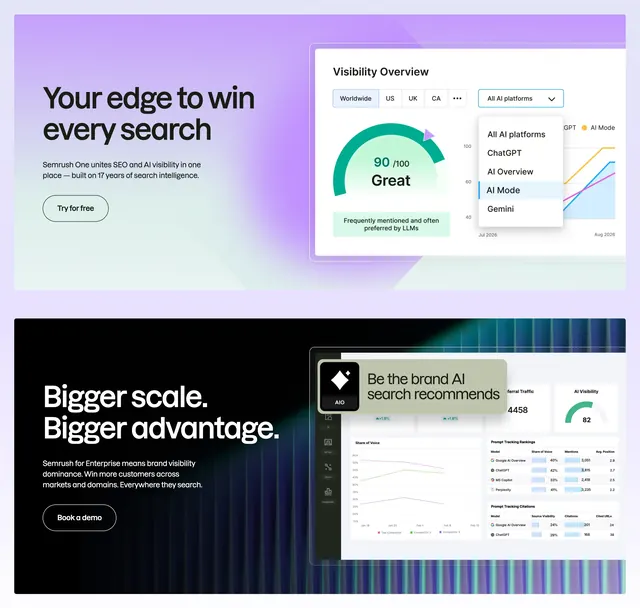 Semrush AI search dual feature
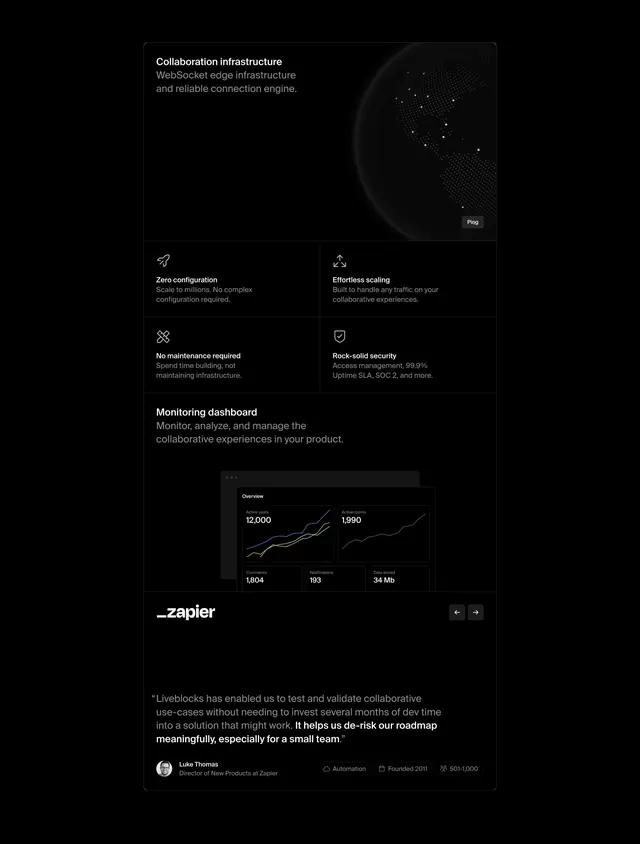 Liveblocks infrastructure benefits stack
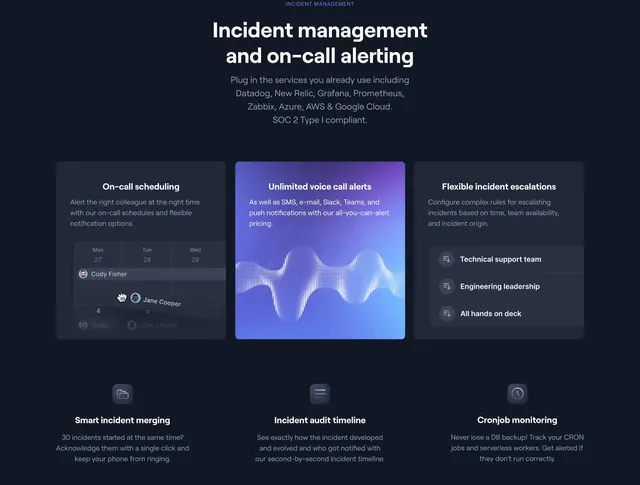 Better Uptime incident management feature grid
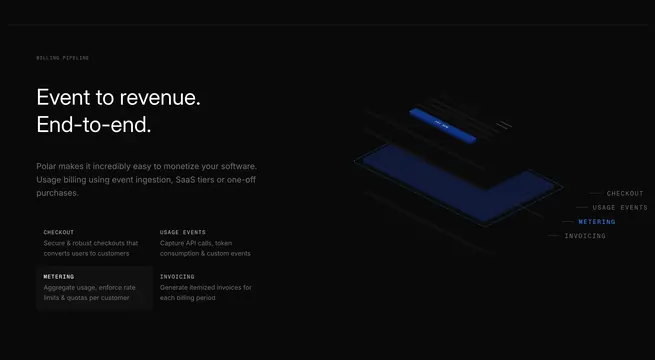 Polar billing pipeline feature
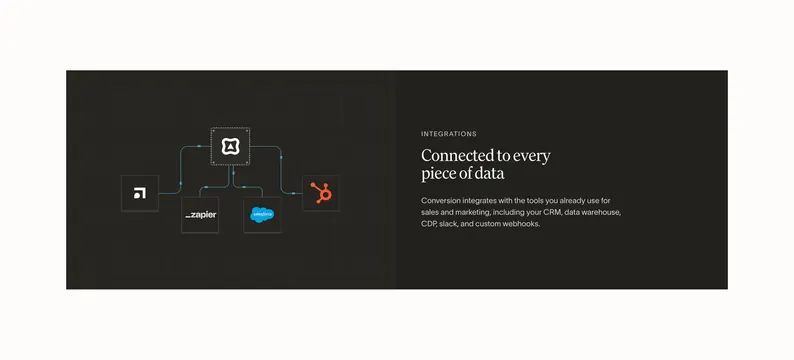 Conversion integration hub diagram
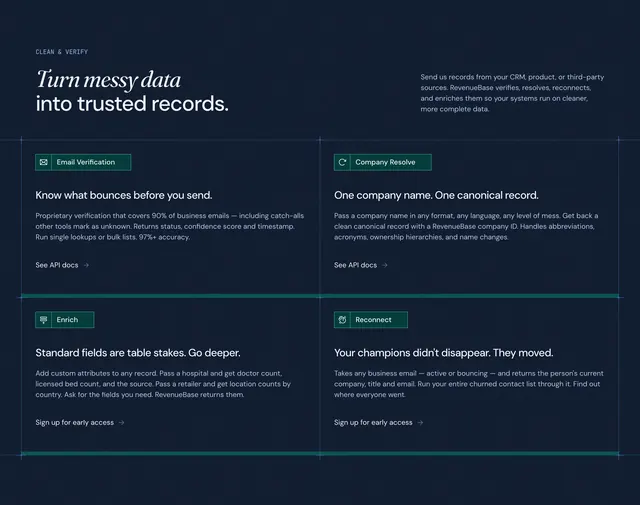 RevenueBase clean-and-verify feature grid
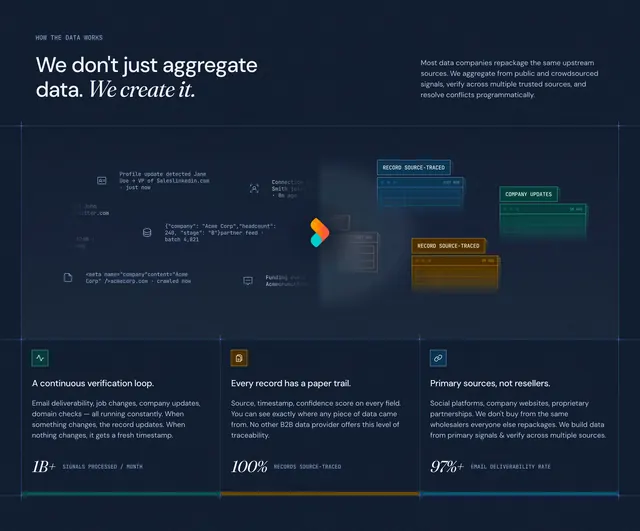 RevenueBase how-the-data-works value section
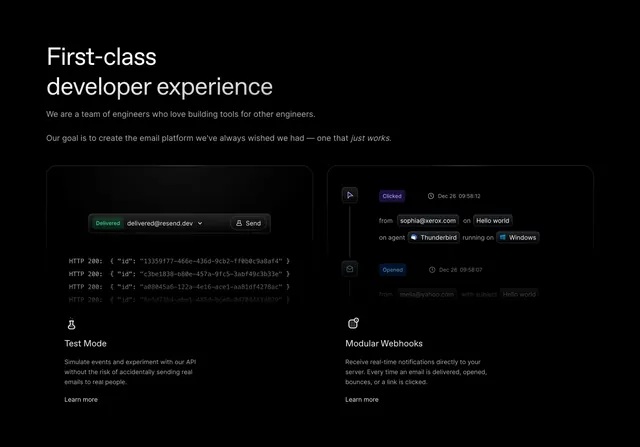 Resend developer feature cards
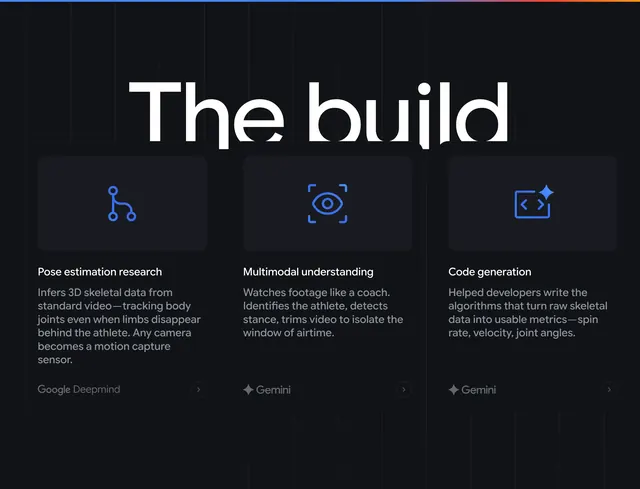 Google Cloud the build feature cards
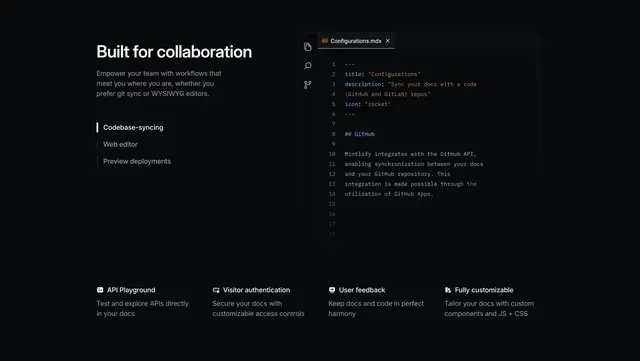 Mintlify collaboration feature with code editor mockup and 4-col row
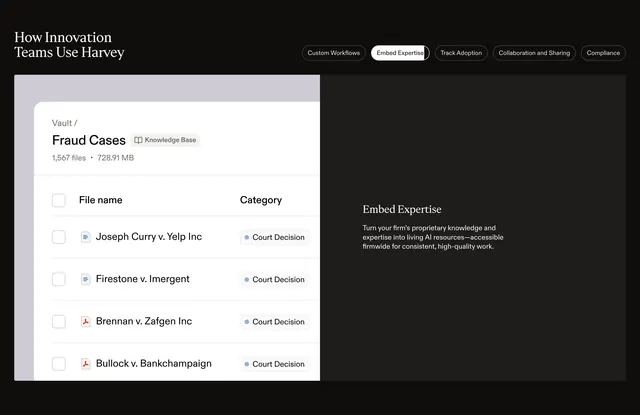 Harvey tabbed product feature with UI mockup
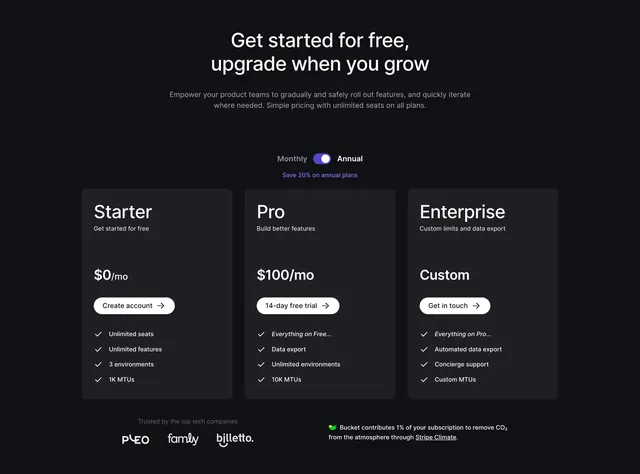 Bucket Pricing Section
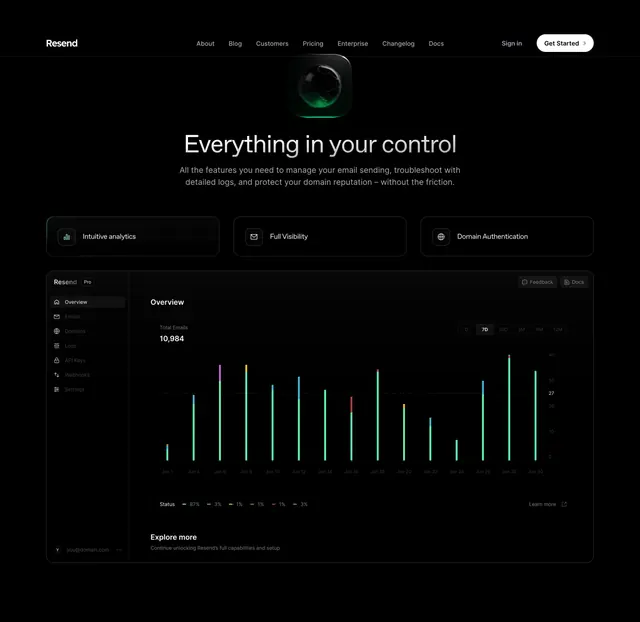 Resend control dashboard feature section
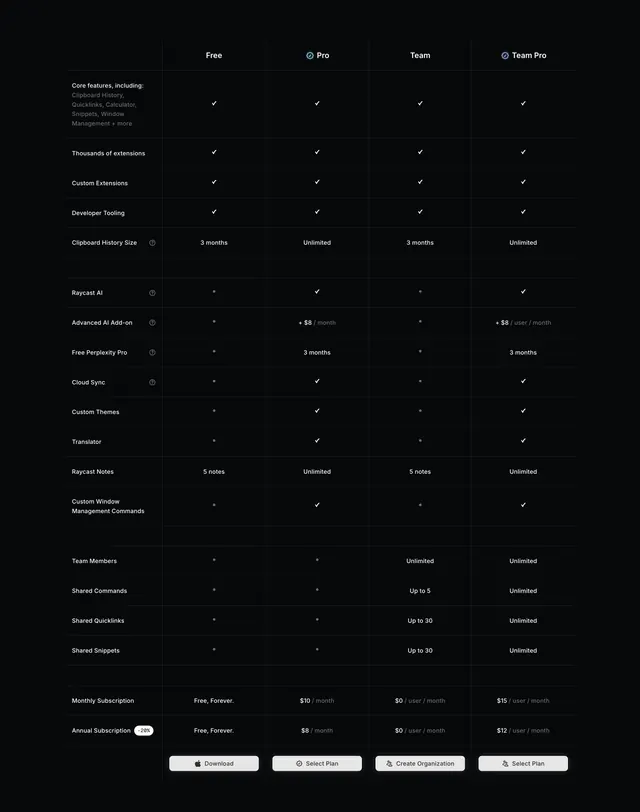 Raycast dark four-plan feature comparison table
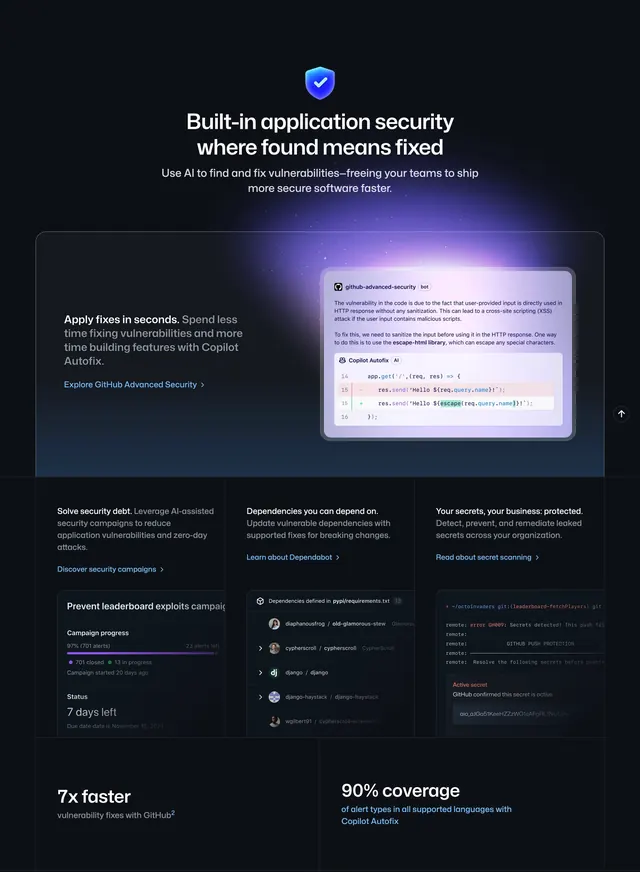 GitHub homepage productivity section
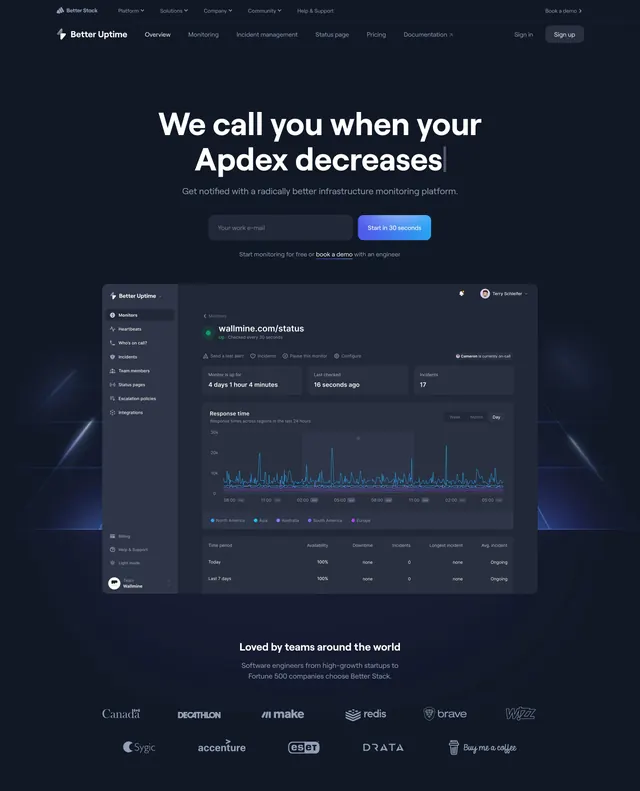 Better Uptime centered hero with dashboard
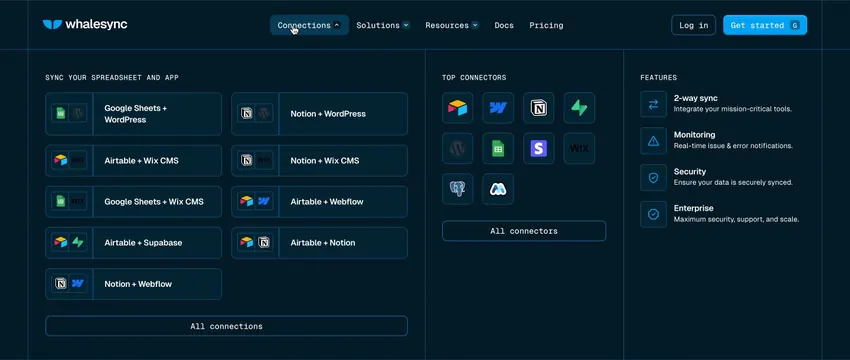 Whalesync dark mega menu for connections