Levels inside app feature grid
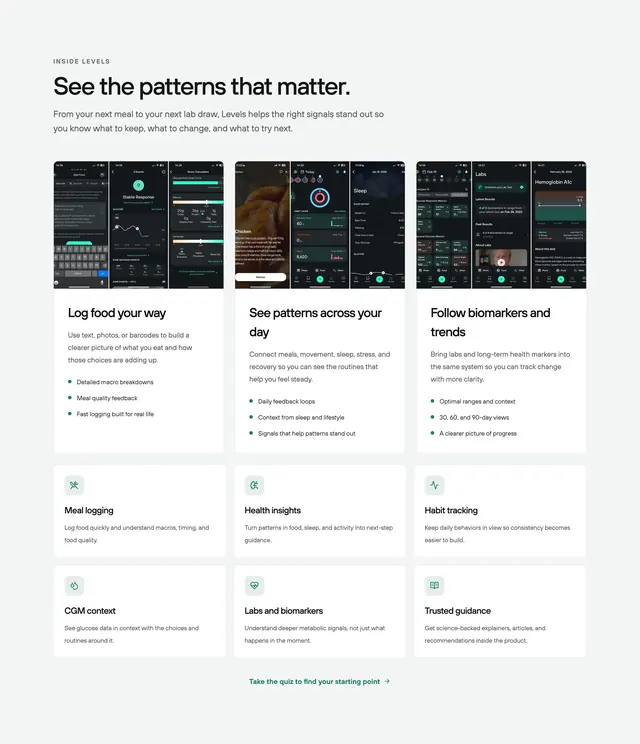
See the patterns section with three phone screenshot columns and six icon feature cards plus quiz link.
Summary
Levels INSIDE LEVELS grid with three columns of dark app screenshots for food logging, daily patterns, and biomarker trends plus six teal icon mini-cards.
Visual description
White page with INSIDE LEVELS label, headline See the patterns that matter, intro paragraph. Three columns each show three stacked phone screenshots and bold subhead with teal bullet list: Log food your way, See patterns across your day, Follow biomarkers and trends. Below 3x2 grey mini-cards with teal line icons for Meal logging, Health insights, Habit tracking, CGM context, Labs and biomarkers, Trusted guidance. Bottom teal link Take the quiz to find your starting point with arrow.
Key takeaway
Triple screenshot columns prove feature depth without one busy composite. Secondary 3x2 icon grid summarizes capabilities after the visual proof.
Reuse notes
App marketing pages with many screens. Nine screenshots need lazy loading; quiz CTA closes the section.
More like this
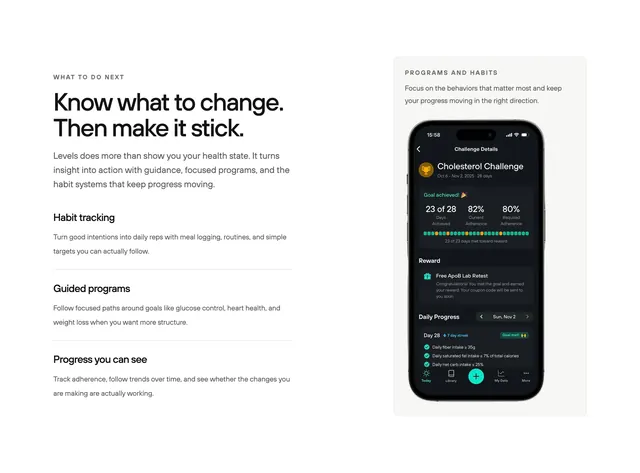 Levels habits and programs split feature
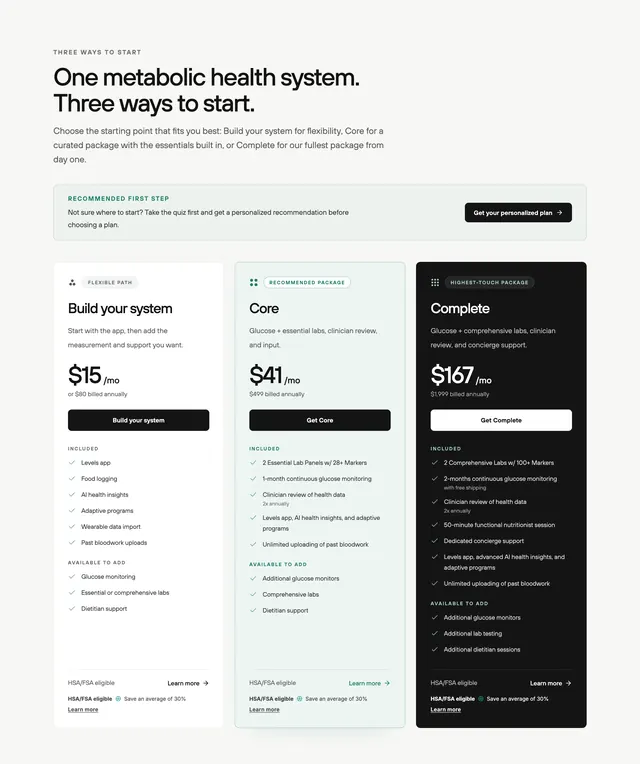 Levels three-tier metabolic pricing
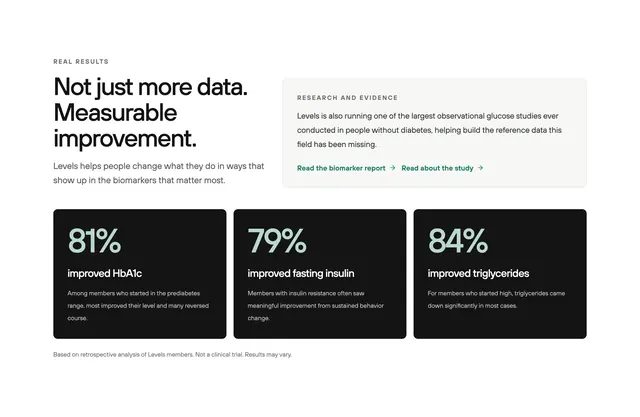 Levels real results stat cards
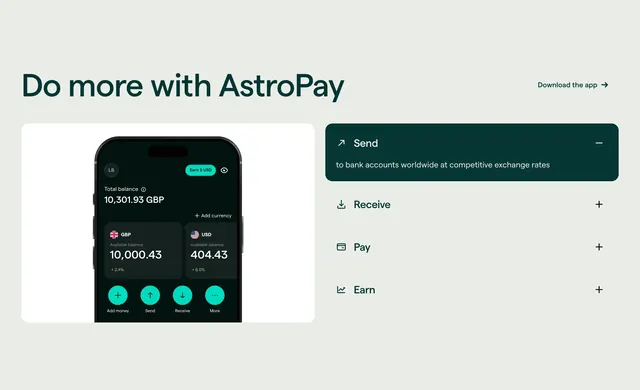 AstroPay do more accordion split
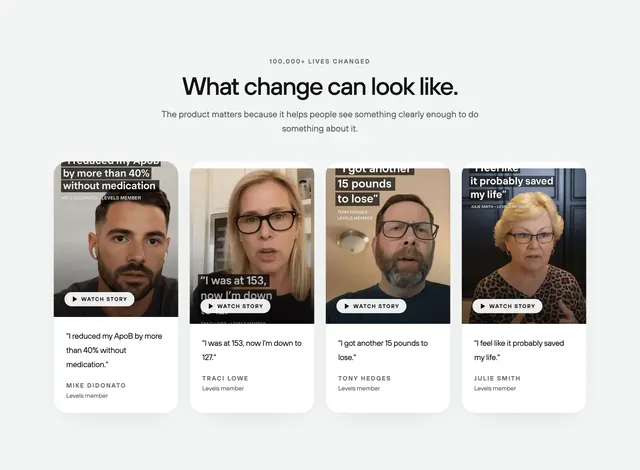 Levels member story video cards
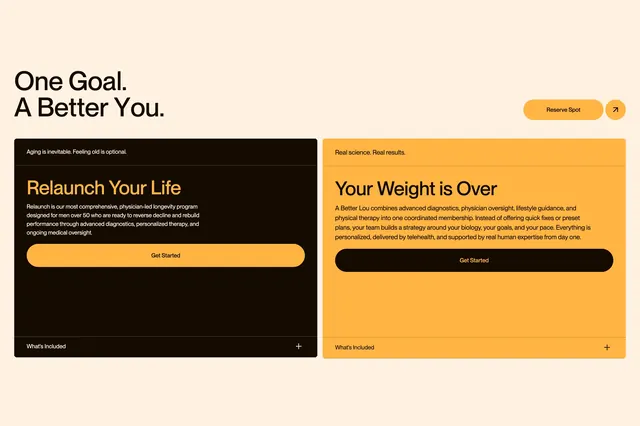 A Better Lou Health Service Comparison Cards Design
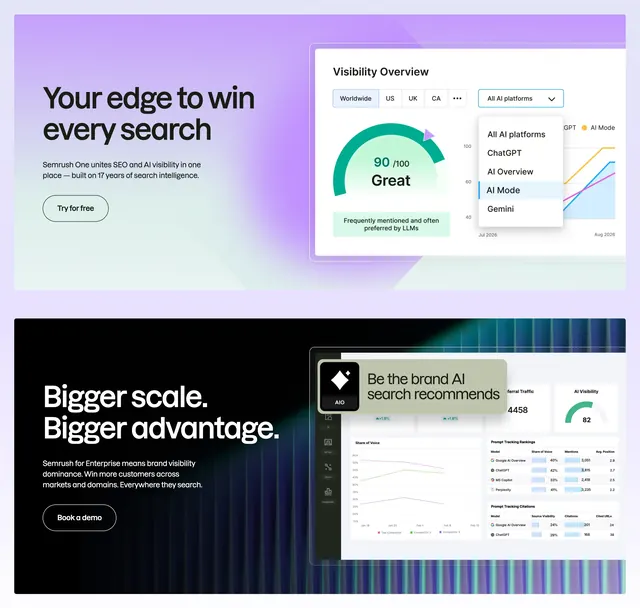 Semrush AI search dual feature
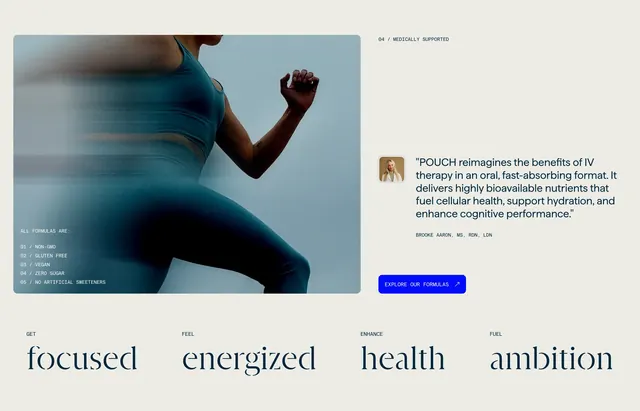 Pouch medical expert testimonial feature
 Cambrian industry accordion with photo
 Help Scout feature cards with stats row
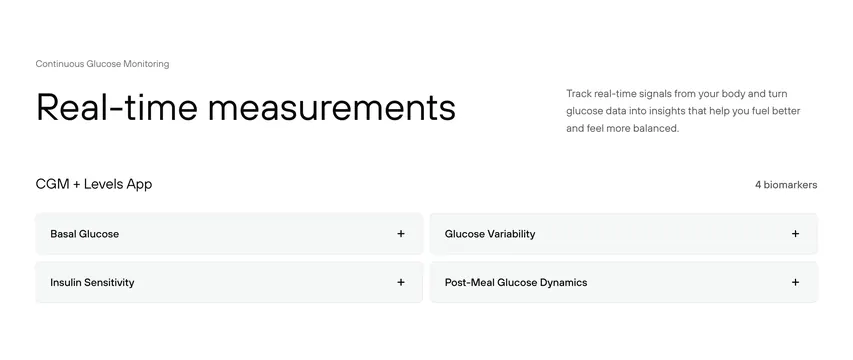 Levels CGM biomarker accordion grid
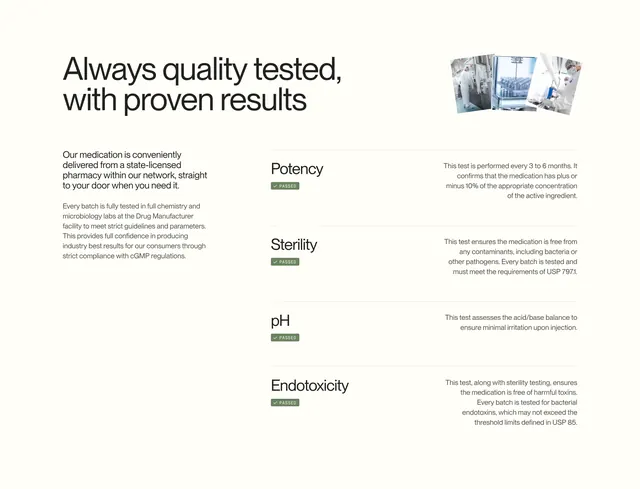 Good Life quality testing feature list
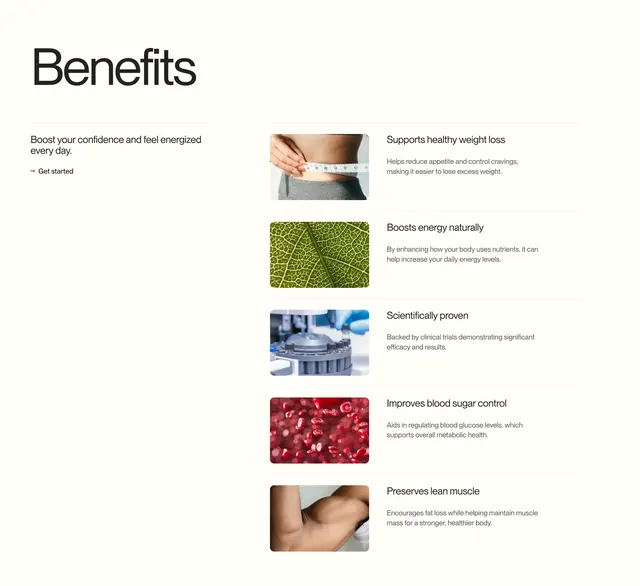 Good Life benefits list with thumbnails
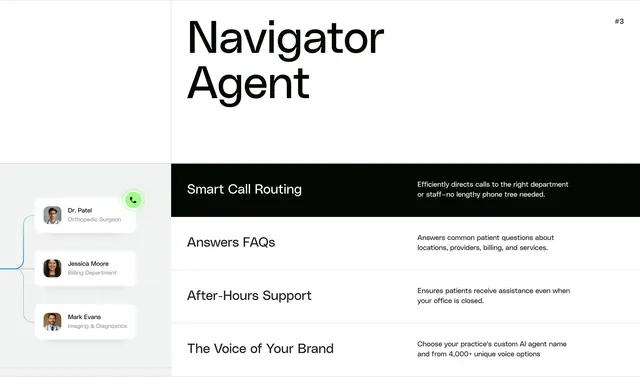 Transform9 Navigator Agent features
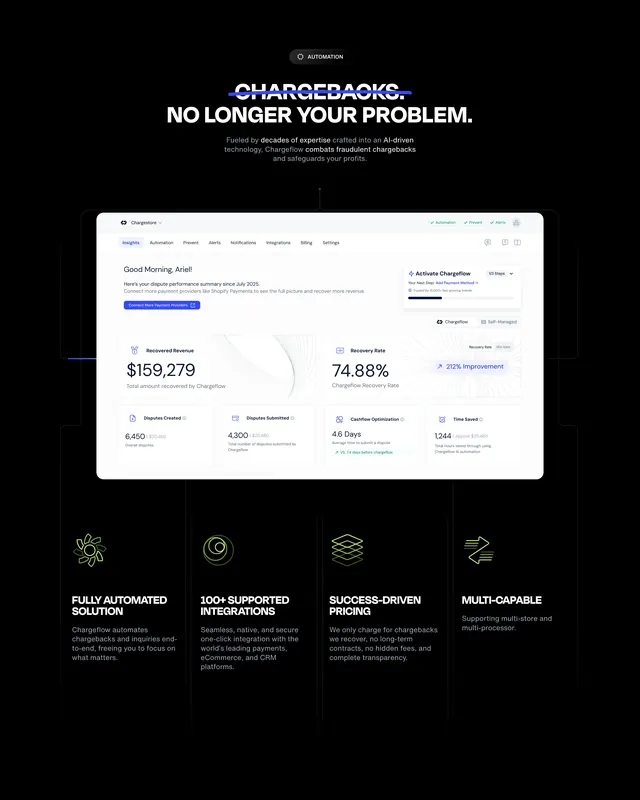 Chargeflow automation dashboard feature block
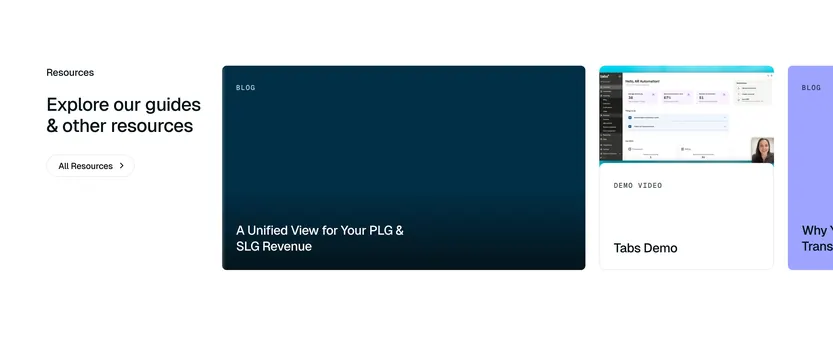 Tabs resources horizontal card carousel
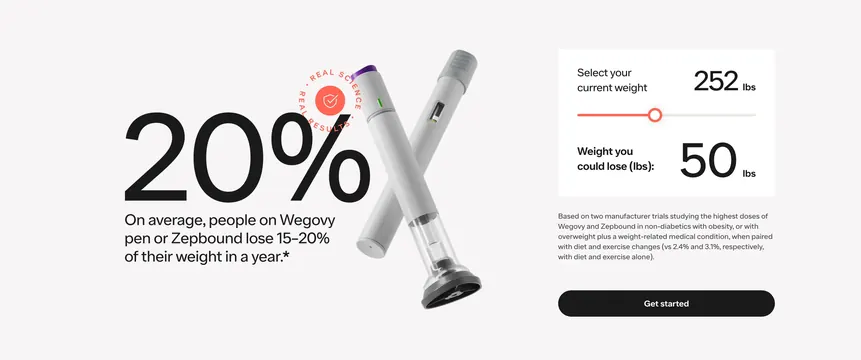 Ro GLP-1 stats feature with calculator
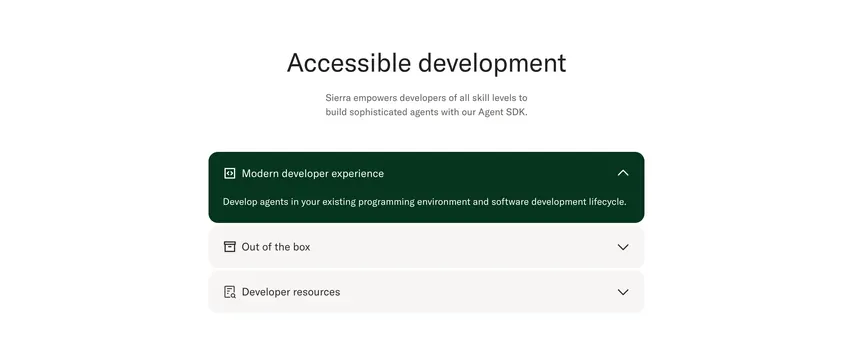 Sierra accessible development accordion
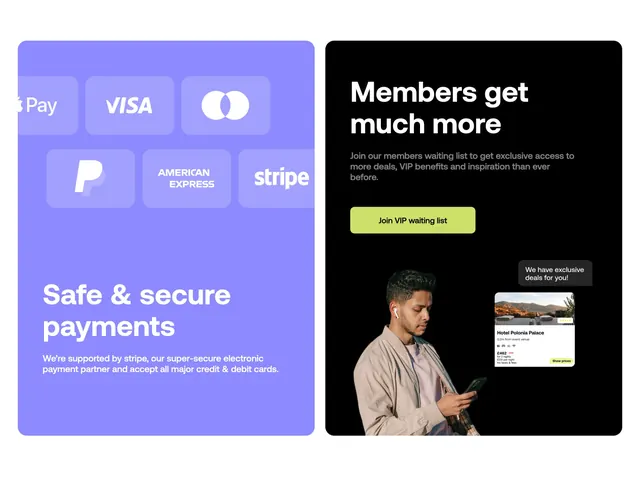 Eventbeds payments trust and VIP membership panels
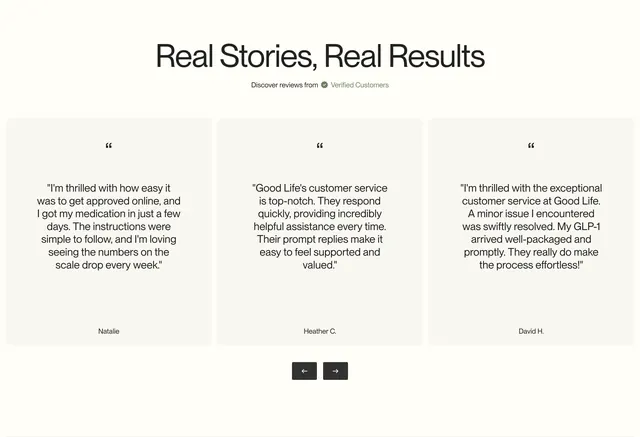 Good Life verified testimonial carousel
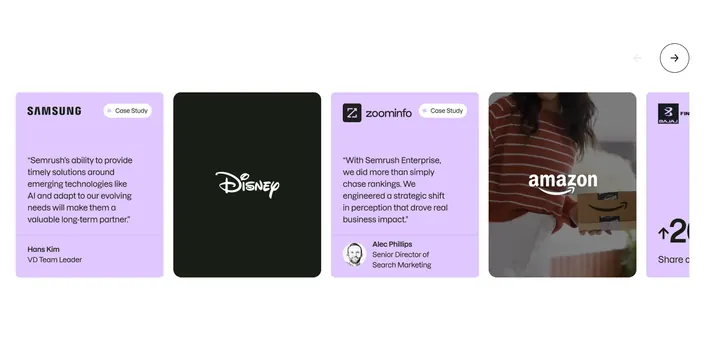 Semrush mixed testimonial carousel
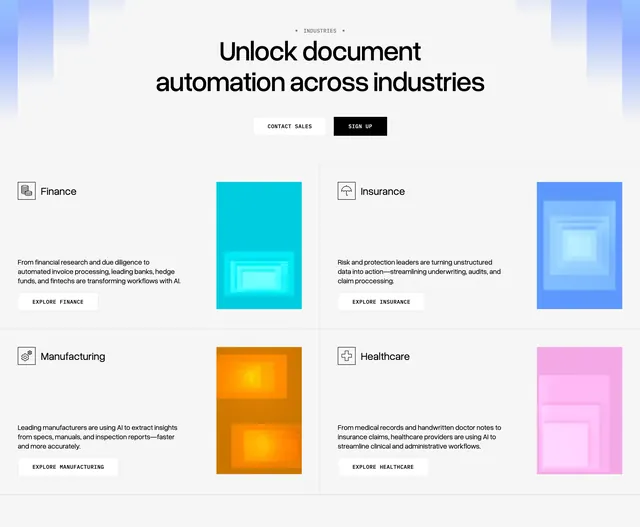 LlamaIndex industry automation grid
 Levels Health dark footer newsletter
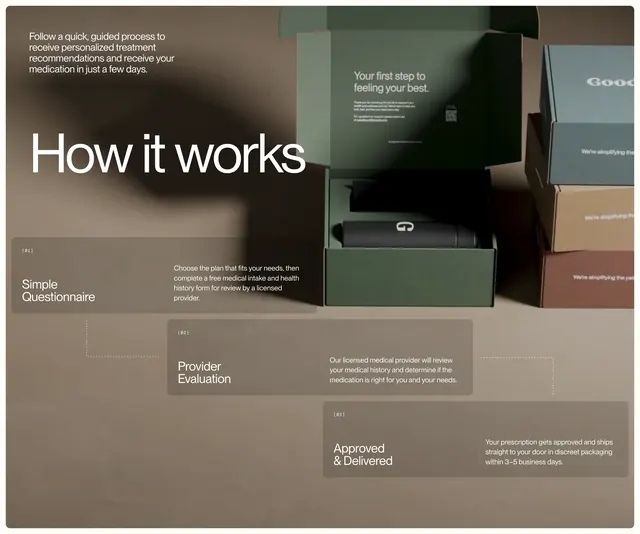 Good Life staircase process on product boxes