Levels habits and programs split feature
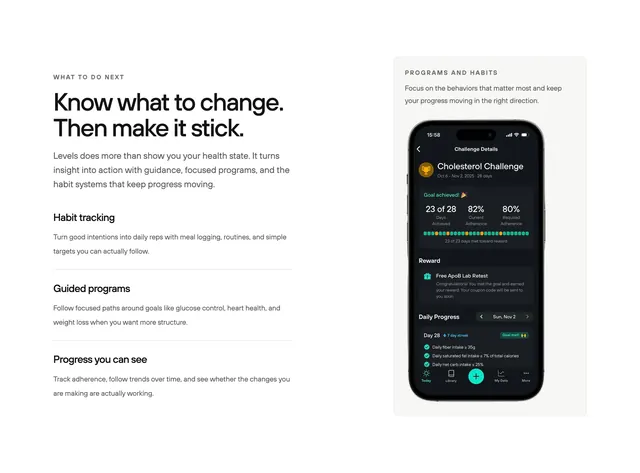
White split section with ruled feature copy left and phone mockup showing Cholesterol Challenge adherence UI right.
Summary
Levels Know what to change feature with three ruled subsections and dark app screen showing challenge stats, streak, and habit checklist.
Visual description
White two-column layout. Left WHAT TO DO NEXT headline Know what to change. Then make it stick. with intro and three hairline-separated blocks: Habit tracking, Guided programs, Progress you can see. Right grey rounded panel PROGRAMS AND HABITS holds phone with Cholesterol Challenge goal achieved stats, square progress bar, ApoB retest reward, Nov 2 checklist with green checks for fiber, fat, and carb targets, and bottom tab bar with cyan plus button.
Key takeaway
Marketing copy as ruled stack mirrors in-app checklist discipline. Grey device frame isolates dark UI from white marketing page.
Reuse notes
Health app feature pages needing screenshot legibility. Long copy column should stack above phone on mobile.
More like this
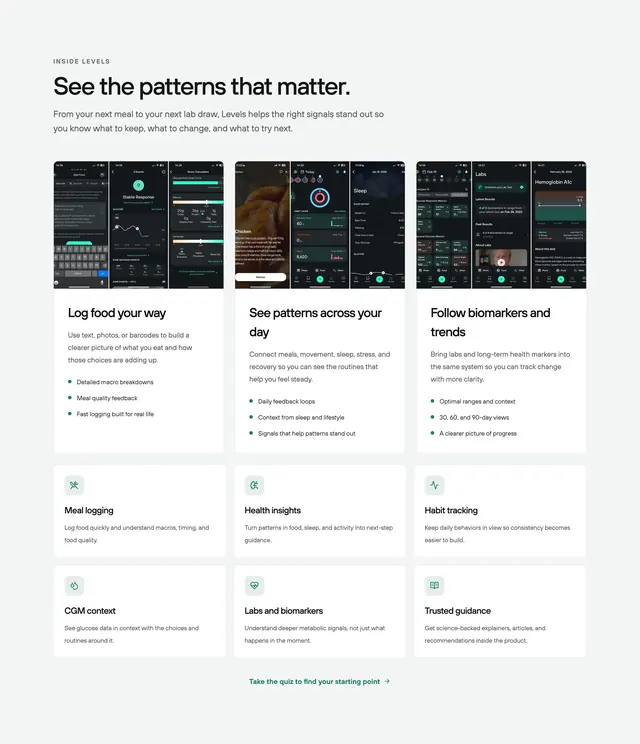 Levels inside app feature grid
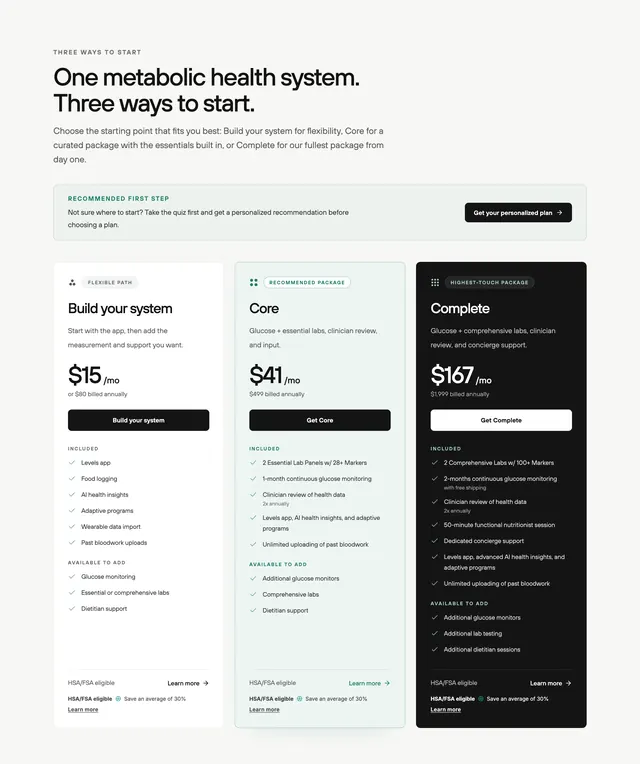 Levels three-tier metabolic pricing
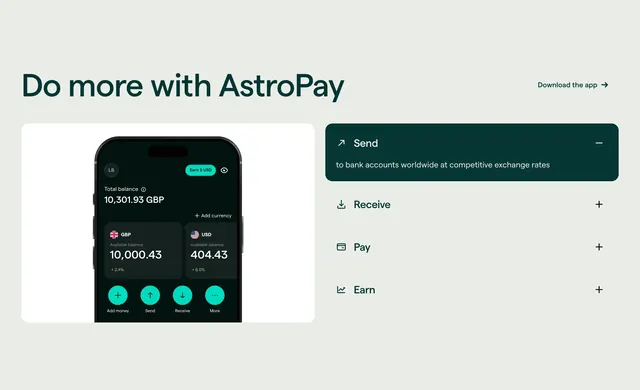 AstroPay do more accordion split
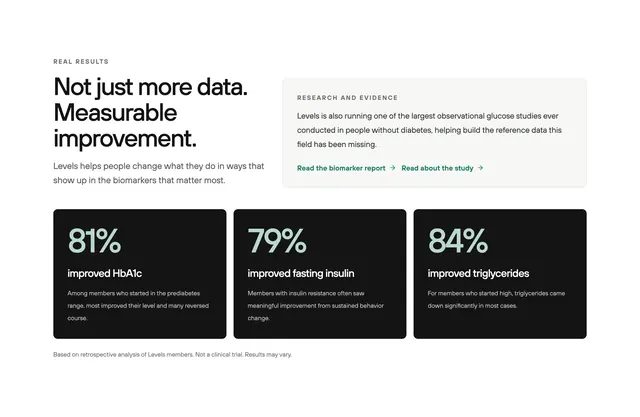 Levels real results stat cards
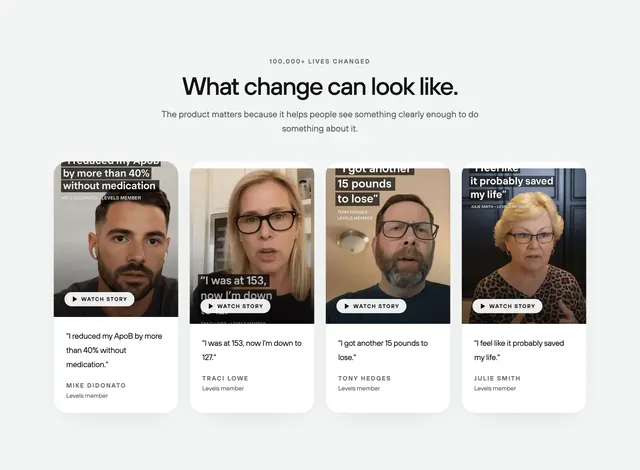 Levels member story video cards
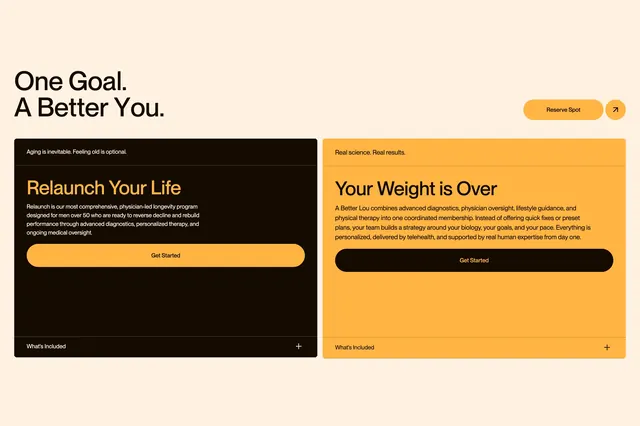 A Better Lou Health Service Comparison Cards Design
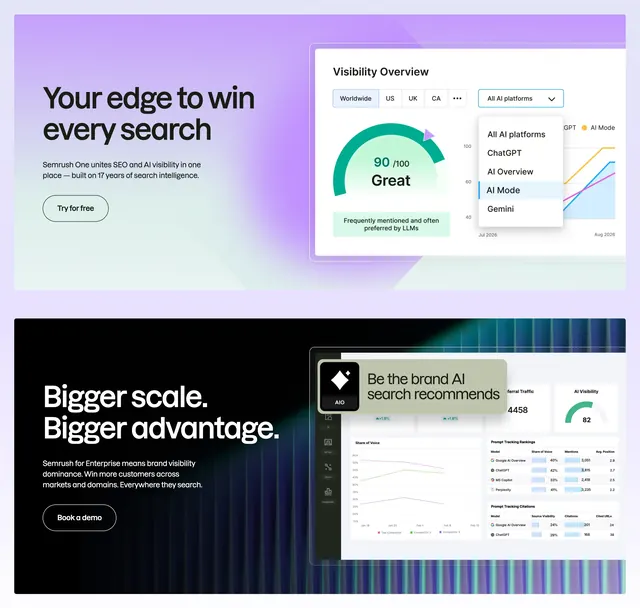 Semrush AI search dual feature
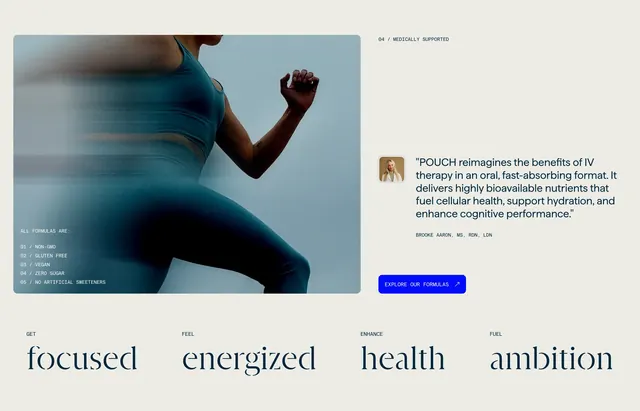 Pouch medical expert testimonial feature
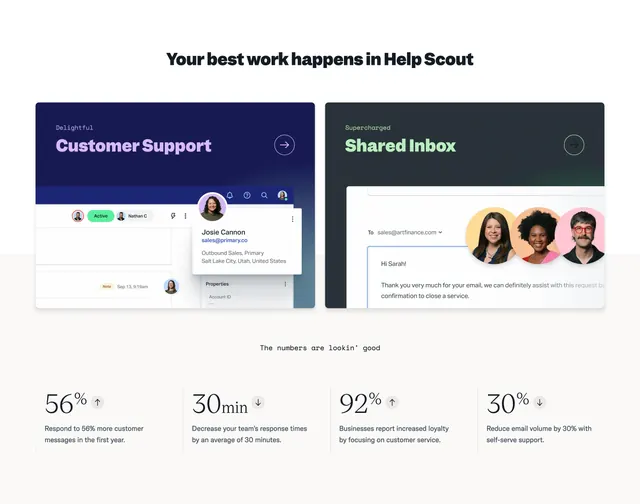 Help Scout feature cards with stats row
 Cambrian industry accordion with photo
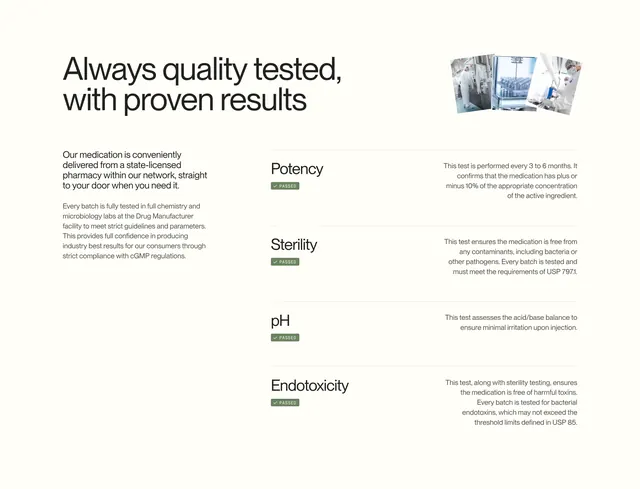 Good Life quality testing feature list
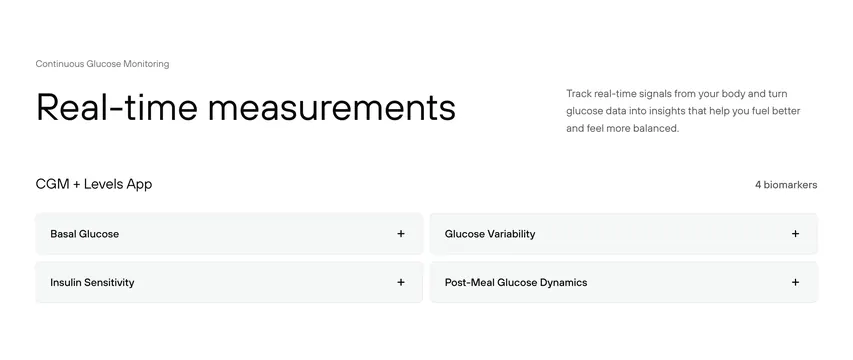 Levels CGM biomarker accordion grid
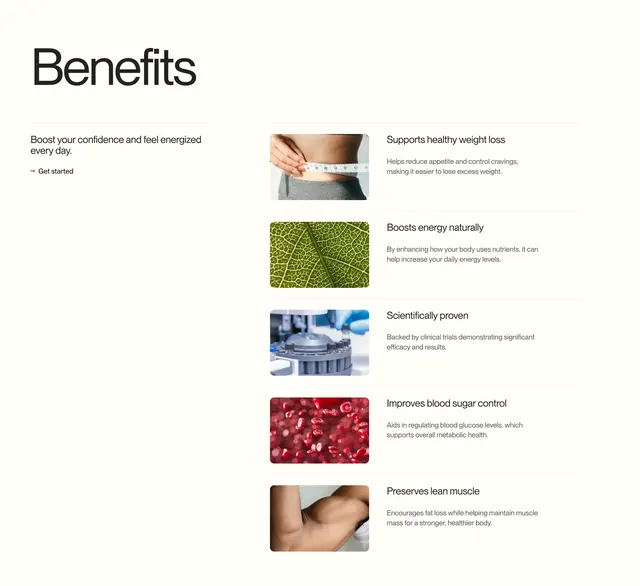 Good Life benefits list with thumbnails
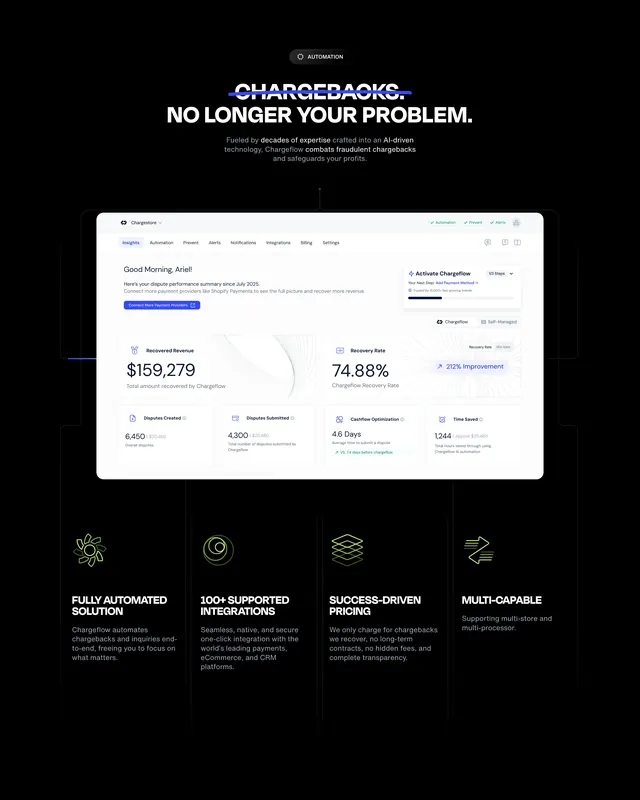 Chargeflow automation dashboard feature block
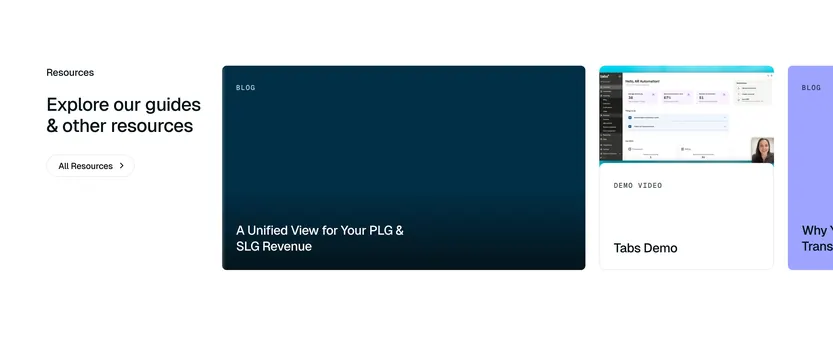 Tabs resources horizontal card carousel
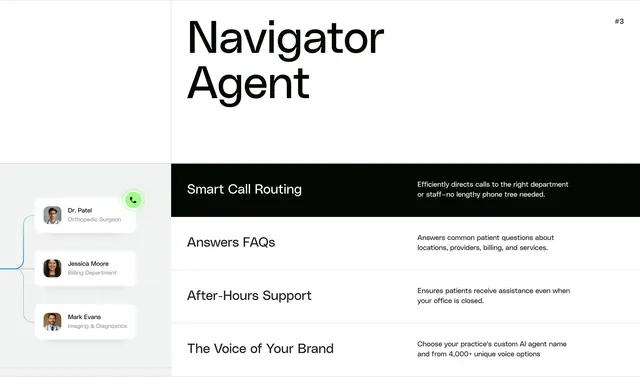 Transform9 Navigator Agent features
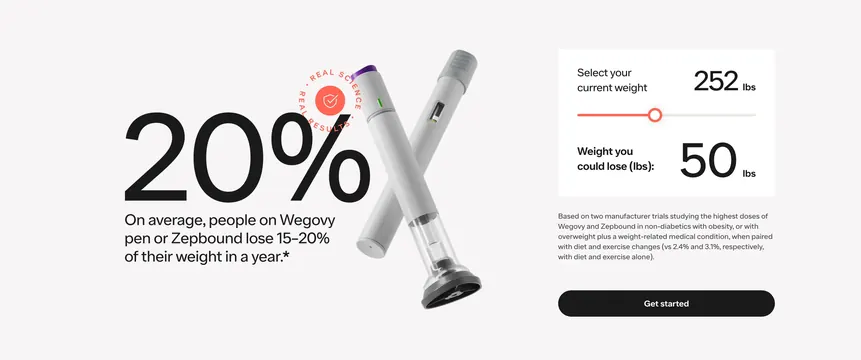 Ro GLP-1 stats feature with calculator
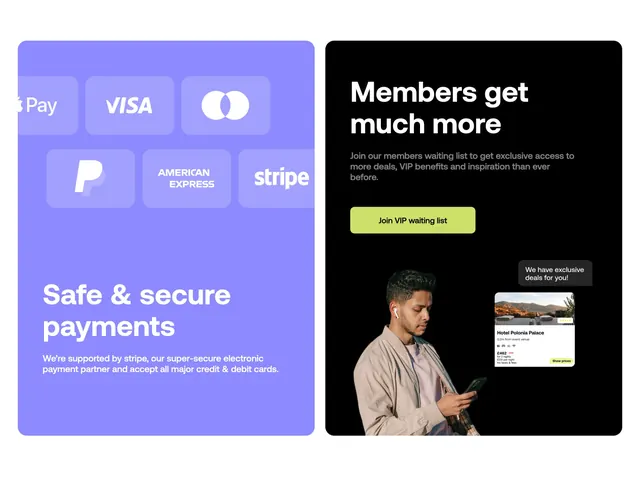 Eventbeds payments trust and VIP membership panels
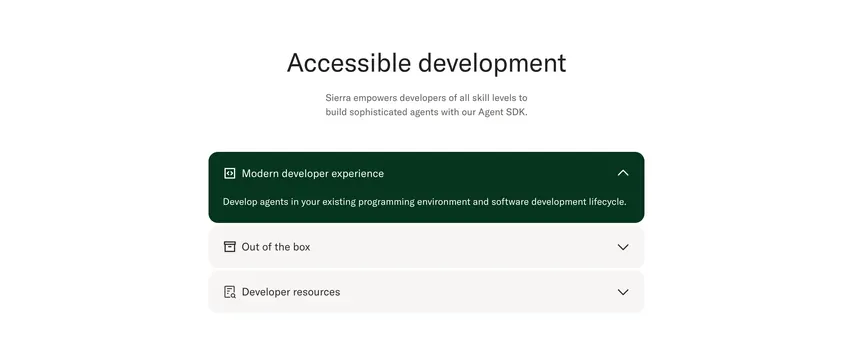 Sierra accessible development accordion
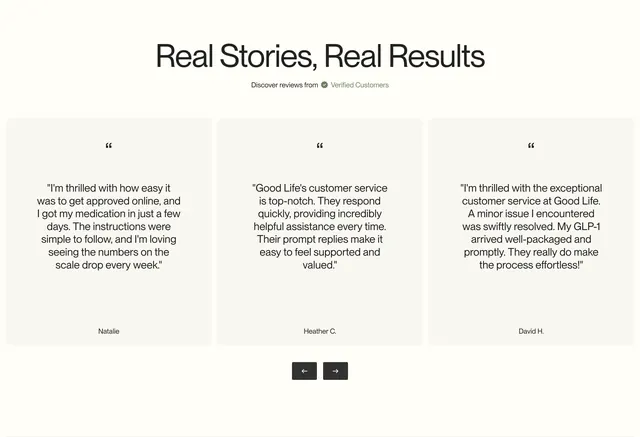 Good Life verified testimonial carousel
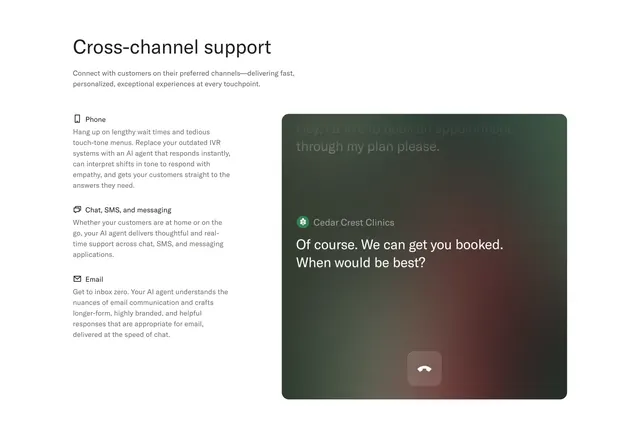 Sierra cross-channel support feature
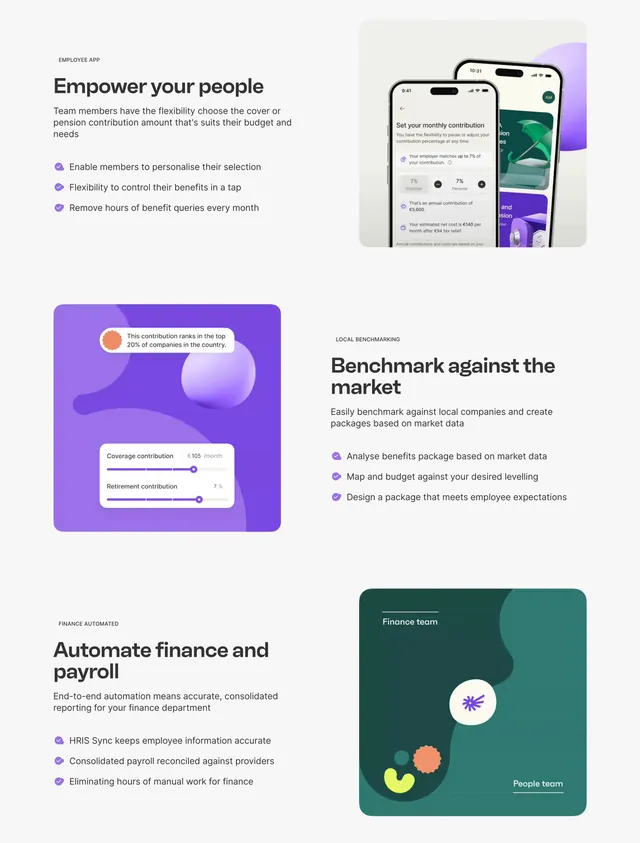 Kota homepage three feature rows with app UI
 Levels Health dark footer newsletter
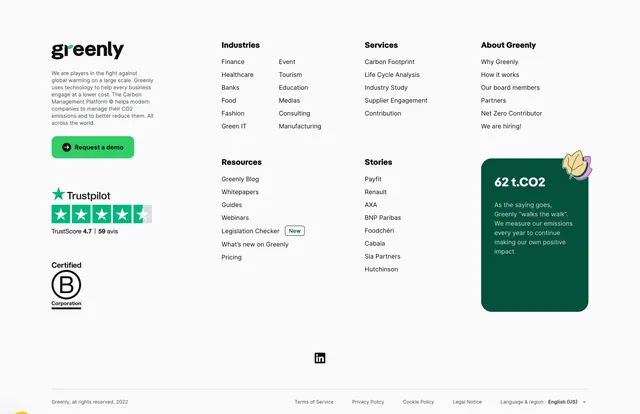 Greenly comprehensive footer with CO2 card