Jasper content pipeline workflow diagram
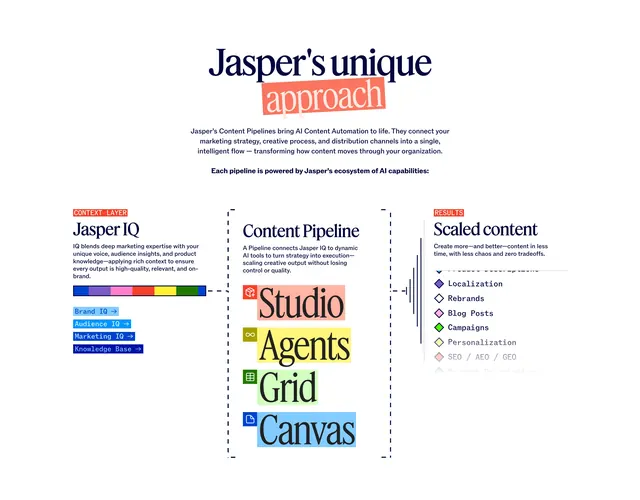
Three-column workflow diagram from Jasper IQ context through Content Pipeline tools to scaled content outputs.
Summary
Jasper's unique approach maps Context Layer, Content Pipeline, and Results in a left-to-right diagram with color-coded modules and output list.
Visual description
White section with centered title where approach sits in a coral highlight box. Intro paragraphs explain content pipelines. Left column Jasper IQ under CONTEXT LAYER label with multicolor bar and four navy link pills. Center dashed-border box stacks Studio, Agents, Grid, and Canvas with tinted backgrounds and icons. Right RESULTS column lists scaled content types with colored diamond bullets connected by dashed lines fanning from center.
Key takeaway
Labeled three-stage pipeline diagram makes abstract AI automation tangible without a product screenshot. Color-coded module chips and diamond output list create readable flow on a white field.
Reuse notes
Use when explaining input-process-output for complex platforms. Keep stage count to three; more stages dilute the dashed-line narrative. Coral accent can anchor one keyword in the headline.
More like this
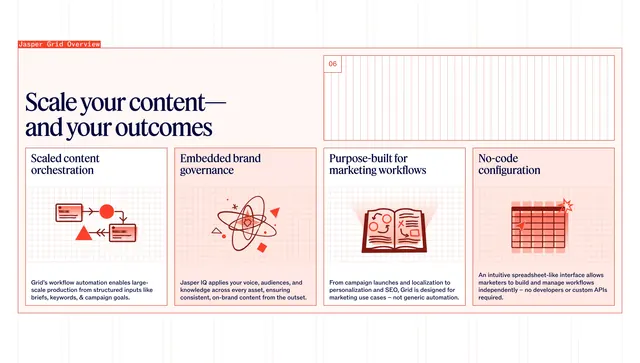 Jasper Grid four-feature overview
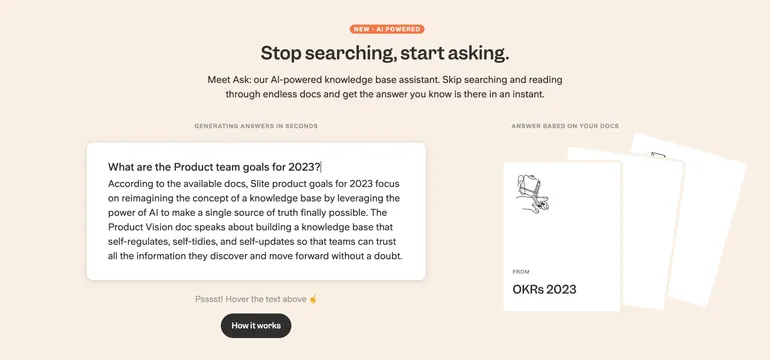 Slite Ask AI knowledge assistant
 Jasper platform value prop with four cards
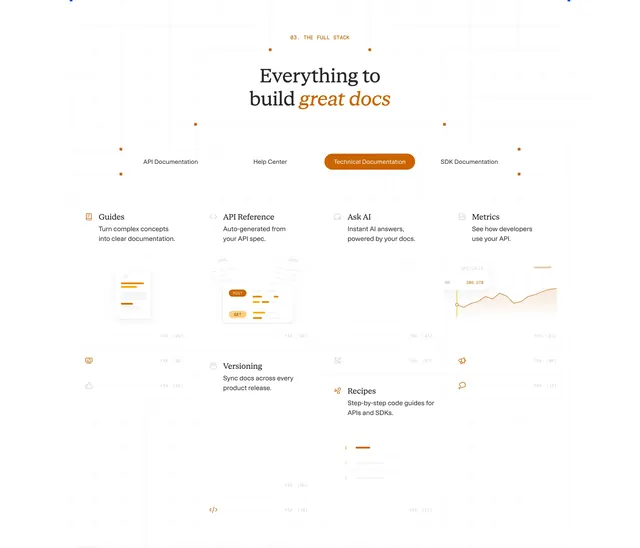 ReadMe full stack orange feature matrix
 Sketch flexible design vector feature
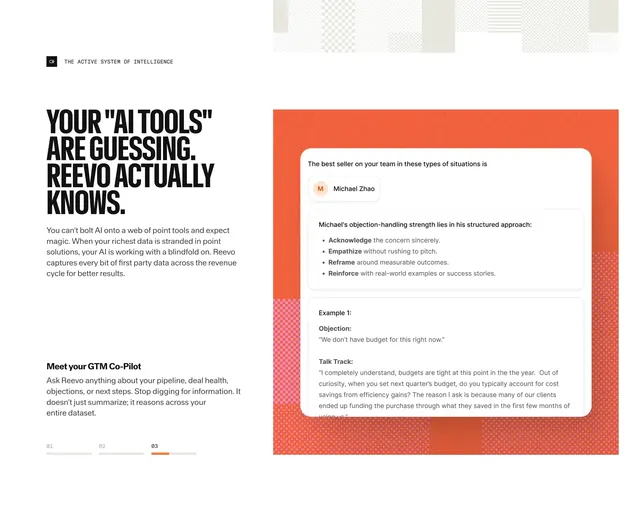 Reevo GTM co-pilot objection handling card
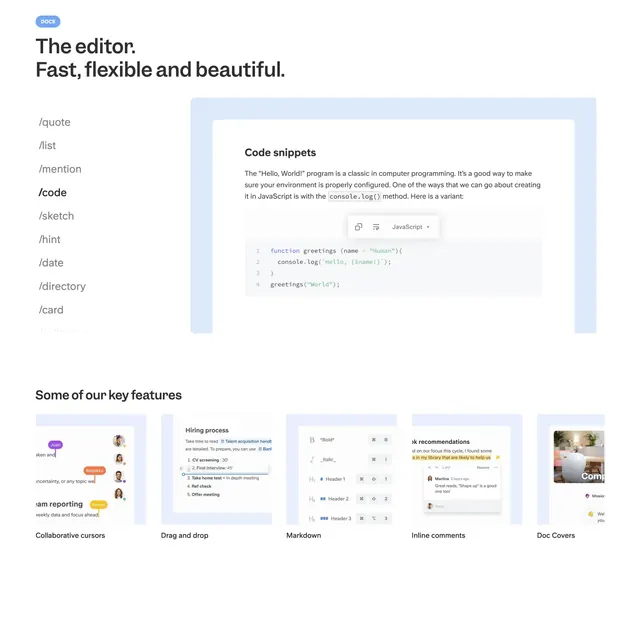 Slite editor slash commands feature
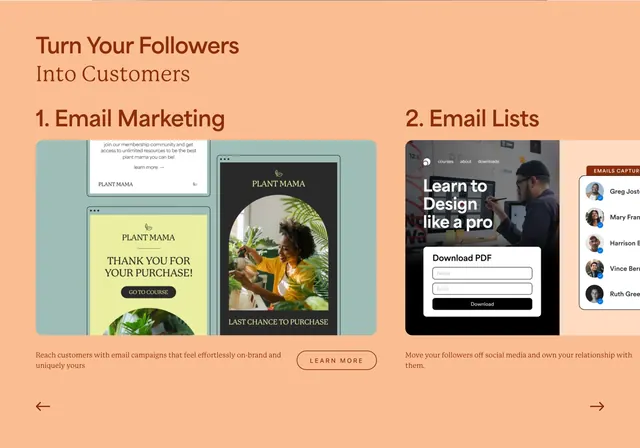 Kajabi followers-to-customers email features
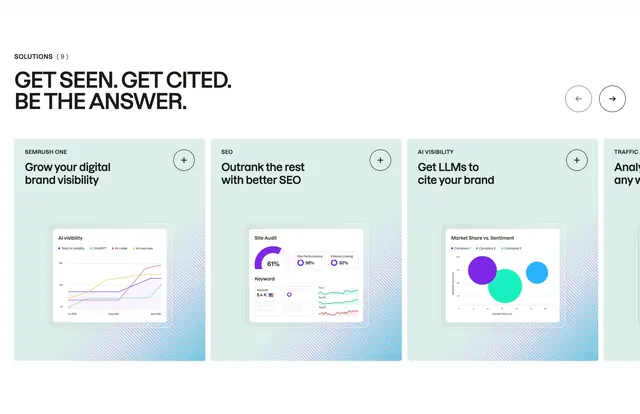 Semrush solutions product carousel
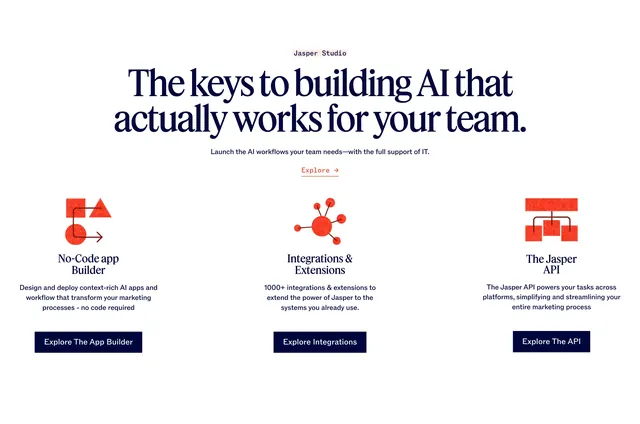 Jasper Studio three-pillar workflow feature
 Jasper content ownership privacy feature
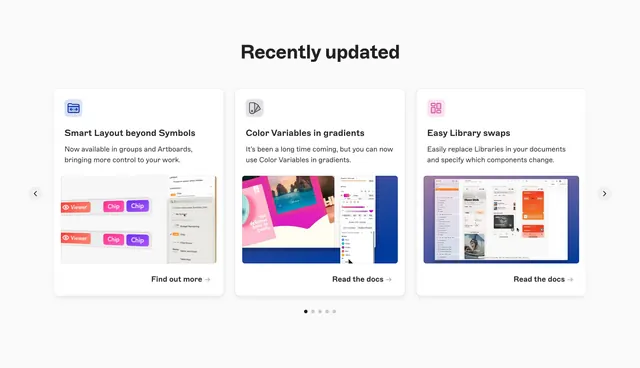 Sketch recently updated carousel
 Sensei industry tab list with isometric scene
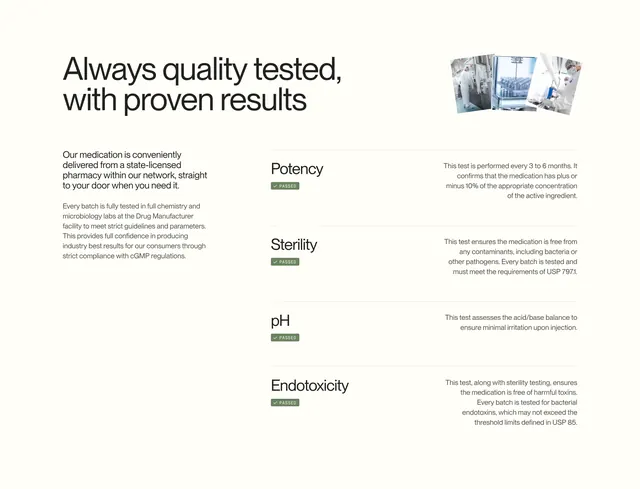 Good Life quality testing feature list
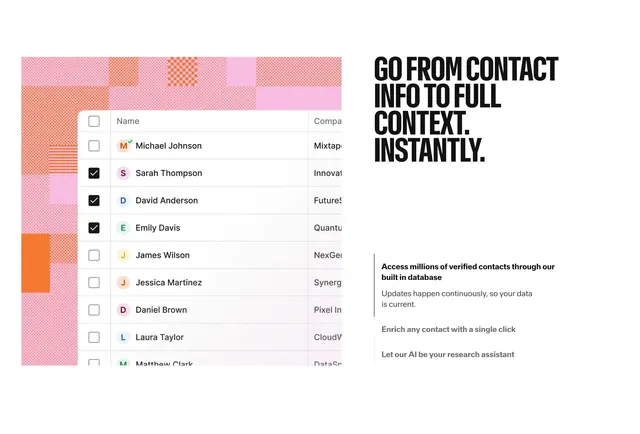 Reevo contact enrichment list feature
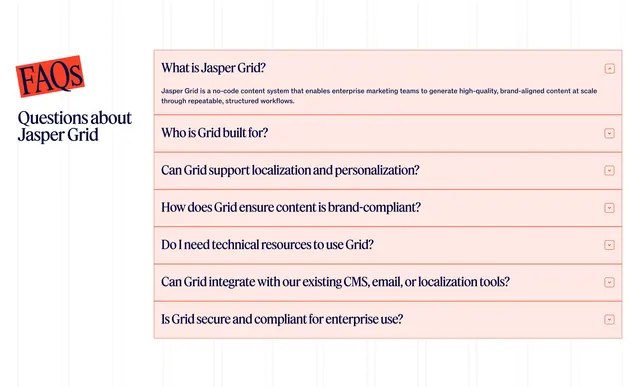 Jasper Grid split FAQ accordion
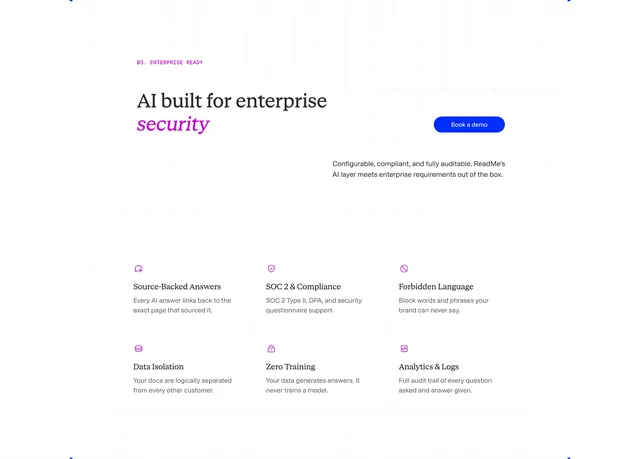 ReadMe enterprise AI security grid
 Pravah vision mission headline
 Melrose EDI how-it-works tabs
 Zerohash solutions horizontal carousel
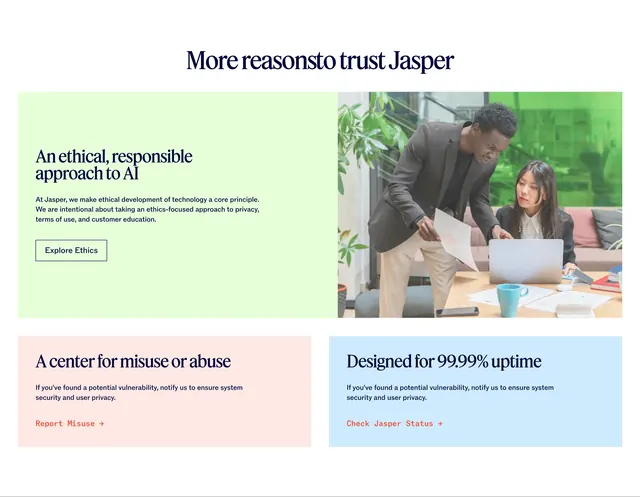 Jasper trust reasons bento grid
 Jimo nudge builder split feature rows
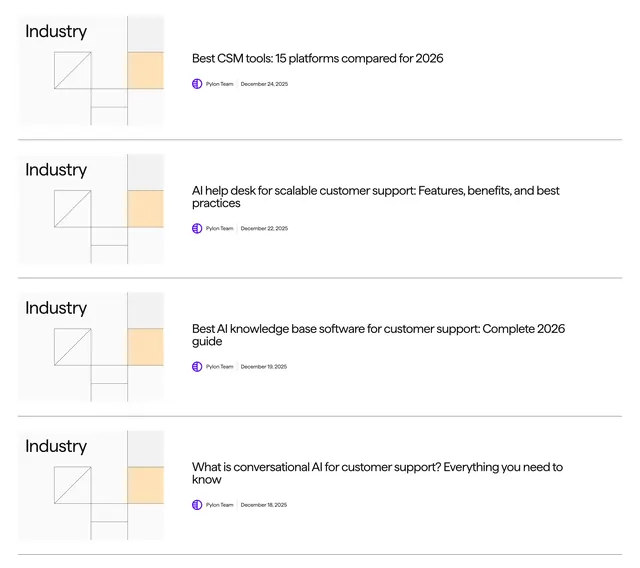 Pylon industry blog list
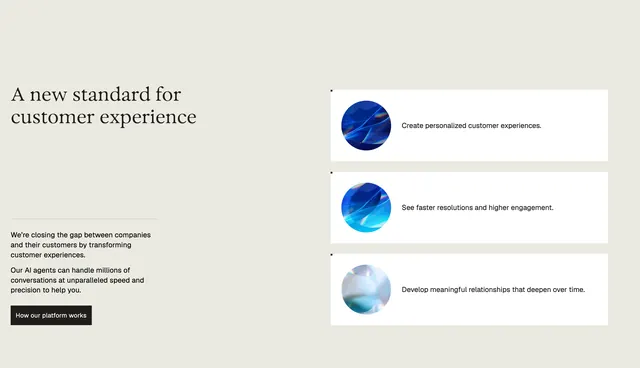 Parloa customer experience split feature