ClickUp Talk to Text feature hero
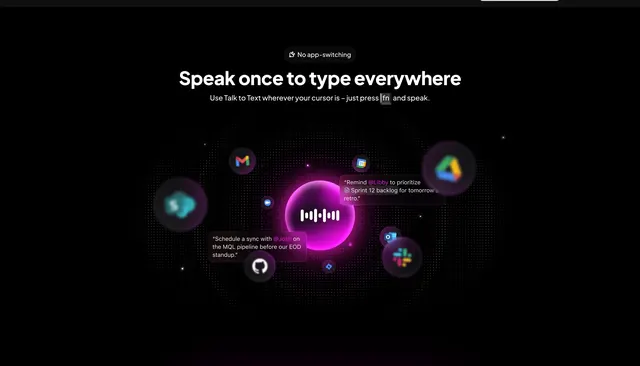
Dark feature section with glowing purple orb, orbiting app icons, and speech-bubble examples for universal dictation.
Summary
Black hero for Talk to Text centered on a magenta glowing orb with blurred app logos and example dictated messages floating around it.
Visual description
Solid black background with subtle dotted circular grid. Top pill badge reads "No app-switching" beside a cursor icon. Large white headline "Speak once to type everywhere" and subcopy explaining fn-key activation. Center features a bright purple-magenta glowing sphere with white waveform icon. Recognizable app logos (Gmail, Calendar, Drive, Slack, GitHub, Zoom, Outlook, Salesforce) orbit at varied blur levels. Two white rounded speech bubbles show realistic workplace dictation snippets mentioning @Josh and @Libby. Small sparkle accents add depth.
Key takeaway
One glowing core object plus recognizable app constellation communicates "works everywhere" faster than a feature list. Realistic dictated message bubbles make the capability concrete.
Reuse notes
Strong for cross-app utility features on dark pages. Icon orbit needs familiar logos; without them the visual loses meaning quickly.
More like this
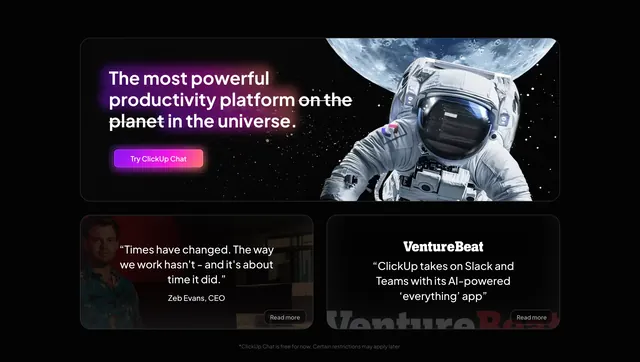 ClickUp productivity hero with astronaut cards
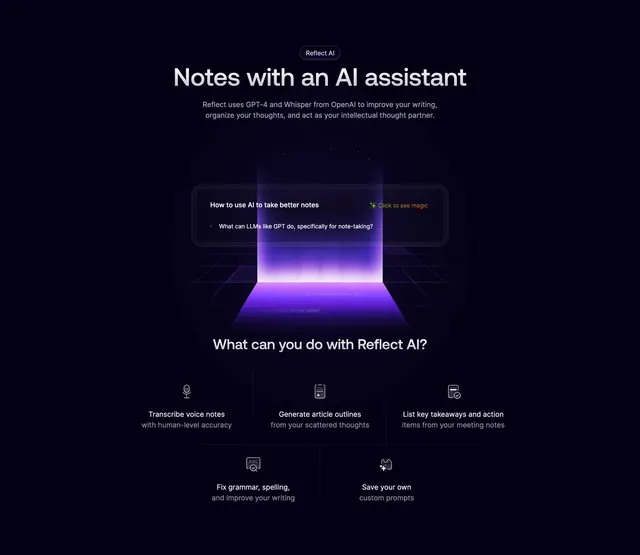 Reflect AI assistant portal hero
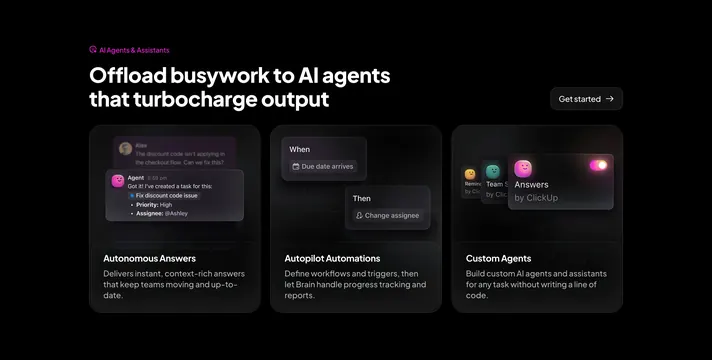 ClickUp AI agents and assistants trio
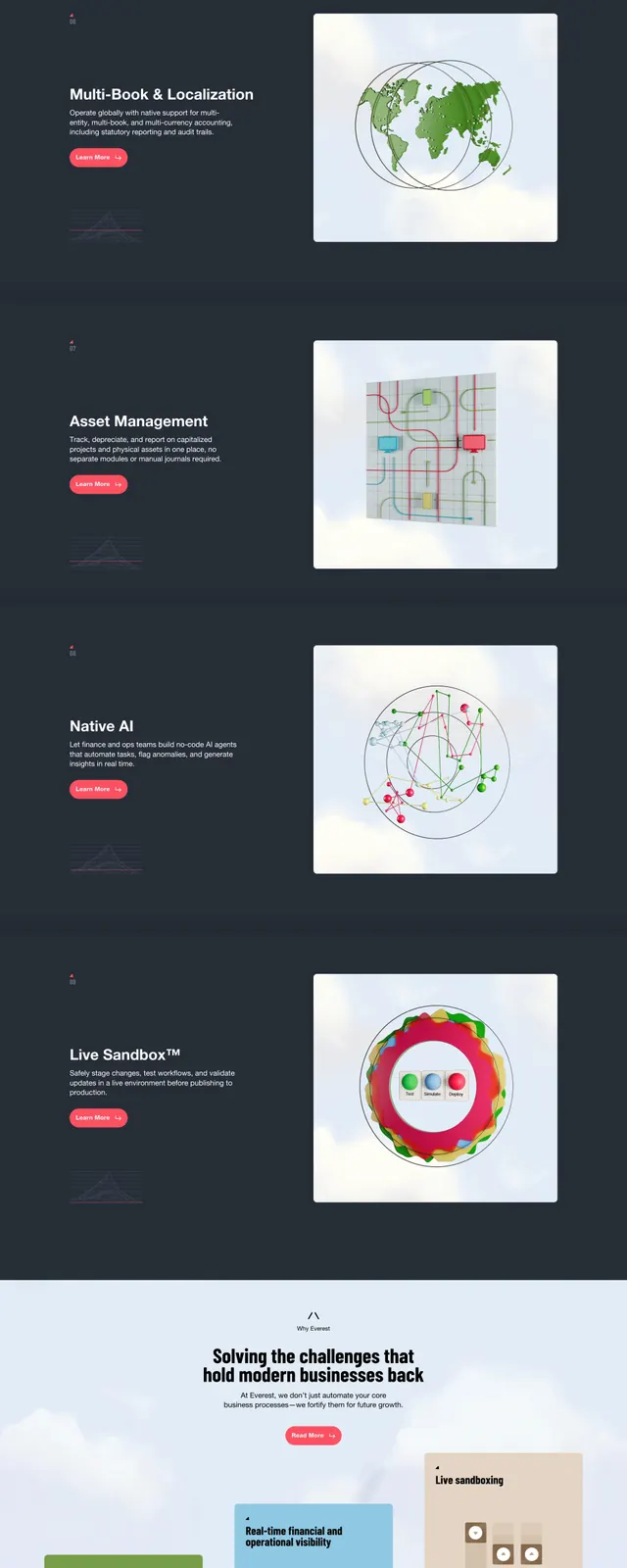 Everest AI ERP Landing Page
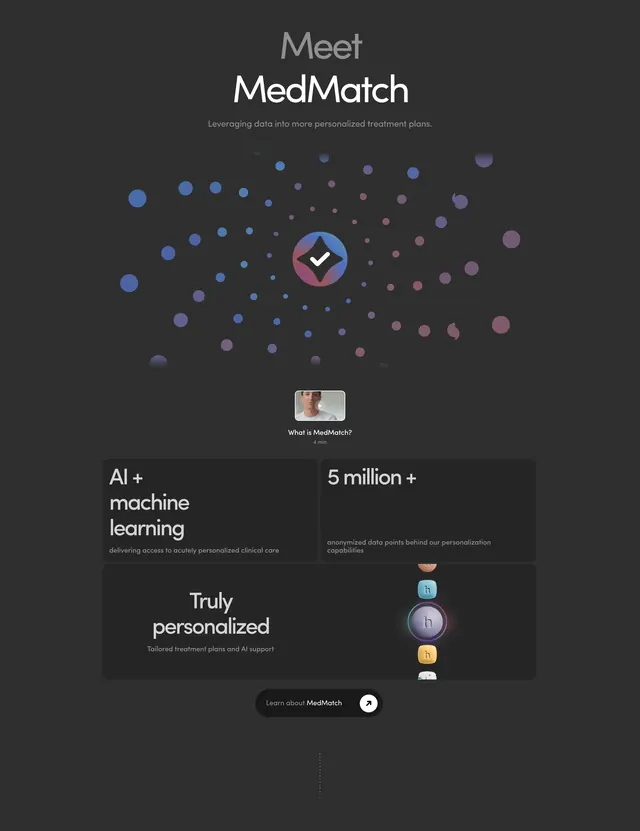 Hers MedMatch dark AI feature
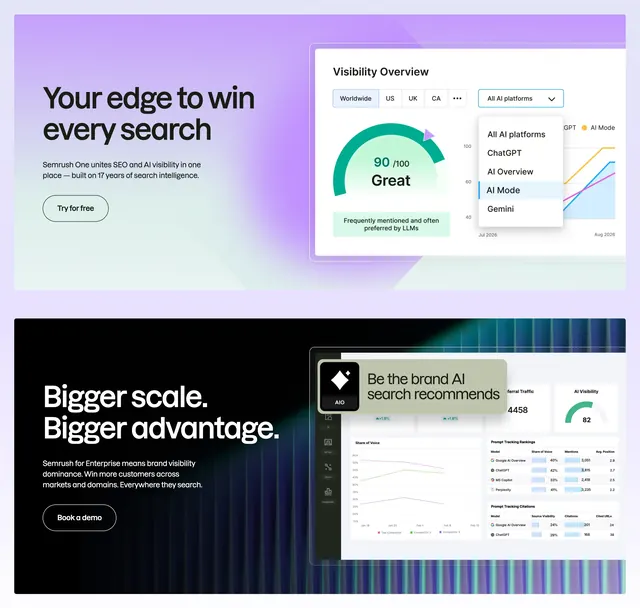 Semrush AI search dual feature
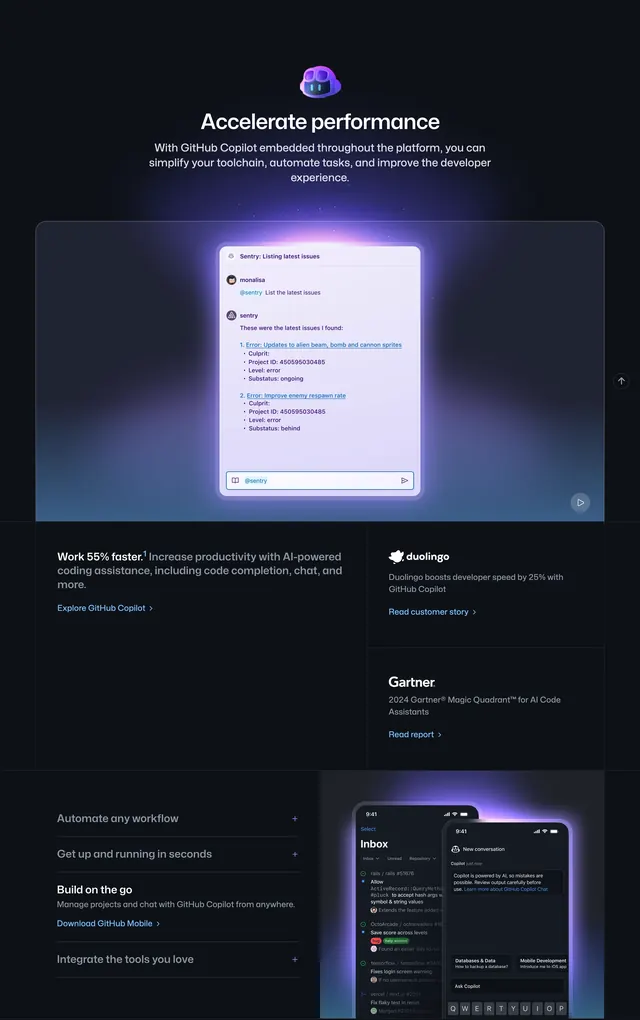 GitHub Copilot accelerate performance feature
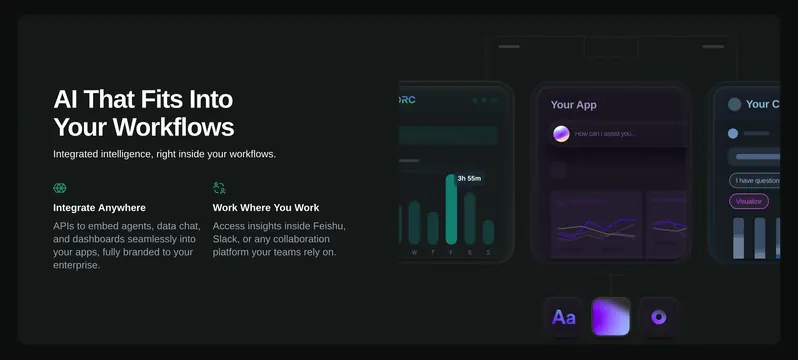 ReOrc AI workflow integration feature
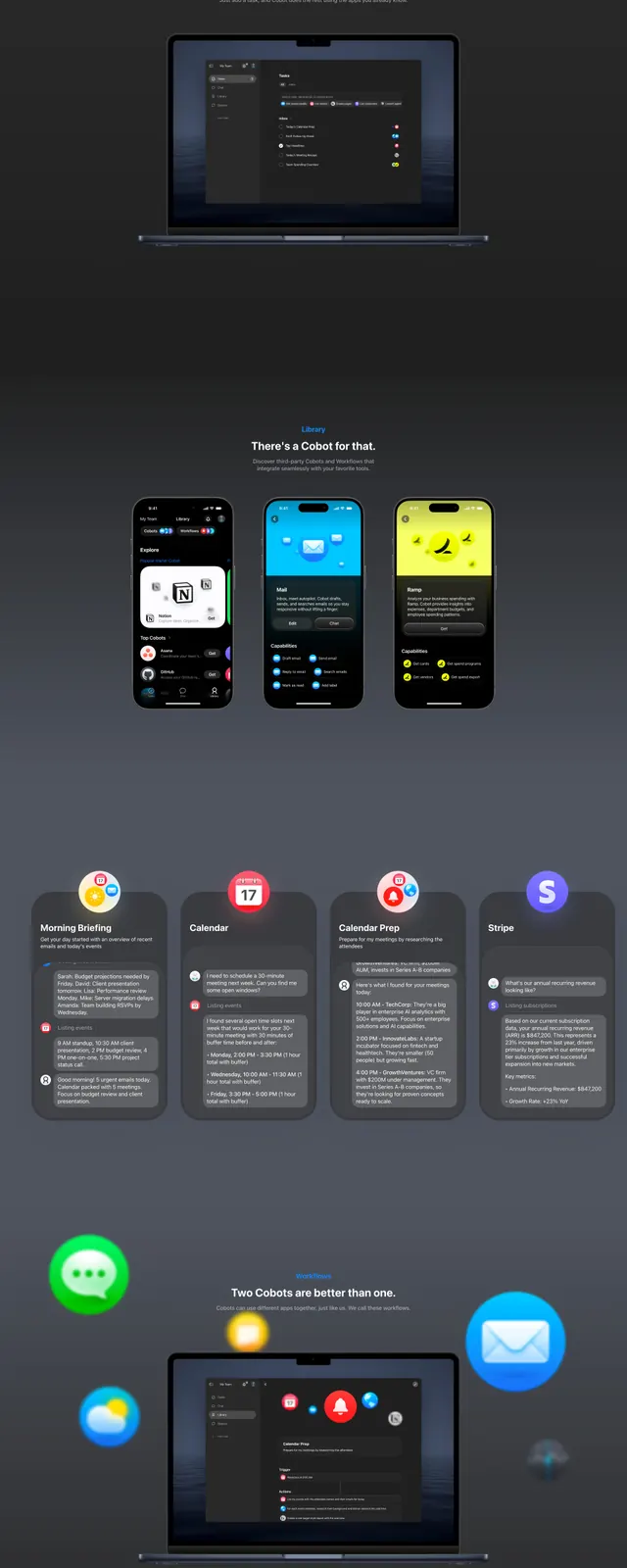 Dark Cobot Product Launch
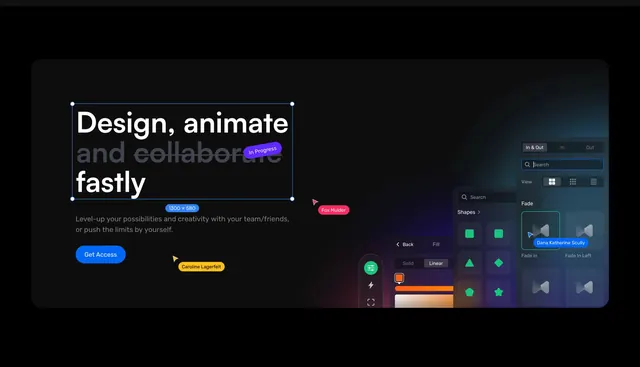 Create collaborative design hero
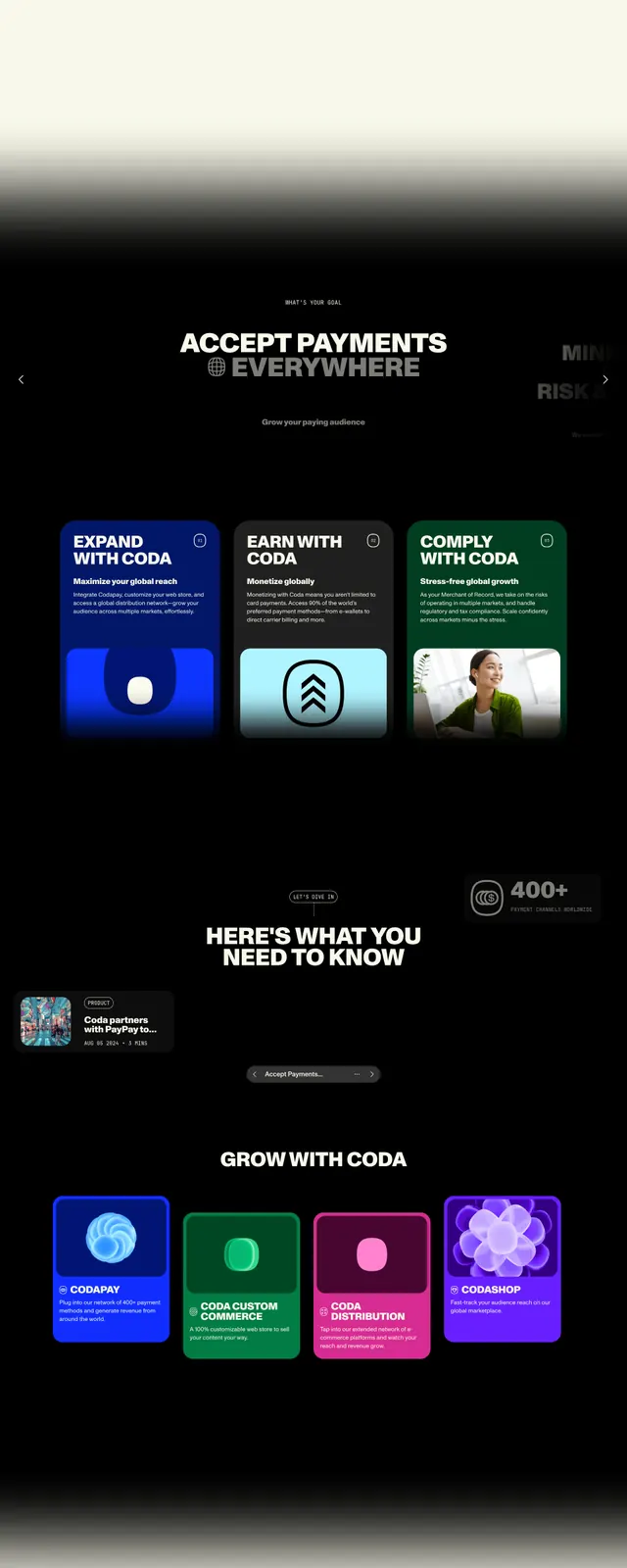 Coda Co homepage hero
 ClickUp AI notetaker price comparison
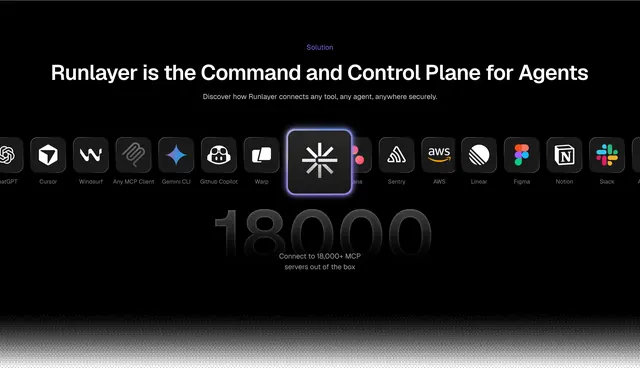 Runlayer agent connection headline with metric
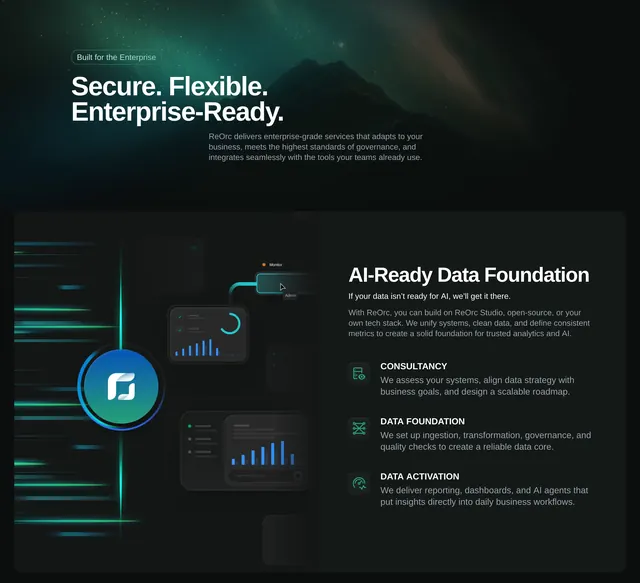 ReOrc enterprise data foundation feature
 GitHub Copilot agent mode hero
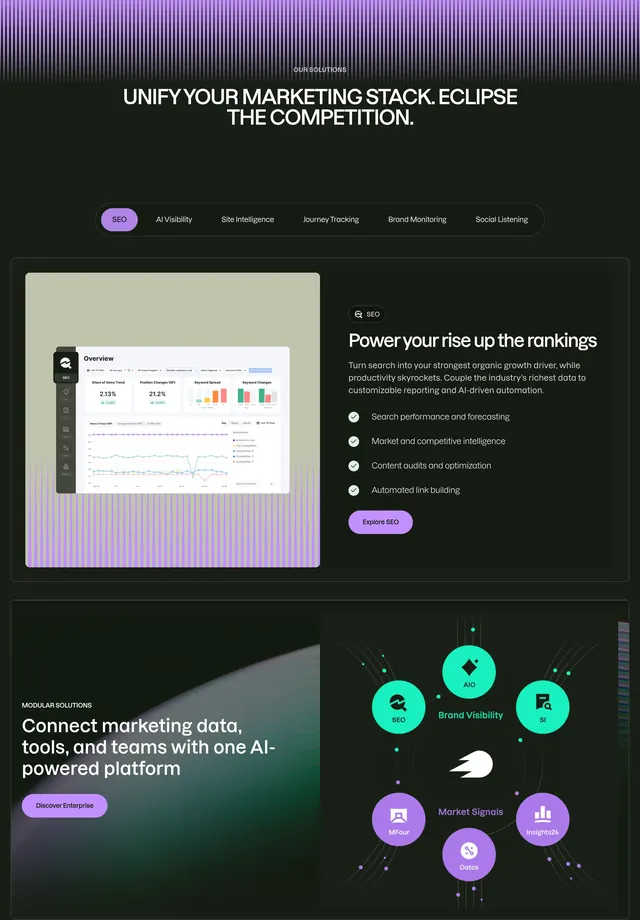 Semrush solutions tabbed feature showcase
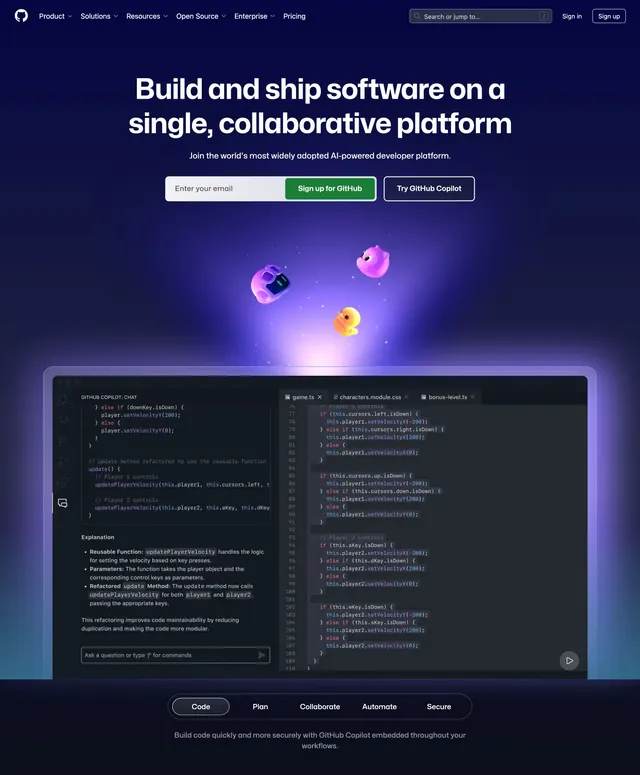 GitHub homepage hero
 ReOrc mission aurora hero
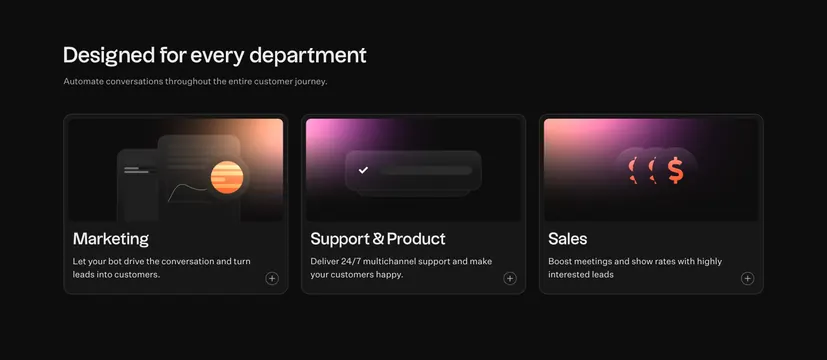 Typebot Features Section
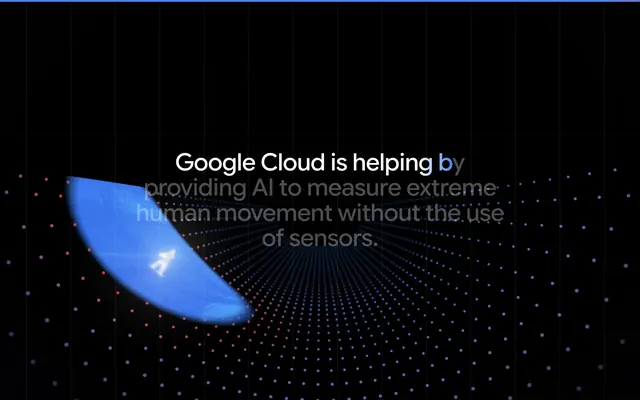 Google Cloud AI movement visualization hero
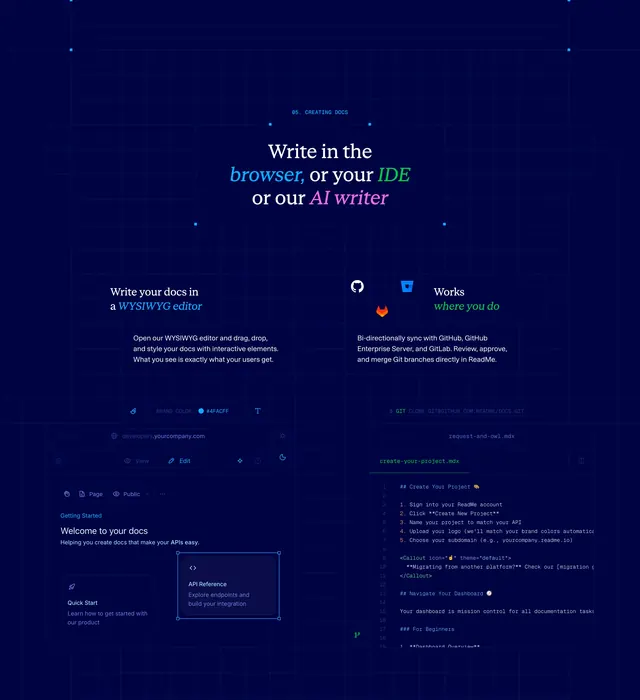 ReadMe creating docs browser IDE AI section
 N8N CTA Section
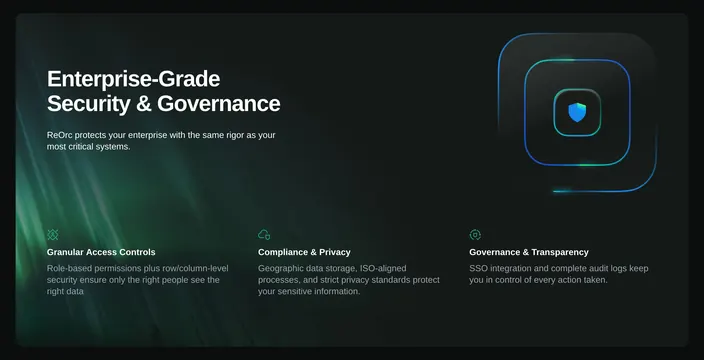 ReOrc security governance feature grid
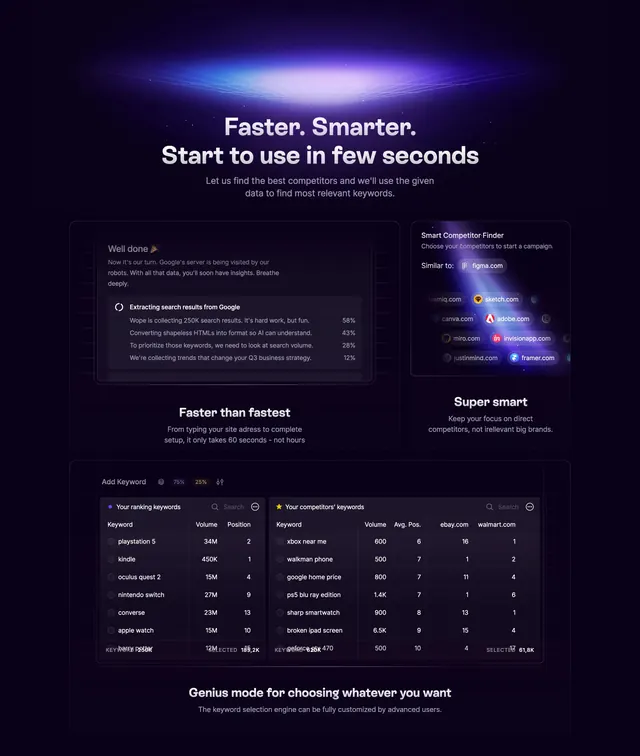 Wope onboarding features grid