ReadMe creating docs browser IDE AI section
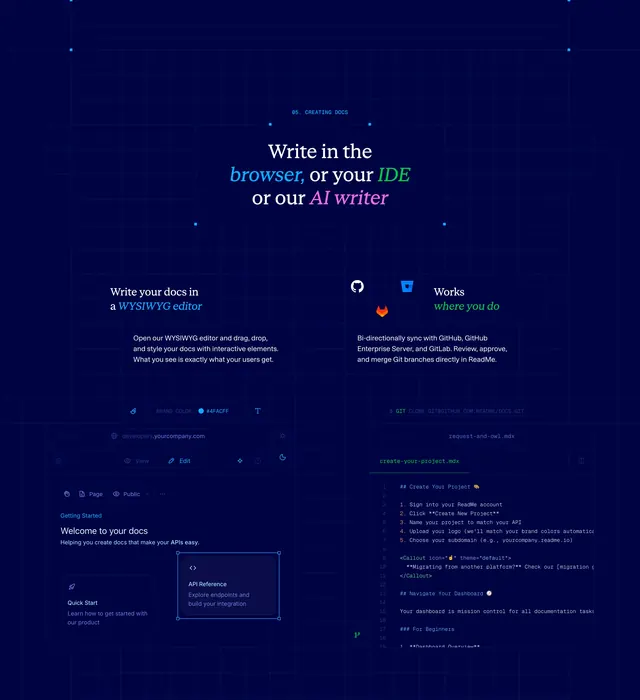
Dark grid section with color-coded browser IDE AI writer headline and dual editor mockups.
Summary
Dark grid section with color-coded browser IDE AI writer headline and dual editor mockups.
Visual description
Navy grid with glowing nodes, 05 CREATING DOCS label, serif headline Write in the browser or your IDE or our AI writer with blue green pink keyword colors, two columns for WYSIWYG drag-drop copy and GitHub GitLab sync copy, bottom browser editor mock with draggable API Reference card and IDE terminal cloning docs repo with MDX callout code.
Key takeaway
Color-coded keywords in one headline communicate three authoring modes instantly. Side-by-side browser and IDE mockups show parity between personas.
Reuse notes
Strong for docs platforms pitching flexible authoring. Dark busy background needs careful mockup contrast.
More like this
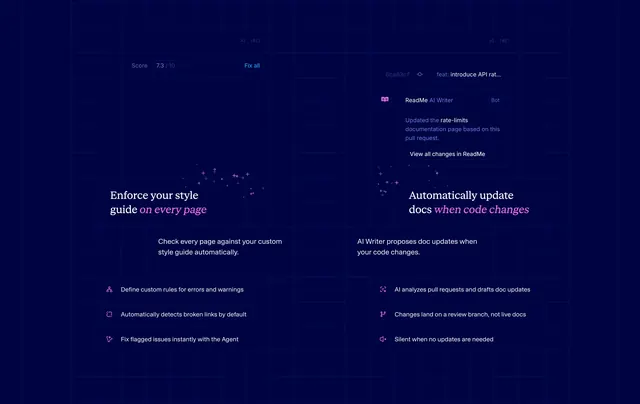 ReadMe AI style guide and writer grid
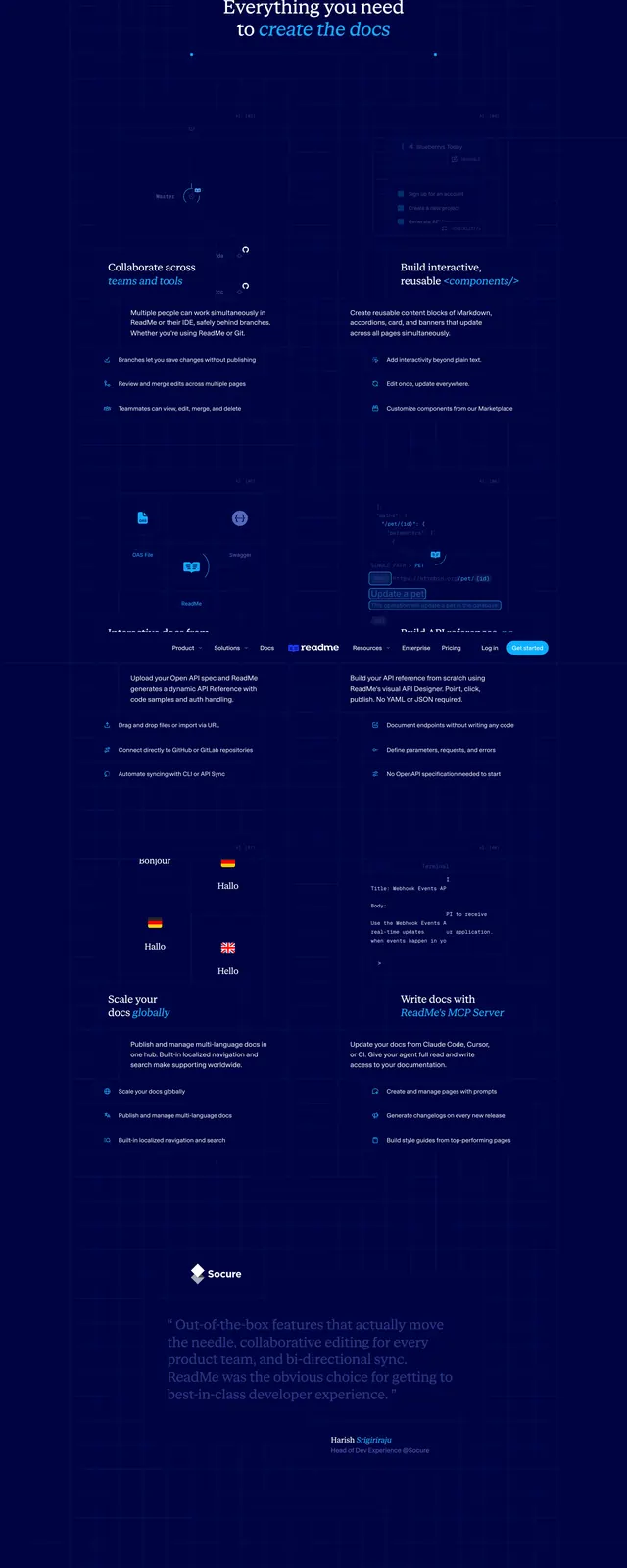 ReadMe full product feature scroll
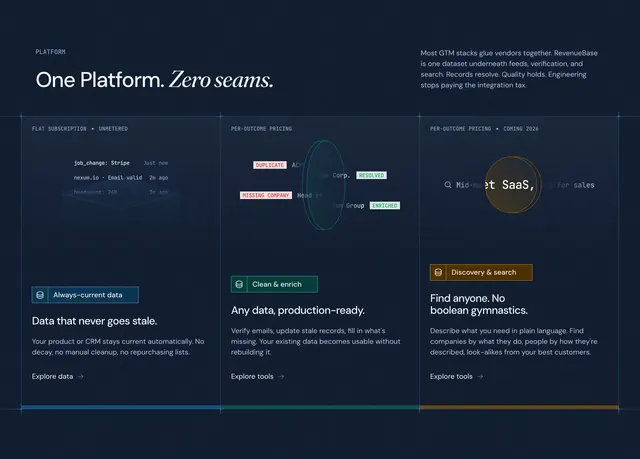 RevenueBase platform capabilities feature showcase
 ReadMe Attribution git integration quote
 GitHub Advanced Security hero
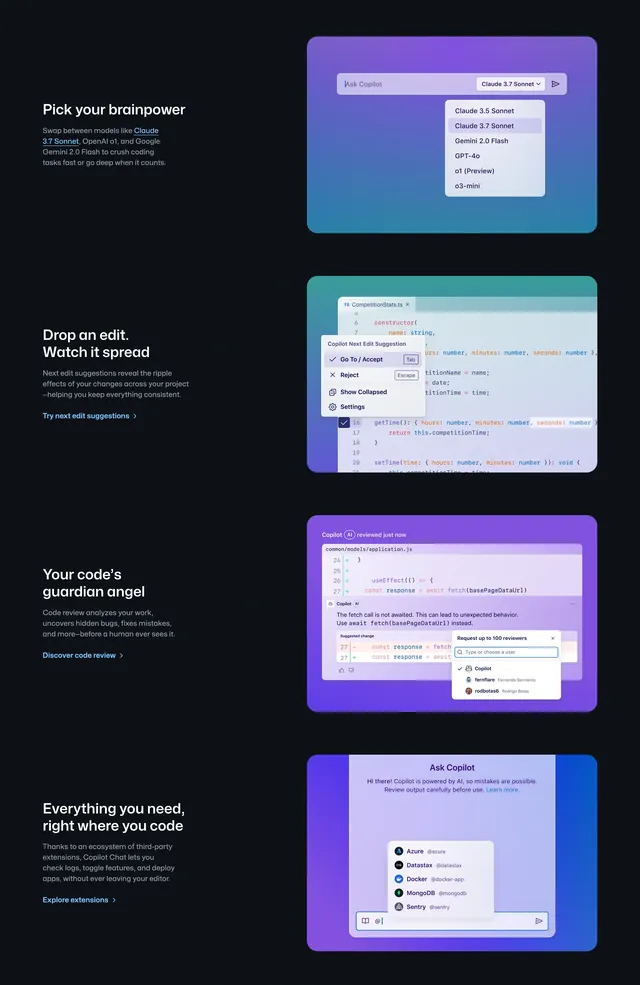 GitHub Copilot stacked feature rows
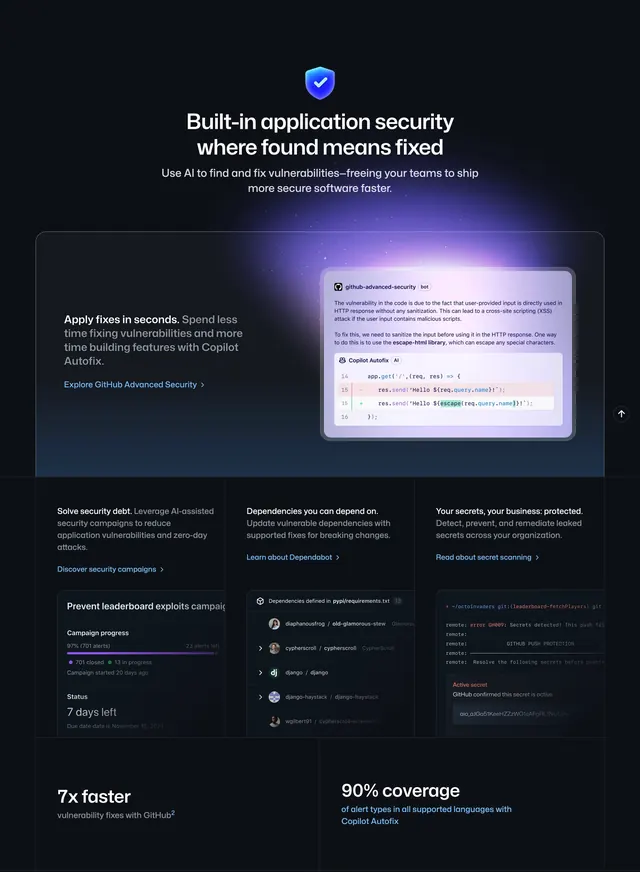 GitHub homepage productivity section
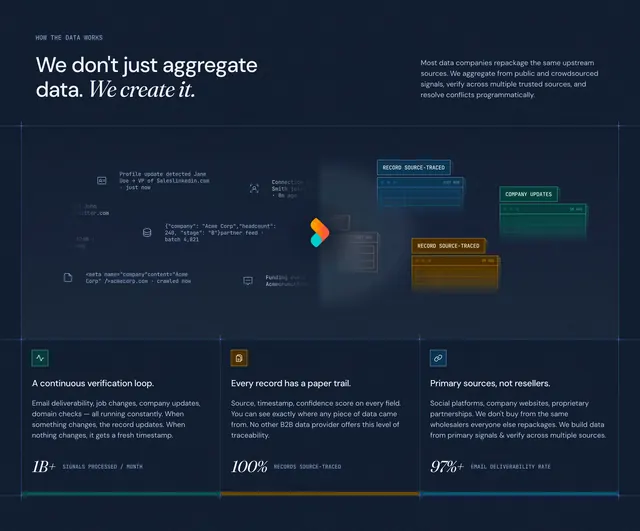 RevenueBase how-the-data-works value section
 Semrush AI search dual feature
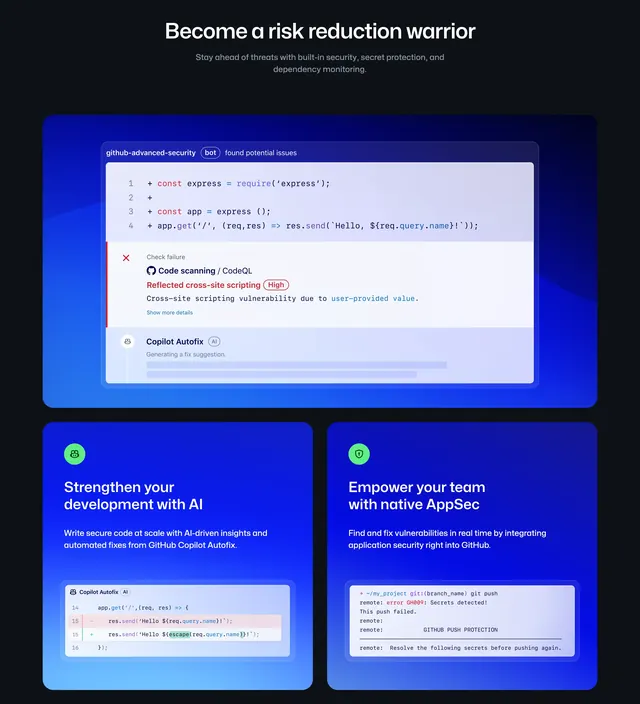 GitHub Security risk reduction bento features
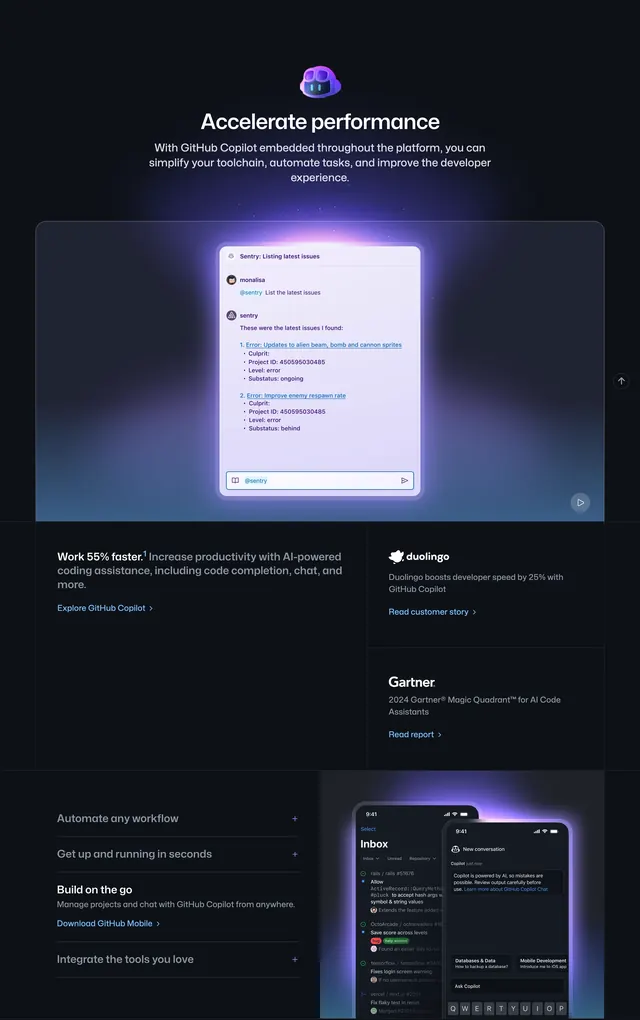 GitHub Copilot accelerate performance feature
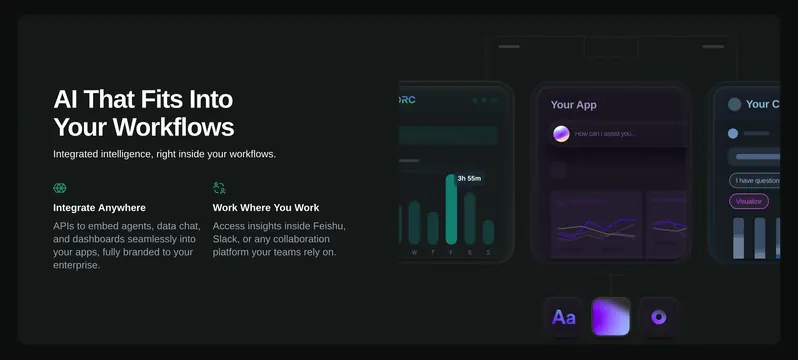 ReOrc AI workflow integration feature
 AuthKit extensibility architecture diagram
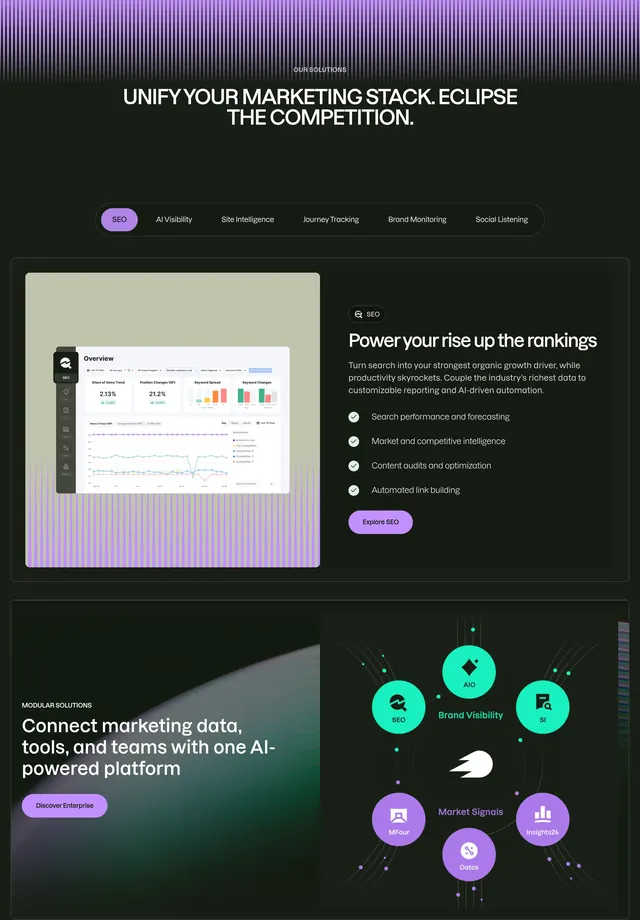 Semrush solutions tabbed feature showcase
 RevenueBase B2B data infrastructure hero
 AuthKit WorkOS enterprise growth platform
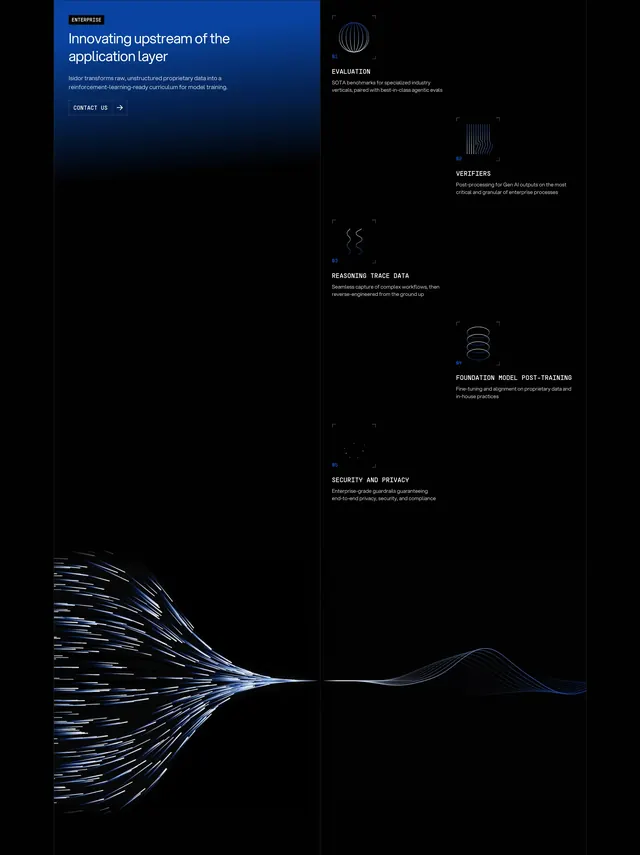 Isidor enterprise pipeline feature grid
 The Grid fungibility value proposition
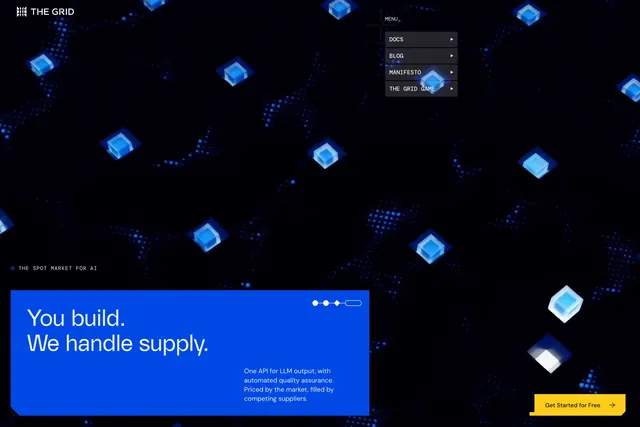 The Grid spot market hero
 Transform9 custom AI voice hero
 Transform9 security and compliance section
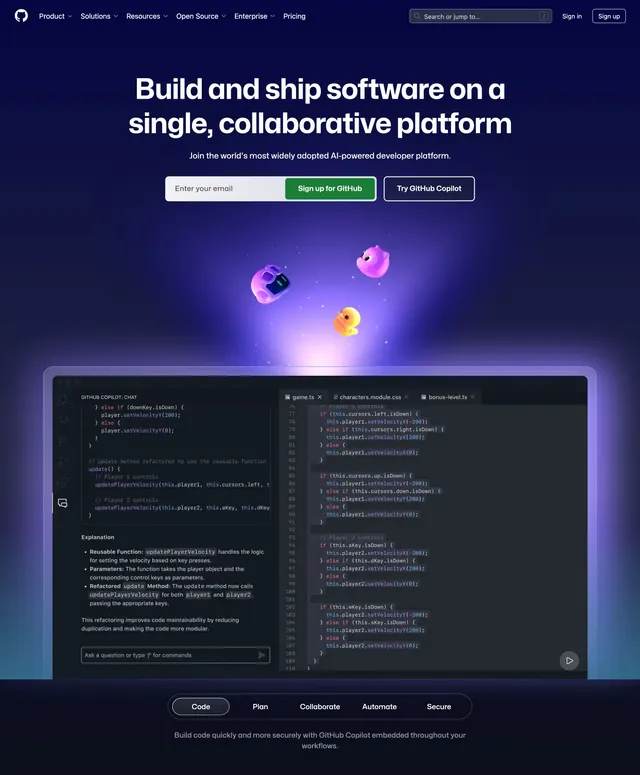 GitHub homepage hero
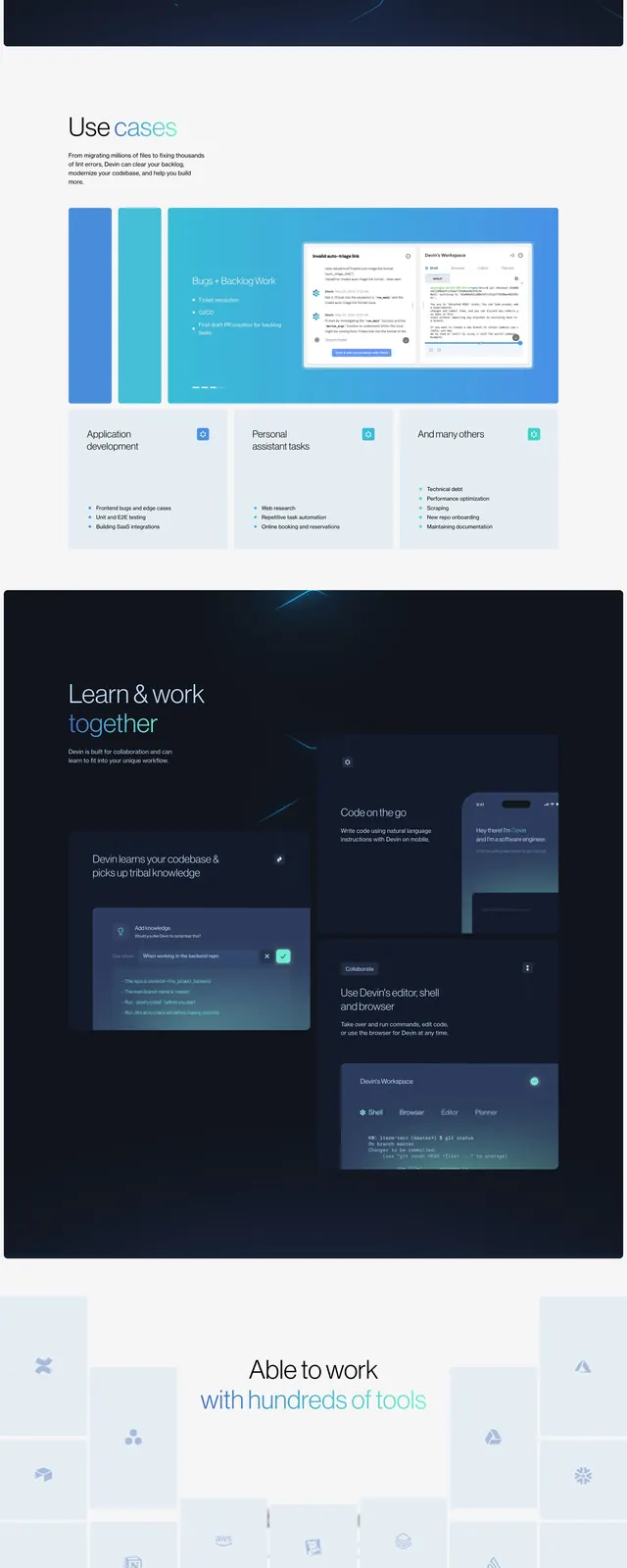 Devin dark SaaS landing page
 Reflect AI assistant portal hero