Digital Calendar Interface
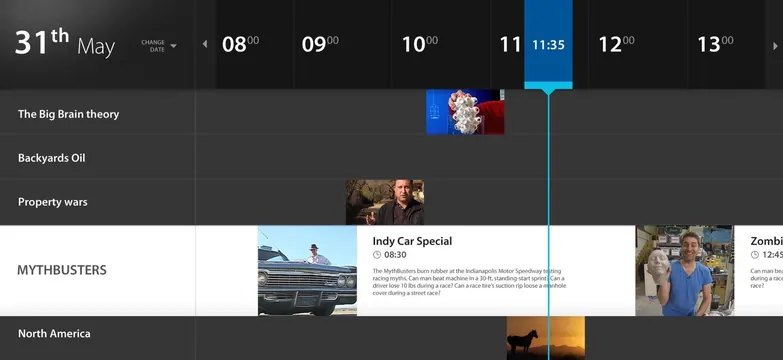
A clean, functional UI layout for a calendar application showing daily events, time slots, and navigation.
Summary
A clean, functional UI layout for a calendar application showing daily events, time slots, and navigation.
Visual description
A horizontal timeline displays hours with a blue highlight on the current time. Below, a list of events includes thumbnails, titles, and descriptions arranged in a grid-like flow.
Key takeaway
The design uses a clear vertical timeline and distinct content blocks to make scheduling easy to read at a glance.
Reuse notes
Use this layout for scheduling apps or project management dashboards requiring a chronological view.
More like this
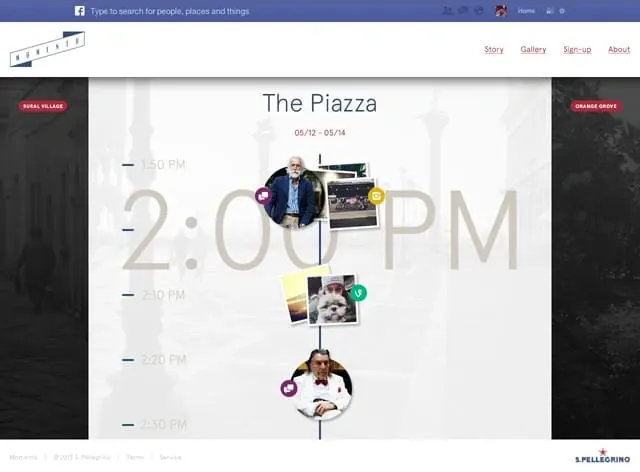 The Plaza UI Design
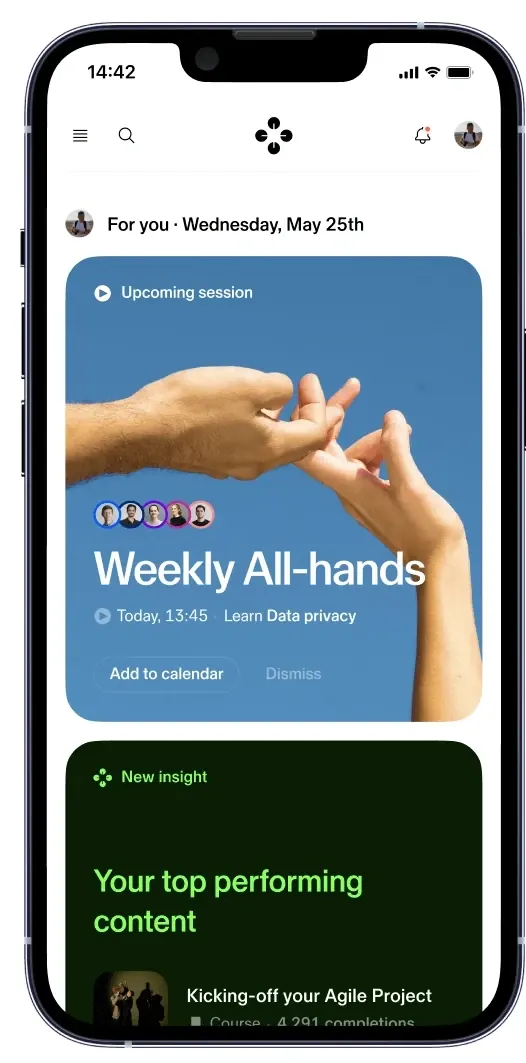 Hands collaborative session card mobile app
 Minimalist SaaS Dashboard Interface
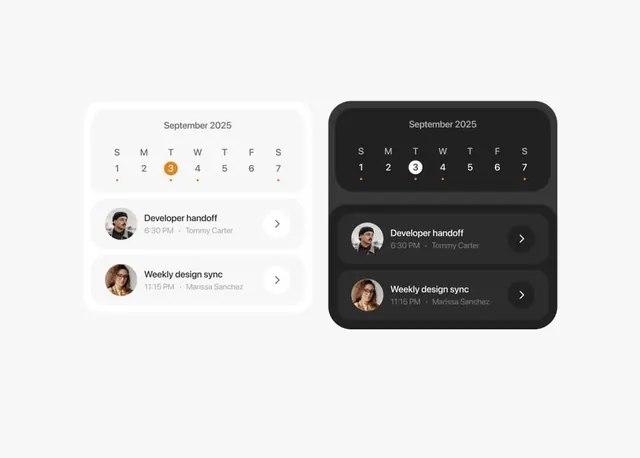 Calendar UI with light and dark theme variants
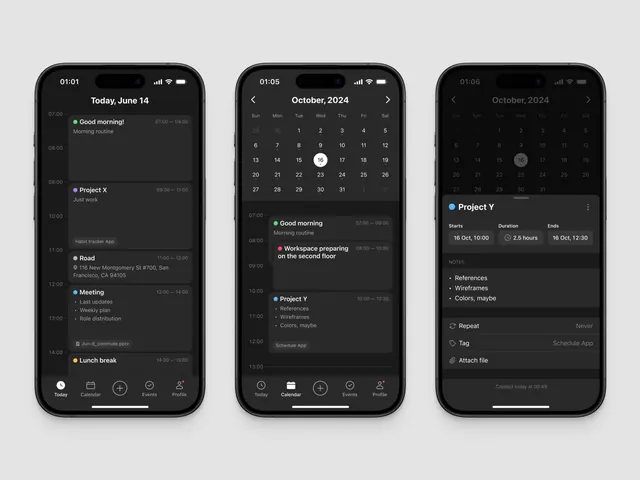 Dark schedule app with three phone views
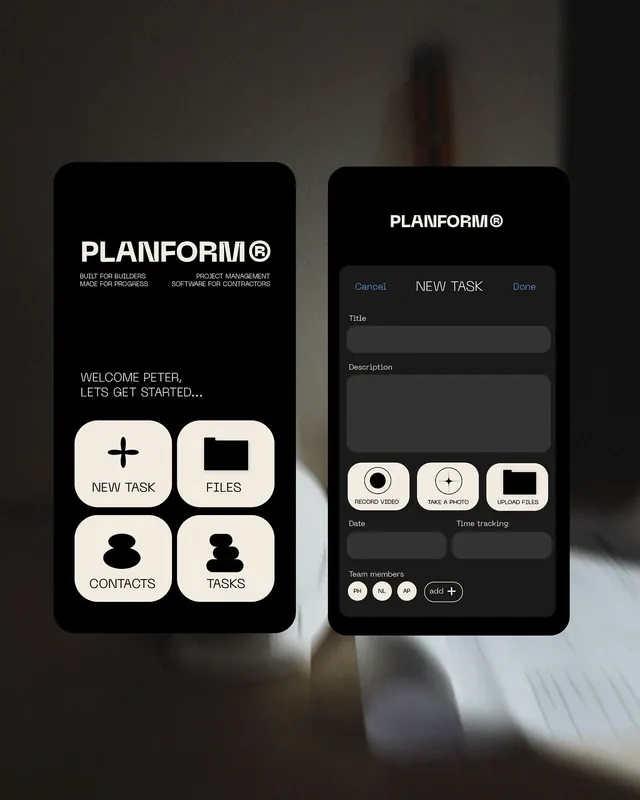 Planform project management mobile screens
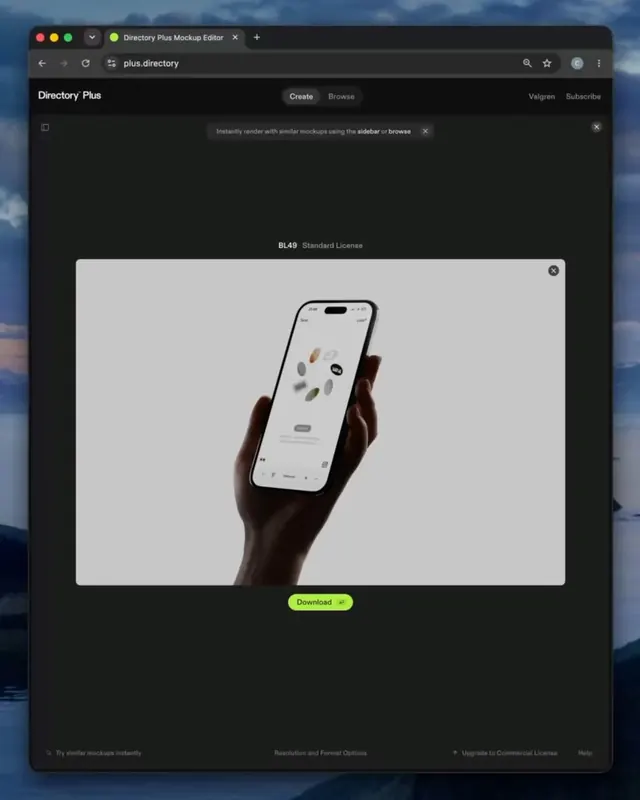 Directory Plus mockup editor product demo carousel (slide 2)
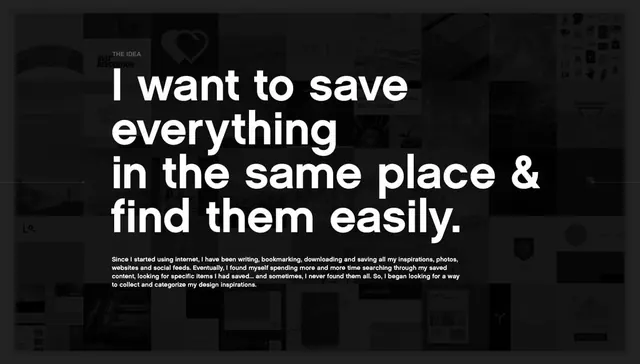 Dark hero with bold value proposition
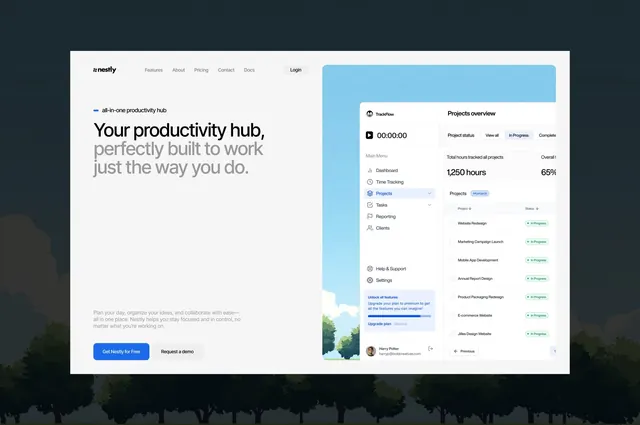 Minimal corporate-clean ui screen
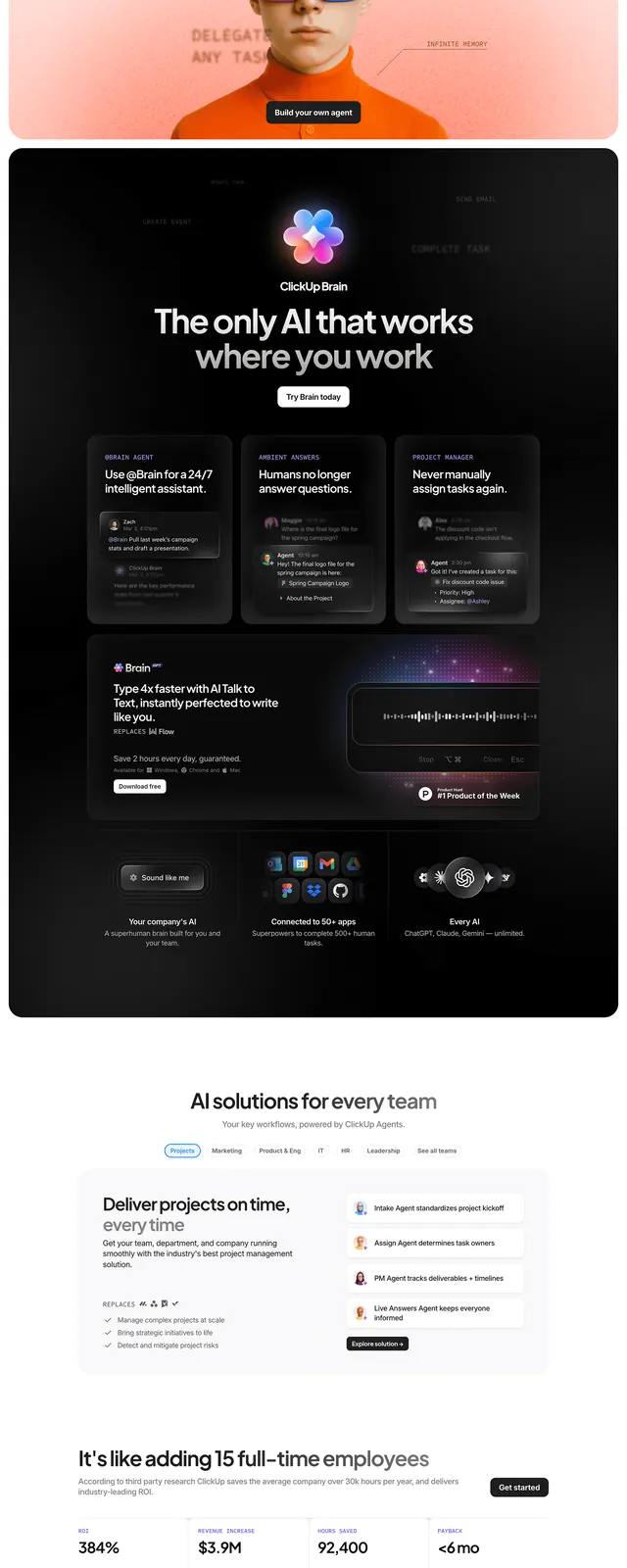 AI productivity SaaS full-page scroll with multi-section layout and dark feature strip
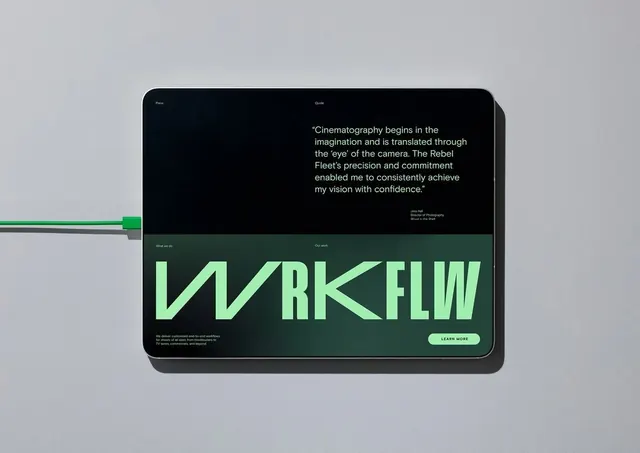 Workflow UI Mockup
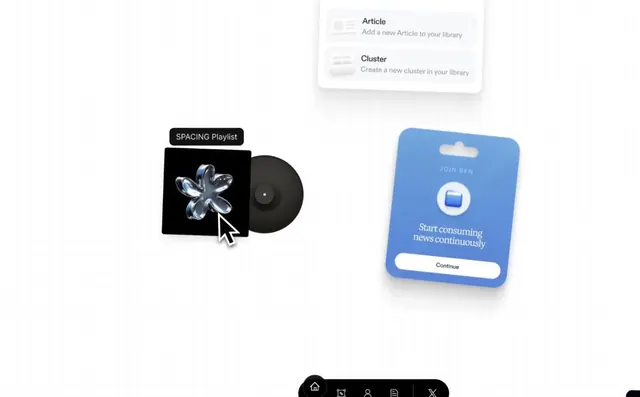 Content curation app with card menu and 3D mockups
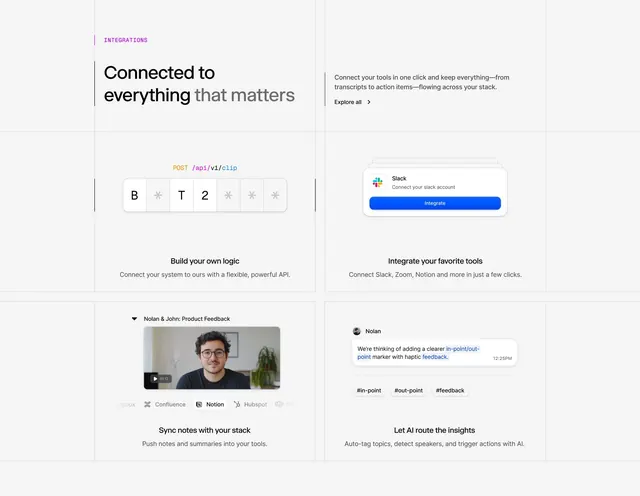 Developer API and integrations dashboard
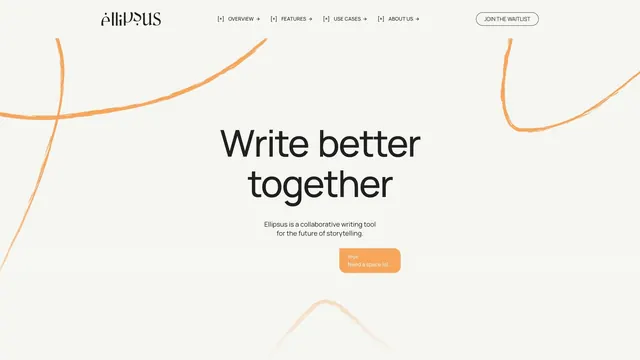 Ellipsus collaborative writing tool hero
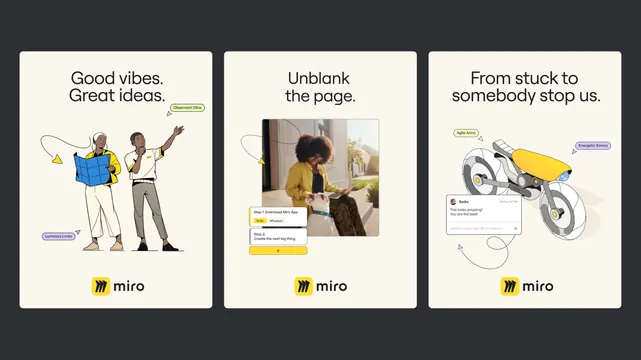 Flat minimal ui screen
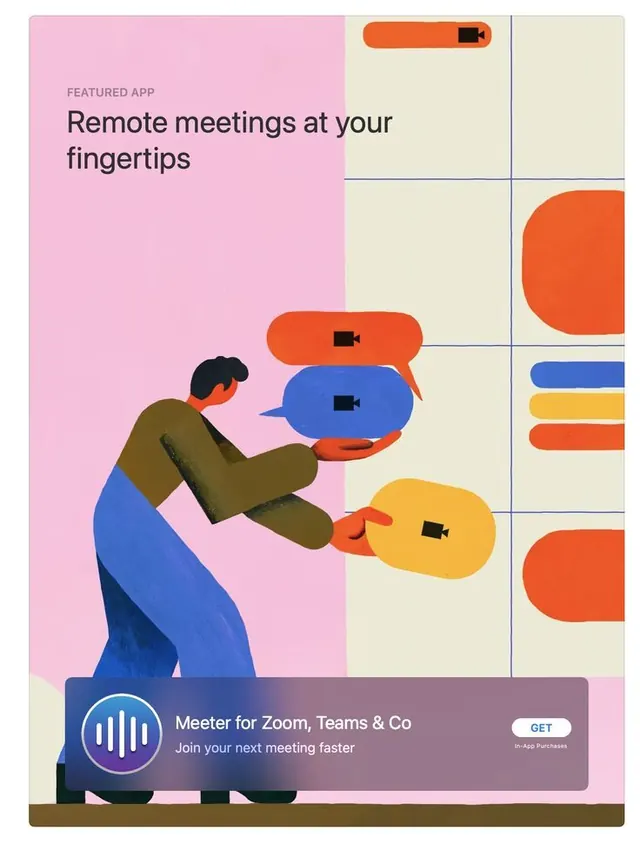 Minimal organic ui screen
 Minimal flat ui screen
 Email onboarding flow modal
 Video Player Interface with Branding
 Minimal ui screen
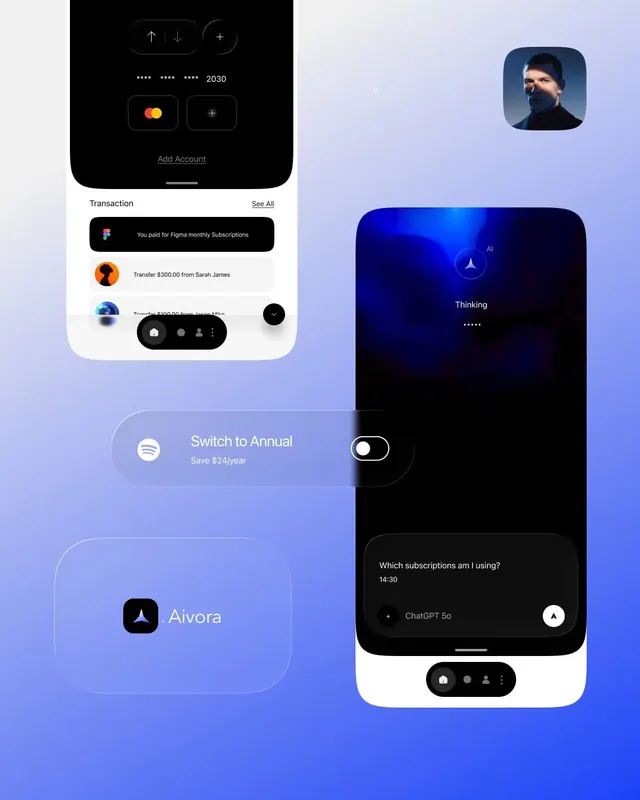 Mobile fintech dashboard with AI assistant, dual-screen layout
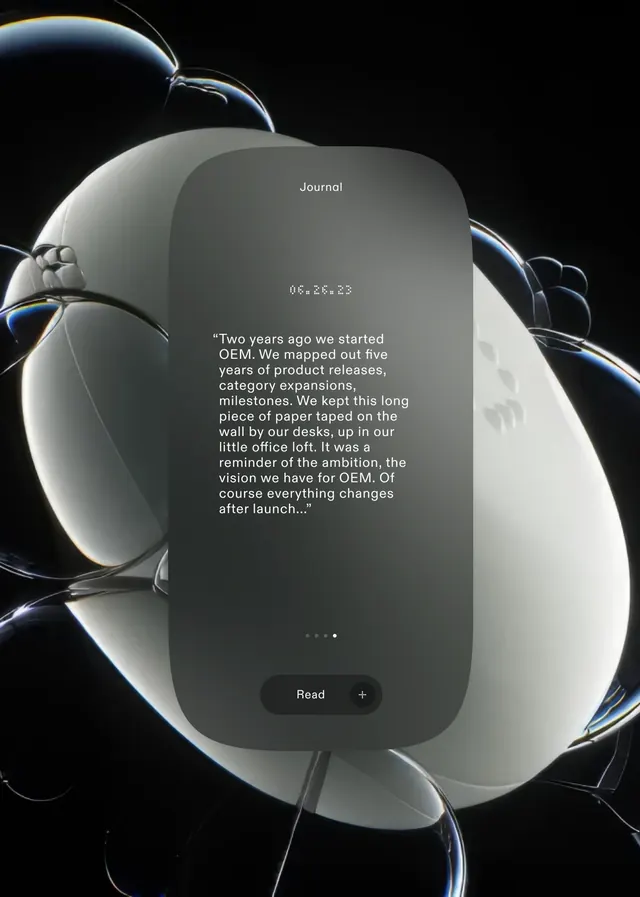 Organic glass journal app interface
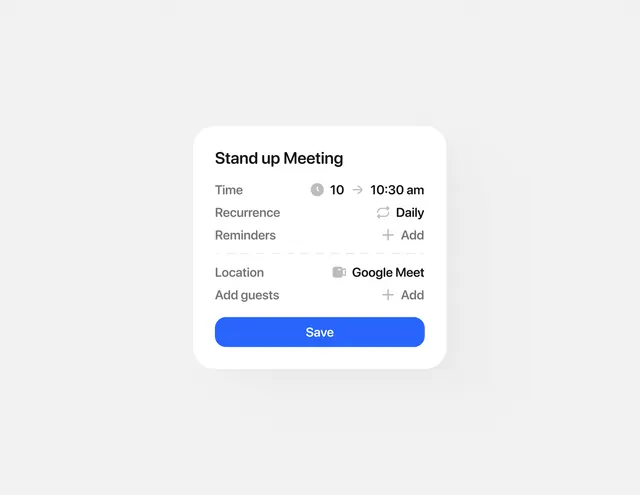 Stand up meeting form card
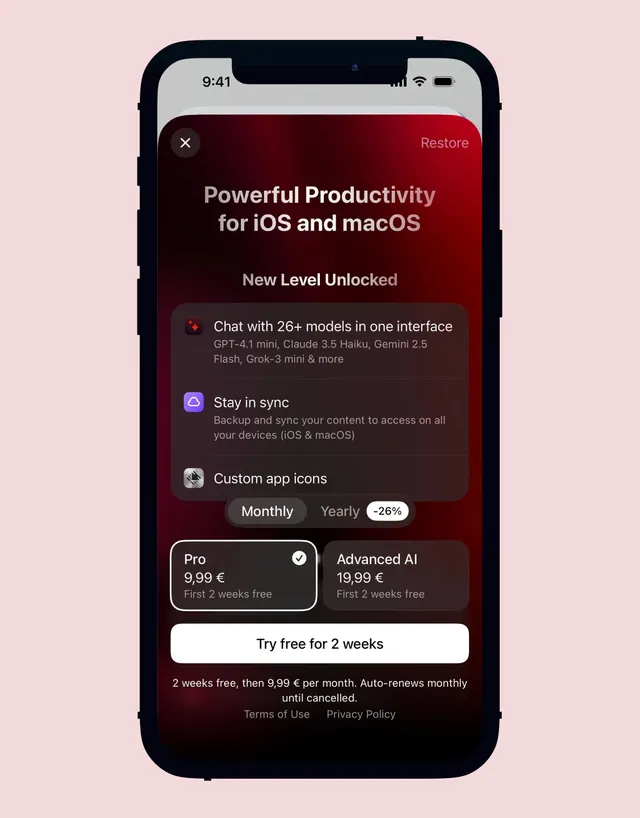 Dark-mode ui screen