Planform project management mobile screens
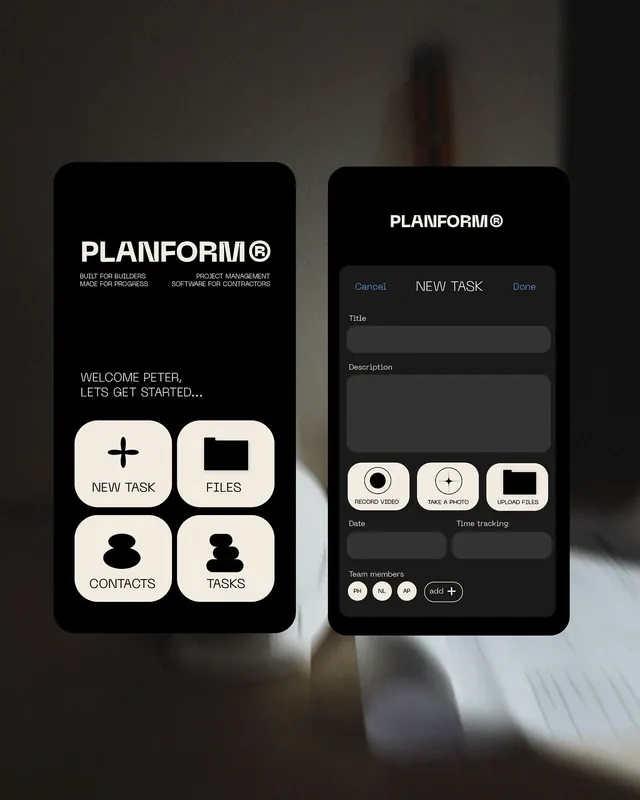
Two-screen mobile UI for Planform, a dark-mode project management app pairing a grid-based task menu with a detailed task-creation form.
Summary
A dark-mode pair of mobile screens for Planform, a project management tool. The left screen presents four primary tasks as large rounded-square icon buttons in a 2x2 grid (New Task, Files, Contacts, Tasks) with a welcome message below; the right screen is a detail form for creating a new task, with fields for title, description, date, time tracking, and team member selection.
Visual description
Left screen: black background with the Planform logo and tagline at top, followed by "WELCOME PETER, LET'S GET STARTED..." in off-white sans-serif. Four ivory rounded-square buttons occupy the lower half in a 2x2 grid, each with a black icon and label (plus sign, folder, people, checkmark), clearly delineated with generous spacing. Right screen: same black background with Planform header and action buttons (Cancel, New Task, Done) in blue and white. Below is a vertical form with text inputs for Title (dark field, minimal styling) and Description (larger text area), followed by smaller sections for Date, Time tracking toggle, and Team members (avatars plus an add button). All typography is sans-serif; the overall hierarchy is crisp and scannable.
Key takeaway
The stark dark-background contrast with cream/off-white typography making text pop without color distraction. The 2x2 grid of icon buttons as a launchpad pattern is instantly recognizable. The form screen demonstrates restrained field styling and tight vertical spacing, relying on field labels and whitespace rather than borders for clarity.
Reuse notes
Ideal reference for mobile-first SaaS apps requiring task or project management flows. The dark mode works for technical audiences (dev tools, construction software, enterprise). The grid-based task picker is reusable in onboarding or dashboard contexts. Caveat: the warm (off-white, subtle beige) tones work here but shift away from pure monochrome; pair with a cool accent color if adding interactivity.
More like this
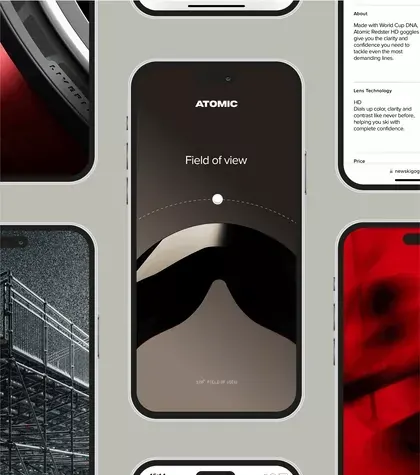 Atomic app product screen mockup with red accents
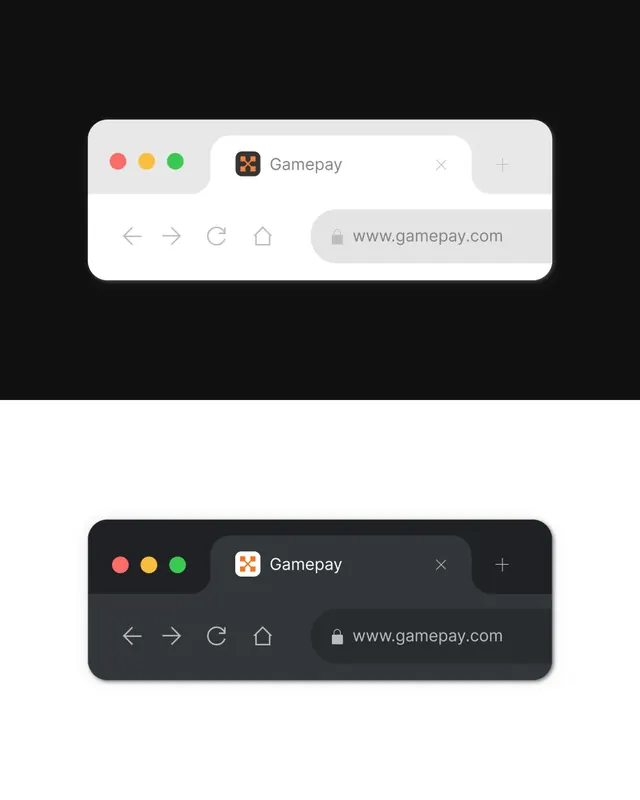 Browser address bar light/dark variants
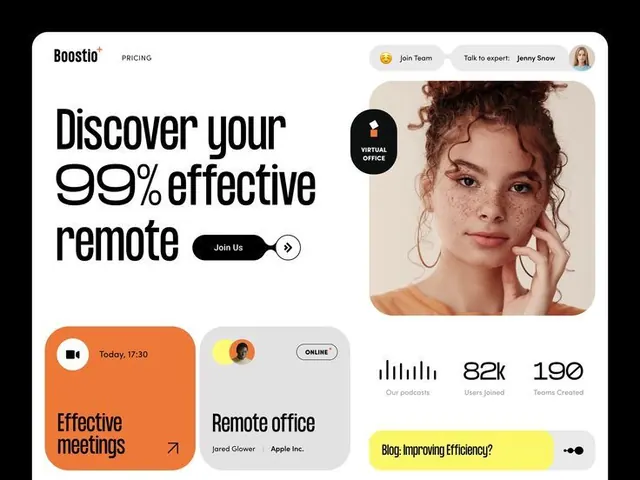 Remote work SaaS hero with bold sans-serif and feature cards
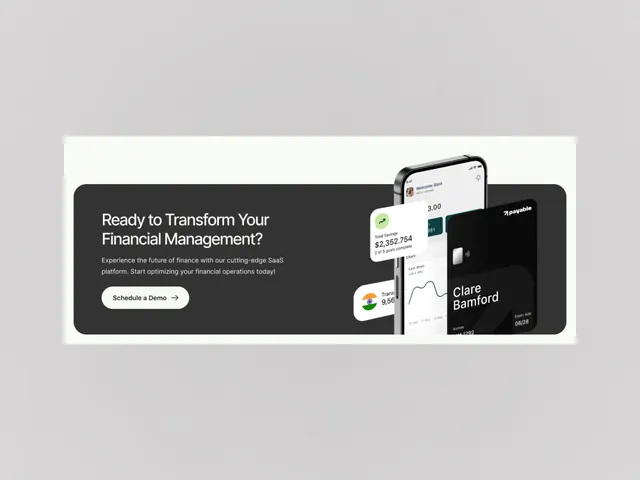 Minimal corporate-clean ui screen
 Dark Theme Interface Design for Technology Product
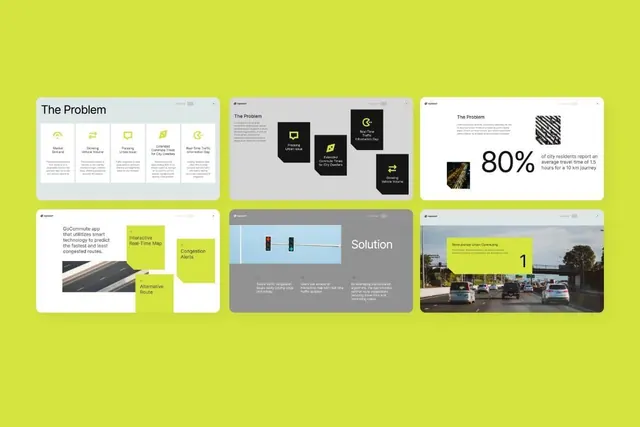 Urban mobility problem and solution boards on lime green background
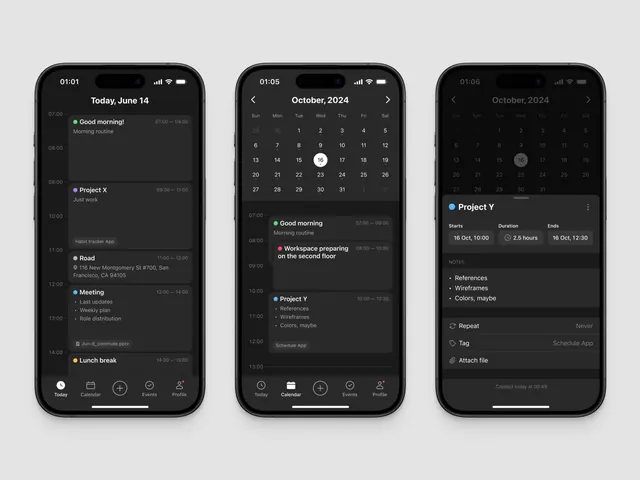 Dark schedule app with three phone views
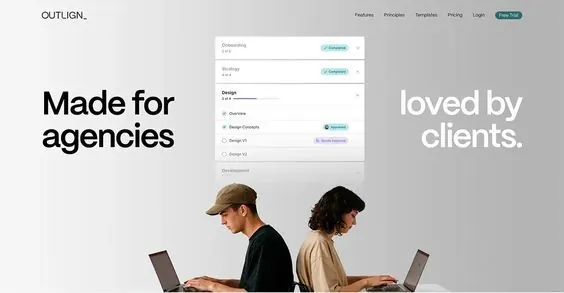 Agency SaaS hero with split messaging
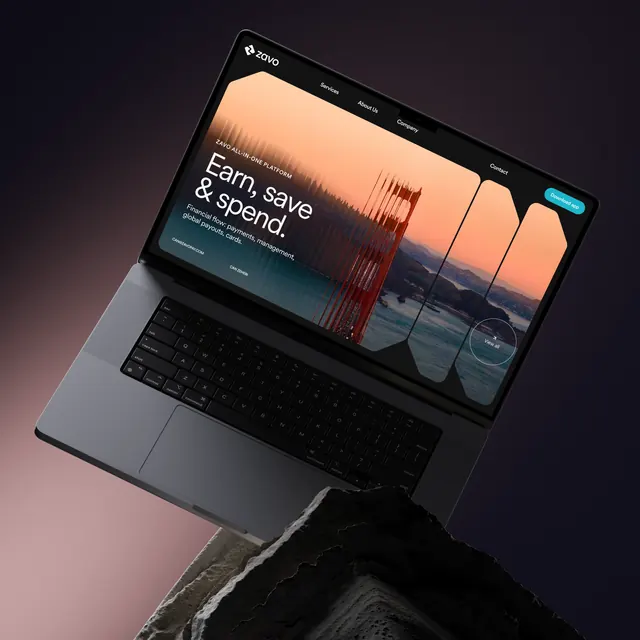 Fintech dashboard with warm sunset gradient mockup
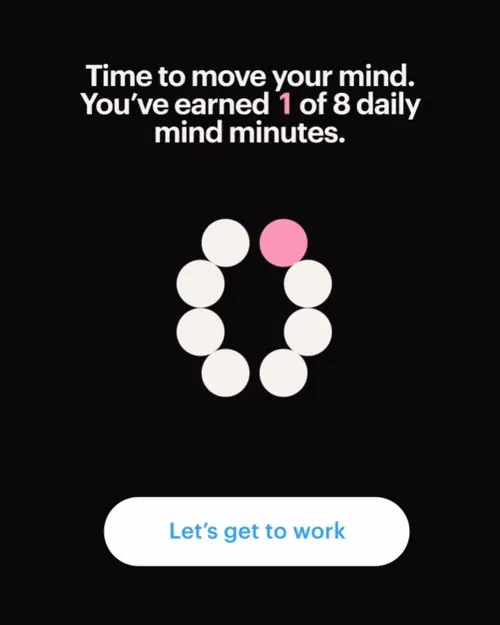 Achievement gamification screen with progress rings
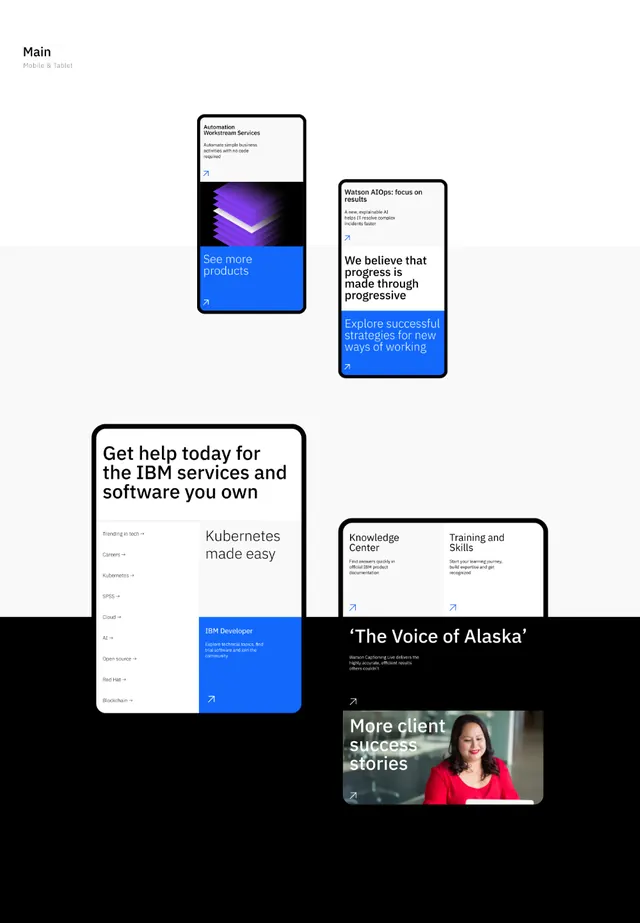 Minimal dark-mode ui screen
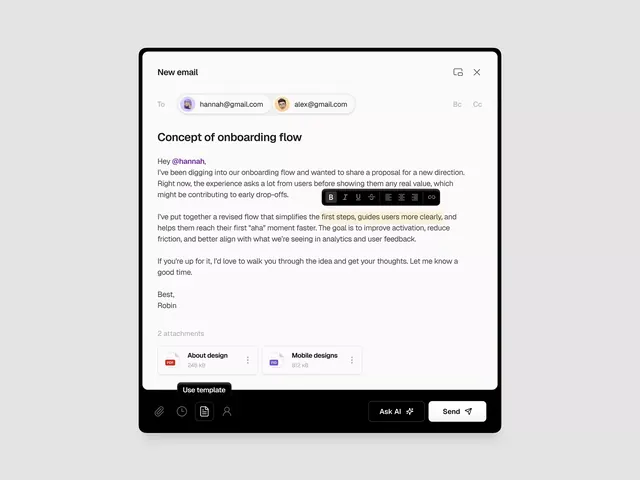 Email onboarding flow modal
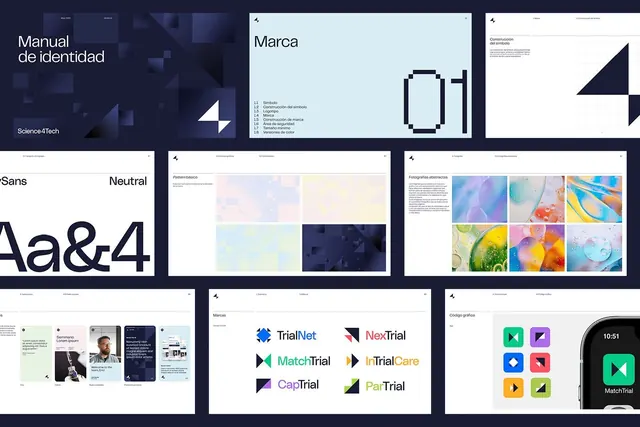 Science4Tech brand identity system pages
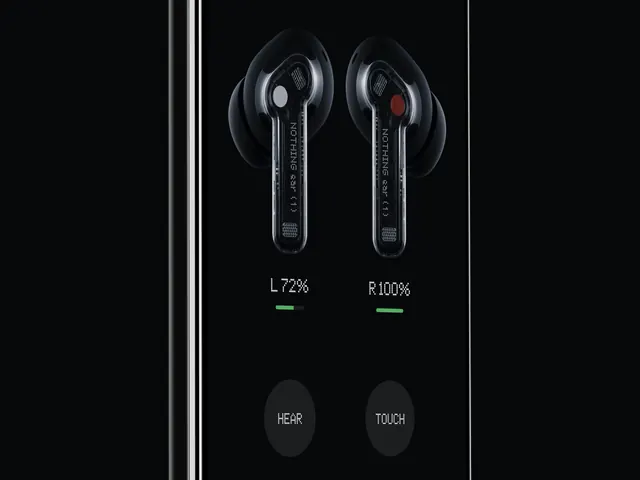 Clean Minimalist App Interface
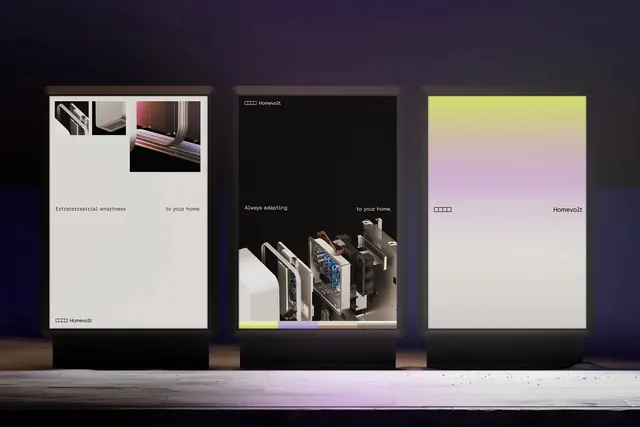 Homevolt smart-home product screens
 Directory Plus mockup editor product demo carousel (slide 1)
 Minimal ui screen
 Dark-mode gradient-heavy ui screen
 Minimal dark-mode ui screen
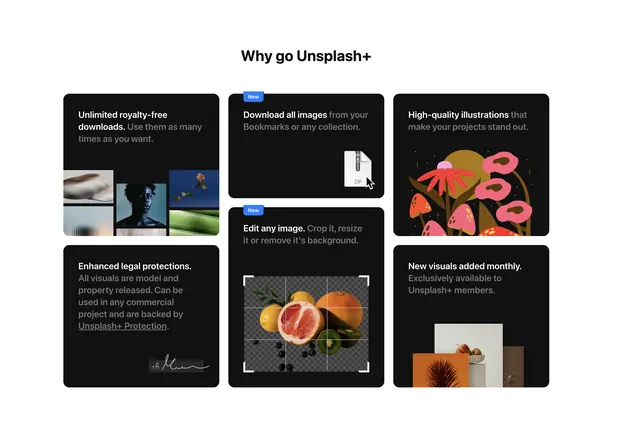 Dark feature cards with product benefits
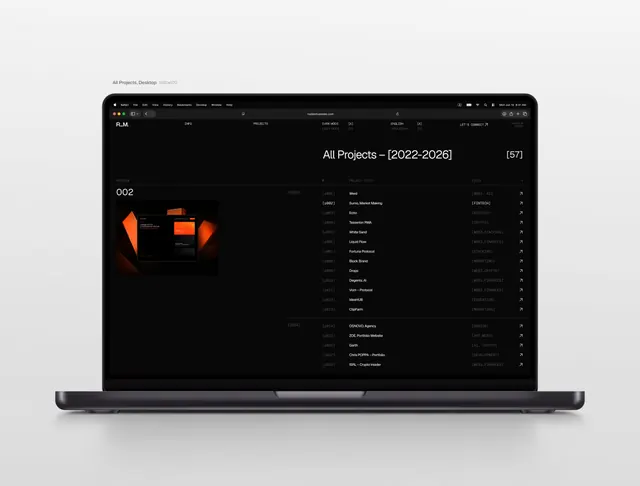 Dark-mode minimal ui screen
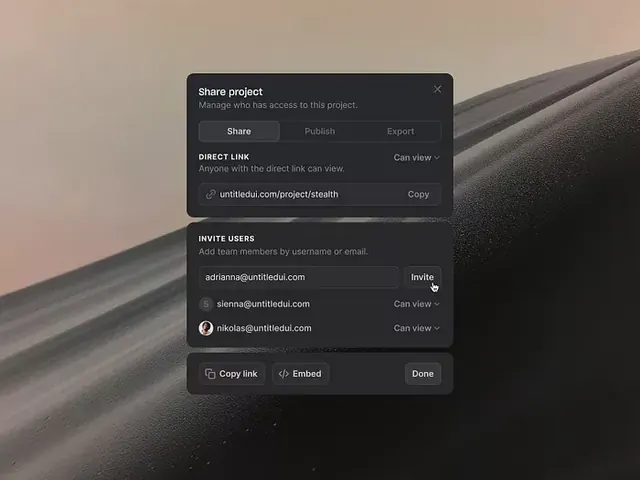 Dark-mode minimal ui screen
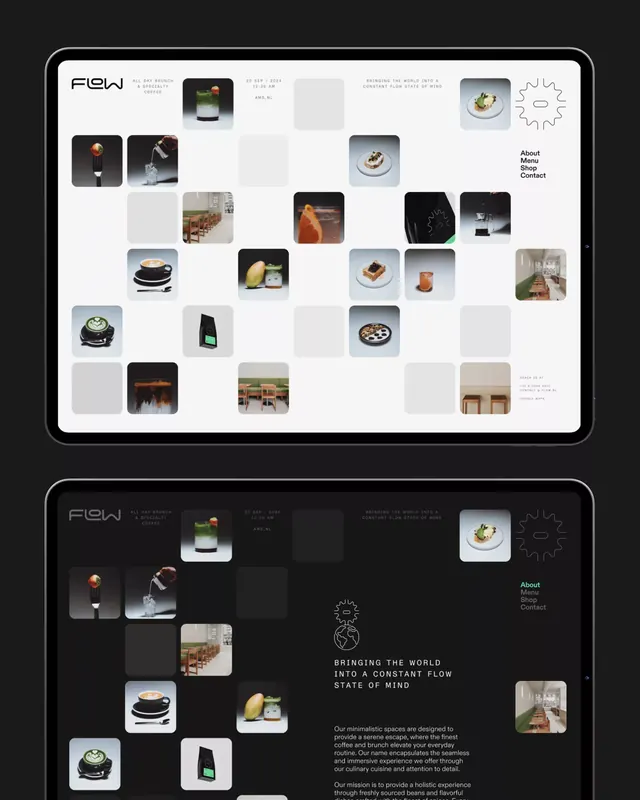 Minimal dark-mode ui screen
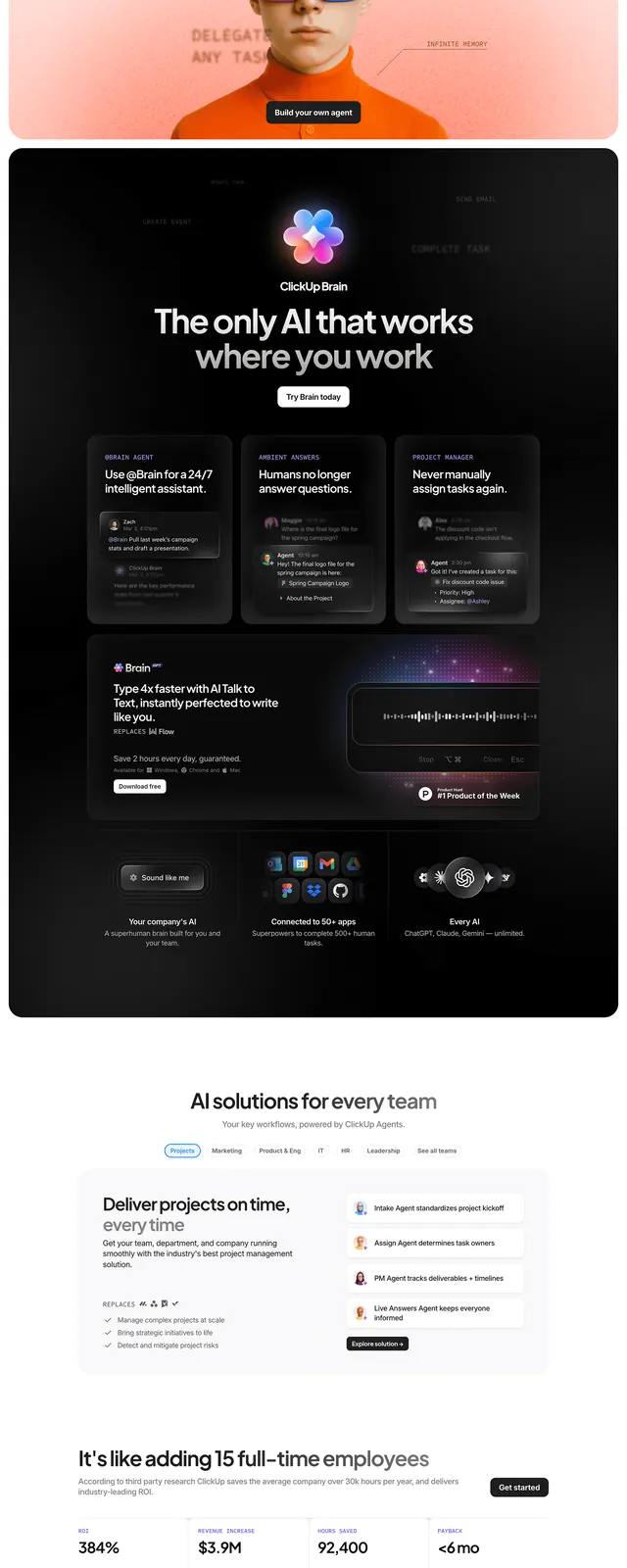 AI productivity SaaS full-page scroll with multi-section layout and dark feature strip