Task list with day progress tracker
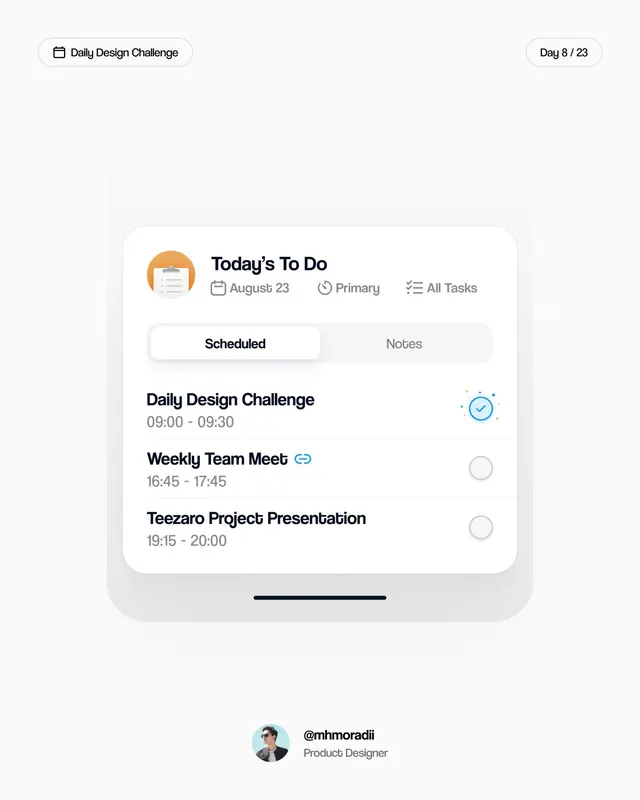
Minimalist daily task interface pairing tabbed navigation (Scheduled/Notes), stacked task rows with time ranges, and inline progress checkmarks.
Summary
Minimalist daily task interface pairing tabbed navigation (Scheduled/Notes), stacked task rows with time ranges, and inline progress checkmarks.
Visual description
Light cream background with a tall rounded-rectangle card dominating the center. Header shows "Today's To Do" with an orange clipboard icon, metadata badges ("August 23", "Primary", "All Tasks"), and two tab buttons below (Scheduled active, Notes inactive). The task list contains three entries: "Daily Design Challenge" with a bright blue checked circle and sparkle accent; "Weekly Team Meet" and "Teezaro Project Presentation" with unchecked gray circles. Each task shows its time block (09:00-09:30, 16:45-17:45, 19:15-20:00). Sans-serif type throughout, generous vertical rhythm between items. Dark text, light backgrounds, blue-only accent color.
Key takeaway
The tab-scoped approach to task filtering without leaving the card. The use of a single accent color (blue) on the completed item plus subtle sparkles to signal progress. The precise time formatting and secondary icon badges that clarify priority without clutter.
Reuse notes
Core pattern for task/calendar apps targeting productivity workflows. The design scales well to mobile; the vertical, card-based layout makes it easy to swap items or add sections. Works best when task complexity is low (title + time + binary state); avoid overloading with subtasks or nested details.
More like this
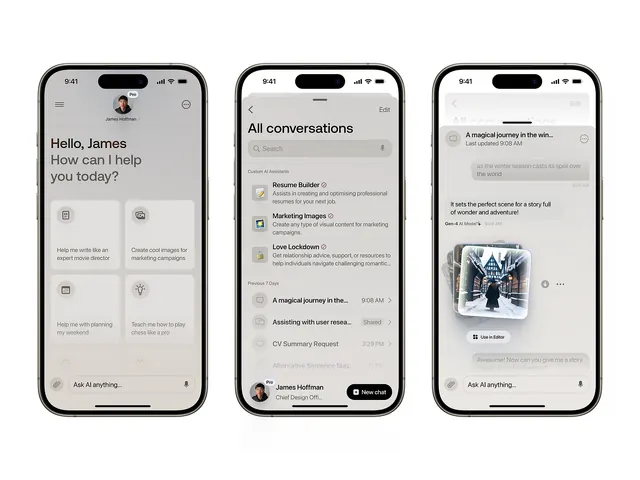 Three-screen messaging app UI flow
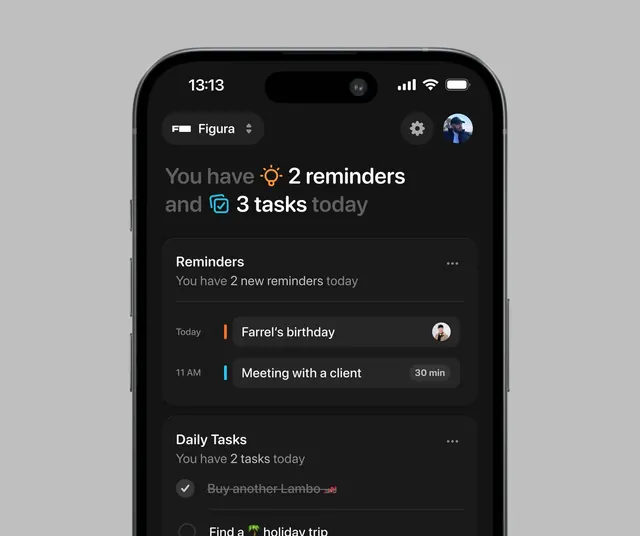 Minimal dark-mode ui screen
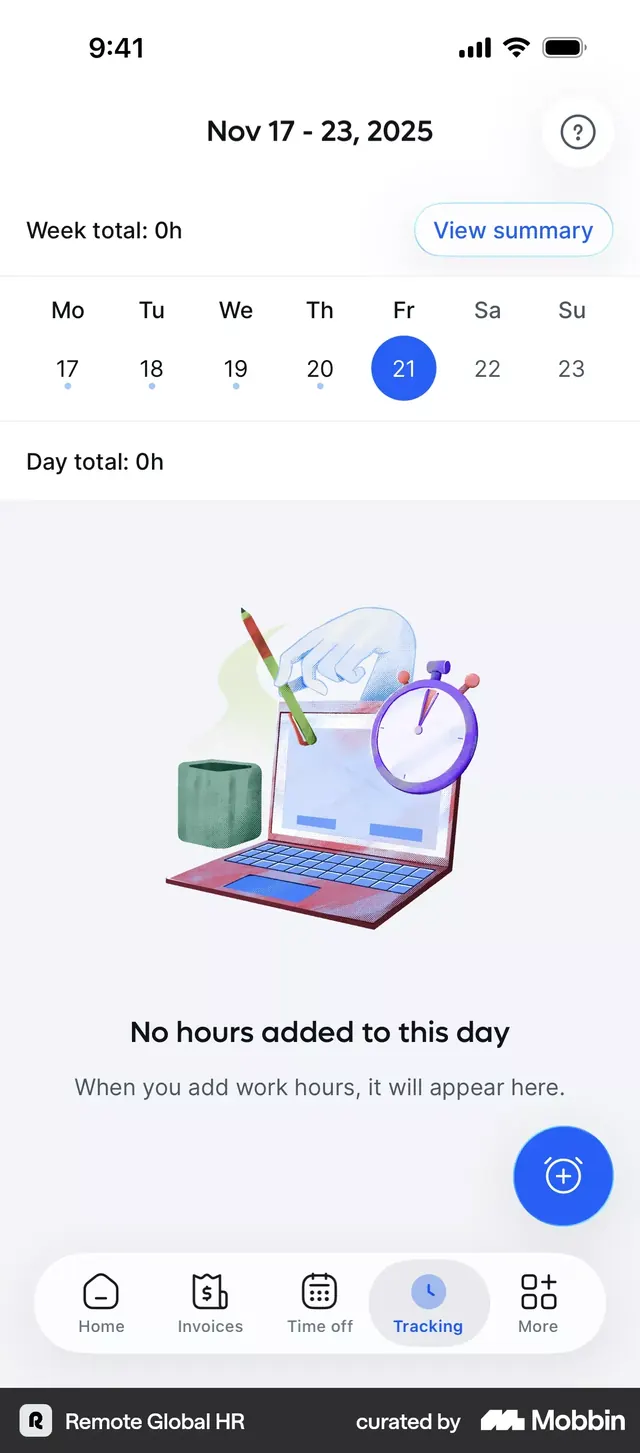 Time tracking app with week calendar and empty state
 Minimal flat ui screen
 Minimal flat ui screen
 Minimal flat ui screen
 Minimal flat ui screen
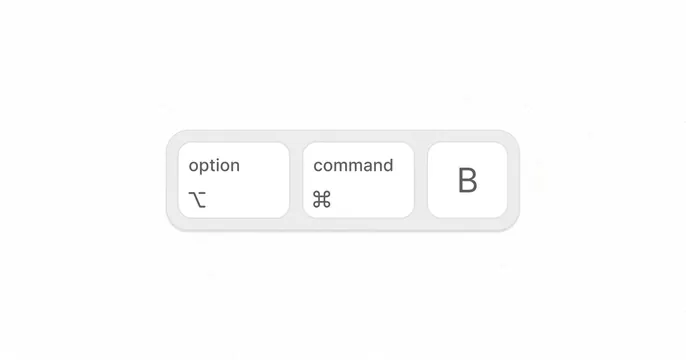 Keyboard shortcut key buttons
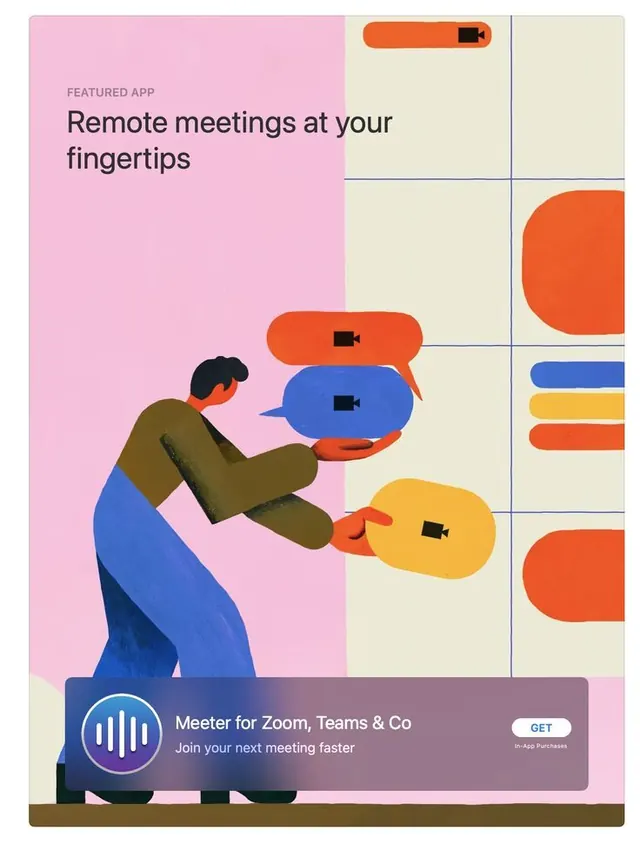 Minimal organic ui screen
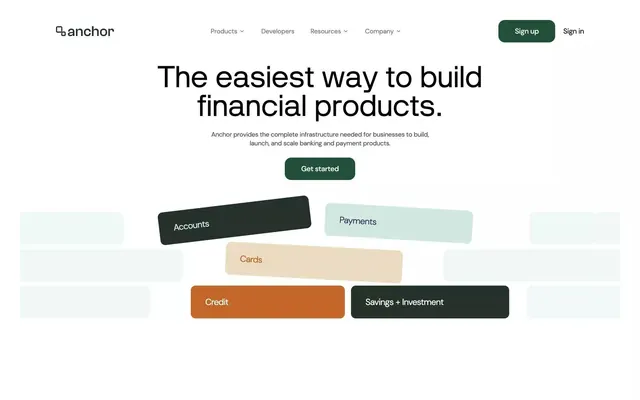 Minimal corporate-clean ui screen
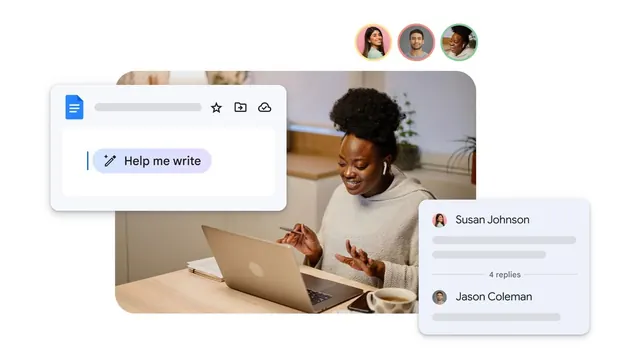 Minimal flat ui screen
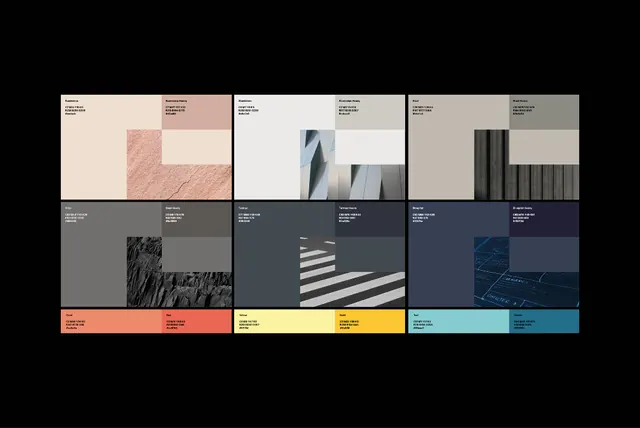 Design system modular grid tiles
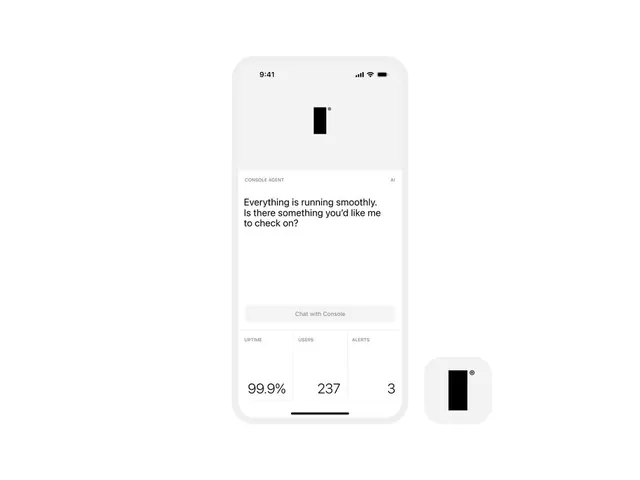 Minimal flat ui screen
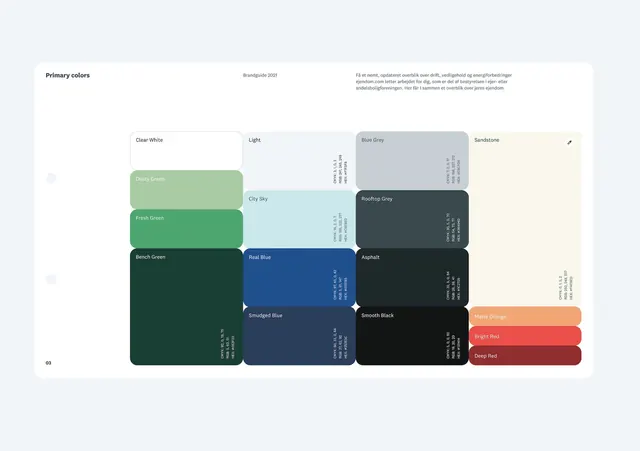 Minimal flat ui screen
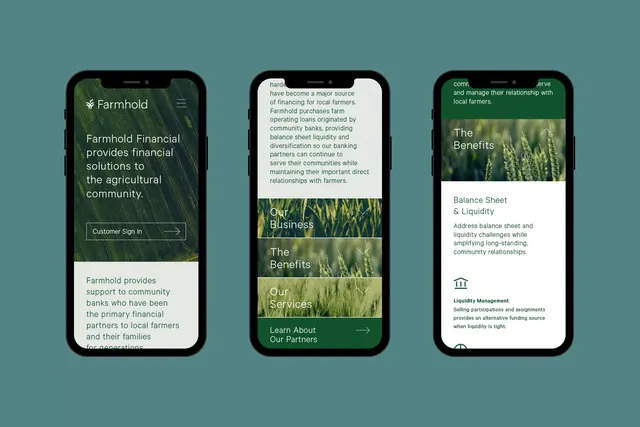 Minimal organic ui screen
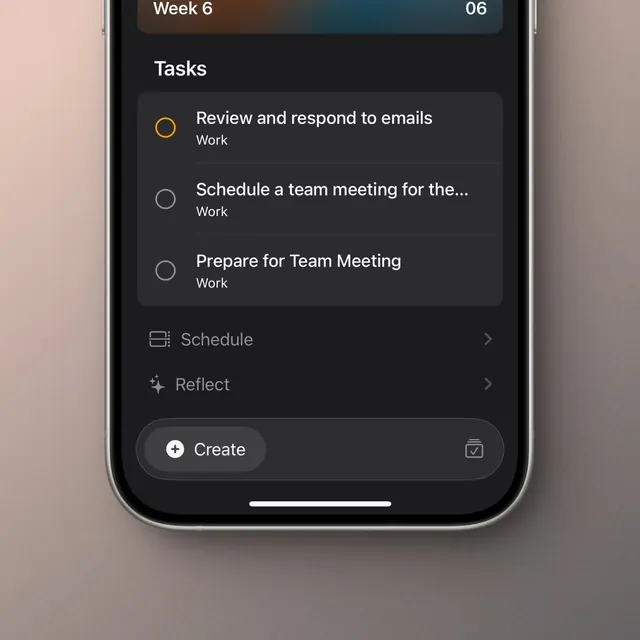 Minimal flat ui screen
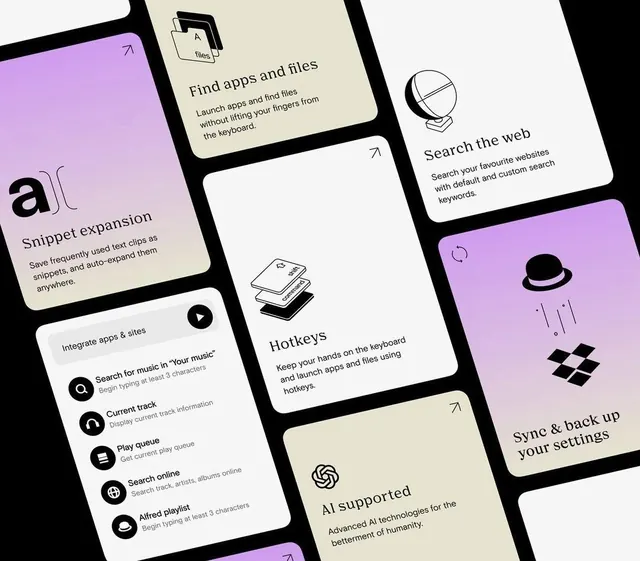 Minimal flat ui screen
 Minimal flat ui screen
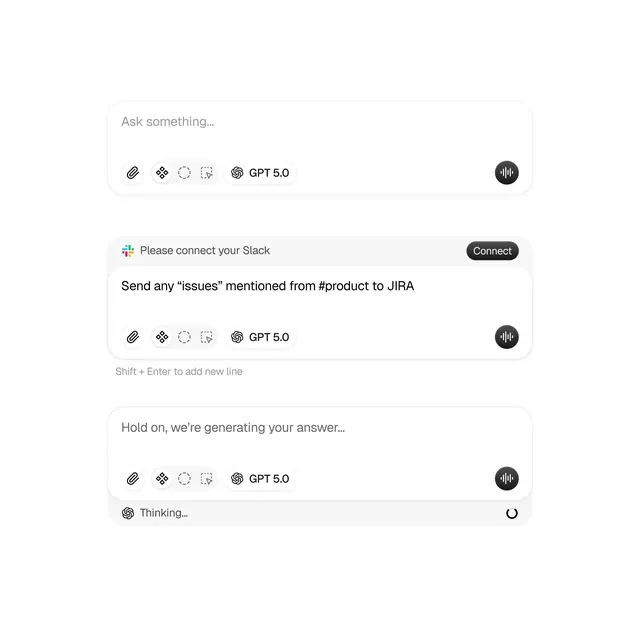 AI assistant chat interface with toolbar
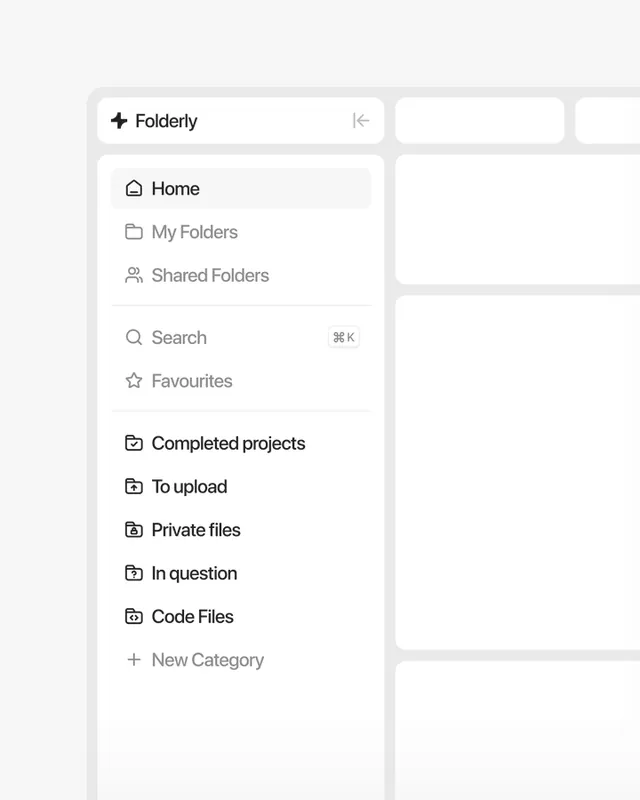 Minimal flat ui screen
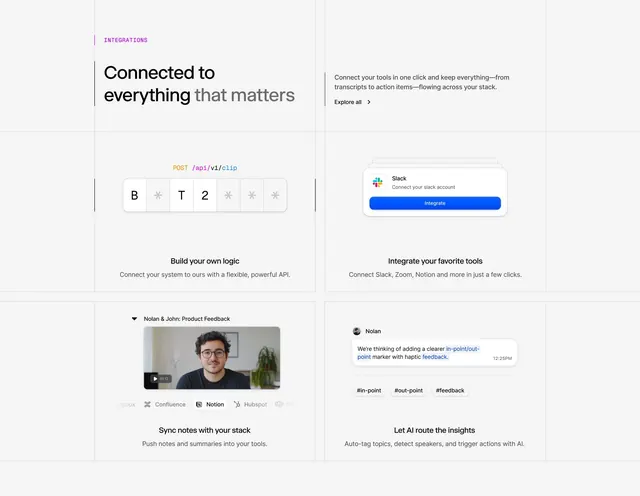 Developer API and integrations dashboard
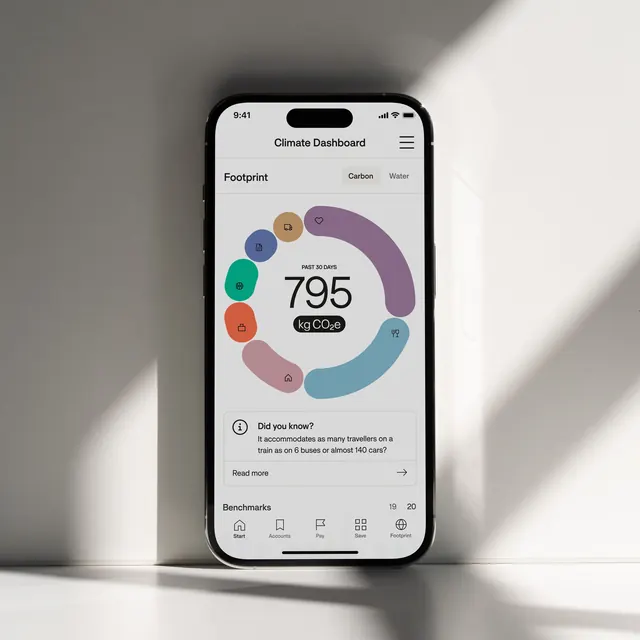 Doconomy Climate Dashboard mobile UI
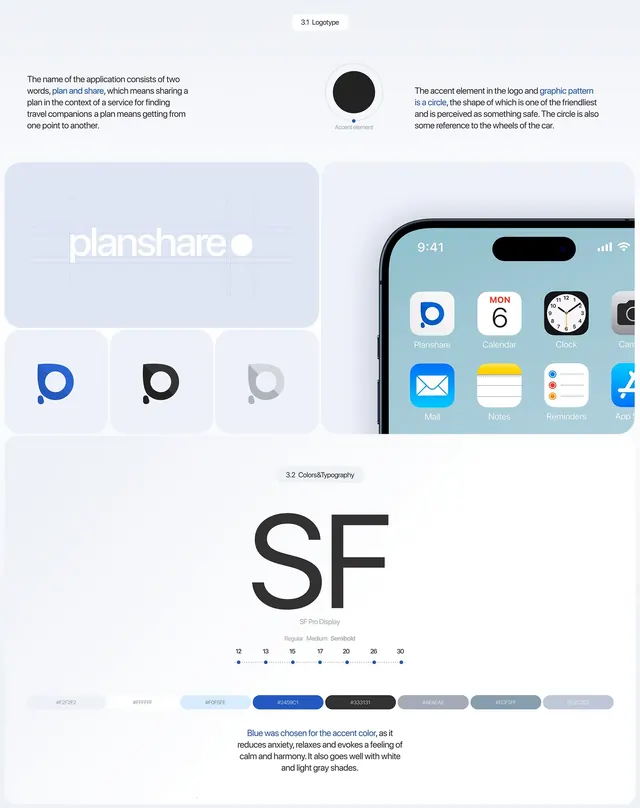 Minimal flat ui screen
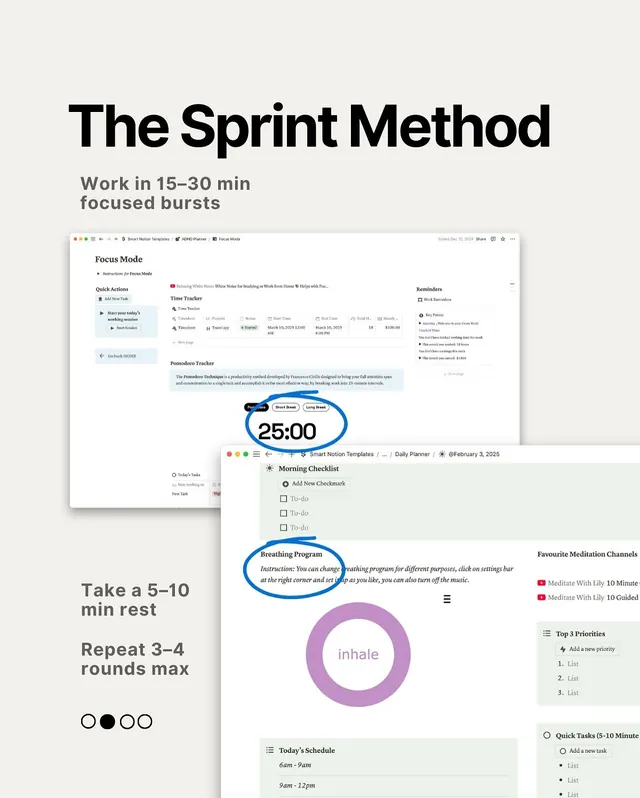 Sprint Method productivity interface