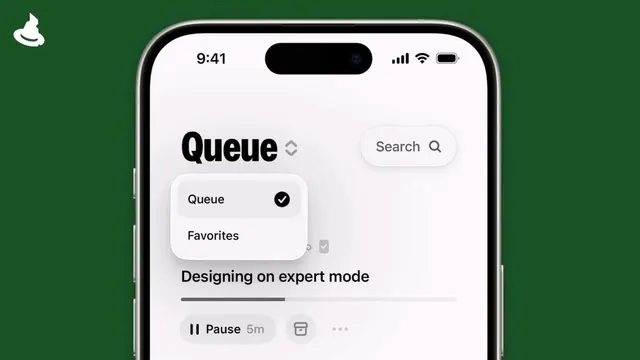
Queue task app with dark-green accent frame
A minimal task-management interface with a dark green outer frame, white screen showing a segmented tab selector and a single queued task with timer controls.
Summary
A task-queue interface for design work, framed in forest green, displaying a segmented tab control and a single active task with elapsed-time indicator and action buttons.
Visual description
Mobile phone mockup with deep forest green surround. White screen interior shows at top: large "Queue" headline with small diamond icon, and a search field to the right. Below, a white rounded-tab selector showing "Queue" (active, with checkmark) and "Favorites" options. Main content area displays one task card: bold sans-serif headline "Designing on expert mode" with a gray progress bar below, followed by a row of controls: play/pause icon, "5m" duration, trash/delete icon, and a three-dot menu. Ample white space around elements. Functional, unadorned typography throughout. The green frame exterior suggests the app's brand color and creates a contained, focused workspace feeling.
Key takeaway
Tab selectors with visual indicators (checkmarks, accent colors) clarify state without clutter. Combining large task title with minimal metadata below creates clear focus hierarchy. Pairing a bold exterior frame color with a white interior surface creates psychological containment and reduces visual fatigue for long work sessions. Duration display and pause/play controls are scannable because of generous spacing.
Reuse notes
Ideal for productivity, design-collaboration, or project-management tools. The dark green frame works for any work-focused context; adjust the accent color to brand. The tab pattern applies to any multi-list interface. Test with longer task names to ensure the layout remains scannable. Works especially well on mobile where screen real estate is tight and focus is critical.
More like this
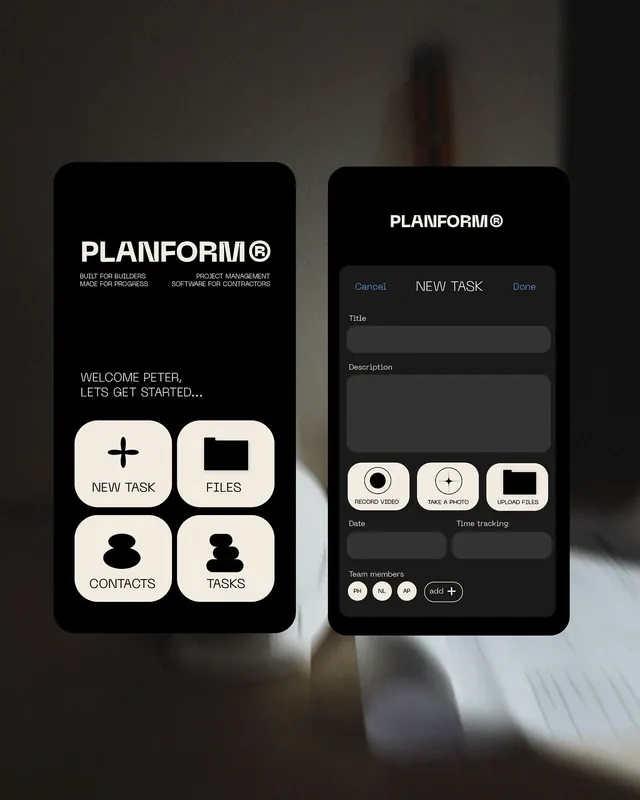 Planform project management mobile screens
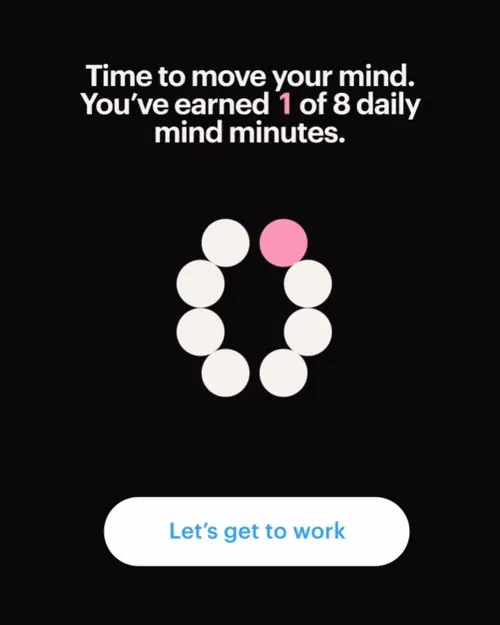 Achievement gamification screen with progress rings
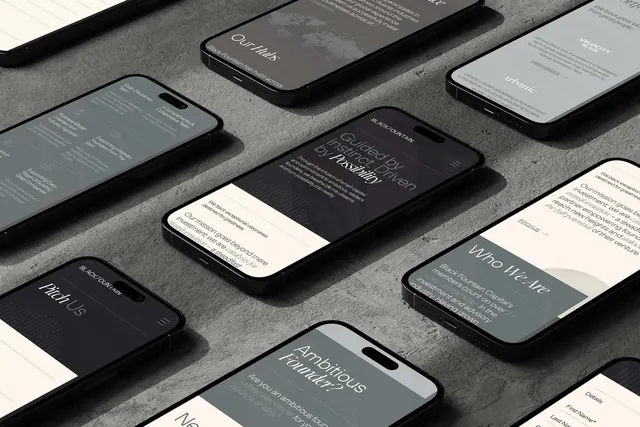 Minimal dark-mode ui screen
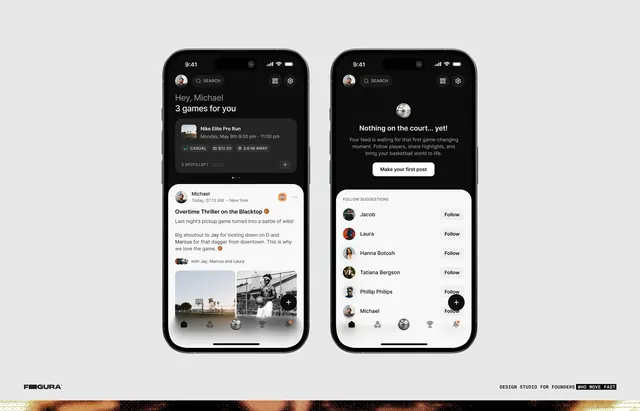 Minimal dark-mode ui screen
 Perceptions website layout grid with dark background
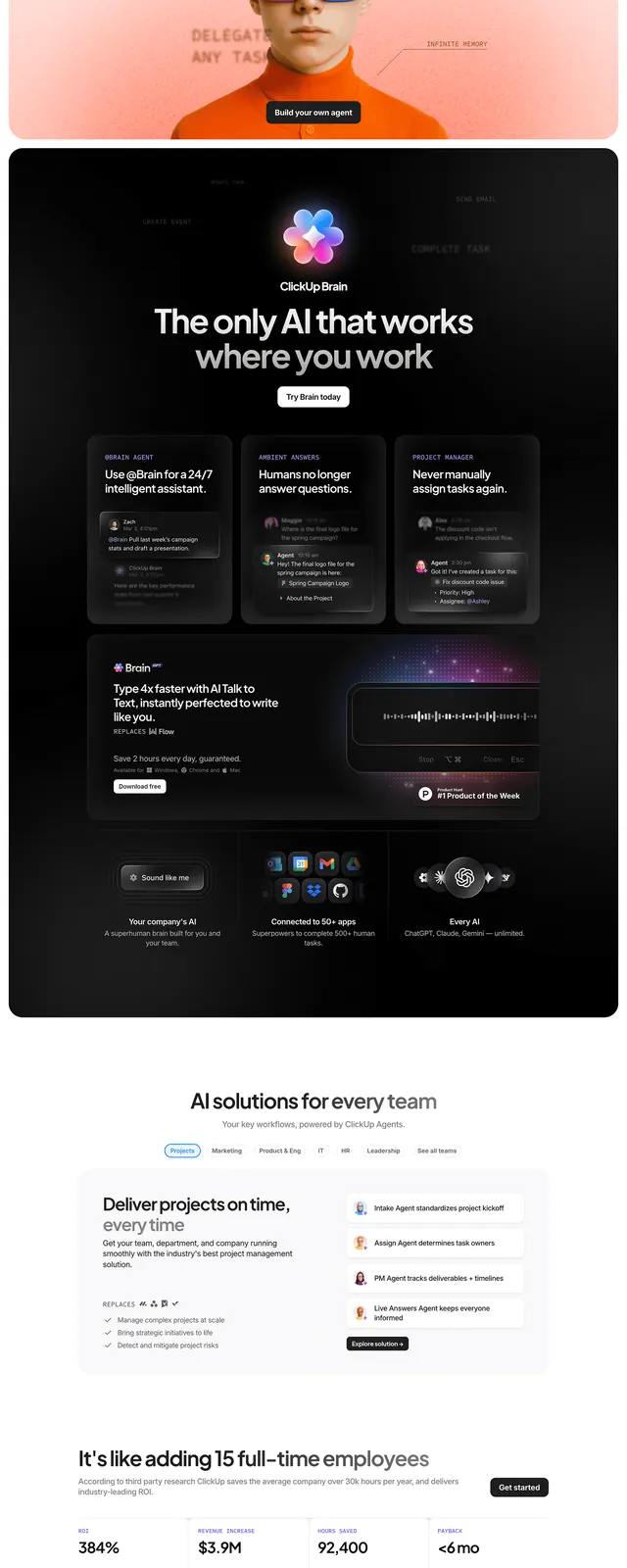 AI productivity SaaS full-page scroll with multi-section layout and dark feature strip
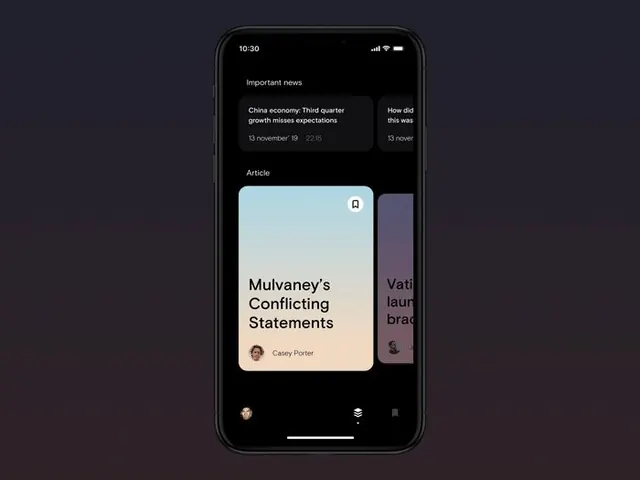 Minimal dark-mode ui screen
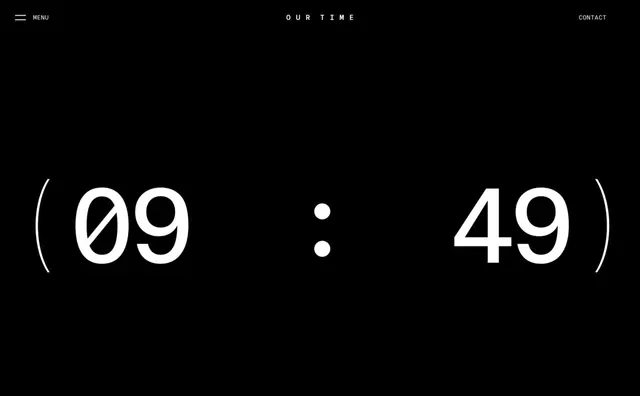 Minimalist time display interface
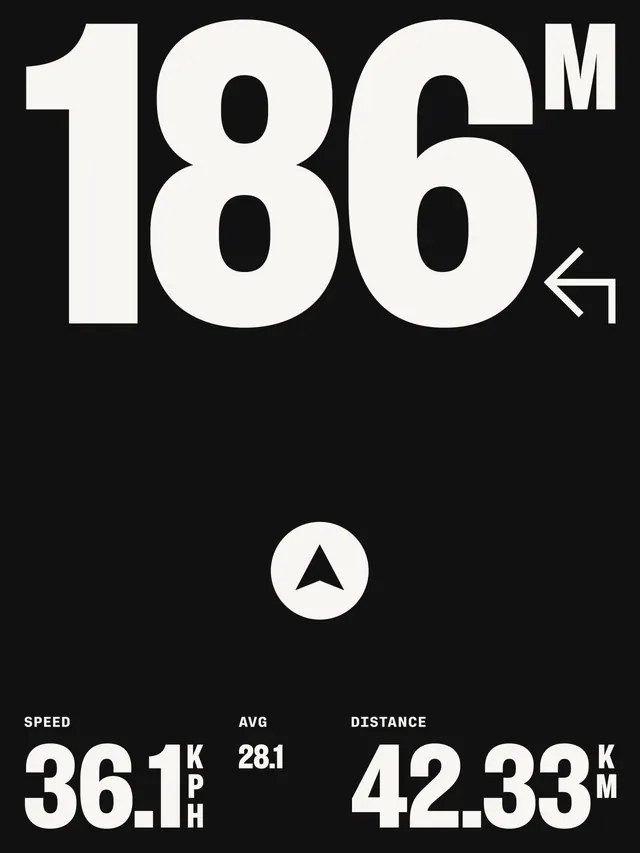 Cycling performance metrics data display
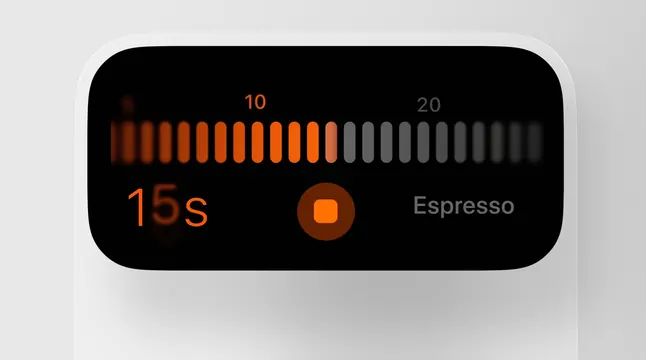 Coffee timer interface mockup
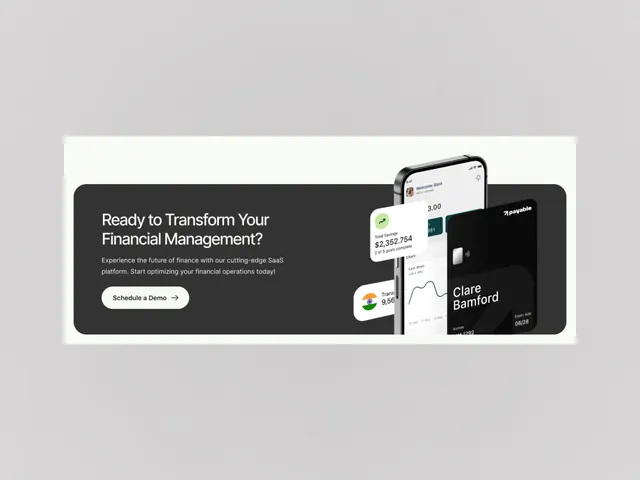 Minimal corporate-clean ui screen
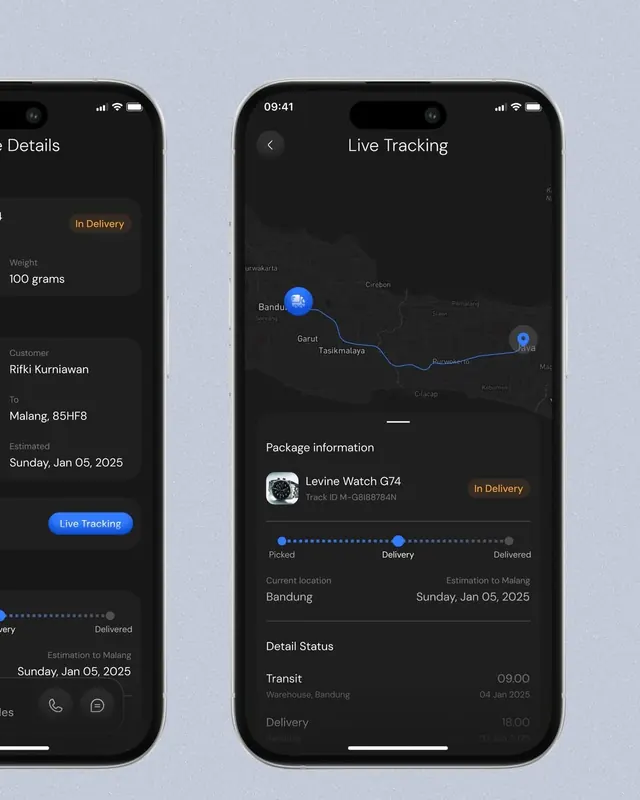 Dark-mode minimal ui screen
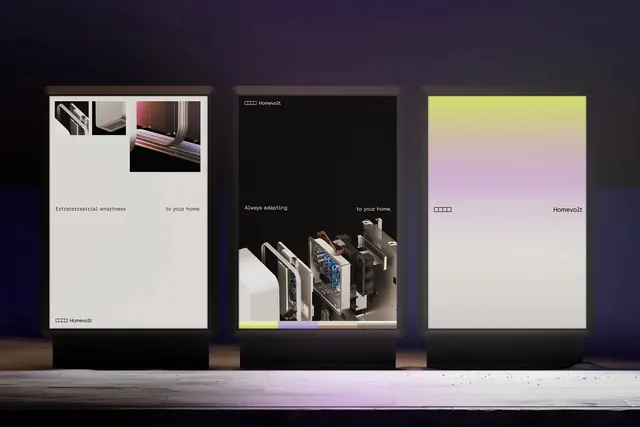 Homevolt smart-home product screens
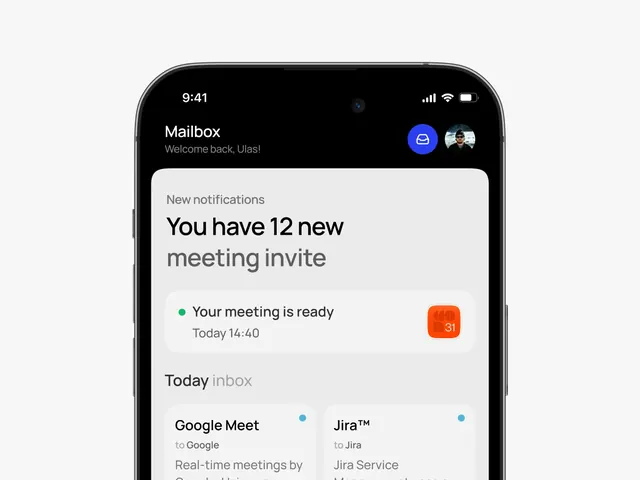 Minimal flat ui screen
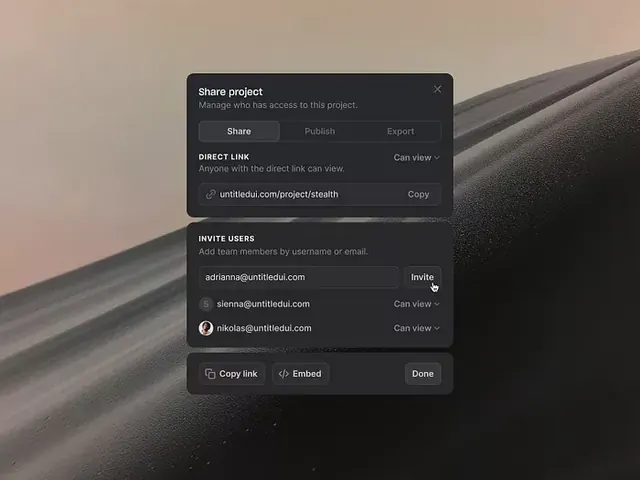 Dark-mode minimal ui screen
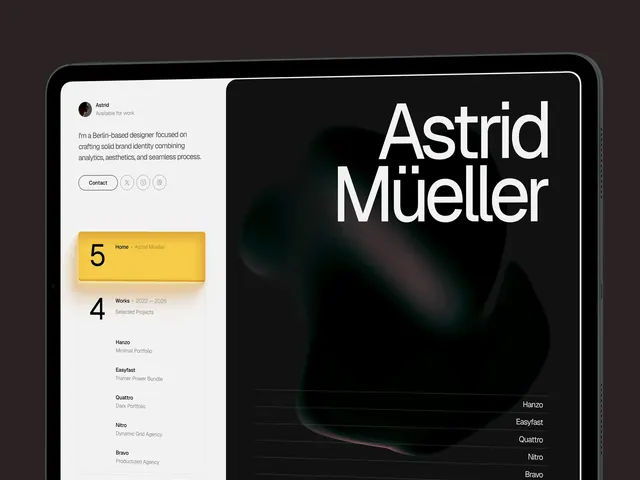 Portfolio website split-layout mockup
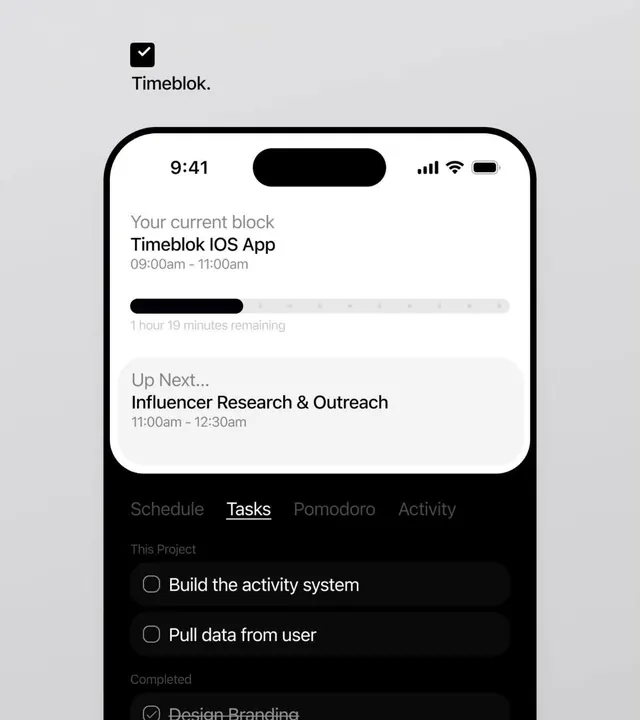 Minimal ui screen
 Minimal corporate-clean ui screen
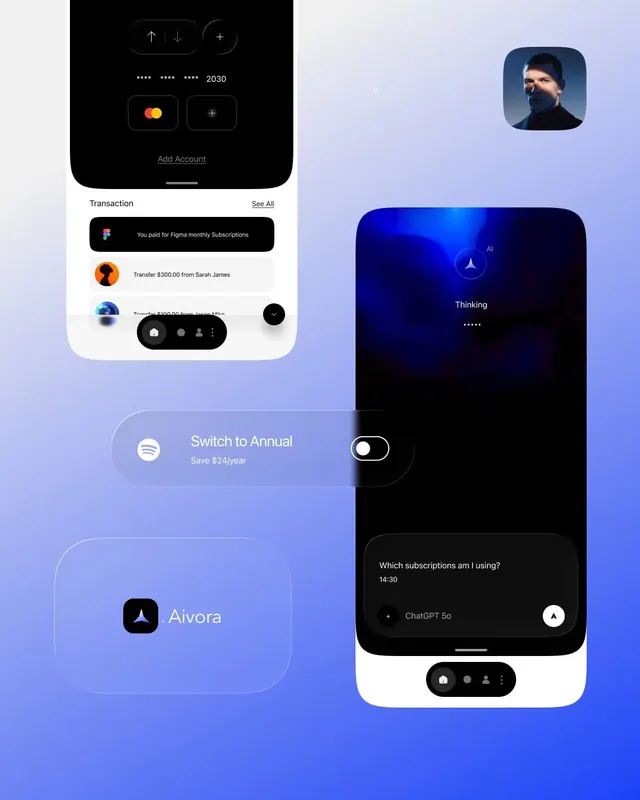 Mobile fintech dashboard with AI assistant, dual-screen layout
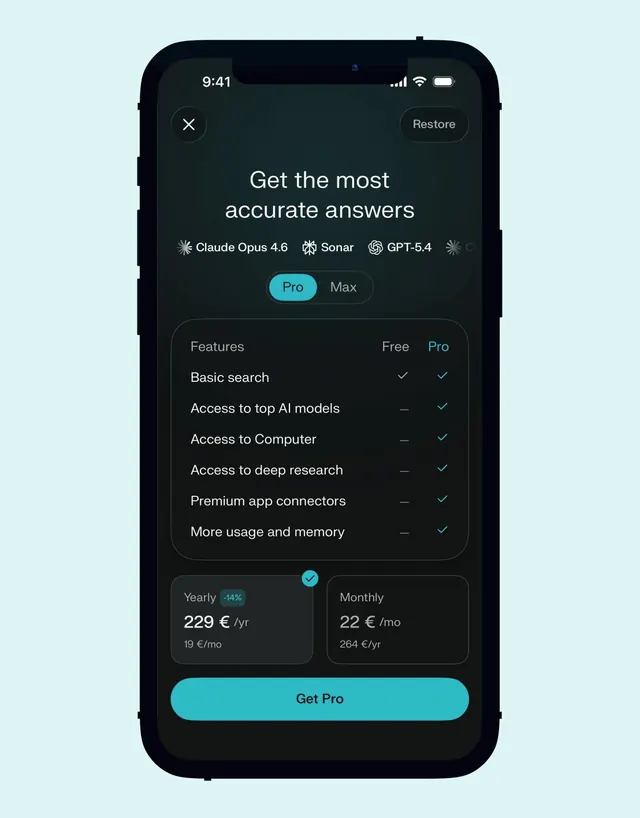 Dark-mode minimal ui screen
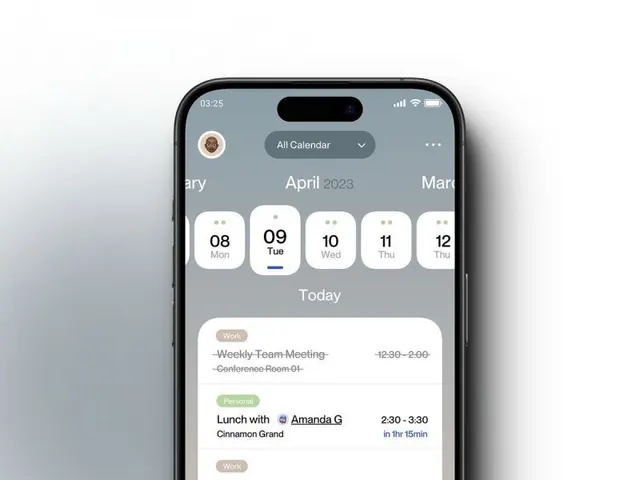 Minimal flat ui screen
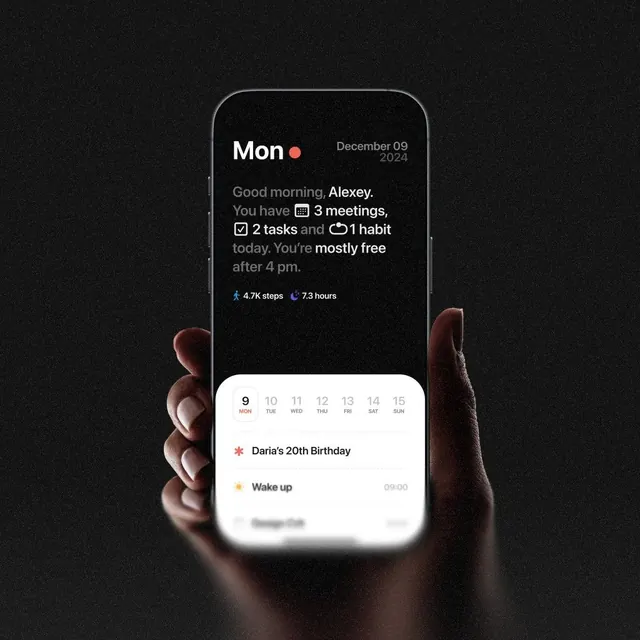 Dark task dashboard with personalized greeting
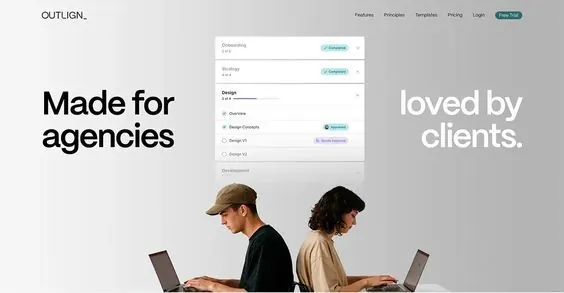 Agency SaaS hero with split messaging
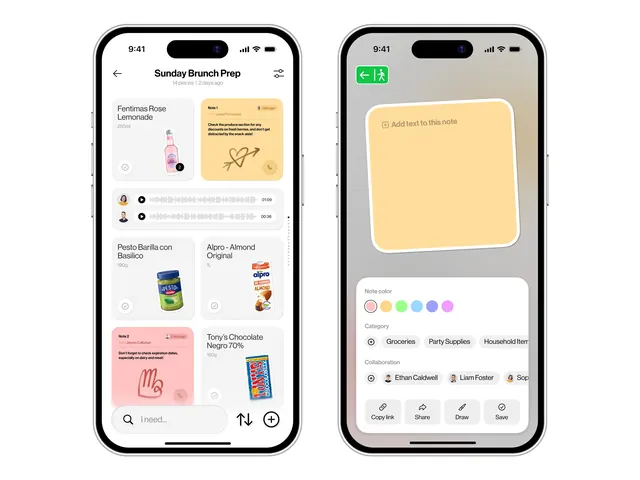 Minimal flat ui screen