Dark image editor with stacked instruction cards
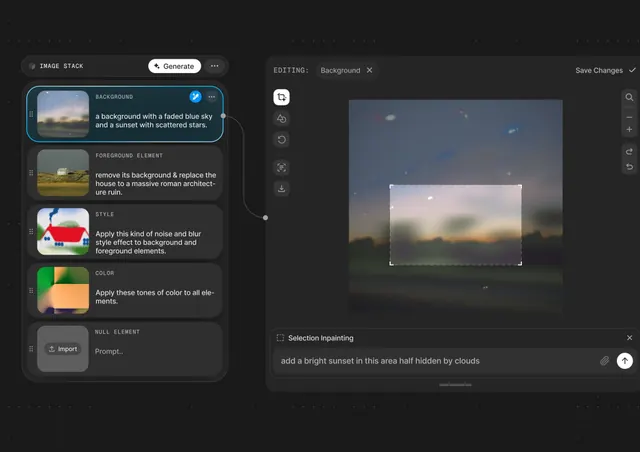
A dark-mode image-editing interface with a left sidebar of stacked instruction cards (Background, Foreground, Style, Color) and a large canvas showing an in-progress landscape edit.
Summary
A dark-mode creative editing interface where a left sidebar of instruction cards guides image manipulation, paired with a large canvas displaying a selected landscape in progress.
Visual description
Left sidebar labeled "IMAGE STACK" with a white Generate button and dropdown menu, containing five stacked instruction cards: BACKGROUND (sunset-faded sky with scattered stars), FOREGROUND ELEMENT (pastoral landscape with a house, instruction to remove and replace with a ruin), STYLE (color-noise blur effect preview), COLOR (warm orange-green tones swatch), NULL ELEMENT (placeholder with Import button). Each card has a small thumbnail and plain-English instruction text. Right half shows the main canvas: a landscape photograph with a faded blue sky, a sunset-lit meadow, and a house, selected with a dotted crop box; a "Selection Inpainting" panel at bottom-right invites users to "add a bright sunset in this area half hidden by clouds." All text is white on dark gray (#1A1A1A to #2F2F2F), with teal accent buttons and blue selection highlights. Monospace labels (uppercase) reinforce a technical tone.
Key takeaway
Stacked instruction cards create a clear, visual recipe for the edit workflow. Each card is self-contained and scannable. Plain-English instructions lower the barrier for non-technical users. Teal accents provide subtle visual cues without clutter. A large canvas on the right keeps focus on the image; the sidebar stays secondary. The dark background reduces eye strain during long editing sessions and makes selection highlights pop.
Reuse notes
Ideal for AI image tools, photo editors, or creative-automation platforms targeting both technical and non-technical users. The instruction-card pattern is excellent for guiding multi-step workflows. Works well for mobile or desktop given the clear sidebar-canvas split. Pair with real-time preview updates to maintain momentum.
More like this
 Dark Theme Interface Design for Technology Product
 Dark Mode Dashboard Interface Concept
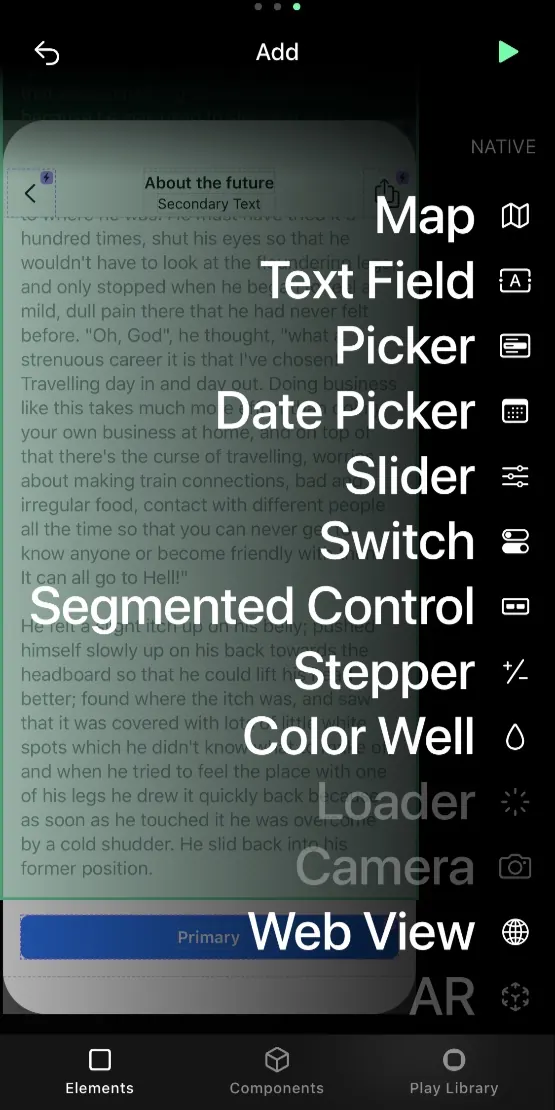 Dark-mode developer UI component picker list
 Complex Layered Digital Composition
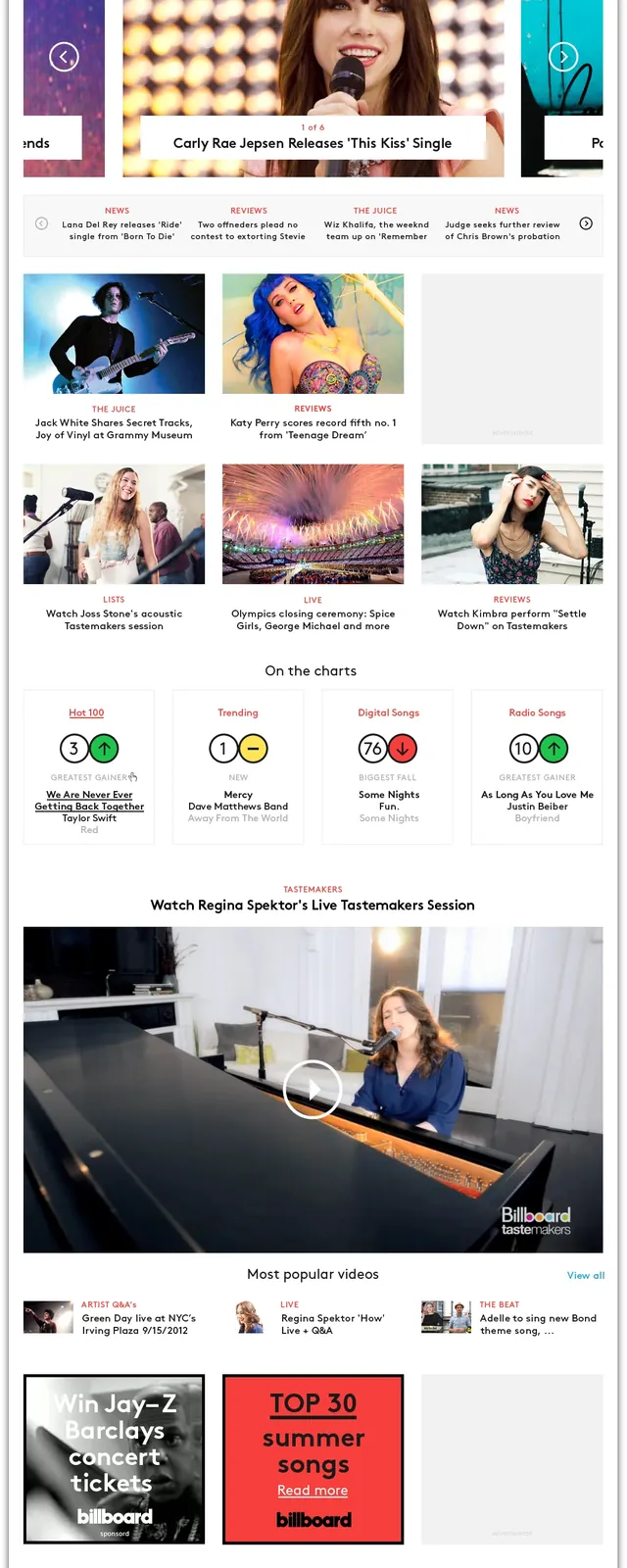 Dark Mode UI Dashboard Interface
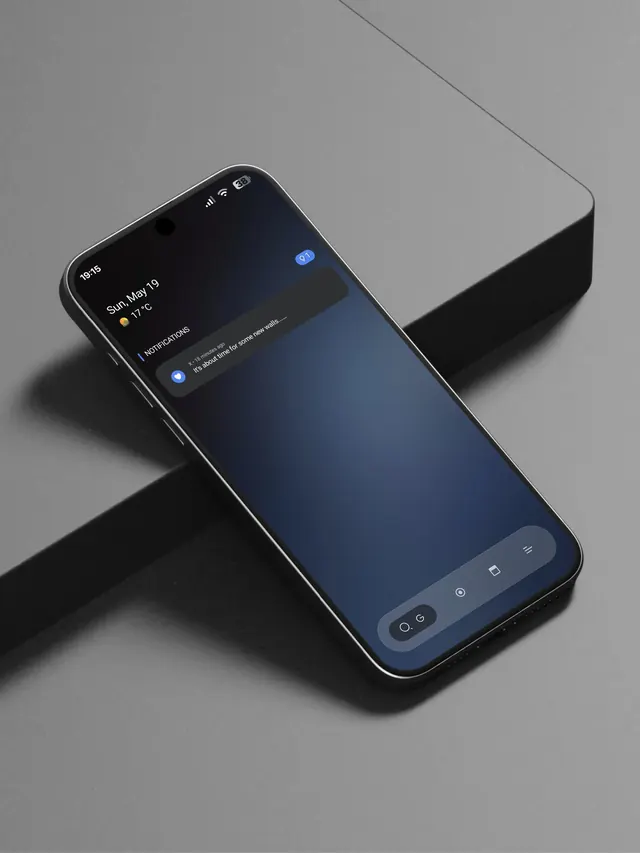 Dark UI phone mockup with notification cards
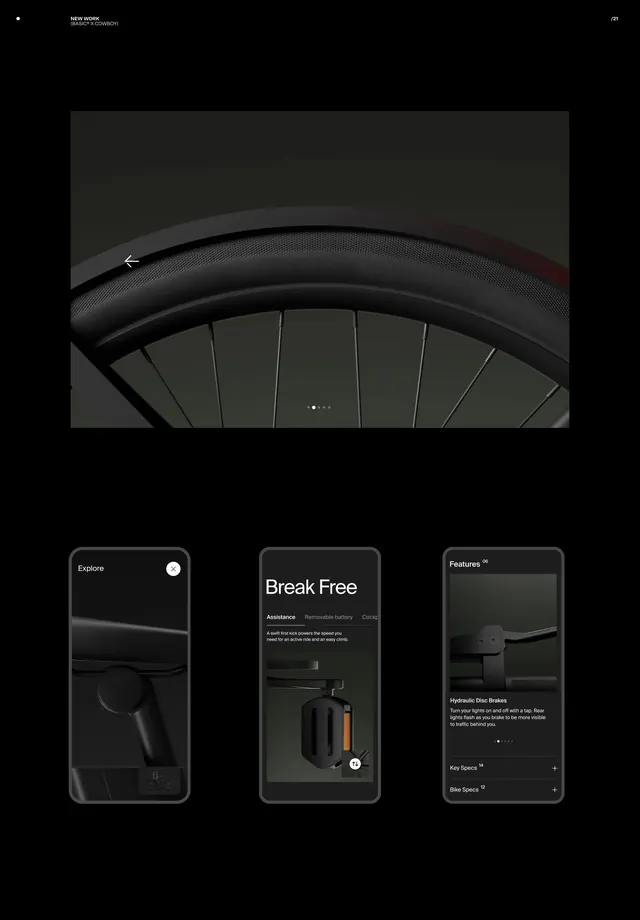 Product UI mobile screens layout
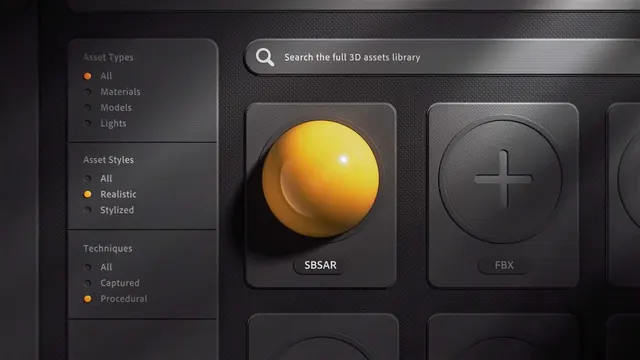 Dark Mode Dashboard UI
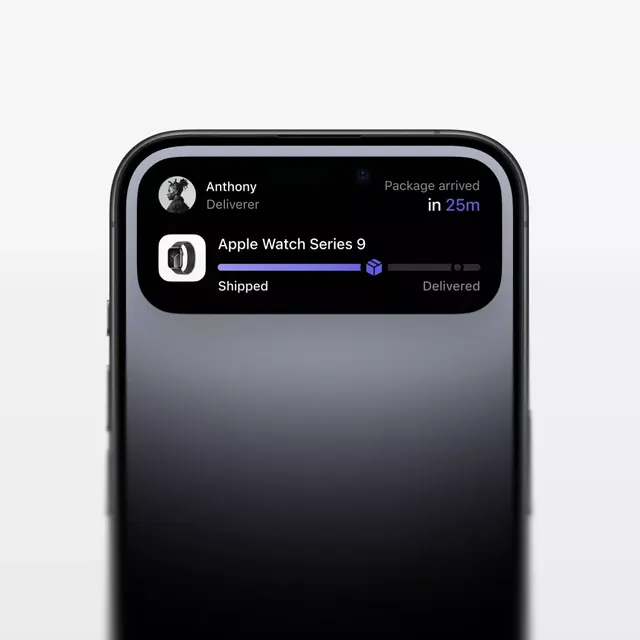 Package tracking notification with progress bar
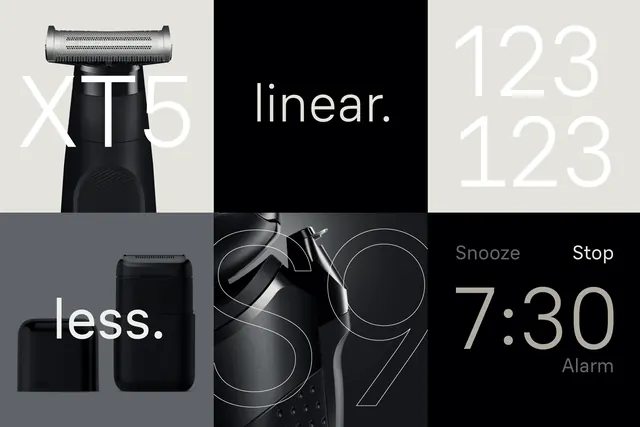 Minimalist product grid with monochrome close-ups
 Fintech dashboard with warm sunset gradient mockup
 Directory Plus mockup editor product demo carousel (slide 4)
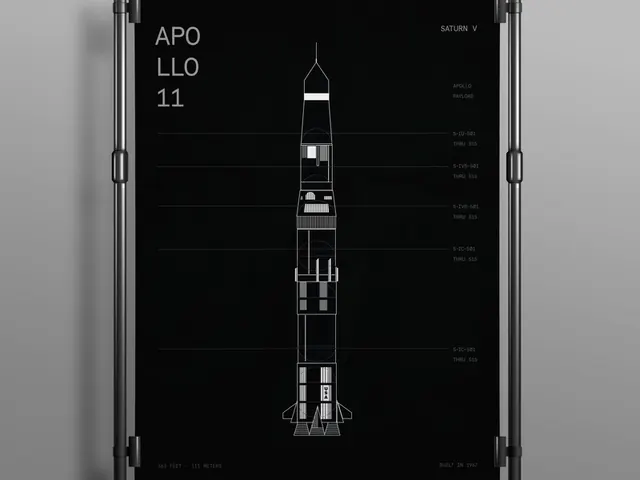 Apollo 11 Technical Interface
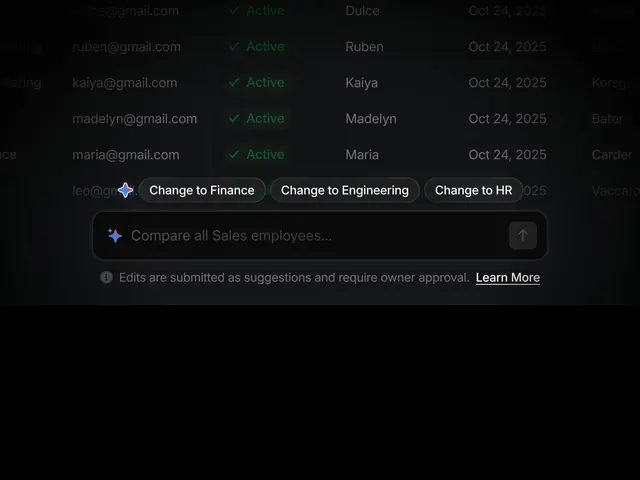 Dark employee table with department filters and AI comparison
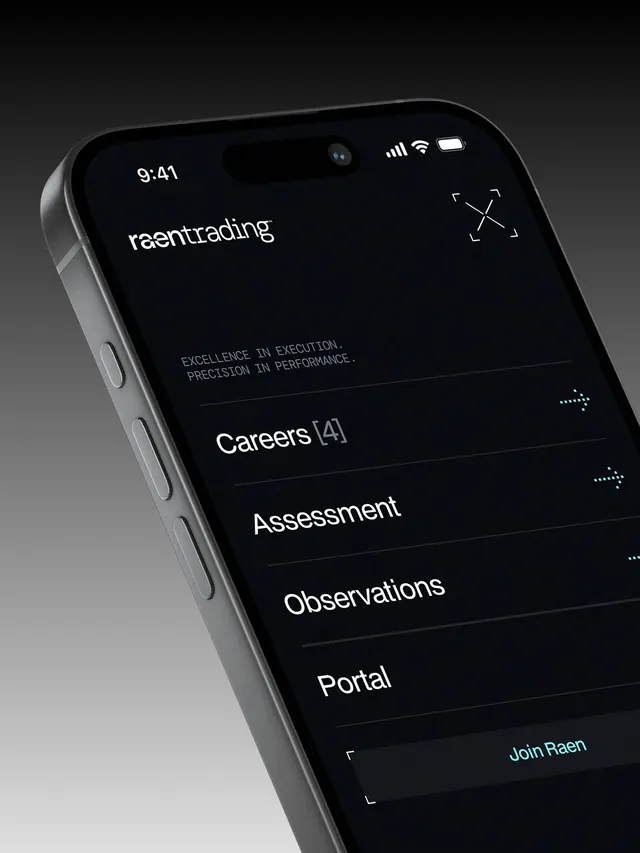 Raen trading platform dark mobile UI
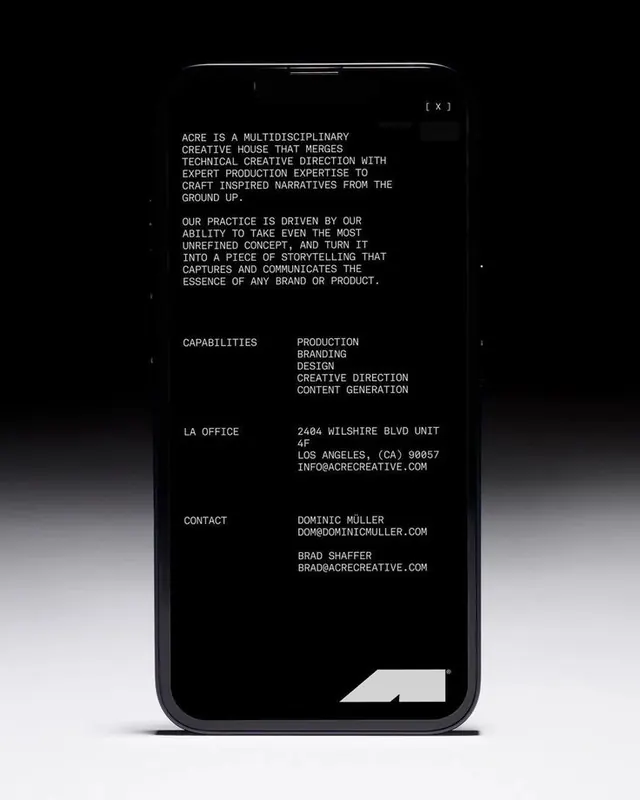 ACRE agency mobile about screen mockup
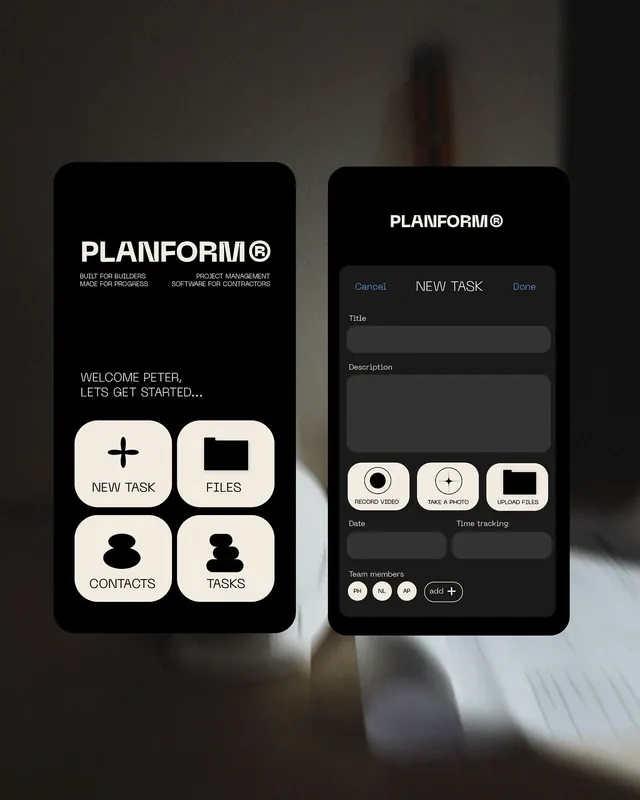 Planform project management mobile screens
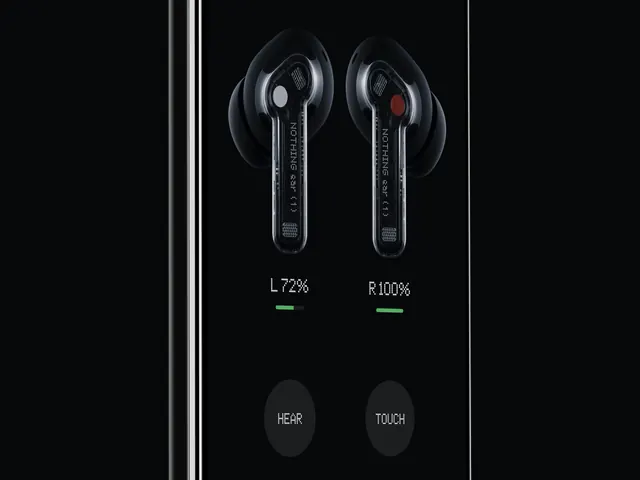 Clean Minimalist App Interface
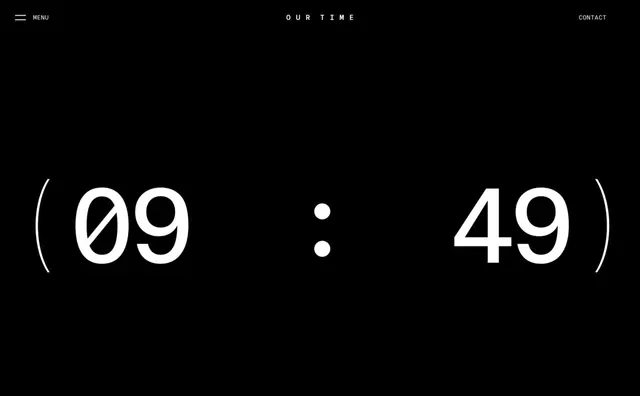 Minimalist time display interface
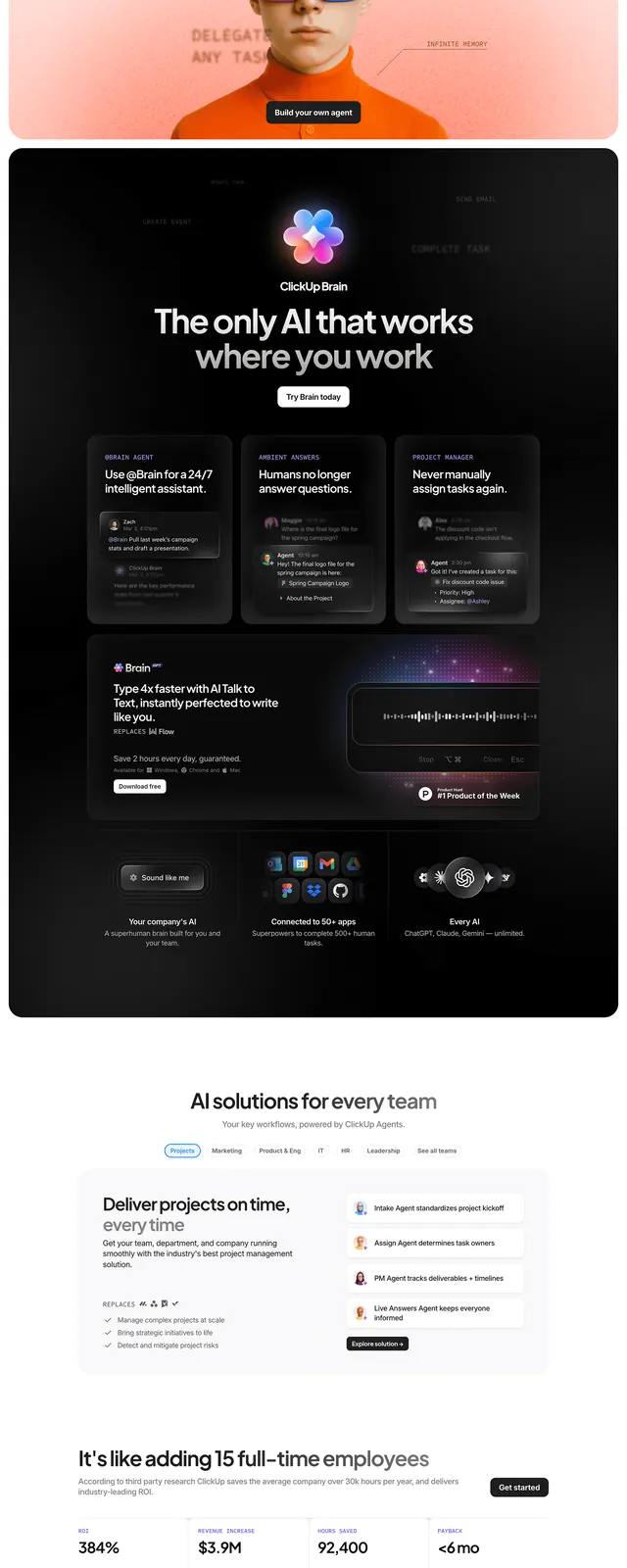 AI productivity SaaS full-page scroll with multi-section layout and dark feature strip
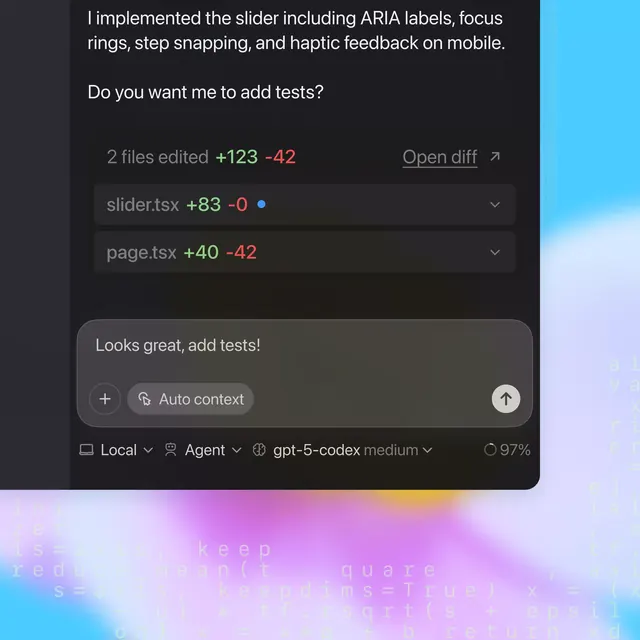 Dark-mode minimal ui screen
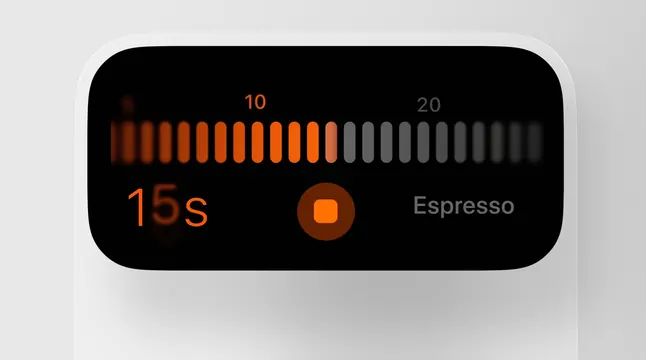 Coffee timer interface mockup
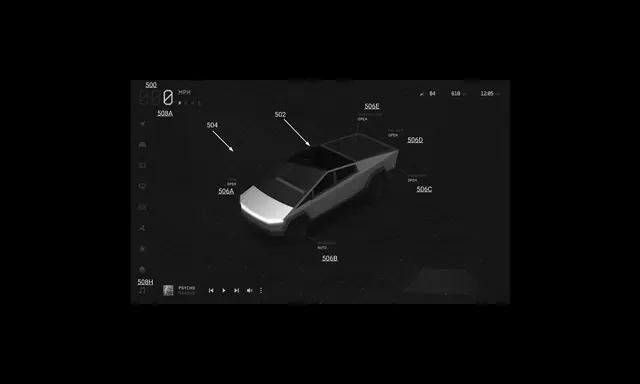 Dark Mode Product UI Showcase
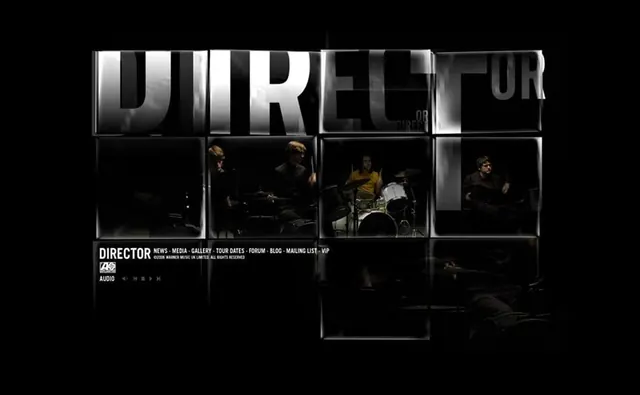 Director website screenshot with band studio photo