AI assistant productivity dashboard
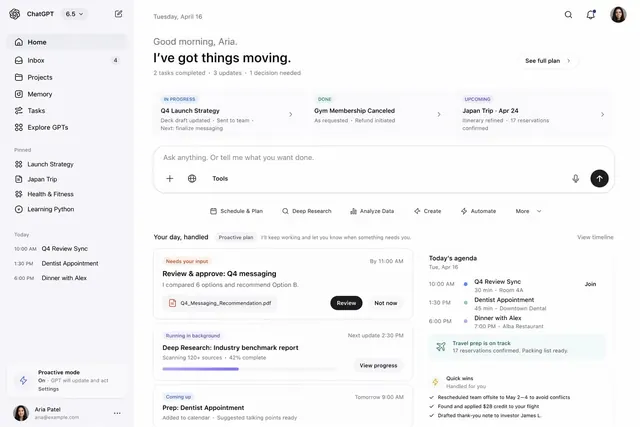
Task and project management dashboard with sidebar navigation, status-grouped card columns (In Progress, Done, Upcoming), and an AI chat prompt bar.
Summary
Productivity dashboard combining left sidebar (ChatGPT logo, navigation, pinned items, timeline) with a main column of Kanban-style status groups and an AI prompt bar at bottom.
Visual description
Left sidebar: ChatGPT 6.5 logo and dropdown, home/inbox/projects/memory/tasks/explore-GPTs navigation icons, then pinned section (Launch Strategy, Japan Trip, Health & Fitness, Learning Python) and a today timeline (10:00 AM Q4 Review Sync, 1:30 PM Dentist, 6:00 PM Dinner with Alex) with user footer. Main area: greeting "Good morning, Aria." with status headline "I've got things moving" and summary (2 completed, 3 updates, 1 decision). Three vertical columns: In Progress (Q4 Launch Strategy card with deck draft status), Done (Gym Membership Canceled card with refund status), Upcoming (Japan Trip card with itinerary and reservations). Center: large chat input bar "Ask anything. Or tell me what you want done" with icon and send controls. Below: action buttons (Schedule & Plan, Deep Research, Analyze Data, Create, Automate, More). Bottom right: Your day section with status card (needs review prompt for Q4 messaging) and today's agenda timeline showing events with Join links.
Key takeaway
The three-column status grouping (In Progress / Done / Upcoming) as an alternative to strict Kanban, reducing overwhelm while keeping context. The persistent sidebar with pinned shortcuts versus a collapsible menu. The large, conversational chat prompt ("Ask anything") as a natural entry point for AI features. The embedded event timeline and micro-status indicators (e.g., "Needs your input") embedded in cards without modal disruption.
Reuse notes
Excellent for productivity apps, project dashboards, and any task-tracking tool augmented with AI. The muted gray palette and ample whitespace keep focus on content rather than decoration. Good candidate for multi-column layouts on desktop, but consider card-stacking on mobile. The blend of AI prompts with traditional task management signals a modern, hybrid interaction model.
More like this
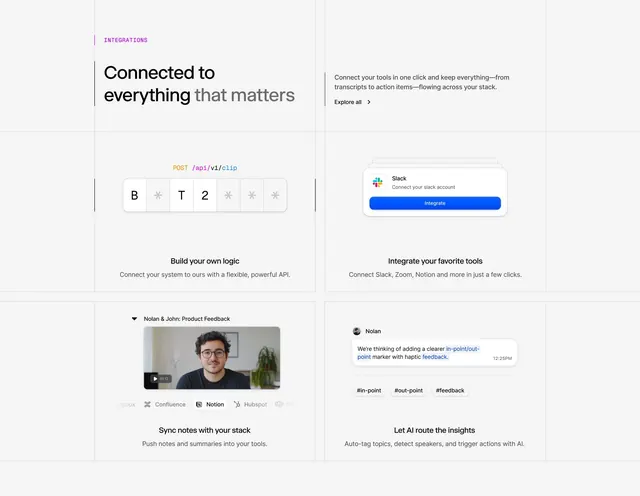 Developer API and integrations dashboard
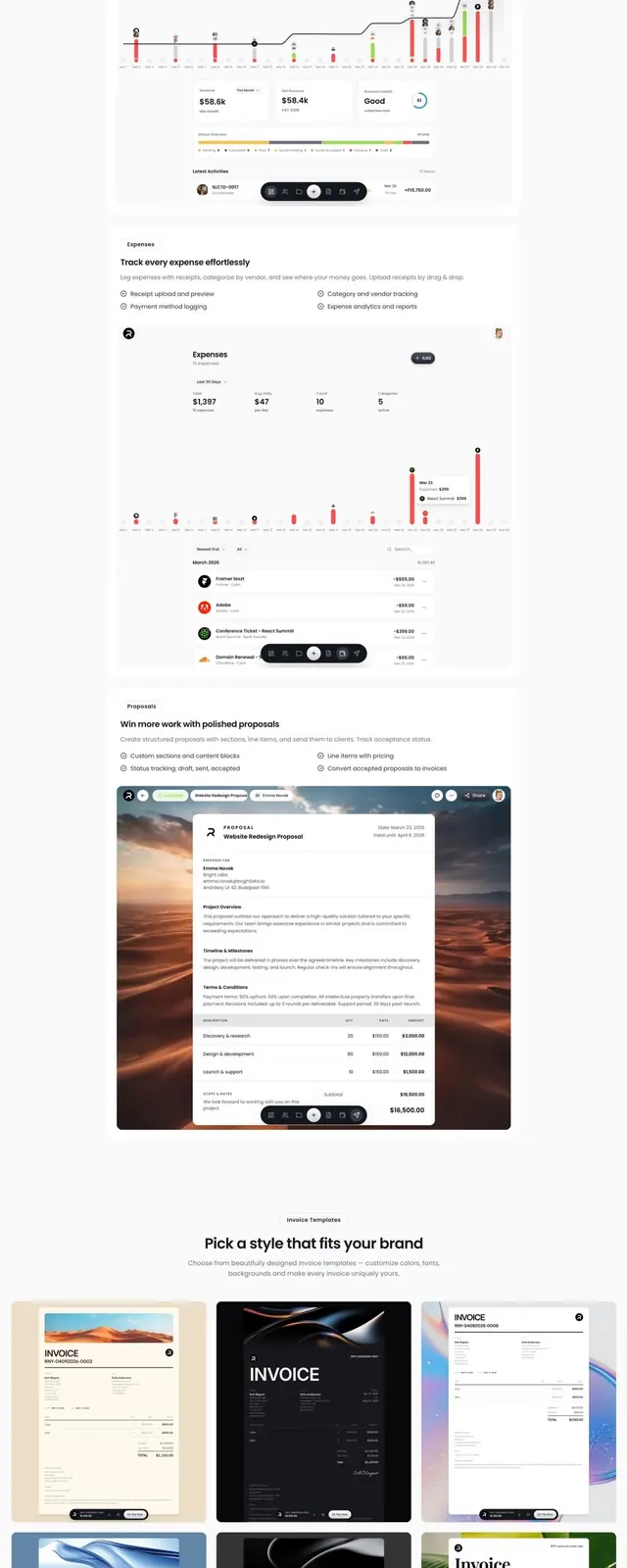 Minimal dashboard
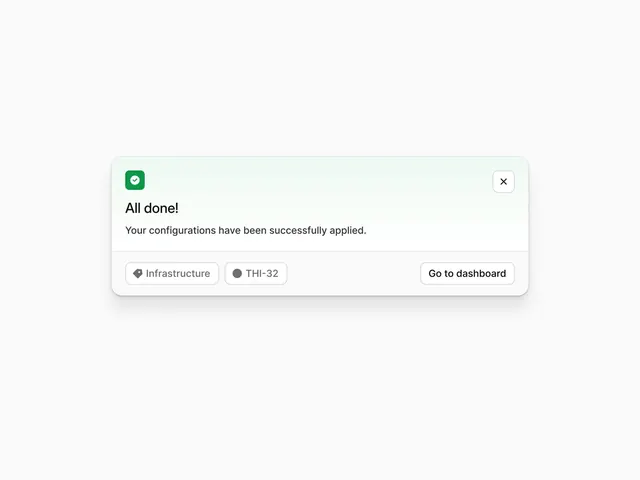 Success confirmation modal with action buttons
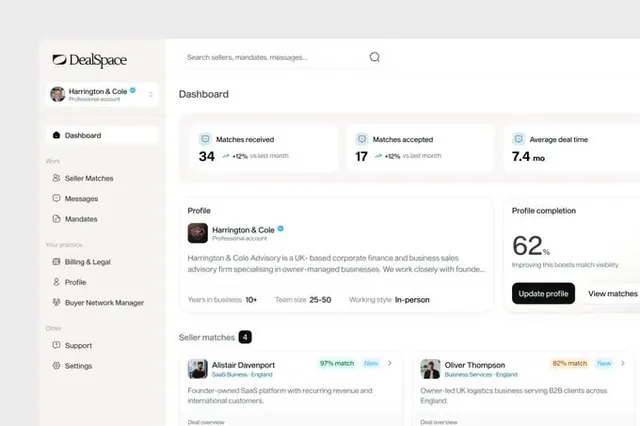 Minimal dashboard
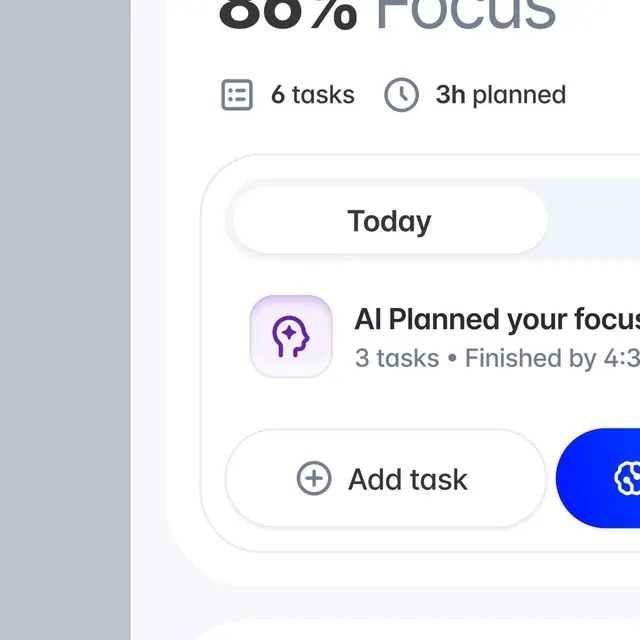 Focus productivity app: task planning interface
 Keyboard shortcut key buttons
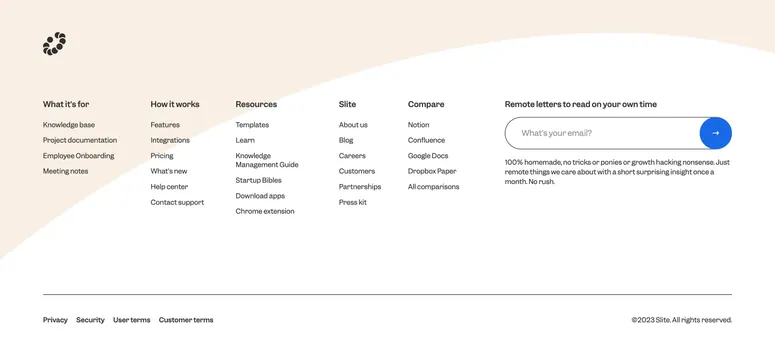 Slite marketing site footer
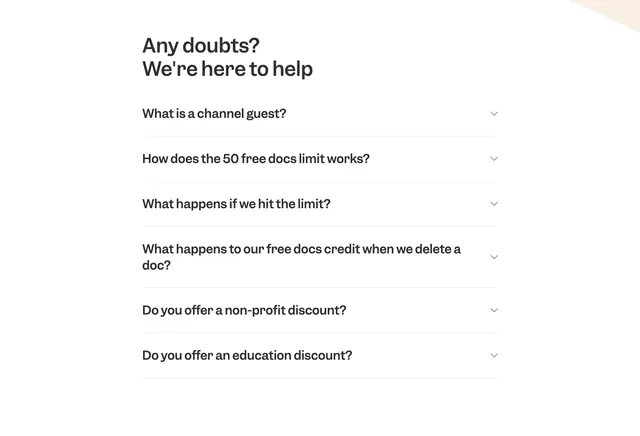 Slite pricing FAQ accordion
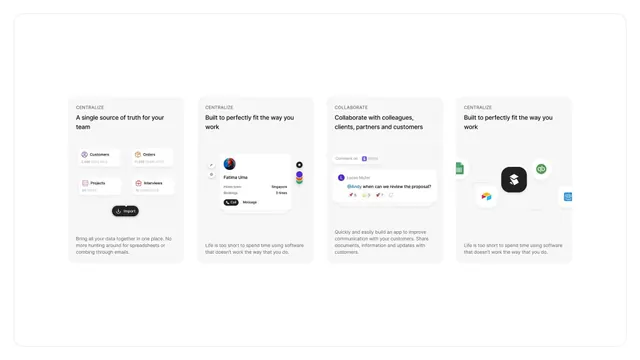 Minimal ui screen
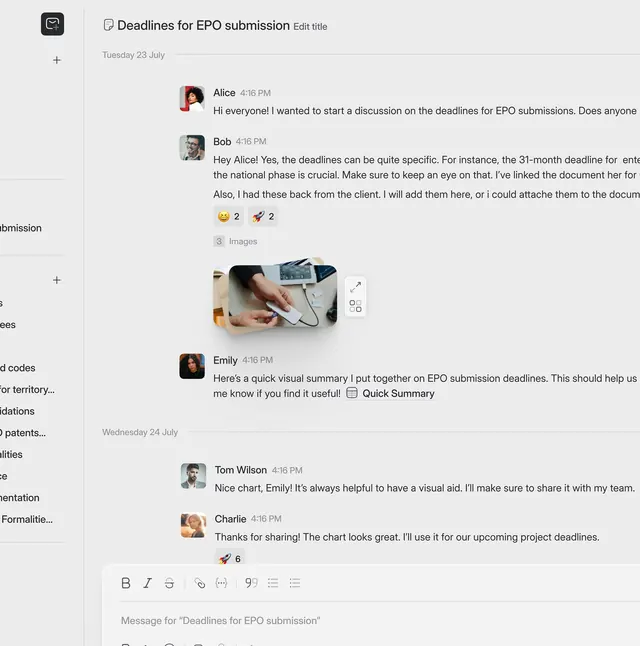 Collaborative thread chat interface
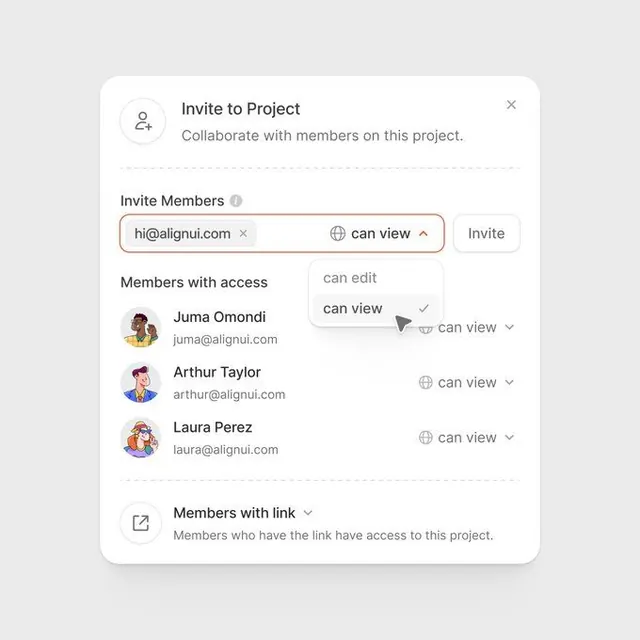 Minimal flat ui screen
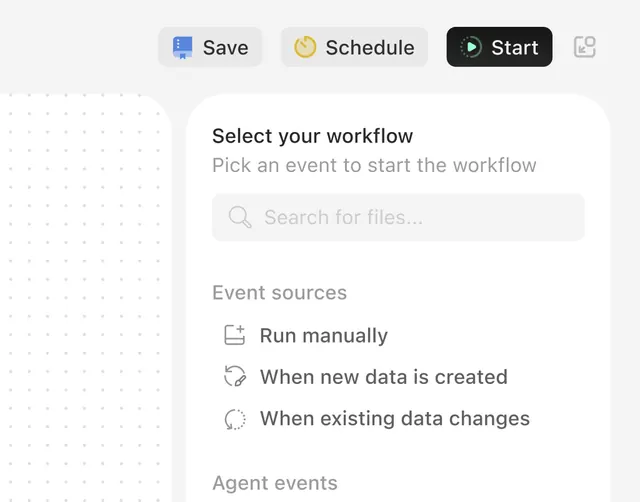 Workflow automation event selector
 Minimal ui screen
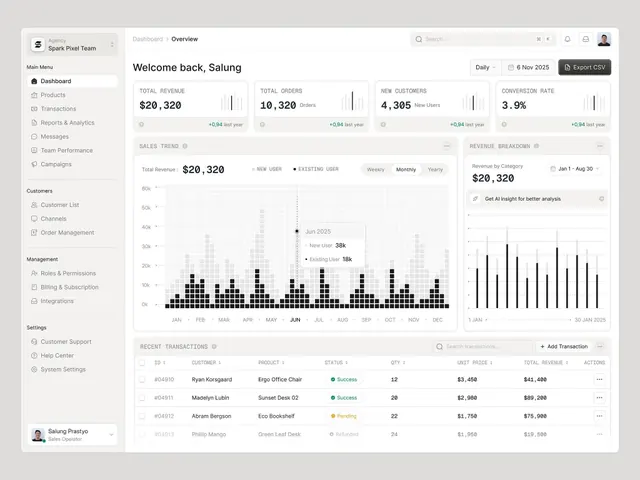 Minimal corporate-clean ui screen
 Minimalist lock screen UI with time and weather
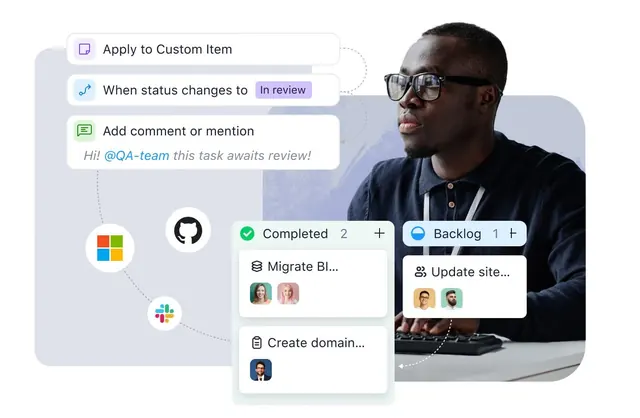 Flat minimal dashboard
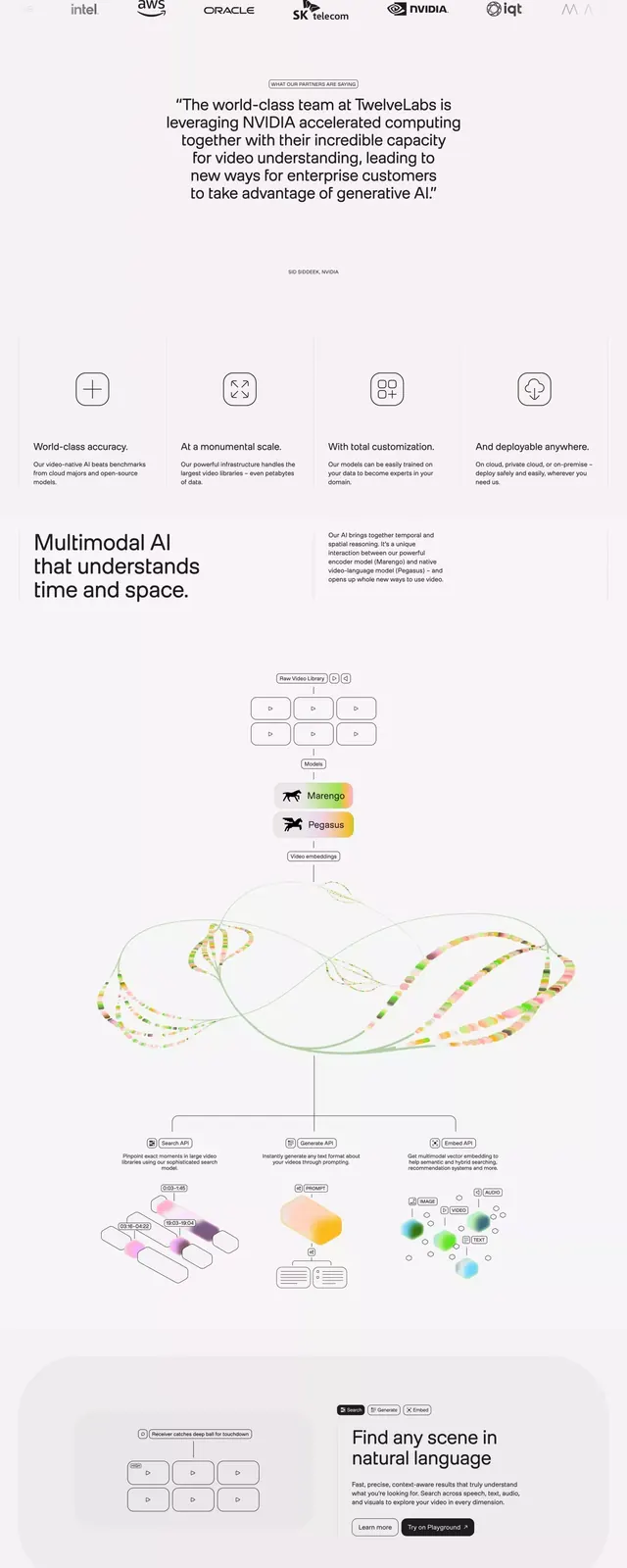 TwelveLabs UI system presentation
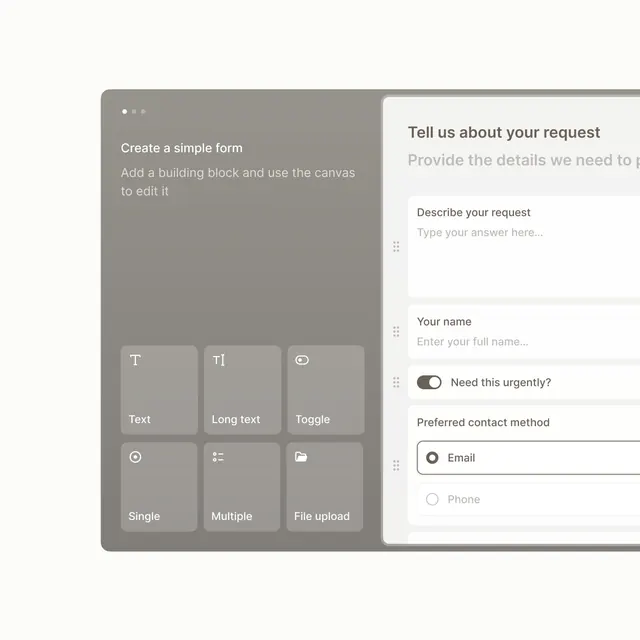 Form builder UI with component palette
 Minimalist SaaS Dashboard Interface
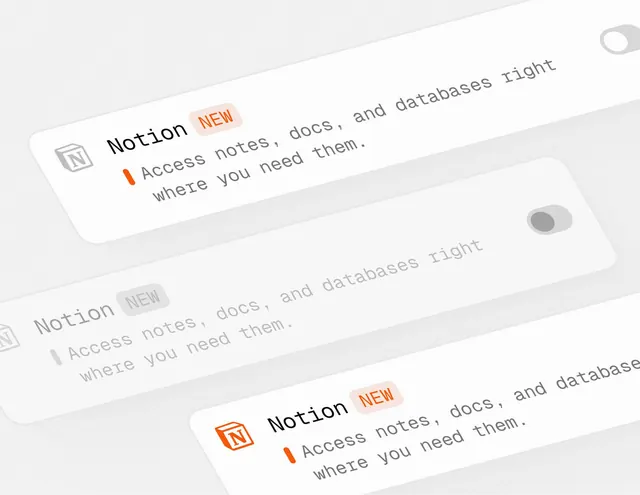 Minimal ui screen
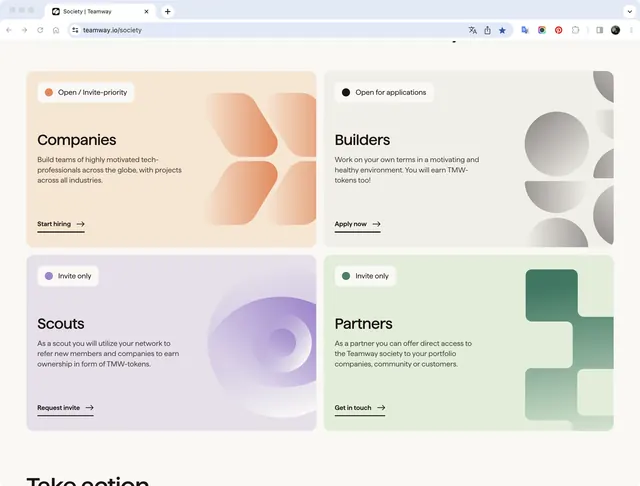 Minimal geometric ui screen
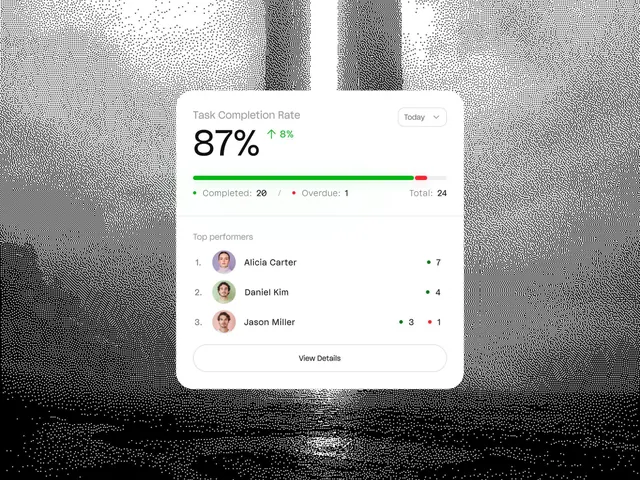 Minimal corporate-clean dashboard
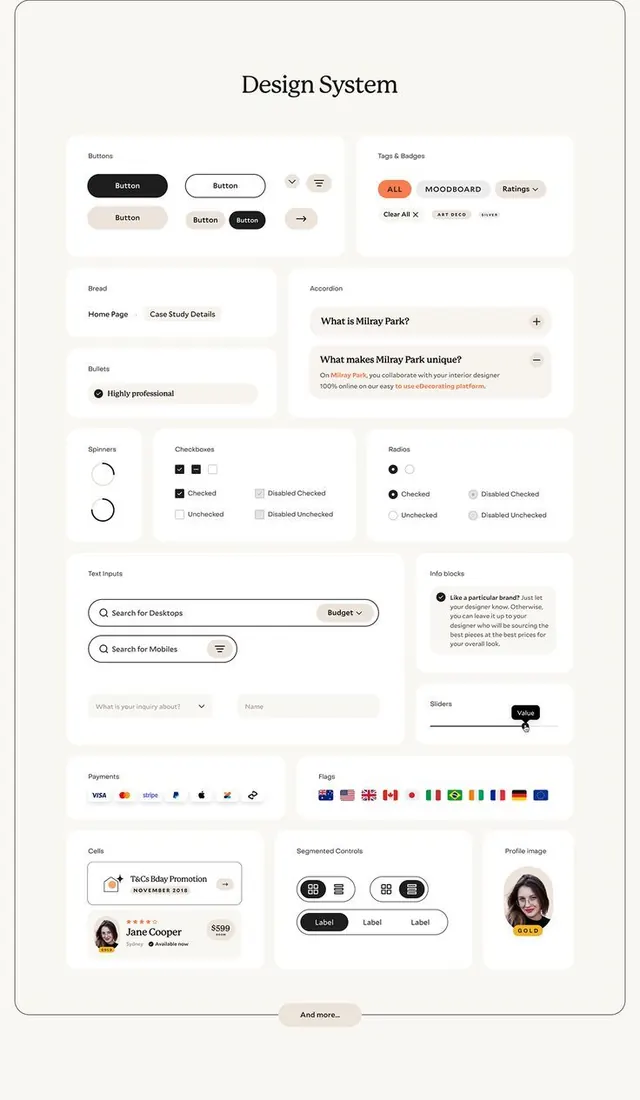 Minimal flat dashboard
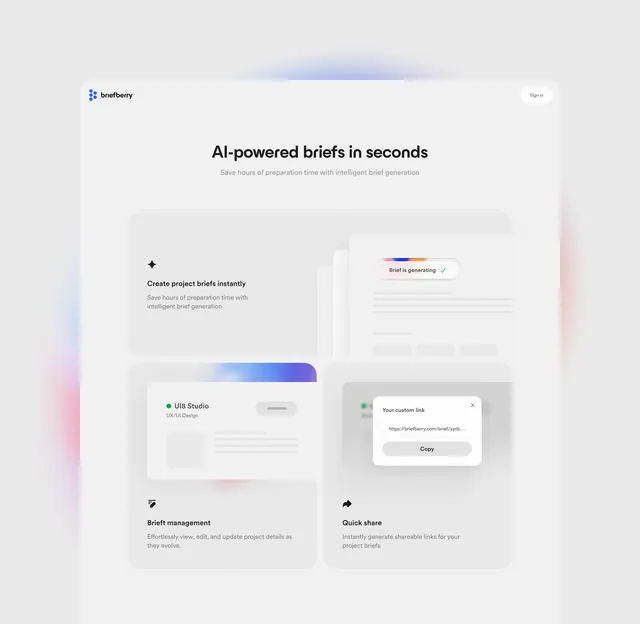 Briefberry SaaS feature cards with gradient accent