Focus productivity app: task planning interface
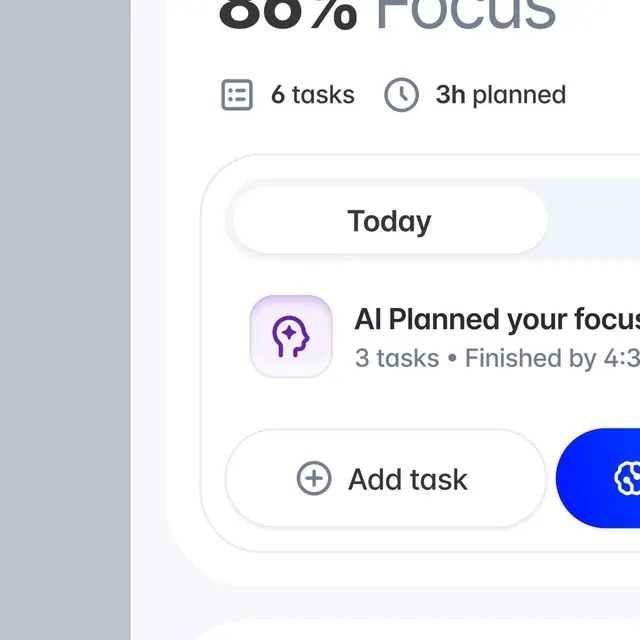
A clean productivity dashboard with 88% focus-completion progress, task list, AI-guided planning, and inline action affordances in a minimal palette of white, blue, and lavender.
Summary
A mobile productivity interface showing a large progress ring (88% focus), summary metrics (6 tasks, 3 hours planned), and a card-based action area with AI-guided scheduling and task-add buttons.
Visual description
A vertical mobile screen on a light gray background. Top third: a large circular progress ring (88% complete, labeled "Focus"), with two submetrics below (6 tasks icon, 3h planned clock icon). Middle section: a rounded white card titled "Today" with nested content. Inside: a compact AI-planning card (small rounded icon in soft-purple with spark symbol) showing "AI Planned your focus" plus task count and deadline ("3 tasks, Finished by 4:30"). Below: an outlined "Add task" button with plus icon, anchored to the card's lower edge. Bottom right: a bright blue call-to-action button (partially visible, likely a trigger). All type is sans-serif; buttons are full-width or pill-shaped with subtle borders or fills. The color palette is restrained: mostly white and light gray, with cool blue for primary actions and soft purple (lavender) for AI/secondary features.
Key takeaway
The large circular progress metric as a scan-friendly focal point above task-list granularity. The nested card pattern (Today card > AI suggestion > button) creates clear information hierarchy and progressive disclosure. The soft purple as an AI-specific signal color is intuitive without competing with primary blue.
Reuse notes
Strong template for any productivity or task-management app, especially ones with AI-assisted scheduling. The calm palette suits focus-oriented contexts (wellness, meditation, work sprints). The nested card approach handles complexity well at mobile scale. The large metric may not scale as effectively on desktop (consider a sidebar treatment); the blue CTA seems cut off, so verify the full button layout in context.
More like this
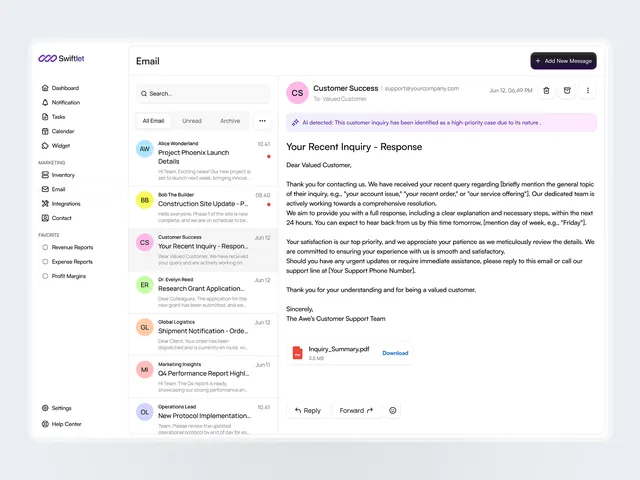 Minimal flat ui screen
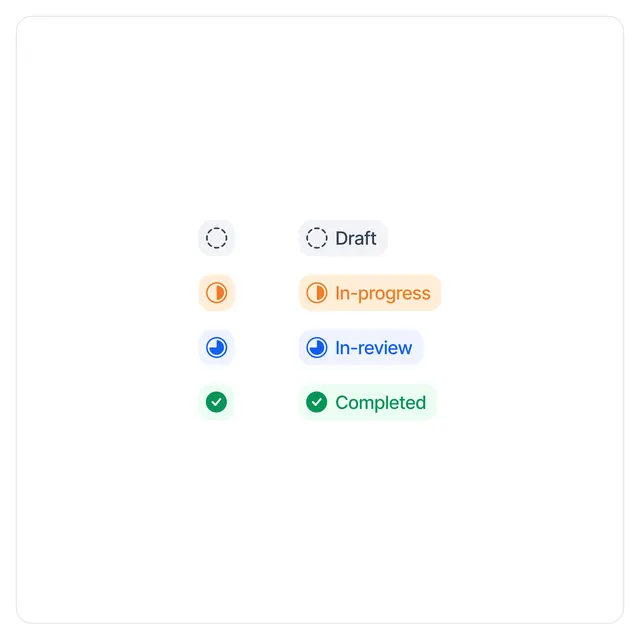 Status indicator states with icons and labels
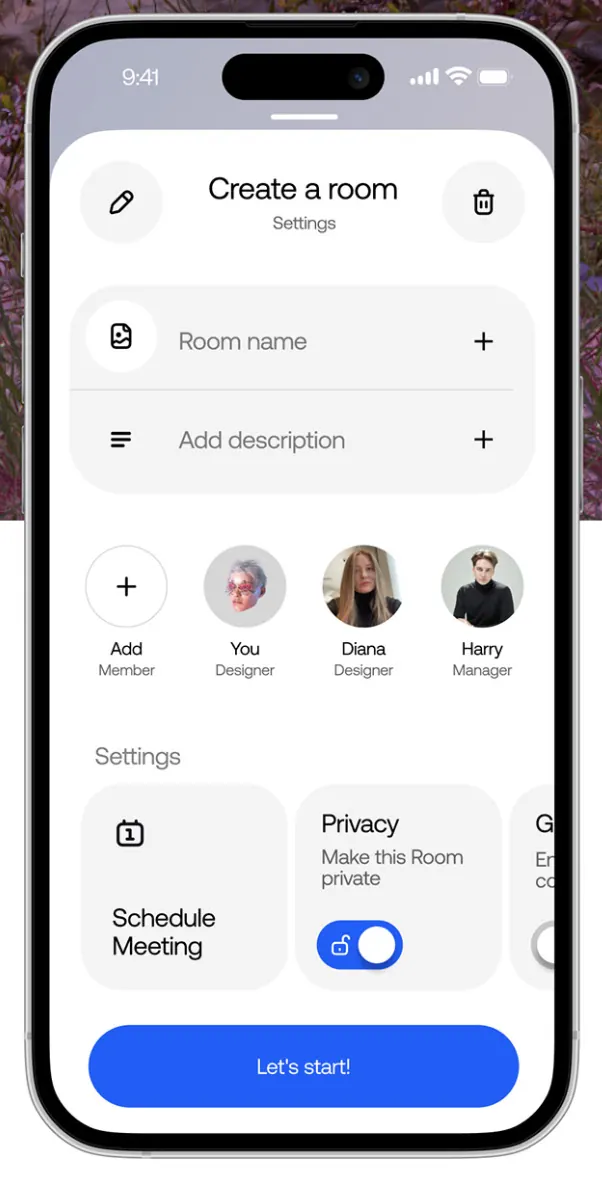 Minimal flat ui screen
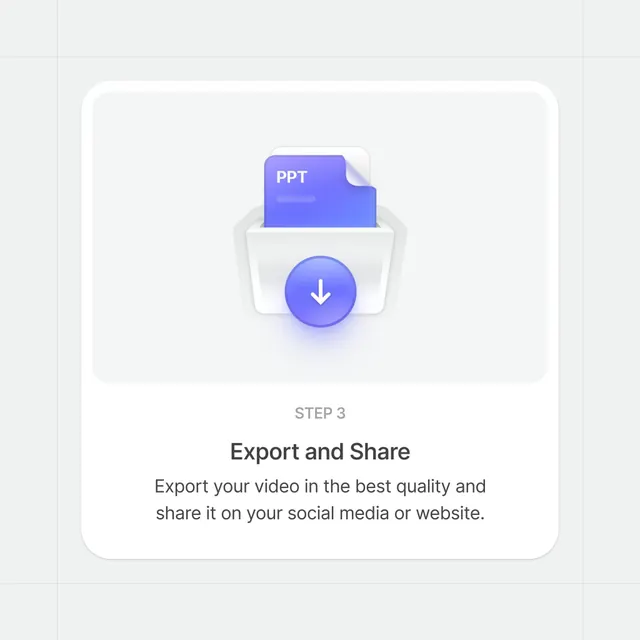 Minimal flat ui screen
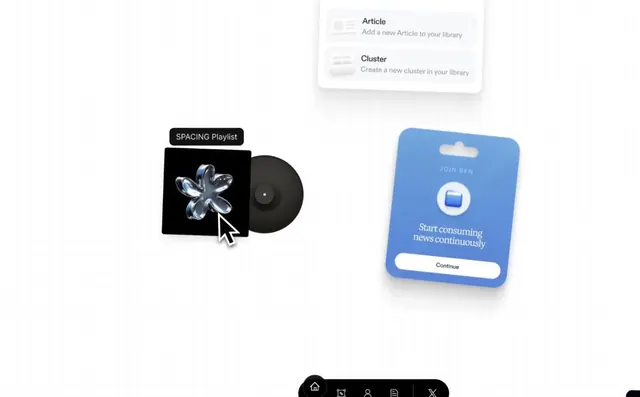 Content curation app with card menu and 3D mockups
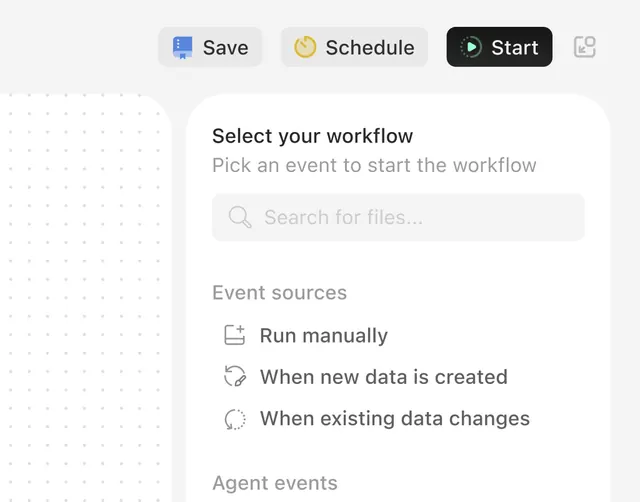 Workflow automation event selector
 Speech bubble icon with avatar cluster
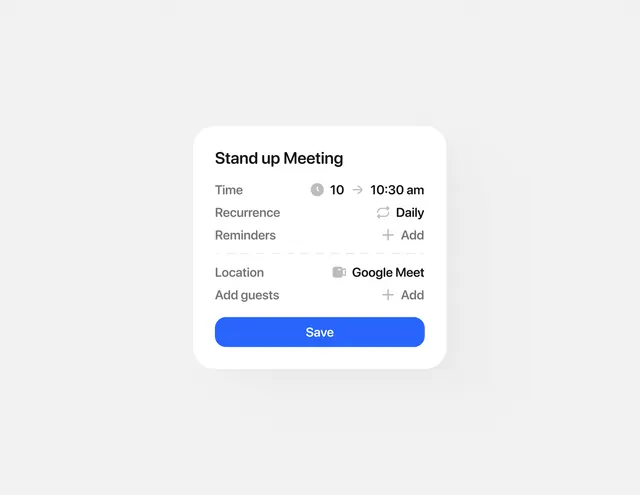 Stand up meeting form card
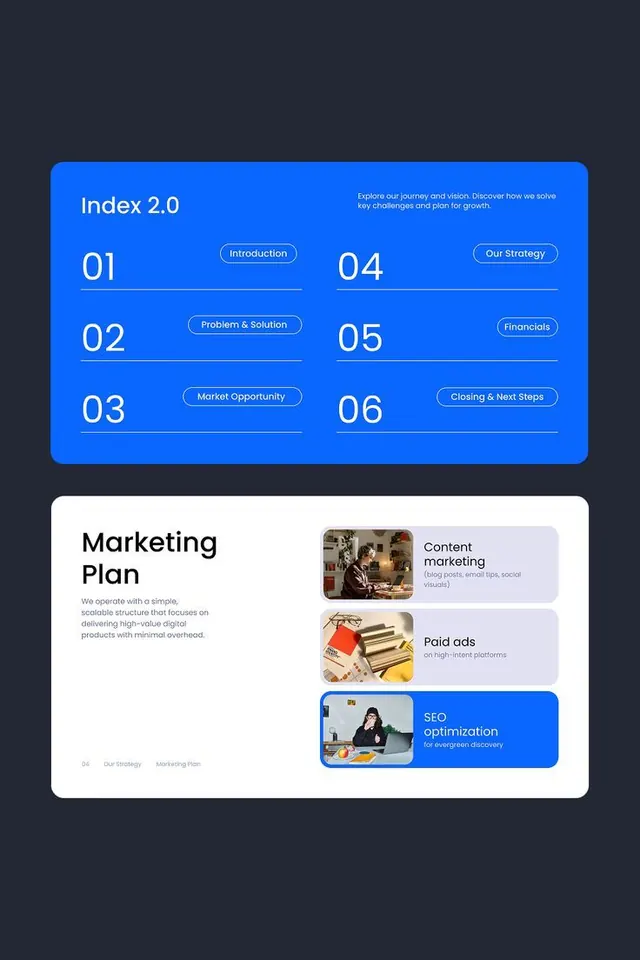 Minimal corporate-clean ui screen
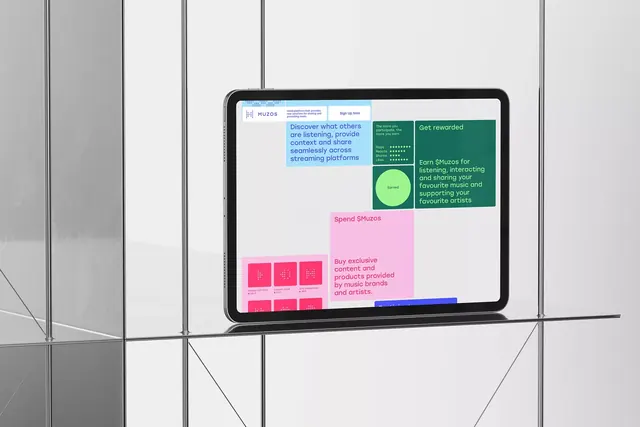 Minimal flat ui screen
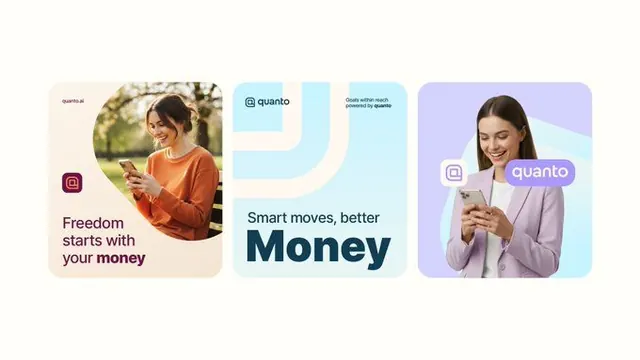 Minimal flat ui screen
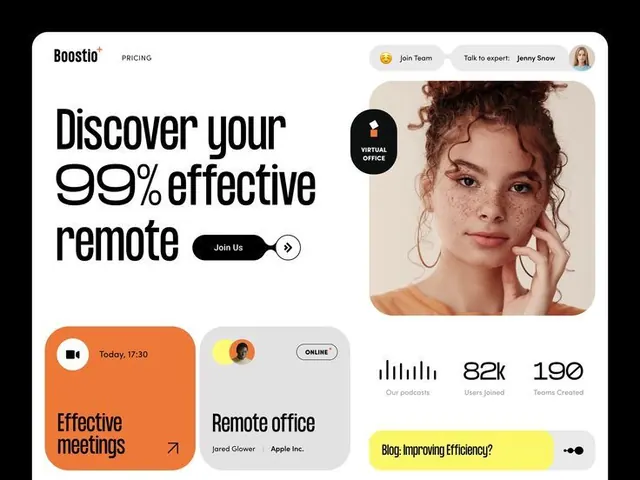 Remote work SaaS hero with bold sans-serif and feature cards
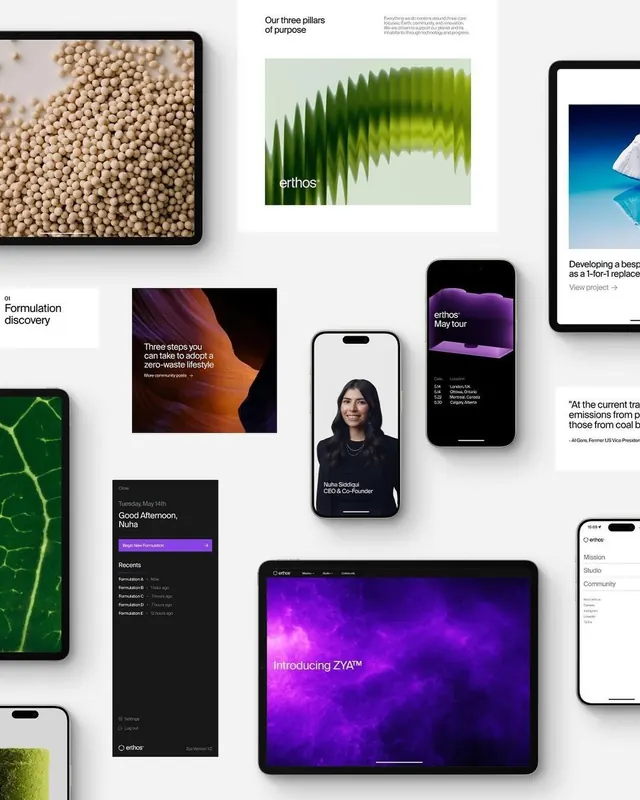 Device mockup grid with vibrant UI samples
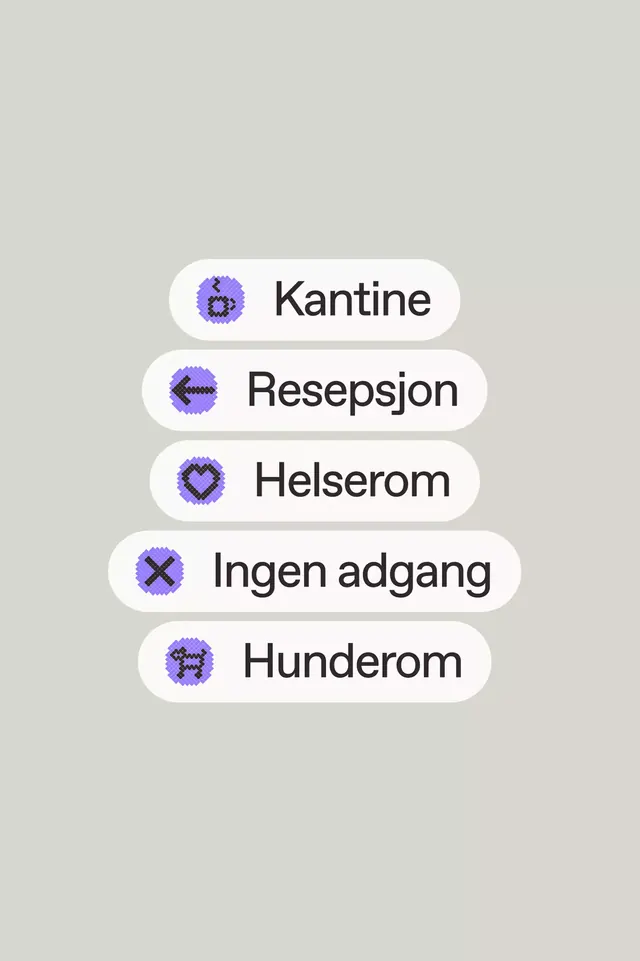 Minimal playful ui screen
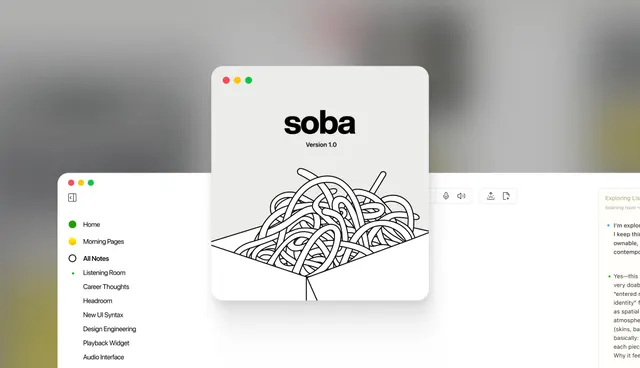 Soba app UI with organic line-art illustration
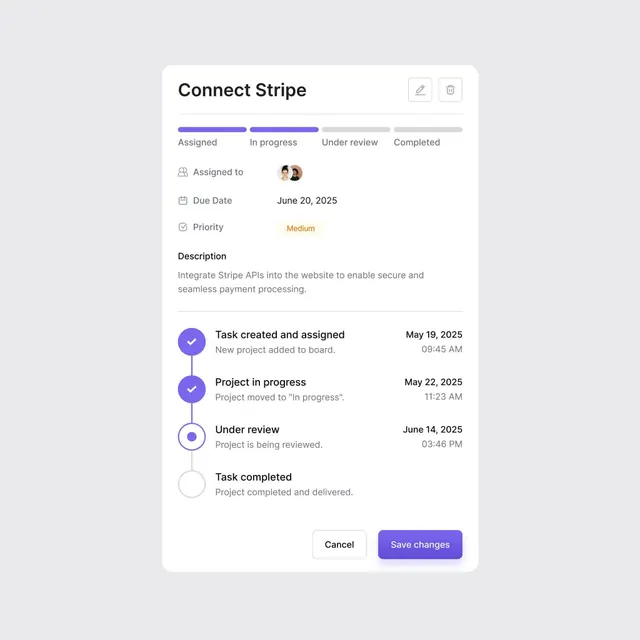 Task detail panel with progress timeline
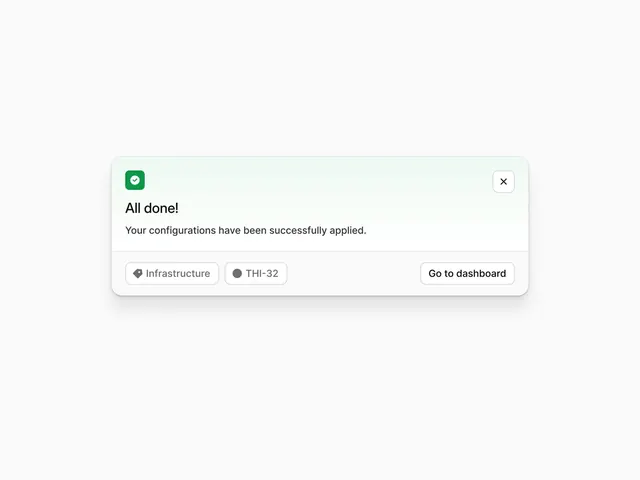 Success confirmation modal with action buttons
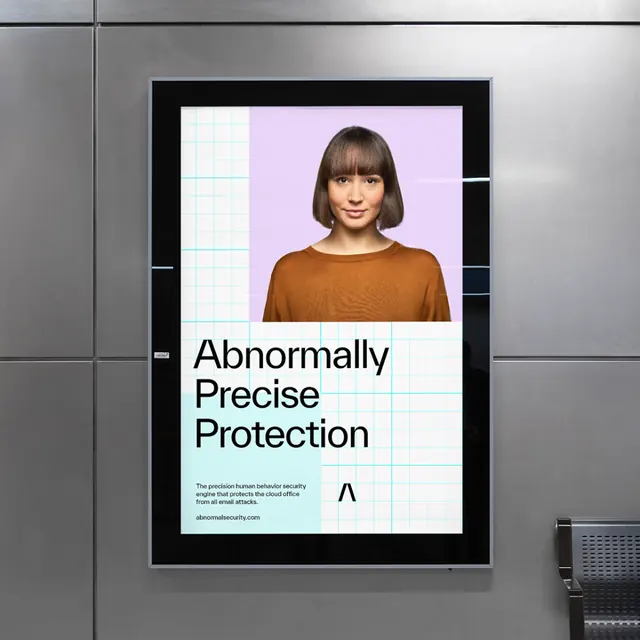 Technical minimal ui screen
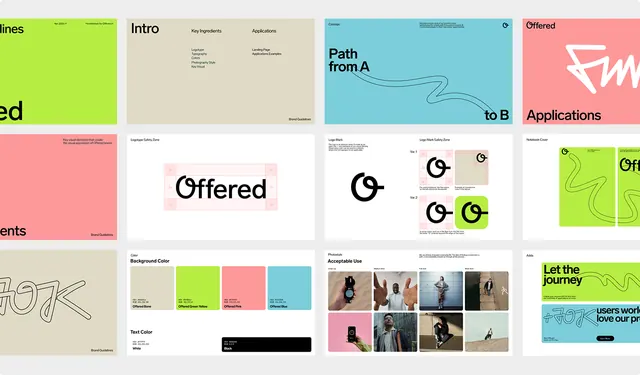 Playful design system with organic curves and pastel palette
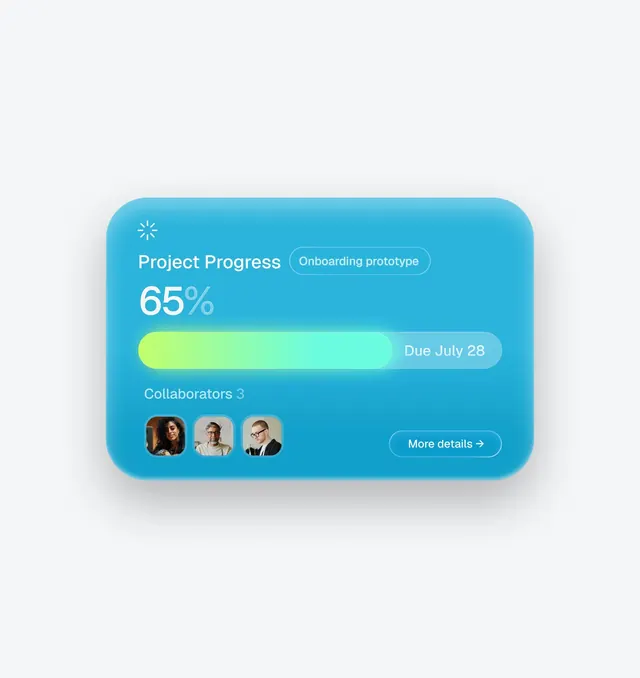 Minimal flat ui screen
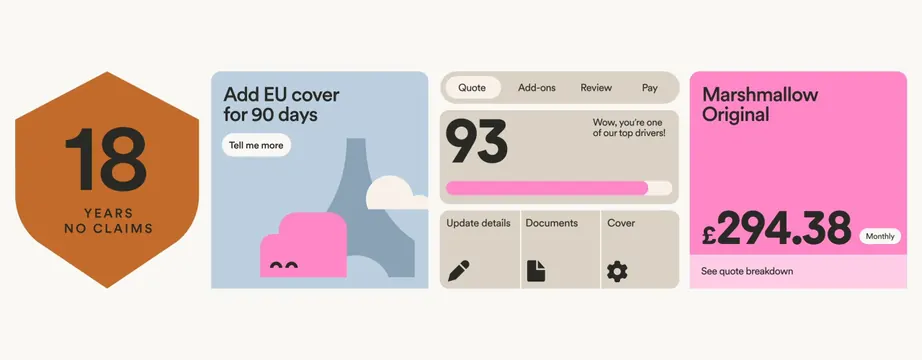 Insurance quote interface with color-blocked panels
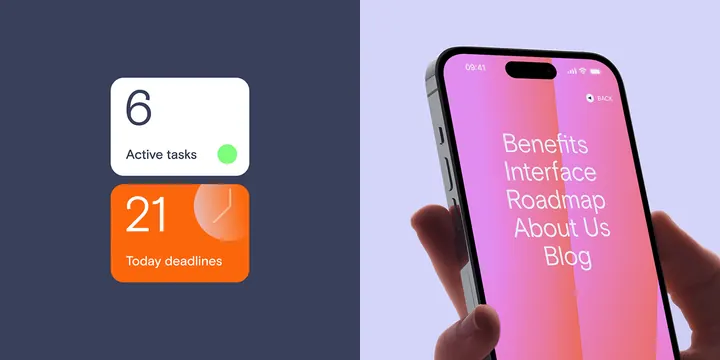 Minimal flat ui screen
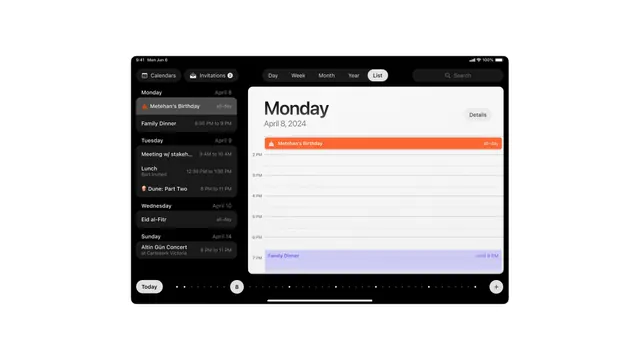 Minimal flat ui screen
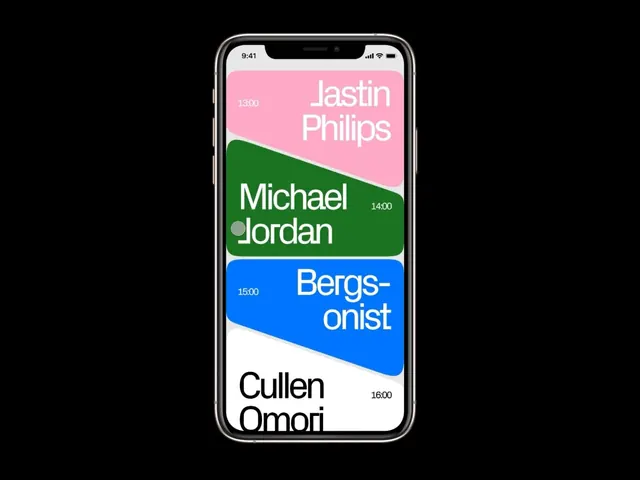 Color-blocked event schedule mobile app