Three-step SDK onboarding in terracotta
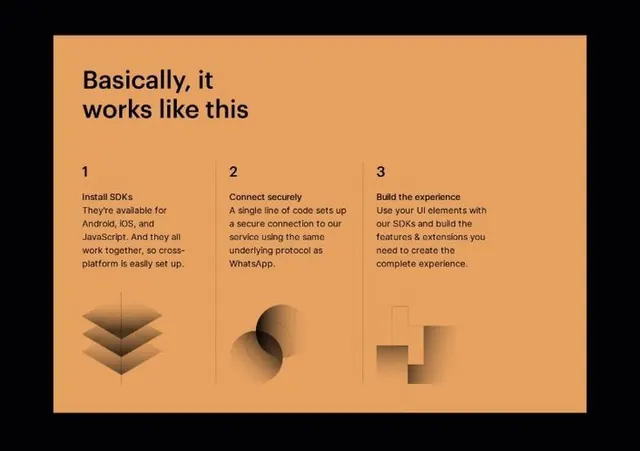
Developer-focused onboarding screen with three terracotta-on-black steps for SDK installation, secure connection, and feature building, each paired with a 3D-rendered geometric shape.
Summary
A developer SDK onboarding screen showing three sequential steps (Install SDKs, Connect securely, Build the experience) against a black background, using terracotta color blocks and 3D geometric illustrations to guide users through platform setup.
Visual description
Black background with a large terracotta/orange block at the top containing the headline "Basically, it works like this". Below, three equal-width columns separated by thin light dividers. Each column has a bold numbered label (1, 2, 3), a small bold title in black sans-serif (Install SDKs, Connect securely, Build the experience), and 2-3 lines of supporting copy describing the step in smaller type. Beneath each text block sits a 3D-rendered geometric shape in terracotta and shadow: a layered pyramid/stack for step 1, a curved spiral cone for step 2, and stacked rectangular volumes for step 3. The 3D shapes have depth and soft shading, occupying roughly one-third of each column's height. All type is black on the terracotta block and dark gray/black on the white background; the whole composition is tightly contained in a dark frame.
Key takeaway
The warm-on-dark color pairing (terracotta and deep brown on pure black) creates warmth and authority without neon. The 3D geometric icons anchor each step visually without cluttering the layout; they are simple enough to scan at a glance yet detailed enough to suggest technical depth. The three-column equal-width grid with consistent labeling (number, title, copy, icon) is a robust sequential-process template.
Reuse notes
Perfect for developer tool onboarding, SaaS feature walkthroughs, and getting-started guides. The terracotta palette appeals to technical audiences and works on both dark and light backgrounds. Step numbers and 3D assets are memorable. Best paired with a single CTA at the end of the sequence. Caveat: the compressed layout assumes desktop or tablet; mobile would need to stack the columns vertically.
More like this
 Complex Layered Digital Composition
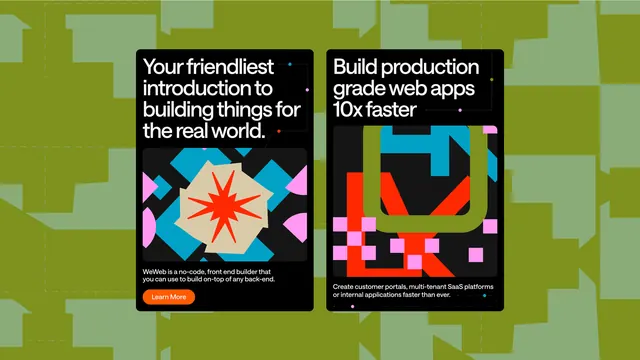 Web dev cards with geometric elements
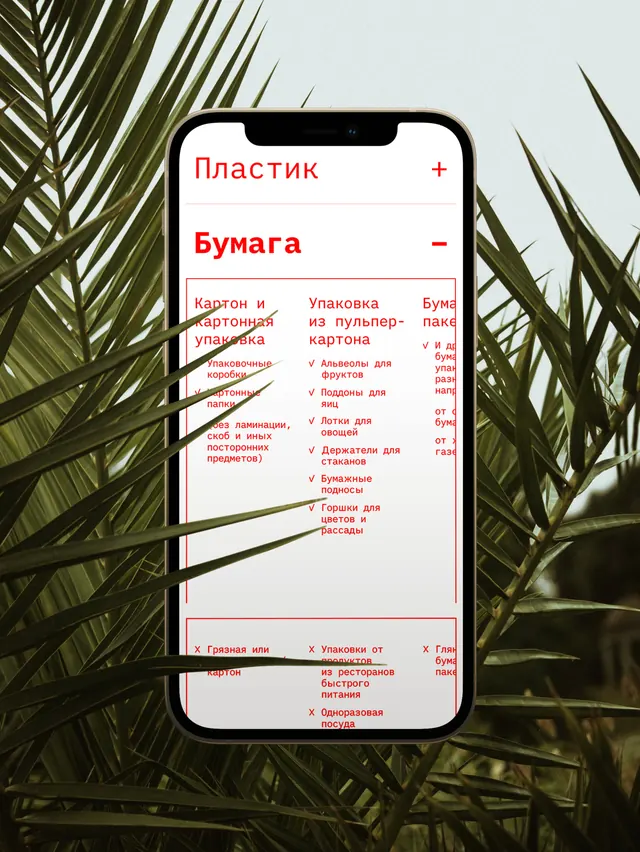 App interface with Russian text packaging hierarchy
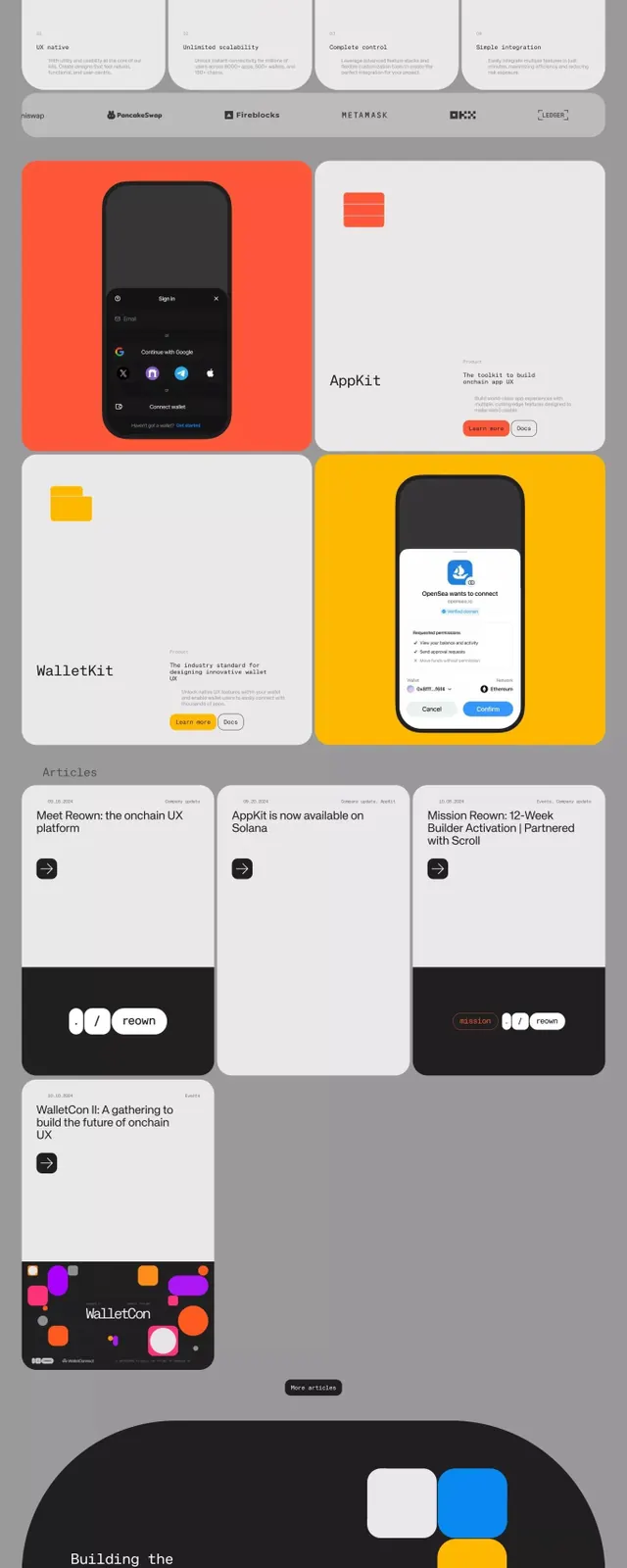 Modular fintech product showcase
 Directory Plus mockup editor product demo carousel (slide 1)
 Minimal brutalist ui screen
 Minimal corporate-clean ui screen
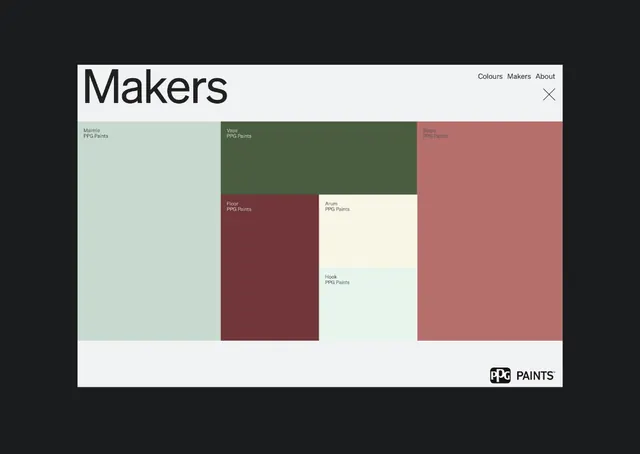 Makers paint palette interface
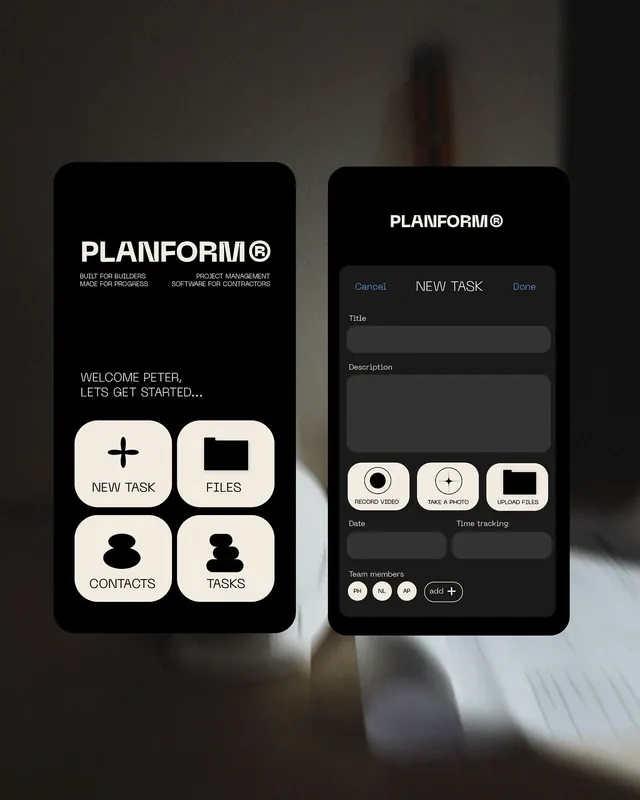 Planform project management mobile screens
 Dark Theme Interface Design for Technology Product
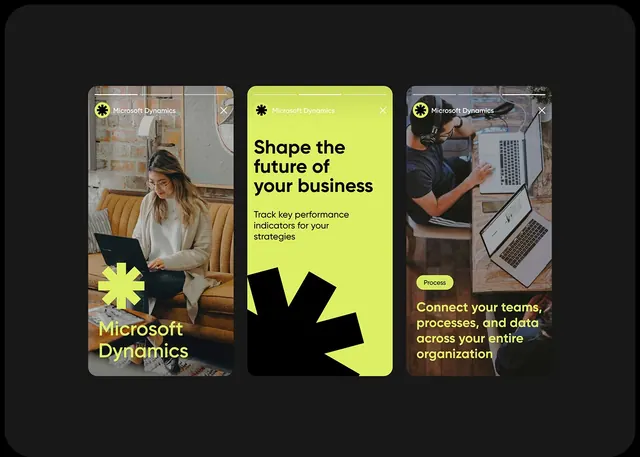 Corporate-clean minimal ui screen
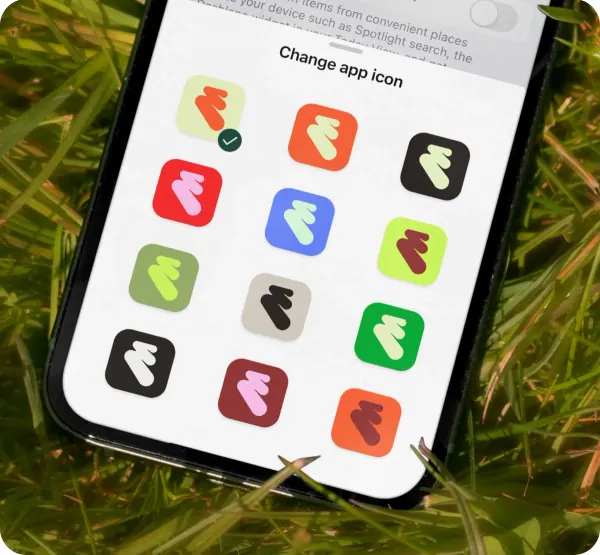 Flat minimal ui screen
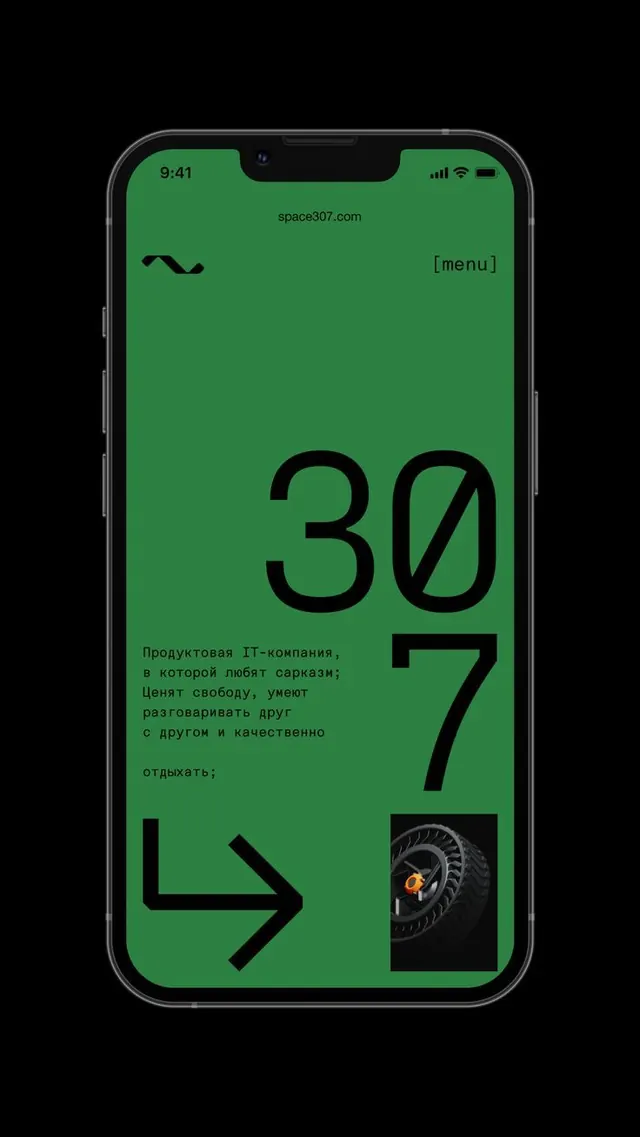 Space307 green mobile interface
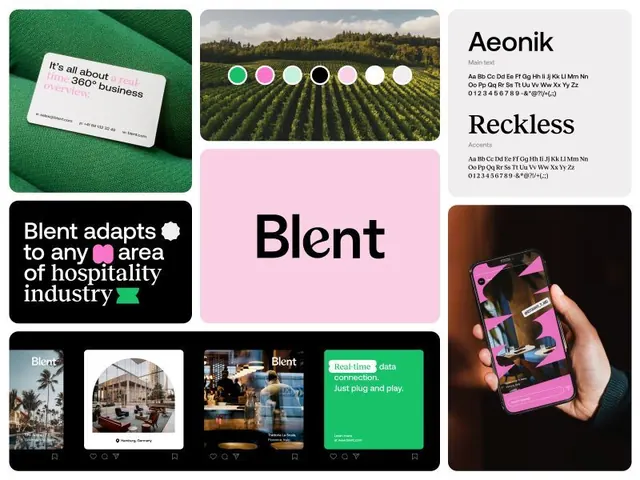 Minimal flat ui screen
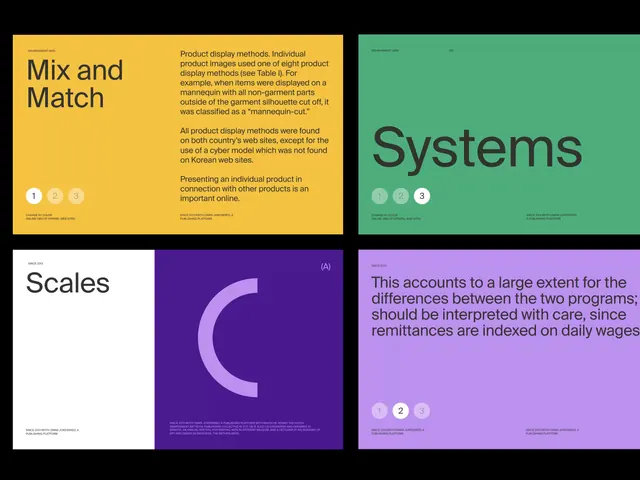 High-contrast dark UI system panels
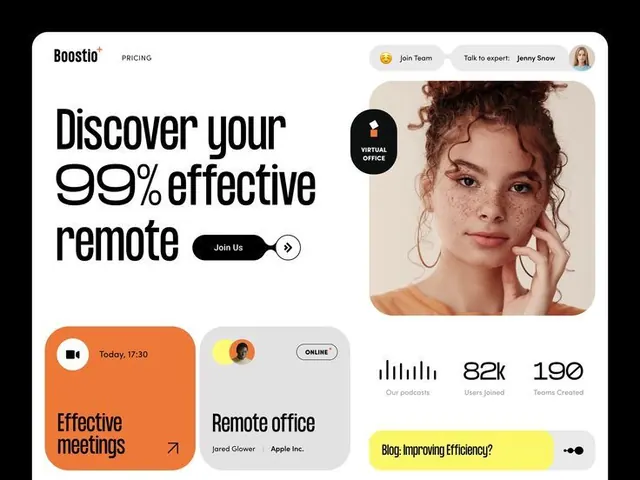 Remote work SaaS hero with bold sans-serif and feature cards
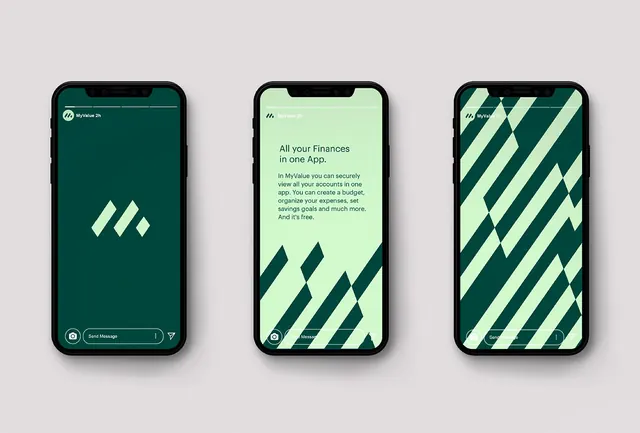 Fintech mobile app with diagonal pattern
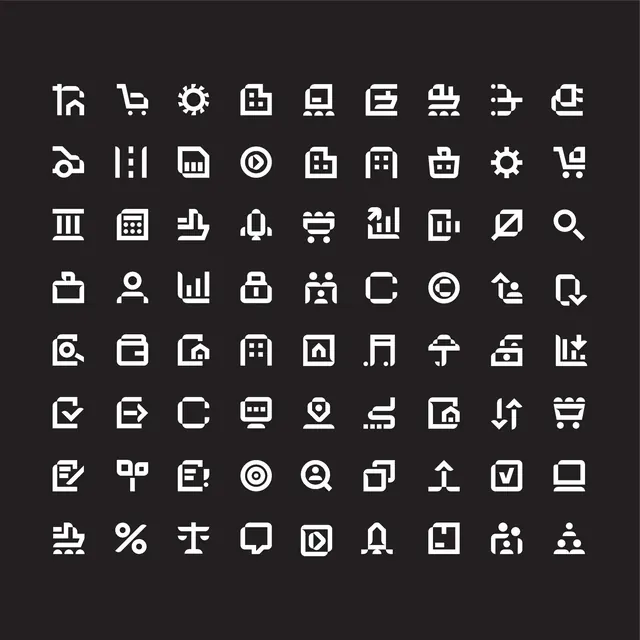 Icon grid: Maja Moden, 81-icon set
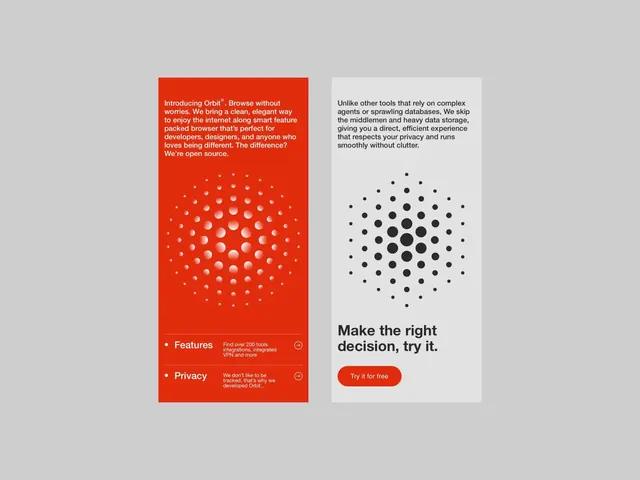 Minimal geometric ui screen
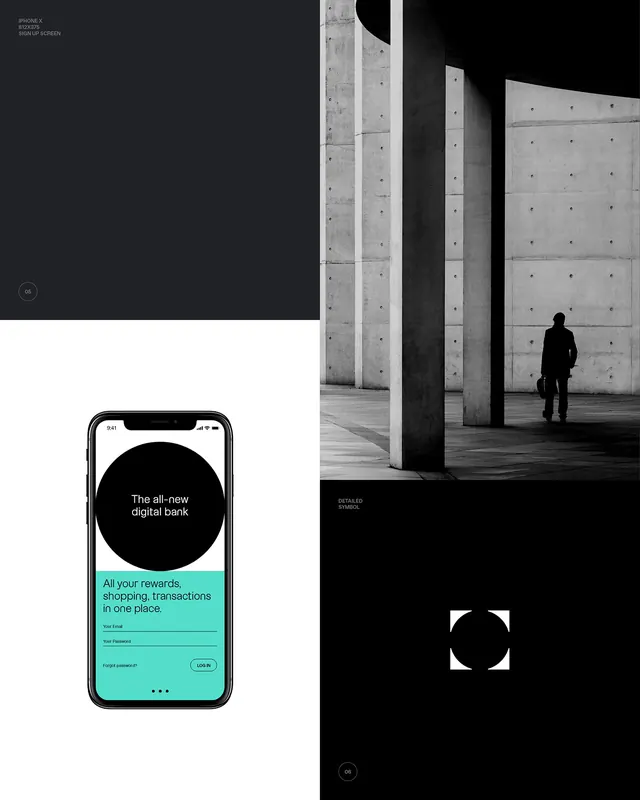 Mobile banking app mockup
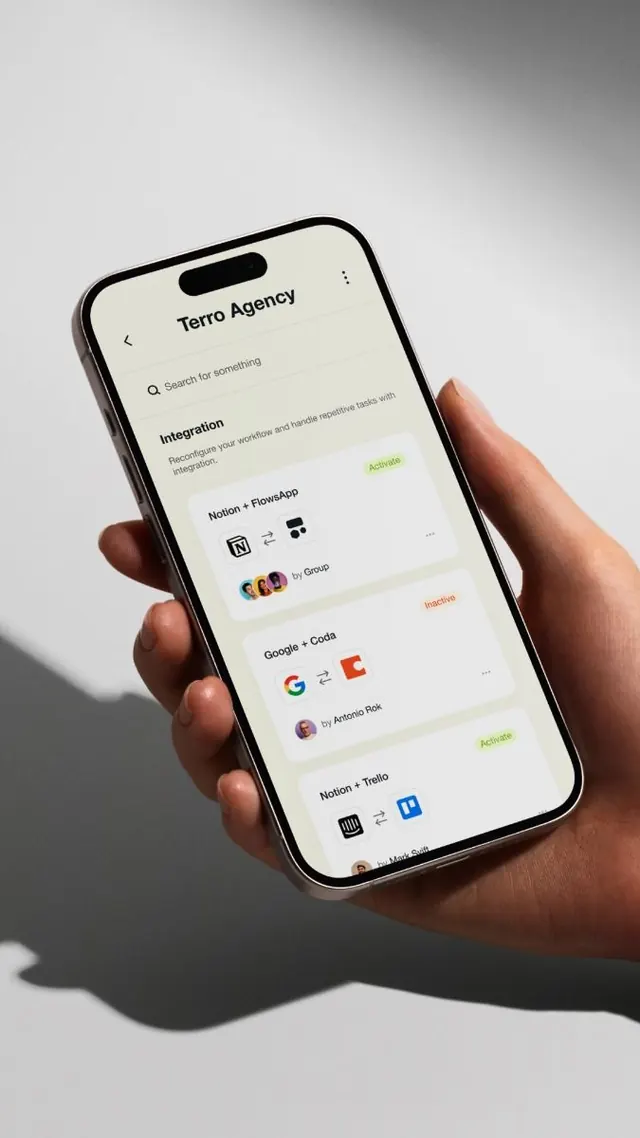 Minimal flat ui screen
 Icon state progression design system
 Isoflow geometric 3D label mockup
 Minimal corporate-clean ui screen