Icon safe area and minimum size
Technical guideline that frames the standalone icon with nested clear-space rules on black and calls out its minimum height beside a small sample.

Summary
A clear-space diagram for the icon, with a white mark inside nested square boundary rules on black. A small icon sample and a minimum-height note sit below the frame.
Visual description
A mint left panel holds black body copy with a darker teal gradient at its base. The center shows a square white-outlined frame with an outer buffer boundary and an inner minimum zone, marked by corner crosses. The white icon sits inside the frame, sized to the thickest part of its crescent. Below the frame, a small icon sits beside a bracket and the caption about the minimum height of 75 pixels.
Key takeaway
The clear-space rule for the icon is derived from the crescent's thickest part, which the diagram makes visible through the nested boundaries. The minimum-size sample gives an immediate sense of scale.
Reuse notes
Reuse next to the icon presentation when clear-space or minimum-size rules are needed for favicons or app tiles. The thin linework is tuned for black, so recolor it before using it on light grounds.
More like this
 Vertical logo safe area and minimum size
 Primary logo and logo lockups
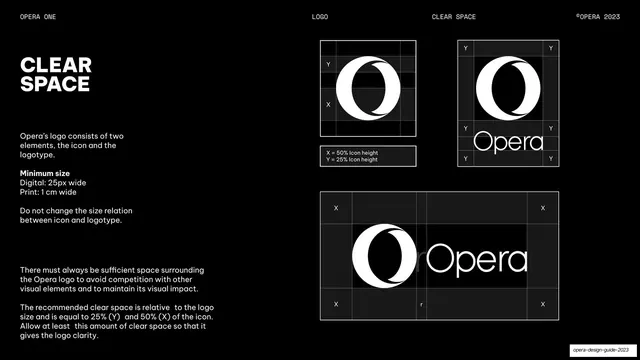 Logo clear space and minimum size
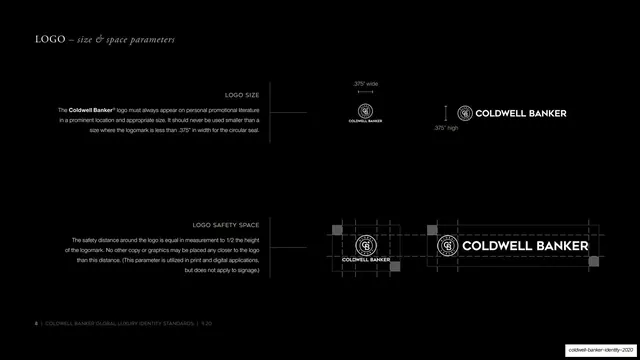 Logo minimum size and clear space
 Mash logo minimum scale, light and dark
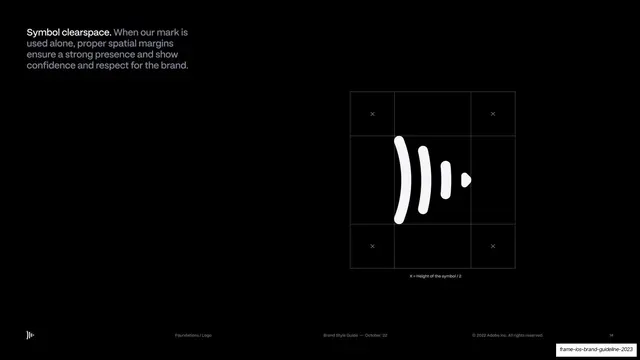 Symbol clearspace diagram
 F1 Championship logo construction
 Logo clear space
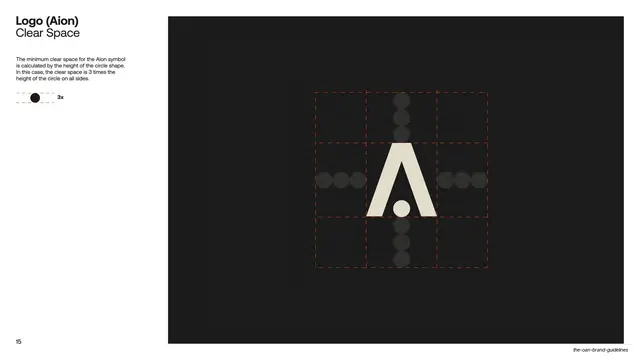 Aion symbol clear space at three circles
 Why Dev Mode feature with version history
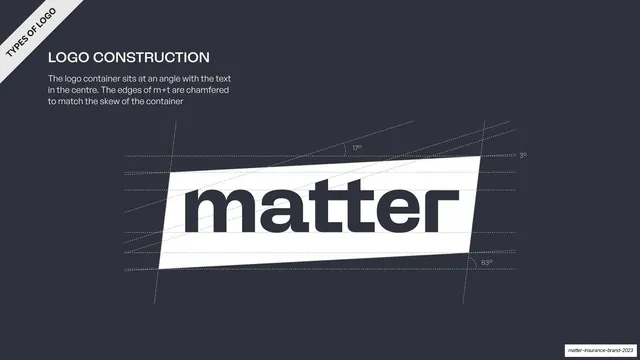 Logo construction with skew angles
 Income statement table
 Graphic mark construction grid
 KPR Brand Book Version 1.0
 Logo clear space
 Traditional vs mknly org-structure diagram
 Typography hierarchy, web and headline scale
 BB in Numbers stat grid
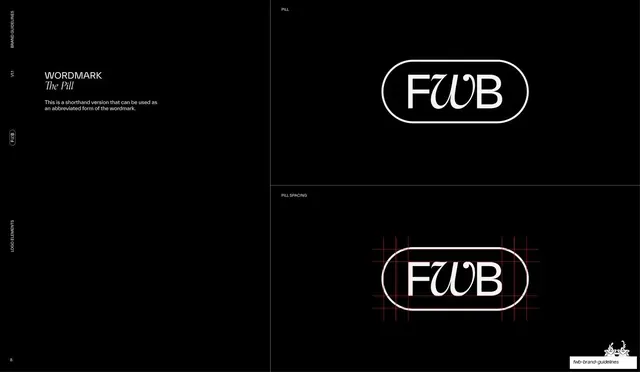 Pill logo lockup with spacing grid
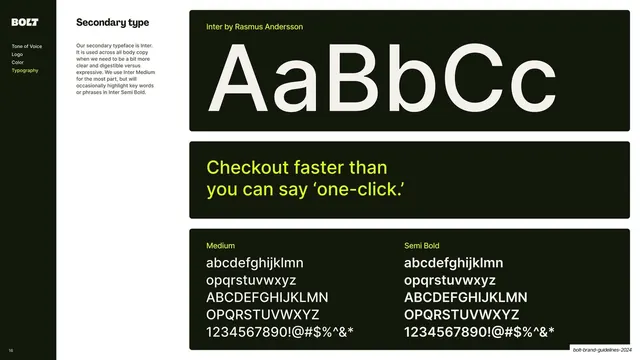 Secondary type - Inter
 Docusign Brand Identity Guidelines 2024
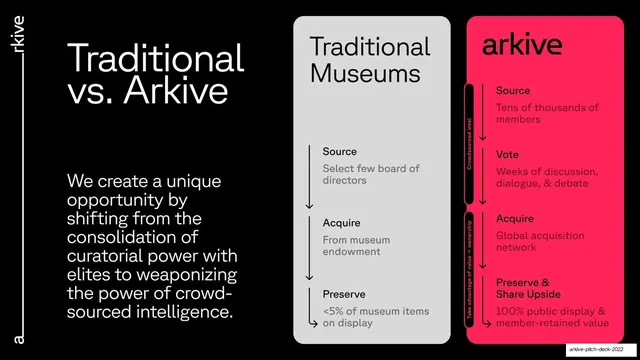 Traditional vs. Arkive comparison
 Wordmark lockup variations
 Emerging-technologies hype cycle chart