Z1 simple mobile feed entry anatomy
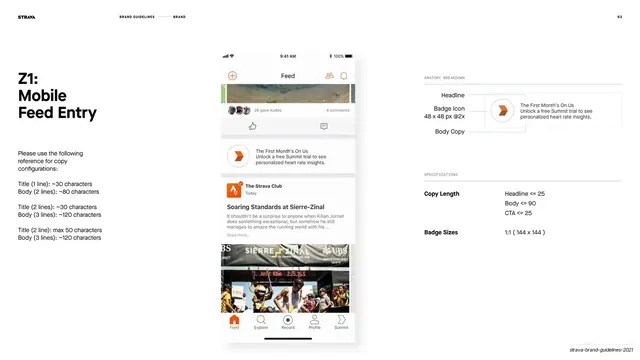
Anatomy and copy-length spec for the simpler Z1 mobile feed card, which has no background image and leads with a badge and text.
Summary
Anatomy and copy-length spec for the simpler Z1 mobile feed card, which has no background image and leads with a badge and text.
Visual description
The left column holds the bold title and a copy-length reference paragraph. The centre shows a feed phone screenshot in which the simple card is a plain white row, with a circular orange chevron badge on the left and two short text lines on the right. The right column has an anatomy diagram calling out headline, badge icon and body copy, plus a specifications list for copy length and badge size. The layout is quiet and text-led, and the grey feed posts above and below make the card read as one entry among many.
Key takeaway
Dropping the photo leaves the badge and two lines of text to do all the work, which keeps the entry fast to scan. Using the same copy limits as the photo version shows that the text system does not change with the image.
Reuse notes
Use for lightweight in-feed prompts where a photo would be too heavy. It pairs with the Fancy variant on the previous slide. The badge and text pattern is simple enough to reuse as a template for other in-feed system messages.
More like this
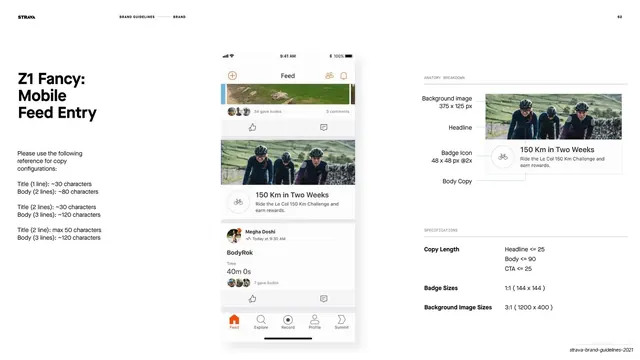 Z1 Fancy mobile feed entry anatomy
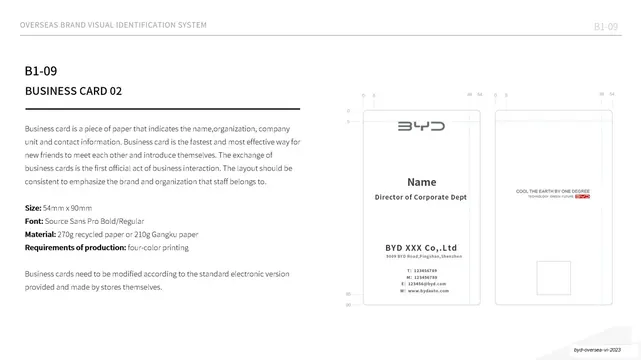 Vertical business card front and back
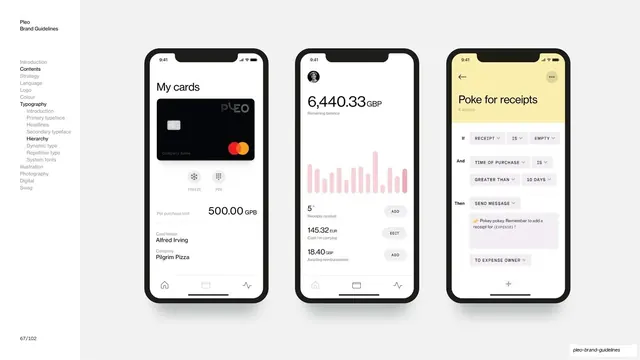 Three phone screens showing product scale
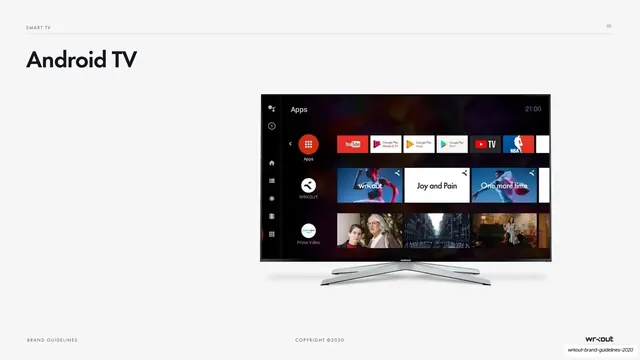 WRKOUT in the Android TV app row
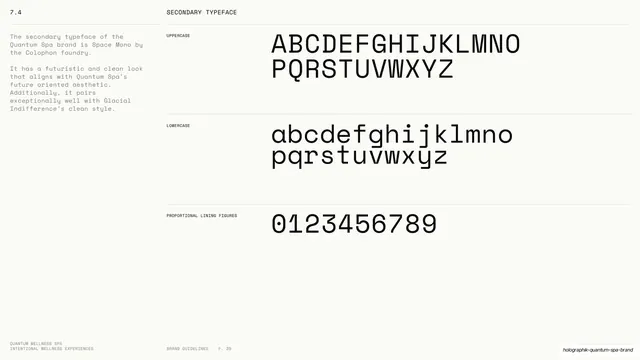 Secondary typeface monospace character set rows
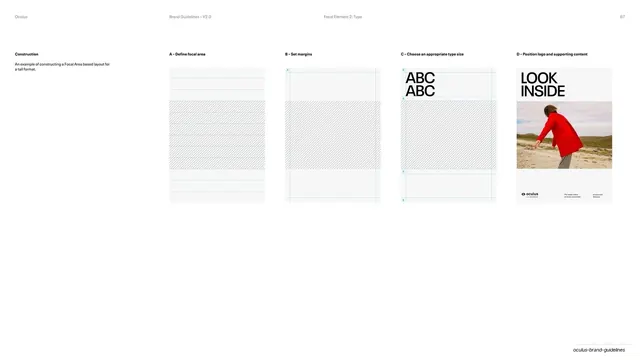 Tall format focal area construction steps
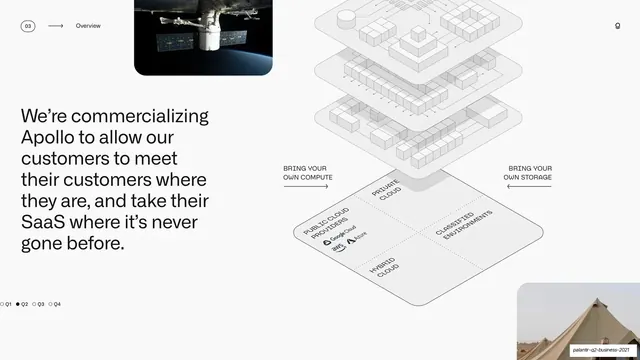 Apollo deployment isometric layers diagram
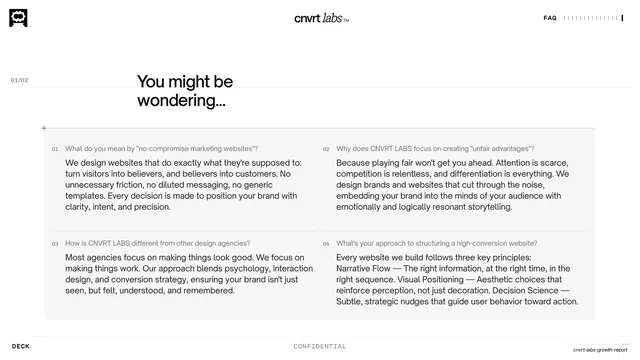 FAQ part one on light two-column grid
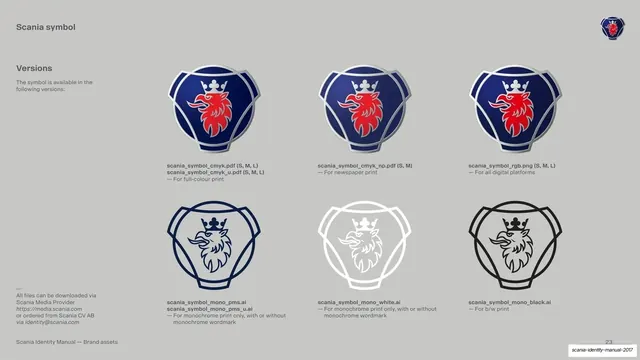 Symbol file versions grid
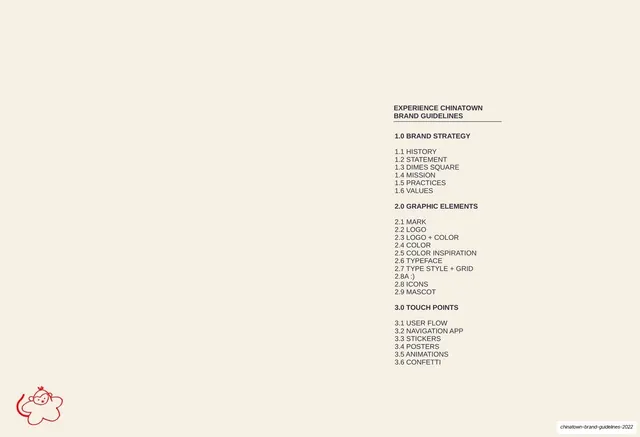 Contents page with numbered sections
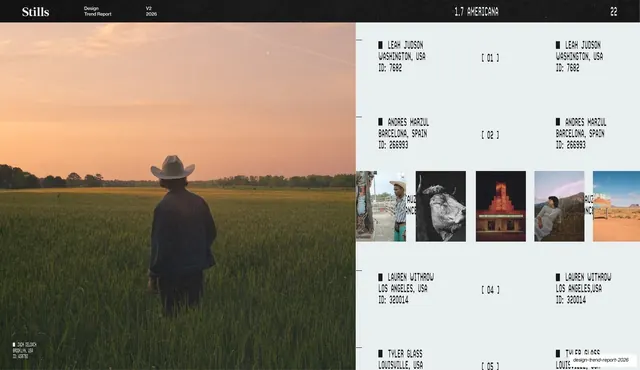 Americana photographer index spread
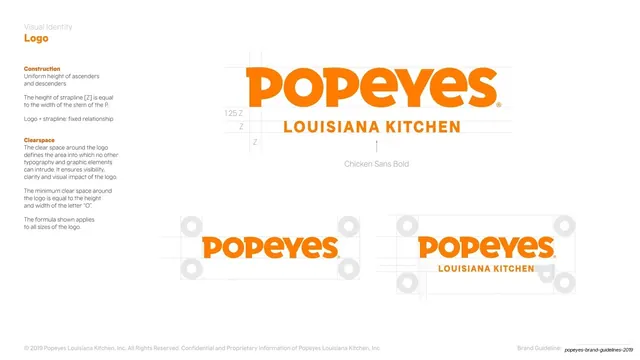 Logo construction and clear space diagram
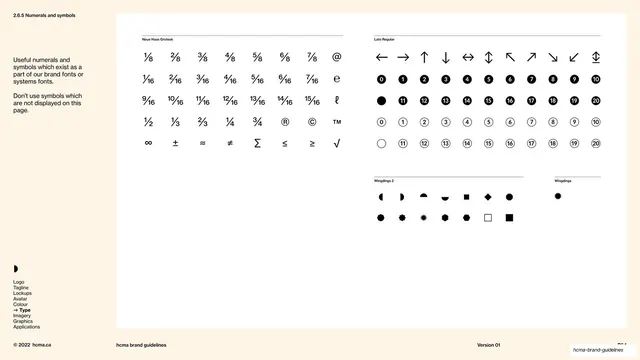 HCMA numerals and symbols
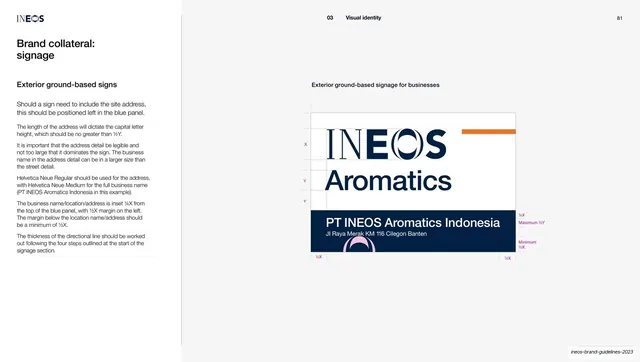 Exterior sign address placement guideline
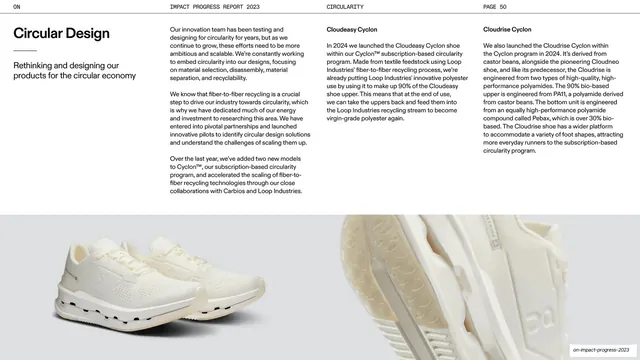 Circular design with Cyclon and Cloudrise
 Lockup of mark and logotype
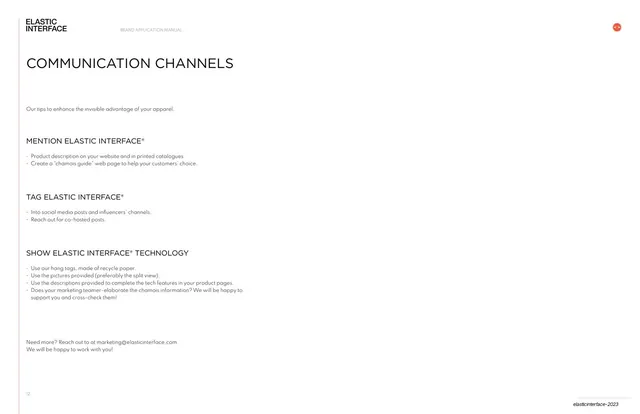 Partner promotion tips text page
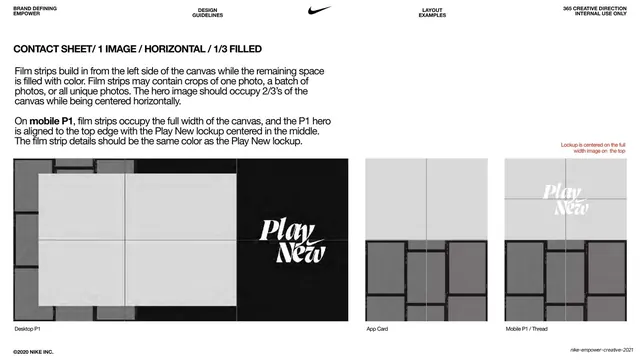 Contact sheet horizontal one-third filled layout spec
 Introduction text in two columns
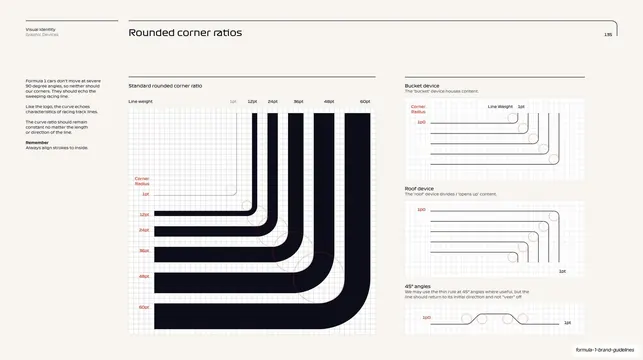 F1 rounded corner ratios
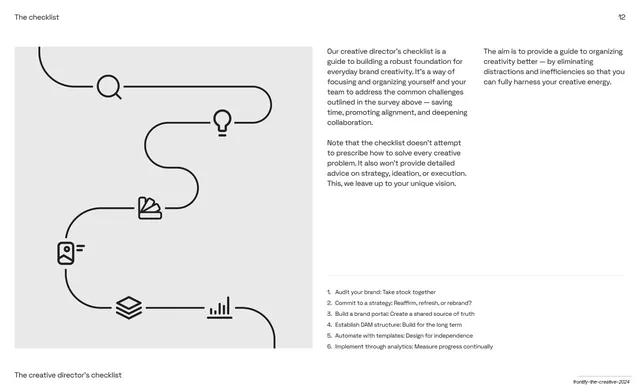 Framework overview with winding icon route
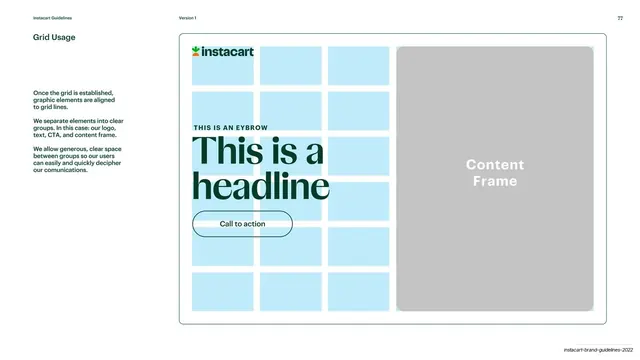 Grid usage: aligning logo, headline and CTA
 Client logo grid, previous clients
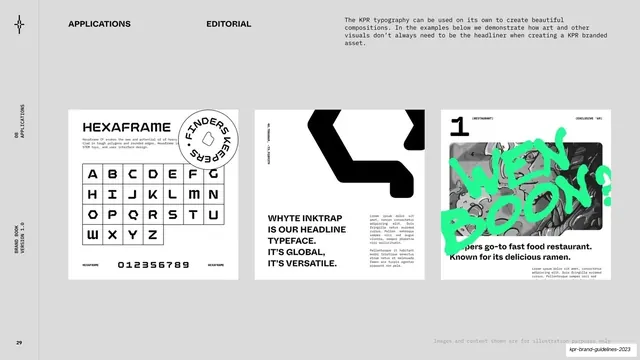 Application - editorial