Lockup of mark and logotype
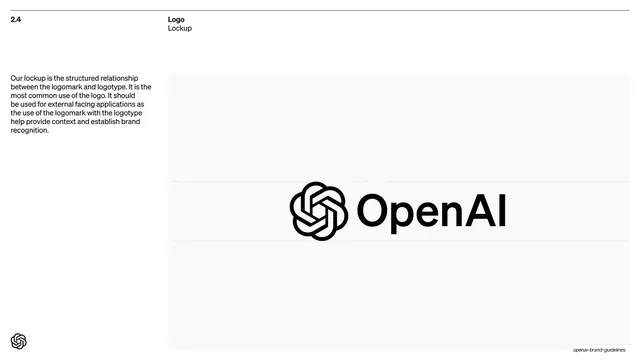
Split layout with a definition of the lockup beside a centered horizontal lockup of logomark and logotype on a pale grey panel.
Summary
A split specimen on white that defines the lockup and shows the horizontal pairing of logomark and logotype centered on a pale grey panel. It establishes the default logo arrangement for external use.
Visual description
White background with a hairline rule and a small bold "Logo" label above "Lockup" at top left. A narrow left column gives a short sans-serif definition of the lockup as the most common use of the logo. The right panel is pale grey with two faint dashed horizontal guides. The black logomark sits to the left of the bold "OpenAI" wordmark on one horizontal line, centered in the panel.
Key takeaway
The lockup is shown at one centered scale with guides, so the mark to type relationship is easy to read. A short definition beside the specimen separates the rule from the example.
Reuse notes
The default reference slide for a brand lockup. The horizontal arrangement suits wide headers, letterheads and web navigation. Pair it with the clear-space diagram for the spacing rule.
More like this
 Logotype usage on light panel
 Partnership lockup construction, vertical and horizontal
 Co-branding lockup usage and clear space
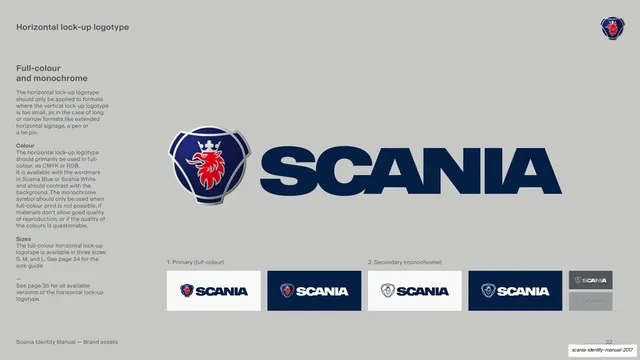 Horizontal lock-up colour and background pairings
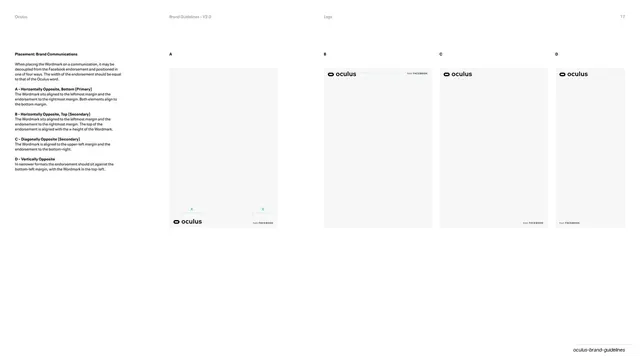 Four wordmark placement options
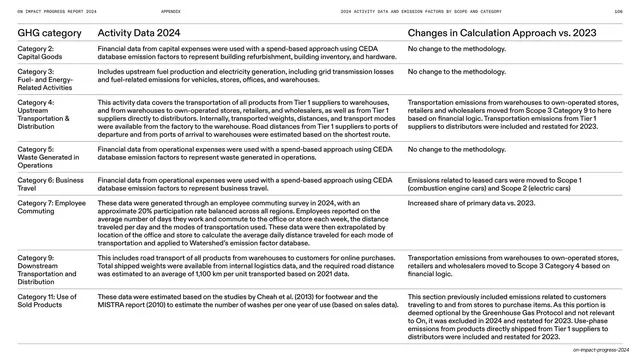 Activity data table continued, categories 2 to 11
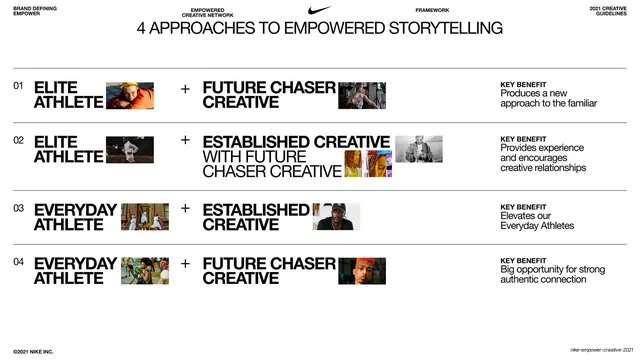 4 Approaches to Empowered Storytelling (summary table)
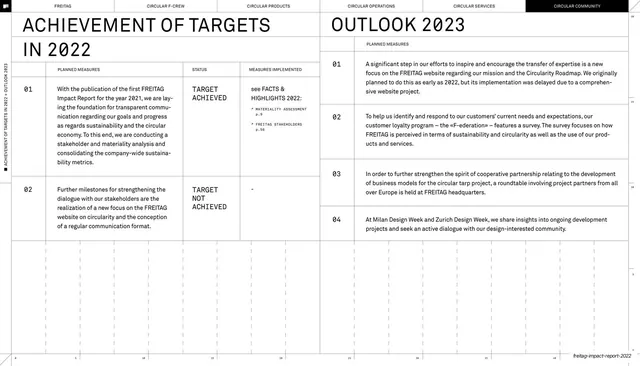 Achievement of targets 2022 and outlook 2023
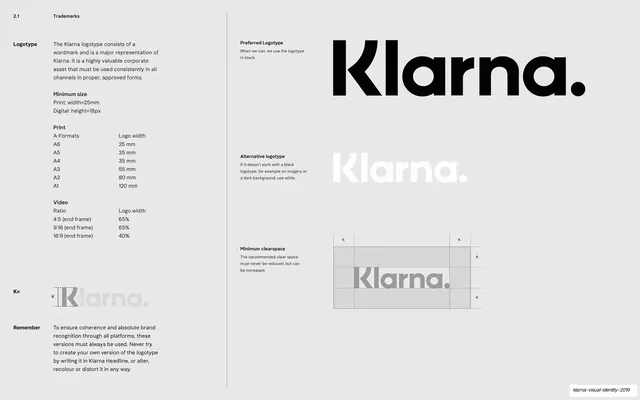 Klarna logotype usage rules
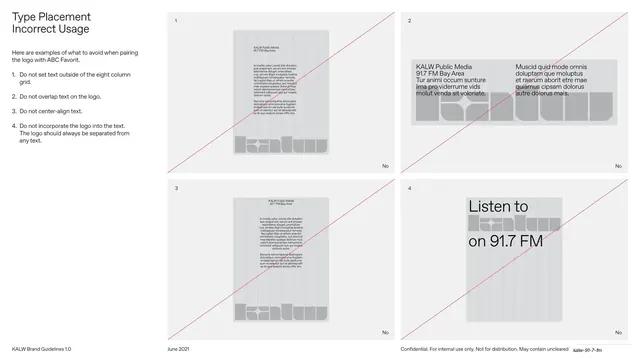 Incorrect type placement examples
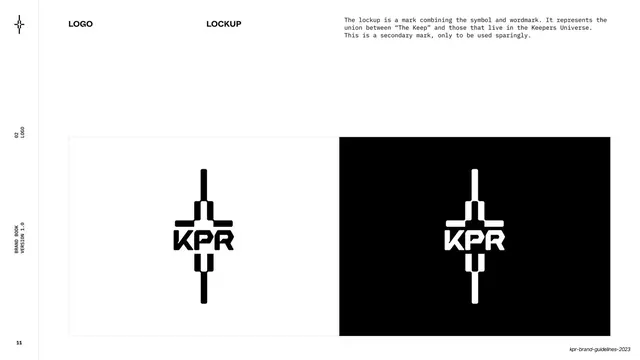 Lockup - symbol plus wordmark
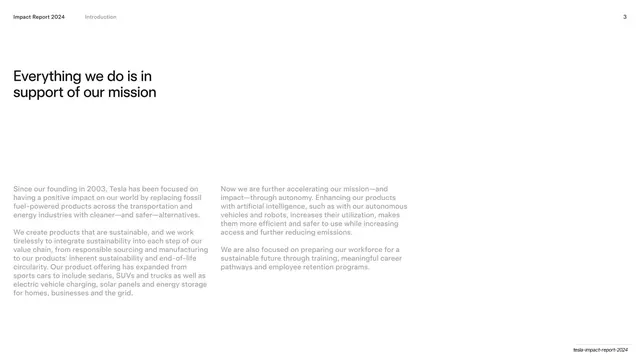 Founding history and expansion in two columns
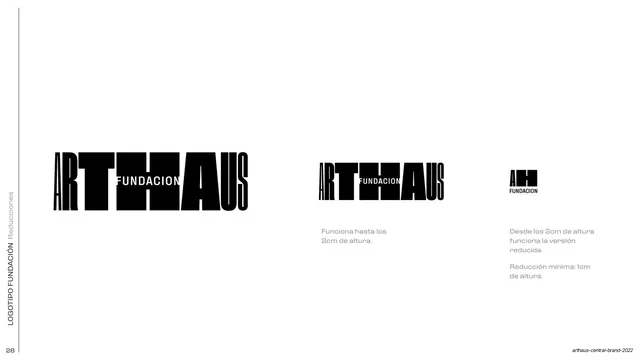 ARTHAUS Fundacion reductions and minimum sizes
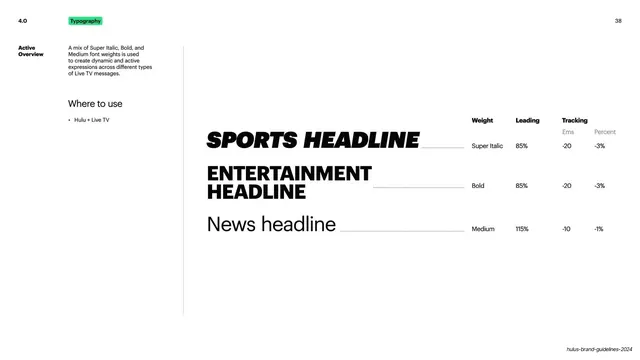 Hulu active typography weights
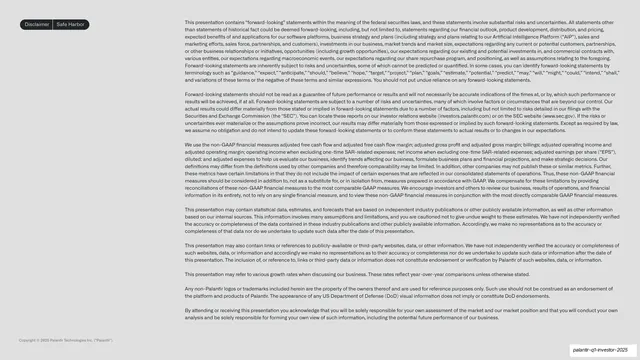 Disclaimer and safe harbor text page
 Disclaimer and safe harbor statement page
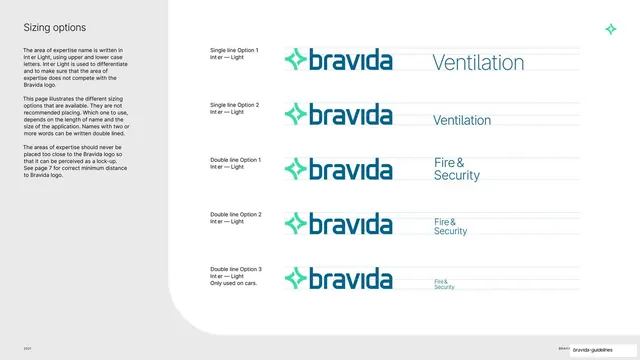 Area of expertise lockup sizing options
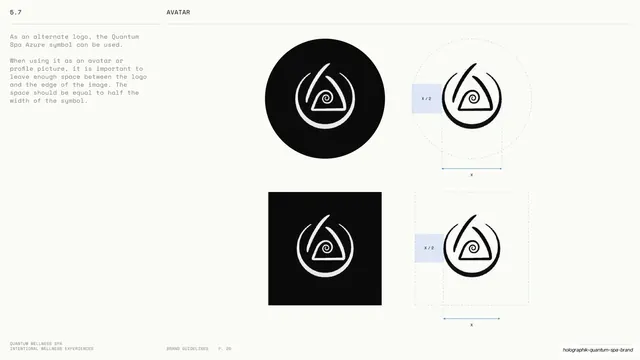 Azure symbol as social avatar
 Photography treatments text overview
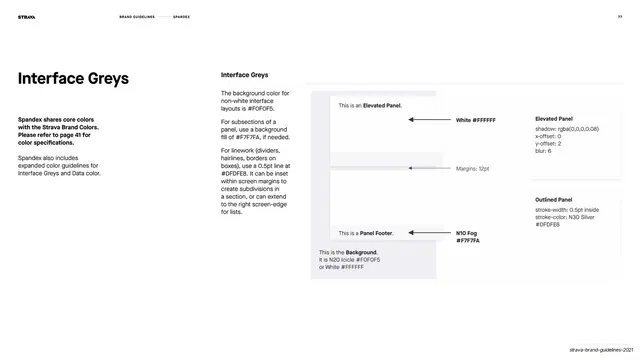 Interface greys and panel elevation
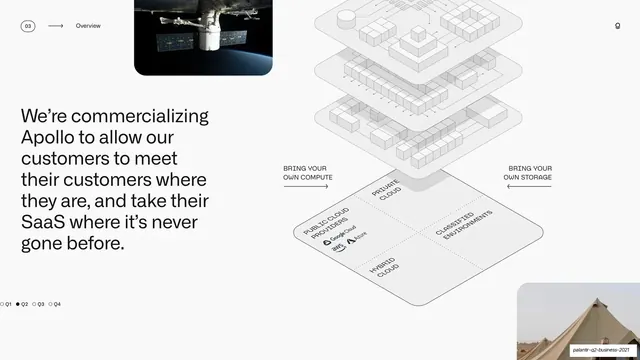 Apollo deployment isometric layers diagram
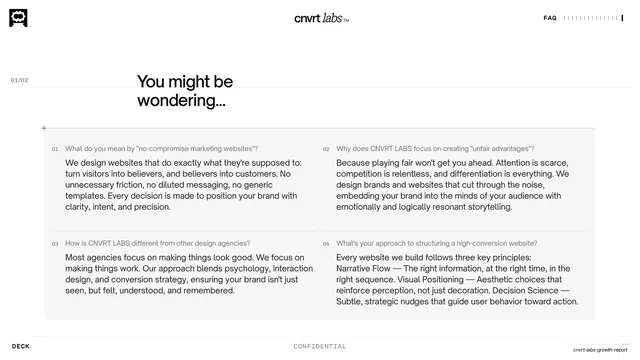 FAQ part one on light two-column grid
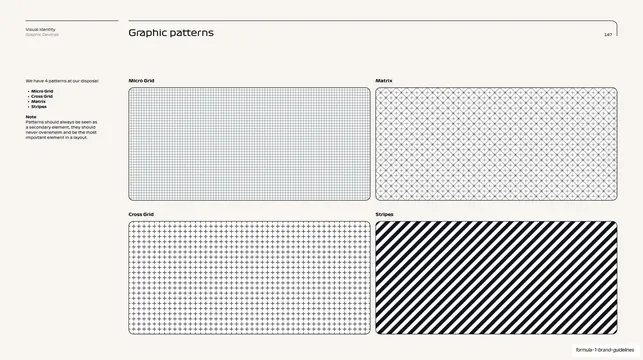 Graphic patterns four types
 Introduction text in two columns