Generated customer service summary modal
Dark product screenshot with a white modal showing a numbered, structured customer service summary as the output.

Summary
A close-up of the generated output: a white modal listing a structured customer service summary over the dimmed product screen. It shows what the AI produces at the end of the flow.
Visual description
The dimmed product UI fills the background with the same tabs and headline as the earlier slides. A centered white modal with a small close mark and a green check-circle footer icon holds the output. The modal lists numbered fields in bold labels with plain-text values: customer identity, reason for the call, a summary of that reason, and a summary of the actions the agent took. Values are set in a regular sans-serif with bold labels for scanning.
Key takeaway
A numbered, labeled note makes an AI output look auditable and ready for record-keeping. Floating the output in a white modal over the dimmed product gives it the emphasis of a result.
Reuse notes
Use this pattern when a slide needs to show a generated document or structured record, not just a feature. The bold-label, numbered-list format is a clear template for any output panel. Redact or simplify real values before reusing a similar capture.
More like this
 One-click Super Summarize action callout
 Why Dev Mode feature with version history
 GAAP net income profitability line chart
 Performance uplift five-point list panel
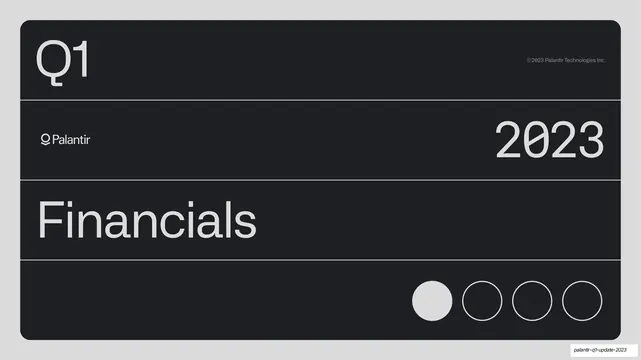 Financials section divider
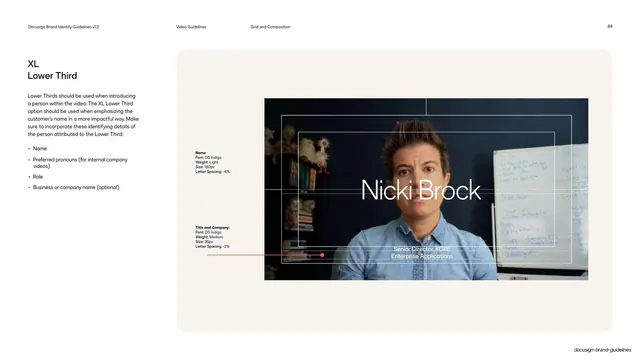 Docusign XL lower-third spec
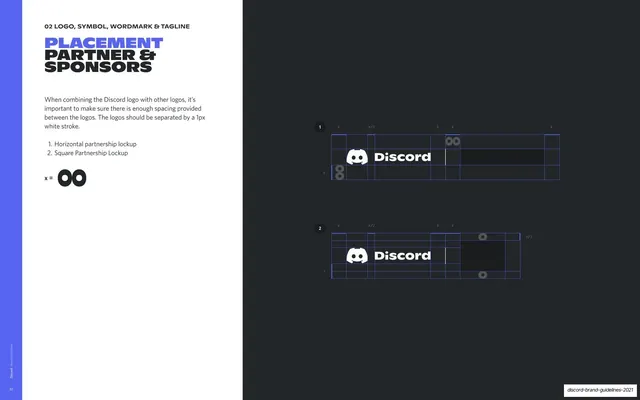 Partner and sponsor lockups
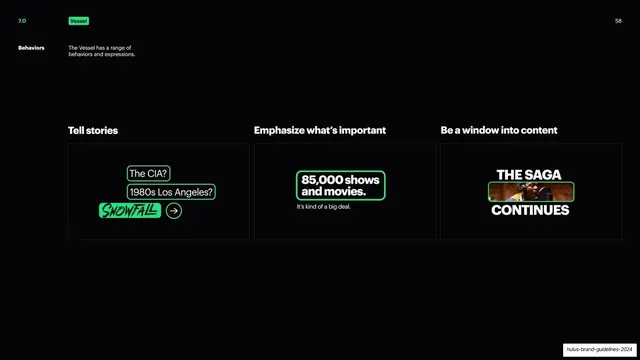 Vessel behaviors, set one
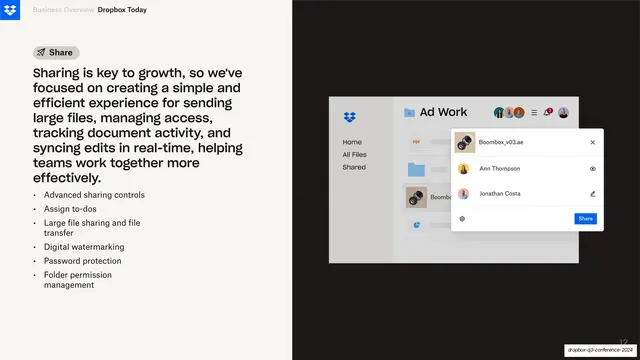 Share feature with access-controls UI
 Type hierarchy specimen ladder
 Bravida brand guidelines cover
 Three technical pillars feature slide
 What We Do services matrix
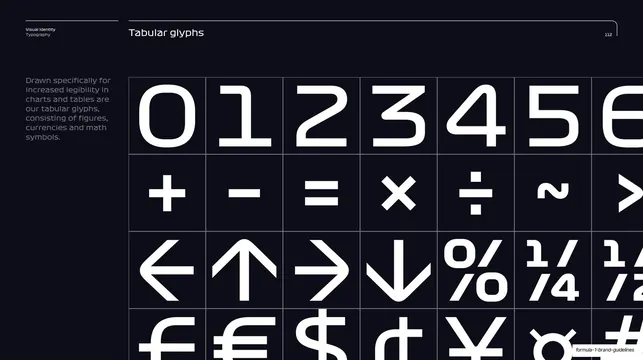 F1 tabular glyphs grid
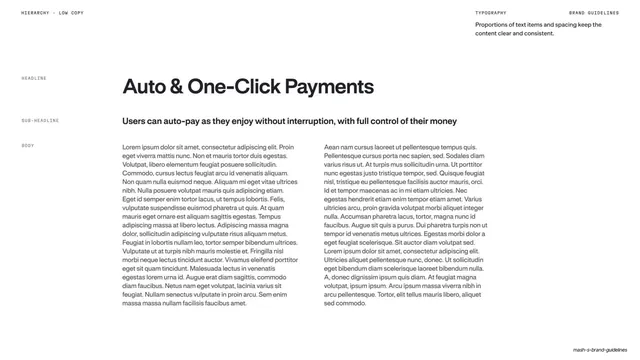 Mash low-copy hierarchy spec
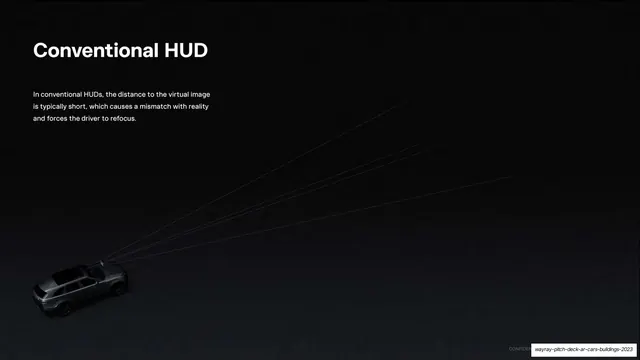 Conventional HUD limitation
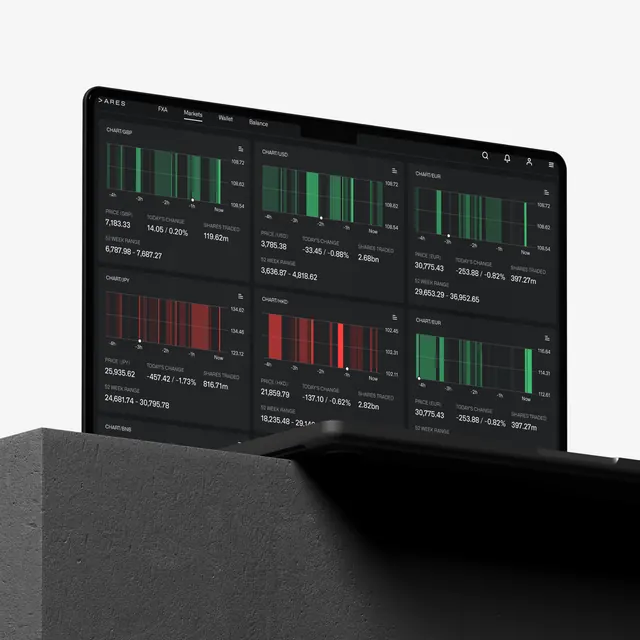 Data Dashboard Interface
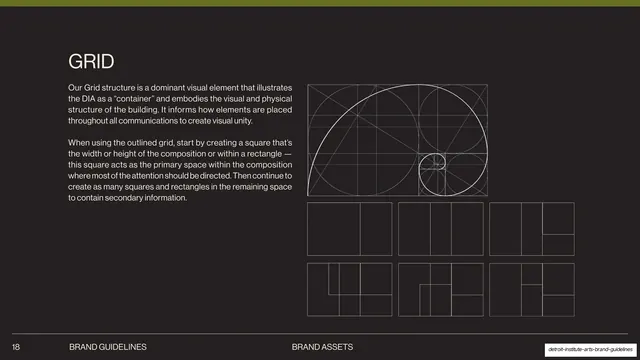 Grid golden rectangle system
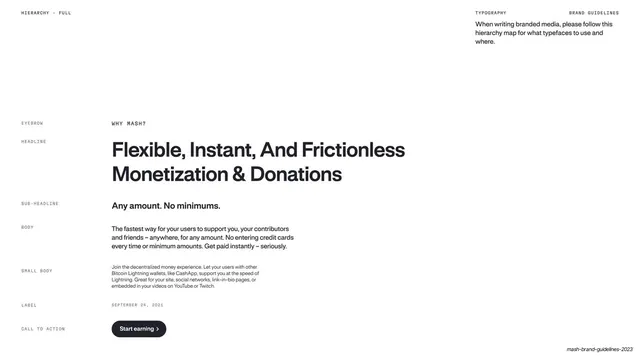 Full type hierarchy spec with sample layout
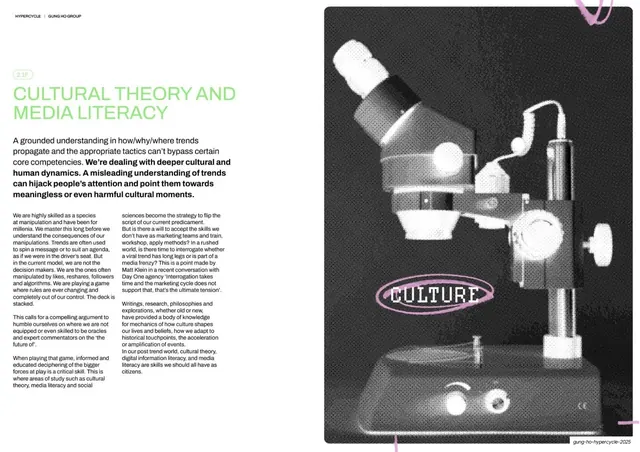 Cultural theory and media literacy spread
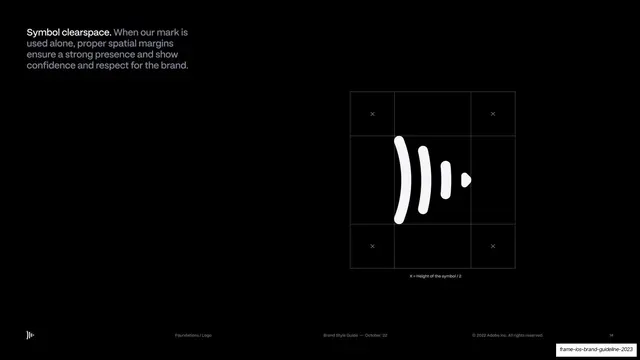 Symbol clearspace diagram
 WHOOP co-branded lockup reversed on dark
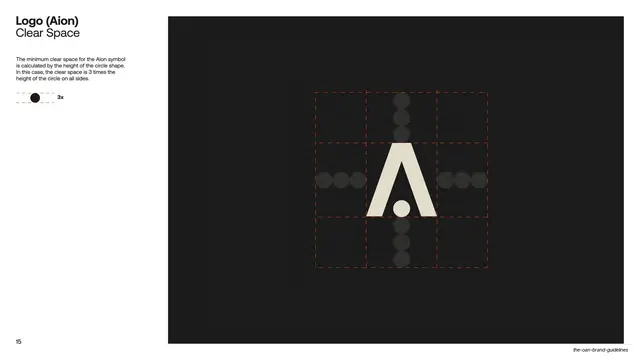 Aion symbol clear space at three circles
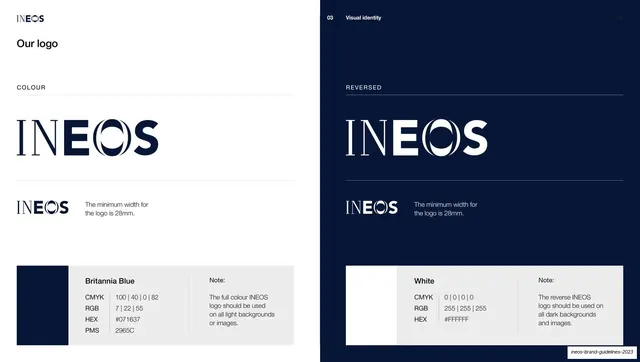 Logo colour and sizing specs