Camera barcode scanner for serial capture
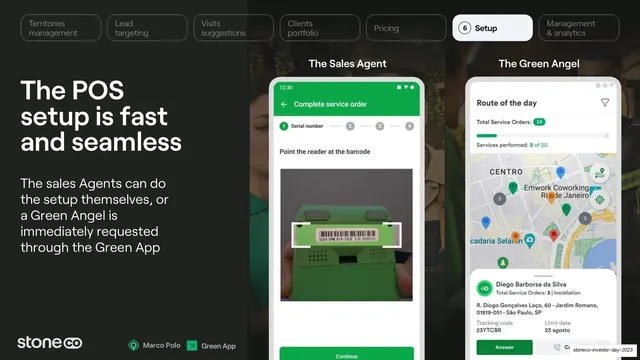
The setup layout shows the sales agent phone in a camera scanner view with a photographed POS device framed by white corner brackets.
Summary
The setup slide shows the sales agent phone in camera mode, scanning the barcode on a POS device. The Green Angel screen is unchanged on the right.
Visual description
The headline, paragraph and blurred photo band stay the same. On the sales agent phone, the progress bar shows step one active, and the prompt Point the reader at the barcode sits above a camera viewfinder. The viewfinder holds a photograph of a green POS terminal, with its barcode label framed by four white corner brackets. A green Continue button sits at the bottom of the phone.
Key takeaway
A real photo of the device inside the phone frame makes the scanning step tangible. The white corner brackets are a familiar scanner cue that needs no caption.
Reuse notes
Good for showing a camera-based capture step in a product flow. The real device photo adds credibility, but it needs good lighting and a sharp label to read.
More like this
 Success confirmation after installation
 Mash mobile UI examples
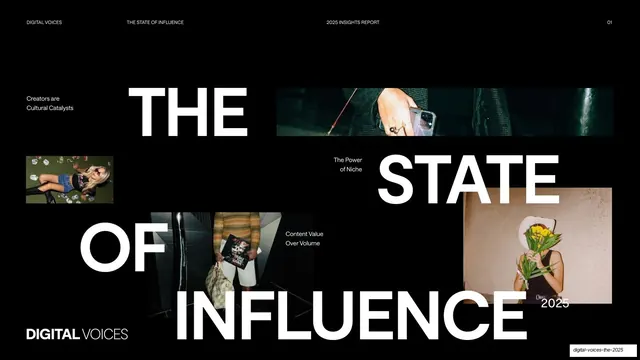 Digital Voices: The State of Influence 2025
 Retail rollouts are complex challenge divider
 Tech company running a people business
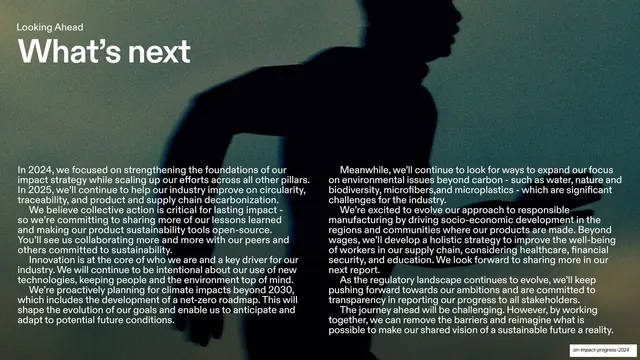 What's next dark photo two-column outlook
 Why Dev Mode feature with version history
 Greenly persona arch portraits careers
 Tone of voice with workplace photo
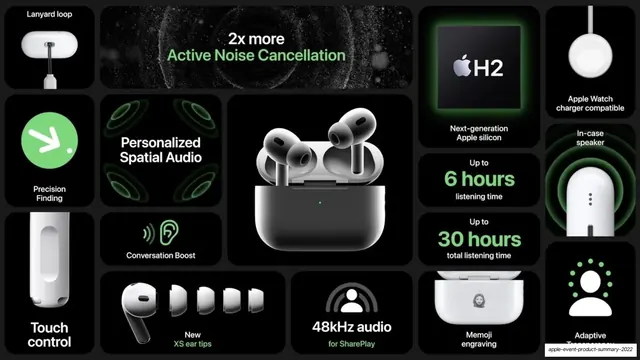 Apple Event Product Summary 2022
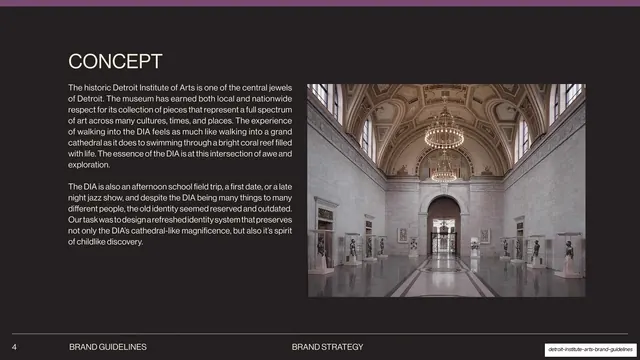 Concept with grand interior photo
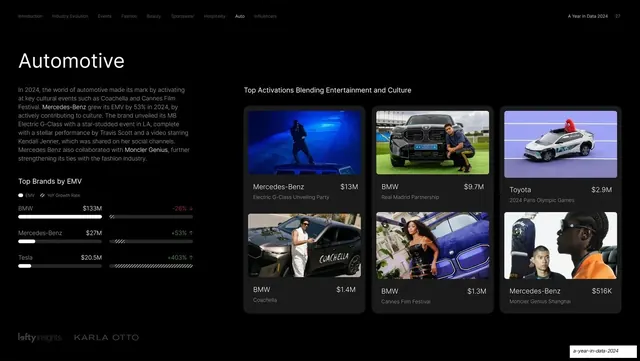 Automotive activations case study on black
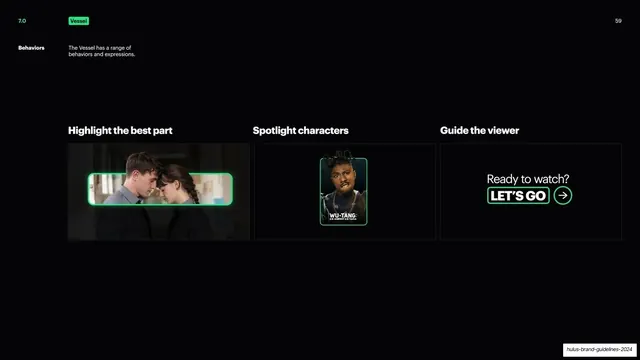 Vessel behaviors, set two
 ReOrc enterprise data foundation feature
 Reevo sales stack dinosaur problem grid
 RBB competition law services list
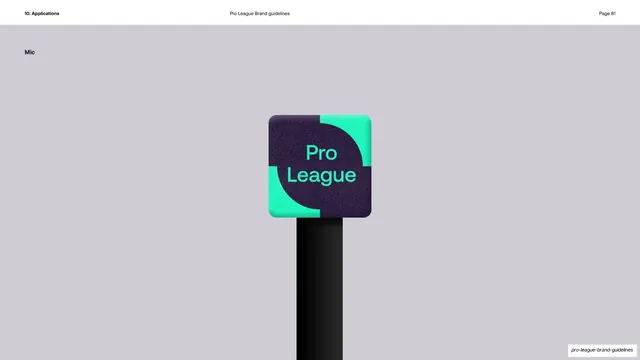 Broadcast microphone flag mockup
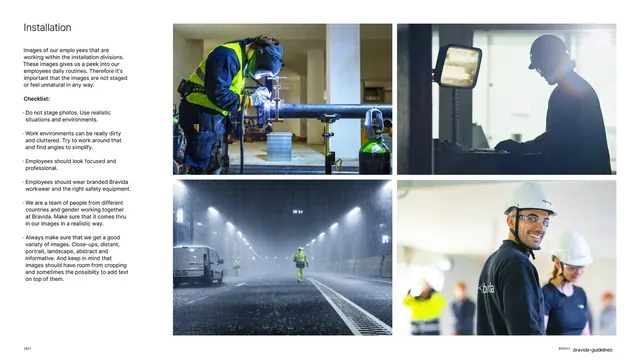 Installation photography category page
 Alex Hardiman chief product officer headshot
 GoCanopy split hero with map graphic
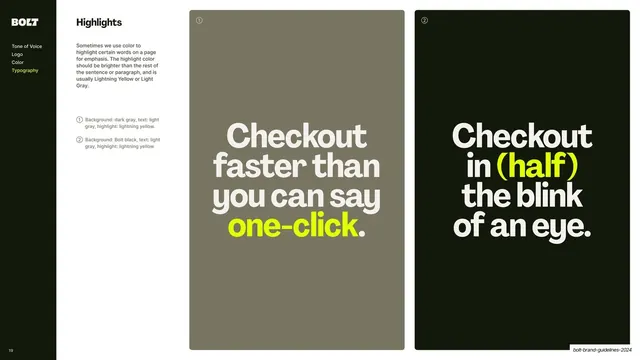 Text highlights
 Icon co-branding with KRAFTON
 GoCanopy map-overlay value proposition CTA
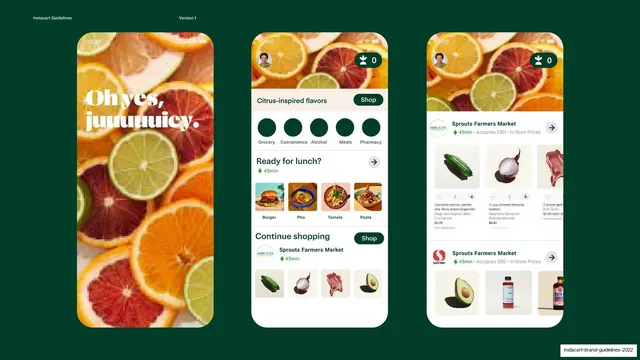 Three-screen mobile app imagery mockup